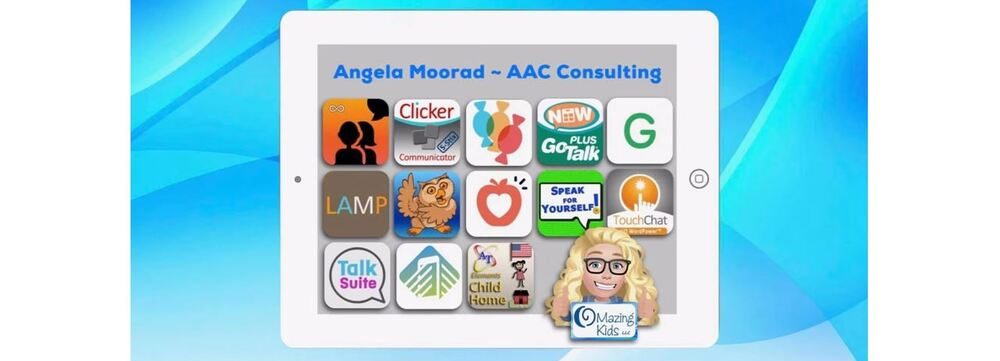
Angela Moorad, MS, CCC-SLP. Over 36 years experience in AAC. OMazing Kids AAC and app consulting. Creator of several AAC Feature Matching resources (https://omazingkidsllc.com/omazing-kids-aac-resource-links/). Includes info about unique features to support Gestalt Language Processors
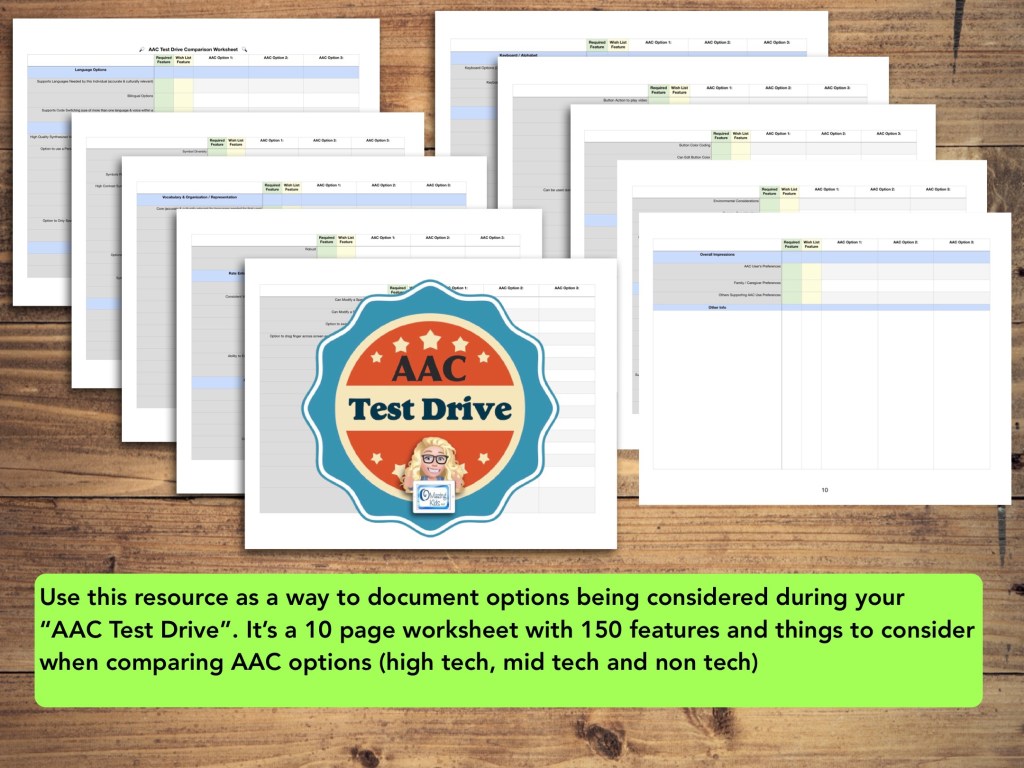
Use this new resource as a way to document options being considered during your “AAC Test Drive”. It’s a 10 page worksheet with 150 features and things to consider when comparing AAC options (high tech, mid tech and non tech): https://bit.ly/AACtestdriveWorksheet
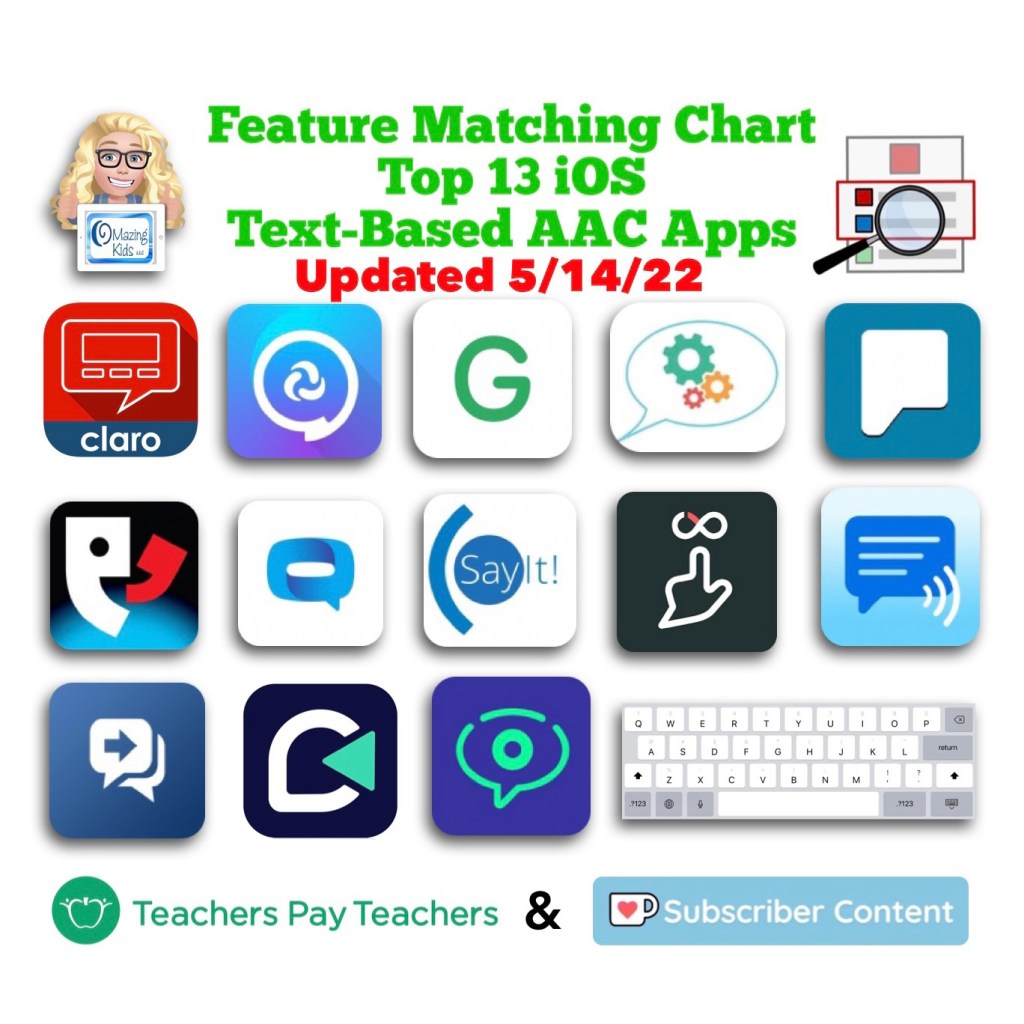
Want in-depth up to date info about the features in these apps? Check out “Three Feature Matching Resources for AAC Apps (comparing features in AAC apps)”: https://bit.ly/3aacFeatureMatchingResources. The chart for symbol-based AAC apps includes a free supplemental handout “Unique Features in Symbol-Based AAC Apps to Support Gestalt Language Processors”.
There is no “one size fits all” to anything about AAC and many individuals will need to use a variety of options (non tech, mid tech, high tech (SGDs, apps on an iPad or iPhone or other tablet or phone), sign language, gestures, facial expressions, vocalizations, segments of videos for gestalts, handwriting, etc…) as part of a multimodal system to support communication across environments and situations.
An AAC app is often part of a successful multimodal AAC system. While there isn’t any “perfect” AAC app there are features in these apps that might make some a better “fit” over other options.
It’s similar to taking a test drive to find a form of transportation that you like and meets your needs at that point in your life. All cars have an engine, tires and seats. Your first car may have been very basic transportation. But think about your dream vehicle. What features would it have? Why would you choose it over a different option? Older individuals might prioritize safety features. A teen or single young adult might prioritize the “look” / how “cool” it is. A family with young children might prioritize how many car seats can fit and storage. Others might prioritize fuel efficiency and eco-friendliness. You might ride a bike, subway, train, take an Uber ride, take a ferry, paddle in a canoe, etc. None of these is necessarily “better” than another or the “best” form of transportation. The “best” option is the one that meets the needs of that individual in that situation.
This new FREE handout includes info about how SLPs / SLTs and other AAC professionals can get access to over 25 robust and unique AAC apps or software for iOS, Android, Amazon Fire and Windows.
Important Considerations:
* When available, please try the free version/free trial to take a look at an app before requesting an app code. App codes are limited and are intended for SLPs who do AAC evals frequently and need quick ongoing access during evaluations, feature matching & trial of options.
* The official process for requesting a code was verified for inclusion in each of these handouts and the feature matching charts.
* These app codes are typically NOT compatible with a mobile device management also known as a MDM-managed device. They require a standard non-managed Apple ID.
* Most app developers will ask for info regarding your role in AAC evals, how many you do in a year, where you are located, type of setting you work in, etc. to substantiate the need. It is likely that those working in a non-profit setting or school or specific geographic areas may be prioritized. App developers receive a very limited number of codes per app release or update so there will likely be waiting lists.
* Codes do expire so please make sure to redeem it immediately so it’s not wasted.
* When needing switch scanning as a method of access, be sure to also consider traditional SGDs that have built in switch ports that will likely provide a more reliable means of access. When exploring switch access on an iPad, it is important to try out any options (switches, switch interface, iOS Accessibility) being considered to insure that they will work for that particular user and within that particular AAC app. Seating, positioning and identification of the best type of switches and optimal switch sites are crucial for AAC users to be successful with this method of access. Please collaborate with that user’s PT, OT and/or AT specialist.
For those who only have an occasional need, please consider alternative means of trying that app:
* Another option in the USA is to contact your state’s AT Lending Program. They will likely have iPads with AAC apps available for short term loan.
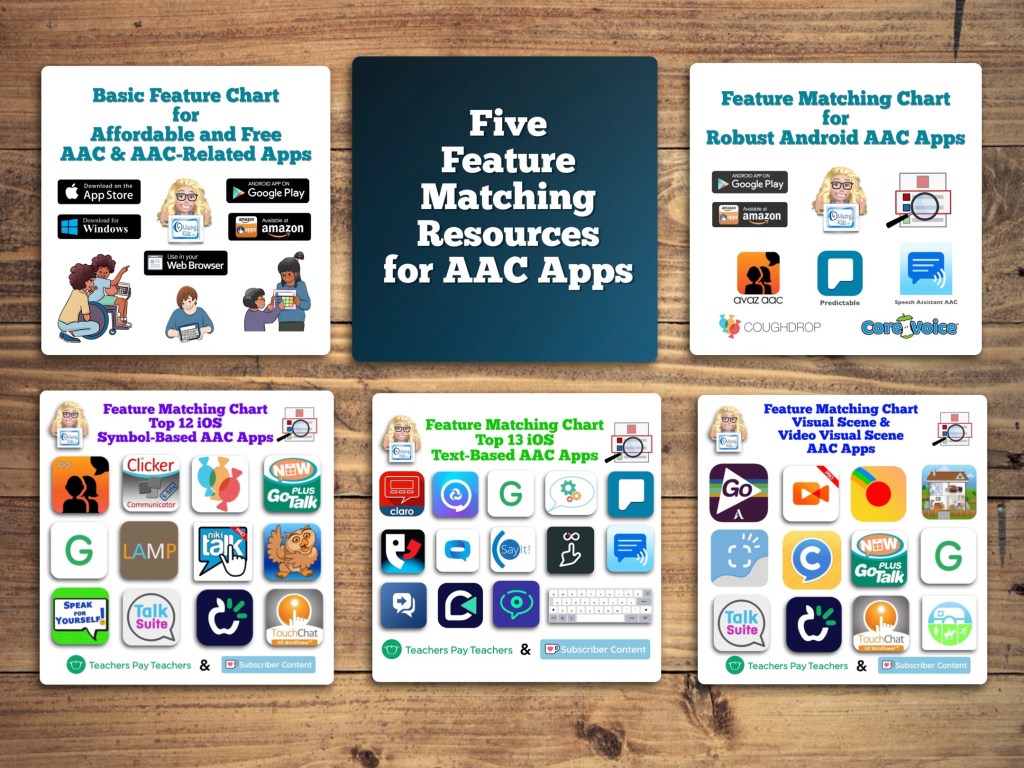
Want in-depth up to date info about the features in these apps? Check out “Five Feature Matching Resources for AAC Apps (comparing features in AAC apps) + several videos comparing AAC apps across platforms (iPad, Android, Amazon Fire, Windows)”: https://bit.ly/5aacFeatureMatchingResources. The chart for iOS symbol-based AAC apps includes a free supplemental handout “Unique Features in Symbol-Based AAC Apps to Support Gestalt Language Processors”.
Info about all three Feature Matching Resources for AAC Apps (comparing features in AAC apps) + TPT bundle and multiple license discounts: https://bit.ly/3aacFeatureMatchingResources
Info about all three Feature Matching Resources for AAC Apps (comparing features in AAC apps) + TPT bundle and multiple license discounts:https://bit.ly/3aacFeatureMatchingResources
Info about all three Feature Matching Resources for AAC Apps (comparing features in AAC apps) + TPT bundle and multiple license discounts: https://bit.ly/3aacFeatureMatchingResources
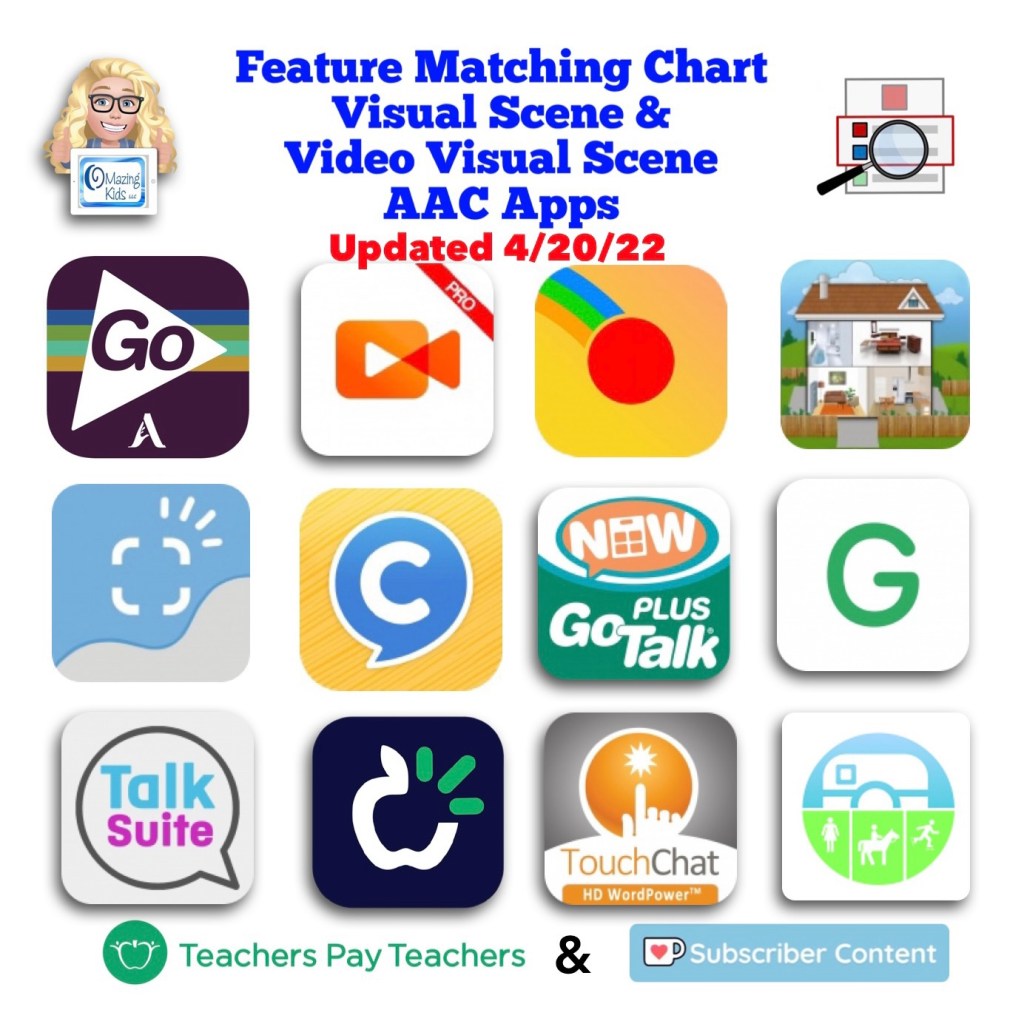
An update for the Feature Matching Chart for Visual Scene and Video Visual Scene Display AAC Apps has been uploaded to Teachers Pay Teachers. More info has been added about the EasyVSD Android app. FYI… the ChatAble app is not currently available for purchase while it is in the process of being updated.
Have questions? The best way to reach me with any questions is via messaging on the OMazing Kids Facebook page: https://www.facebook.com/OMazingKidsAAC/. That way AAC related messages don’t get lost among the spam in my e-mail.
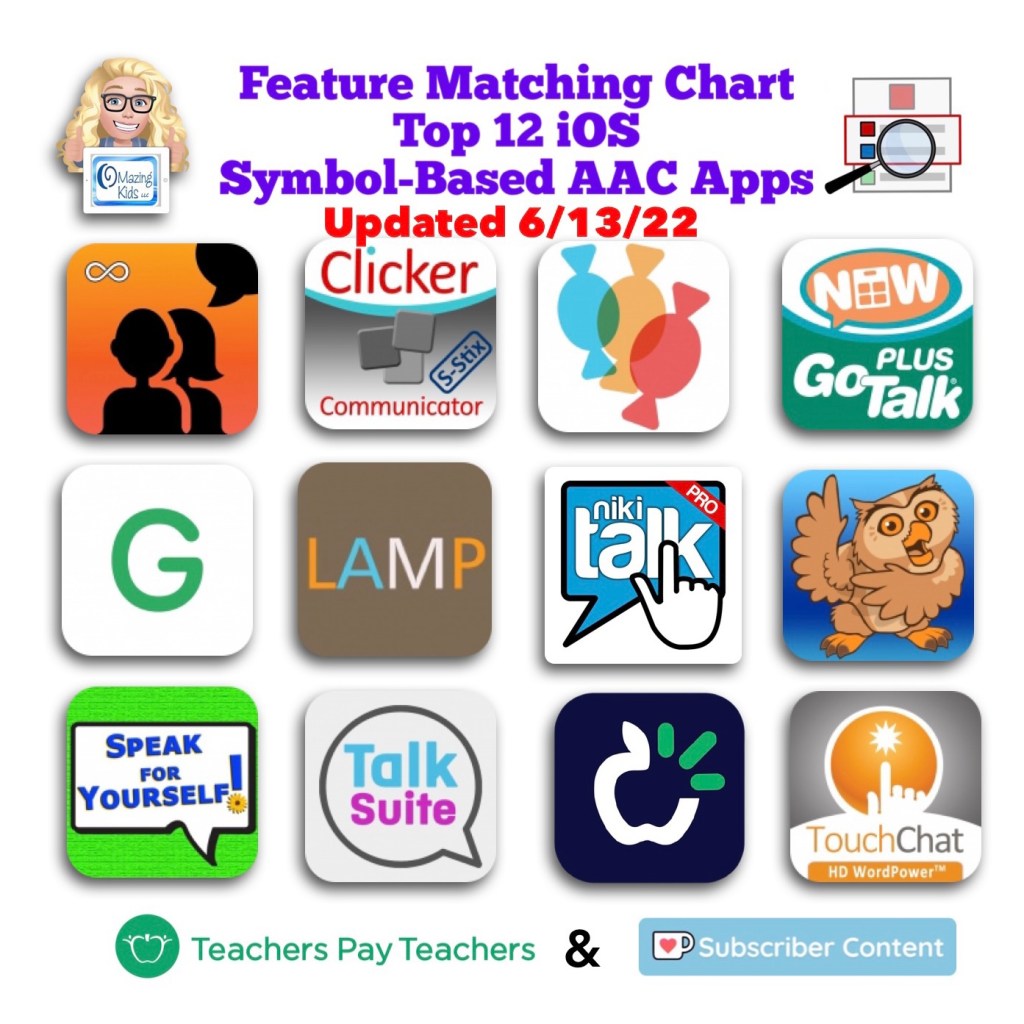
What’s New in AAC in April 2022. Progress continues to be made in diversity in AAC apps. Darius (the new African American male voice from Acapela) is now available in Proloquo2Go and Proloquo4Text. Seven of the top twelve iOS symbol-based AAC apps now offer a way to change the symbol skin tones: CoughDrop, GoTalk Now, Grid for iPad, Proloquo2Go, Talk Suite Pro, TD Snap, TouchChat with WordPower.
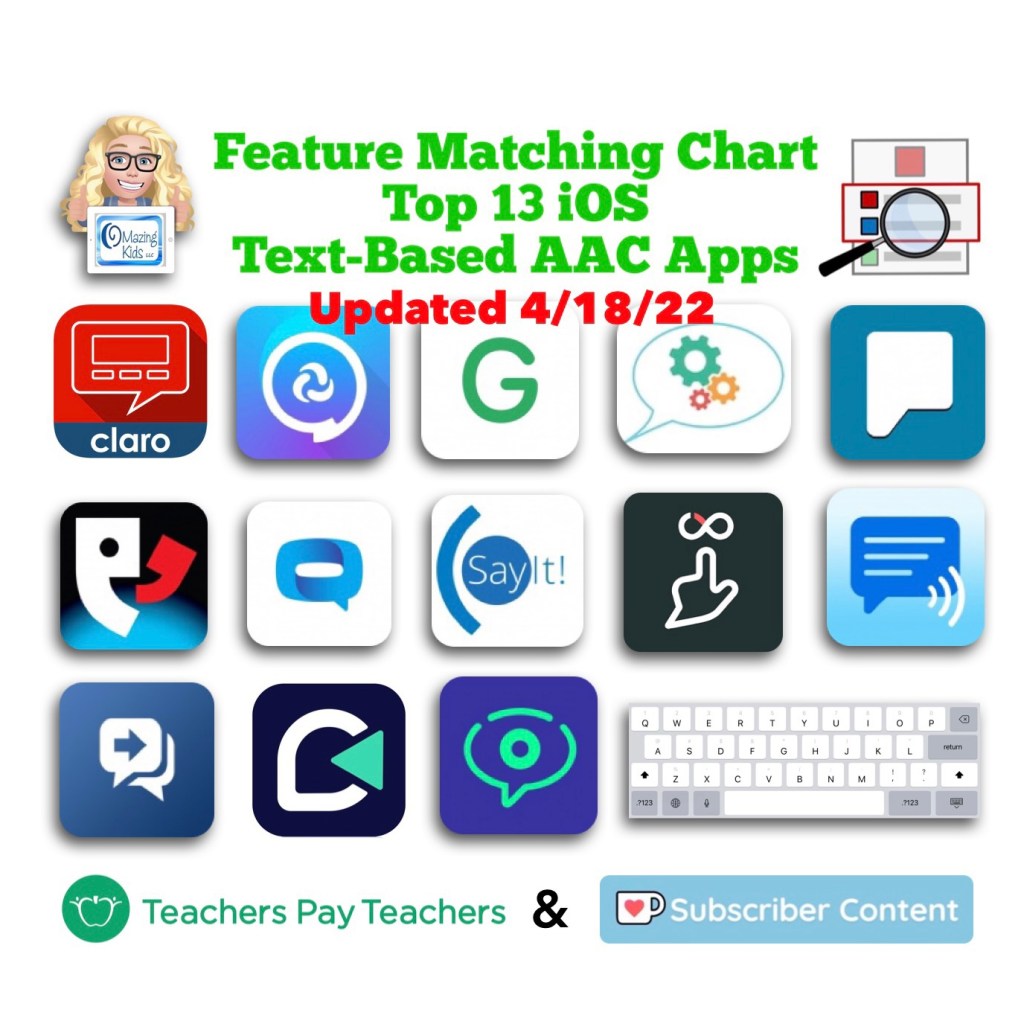
Want to be in the know when new features are added to AAC apps? This month’s updates for the feature matching resources are available on TPT & Ko-fi. See details on these two OMazing Kids AAC Consulting blog posts: https://bit.ly/3JSOZdM & https://bit.ly/3uVyKIG
Have questions? The best way to reach me with any questions is via messaging on the OMazing Kids Facebook page: https://www.facebook.com/OMazingKidsAAC/. That way AAC related messages don’t get lost among the spam in my e-mail.
Have questions? The best way to reach me with any questions is via messaging on the OMazing Kids Facebook page: https://www.facebook.com/OMazingKidsAAC/. That way AAC related messages don’t get lost among the spam in my e-mail.
Have questions? The best way to reach me with any questions is via messaging on the OMazing Kids Facebook page: https://www.facebook.com/OMazingKidsAAC/. That way AAC related messages don’t get lost among the spam in my e-mail.
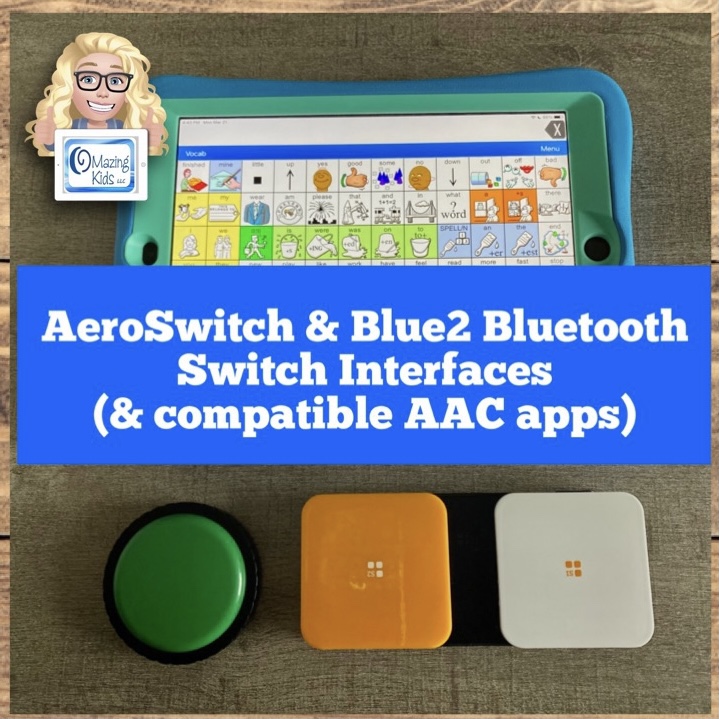
I’ve been getting quite a few requests for info about which Bluetooth switch interfaces will work for specific AAC apps.
So I borrowed an AeroSwitch from PRC-Saltillo and then did trials with it and my Blue2 (AbleNet).
This video has general info:
More in-depth info about exact settings that I used and the steps involved can be found in the most recent updates for the Feature Matching Charts on 3/21/22. If you purchased them on TPT be sure to download the new PDFs for the latest info. Ko-fi subscribers can find the links on today’s post.
There are now three rows dedicated to info about switch access (one row about which apps offer their own in-app settings to support switch scanning access vs. those that rely solely on iOS Accessibility to do this), one row for which apps the AeroSwitch worked for (including the very specific settings needed to accomplish that), and one row for which apps can be used with the Blue2.
For the symbol-based apps, there are four more specific videos that are “unlisted” and can only be viewed by those who have the link provided in the Feature Matching Chart. Those have more specific info and show the AeroSwitch being used in the LAMP Words for Life app on an iPad, being used on the TouchChat with WordPower app on an iPad, and one about the Blue2 and which apps it will and will not work in. For the text-based apps, there is one “unlisted” video about using the AeroSwitch with the Dialogue AAC app.
The symbol-based app chart has also been updated to include some basic info about the features new Proloquo + Proloquo Coach subscription-based apps as compared to Proloquo2Go. One isn’t “better” than the other. Like any AAC the best fit will depend on the specific needs of that AAC user and those supporting them.
Have questions? The best way to reach me with any questions is via messaging on the OMazing Kids Facebook page: https://www.facebook.com/OMazingKidsAAC/. That way AAC related messages don’t get lost among the spam in my e-mail.