Angela Moorad, MS, CCC-SLP. Over 36 years experience in AAC. OMazing Kids AAC and app consulting. Creator of several AAC Feature Matching resources (https://omazingkidsllc.com/omazing-kids-aac-resource-links/). Includes info about unique features to support Gestalt Language Processors
Personal Professional Facebook Page (linked to OMazing Kids): https://www.facebook.com/angela.moorad (adding“friends” who have a direct role in AAC or Assistive Technology – AAC / AT app or product developers, AAC / AT consultants, SLPs who specialize in AAC, other professionals who specialize in AAC or AT, etc.)
I’ve received several questions about my new OMazing Kids AAC Consulting Ko-fi page (https://ko-fi.com/omazingkidsaac). Most folks haven’t heard of Ko-fi so here’s a bit of info.
Ko-fi is similar to the more well-known Patreon platform but different in many ways that made it a better option for me to try:
It’s much more affordable. I upgraded to Gold to be able to offer subscriptions but that was affordable to do (only $4.50 per month if paid annually)
They don’t take a cut of the earnings (just the fee deducted by PayPal)
Payment is via PayPal (both by you & to me). I’ve personally used PayPal for several years so I trust it. There is potentially an option to add Stripe as a payment option for credit cards but the process is complicated and the fees are higher. So I don’t plan on doing that unless there is a huge need for it.
It allows the option for me to post content accessible to specific audiences (subscriber only, subscriber + 1x supporter donation, public)
It offers the option to sell customized “commissioned” works
Even though Ko-fi has the subscription option I haven’t been able to find a way to edit the button that says “donation” to say “subscribe”.
How to “subscribe” in order to get access to my exclusive “subscriber only” content:
Create your free Ko-fi account (you need an account so Ko-fi will know to unlock subscriber content when you visit my page)
Tap “Support”
Tap “Monthly” (amount is automatically set at $25 – new rate as of 5/12/21)
Tap “Donate” (even though Ko-fi has the subscription option I haven’t been able to find a way to edit the button that says “donate” to say “subscribe”)
That will set you up to auto-pay $25 per month via PayPal. You should receive an e-mail from PayPal that can serve as a receipt or log onto your PayPal account and print what you need from there.
You will receive an email from Ko-fi when I post new content. When you are on the site you’ll also see a Ko-fi notification (🔔). I will also be posting announcements about new content on social media (Facebook, Instagram, Twitter) and my blog (which also has a way to subscribe to e-mail notifications)
Personal Professional Facebook Page (linked to OMazing Kids): https://www.facebook.com/angela.moorad (adding “friends” who have a direct role in AAC or Assistive Technology – AAC / AT app or product developers, AAC / AT consultants, SLPs who specialize in AAC, other professionals who specialize in AAC or AT, etc.)
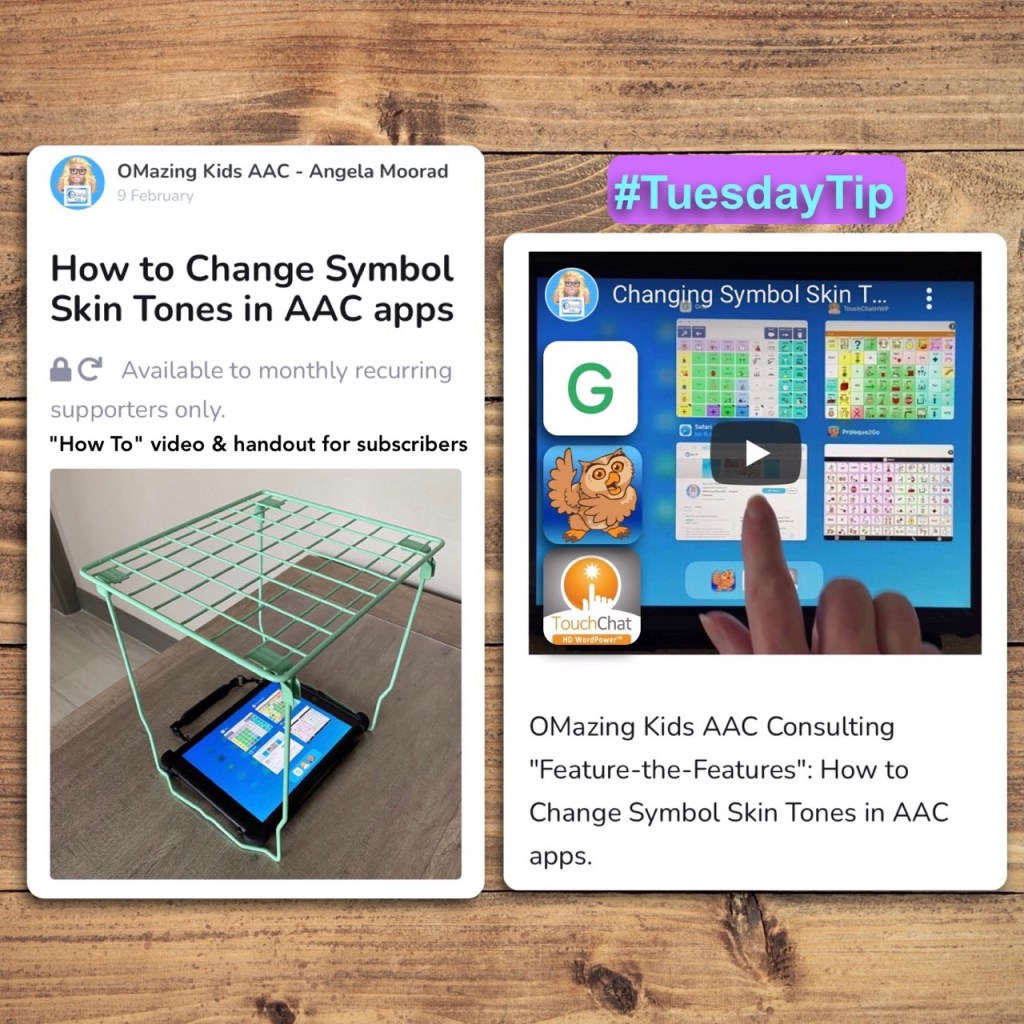
Did you know that you can change the symbol skin tones system wide in three robust AAC apps without the need for any add-on purchases or doing button by button programming?
Yup…. Grid for iPad by Smartbox Assistive Technology, Proloquo2Go by AssistiveWare & TouchChat with WordPower by Saltillo all currently offer this feature and several other app developers have it under development for release in 2021. Such a cool feature to support diversity in AAC 🙌🏾. Knowing that this feature exists is my free Tuesday Tip.
If you want to know more…. a short “how to” video and 1-page handout are available as exclusive content to monthly subscribers on my new Ko-fi page:https://ko-fi.com/omazingkidsaac
My Ko-fi page has a specific focus on providing information and tools for feature matching, short videos highlighting features in apps, ways to incorporate books and toys to keep AAC fun, etc… with a very small $4 per month subscription to cover tech expenses and time to keep resources up to date/sustainable.
Personal Professional Facebook Page (linked to OMazing Kids): https://www.facebook.com/angela.moorad (adding “friends” who have a direct role in AAC or Assistive Technology – AAC / AT app or product developers, AAC / AT consultants, SLPs who specialize in AAC, other professionals who specialize in AAC or AT, etc.)
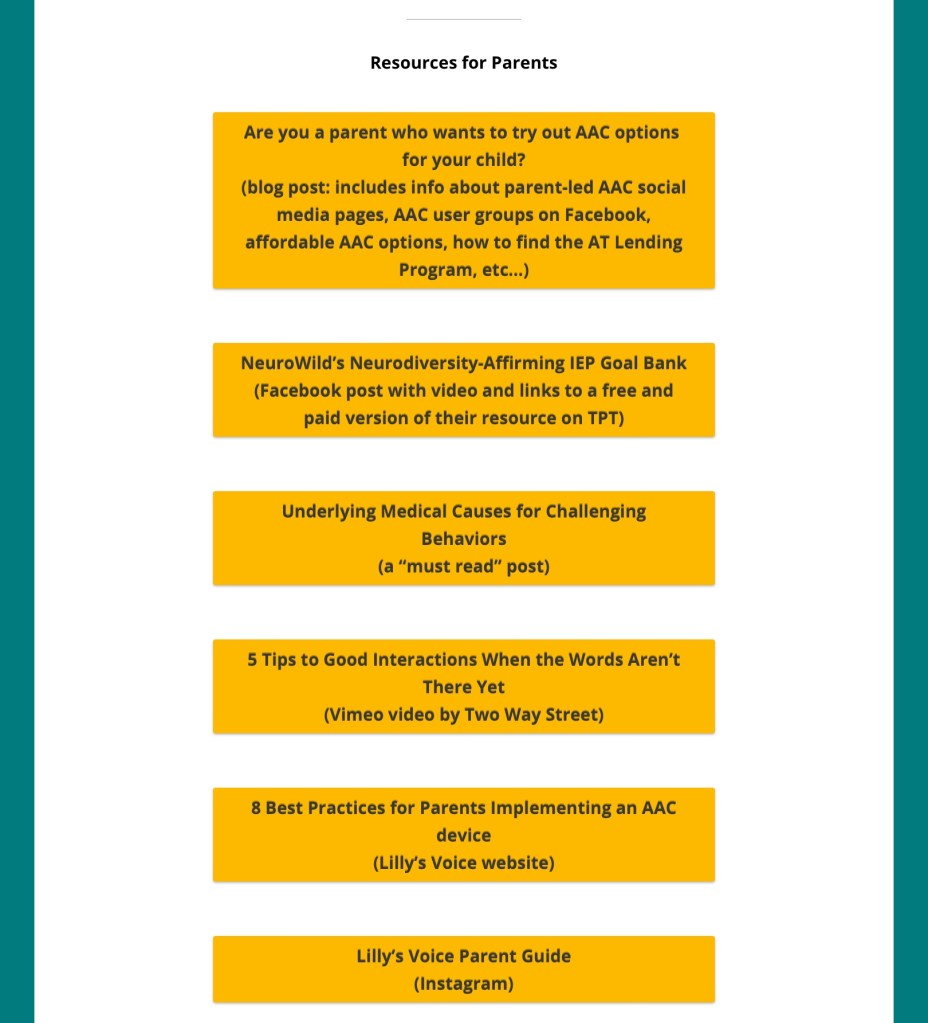
Are you a parent or caregiver who wants to try out AAC options for your child? I highly recommend that you pursue an AAC eval (including feature matching and trial of options) with an SLP who has expertise in this area.
This is not meant to put up a roadblock or to “gate keep”. I like to compare it to decisions made regarding wheelchairs. Could you just go pick one out and buy it? If you had the money, sure. But it may not be the best “fit” for that person.
But don’t feel that you HAVE TO wait.
Unfortunately it’s still common to see comments from parents and caregivers who have been told “no”, “only after we try _____”, or “only after they demonstrate ________ skills”, etc.
Another reality is not every parent or caregiver will have access to this type of evaluation. This may be even more challenging in the midst of the pandemic despite the best efforts of SLPs to provide these services remotely.
It may just be a little trickier to determine what the best AAC option will be for your child since many parents don’t have unlimited resources to buy several AAC apps to try.
If your child is a Gestalt Language Processor, be sure to also read the section specifically related to Gestalt Language Processing & AAC at the end of this post.
I am not implying that a free or inexpensive app is always the ideal way to meet most communication needs. But these can be helpful to use until an AAC eval can be completed, a more robust option can be purchased, to meet a short term need or as a secondary tool to offer features that might not be available in their main AAC app, etc..
You may need to use a combination of several apps and add it to existing communication such as True Object Based Icons (TOBIs), facial expressions, gestures, vocalizations, etc. That individual can then pick what methods work best for them in any given situation. We all use various modes of communication (words, gestures, emojis, texting, drawing, etc).
Even when choosing a free or affordable AAC app you’ll want to consider the features that will best match that individual’s needs
Here are some resources that can help you make informed AAC purchasing decisions prior to purchasing more expensive AAC apps:
All states in the USA are supposed to have an Assistive Technology Lending Library program where parents & professionals can borrow AAC devices, iPads with AAC apps & other AT for short-term trial. It’s a great way to try various options out before making purchasing decisions. Find the AT Lending Library in your state: https://www.at3center.net/stateprogram
Even if your state’s program isn’t loaning out equipment due to the pandemic they might have the option to do a short term loan of the software/app.
The AT Program in your state may also know of SLPs who do AAC evals and funding resources (including grants) specific to your area.
You can learn about AAC apps by joining the various AAC user groups on Facebook and watching free webinars on the company’s website or YouTube channel.
Note: If you own an AbleNet QuickTalker Freestyle provided by AbleNet you need to ask for support in their QuickTalker Freestyle Community group (https://www.facebook.com/groups/918051228958948/?__n=K) and use their customer service: https://quicktalkerfreestyle.com. Since they sold the device they need to provide all of the support for both hardware and software/apps.
Updated 6/24/25: AbleNet announced as of Monday July 7, 2025 that Facebook group will be discontinued. Folks can join one of their other groups:
AbleNet QuickTalker Freestyle SLP Community Group:
Note: I hope they reconsider this decision. The most helpful AAC groups that I’m in are ones where everyone is welcome and supported vs. segmenting them like that.
Great video from Two Way Street: “5 Tips to Good Interaction When the Words Aren’t There Yet”
You can see the pricing history for any iOS app in the free AppRaven app (gives you an idea of the pattern of when it goes on sale): https://apps.apple.com/us/app/appraven-apps-gone-free/id1490607195. Many AAC apps tend to go on sale in the USA in April (Autism Awareness / Acceptance Month) and in October (AAC Awareness Month).
I have several free resources available on Teachers Pay Teachers:
I’ve received lots of messages from parents asking what the “best” AAC app is for Gestalt Language Processors. I wish there was a simple answer for this but there isn’t.
Of the thousands of AAC users that I’ve worked with each one had unique needs. For some it was the language(s) that app needed to support, the method of access (tapping to select, drag and release to select, switch scanning, head tracking, eye gaze, etc.), how many navigational hits it took to get to a word, the sensory aspects (type and color of symbols, voice options), etc… This was in addition to unique features that might be helpful for GLPs.
That’s why it’s important to consider the bigger picture of all of their needs and hopefully try a few AAC options before making a purchasing decision.
If you are a parent and don’t have access to an SLP to help you navigate the AAC app options, feel free to message me on my OMazing Kids AAC Consulting Facebook page. I’m glad to answer basic questions about AAC apps and share links to unlisted YouTube videos related to those apps.
Why are those videos unlisted? Those particular videos were created as part of my in-depth feature matching resources that are primarily designed for SLPs and other professionals. Of course anyone can purchase them but they might be way too much info and overwhelming for those just getting started with AAC. I don’t want parents to feel like they have to purchase that type of resource just to see the videos.
So parents please message me if you’d like to see a video about a particular AAC app. I answer quickly on my Facebook page.
I’m not currently offering in-depth virtual AAC consultation or coaching but may consider doing that at some point in the future.
I have over 33 years of experience in AAC, have used almost every iOS AAC app in the USA iTunes (Apple) App Store, Android AAC apps, Amazon Fire AAC apps, Windows AAC apps, web-based AAC apps + lots of AAC-related apps. I am always glad to share what I know about the features in these apps and refer you on to where you can get good / accurate additional info.
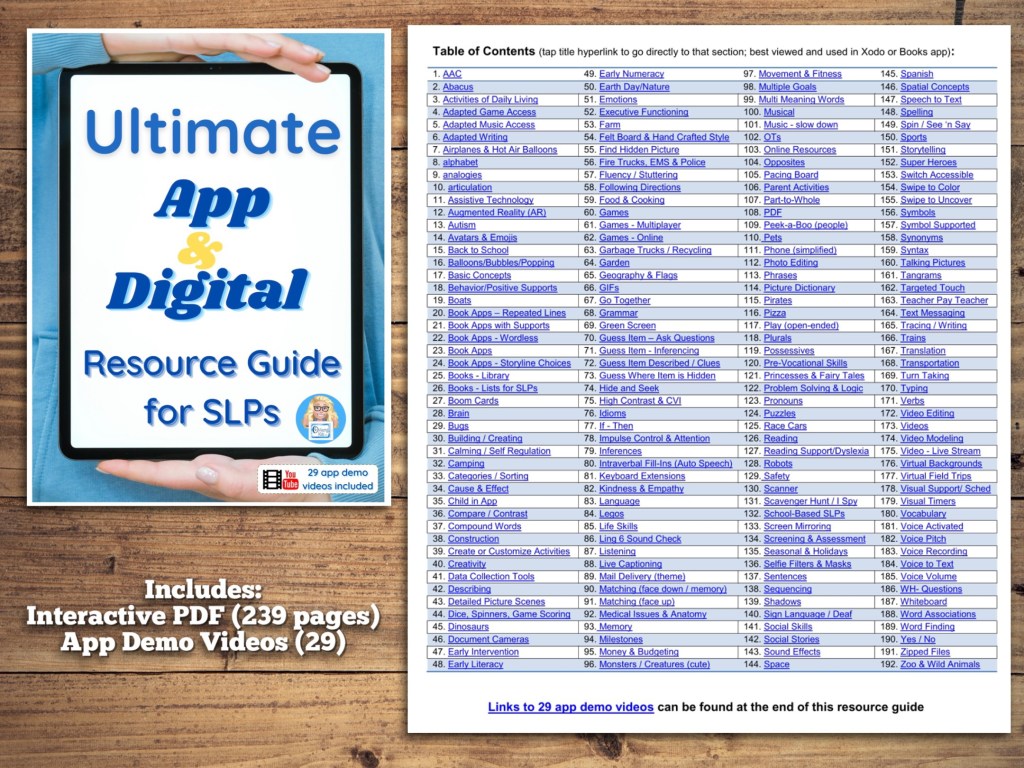
The PDF in the “The iPad & the SLP in 2020 and Beyond: Interactive PDF Resource List of iOS apps, Boom Cards, Teachers Pay Teachers materials, Teletherapy Resources and Online Resources – organized by goal areas, themes and topics” blog post was updated today (1/14/21).
What’s New:
• Updated link to the various grid sizes of printable Snap Core First communication boards (in AAC section)
• The Bookish AAC’s YouTube channel & Mr. Clay’s YouTube channel (added in AAC section with COREaoke links)
• AAC Parent Coaching YouTube channel (in the Parent Activities section)
• Tools for Clear Speech video modeling for placement (in Articulation section)
• Body Parts – No Print Interactive PDF (in the Basic Concepts section),
• LiveWorksheet website (in the Create Own Materials section)
• Wordless Short Videos for Language Therapy & AAC LAMP Vocabulary Teletherapy EdPuzzle: Wordless Animation (in the Inferences section)
• Scattergories and Cognishine (in the Online Games section)
• WH-Question Paragraph Stories with Who, What, Where, When Questions (in WH questions section)
• Updated social media links for OMazing Kids
The original PDF was deleted and the new one uploaded.
So anyone who had saved the PDF to their iPad or computer will need to delete the old one and save the new one to have the most current info.
Personal Professional Facebook Page (linked to OMazing Kids): https://www.facebook.com/angela.moorad (adding “friends” who have a direct role in AAC or Assistive Technology – AAC / AT app or product developers, AAC / AT consultants, SLPs who specialize in AAC, other professionals who specialize in AAC or AT, etc.)
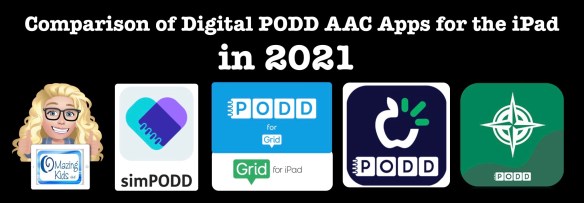
Review & Comparison of Features in Digital PODD iPad apps in 2021 (simPODD, Grid for iPad, TD Snap and PODD with Compass)
I just updated my comprehensive blog post about PODD AAC to add Snap Core First with PODD to my in-depth review and comparison of features in all of the digital PODD iPad apps currently available in the USA App Store: simPODD, Grid for iPad, TD Snap and PODD with Compass. Rather than doing it in a separate post I decided to add it to that post to keep everything PODD related in one spot.
Updated info is highlighted throughout that post and I tested all links and updated those. Scroll down towards the bottom of the post until you see the same pic that is on this post to find the app reviews and comparisons of features:
. Want to suggest PODD resources or info to be added to that post? The best way to reach me is via Facebook messaging over on my OMazing Kids page. If you are an app developer and would like to have me review a new digital PODD app for the iPad or PODD that was added to an existing app via IAP, please send the link from the USA App Store so I can look at the info before you send a promo code. I want to make sure that one of my iPads is compatible in order to try it out.
Angela Moorad, MS, CCC-SLP, Founder of OMazing Kids, LLC
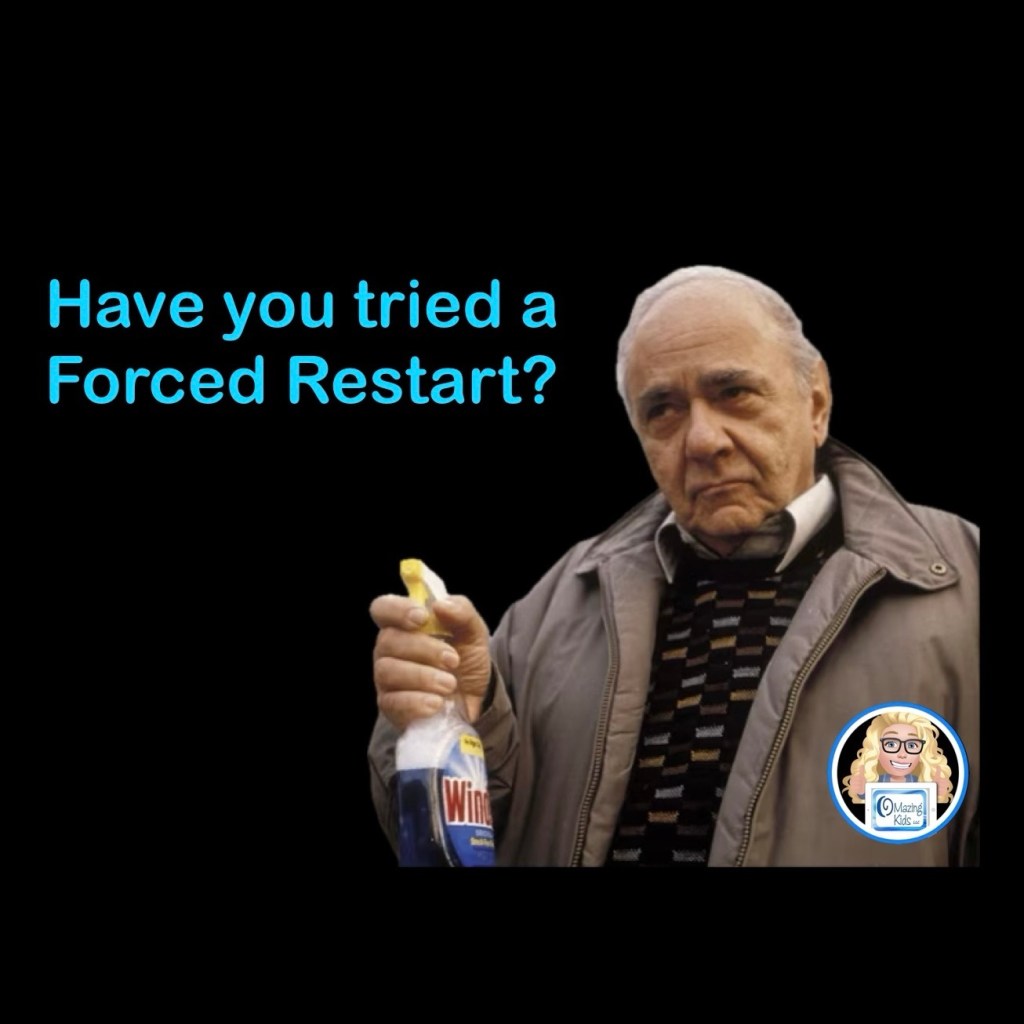
Did you know that a “force-restart” (aka “hard reboot”) is different than the normal process of turning off an iPad? It’s similar to the difference between restarting vs powering off a computer. When an app is acting glitchy a “force-restart” will often resolve this issue. Just to be safe, be sure to backup any customized programming in an AAC app BEFORE doing a force-restart
A “Forced Restart” is the blue Windex of the iPad world. I’ve had a Forced Restart fix all sorts of things from sound problems, missing symbols, app crashes, etc… (in case you haven’t seen the movie My Big Fat Greek Wedding, blue Windex is her father’s solution for every ailment 😂).
How to use Apple iOS Voice Control to do a Forced Restart (Reboot Device) without having to use the Side Buttons
How to force-restart an iPad with Face ID
1.Press the Volume Up button for one second and release it.
2.Press the Volume Down button for one second and release it.
3.Press and hold the Power button for five seconds until the Apple logo appears.
How to force-restart any other kind of iPad
1.Press and hold the Home button.
2.At the same time, press and hold the Power button.
3.Continue to hold both buttons for about 10 seconds, until you see the Apple logo appear.
This simple process often resolves the issue.
If not, there are other things to try. It’s best to look on Apple’s website for that info since the process varies based on the model of iPad & the version of iOS it is running.
Looking for in-depth AAC feature matching resources? See this blog post: https://bit.ly/5aacFeatureMatchingResources. That post also includes videos comparing the best AAC apps on various devices on various platforms.