Angela Moorad, MS, CCC-SLP. Over 36 years experience in AAC. OMazing Kids AAC and app consulting. Creator of several AAC Feature Matching resources (https://omazingkidsllc.com/omazing-kids-aac-resource-links/). Includes info about unique features to support Gestalt Language Processors
This new resource was inspired by the frequent requests that I receive for info about less expensive options and for info about apps for devices beyond just the iPad. Everything featured in this chart is priced under $10
It has 11 columns with the following info for each app:
• App Name
• App Store link(s)
• Website
• Price
• Is it Robust (Yes, Partially, No, or Not applicable)
• Type of App
• Type of Keyboard
• Voice Options (includes option for Recorded Speech)
• Option to Play Videos
• Backup & Sharing capabilities
• Basic info about other features in the app. For iOS, it includes info about device compatibility and minimum iOS requirements
There are 123 rows with apps available across each of the major platforms: Apple App Store, Google Play, Amazon & Windows + a few Web-Based options
Why this is helpful to you is I have done all of the digging and sifted through hundreds of apps to get you straight to the ones worth considering. This is a vetted resource where everything was tested on my personal devices.
Preview video:
See the description on my TPT store for more info about this new resource and why it was created.
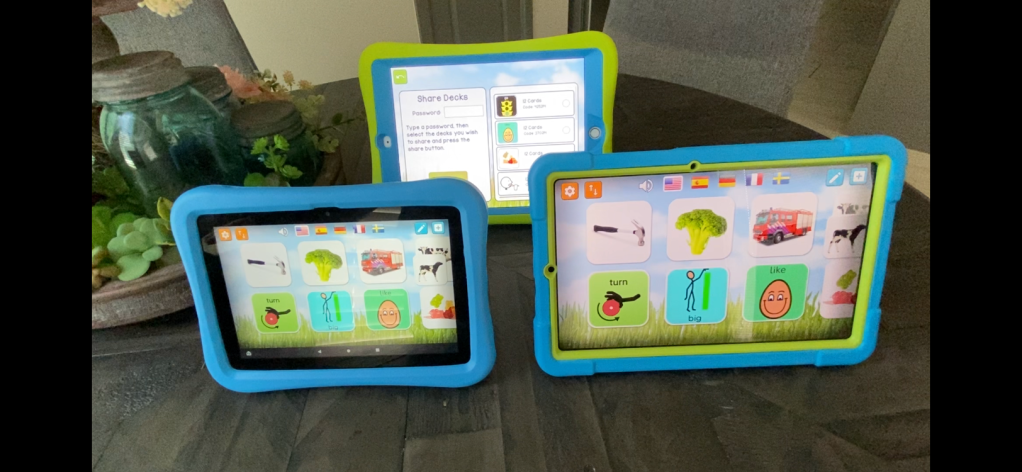
I recently purchased an Amazon Fire HD 8 tablet, 8″ HD display, 32 GB, latest model (2020 release) & a Samsung Galaxy Tab S6 Lite 10.4″, 64GB Android tablet to be able to explore AAC and related apps on those platforms in addition to iOS (iPad 8th gen & iPhone 11). I was excited to discover that you can share customized matching games across the platforms in the MyMemo app.
Itty Bitty Speech has a growing library of non-tech AAC Core Boards that have been translated into several languages. Many were translated by a native speaker of that language. Some were done via Google Translate. It’s very helpful for those details to be provided.
I love the back story behind these. This SLP couldn’t find what she needed so she used the power of crowdsourcing via social media to find folks to help translate and then created them and offer them as a free resource. This is a fabulous example of being the change we want to see. We all want more AAC resources in other languages. It’s going to take lots of us doing a little and then sharing to make it happen 😊
At the time of this post update 26 languages were available:
FYI… I’m not affiliated with this company and did not get paid to post about this resource. Just sharing to help spread the word and boost the chances of it being found as folks are searching for AAC in other languages.
Have a question or want to share a great free AAC resource? The best way to reach me is via Facebook messaging over on my OMazing Kids page: https://www.facebook.com/OMazingKidsAAC/
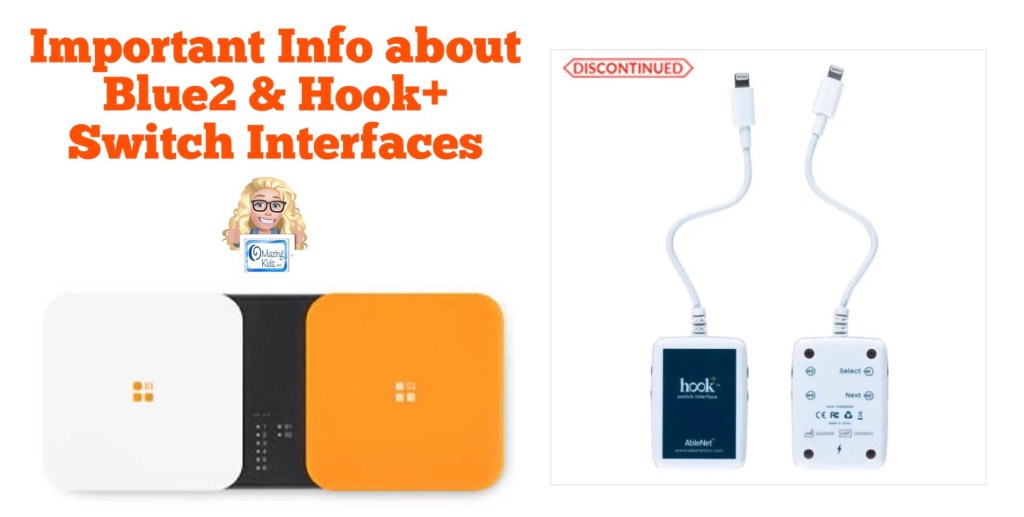
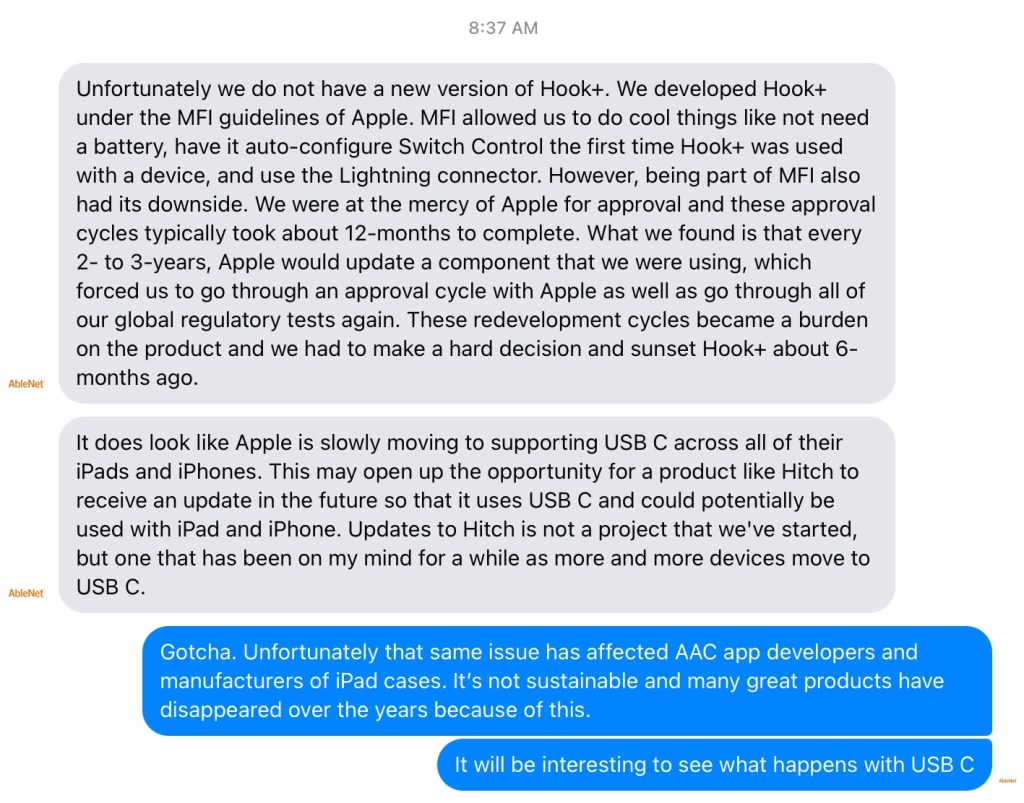
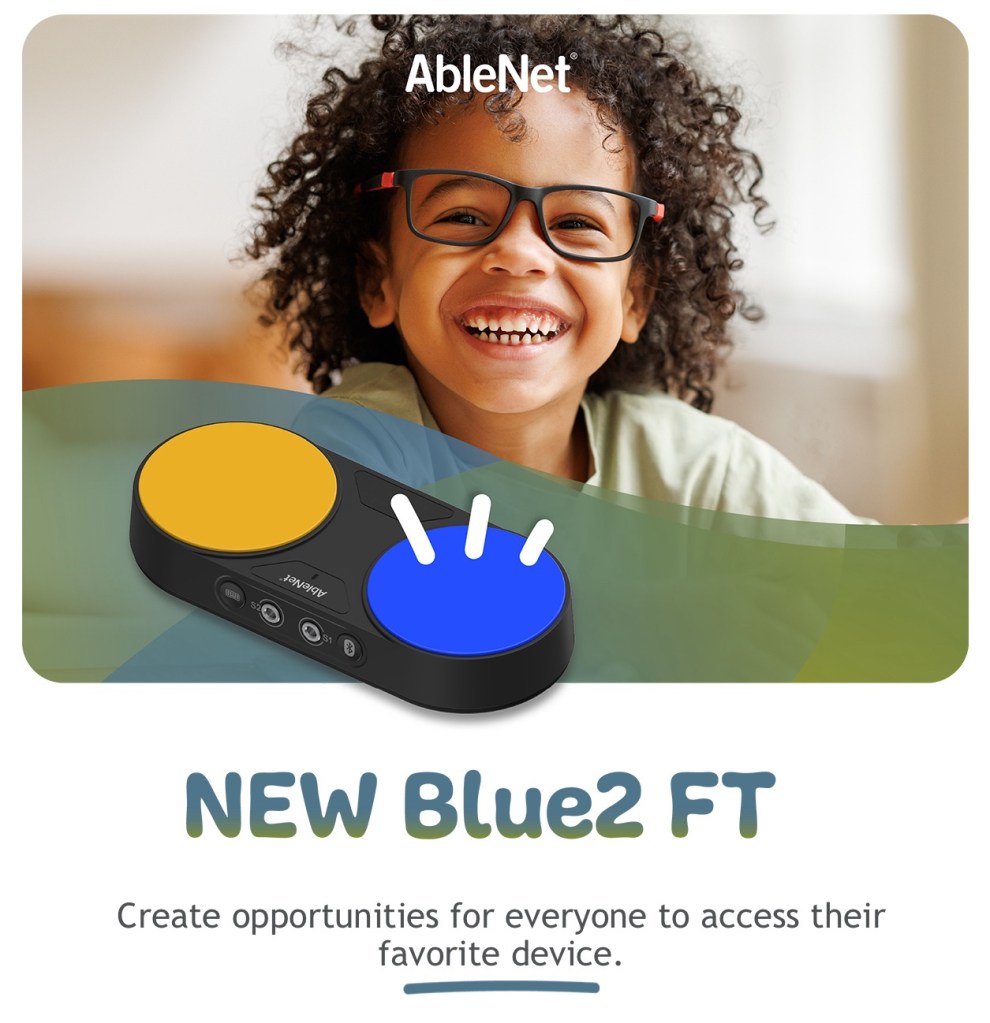
Sharing for those who might have been in the process of recommending a Hook+ switch interface. I reached out to AbleNet Inc. on Facebook Messenger to ask if an updated version is in the works since the current model was discontinued and received the following reply: Unfortunately we do not have a new version of Hook+. We developed Hook+ under the MFI guidelines of Apple. MFI allowed us to do cool things like not need a battery, have it auto-configure Switch Control the first time Hook+ was used with a device, and use the Lightning connector. However, being part of MFI also had its downside. We were at the mercy of Apple for approval and these approval cycles typically took about 12-months to complete. What we found is that every 2- to 3-years, Apple would update a component that we were using, which forced us to go through an approval cycle with Apple as well as go through all of our global regulatory tests again. These redevelopment cycles became a burden on the product and we had to make a hard decision and sunset Hook+ about 6-months ago.
It does look like Apple is slowly moving to supporting USB C across all of their iPads and iPhones. This may open up the opportunity for a product like Hitch to receive an update in the future so that it uses USB C and could potentially be used with iPad and iPhone. Updates to Hitch is not a project that we’ve started, but one that has been on my mind for a while as more and more devices move to USB C.
Some users are having connectivity issues with the Blue2 Bluetooth Switch Interface
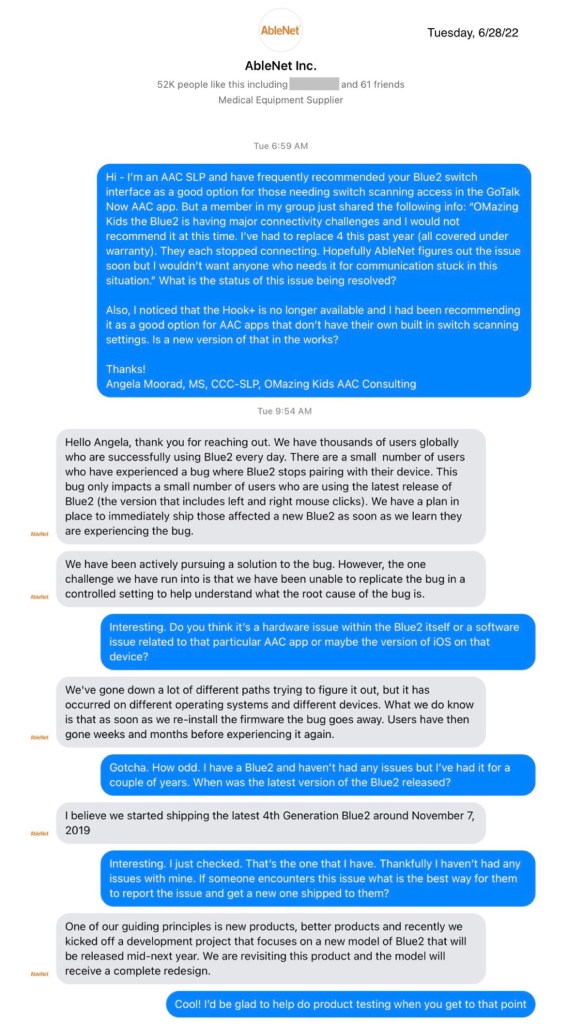
Sharing for those who are exploring using the Blue2 switch interface. I heard from two members in the GoTalk Now AAC & GoVisual Scene Apps – Ideas and Sharing Facebook group today that they are having connectivity reliability issues with it. I haven’t had any issues with my Blue2 but reached out to AbleNet Inc. to find out more info. Here is a screenshot of the reply that I received.
For those using a screen reader here is the text contained in the screenshots above:
Tuesday, 6/28/22, 6:59am CDT
Angela:
Hi – I’m an AAC SLP and have frequently recommended your Blue2 switch interface as a good option for those needing switch scanning access in the GoTalk Now AAC app. But a member in my GoTalk Now AAC & GoVisual Visual Scene Apps – Ideas and Sharing Facebook Group: https://bit.ly/GoTalkNowAACappGroup just shared the following info: “OMazing Kids the Blue2 is having major connectivity challenges and I would not recommend it at this time. I’ve had to replace 4 this past year (all covered under warranty). They each stopped connecting. Hopefully AbleNet figures out the issue soon but I wouldn’t want anyone who needs it for communication stuck in this situation.” What is the status of this issue being resolved?
Also, I noticed that the Hook+ is no longer available and I had been recommending it as a good option for AAC apps that don’t have their own built in switch scanning settings. Is a new version of that in the works?
Hello Angela, thank you for reaching out. We have thousands of users globally who are successfully using Blue2 every day. There are a small number of users who have experienced a bug where Blue2 stops pairing with their device. This bug only impacts a small number of users who are using the latest release of Blue2 (the version that includes left and right mouse clicks). We have a plan in place to immediately ship those affected a new Blue2 as soon as we learn they are experiencing the bug.
We have been actively pursuing a solution to the bug. However, the one challenge we have run into is that we have been unable to replicate the bug in a controlled setting to help understand what the root cause of the bug is.
Angela:
Interesting. Do you think it’s a hardware issue within the Blue2 itself or a software issue related to that particular AAC app or maybe the version of iOS on that device?
Ablenet:
We’ve gone down a lot of different paths trying to figure it out, but it has occurred on different operating systems and different devices. What we do know is that as soon as we re-install the firmware the bug goes away. Users have then gone weeks and months before experiencing it again.
Angela:
Gotcha. How odd. I have a Blue2 and haven’t had any issues but I’ve had it for a couple of years. When was the latest version of the Blue2 released?
Ablenet:
I believe we started shipping the latest 4th Generation Blue2 around November 7, 2019
Angela:
Interesting. I just checked. That’s the one that I have. Thankfully I haven’t had any issues with mine. If someone encounters this issue what is the best way for them to report the issue and get a new one shipped to them?
Ablenet:
One of our guiding principles is new products, better products and recently we kicked off a development project that focuses on a new model of Blue2 that will be released mid-next year. We are revisiting this product and the model will receive a complete redesign.
Angela:
Cool! I’d be glad to help do product testing when you get to that point
I have already tried the AeroSwitch by PRC-Saltillo. They sent me one to try for a month. It’s the only option for using the in-app switch scanning settings in that company’s AAC apps. Info about my experiences with that switch interface can be found in my Feature Matching resources. A brief video: https://youtu.be/hyJj4_pcIy0. Additional videos are included in the Feature Matching resources.
This evening I messaged Inclusive Technology to see if I can borrow an iSwitch + Smoothie Switch & the Cosmos Switch in order to try them out in all of the AAC apps. I’ll keep you posted. Since the Blue2 that I have isn’t having any issues I really can’t justify investing in purchasing other switch interfaces right now.
Updated 4/8/24: I saved up and purchased both of those since I wasn’t able to borrow them.
I’d love to hear what wired and wireless Bluetooth switch interfaces others are using and whether they are reliable and durable. Feel free to message me via Facebook messaging over on my OMazing Kids page: https://www.facebook.com/OMazingKidsAAC/
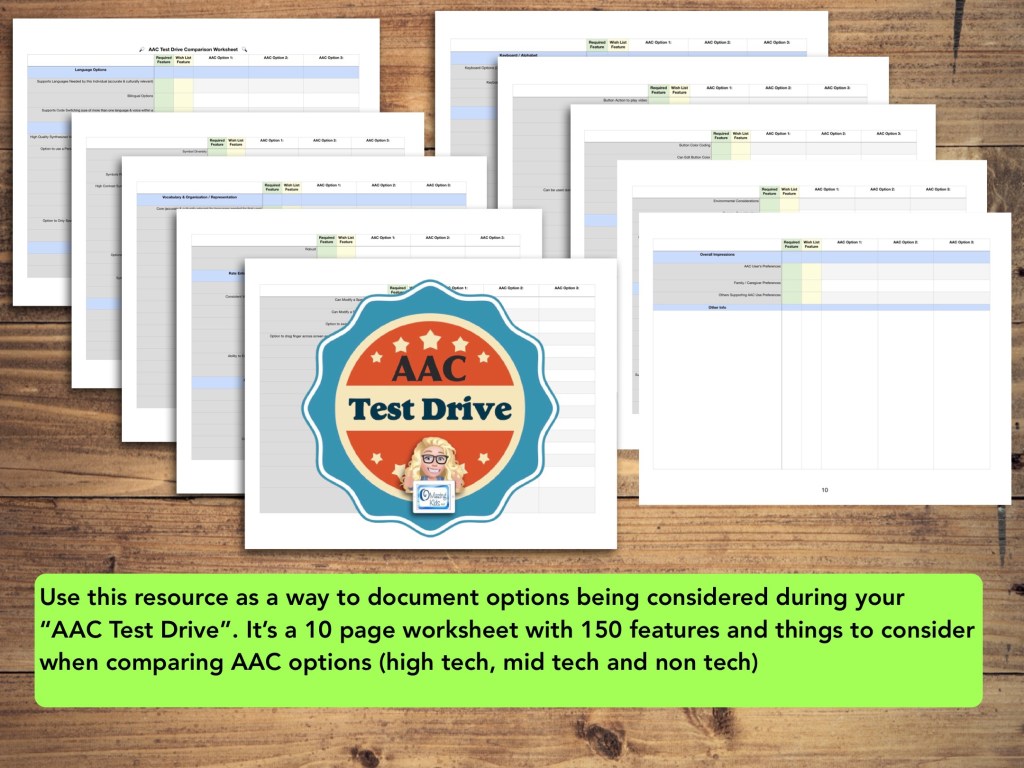
Use this new resource as a way to document options being considered during your “AAC Test Drive”. It’s a 10 page worksheet with 150 features and things to consider when comparing AAC options (high tech, mid tech and non tech): https://bit.ly/AACtestdriveWorksheet
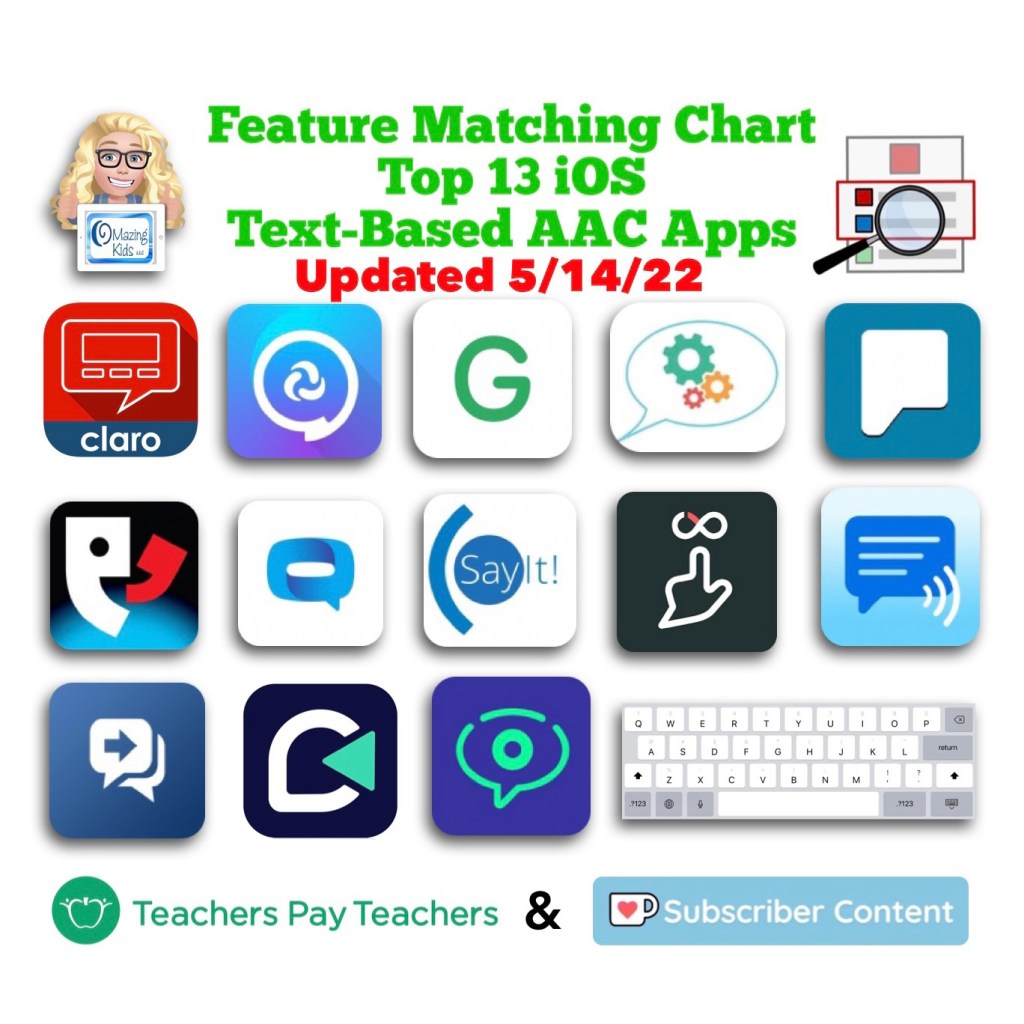
Want in-depth up to date info about the features in these apps? Check out “Three Feature Matching Resources for AAC Apps (comparing features in AAC apps)”: https://bit.ly/3aacFeatureMatchingResources. The chart for symbol-based AAC apps includes a free supplemental handout “Unique Features in Symbol-Based AAC Apps to Support Gestalt Language Processors”.
There is no “one size fits all” to anything about AAC and many individuals will need to use a variety of options (non tech, mid tech, high tech (SGDs, apps on an iPad or iPhone or other tablet or phone), sign language, gestures, facial expressions, vocalizations, segments of videos for gestalts, handwriting, etc…) as part of a multimodal system to support communication across environments and situations.
An AAC app is often part of a successful multimodal AAC system. While there isn’t any “perfect” AAC app there are features in these apps that might make some a better “fit” over other options.
It’s similar to taking a test drive to find a form of transportation that you like and meets your needs at that point in your life. All cars have an engine, tires and seats. Your first car may have been very basic transportation. But think about your dream vehicle. What features would it have? Why would you choose it over a different option? Older individuals might prioritize safety features. A teen or single young adult might prioritize the “look” / how “cool” it is. A family with young children might prioritize how many car seats can fit and storage. Others might prioritize fuel efficiency and eco-friendliness. You might ride a bike, subway, train, take an Uber ride, take a ferry, paddle in a canoe, etc. None of these is necessarily “better” than another or the “best” form of transportation. The “best” option is the one that meets the needs of that individual in that situation.
This new FREE handout includes info about how SLPs / SLTs and other AAC professionals can get access to over 25 robust and unique AAC apps or software for iOS, Android, Amazon Fire and Windows.
Important Considerations:
* When available, please try the free version/free trial to take a look at an app before requesting an app code. App codes are limited and are intended for SLPs who do AAC evals frequently and need quick ongoing access during evaluations, feature matching & trial of options.
* The official process for requesting a code was verified for inclusion in each of these handouts and the feature matching charts.
* These app codes are typically NOT compatible with a mobile device management also known as a MDM-managed device. They require a standard non-managed Apple ID.
* Most app developers will ask for info regarding your role in AAC evals, how many you do in a year, where you are located, type of setting you work in, etc. to substantiate the need. It is likely that those working in a non-profit setting or school or specific geographic areas may be prioritized. App developers receive a very limited number of codes per app release or update so there will likely be waiting lists.
* Codes do expire so please make sure to redeem it immediately so it’s not wasted.
* When needing switch scanning as a method of access, be sure to also consider traditional SGDs that have built in switch ports that will likely provide a more reliable means of access. When exploring switch access on an iPad, it is important to try out any options (switches, switch interface, iOS Accessibility) being considered to insure that they will work for that particular user and within that particular AAC app. Seating, positioning and identification of the best type of switches and optimal switch sites are crucial for AAC users to be successful with this method of access. Please collaborate with that user’s PT, OT and/or AT specialist.
For those who only have an occasional need, please consider alternative means of trying that app:
* Another option in the USA is to contact your state’s AT Lending Program. They will likely have iPads with AAC apps available for short term loan.
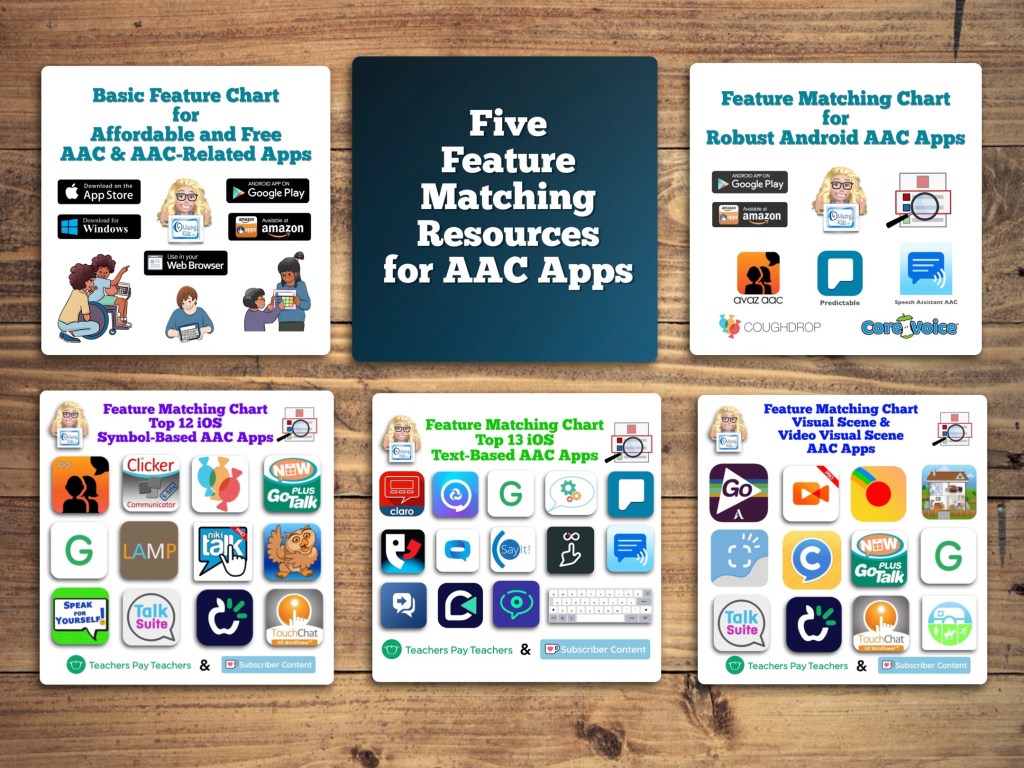
Want in-depth up to date info about the features in these apps? Check out “Five Feature Matching Resources for AAC Apps (comparing features in AAC apps) + several videos comparing AAC apps across platforms (iPad, Android, Amazon Fire, Windows)”: https://bit.ly/5aacFeatureMatchingResources. The chart for iOS symbol-based AAC apps includes a free supplemental handout “Unique Features in Symbol-Based AAC Apps to Support Gestalt Language Processors”.
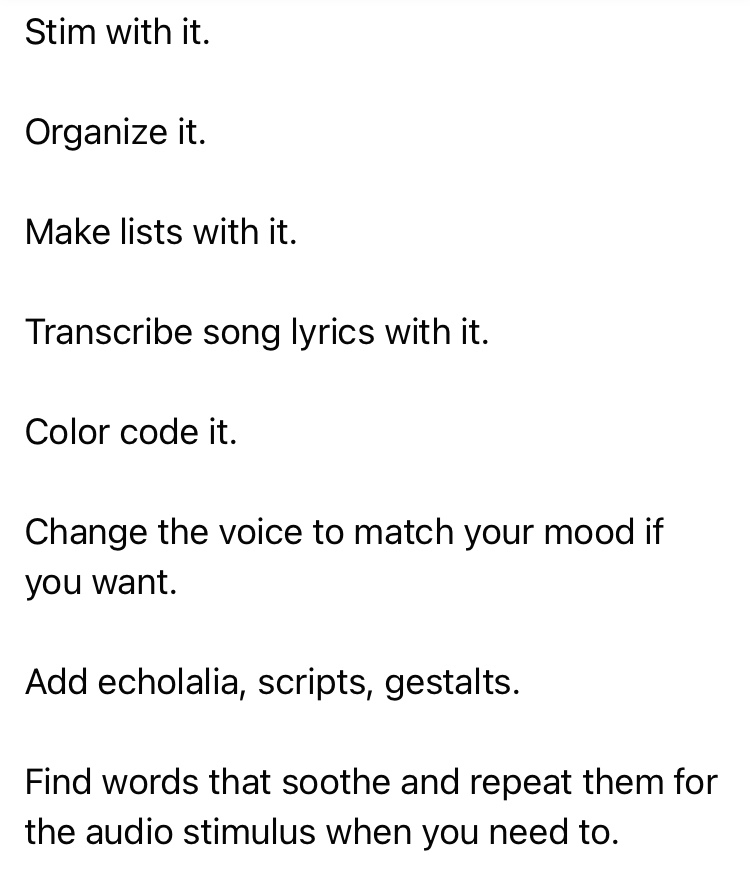
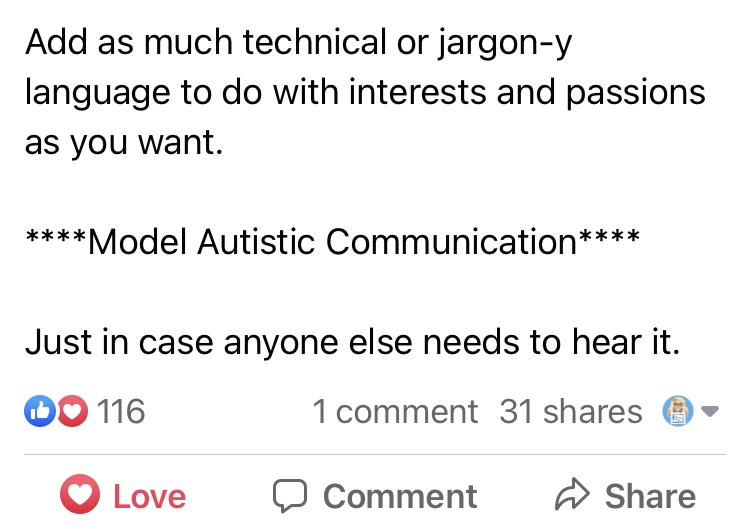
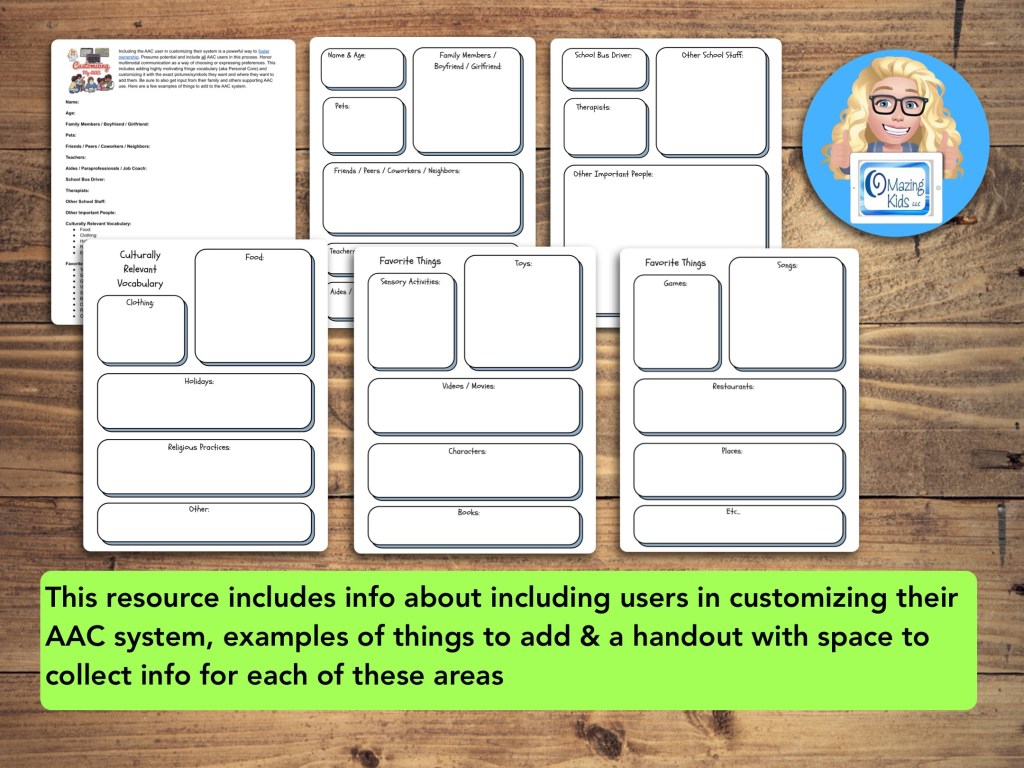
The power of truly embracing and incorporating individual interests into an AAC system and AAC implementation plus customizing for unique needs cannot be overstated.
It is a respectful neurodiversity affirming practice that
builds connections
fosters AAC ownership
resonates with them
allows for authentic communication
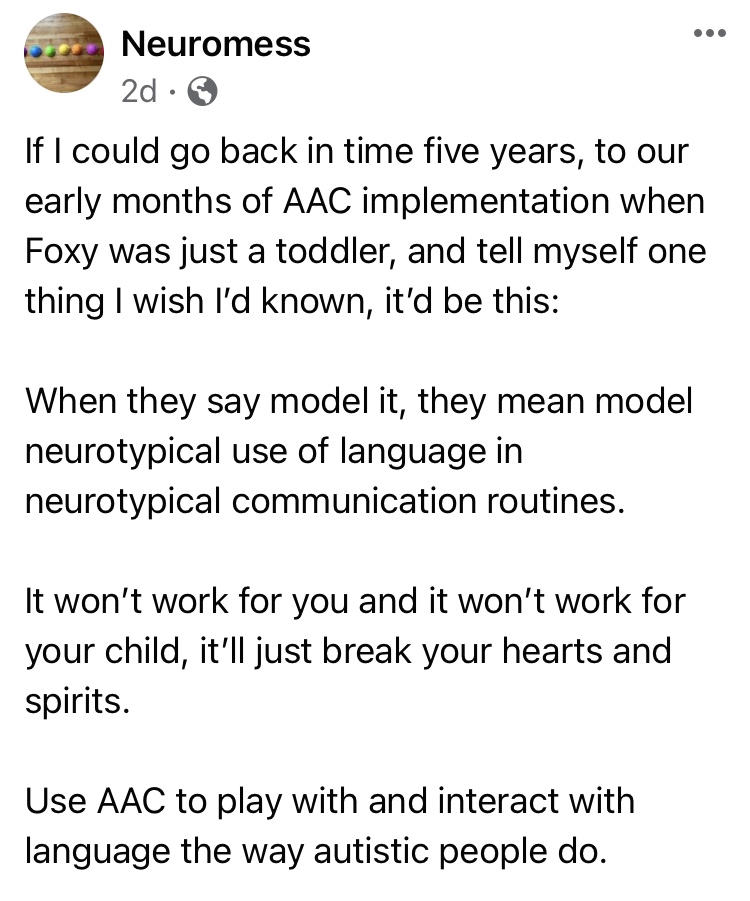
AAC systems and many AAC implementation strategies were designed with Analytic Language Learners in mind.
There are things that can be done to personalize an AAC user’s device that don’t involve changing any of the layout. I’ve seen way too many kids, teens and young adults who were deemed “unable” or “not ready” to use AAC or who showed little to no interest in using it until we involved them in choosing and in customizing an AAC system that resonated with them. What sparks that interest and joy is highly individualized but when you experience that it’s magical.
While we don’t yet have “scientific research” related to AAC for Gestalt Language Processors, we do have Clinical Expertise and Client/Patient/Caregiver Perspectives.
Combine good AAC practices (presume potential, form authentic connections, engage in fun child-led activities based on their unique interests, accommodate sensory needs, model AAC use without demands, etc.) with a Natural Language Acquisition approach.
And read this The North Star and the Compass Facebook post with Canva links: A year in the life of one creative communicator (Speak for Yourself, Pictello, Spotify, Proloquo2Go as AAC). How do you truly follow a kid’s lead when they do unexpected things with their AAC?
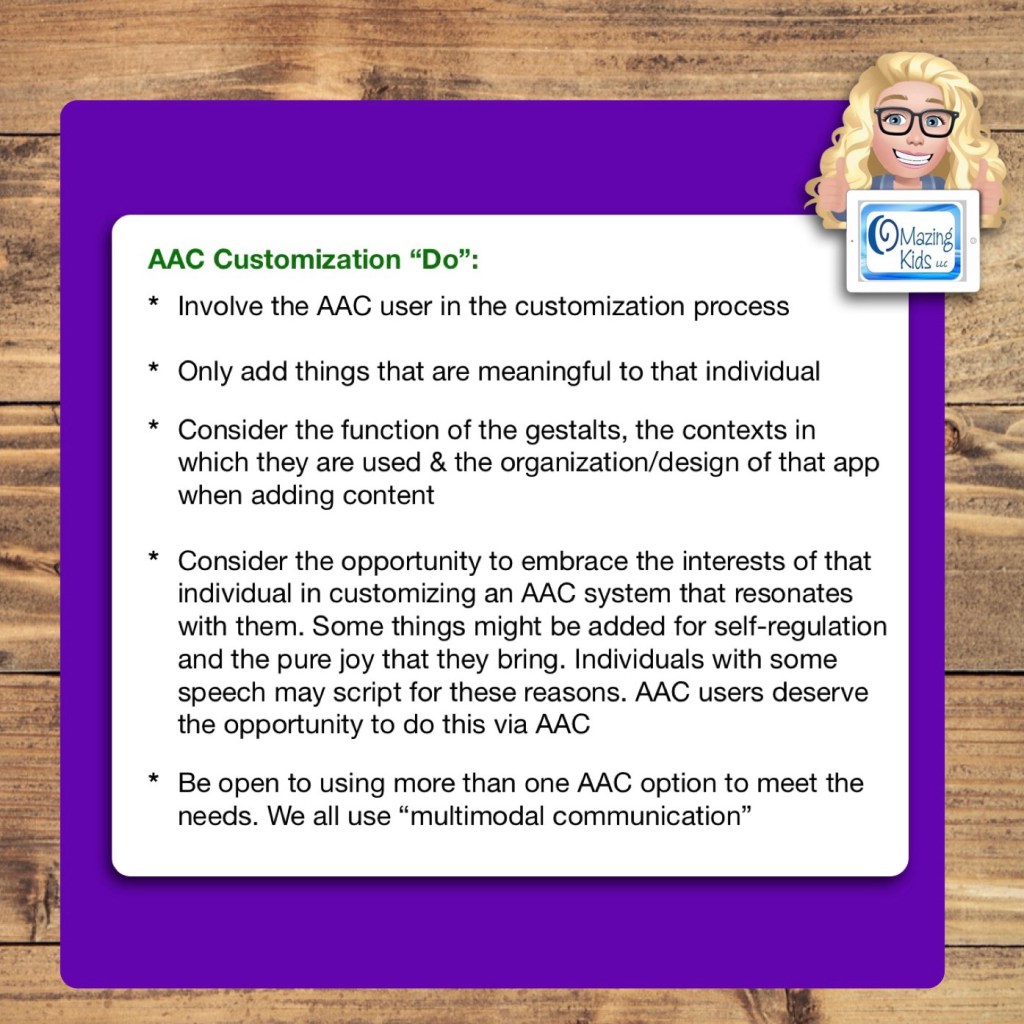
Only add things that are meaningful to that individual
Consider the function of the gestalts, the contexts in which they are used & the organization/design of that app when adding content
Consider the opportunity to embrace the interests of that individual in customizing an AAC system that resonates with them. Some things might be added for self-regulation and the pure joy that they bring. Individuals with some speech may script for these reasons. AAC users deserve the opportunity to do this via AAC
Be open to using more than one AAC option to meet the needs. We all use “multimodal communication”
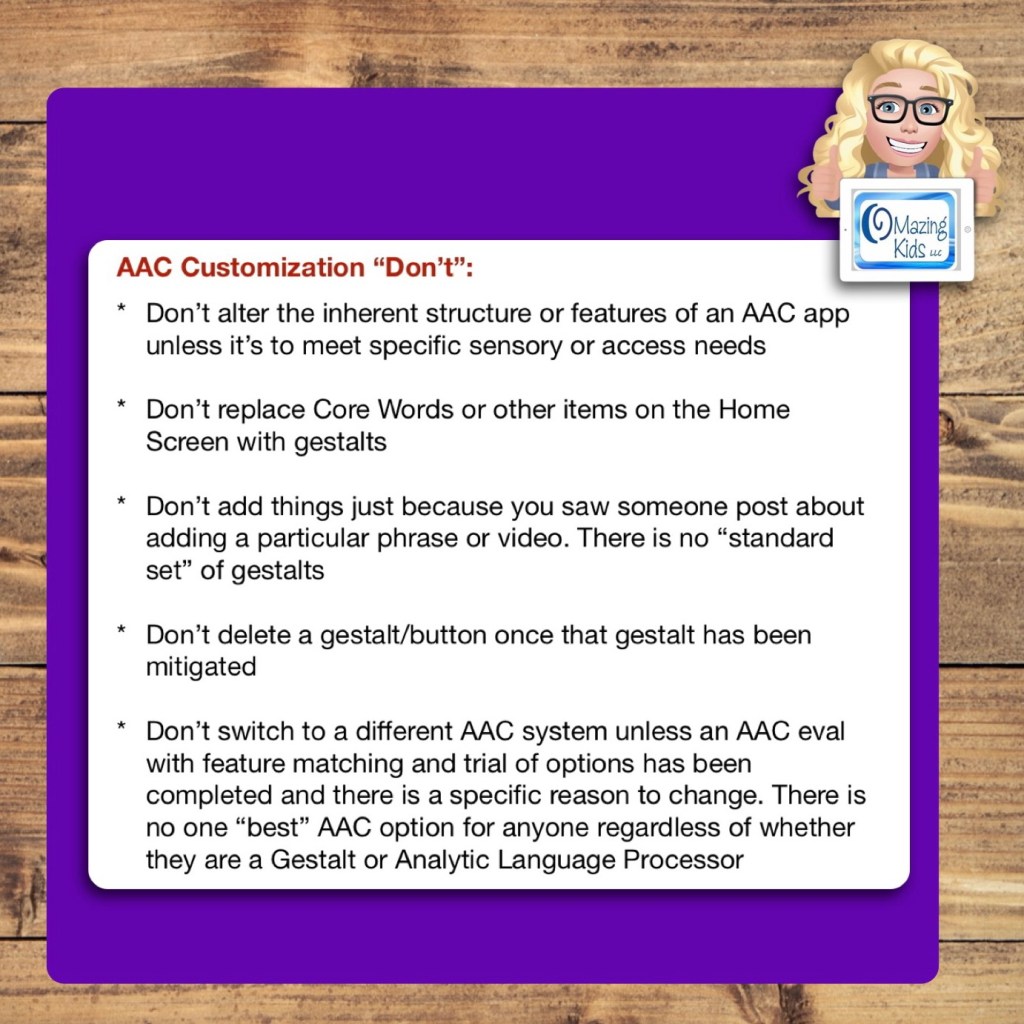
AAC Customization “Don’t”:
Don’t alter the inherent structure or features of an AAC app unless it’s to meet specific sensory or access needs
Don’t replace Core Words or other items on the Home Screen with gestalts
Don’t add things just because you saw someone post about adding a particular phrase or video. There is no “standard set” of gestalts
Don’t delete a gestalt/button once that gestalt has been mitigated
Don’t switch to a different AAC system unless an AAC eval with feature matching and trial of options has been completed and there is a specific reason to change. There is no one “best” AAC option for anyone regardless of whether they are a Gestalt or Analytic Language Processor
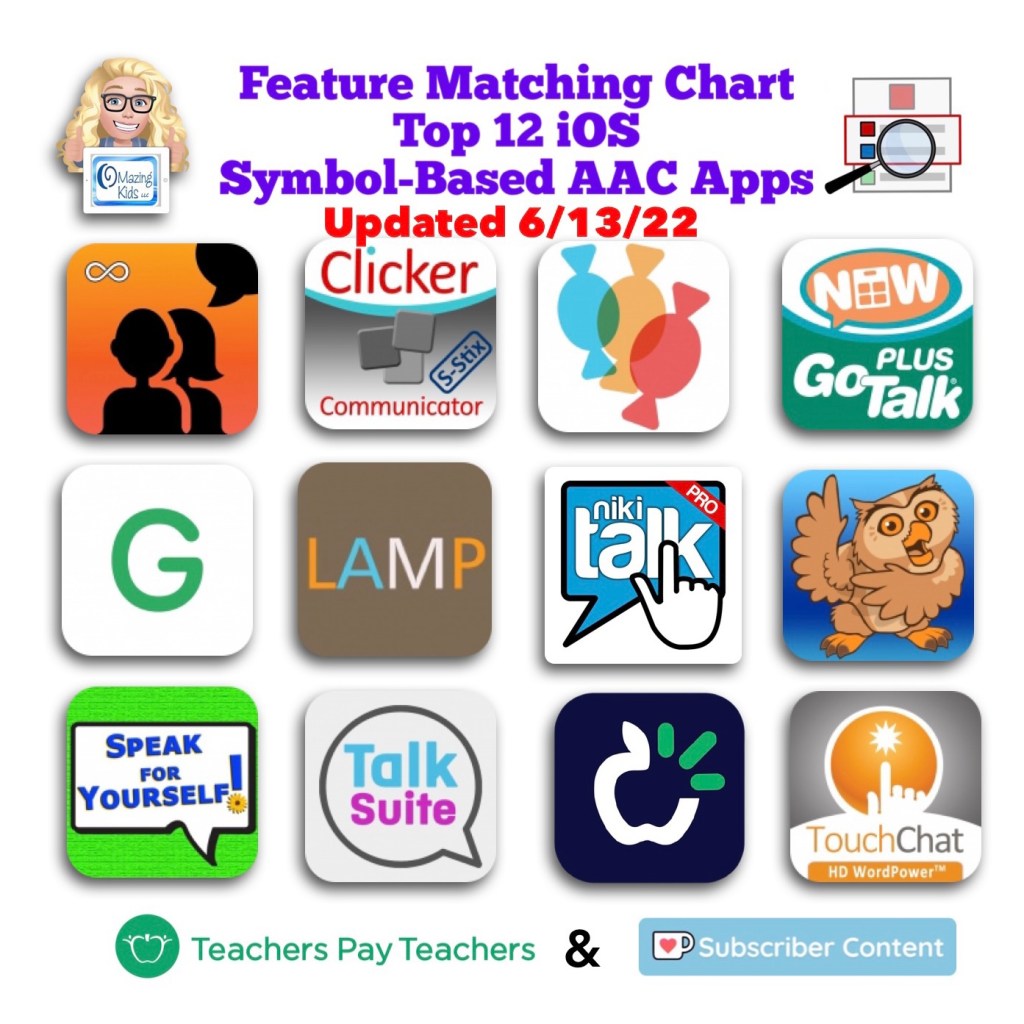
Want to learn more about AAC feature matching (comparing features and matching them to an individual’s needs)? Check out the three feature matching resources: https://bit.ly/3aacFeatureMatchingResources. The feature matching resource for the symbol-based AAC apps includes a free supplemental handout “Unique Features in Symbol-Based AAC Apps to Support Gestalt Language Processors”. It has info related to all 12 apps + additional info about features in 8 free and affordable symbol-based AAC apps (mainly iOS, some Android and a couple of Windows) priced $2.99 or less.
Looking for a customizable non-tech printable AAC flip book? See my resource “TD Snap: a visual guide to getting started”. It includes free Bonus Content: access to a 10 page printable AAC flip book specifically designed with Gestalt Language Processors in Stage 1 – Stage 2 of the Natural Language Acquisition (NLA) process in mind + the option to request an editable version in TD Snap. The free bonus handout includes instructions for printing, cutting out and assembling + a video): https://www.teacherspayteachers.com/Product/TD-Snap-a-visual-guide-to-getting-started-more-bonus-AAC-flipbook-7445593
Looking for in-depth AAC feature matching resources? See this blog post: https://bit.ly/5aacFeatureMatchingResources. That post also includes videos comparing AAC apps on various devices on various platforms.
Info about all three Feature Matching Resources for AAC Apps (comparing features in AAC apps) + TPT bundle and multiple license discounts: https://bit.ly/3aacFeatureMatchingResources
Info about all three Feature Matching Resources for AAC Apps (comparing features in AAC apps) + TPT bundle and multiple license discounts:https://bit.ly/3aacFeatureMatchingResources






 OMazing Kids AAC Consulting