Angela Moorad, MS, CCC-SLP. Over 36 years experience in AAC. OMazing Kids AAC and app consulting. Creator of several AAC Feature Matching resources (https://omazingkidsllc.com/omazing-kids-aac-resource-links/). Includes info about unique features to support Gestalt Language Processors
Category Archives: AAC for Gestalt Language Processors
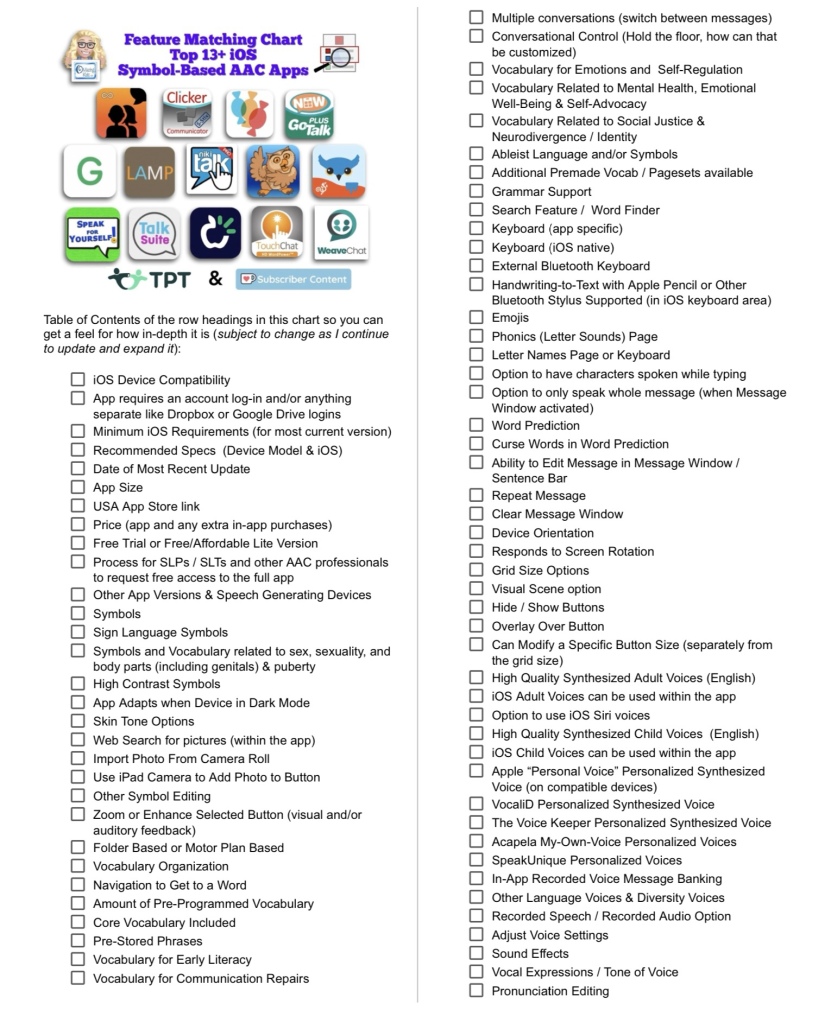
Resource Updated: The Feature Matching Chart for the Top 13+ iOS Symbol Based AAC Apps (6/12/24).
It includes information about new features in several apps + info related to the changes in TD Snap becoming a subscription-based app.
The “Unique Features in Symbol-Based AAC Apps to Support Gestalt Language Processors” supplemental handout linked within it has also been updated.
I also updated the Table of Contents in the TPT resource description for those who want more info about the types of things covered: https://bit.ly/TOC-iOSaacSBfmc-06-12-24.
Those who have previously purchased this resource on TPT can download the newest version for no additional cost: https://bit.ly/SymbolBasedAACapps.
Looking for other in-depth AAC feature matching resources? See this blog post: https://bit.ly/5aacFeatureMatchingResources. That post also includes videos comparing the best AAC apps on various devices on various platforms.
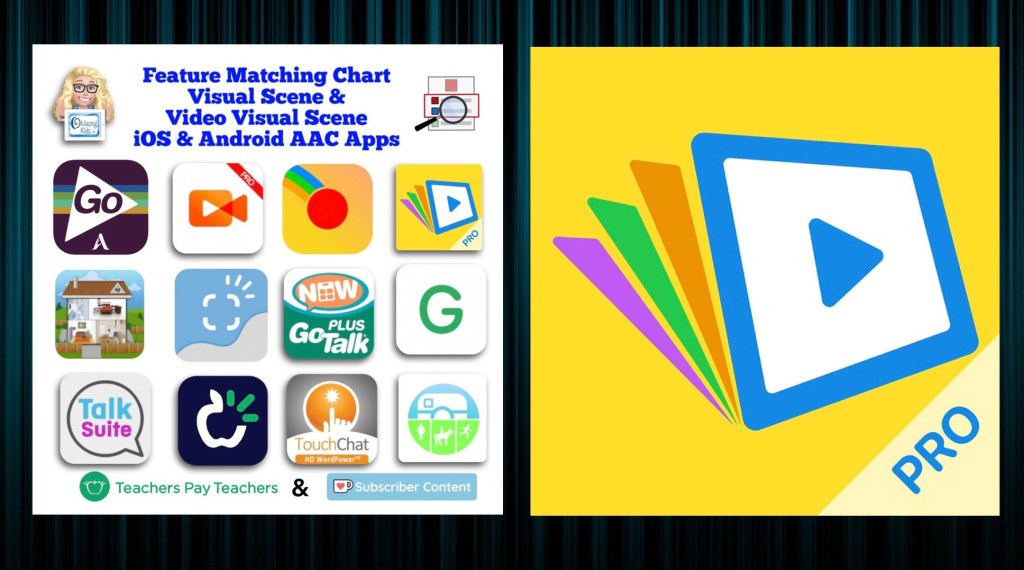
Resource Update: Feature Matching Chart for Visual Scene and Video Visual Scene Display iOS & Android AAC Apps was updated on 7/27/23. I added Scene & Heard Pro by Therapy Box and added the newer version of EasyVSD. Those who have previously purchased this resource on TPT can download the most current version for no additional cost: https://bit.ly/AACvsd . Ko-fi subscribers will be able to access a copy on the pinned resource post: https://ko-fi.com/Post/Links-to-posts-about-most-current-feature-matching-F1F5C9DMD.
A FREE handout for SLPs/SLTs and other AAC professionals has also been updated: How to Get Access to Visual Scene & Video Visual Scene AAC Apps (TPT Freebie), https://bit.ly/SLP-SLT-Access-VSDapps.
Looking for more in-depth up to date AAC feature matching resources? See this blog post: https://bit.ly/5aacFeatureMatchingResources. The most current info about AAC apps can be found in my feature matching resources. The blog post also includes videos comparing AAC apps on various devices on various platforms.
The perfect companion to supplement these in-depth resources are the “AAC Apps and Features At-a-Glance (Single Page Handouts)”: https://bit.ly/AAC-At-a-Glance
Looking for basic info about AAC apps that are always affordable or free? See the Basic Feature Chart for Affordable and Free AAC apps & AAC-Related Apps (iOS, Android Google Play, Amazon Fire, Windows + a few Web-Based options): https://bit.ly/BasicAffordableAACchart.
This FREE handout has been updated: Resource Roundup: Gestalt Language Processing & AAC (updated 6/30/23), https://bit.ly/GLPandAAC
Looking for in-depth up to date AAC feature matching resources? See this blog post: https://bit.ly/5aacFeatureMatchingResources. The most current info about AAC apps can be found in my feature matching resources. The blog post also includes videos comparing AAC apps on various devices on various platforms.
The perfect companion to supplement these in-depth resources are the “AAC Apps and Features At-a-Glance (Single Page Handouts)”: https://bit.ly/AAC-At-a-Glance
Looking for basic info about AAC apps that are always affordable or free? See the Basic Feature Chart for Affordable and Free AAC apps & AAC-Related Apps (iOS, Android Google Play, Amazon Fire, Windows + a few Web-Based options): https://bit.ly/BasicAffordableAACchart.
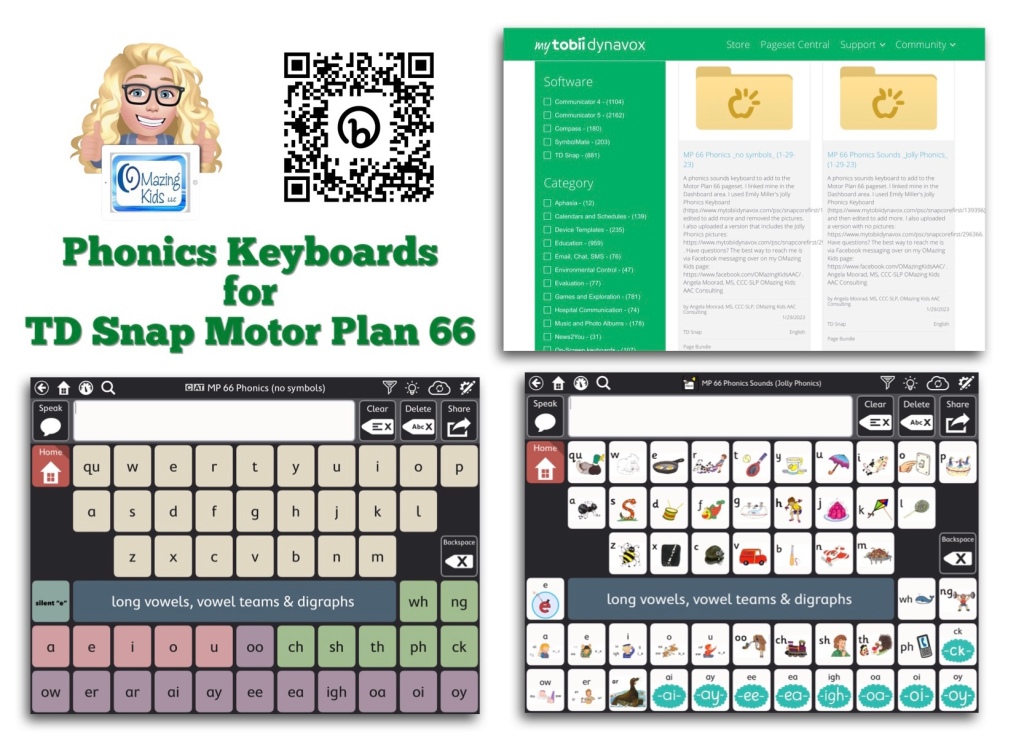
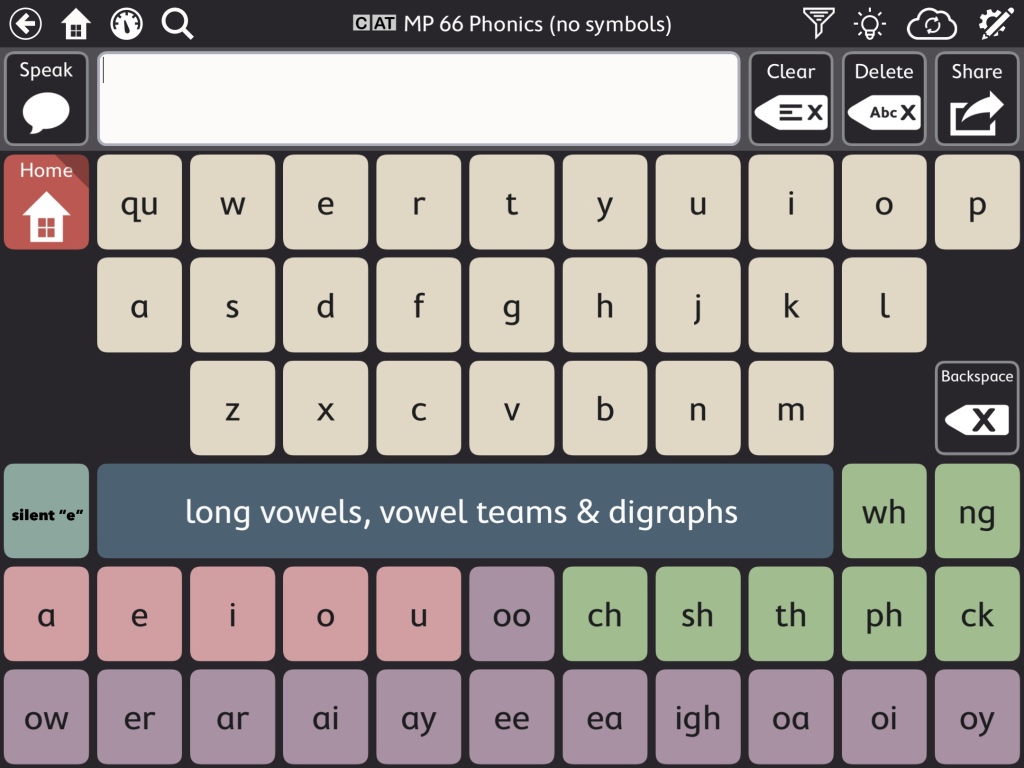
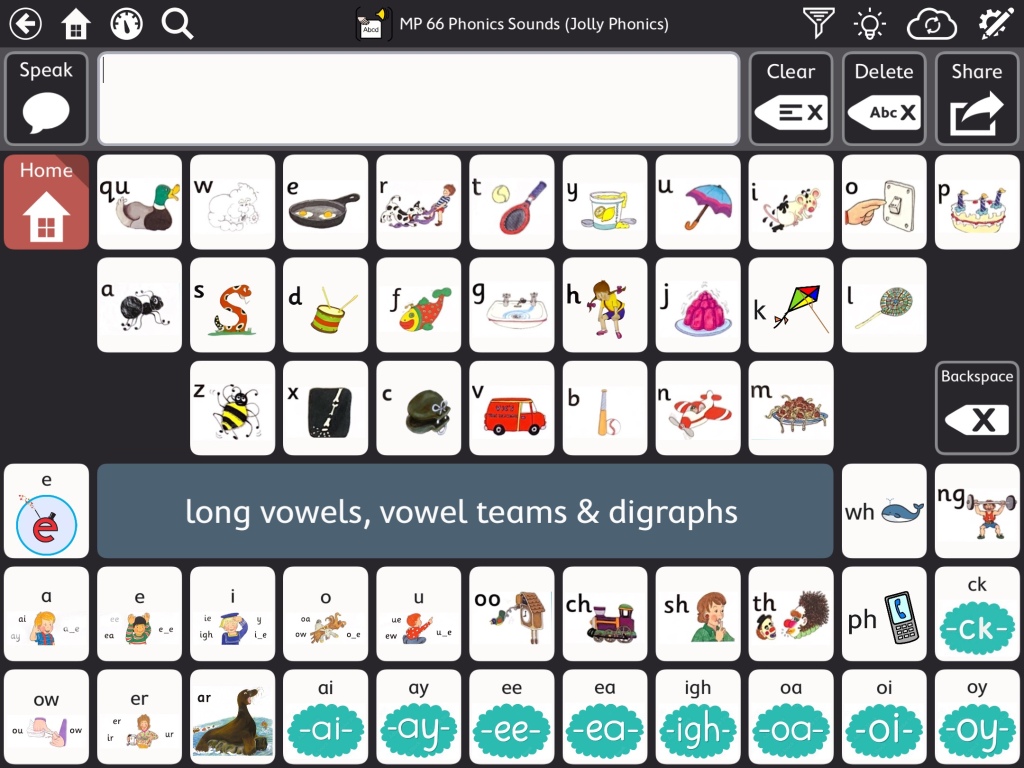
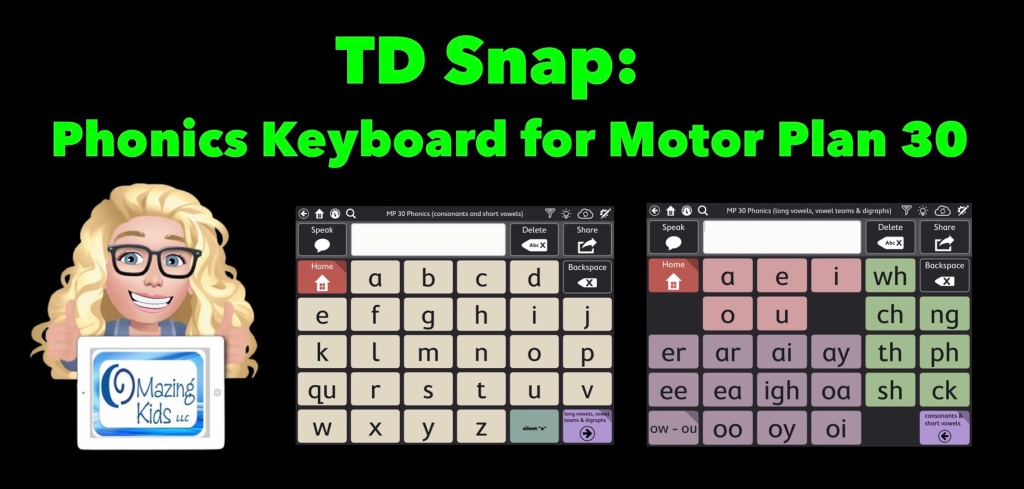
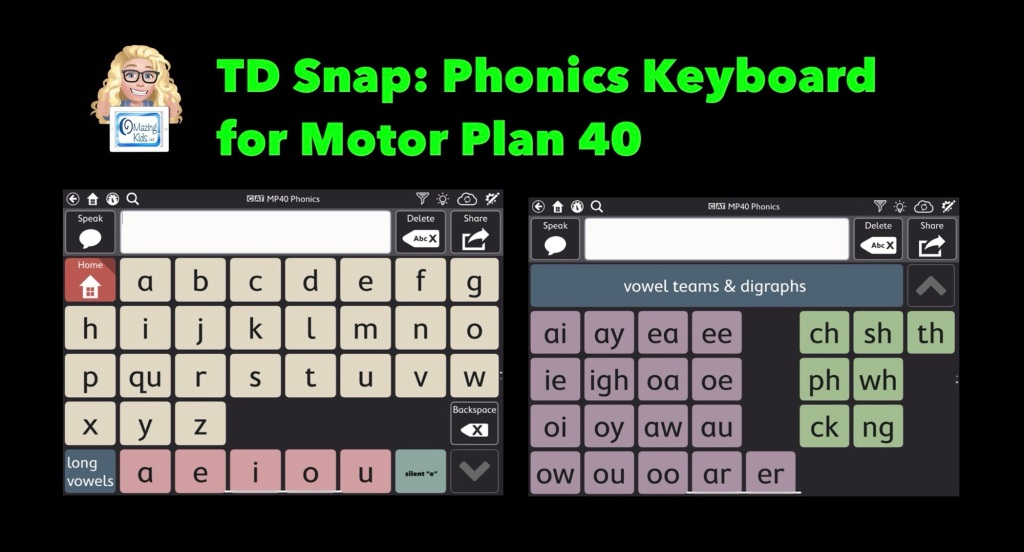
This video shows two phonics sounds keyboards that I added to my Motor Plan 66 pageset in the TD Snap AAC app:
As you’ll see in my video, the Motor Plan 66 pageset already includes a regular QWERTY style keyboard where you can hear letter names as you type. Toggle that on under Edit – User – Preferences – Speak Characters. If you don’t want letters spoken as you type that’s where you can toggle that off.
Note: I am well aware that some folks have a very rigid “anti-phonics keyboard” stance. If this is you then don’t add this to your pageset and scroll on by. I am well aware that there are lots of other strategies needed to teach literacy skills to individuals with complex communication needs. If you need more info about that I suggest reading “Comprehensive Literacy for All” and joining the “Comprehensive Literacy for All BookStudy” group on Facebook: https://www.facebook.com/groups/cl4all. I am sharing these Phonics keyboards as a tool since I personally had LOTS of students/patients/clients who had a high interest in letters, letter names, letter sounds, playing with rhyming, etc. Many of them were likely hyperlexic. I also had several who were Autistic and had a passion for anything letter related. Some were likely Gestalt Language Processors and seemed to really enjoy the playing with letter sounds related to their gestalts/scripts. Having this type of keyboard in an app resonated with them and sparked interest in using their AAC system. Providing this type of option also gave school staff something that helped them include these students in phonics activities and sparked them becoming more comfortable using an AAC app. A win-win in my book. So now that the “why” is made clear onto the “how”…
I’m on my iPad in the video but also have this synced with this app on my Windows tablet. I show how to find these on Pageset Central, where I linked mine in the TD Snap Motor Plan 66 Dashboard area, how to import a page to link it to a button, etc… I used Emily Miller’s Jolly Phonics Keyboard (https://www.mytobiidynavox.com/psc/snapcorefirst/139396) as a starting point, edited to add more and did additional voice recordings.
I uploaded a text only version & a version that includes the Jolly Phonics pictures (but could easily be edited to use pictures associated with whatever phonics program your school uses).
These are both FREE via Pageset Central on MyTobiiDynavox:
* Important * These are Page Bundles. You IMPORT them (not download) ***
text only version (can easily edit to change the button colors, font color, font size & style of font)
version with Jolly Phonics pictures (can easily edit to change the pictures) 12/5/25 This version is no longer available
• Version with Jolly Phonics pictures:https://www.mytobiidynavox.com/psc/TDSnap/771138 (note: I show in the video how you can delete those pictures and add you own pics to correspond with whatever phonics program is being used. Some kids liked having phonics pictures. Some didn’t. Choose the option that resonates with them) *** Update 12/5/25: I removed my Jolly Phonics version due to an issue on Pageset Centralwhere it had replicated and was on there numerous times and I had received messages about a problem in it. You should still find other Jolly Phonics keyboards out on Pageset Central ***
Two helpful resources from Tobii Dynavox about how to import page bundles and pagesets that have been shared on Pageset Central into the TD Snap AAC app:
How to find and add the Motor Plan Pagesets in TD Snap. These are a new option in addition to the other pagesets (not replacing anything). These are included with TD Snap (no additional cost). Make sure you have updated TD Snap to version 1.25. These are currently available for USA English & UK English. They indicated that they are working on prioritizing development for other languages and a Spanish/English bilingual version but no specific details are known yet on the timeframes.
Tobii Dynavox has been offering free live webinars specifically about this new pageset option. See their website for more info: https://us.tobiidynavox.com/blogs/live-training. During the one that I attended on Friday (1/27/23) they mentioned that the recording of it would be uploaded to their Learning Hub. I’ll add the link here when it’s available: <link to be added>
My TD Snap related resources:
TD Snap: a visual guide to getting started: https://bit.ly/3qRuXdQ (I’ll be updating this soon to add info about the new Motor Plan pageset options)
Feature Matching Chart for Visual Scene and Video Visual Scene Display AAC Apps:https://bit.ly/AACvsd. More info: https://bit.ly/VSDaacBlogPost. This resource is also very comprehensive & updated as needed.
How to Get Access to the Top 12 iOS Symbol-Based AAC Apps (this FREE handout is for SLPs, SLTs, AT specialists & other AAC professionals): https://bit.ly/SLPsSLTsAccessToAACapps
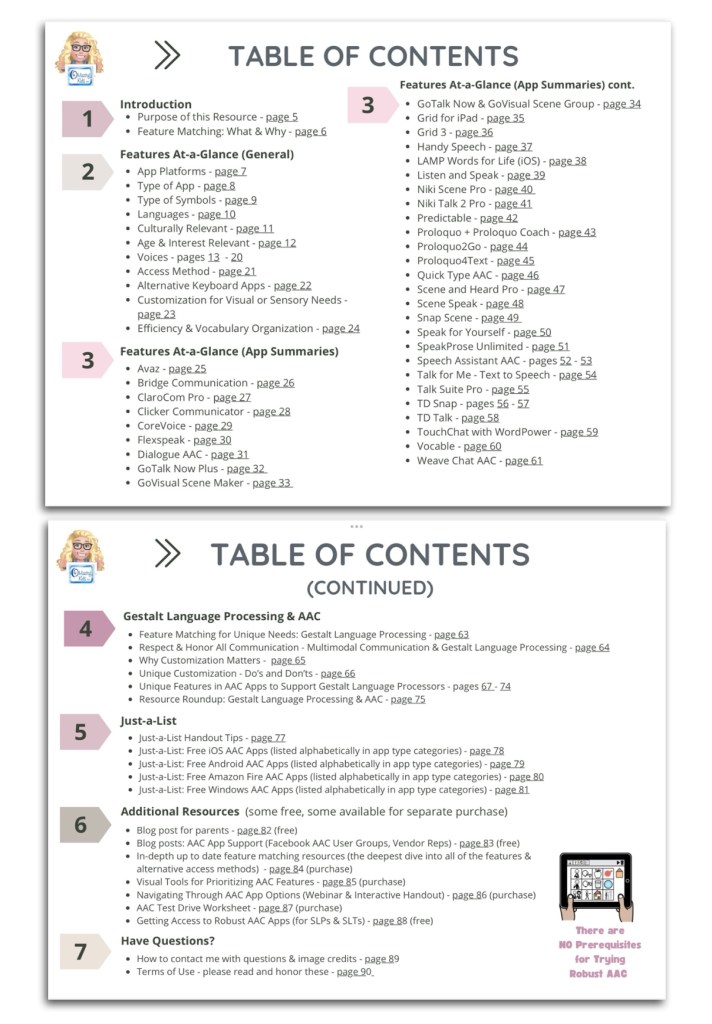
This 90 page PDF resource was inspired by the numerous requests that I’ve received for simple “at a glance” info about features in AAC apps and single page handouts that could be used with parents, caregivers and anyone involved in the AAC decision making process.
A Preview Sample PDF is available for this resource on TPT. It includes the Table of Contents and a few sample pages.
This resource includes:
• A hyperlinked Table of Contents to jump straight to a page. Tap in the top left corner to jump back to the Table of Contents (when being used digitally)
• 11 Features At-a-Glance Handouts
• 36 AAC App Summary At-a-Glance Handouts (see Table of Contents for a list)
• 12 Gestalt Language Processing & AAC Handouts
• 4 Just-a-List Lists of Free AAC apps Handouts
• 2 unlisted videos (5 min demo of how to view 2 pages side-by-side using Split View & a 20 min Resource Overview)
• Links to additional resources
• How to contact me with questions (includes my email address exclusive to TPT)
These will be helpful on either side of an AAC evaluation that involves feature matching and trials of a few options:
• Beforehand to help simplify the process of knowing which apps and/or features you might want to consider during an AAC eval
• Afterwards to place at-a-glance sheets side by side as a reminder of apps that were included in the trials and help simplify the process of deciding which ones warrant a longer term trial or which one might be selected for submission in a funding request.
• These can also be helpful during the feature matching process to help provide simple explanations about some of the features and why they might be important.
It would be impossible to include all of the features in a particular AAC app on a single page handout. These are just “highlights”. These handouts should be used alongside (not instead of) in-depth up to date feature matching resources.
This resource is optimized for both printed and digital use:
Printed:
• Print a single page first to see if you need to choose “shrink to fit” on your printer. Print pages and place them side-by-side to compare features or apps.
• In order to keep the aesthetic of single page handouts the pages are not numbered. If you want to add page numbers, either write them or use a PDF editing app to add them.
Digital:
• The Table of Contents has hyperlinks to tap a page number to jump straight to that page. Tap the top left corner on any page to return to the Table of Contents.
• There a few other underlined hyperlinks in this resource to take you straight to additional information. I purposefully did not include App Store links since those can vary by country and aren’t always redirected.
• There are several options to view two pages side-by-side to compare features or apps:
• Use two iPads or tablets or open on two windows on a laptop.
• On iPadOS 13.0 or later, save the PDF in two different PDF viewer apps and use Split View to view them. The demo video included in the resource shows how.
• The PDF Expert and GoodNotes 5 apps offer a way to view two documents side-by-side within that one app
Looking for in-depth info about features AAC apps? Check out these resources:
• AAC Feature Matching Resource Bundle (includes all three, save 10%): https://bit.ly/aacFeatureMatchingBundle. If you are looking to purchase resources for several staff / team members, take a look at the Multiple Licenses discount (saves 20%)
• Affordable and Free AAC apps & AAC-Related Apps (iOS, Android, Amazon Fire, Windows & a few web-based options): https://bit.ly/BasicAffordableAACchart
Have questions? The best way to reach me with any questions is via messaging on the OMazing Kids Facebook page: https://www.facebook.com/OMazingKidsAAC/. That way AAC related messages don’t get lost among the spam in my e-mail.
Thinking about developing a new AAC app? I do quite a bit of beta testing and am asked pretty frequently for my feedback on AAC app development. Here are my thoughts…
The top 3 needs that I see for AAC apps:
1. Relevant: There is a need for robust AAC apps in a wider variety/diversity of languages and dialects (content, symbols & voices). Ideally these need to be developed in conjunction with native speakers of that language to insure accuracy and cultural relevance of the content, symbols and voices.
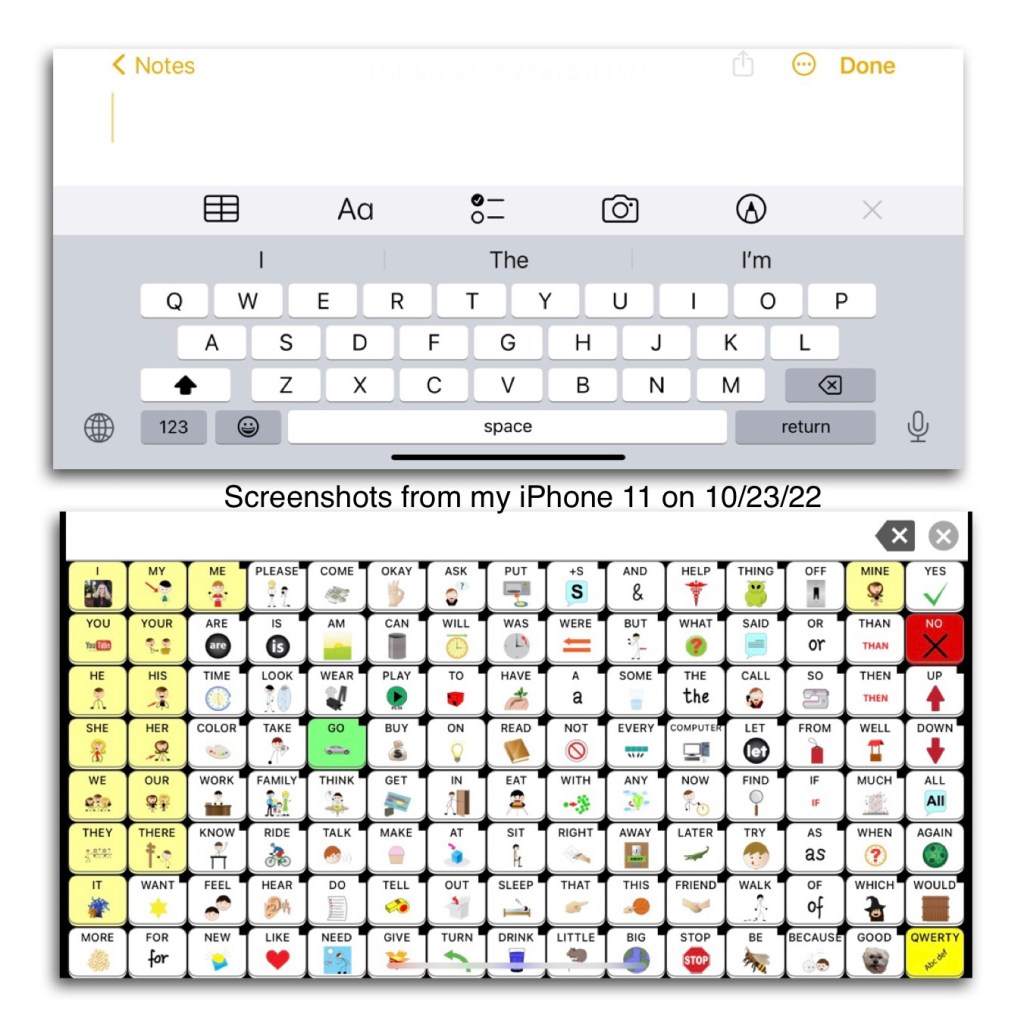
2. Portable: There is a need for more AAC apps to be usable on an iPhone & Android phone. I get numerous requests every month for info about the options. Sadly more than half of the robust iOS symbol-based AAC apps can only be used on an iPad. I had several older kids, teens and young adults that preferred the portability and the “look” of pocket-sized AAC on their phone. Some used it as an alternative to their larger device. Others used it as their primary AAC.
Some app developers claim that it would be impossible to offer their app on an iPhone because it would “mess with the motor plan” or “the buttons would be too small”. Hmm… somehow Speak for Yourself did this way back in 2016 and their app has 120 buttons per page and is a “motor planning” based app. In the years since then I’ve seen several posts from AAC users, parents, SLPs, teachers, etc. who all appreciate the flexibility that this offers. The screen on the largest iPhones are only a couple of inches smaller than an iPad Mini. Even on my iPhone 11 with its 6.1” screen I’m able to use this app well enough to do some modeling and use it all the time to take a look at the Settings area to answer questions about the app when I don’t have my iPad with me.
Read these posts on the Speak for Yourself website: https://speakforyourself.org/does-aac-button-size-really-matter/ & https://speakforyourself.org/tiny-speak-coming-soon-iphones/. A quote from the second post: “The buttons are small, BUT they are twice the size of the keyboard buttons that we all use, including our students who flawlessly use mom or dad’s phone to search for videos on YouTube. Many of our users will be able to access Tiny Speak for Yourself (Tiny SfY), but even if they are not able to access it, having the app on an iPhone also puts the ability to model seamlessly into the hands of parents, professionals…and siblings. That may be the biggest game changer of Tiny SfY.”
Look at the data and the button size comparisons. Look at the pictures and video of it in use. Read the linked blog posts about the impact of having this option.
It’s doable. Not saying it’s easy for developers to reprogram an app to make it iOS Universal. I’m sure it takes a lot of work. But if you listen to your customers it’s one of the biggest needs. So listen, roll up your sleeves and make it happen.
3. Affordable: We need more robust AAC options that can be used on the more affordable tablets (Amazon Fire & Android). I’ve been getting numerous messages from folks who don’t have access to getting an AAC device funded or are tired of professionals saying their child isn’t “ready”. In these instances the total cost of an Amazon Fire tablet or basic Android tablet + case + AAC app = affordable enough for the parent to purchase it themselves. Not everyone can afford an iPad.
Here are my other thoughts based on over 35 years of experience in AAC and using lots of AAC apps across all of the platforms:
• Any new AAC app needs to support robust communication for a wide variety of functions. There are already several simple choice making apps on the market. Robust AAC contains many different types of words (verbs, nouns, pronouns, adjectives, adverbs, prepositions, conjunctions, articles/determiners & interjections), includes Core Vocabulary & Fringe Vocabulary (relevant to that user’s culture, interests and needs), includes Prestored Phrases (to support quick participation), Word Forms (verb tenses, word endings), allows editing to add new vocabulary and customize existing vocabulary, and a way to backup customizations.
• Most robust AAC apps offer a Search/Word Finder. The lack of a Search/Word Finder can be a significant issue for those supporting lots of AAC users across multiple systems since they may not use that particular app everyday.
• There needs to be a balance between safeguards to help insure an AAC app is used as designed to provide robust AAC & flexibility in editing. When AAC apps are too restrictive in editing it makes it difficult to make sure the content and symbols are culturally relevant, honor that user’s and their family’s customs and religious beliefs and that they are not racially biased. It’s difficult to do that when much/most of the app can’t be edited.
There also needs to be flexibility to allow editing in order to allow use of robust elements like verb tenses and word endings even if that individual is using a low cell count grid size in order to support access for fine motor and visual needs.
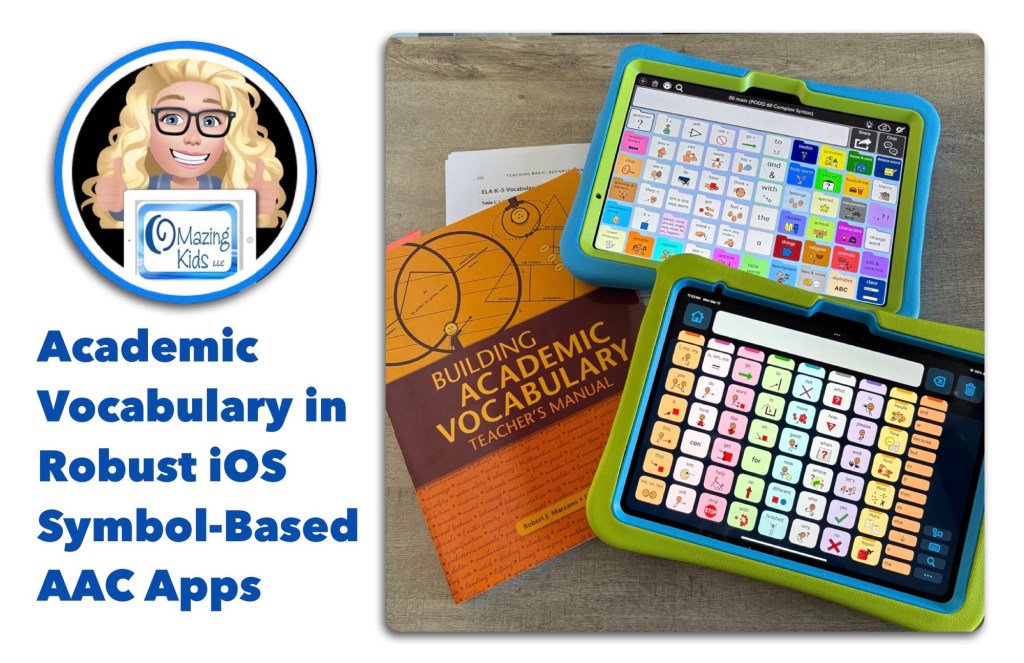
• We need AAC apps to come pre-programmed with more robust academic vocabulary across grade levels. Relying too heavily on “descriptive teaching” will not allow individuals access to enough vocabulary to be successful in academic settings. This is feedback that I’m hearing directly from AAC users and those supporting them. Having more academic vocabulary pre-programmed will reduce the burden currently put on parents and/or AAC users to add this.
Notes: I will be adding links above as I receive them. I am NOT implying that AAC use should become “work” or used primarily for “academic” activities. Only providing an awareness of robust academic vocabulary needing to be included as part of an AAC system/toolkit.
• Also see this post on my OMazing Kids AAC Consulting Facebook page where I invited folks to discuss “If you could design an AAC app that had all of the features that you needed what would be your “must have” features and why?”: https://www.facebook.com/share/18HreuwFjr/?mibextid=wwXIfr
.
• Take a good look at the major AAC apps on the market and determine what specific features your new app would offer that are not already available.
• Get input from AAC users regarding features they think would be helpful.
• Do lots of beta testing to insure the app is intuitive / easy to use.
• You should only offer an AAC app that is truly worth having and meets needs. There are several free or very cheap AAC apps on the market. But you rarely see them mentioned or recommended because they are so poorly designed.
• Offer a fully featured free trial for at least 30 days (preferably at least 60 days) & include access to any extra pagesets / vocab files / grid sets / board sets during that trial. This access needs to be available on the device that the individual might actually be using (as an example, having a free trial on Windows isn’t really going to be totally helpful if they will be using an iPad). SLPs/SLTs and others supporting AAC use can typically get access to the full apps to trial but there are often waiting lists and not everyone has access to an SLP or access to getting an AAC eval. (Note: The various app platforms pose barriers to app developers for some of the options to offer free trials or free promo codes so there are constraints to what they can do regarding this. There would also be a need for companies licensing voices and premium vocab files to allow for these types of free trials)
• Offer purchasing flexibility. Subscriptions offer easier access for individuals (but don’t work well for schools, state run facilities and funding sources). The option to purchase a multi-year subscription can be helpful in some situations. If it will have a subscription, also offer a 1x purchasing option for those who can’t do subscriptions. If it’s an in-app purchase, also offer an option that will work for schools and state run facilities.
• Price your app where it is affordable & sustainable.
• Beyond the initial costs of developing the app, make sure that you also have a very well thought out long term plan and finances for supporting and keeping an AAC app updated.
I’ve received numerous messages over the years on my OMazing Kids AAC Consulting page from parents and therapists with very heartbreaking stories of AAC users losing their voice when Apple released a new iOS and the app wouldn’t work as expected. Several AAC app developers have not updated apps in 5 years or more. It’s one thing to lose a favorite game or therapy app but a whole different thing to lose an AAC app.
Wisdom shared by Open AAC:
CONSIDERATIONS FOR DEVELOPERS
LONG-TERM FUNCTIONALITY TO REMEMBER WHEN DEVELOPING AAC SYSTEMS
AAC Feature Matching Resource Bundle (includes all three, save 10%): https://bit.ly/aacFeatureMatchingBundle. If you are looking to purchase resources for several staff / team members, take a look at the Multiple Licenses discount (saves 20%)
🔎 While there isn’t a “perfect” AAC app or device there are features that might make one a better “fit” over another option.
🚘 Finding a good “fit” is similar to taking a test drive to find a form of transportation that you like and meets your needs at that point in your life or in that situation.
✅ The “best” AAC options are the ones that meet the needs of that individual in that situation. Be open to using a combination of options and supporting multimodal communication.
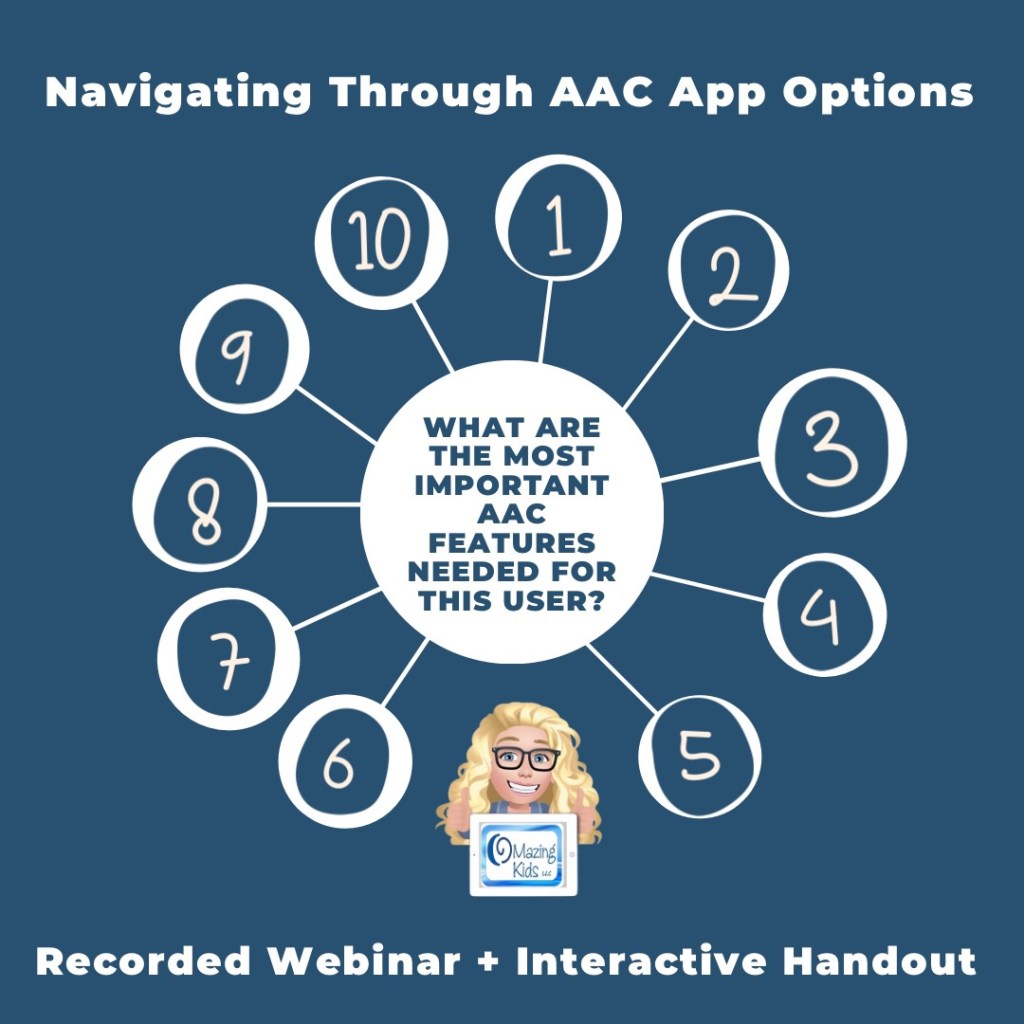
Here are a few of the important considerations when navigating through the AAC options…
💡 Want to learn more? Check out this recorded webinar and interactive handout, Navigating Through AAC App Options (Webinar + Interactive Handout):https://bit.ly/NavigatingThruAACapps
Thanks SO much to Lauren S. Enders for this shout out for my AAC Feature Matching Chart in her presentation on 6/24/21 at AAC in the Cloud! See the whole presentation and get her handouts for “Personalizing AAC – A Deep Dive into Vocabulary Customization”: https://presenters.aacconference.com/videos/UVRRd1FUSXg=?. Be sure to also check out her Waklet with links to resources: https://wke.lt/w/s/7ldtJE.
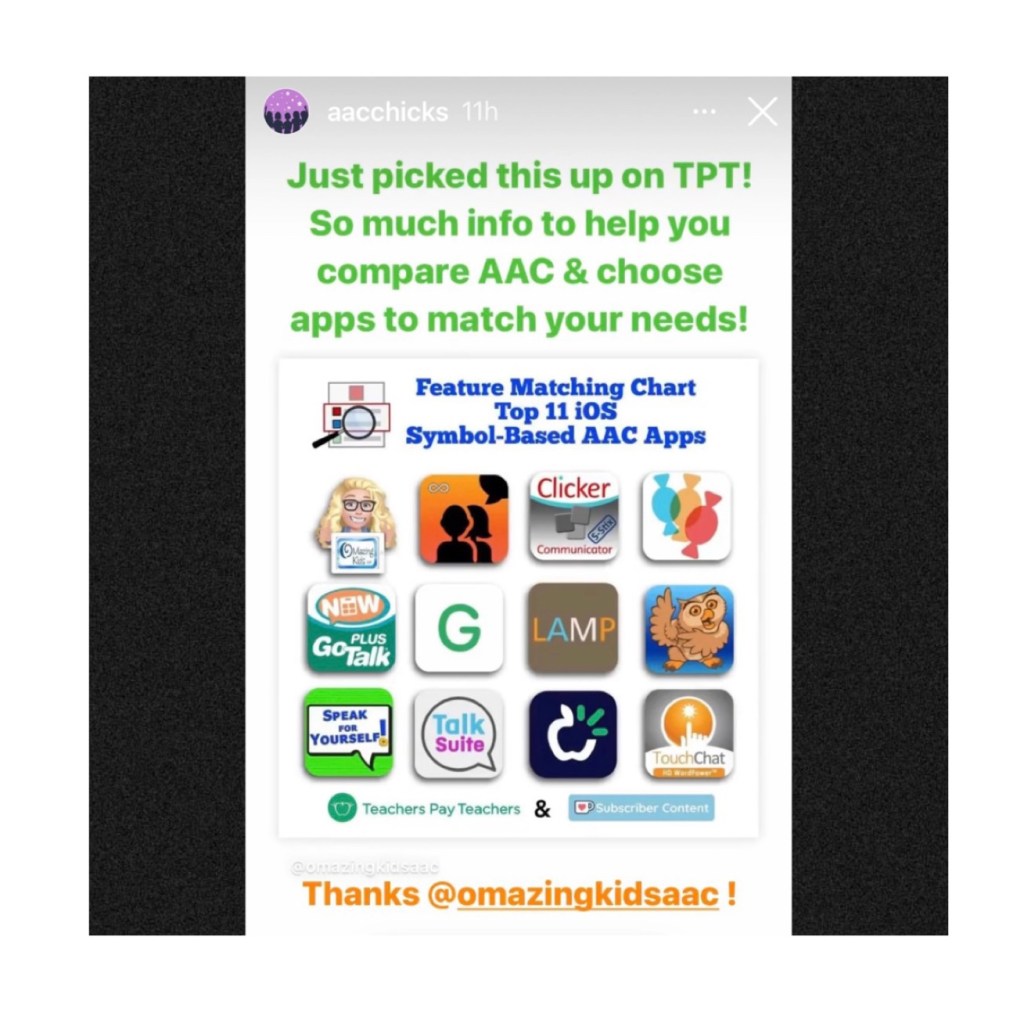
Thanks Vicki Clarke / Dynamic Therapy Associates Inc (aacchicks)! The shoutout for the AAC feature matching chart in your IG Stories on 7/20/21 made my day 🥰.
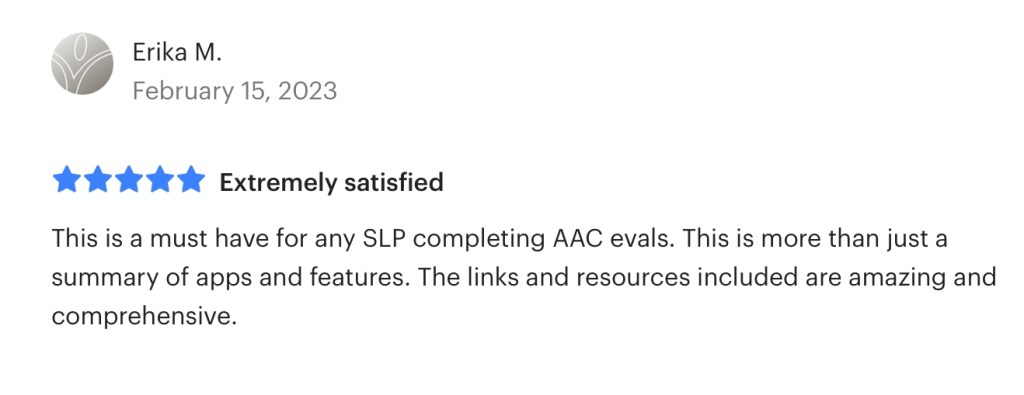
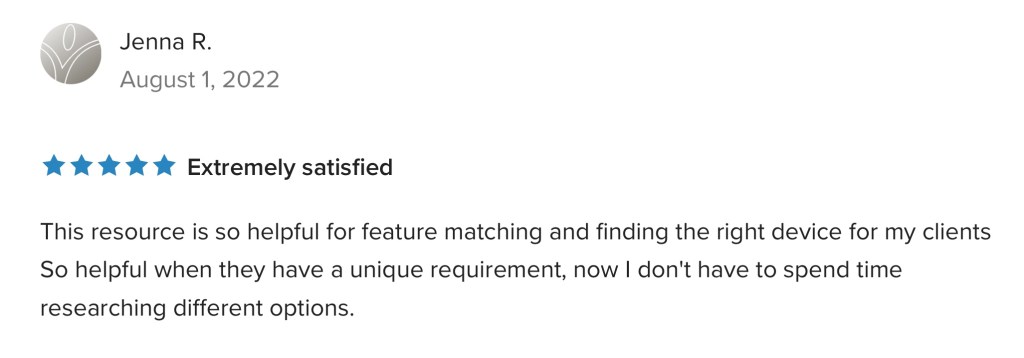
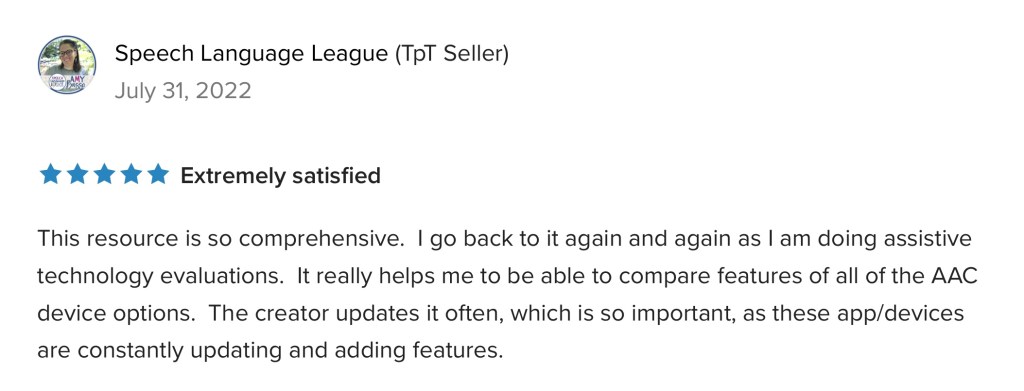
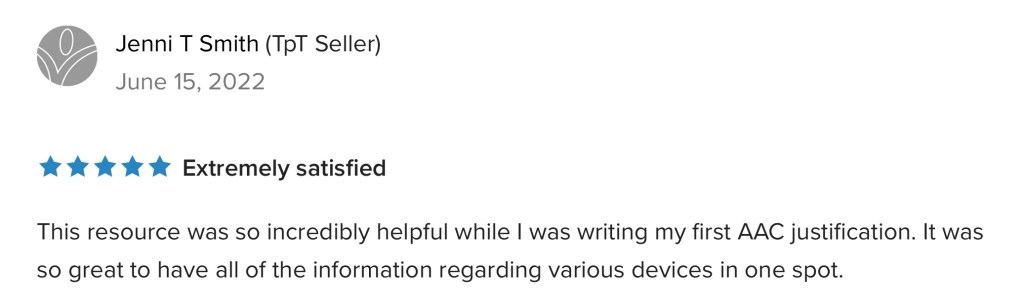
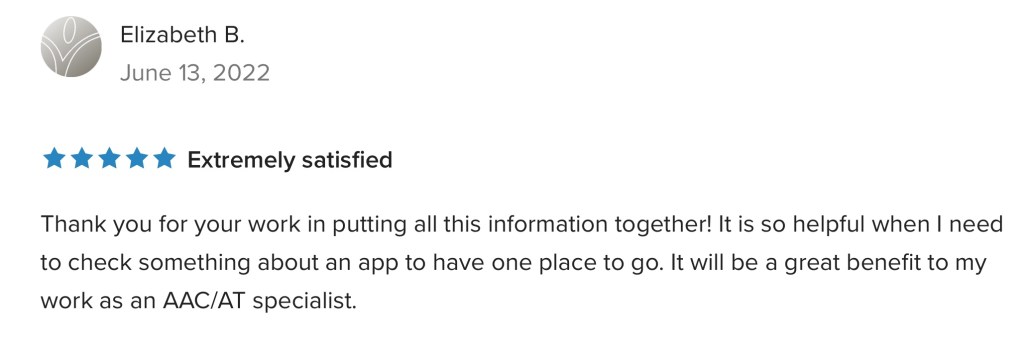
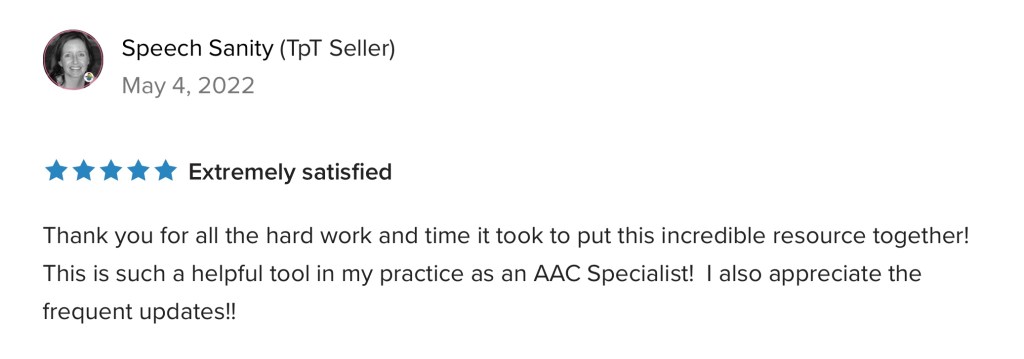
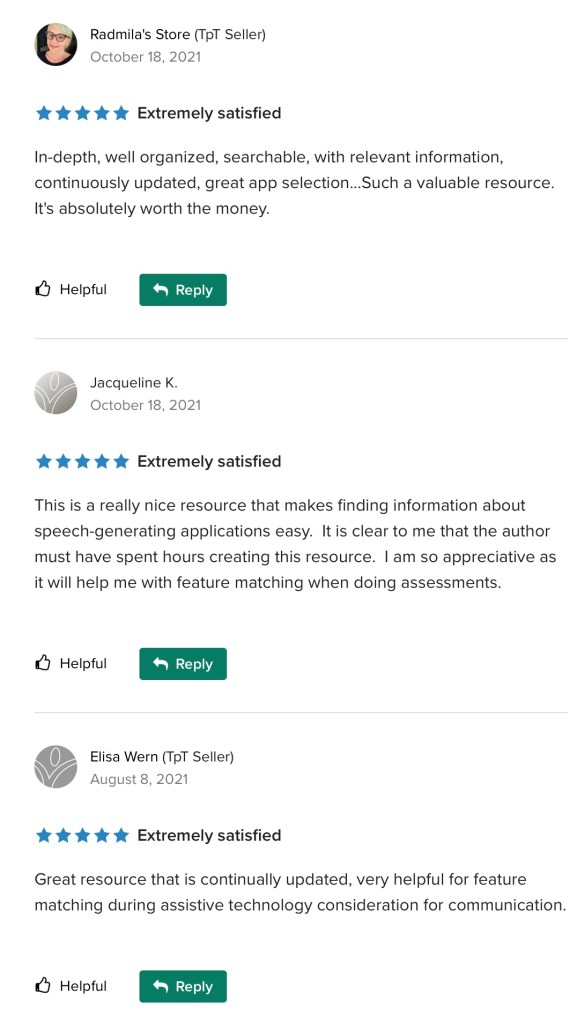
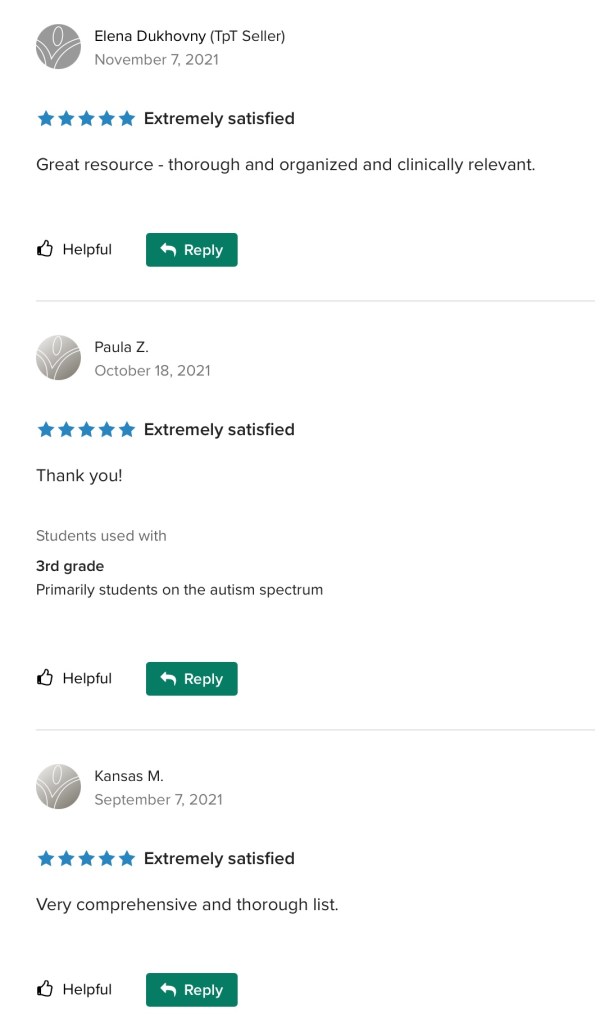
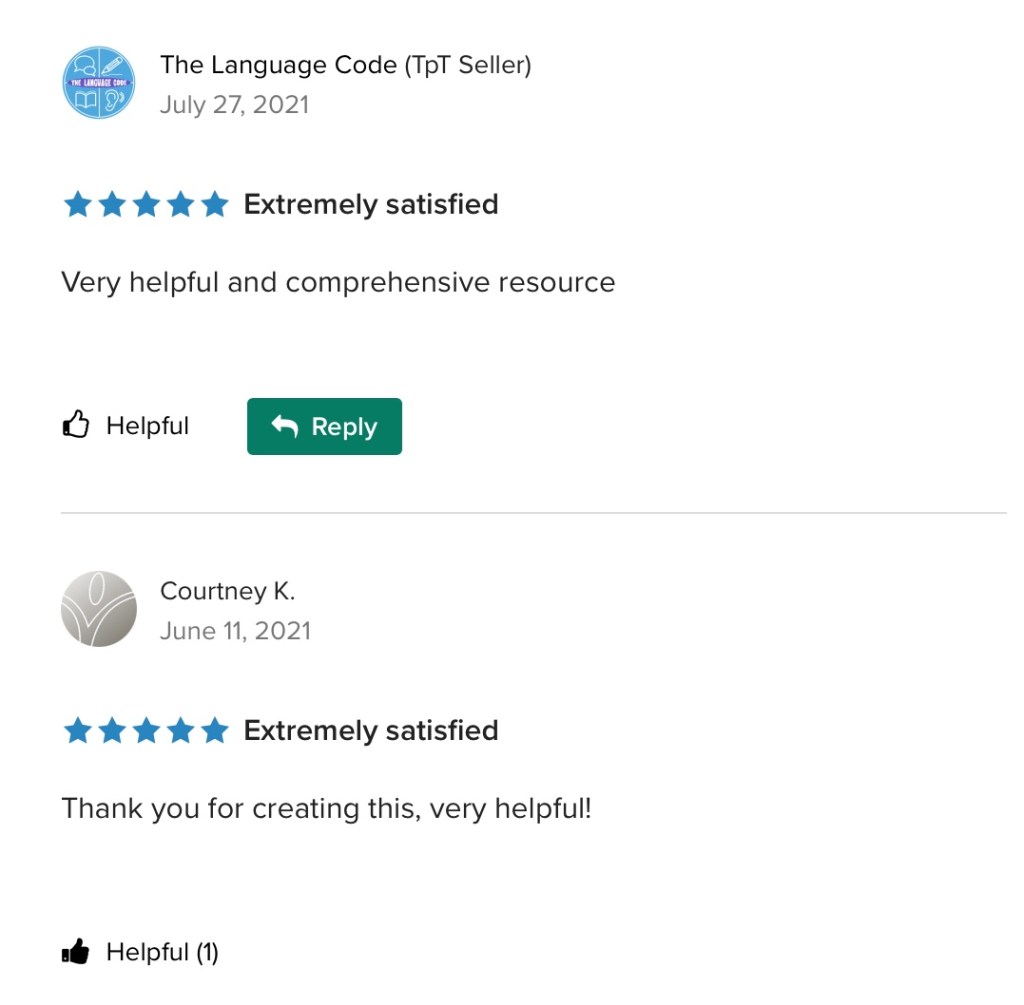
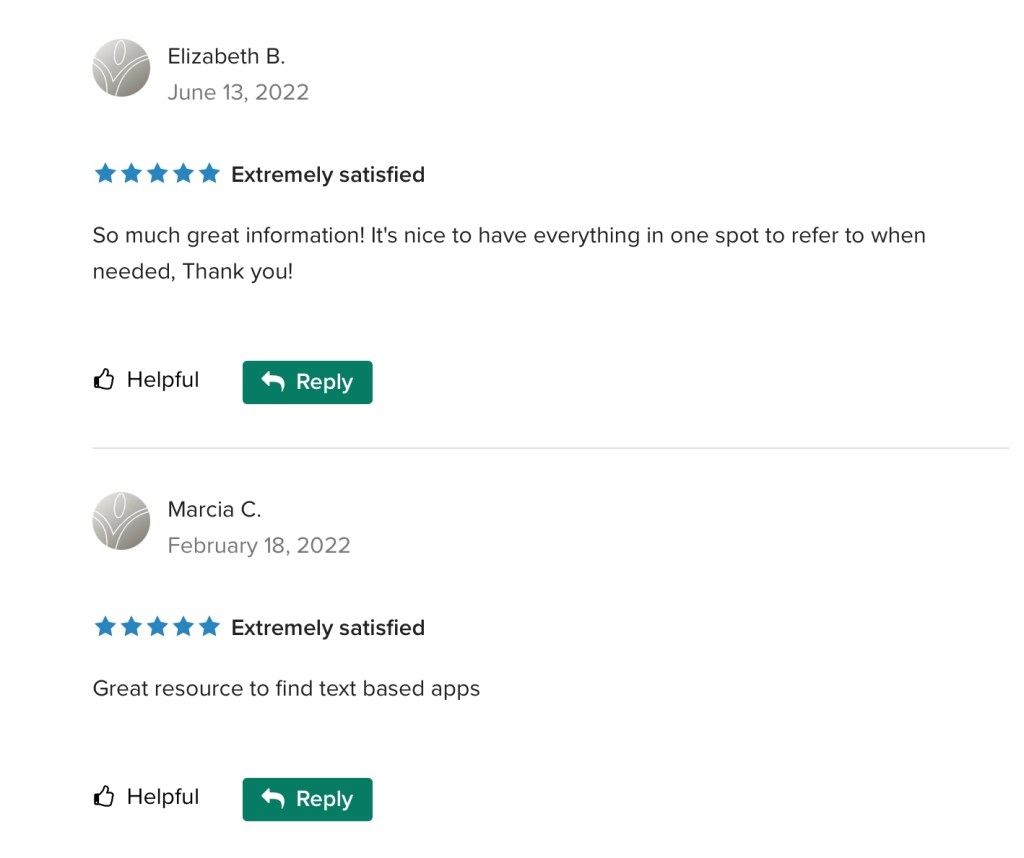
See the awesome reviews for it on TPT. Thanks to everyone who has written a review and helped spread the word about this resource 😊
Pragmatic Vocabulary Organization AAC Apps (PODD & other options)
TPT Preview video:
Watch the Intro video. It provides info about the intent of this resource:
iOS Text-Based
iOS Visual Scenes & Video Visual Scenes:
Each chart includes info about features that are being explored as potentially being helpful for Gestalt Language Processors. The easiest way to find that info is to open each PDF in the free Xodo PDF reader and enter “gestalt” into the Search. See this blog post for more info about Xodo: https://bit.ly/XodoApp.
The symbol-based feature matching resource includes a supplemental handout “Unique Features in Symbol-Based AAC Apps to Support Gestalt Language Processors”. That handout includes info related to all 12 apps + additional info about features in 8 free and affordable symbol-based AAC apps (mainly iOS, some Android and a couple of Window) priced $2.99 or less. This supplemental handout is exclusive content that is only available as part of this resource.
See a preview of the new supplemental handout: Unique Features in Symbol-Based AAC Apps to Support Gestalt Language Processors
Want more info about Gestalt Language Processing & AAC? See this FREE handout: https://bit.ly/GLPandAAC
Looking for resources to compare features in a wide variety of AAC apps? I added a bundle on TPT includes all three of my iOS AAC feature matching resources at a discounted price compared to purchasing them individually (saves about 10%). If you are looking to purchase resources for several staff / team members, take a look at the Multiple Licenses discount (saves 20%): https://www.teacherspayteachers.com/Product/AAC-Feature-Matching-Resource-Bundle-7849416
Please read the full description, the reviews and watch the TPT preview on each individual resource prior to purchasing the bundle
I’ve also set the Multiple Licenses discount on the individual resources to 20%off since I’ve been receiving some inquiries about discounts for bulk purchasing.
Robust Android:
Affordable and Free AAC apps & AAC-Related Apps (iOS, Android Google Play, Amazon Fire, Windows + a few Web-Based options) – all priced $9.99 or less:
A series of four videos comparing AAC options across four platforms: Apple iOS, Android Google Play, Amazon Fire & Windows:
* Comparison of voice loudness and quality for AAC: iPad, Samsung Android, Amazon Fire & Windows (4:20):
* Considerations for AAC on Different Platforms: iPad, Android, Amazon Fire & Windows (6:17):
* A look at AAC options across platforms: Windows, Amazon Fire, Android Google Play, Apple (12:55):
* A comparison of the sound loudness and quantity on a Microsoft Surface Go 2 & an iPad 9th gen (2:33)
Tips: If you are using an Android tablet & an Amazon Fire Tablet with the Google Play App Store side loaded, be sure to toggle on Family Sharing before making app purchases & make the purchases from the Google Play App Store on your Amazon Fire Tablet. Those have been recognized by Google Play on my Android tablet. The reverse was hit and miss (likely due to the side loading).
This resource is the perfect companion to the in-depth feature matching resources. AAC Apps and Features At-a-Glance (Single Page Handouts): https://bit.ly/AAC-At-a-Glance. This 90 page PDF resource was inspired by the numerous requests that I’ve received for simple “at a glance” info about features in AAC apps and single page handouts that could be used with parents, caregivers and anyone involved in the AAC decision making process. More info: https://omazingkidsllc.com/2022/11/20/aac-apps-and-features-at-a-glance-single-page-handouts/
There is no “one size fits all” to anything about AAC and many individuals will need to use a variety of options (non tech, mid tech, high tech (SGDs, apps on an iPad or iPhone or other tablet or phone), sign language, gestures, facial expressions, vocalizations, segments of videos for gestalts, handwriting, etc…) as part of a multimodal system to support communication across environments and situations.
An AAC app is often part of a successful multimodal AAC system. While there isn’t any “perfect” AAC app there are features in these apps that might make some a better “fit” over other options.
It’s similar to taking a test drive to find a form of transportation that you like and meets your needs at that point in your life. All cars have an engine, tires and seats. Your first car may have been very basic transportation. But think about your dream vehicle. What features would it have? Why would you choose it over a different option? Older individuals might prioritize safety features. A teen or single young adult might prioritize the “look” / how “cool” it is. A family with young children might prioritize how many car seats can fit and storage. Others might prioritize fuel efficiency and eco-friendliness. You might ride a bike, subway, train, take an Uber ride, take a ferry, paddle in a canoe, etc. None of these is necessarily “better” than another or the “best” form of transportation. The “best” option is the one that meets the needs of that individual in that situation.
This new FREE handout includes info about how SLPs / SLTs and other AAC professionals can get access to over 25 robust and unique AAC apps or software for iOS, Android, Amazon Fire and Windows.
Important Considerations:
* When available, please try the free version/free trial to take a look at an app before requesting an app code. App codes are limited and are intended for SLPs who do AAC evals frequently and need quick ongoing access during evaluations, feature matching & trial of options.
* The official process for requesting a code was verified for inclusion in each of these handouts and the feature matching charts.
* These app codes are typically NOT compatible with a mobile device management also known as a MDM-managed device. They require a standard non-managed Apple ID.
* Most app developers will ask for info regarding your role in AAC evals, how many you do in a year, where you are located, type of setting you work in, etc. to substantiate the need. It is likely that those working in a non-profit setting or school or specific geographic areas may be prioritized. App developers receive a very limited number of codes per app release or update so there will likely be waiting lists.
* Codes do expire so please make sure to redeem it immediately so it’s not wasted.
* When needing switch scanning as a method of access, be sure to also consider traditional SGDs that have built in switch ports that will likely provide a more reliable means of access. When exploring switch access on an iPad, it is important to try out any options (switches, switch interface, iOS Accessibility) being considered to insure that they will work for that particular user and within that particular AAC app. Seating, positioning and identification of the best type of switches and optimal switch sites are crucial for AAC users to be successful with this method of access. Please collaborate with that user’s PT, OT and/or AT specialist.
For those who only have an occasional need, please consider alternative means of trying that app:
* Another option in the USA is to contact your state’s AT Lending Program. They will likely have iPads with AAC apps available for short term loan.
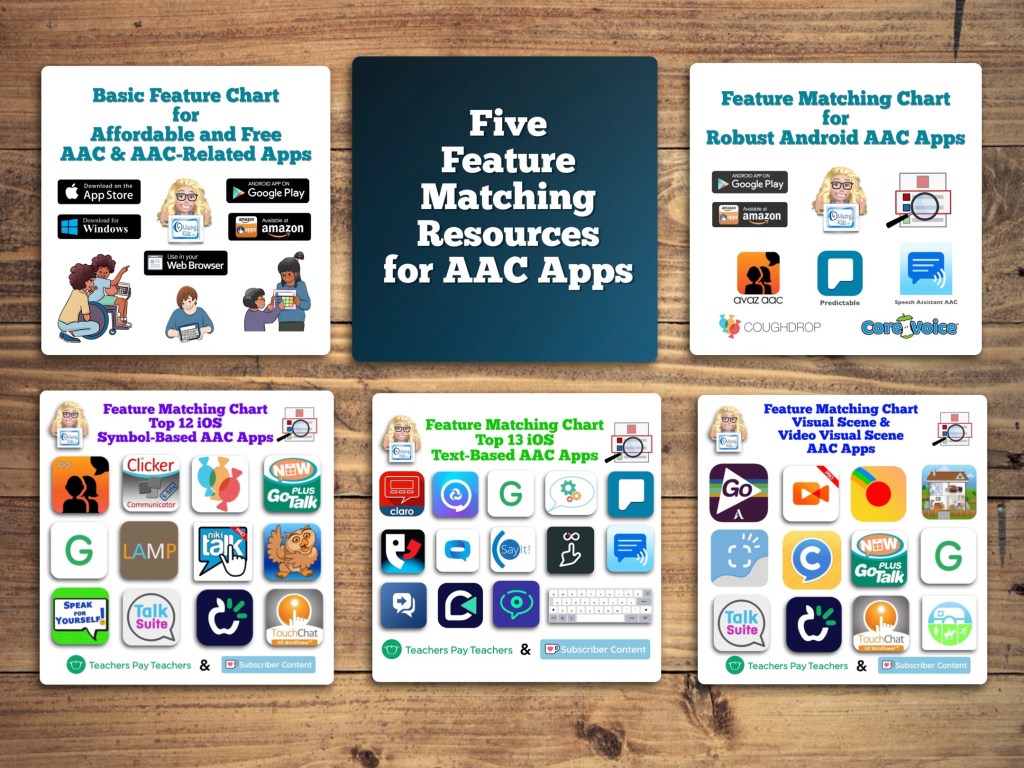
Want in-depth up to date info about the features in these apps? Check out “Five Feature Matching Resources for AAC Apps (comparing features in AAC apps) + several videos comparing AAC apps across platforms (iPad, Android, Amazon Fire, Windows)”: https://bit.ly/5aacFeatureMatchingResources. The chart for iOS symbol-based AAC apps includes a free supplemental handout “Unique Features in Symbol-Based AAC Apps to Support Gestalt Language Processors”.
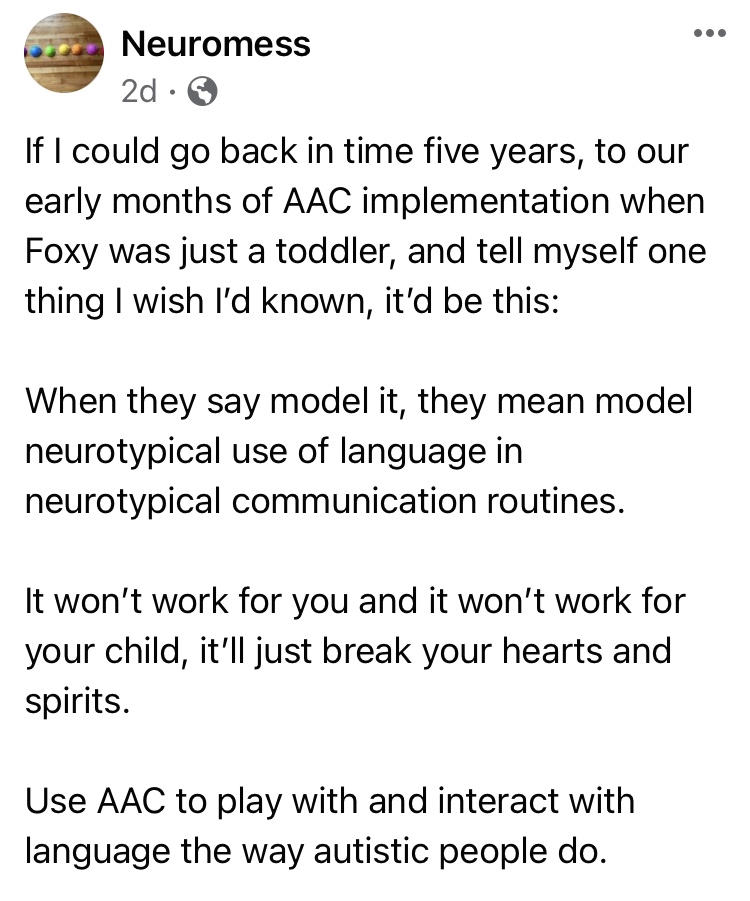
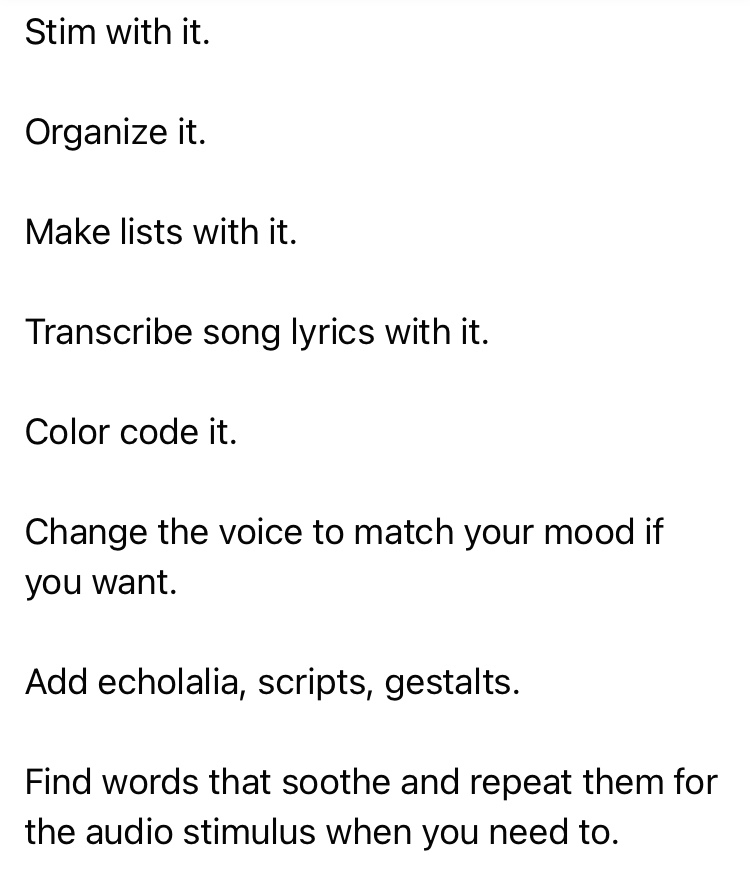
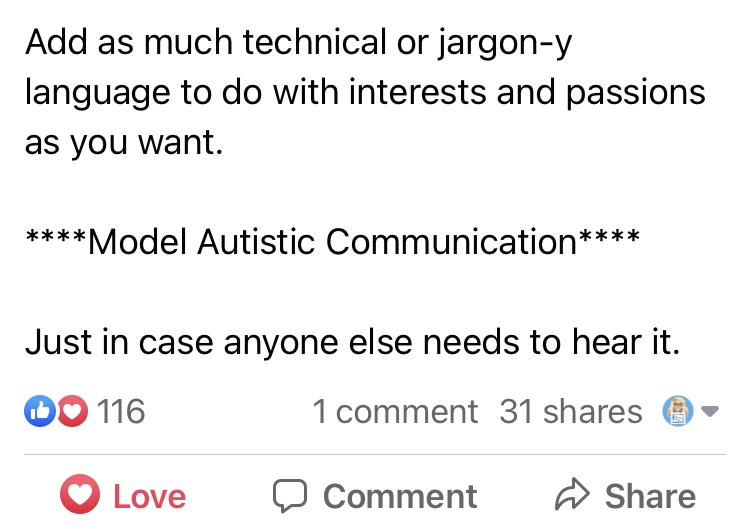
The power of truly embracing and incorporating individual interests into an AAC system and AAC implementation plus customizing for unique needs cannot be overstated.
It is a respectful neurodiversity affirming practice that
builds connections
fosters AAC ownership
resonates with them
allows for authentic communication
AAC systems and many AAC implementation strategies were designed with Analytic Language Learners in mind.
There are things that can be done to personalize an AAC user’s device that don’t involve changing any of the layout. I’ve seen way too many kids, teens and young adults who were deemed “unable” or “not ready” to use AAC or who showed little to no interest in using it until we involved them in choosing and in customizing an AAC system that resonated with them. What sparks that interest and joy is highly individualized but when you experience that it’s magical.
While we don’t yet have “scientific research” related to AAC for Gestalt Language Processors, we do have Clinical Expertise and Client/Patient/Caregiver Perspectives.
Combine good AAC practices (presume potential, form authentic connections, engage in fun child-led activities based on their unique interests, accommodate sensory needs, model AAC use without demands, etc.) with a Natural Language Acquisition approach.
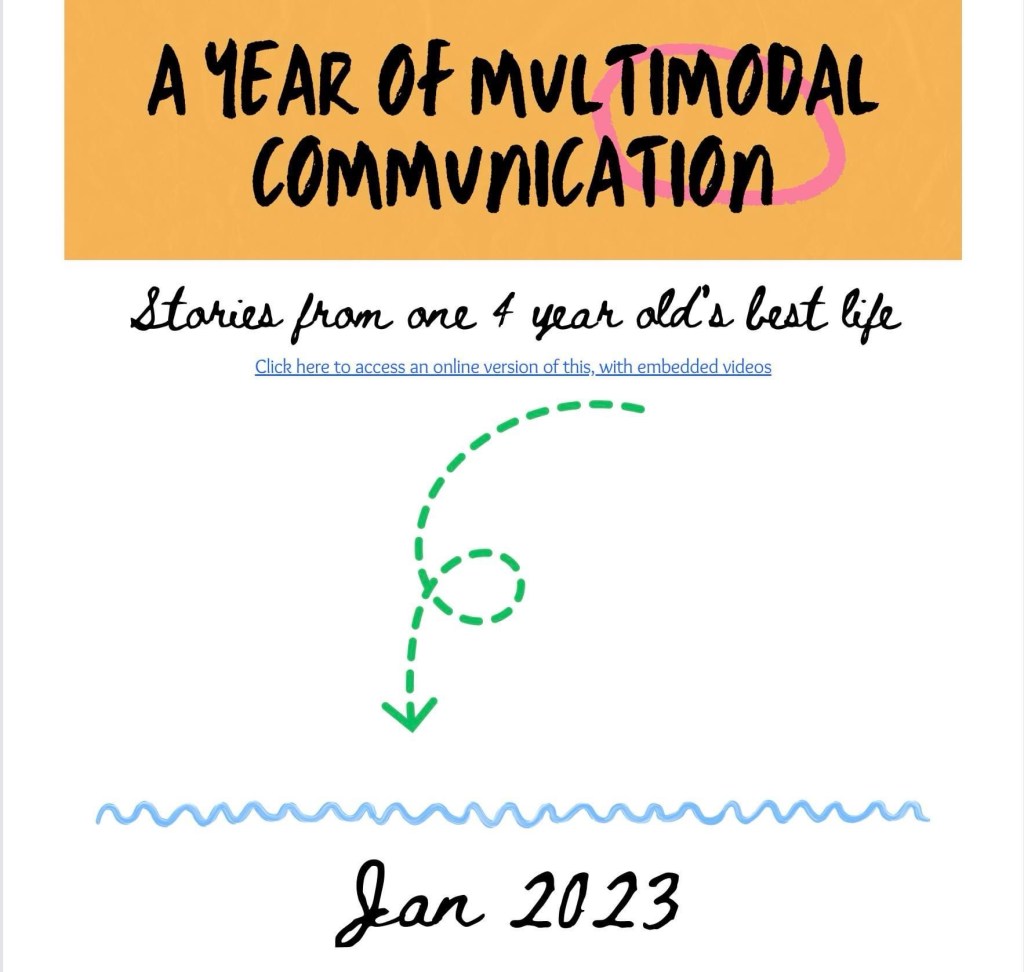
And read this The North Star and the Compass Facebook post with Canva links: A year in the life of one creative communicator (Speak for Yourself, Pictello, Spotify, Proloquo2Go as AAC). How do you truly follow a kid’s lead when they do unexpected things with their AAC?
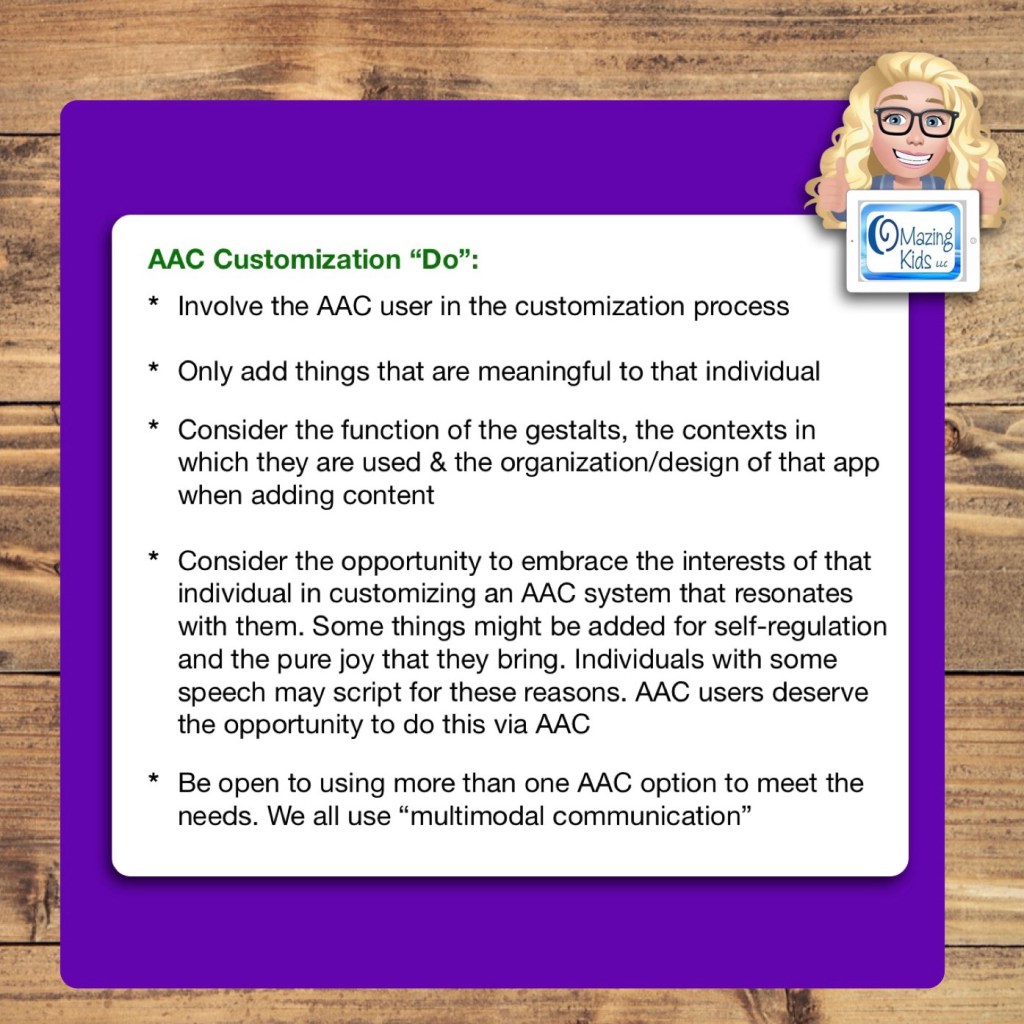
Only add things that are meaningful to that individual
Consider the function of the gestalts, the contexts in which they are used & the organization/design of that app when adding content
Consider the opportunity to embrace the interests of that individual in customizing an AAC system that resonates with them. Some things might be added for self-regulation and the pure joy that they bring. Individuals with some speech may script for these reasons. AAC users deserve the opportunity to do this via AAC
Be open to using more than one AAC option to meet the needs. We all use “multimodal communication”
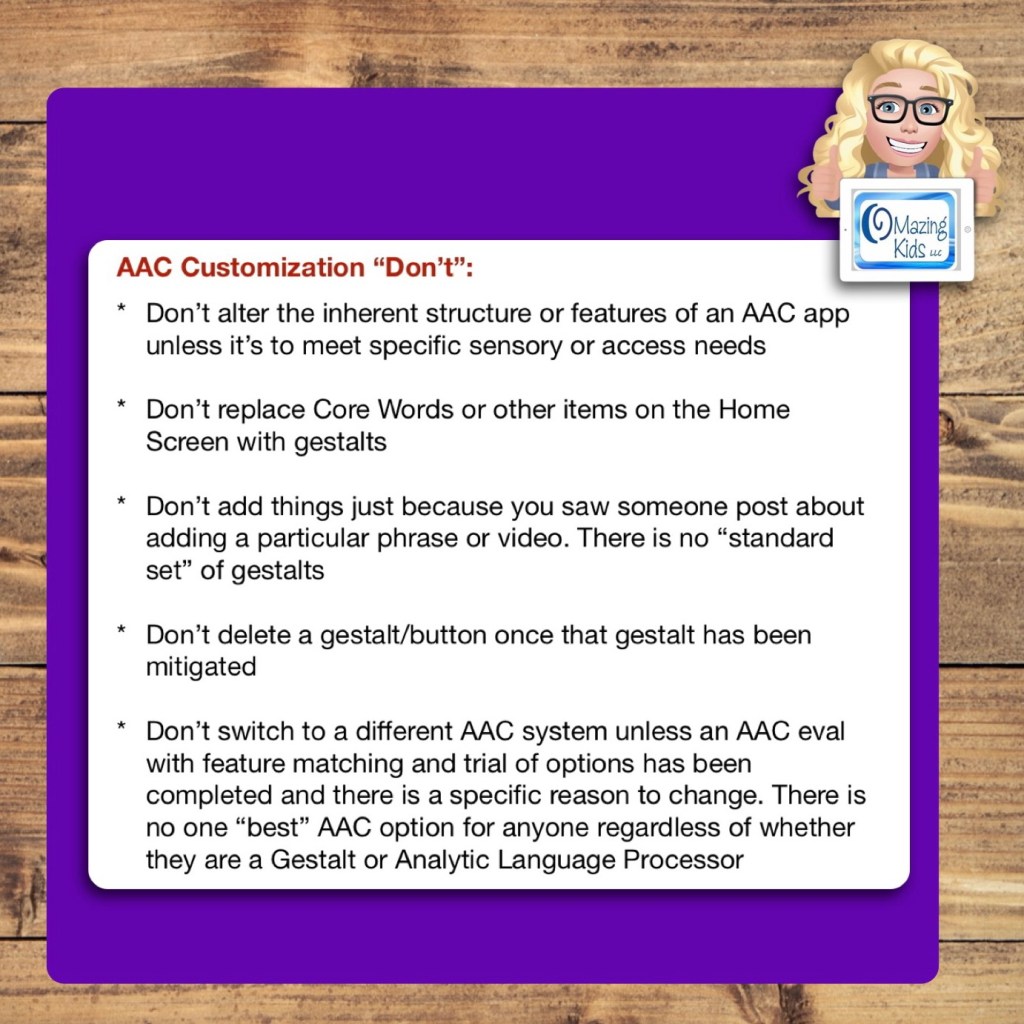
AAC Customization “Don’t”:
Don’t alter the inherent structure or features of an AAC app unless it’s to meet specific sensory or access needs
Don’t replace Core Words or other items on the Home Screen with gestalts
Don’t add things just because you saw someone post about adding a particular phrase or video. There is no “standard set” of gestalts
Don’t delete a gestalt/button once that gestalt has been mitigated
Don’t switch to a different AAC system unless an AAC eval with feature matching and trial of options has been completed and there is a specific reason to change. There is no one “best” AAC option for anyone regardless of whether they are a Gestalt or Analytic Language Processor
Want to learn more about AAC feature matching (comparing features and matching them to an individual’s needs)? Check out the three feature matching resources: https://bit.ly/3aacFeatureMatchingResources. The feature matching resource for the symbol-based AAC apps includes a free supplemental handout “Unique Features in Symbol-Based AAC Apps to Support Gestalt Language Processors”. It has info related to all 12 apps + additional info about features in 8 free and affordable symbol-based AAC apps (mainly iOS, some Android and a couple of Windows) priced $2.99 or less.
Looking for a customizable non-tech printable AAC flip book? See my resource “TD Snap: a visual guide to getting started”. It includes free Bonus Content: access to a 10 page printable AAC flip book specifically designed with Gestalt Language Processors in Stage 1 – Stage 2 of the Natural Language Acquisition (NLA) process in mind + the option to request an editable version in TD Snap. The free bonus handout includes instructions for printing, cutting out and assembling + a video): https://www.teacherspayteachers.com/Product/TD-Snap-a-visual-guide-to-getting-started-more-bonus-AAC-flipbook-7445593
Looking for in-depth AAC feature matching resources? See this blog post: https://bit.ly/5aacFeatureMatchingResources. That post also includes videos comparing AAC apps on various devices on various platforms.
Thanks SO much to Lauren S. Enders for this shout out for my AAC Feature Matching Chart in her presentation on 6/24/21 at AAC in the Cloud! See the whole presentation and get her handouts for “Personalizing AAC – A Deep Dive into Vocabulary Customization”: https://presenters.aacconference.com/videos/UVRRd1FUSXg=?. Be sure to also check out her Waklet with links to resources: https://wke.lt/w/s/7ldtJE.
Thanks Vicki Clarke / Dynamic Therapy Associates Inc (aacchicks)! The shoutout for the AAC feature matching chart in your IG Stories on 7/20/21 made my day 🥰
See the awesome reviews for it on TPT. Thanks to everyone who has written a review and helped spread the word about this resource 😊
Text-Based
Visual Scenes & Video Visual Scenes:
Each chart includes info about features that are being explored as potentially being helpful for Gestalt Language Processors. The easiest way to find that info is to open each PDF in the free Xodo PDF reader and enter “gestalt” into the Search. See this blog post for more info about Xodo: https://bit.ly/XodoApp.
.
As of 4/15/22, the symbol-based feature matching resource now includes a supplemental handout “Unique Features in Symbol-Based AAC Apps to Support Gestalt Language Processors”. That handout includes info related to all 12 apps + additional info about features in 8 free and affordable symbol-based AAC apps (mainly iOS, some Android and a couple of Window) priced $2.99 or less. This supplemental handout is exclusive content that is only available as part of this resource.
See a preview of the new supplemental handout: Unique Features in Symbol-Based AAC Apps to Support Gestalt Language Processors
.
Want more info about Gestalt Language Processing & AAC? See this FREE handout: https://bit.ly/GLPandAAC
Looking for resources to compare features in a wide variety of AAC apps? I added a bundle on TPT includes all three of my AAC feature matching resources at a discounted price compared to purchasing them individually (saves about 10%). If you are looking to purchase resources for several staff / team members, take a look at the Multiple Licenses discount (saves 20%): https://www.teacherspayteachers.com/Product/AAC-Feature-Matching-Resource-Bundle-7849416
Please read the full description, the reviews and watch the TPT preview on each individual resource prior to purchasing the bundle
I’ve also set the Multiple Licenses discount on the individual resources to 20%off since I’ve been receiving some inquiries about discounts for bulk purchasing.
Have questions? The best way to reach me with any questions is via messaging on the OMazing Kids Facebook page: https://www.facebook.com/OMazingKidsAAC/. That way AAC related messages don’t get lost among the spam in my e-mail.




















 OMazing Kids AAC Consulting