Angela Moorad, MS, CCC-SLP. Over 36 years experience in AAC. OMazing Kids AAC and app consulting. Creator of several AAC Feature Matching resources (https://omazingkidsllc.com/omazing-kids-aac-resource-links/). Includes info about unique features to support Gestalt Language Processors
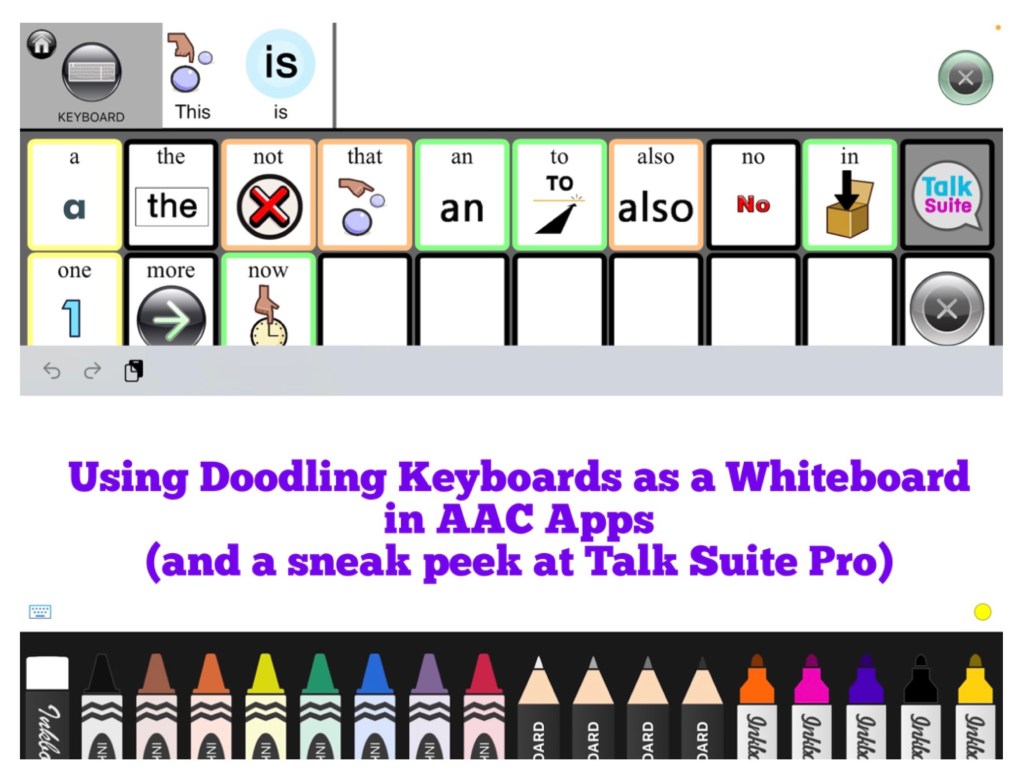
Using Doodling Keyboards as a Whiteboard in AAC Apps (plus a sneak peek at Talk Suite Pro)
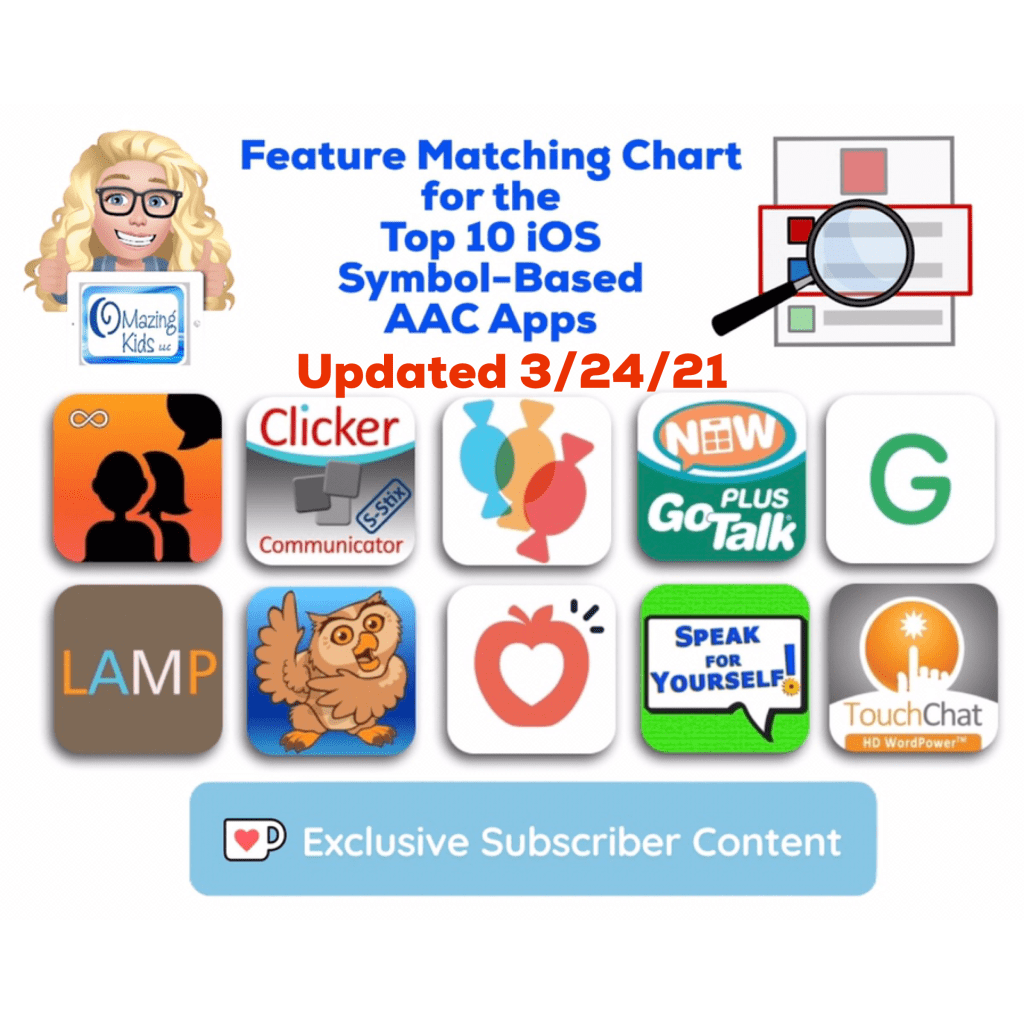
I’m working on an update for the Feature Matching Chart for the Top 10 (soon to be the Top 11) iOS Symbol-Based AAC Apps. As I was adding more info to the row about “Button Action to Open a Whiteboard”, I thought about how cool it would be to have a work-around for adding a drawing area to apps that don’t have that feature. Guess what… there is!
AAC apps that allow use of the iOS Keyboard open up the possibility of using a whole array of keyboard extension apps. As I searched the App Store I found three “doodling” keyboard apps that I liked and they worked well within those AAC apps. These doodling keyboard areas could be used as an additional means of communication, just for fun or even as a way for some AAC users to draw their own pictures to then be used as symbols on buttons within their AAC app.
Want to learn more about which iOS AAC apps allow use of the iOS Keyboard? Or which iOS AAC apps already include a Whiteboard area? Those are just two of the 95 rows of features included in the Feature Matching Chart. It’s available on the OMazing Kids AAC Consulting Teachers Pay Teacher store. The chart is very comprehensive, totally up to date and will be expanded in the next update to include an 11th app: https://www.teacherspayteachers.com/Product/Feature-Matching-Chart-for-the-Top-10-iOS-Symbol-Based-AAC-Apps-6867853
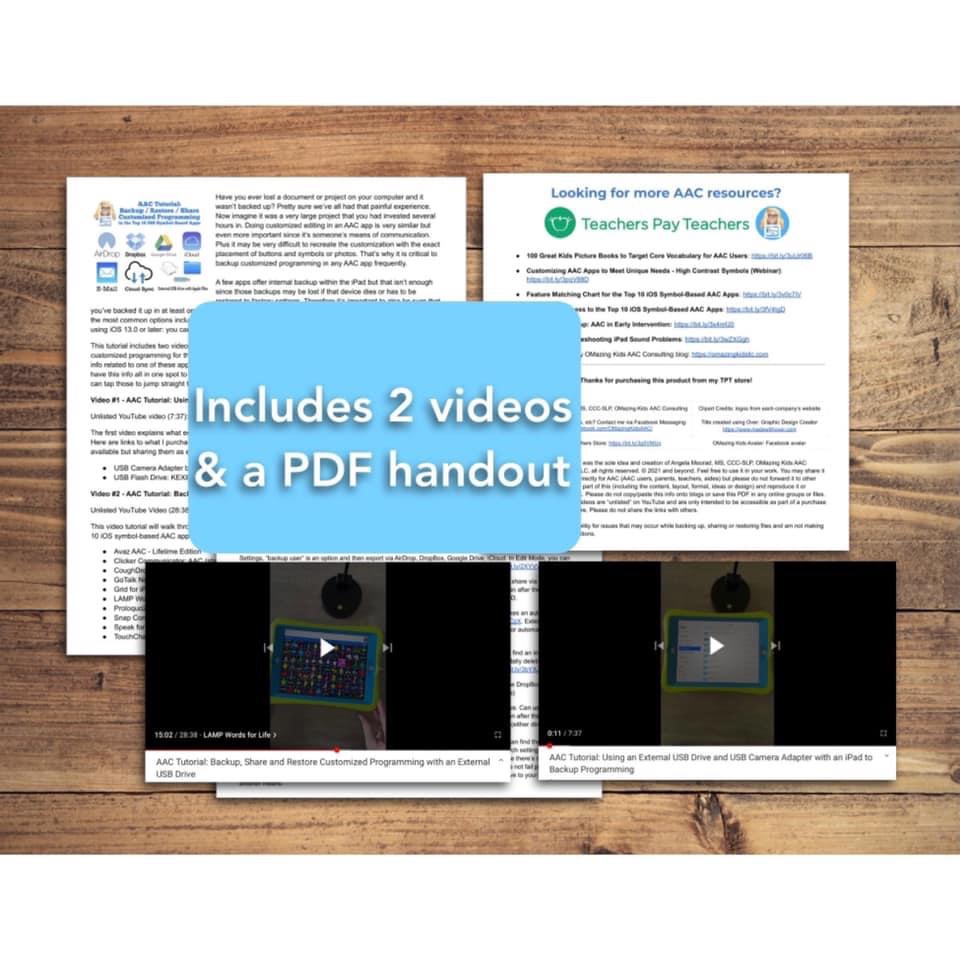
AAC Tutorial: Backup / Restore / Share Customized Programming in the Top 10 iOS Symbol-Based AAC Apps (includes 2 videos & a PDF handout). Covers several options including detailed instructions on how to use an external USB drive and USB Camera Adapter with Apple Files. Now available on my Teachers Pay Teachers store: https://bit.ly/3zj41FG
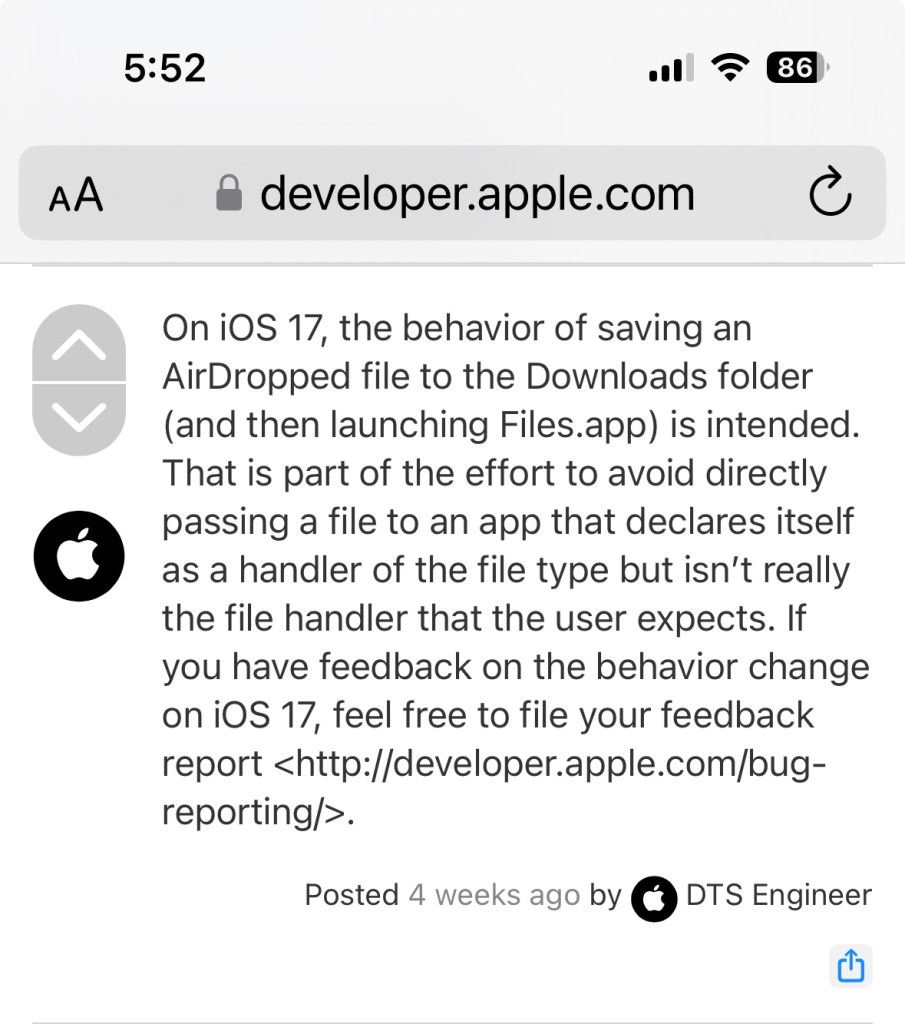
NOTE: I deactivated this resource on TPT on 11/2/23 when I learned that iOS 17 / iPadOS 17 made some significant changes to how AirDrop works. Prior to this you could AirDrop and the AAC file that you sent would go straight to that AAC app on the receiving device with a confirmation message to tap to import it. As of iOS 17/ iPadOS 17 this is no longer the case. One of the developers of Speak for Yourself shared the following information in a comment in the AAC for the SLP group: “AirDrop now uses the Files app to receive vocabulary. If it’s a managed device (through an MDM or third party insurance-covered device), it may have the files app removed. It’s going to affect any of the apps and any files that you’re trying to AirDrop. It’s doesn’t affect photos, only files.”
Info from Apple: https://developer.apple.com/forums/thread/737971?page=1#767265022 (On iOS 17, the behavior of saving an AirDropped file to the Downloads folder (and then launching Files.app) is intended. That is part of the effort to avoid directly passing a file to an app that declares itself as a handler of the file type but isn’t really the file handler that the user expects.)
At this point I’m going to see if AAC app developers come up with a work around or if Apple rolls back this process before deciding whether or not I will update this resource.
Have questions? The best way to reach me with any questions is via messaging on the OMazing Kids Facebook page: https://www.facebook.com/OMazingKidsAAC/. That way messages don’t get lost among the spam in my e-mail.
Personal Professional Facebook Page (linked to OMazing Kids): https://www.facebook.com/angela.moorad (adding “friends” who have a direct role in AAC or Assistive Technology – AAC / AT app or product developers, AAC / AT consultants, SLPs who specialize in AAC, other professionals who specialize in AAC or AT, etc.)
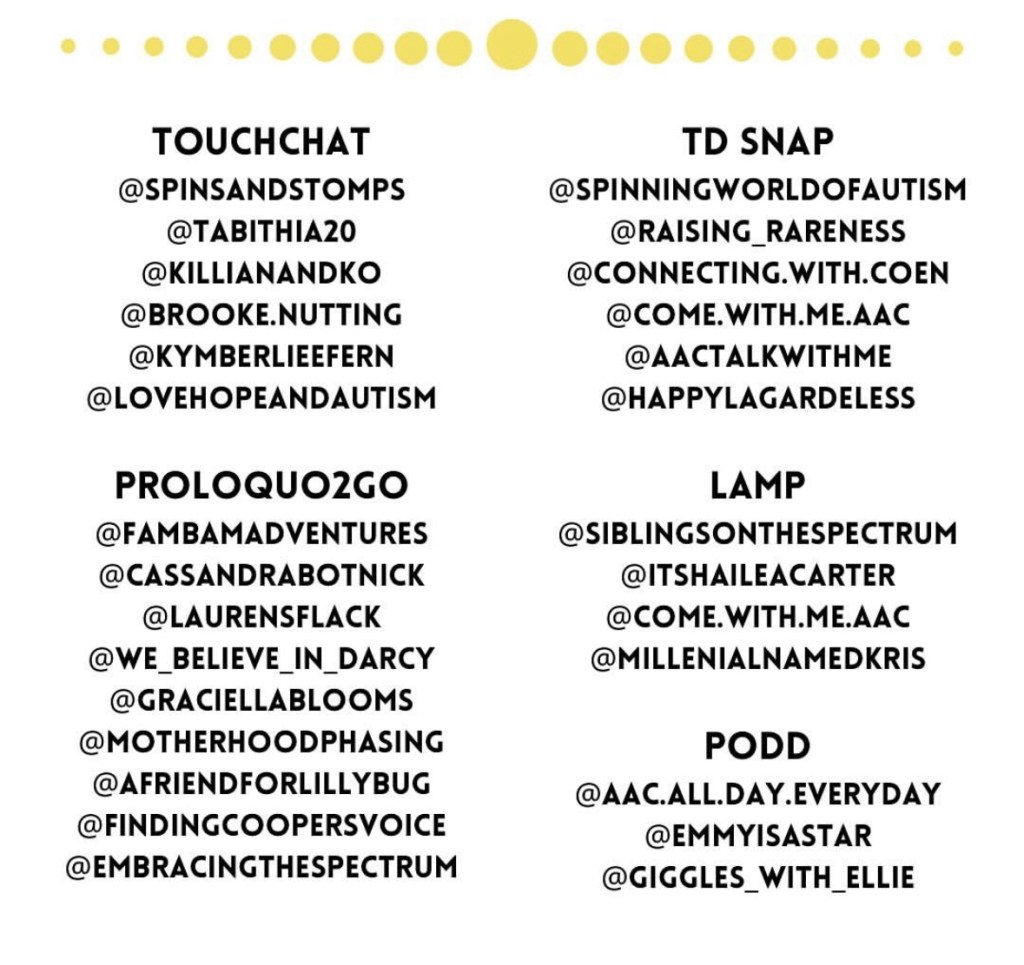
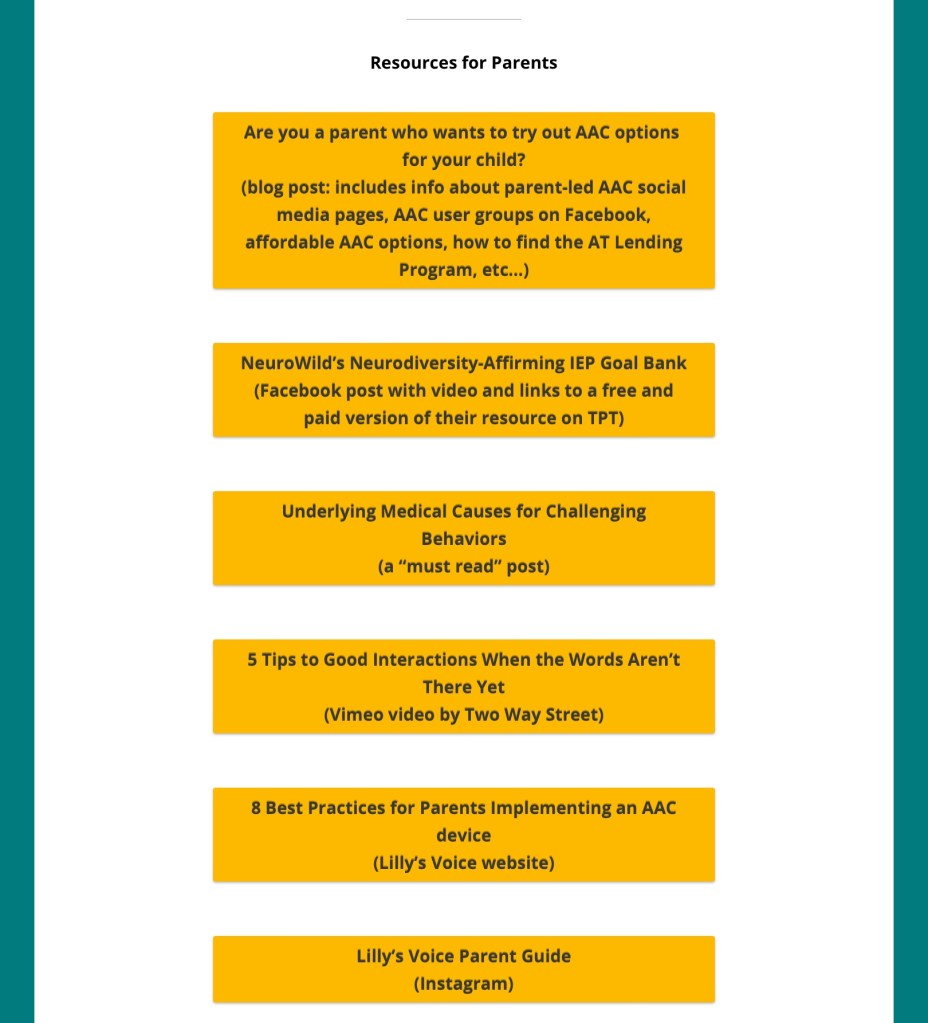
Are you a parent or caregiver who wants to try out AAC options for your child? I highly recommend that you pursue an AAC eval (including feature matching and trial of options) with an SLP who has expertise in this area.
This is not meant to put up a roadblock or to “gate keep”. I like to compare it to decisions made regarding wheelchairs. Could you just go pick one out and buy it? If you had the money, sure. But it may not be the best “fit” for that person.
But don’t feel that you HAVE TO wait.
Unfortunately it’s still common to see comments from parents and caregivers who have been told “no”, “only after we try _____”, or “only after they demonstrate ________ skills”, etc.
Another reality is not every parent or caregiver will have access to this type of evaluation. This may be even more challenging in the midst of the pandemic despite the best efforts of SLPs to provide these services remotely.
It may just be a little trickier to determine what the best AAC option will be for your child since many parents don’t have unlimited resources to buy several AAC apps to try.
If your child is a Gestalt Language Processor, be sure to also read the section specifically related to Gestalt Language Processing & AAC at the end of this post.
I am not implying that a free or inexpensive app is always the ideal way to meet most communication needs. But these can be helpful to use until an AAC eval can be completed, a more robust option can be purchased, to meet a short term need or as a secondary tool to offer features that might not be available in their main AAC app, etc..
You may need to use a combination of several apps and add it to existing communication such as True Object Based Icons (TOBIs), facial expressions, gestures, vocalizations, etc. That individual can then pick what methods work best for them in any given situation. We all use various modes of communication (words, gestures, emojis, texting, drawing, etc).
Even when choosing a free or affordable AAC app you’ll want to consider the features that will best match that individual’s needs
Here are some resources that can help you make informed AAC purchasing decisions prior to purchasing more expensive AAC apps:
All states in the USA are supposed to have an Assistive Technology Lending Library program where parents & professionals can borrow AAC devices, iPads with AAC apps & other AT for short-term trial. It’s a great way to try various options out before making purchasing decisions. Find the AT Lending Library in your state: https://www.at3center.net/stateprogram
Even if your state’s program isn’t loaning out equipment due to the pandemic they might have the option to do a short term loan of the software/app.
The AT Program in your state may also know of SLPs who do AAC evals and funding resources (including grants) specific to your area.
You can learn about AAC apps by joining the various AAC user groups on Facebook and watching free webinars on the company’s website or YouTube channel.
Note: If you own an AbleNet QuickTalker Freestyle provided by AbleNet you need to ask for support in their QuickTalker Freestyle Community group (https://www.facebook.com/groups/918051228958948/?__n=K) and use their customer service: https://quicktalkerfreestyle.com. Since they sold the device they need to provide all of the support for both hardware and software/apps.
Updated 6/24/25: AbleNet announced as of Monday July 7, 2025 that Facebook group will be discontinued. Folks can join one of their other groups:
AbleNet QuickTalker Freestyle SLP Community Group:
Note: I hope they reconsider this decision. The most helpful AAC groups that I’m in are ones where everyone is welcome and supported vs. segmenting them like that.
Great video from Two Way Street: “5 Tips to Good Interaction When the Words Aren’t There Yet”
You can see the pricing history for any iOS app in the free AppRaven app (gives you an idea of the pattern of when it goes on sale): https://apps.apple.com/us/app/appraven-apps-gone-free/id1490607195. Many AAC apps tend to go on sale in the USA in April (Autism Awareness / Acceptance Month) and in October (AAC Awareness Month).
I have several free resources available on Teachers Pay Teachers:
I’ve received lots of messages from parents asking what the “best” AAC app is for Gestalt Language Processors. I wish there was a simple answer for this but there isn’t.
Of the thousands of AAC users that I’ve worked with each one had unique needs. For some it was the language(s) that app needed to support, the method of access (tapping to select, drag and release to select, switch scanning, head tracking, eye gaze, etc.), how many navigational hits it took to get to a word, the sensory aspects (type and color of symbols, voice options), etc… This was in addition to unique features that might be helpful for GLPs.
That’s why it’s important to consider the bigger picture of all of their needs and hopefully try a few AAC options before making a purchasing decision.
If you are a parent and don’t have access to an SLP to help you navigate the AAC app options, feel free to message me on my OMazing Kids AAC Consulting Facebook page. I’m glad to answer basic questions about AAC apps and share links to unlisted YouTube videos related to those apps.
Why are those videos unlisted? Those particular videos were created as part of my in-depth feature matching resources that are primarily designed for SLPs and other professionals. Of course anyone can purchase them but they might be way too much info and overwhelming for those just getting started with AAC. I don’t want parents to feel like they have to purchase that type of resource just to see the videos.
So parents please message me if you’d like to see a video about a particular AAC app. I answer quickly on my Facebook page.
I’m not currently offering in-depth virtual AAC consultation or coaching but may consider doing that at some point in the future.
I have over 33 years of experience in AAC, have used almost every iOS AAC app in the USA iTunes (Apple) App Store, Android AAC apps, Amazon Fire AAC apps, Windows AAC apps, web-based AAC apps + lots of AAC-related apps. I am always glad to share what I know about the features in these apps and refer you on to where you can get good / accurate additional info.
*** Updated *** 7/24/22 – Older info has been removed. See this new Resource:
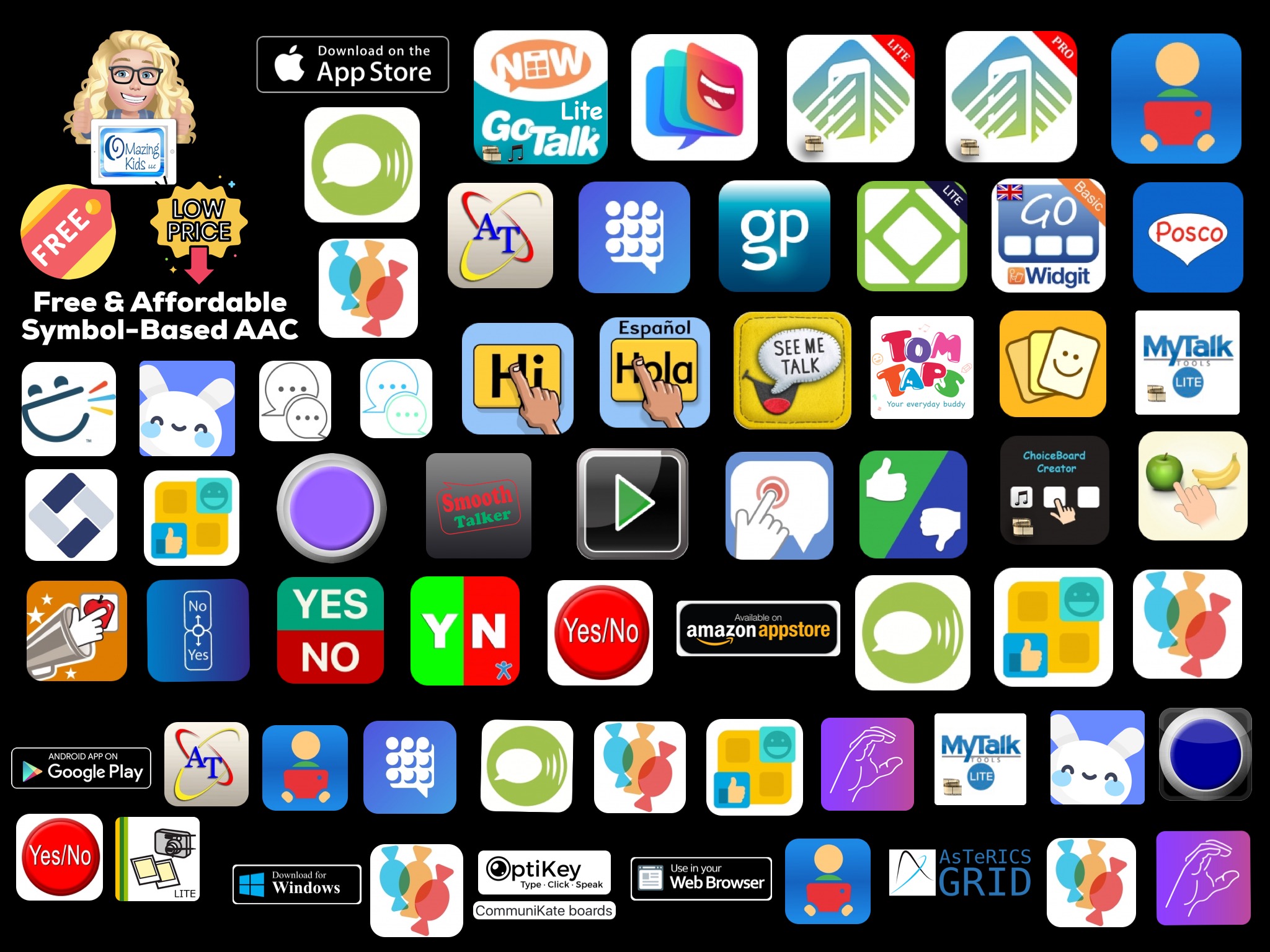
Basic Feature Chart for Affordable and Free AAC apps & AAC-Related Apps (iOS, Android Google Play, Amazon Fire, Windows + a few Web-Based options).
.
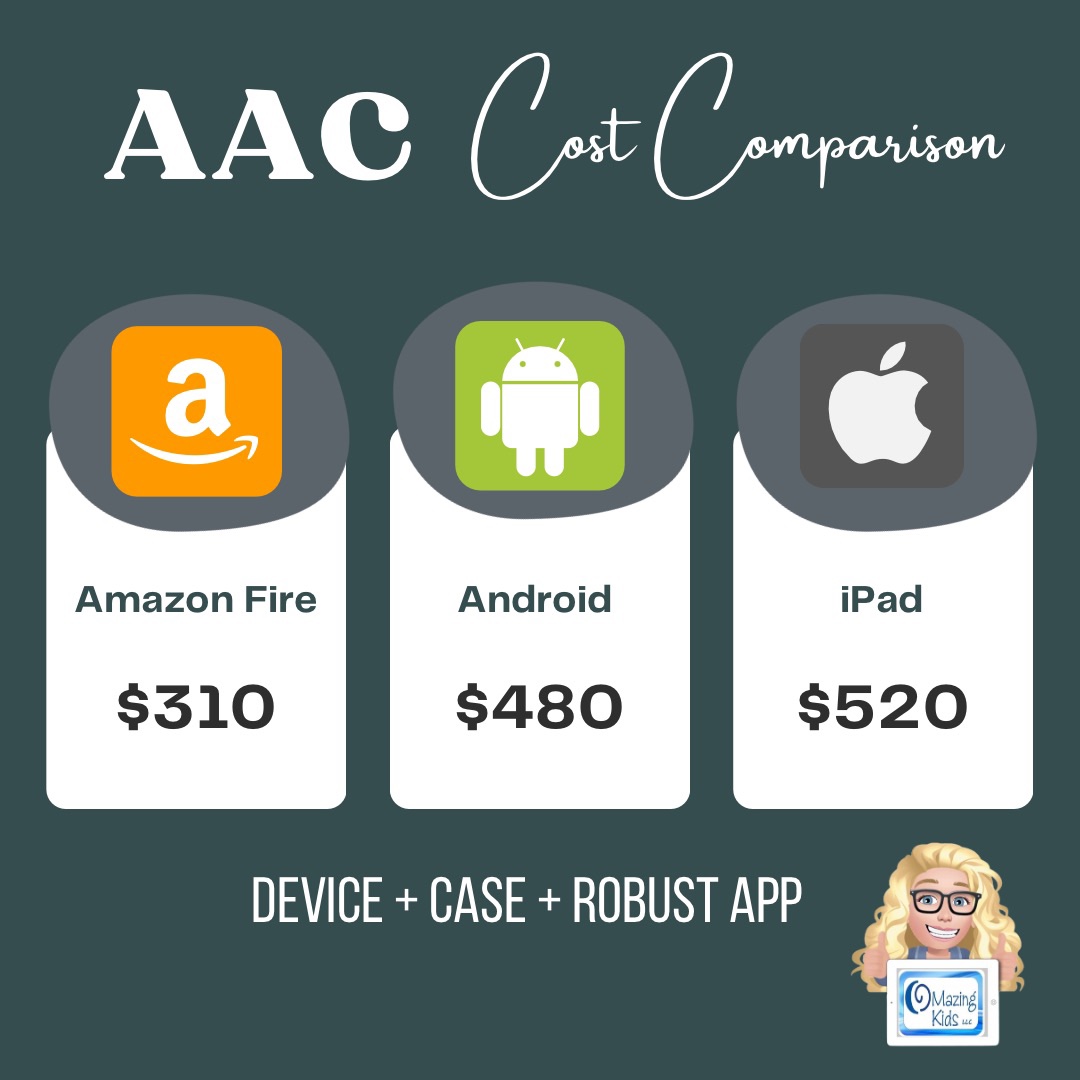
This new resource was inspired by the frequent requests that I receive for info about less expensive options and for info about apps for devices beyond just the iPad. Everything featured in this chart is priced under $10
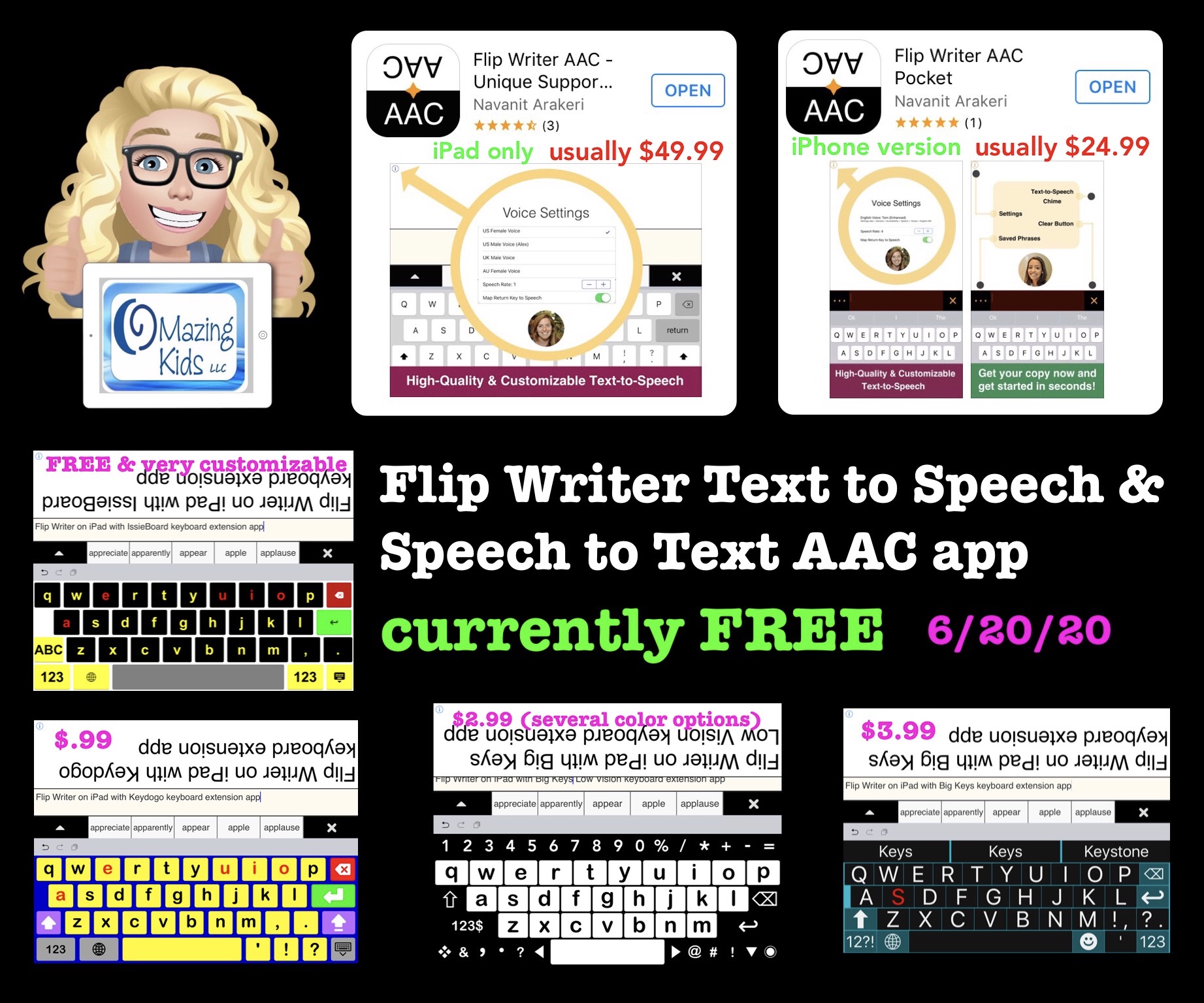
This unique Text to Speech / Speech to Text / Large Text AAC app is definitely worth grabbing while it’s FREE! It’s been over 4 years since the iPad version has been free & the first time the iPhone version has ever been free. Based on previous pricing history they will likely only be free for a short time so get them quickly….. I have no way to know when it will revert back to full price. (verified as being available & free in the USA App Store at the time this post was written, 3:50pm CST on 6/20/20)
————–
Flip Writer AAC – Unique Supports for Speech, Hearing, and Complex Needs by Navanit Arakeri, https://apps.apple.com/us/app/flip-writer-aac-unique-supports-for-speech-hearing/id946640730, iPad only, iOS 8.1 or later, usually $49.99.
Alternative keyboard extension apps can be used since this app uses the iOS iPad keyboard (see details below).
————–
Flip Writer AAC Pocket by Navanit Arakeri, https://apps.apple.com/us/app/flip-writer-aac-pocket/id1294284906, iPhone or iPod Touch, iOS 10.0 or later, usually $24.99. I just downloaded it since it’s the first time that it’s been free.
This info that was previously in this post has been archived.
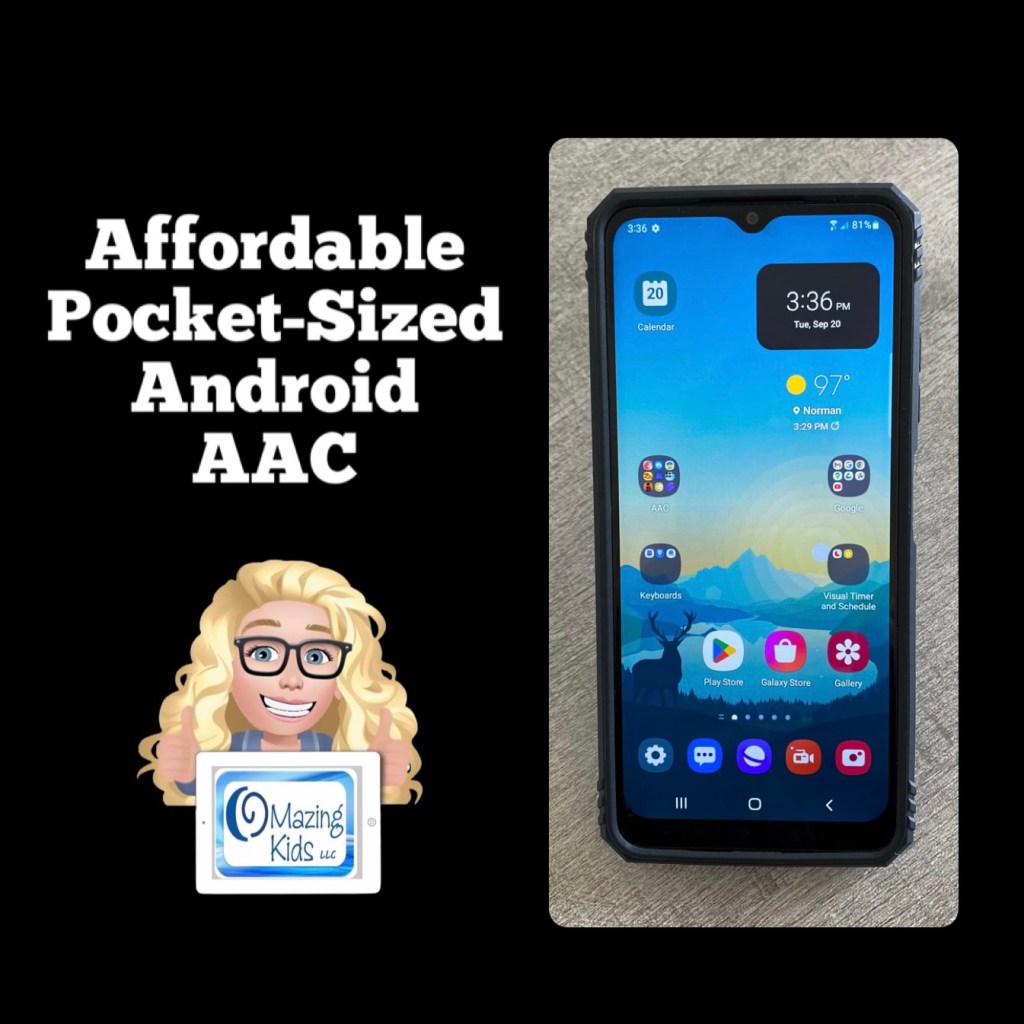
Updated 8/12/22: See the Basic Feature Chart for Affordable and Free AAC apps & AAC-Related Apps, https://bit.ly/BasicAffordableAACchart(everything featured in it is priced $9.99 or less and most are free). Includes a wide variety of apps across all of the major app platforms (iOS, Android, Amazon Fire & Windows + a few web-based options)
.
Please see the most current info in these two resources on TPT (posted 2/9/22 and will be kept updated):
Have questions? The best way to reach me with any questions is via messaging on the OMazing Kids Facebook page: https://www.facebook.com/OMazingKidsAAC/. That way AAC related messages don’t get lost among the spam in my e-mail.






 OMazing Kids AAC Consulting