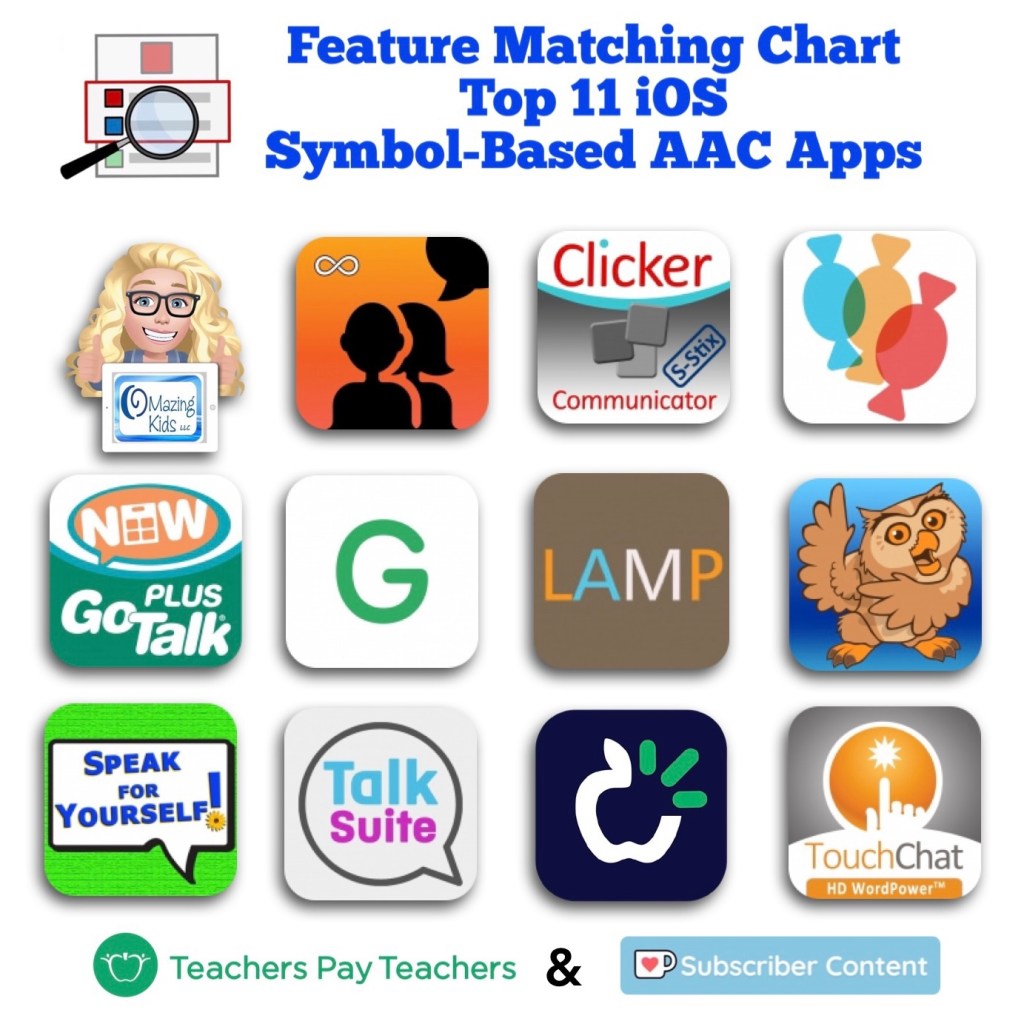
Angela Moorad, MS, CCC-SLP. Over 36 years experience in AAC. OMazing Kids AAC and app consulting. Creator of several AAC Feature Matching resources (https://omazingkidsllc.com/omazing-kids-aac-resource-links/). Includes info about unique features to support Gestalt Language Processors
Have questions? The best way to reach me with any questions is via messaging on the OMazing Kids Facebook page: https://www.facebook.com/OMazingKidsAAC/. That way AAC related messages don’t get lost among the spam in my e-mail.
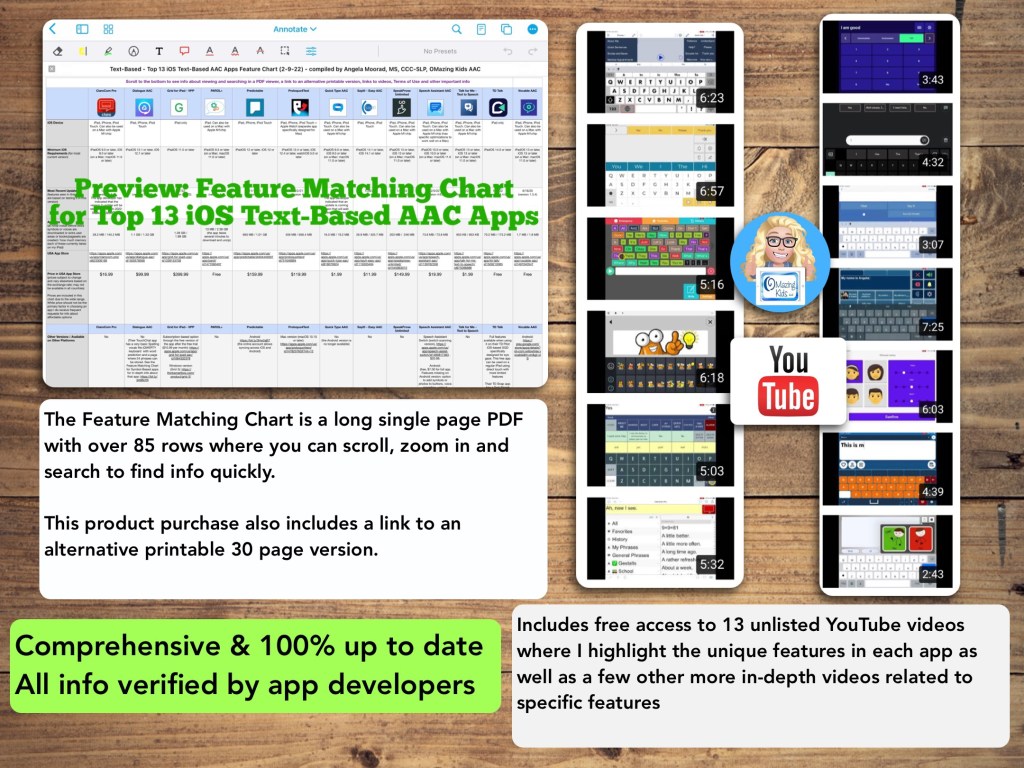
Watch the TPT preview video where I’m viewing the PDF on my iPad in the free Xodo app. You’ll get a feel for how much info will be at your fingertips in this chart. There are 85 rows in the chart. But it’s super easy to use the “search” option to find what you want quickly.
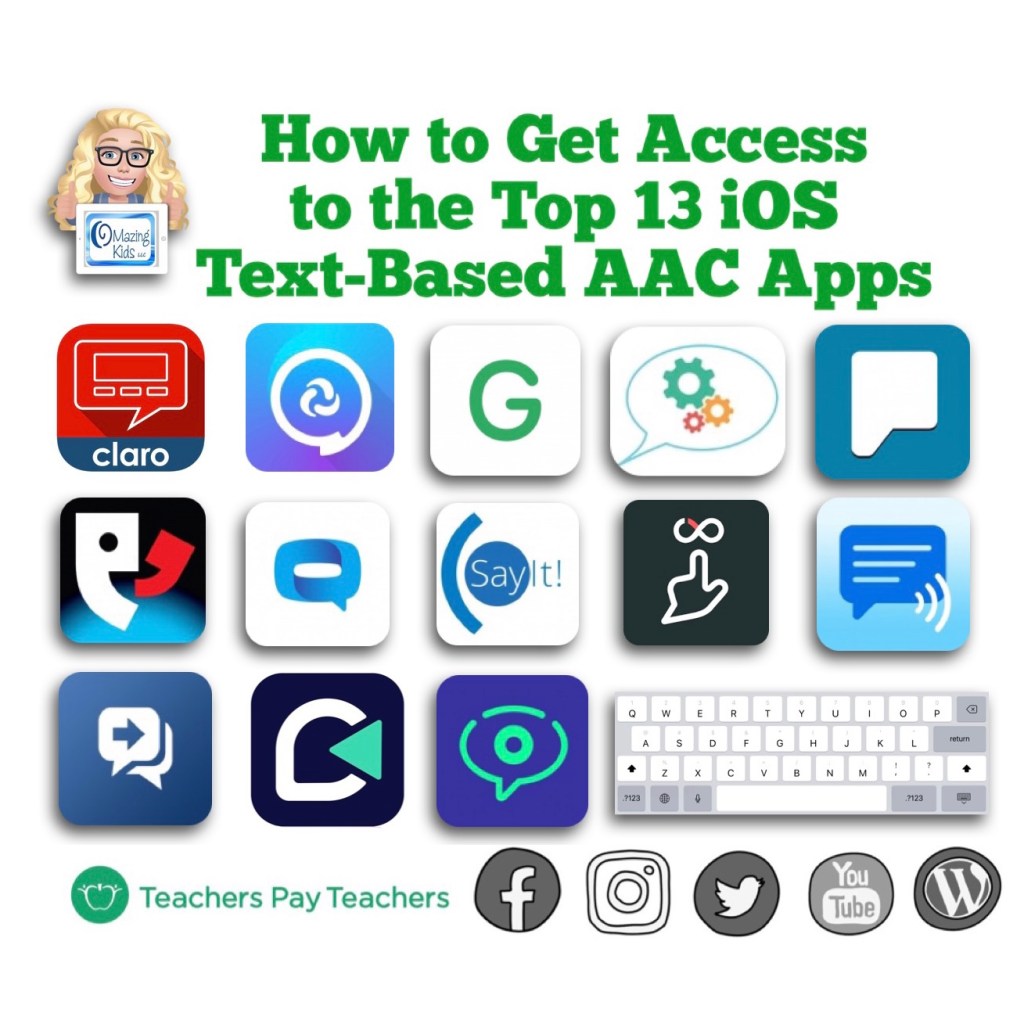
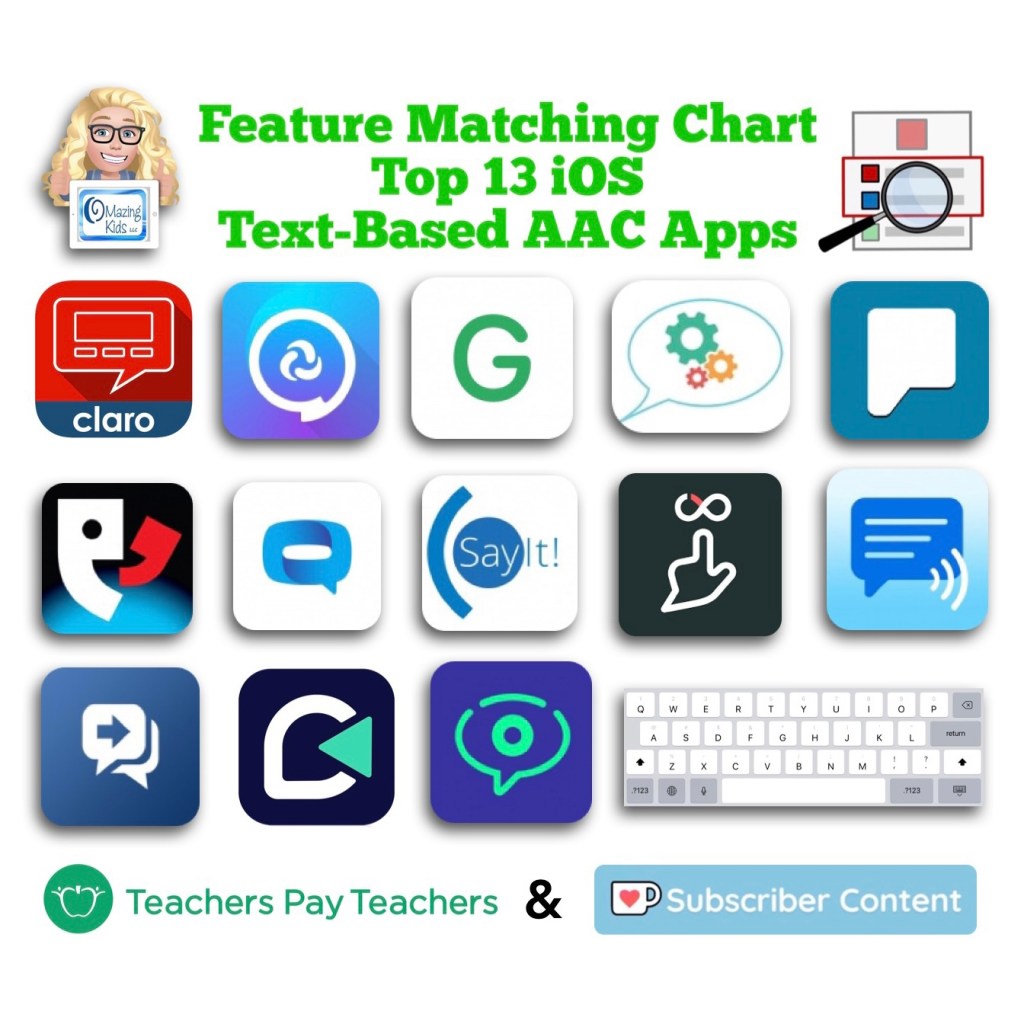
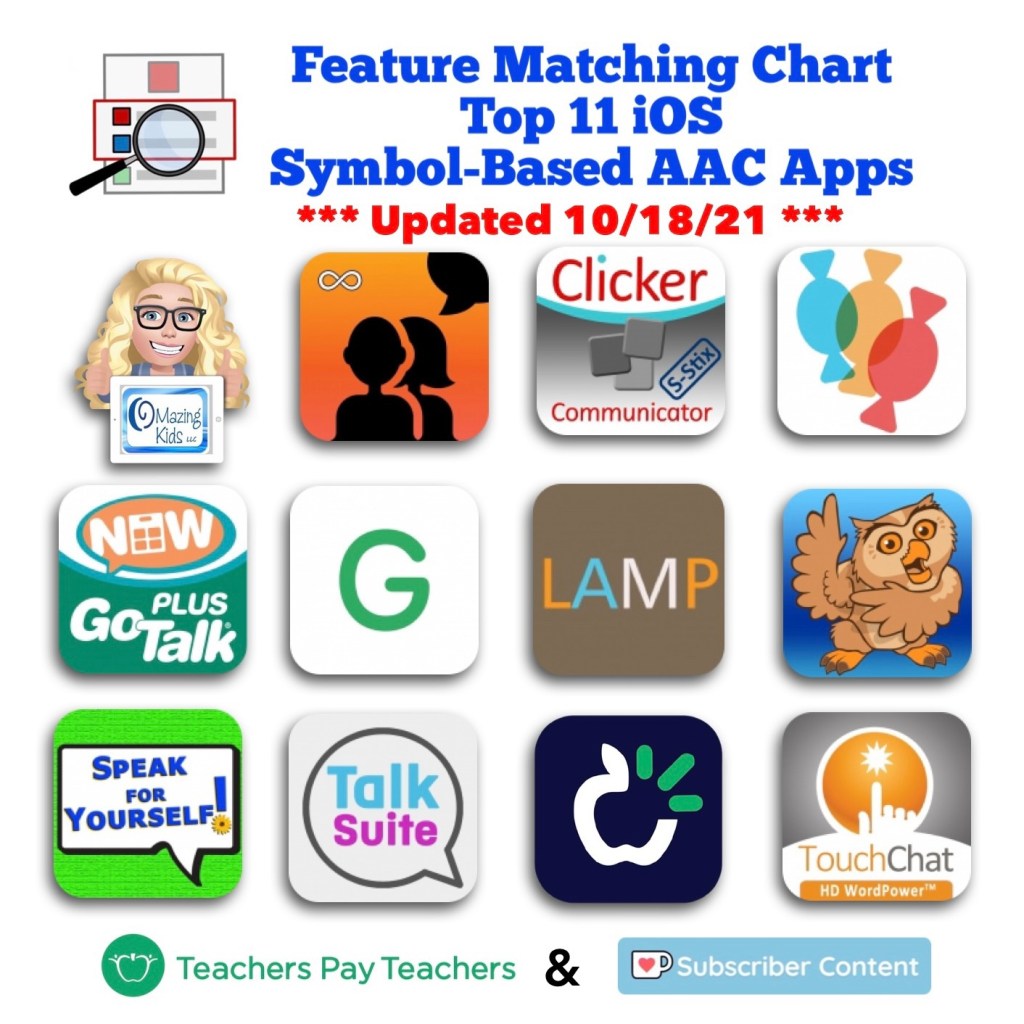
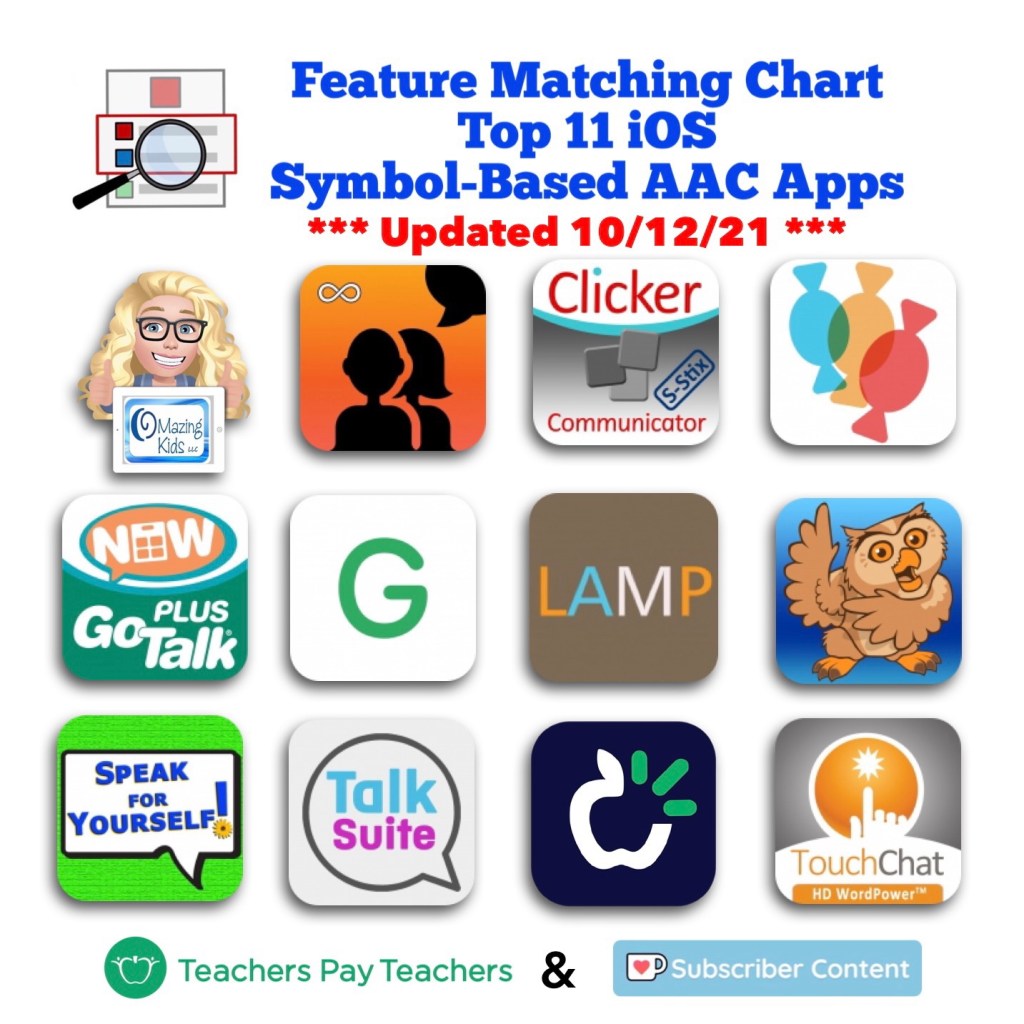
This resource includes an in-depth comparison of features & support resources across the most commonly used 13 iOS text-based AAC apps:
Inclusion in the “Top 13” is based on features, long term availability of apps by that developer in the App Store, good history of that app developer updating apps, no subscription required or having a 1x purchase alternative, having patients who benefited from using the app, gathering data from app recommendations from SLPs who have expertise in AAC, etc. and then distilling all that info into one PDF. You can search to find exactly what you’re looking for and can copy wording from this chart and paste it into your AAC reports to save time.
** All info is comprehensive, 100% up to date and verified by app developers **
I will be maintaining and updating this chart to help meet the need for current and comprehensive info to be used in feature matching.
Includes info about features in these particular apps that may be helpful as folks are exploring ways to modify AAC for Gestalt Language Processors.
This product includes free access to 13 unlisted YouTube videos where I highlight some of the most unique features in each app as well as a few other more in-depth videos related to specific features
A link to the Alternative Printable Version can be found at the very bottom left corner within this PDF. That will allow you access to a separate PDF that can be downloaded and is formatted for printing. The link to that changes every month as I update this resource.
See the full description on TPT for more important info.
—————-
Have questions? The best way to reach me with any questions is via messaging on the OMazing Kids Facebook page: https://www.facebook.com/OMazingKidsAAC/. That way AAC related messages don’t get lost among the spam in my e-mail.
It’s been exciting to see several new apps release recently from Alessandro La Rocca. He is an independent special needs & AAC app developer who has a good history of creating and supporting/maintaining apps in the App Store since 2012. Some of his apps are also available for Android and Amazon Fire.
• Navigation to get to a word: Depends on board size (Core 24: most 2-3 hits, some fringe 4 hits)
• Grammar support: Basic verb tenses: past, present, future (no -ing, no plural or possessive word endings)
• Keyboard: Keyboard button can always be available on the Side Bar on left side of the screen. Can be toggled off in the app settings. Uses the iOS iPad keyboard which allows use of keyboard extension apps. The typical iOS keyboard word prediction doesn’t work within the app but you can have word prediction if you are using an alternative iOS keyboard extension app that has word prediction built into it (ex: Keedogo Plus, SuperKeys, SwiftKey)
• Hide/Show buttons: Advanced Editing – “select all” (then tap individual buttons to deselect any you don’t want hidden) – Edit – Visible (toggle off to hide, toggle on to unhide)
• Has a Search feature
• Pre-made Core 12 & Core 24 page sets for: English (some editing needed for USA English), German, Spanish, French, Hungarian, Italian, Portuguese, Swedish. There aren’t any pre-made page sets for larger grid sizes or in the other languages that have an iOS voice but you could build them. ** Update: A Search feature was added in the update on 1/25/22 so finding where vocabulary is stored will be easy.
• iOS text to speech voices for the following languages: Czech, Danish, Dutch, English, Finnish, French, German, Greek, Hungarian, Italian, Norwegian, Polish, Portuguese, Romanian, Russian, Slovakian, Spanish, and Swedish. Defaults to language being used on that iPad but can choose a specific language under Settings – User
• Can use recorded voice
• Button action to play a video. Works great to play videos saved to the iPad’s Camera Roll. Can also play linked YouTube videos (opens in a popup within the app but there is an unsecured link that will take you out to YouTube. Guided Access did NOT block this so it is very important to understand the risks of linking to YouTube videos especially for young children. The separate Niki Playapp is another option for playing videos is a secure way (see info below).
• Backup & Sharing: Cloud-based (not a way to back it up other than Share to upload it, get a Share Code and then use that code before it expires to download the page set)
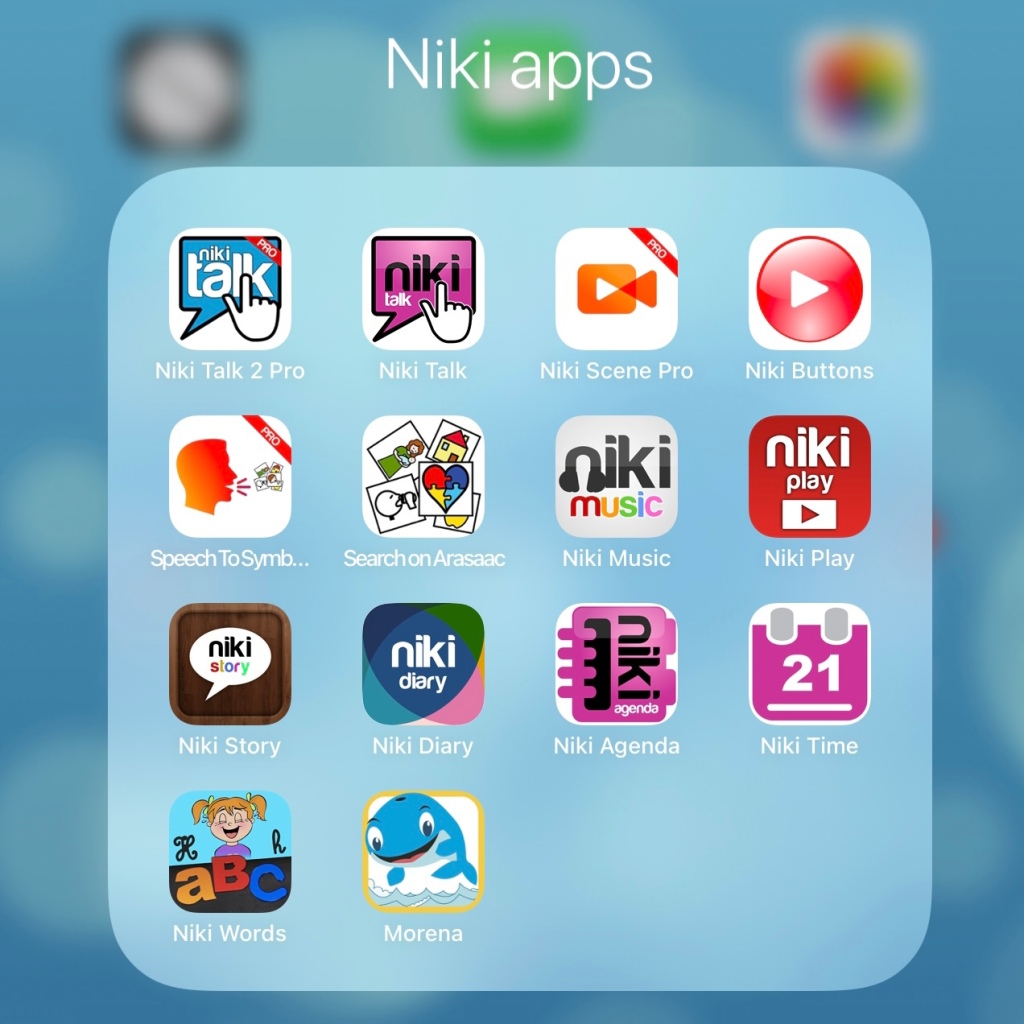
Niki Talk, https://apps.apple.com/us/app/niki-talk/id556798417 (iOS Universal, iOS 10.0 or later. Most recent update: 10/6/20 (version 2.0.1). Price: Free but needs to be used with the Niki Designer website in order to do editing. Free trial. See pricing on the website: http://www.nikitalk.com/Designer.aspx). This is a much older AAC app that looks like a communication binder with Velcro strips. It’s for very basic communication. Can send a text message including the symbols. Also available on Android & Amazon Fire. More info: http://www.nikitalk.com/Talk.aspx
.
Niki Scene Pro, https://apps.apple.com/us/app/niki-scene-pro/id1597894942 (iPad only, iPadOS 12.0 or later. Most recent update: 12/19/21 (version 1.0.3). Price: $6.99. This new app hasn’t been added to their website yet. See their Facebook page and this video:
Additional info about the features in this very affordable and intuitive/easy to use Visual Scene Display AAC app:
• Import picture from Camera Roll or use iPad camera to take a pic
• Full visual scene with hotspots. Draw hotspots in any shape. 5 color options. Dotted or solid line.
• Long press on an image on the Home Screen and tap Share and then it generates a sharing code that is active for 3 days. These Share Codes can be used as a way to share your creations with others who have the app. There isn’t a formal way to backup what you create in the app but you could share items, copy the Share Code, and then download those creations onto a new iPad as long as you do it before those codes expire.
• Can toggle off Editing in the Settings and secure Settings with a Passcode
Niki Buttons, https://apps.apple.com/us/app/niki-buttons/id1572170910, iOS Universal, iOS 10.0 or later. Most recent update: 6/22/21 (version 1.1.0). Price: $3.99. A set of four single message buttons that look like a Big Mack VOCA (voice output communication aid) (blue, green, red, yellow). Tap at bottom of screen to select one. Can add a symbol to the button. Uses recorded speech. This new app hasn’t been added to their website yet. See their Facebook page and this video:
Search on ARASAAC, https://apps.apple.com/us/app/search-on-arasaac/id1599712099, iOS Universal, iOS 12.0 or later. Most recent update: 12/11/21 (version 1.0.0). Free. Allows you to search for free open source symbols of the ARASAAC website and save them to the Camera Roll on your device. Also available for Android. See this Facebook post:
If you go to the ARASAAC website you can edit symbols to change the skin tone and hair color. And then export the pic as a .png (has transparent background) and save it on the Camera Roll to import into any app. https://arasaac.org/pictograms/search.
Other special needs apps:
Speech to Symbol Pro, https://apps.apple.com/us/app/speech-to-symbol-pro/id1571118745 (iOS Universal, iOS 12.0 or later. Most recent update: 10/24/21 (version 1.0.3). Price: $6.99. Note: This is NOT an AAC app. It’s a quick way to create visual supports as you speak. I like being able to customize it to add symbols or pictures. That way everything you speak can have a symbol. You can find more free ARASAAC symbols using the free Search on ARASAAC app. Or by going out to their website. If you go to the website you can even edit symbols to change the skin tone and hair color. And then export the pic as a .png (has transparent background) and save it on the Camera Roll to import into this app. https://arasaac.org/pictograms/search. There’s also the option to tap each symbol or the entire sequence to have them spoken. This turns them into a visual support with voice output.
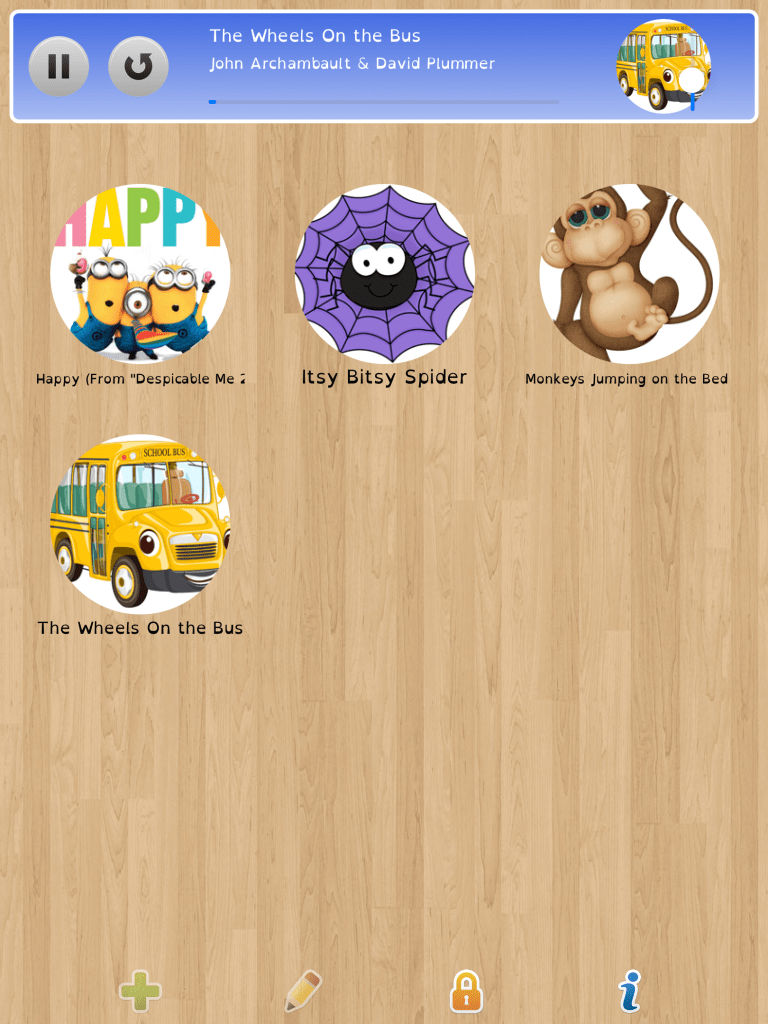
Niki Play, https://apps.apple.com/us/app/niki-play/id803959942, iOS Universal, iOS 10.0 or later. Most recent update: 6/12/21. Price: $3.99. Niki Play allows kids to enjoy their favorite videos and music independently. Parents can download to import videos directly from YouTube or from the Camera Roll, play songs from the Apple Music library, save voice recordings and pictures. I love that the app is secured with a parental gate, that the app isn’t linking to YouTube (it’s downloading those videos directly for use within the app), has options for 1, 2, 4, 6 or 9 items per screen and offers a way to rearrange the items. More info: http://www.nikitalk.com/Play.aspx
Niki Diary, https://apps.apple.com/us/app/niki-diary/id852210800, iPad only, iPad iOS 12.0 or later. Most recent update: 10/30/21. Price $6.99. A multimedia calendar diary to tell people around them what they did or what they plan to do a certain day using images, videos, text and speech. Can also be used as a memory support. More info: http://www.nikitalk.com/Diary.aspx.
Niki Words, https://apps.apple.com/us/app/niki-words/id743777884, iPad only, iOS 8.0 or later. Most recent update: 9/29/17 (it’s been over 4 years since the last update). Price: $5.99. Fun and Learning with Letters. Includes Play with words (drag the letters to make up the word matching the picture), Crosswords & Magic blackboard. More info: http://www.nikitalk.com/Words.aspx
Prices outside of the USA will vary based on the exchange rate
Prices are subject to change
I used each of these apps on my iPad 8th gen running iOS 14.5 to test out features as I was working on this blog post. I have purposefully not updated to iOS 15 yet due to ongoing reports of problems with it in several AAC and SLP therapy apps . So I have no way to know if there are any issues with any of these apps on iOS 15.0, 15.1 or 15.2.
After I posted about the new Almagu voices in the LAMP Words for Life and the TouchChat with WordPower AAC apps, I received a few comments that some folks felt these new voices were quieter than what they were currently using.
That wasn’t my first impression of the voices so being the tech geeky SLP that I am I decided to do my own comparison experiment.
Of course I don’t have a soundproof booth and a real decibel meter but I kept the parameters equal when comparing these voices.
Test phrase: “This is a test of loudness with the Decibel 10 app”
Devices:
* iPad 8th gen at full volume measured in a quiet room in my home
I only tested child voices in USA English since that is my native language and the age of voices that I used the most with patients.
TouchChat with WordPower
Almagu:
• Kessie: 72dB
• Lisa: 72dB
• Noah: 73dB
• Sophia: 72dB
Acapela:
• Kenny: 72dB
• Nelly: 73dB
LAMP Words for Life:
Almagu:
• Kessie: 72dB
• Lisa: 73dB
• Noah: 72dB
• Sophia: 73dB
Ivona:
• Justin: 71dB
• Ivy: 70dB
Proloquo2Go:
High Quality Acapela:
• Ella: 74dB
• Josh: 73dB
Speak for Yourself:
CereProc:
• Jordan: 74dB
• Andy: 74dB
Grid for iPad:
Nuance:
• Joelle: 74dB
• Noelle: 74dB
Grid for iPad also has the USA English child voices from Acapela & CereProc. The results were the same as seen above.
Results:
* All of the voices that I tested were very similar in loudness.
* I did note some slightly odd intonation in the Almagu voices. In particular the vowels were a little off and how smoothly an utterance was spoken wasn’t quite as good as the Josh & Ella voices, the Joelle & Noelle voices and the Jordan & Andy voices. But this could be influenced by how many years I have had experience listening to those vs. these brand new Almagu voices. What’s interesting is when I played the same phrases in the Almagu voices on the TouchChat and LAMP WFL websites the quality was better there compared to what I heard in the apps. *** Updated 2/13/22: The intonation in the Almagu voices has improved with the 2.35.0 update in both LAMP Words for Life and TouchChat with WordPower ***
It’s exciting to have new diverse child, teen, adult and elder voice options!
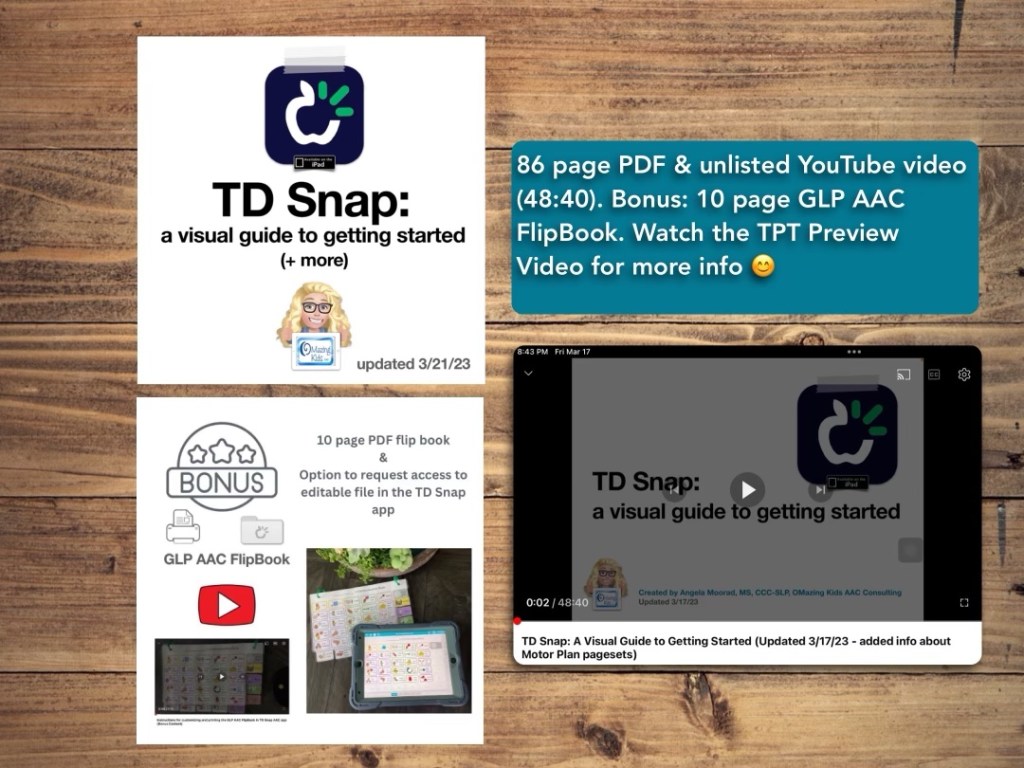
This resource has a 78 page PDF, access to a 35 minute unlisted YouTube video.
There is one topic per page with visuals.
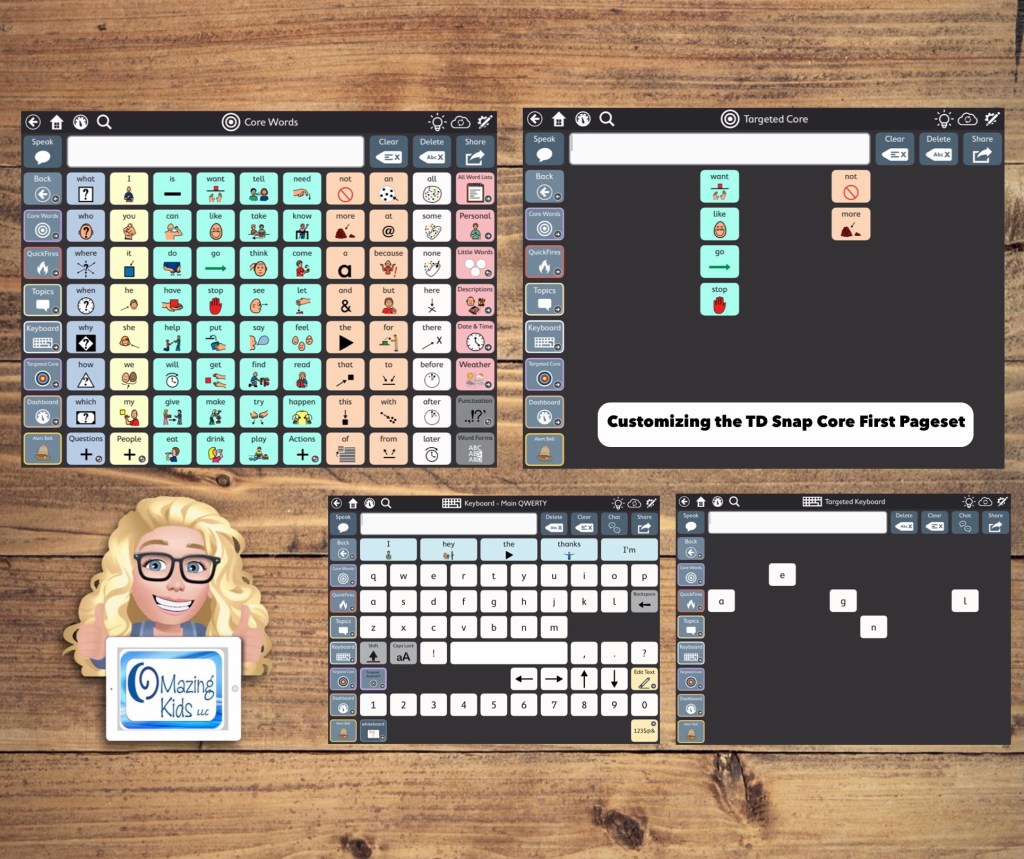
This guide walks you through the initial set up and customization process for the TD Snap AAC app with a focus on the Core First pageset being used via direct access touch with a finger by kids, teens or young adults on an iPad. It has all kinds of information to get you going, ideas to foster ownership, the different versions of the app and types of pagesets, information about choosing a grid size, how to set it up, how to edit, ideas for customization, time stamped links to specific sections within helpful webinars, finding user groups, manuals and other resources, info about how SLPs can get free access and more… See the description on TPT for more info.
TPT Preview Video:
Updated 3/21/23: It’s now a 86 page PDF & 48 minute video. Includes info about the new Motor Plan pagesets & bonus content (a 10 page AAC flipbook designed for Gestalt Language Processors in Stage 1 – Stage 2 of the Natural Language Acquisition (NLA) process.
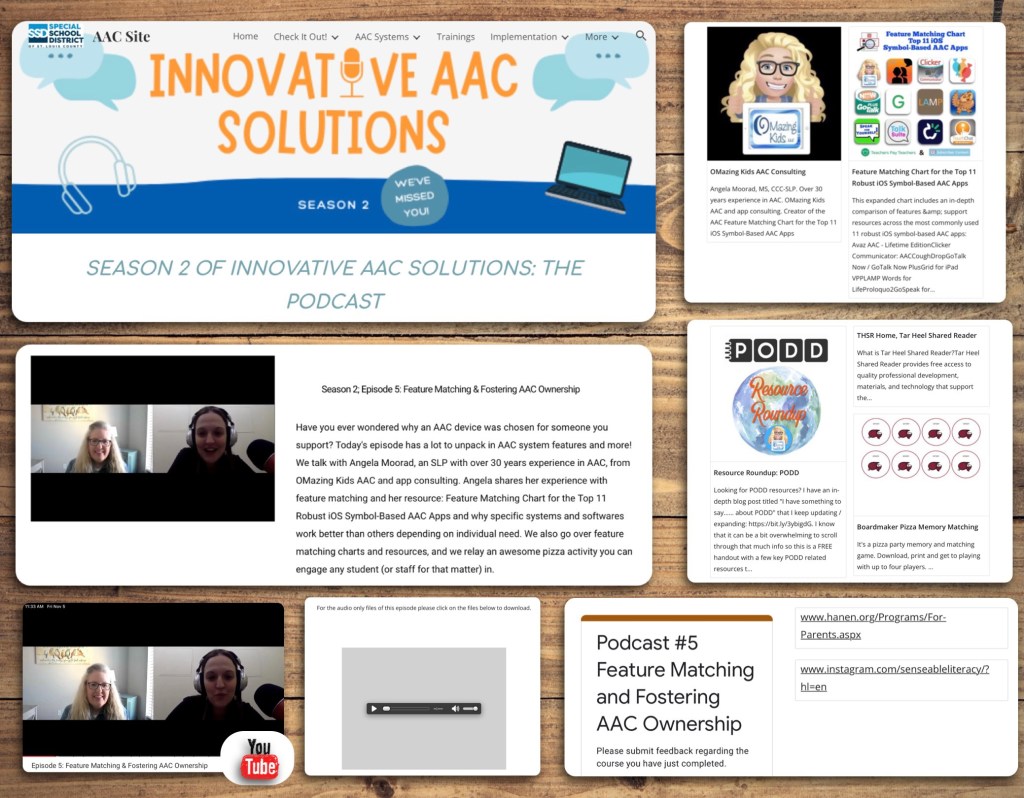
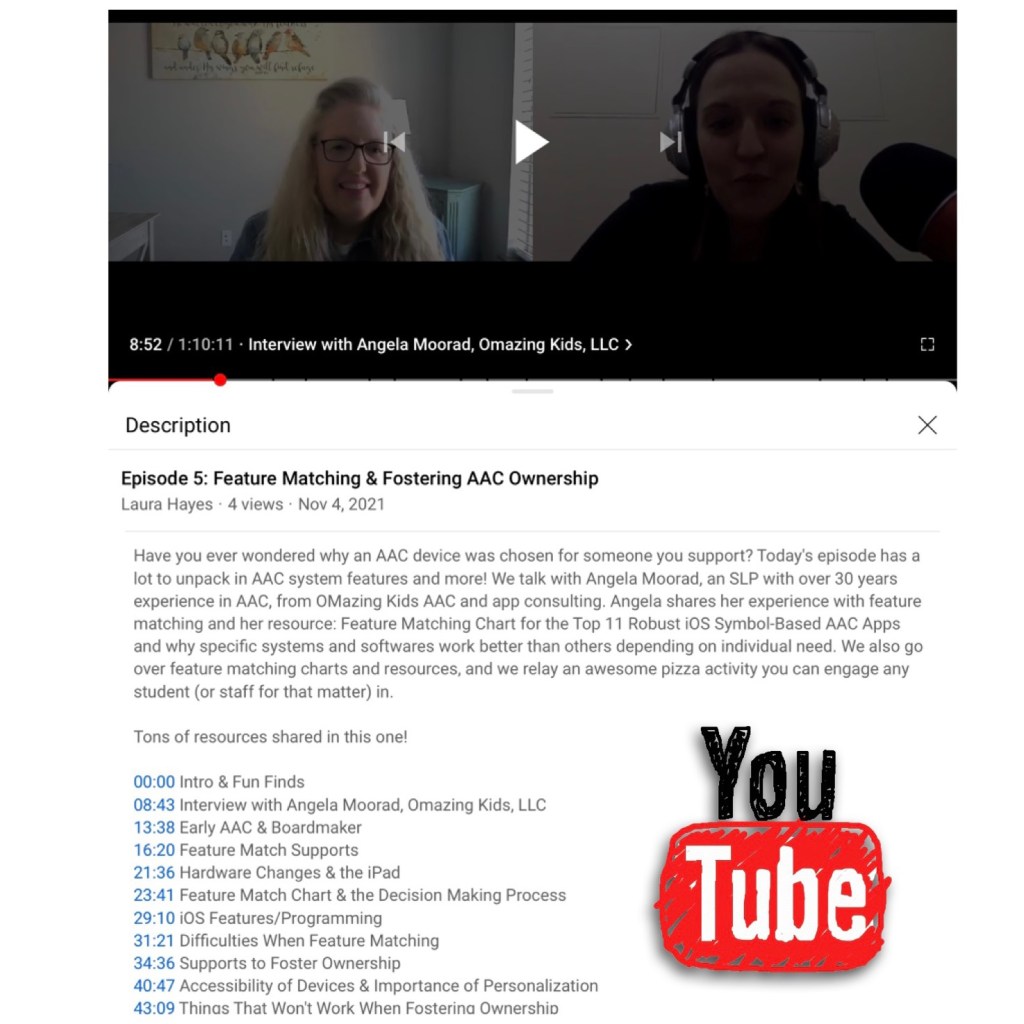
The podcast video is available there on their site or out on YouTube where it has time stamped sections and links to the resources (if viewing on a computer or the YouTube app… I have YouTube on my Roku TV and can’t see those type of details there): https://youtu.be/v4-xspAS9m4
My segment of the podcast can also be viewed on my YouTube channelwith time stamped sections:
07:35 – Feature Matching 25:54 – Fostering Ownership in AAC
I don’t typically release an update for the AAC Feature Matching Chart more than once a month but there were a couple of links that needed to be fixed. I also expanded the info related to how SLPs & SLTs can get access to the LAMP Words for Life app. That particular app is distributed differently in countries outside of the USA and Canada. Links to the Liberator websites have been added. I also put a designation on rows for features that may be helpful as folks are exploring ways to modify AAC for Gestalt Language Processors. I’ve also added links to social media groups and pages related to those discussions.
Note: Ko-fi subscribers need to make sure you go out to a full browser after tapping on a link that I shared on Facebook or other social media. See this short video:
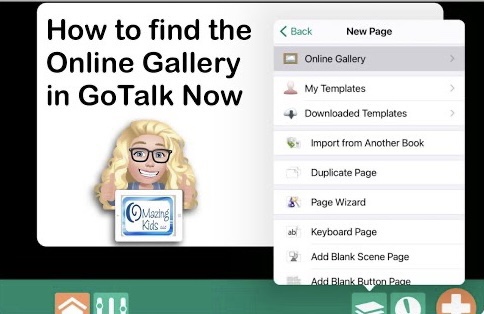
How to find the Online Gallery in the GoTalk Now or GoTalk Now Plus AAC apps
This is a screencast video showing how to find the Online Gallery in the GoTalk Now or GoTalk Now Plus AAC apps. This isn’t available when using the free Lite version or their Starter version of the app.