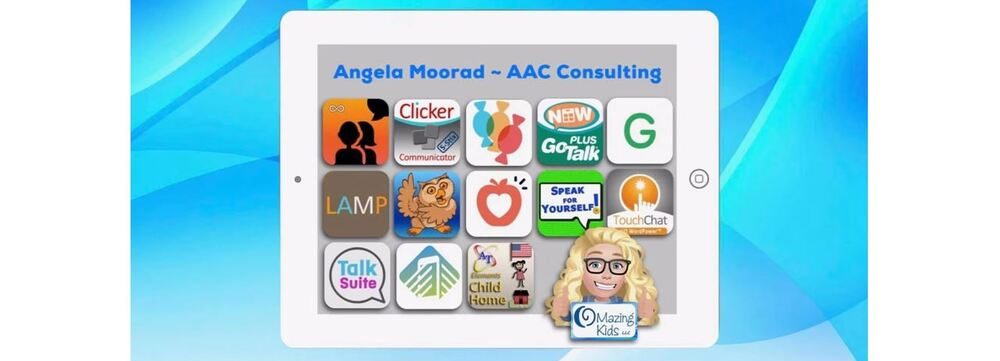
Angela Moorad, MS, CCC-SLP. Over 36 years experience in AAC. OMazing Kids AAC and app consulting. Creator of several AAC Feature Matching resources (https://omazingkidsllc.com/omazing-kids-aac-resource-links/). Includes info about unique features to support Gestalt Language Processors
Info about all three Feature Matching Resources for AAC Apps (comparing features in AAC apps) + TPT bundle and multiple license discounts: https://bit.ly/3aacFeatureMatchingResources
Info about all three Feature Matching Resources for AAC Apps (comparing features in AAC apps) + TPT bundle and multiple license discounts: https://bit.ly/3aacFeatureMatchingResources
Info about all three Feature Matching Resources for AAC Apps (comparing features in AAC apps) + TPT bundle and multiple license discounts: https://bit.ly/3aacFeatureMatchingResources
This new resource was inspired by the frequent requests that I receive for info about less expensive options and for info about apps for devices beyond just the iPad. Everything featured in this chart is priced under $10
It has 11 columns with the following info for each app:
• App Name
• App Store link(s)
• Website
• Price
• Is it Robust (Yes, Partially, No, or Not applicable)
• Type of App
• Type of Keyboard
• Voice Options (includes option for Recorded Speech)
• Option to Play Videos
• Backup & Sharing capabilities
• Basic info about other features in the app. For iOS, it includes info about device compatibility and minimum iOS requirements
There are 123 rows with apps available across each of the major platforms: Apple App Store, Google Play, Amazon & Windows + a few Web-Based options
Why this is helpful to you is I have done all of the digging and sifted through hundreds of apps to get you straight to the ones worth considering. This is a vetted resource where everything was tested on my personal devices.
Preview video:
See the description on my TPT store for more info about this new resource and why it was created.
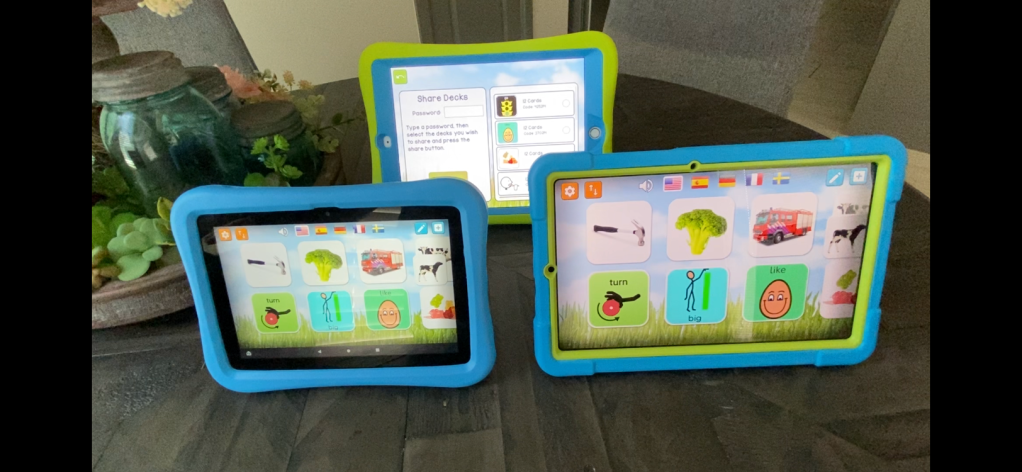
I recently purchased an Amazon Fire HD 8 tablet, 8″ HD display, 32 GB, latest model (2020 release) & a Samsung Galaxy Tab S6 Lite 10.4″, 64GB Android tablet to be able to explore AAC and related apps on those platforms in addition to iOS (iPad 8th gen & iPhone 11). I was excited to discover that you can share customized matching games across the platforms in the MyMemo app.
Info about all three Feature Matching Resources for AAC Apps (comparing features in AAC apps) + TPT bundle and multiple license discounts: https://bit.ly/3aacFeatureMatchingResources
Info about all three Feature Matching Resources for AAC Apps (comparing features in AAC apps) + TPT bundle and multiple license discounts:https://bit.ly/3aacFeatureMatchingResources
Info about all three Feature Matching Resources for AAC Apps (comparing features in AAC apps) + TPT bundle and multiple license discounts: https://bit.ly/3aacFeatureMatchingResources
Thanks SO much to Lauren S. Enders for this shout out for my AAC Feature Matching Chart in her presentation on 6/24/21 at AAC in the Cloud! See the whole presentation and get her handouts for “Personalizing AAC – A Deep Dive into Vocabulary Customization”: https://presenters.aacconference.com/videos/UVRRd1FUSXg=?. Be sure to also check out her Waklet with links to resources: https://wke.lt/w/s/7ldtJE.
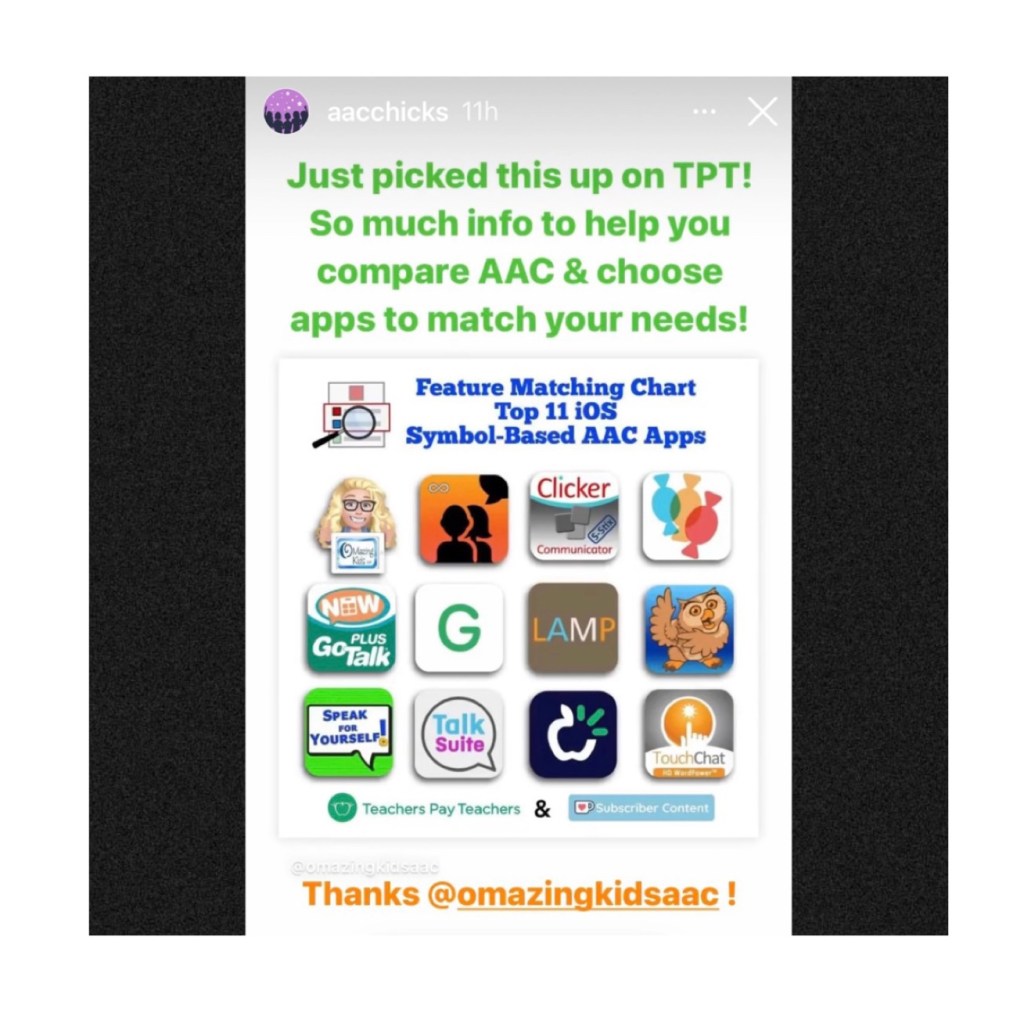
Thanks Vicki Clarke / Dynamic Therapy Associates Inc (aacchicks)! The shoutout for the AAC feature matching chart in your IG Stories on 7/20/21 made my day 🥰
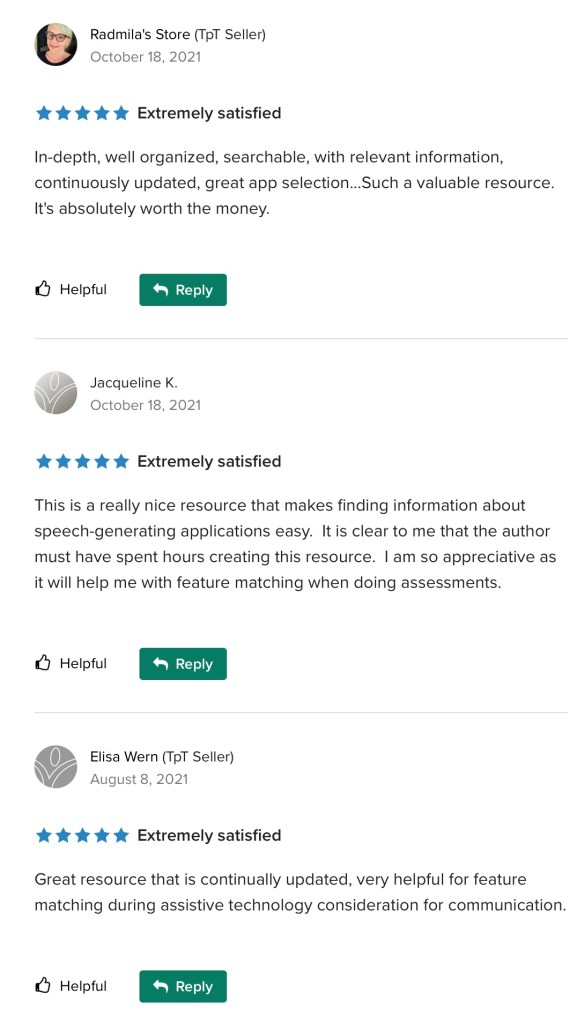
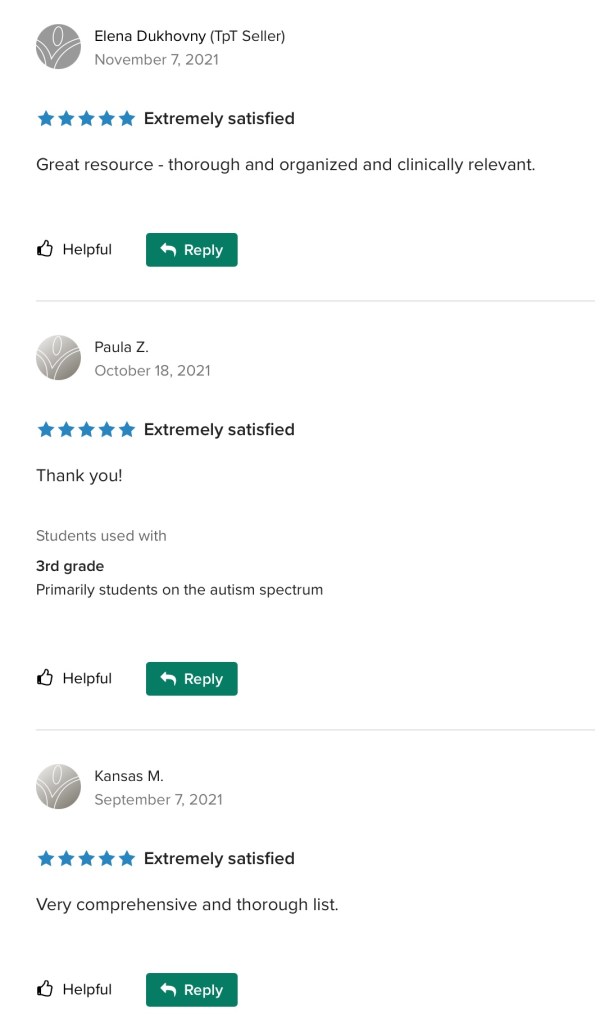
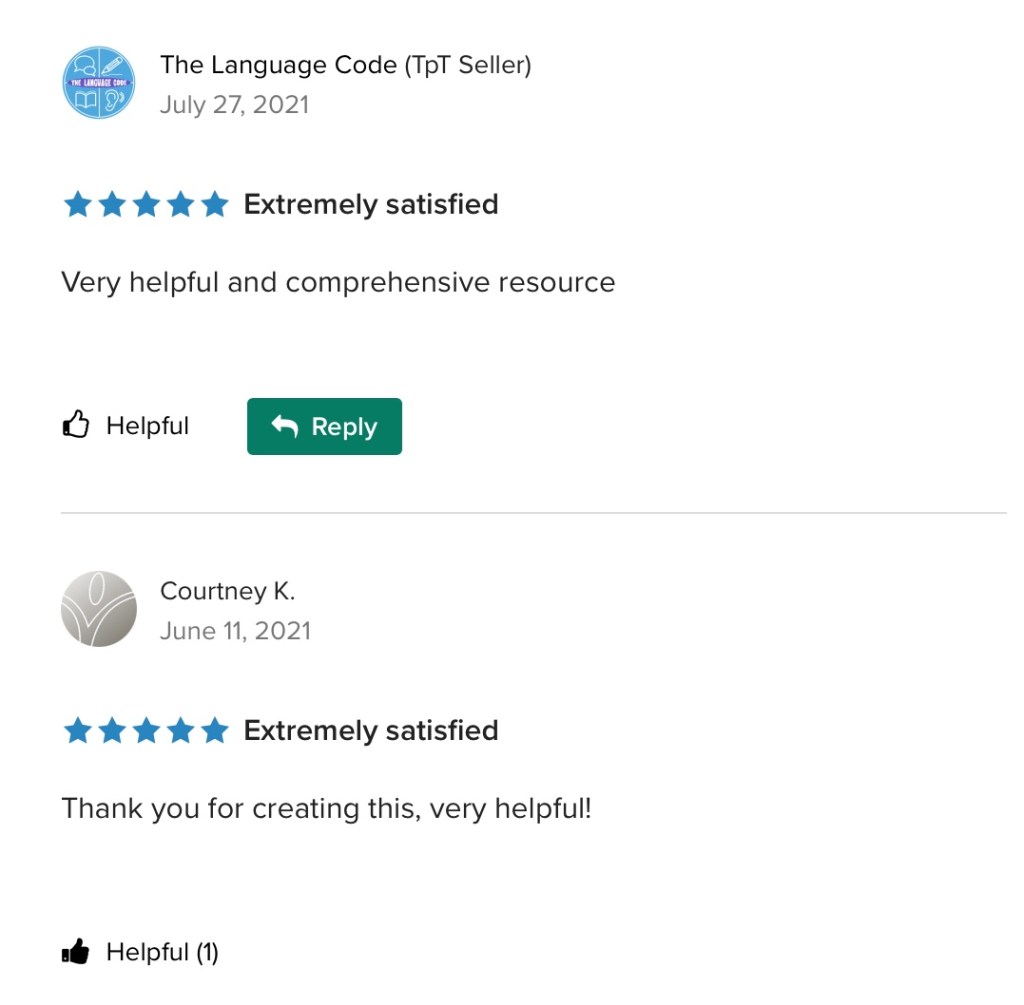
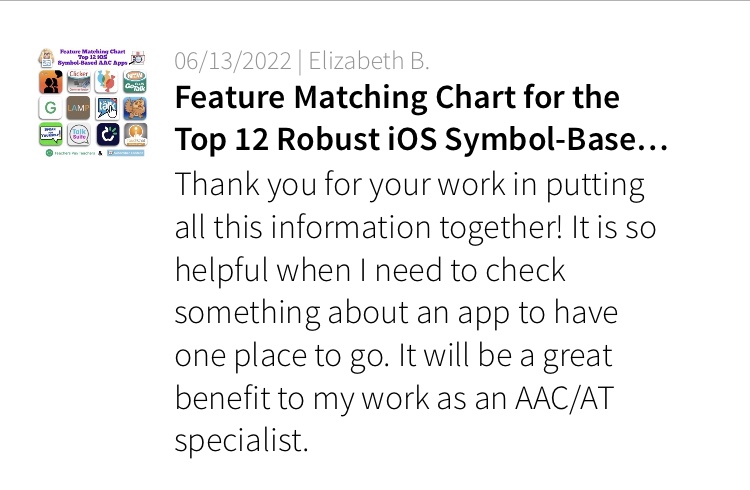
See the awesome reviews for it on TPT. Thanks to everyone who has written a review and helped spread the word about this resource 😊
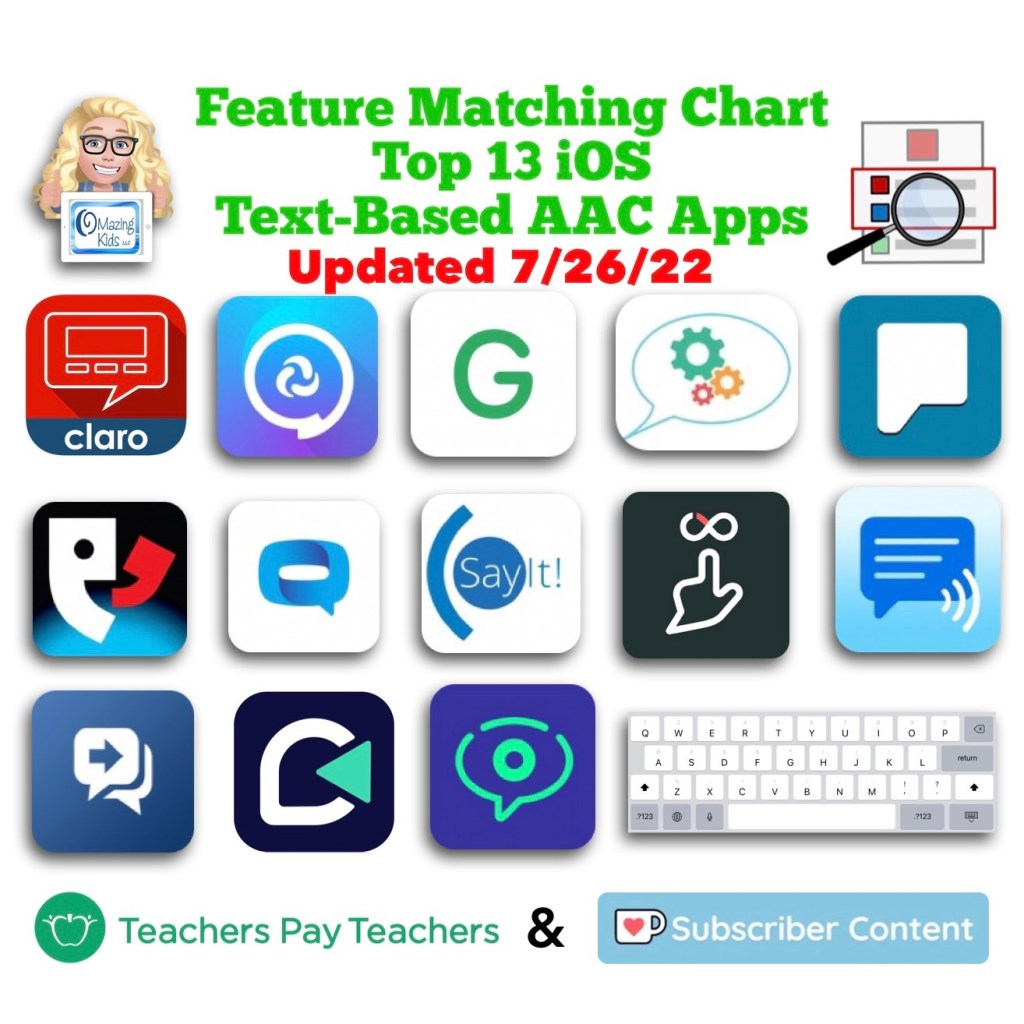
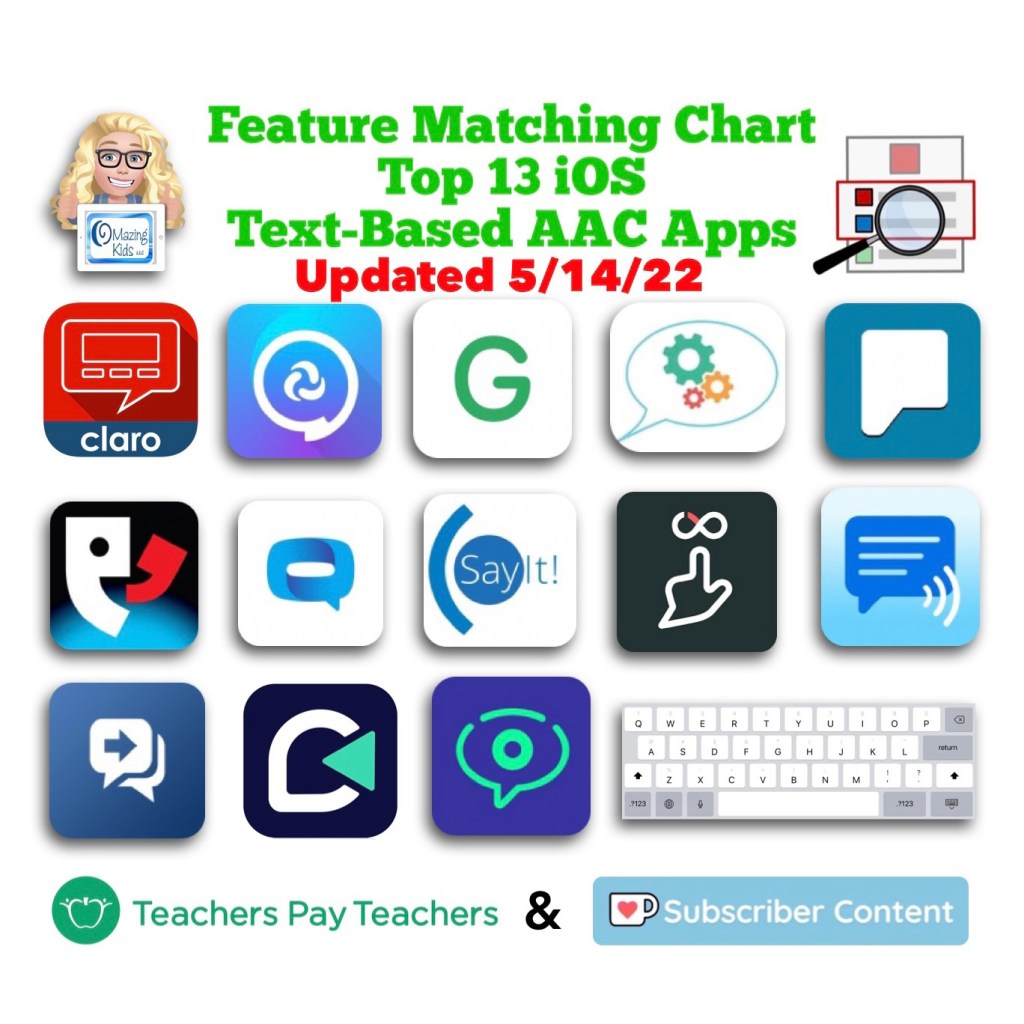
Text-Based
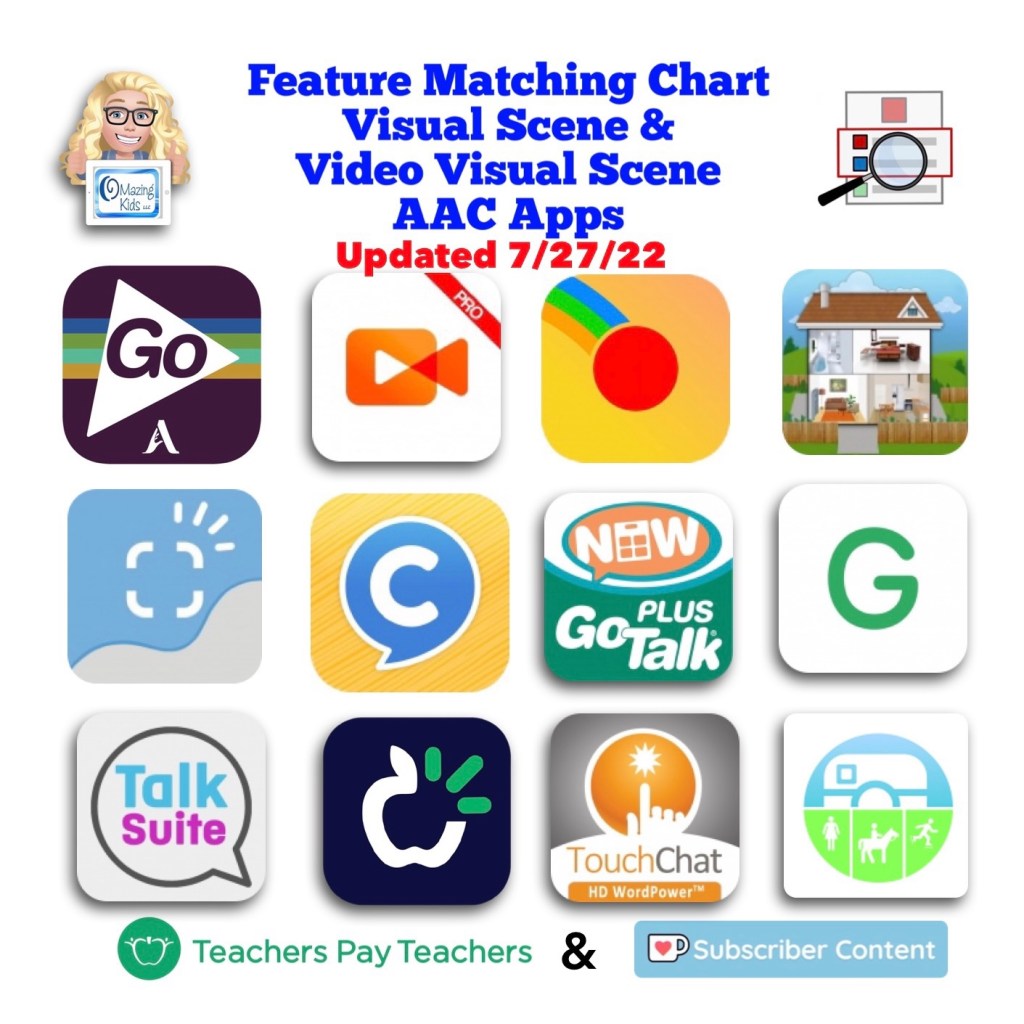
Visual Scenes & Video Visual Scenes:
Each chart includes info about features that are being explored as potentially being helpful for Gestalt Language Processors. The easiest way to find that info is to open each PDF in the free Xodo PDF reader and enter “gestalt” into the Search. See this blog post for more info about Xodo: https://bit.ly/XodoApp.
.
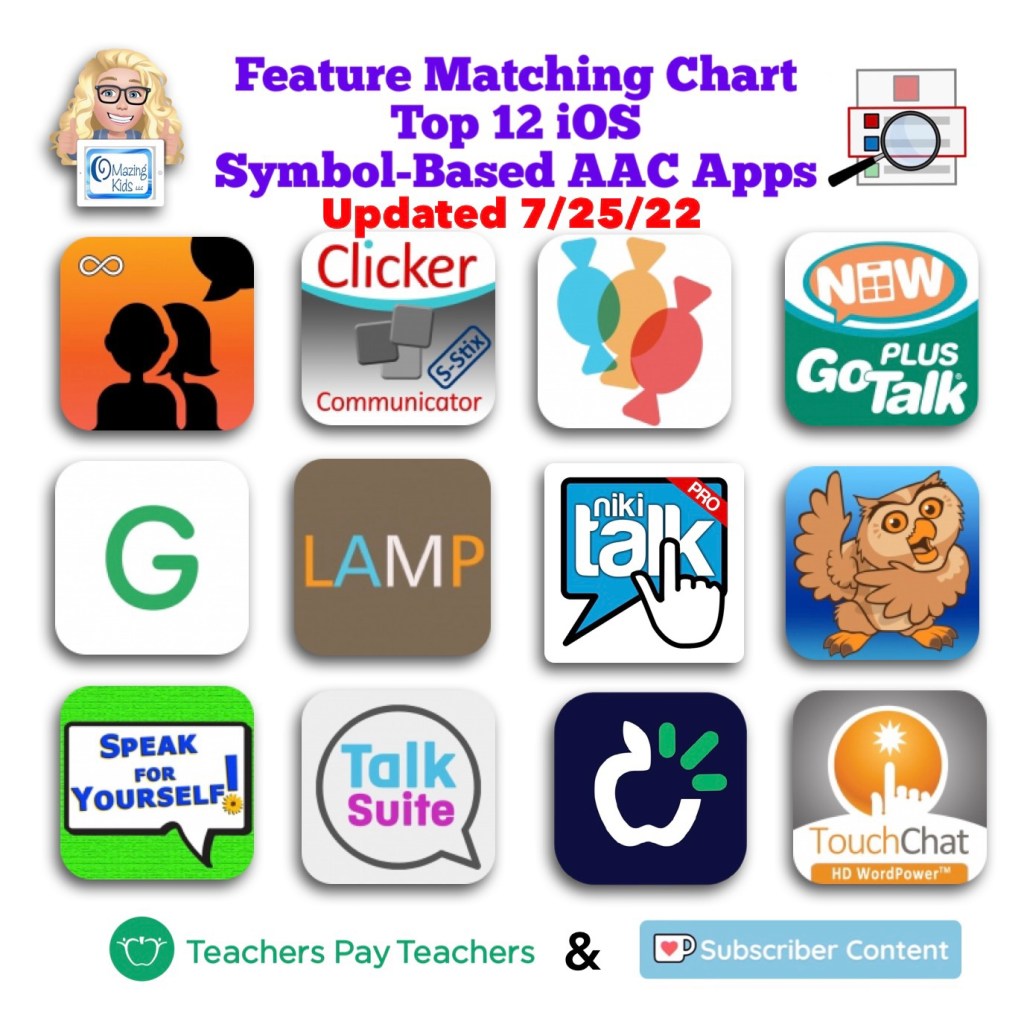
As of 4/15/22, the symbol-based feature matching resource now includes a supplemental handout “Unique Features in Symbol-Based AAC Apps to Support Gestalt Language Processors”. That handout includes info related to all 12 apps + additional info about features in 8 free and affordable symbol-based AAC apps (mainly iOS, some Android and a couple of Window) priced $2.99 or less. This supplemental handout is exclusive content that is only available as part of this resource.
See a preview of the new supplemental handout: Unique Features in Symbol-Based AAC Apps to Support Gestalt Language Processors
.
Want more info about Gestalt Language Processing & AAC? See this FREE handout: https://bit.ly/GLPandAAC
Looking for resources to compare features in a wide variety of AAC apps? I added a bundle on TPT includes all three of my AAC feature matching resources at a discounted price compared to purchasing them individually (saves about 10%). If you are looking to purchase resources for several staff / team members, take a look at the Multiple Licenses discount (saves 20%): https://www.teacherspayteachers.com/Product/AAC-Feature-Matching-Resource-Bundle-7849416
Please read the full description, the reviews and watch the TPT preview on each individual resource prior to purchasing the bundle
I’ve also set the Multiple Licenses discount on the individual resources to 20%off since I’ve been receiving some inquiries about discounts for bulk purchasing.
Have questions? The best way to reach me with any questions is via messaging on the OMazing Kids Facebook page: https://www.facebook.com/OMazingKidsAAC/. That way AAC related messages don’t get lost among the spam in my e-mail.
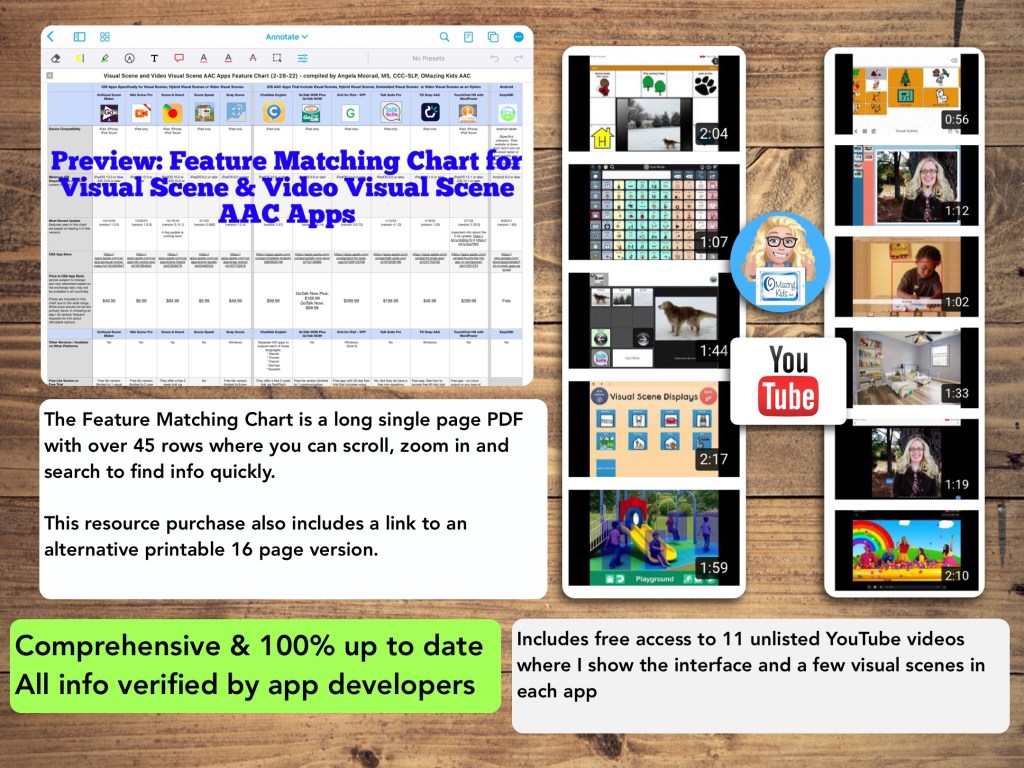
Watch the TPT preview video where I’m viewing the PDF on my iPad in the free Xodo app. You’ll get a feel for how much info will be at your fingertips in this chart. There are over 45 rows in the chart. But it’s super easy to use the “search” option to find what you want quickly.
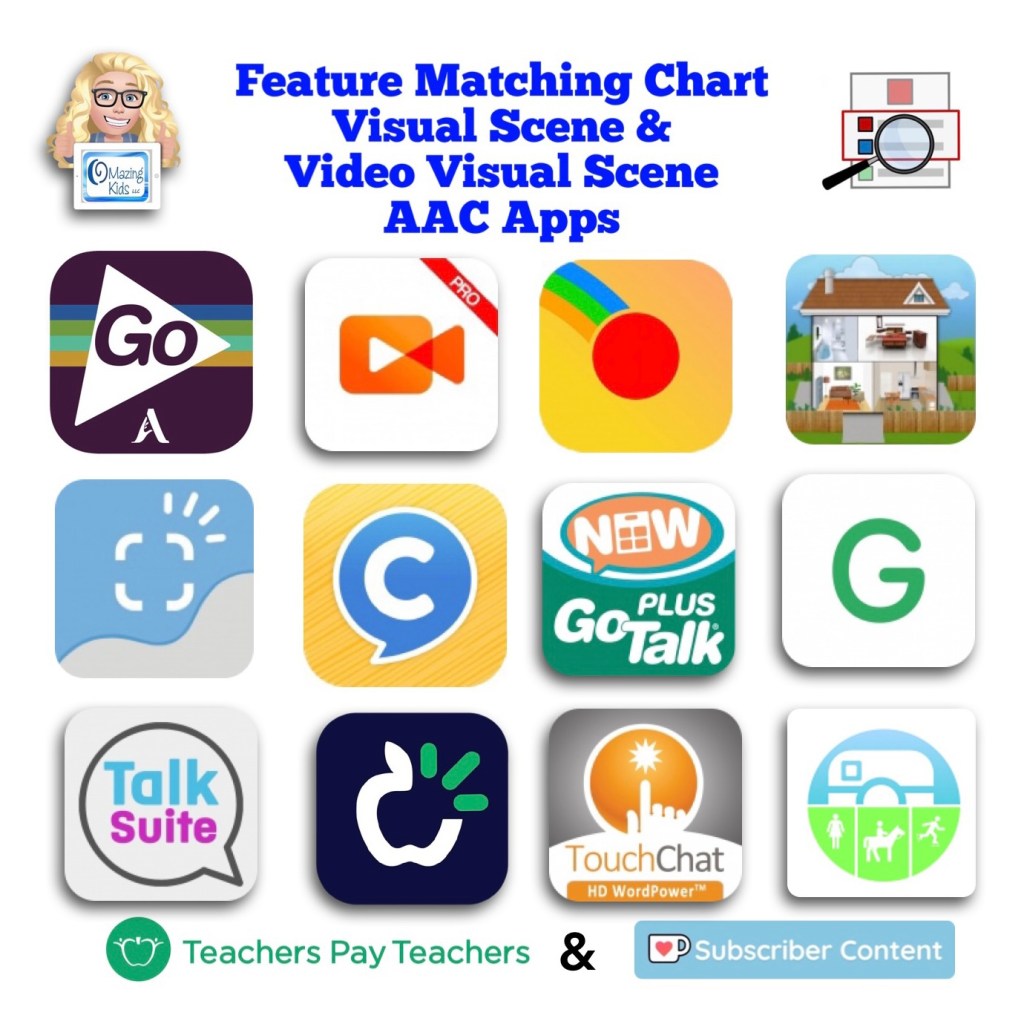
This resource includes an in-depth comparison of features & support resources across 11 iOS AAC apps:
Five of the apps are specifically designed for creating Visual Scene Displays and/or Video Visual Scene Displays:
• GoVisual Scene Maker
• Niki Scene
• Scene and Heard
• Scene Speak
• Snap Scene
Six of the apps are symbol-based AAC apps that offer the option for Visual Scene Displays and/or Video Visual Scene Displays embedded within the app:
• ChatAble English
• GoTalk Now / GoTalk Now Plus
• Grid for iPad VPP
• Talk Suite Pro
• TD Snap AAC
• TouchChat with WordPower
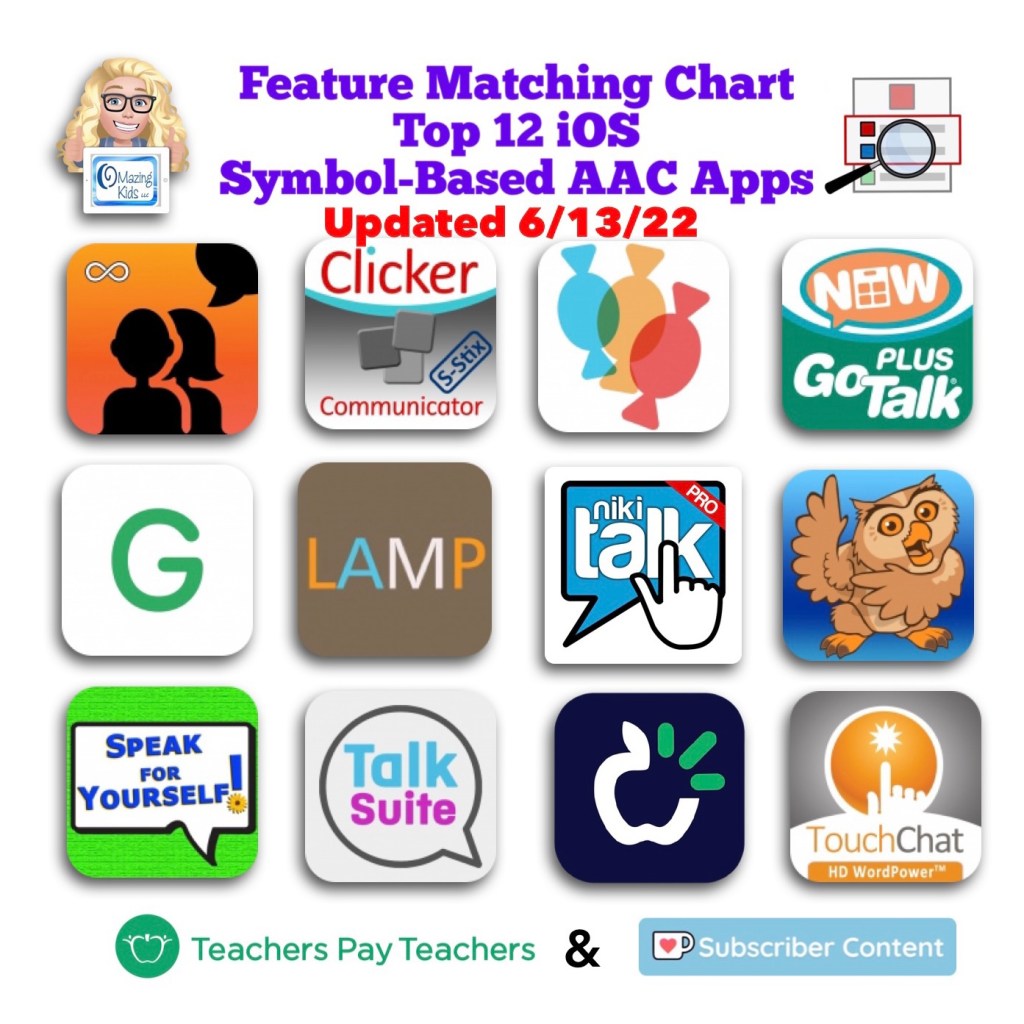
In-depth info about the rest of the features in GoTalk Now Plus, Grid for iPad, Talk Suite Pro and TouchChat with WordPower can be found in the Feature Matching Chart for the Top 12 iOS Symbol-Based AAC Apps (https://bit.ly/3A9Bcf3).
Includes info about features in these particular apps that may be helpful as folks are exploring ways to modify AAC for Gestalt Language Processors.
This resource includes free access to 11 unlisted YouTube videos where I show the interface and a few visual scenes in each app.
A link to the Alternative Printable Version can be found at the very bottom left corner within the PDF.
See the full description on TPT for more important info.
Have questions? The best way to reach me with any questions is via messaging on the OMazing Kids Facebook page: https://www.facebook.com/OMazingKidsAAC/. That way AAC related messages don’t get lost among the spam in my e-mail.