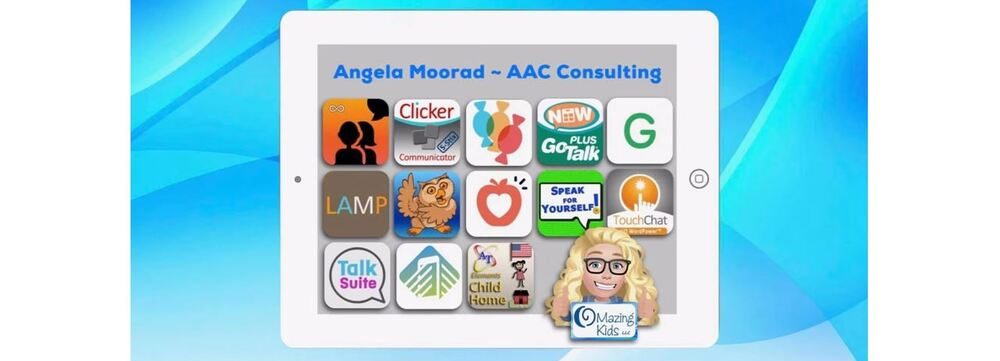
Angela Moorad, MS, CCC-SLP. Over 36 years experience in AAC. OMazing Kids AAC and app consulting. Creator of several AAC Feature Matching resources (https://omazingkidsllc.com/omazing-kids-aac-resource-links/). Includes info about unique features to support Gestalt Language Processors
This FREE resource has been updated: Resource Roundup: Gestalt Language Processing & AAC (updated 1/14/23), https://bit.ly/GLPandAAC
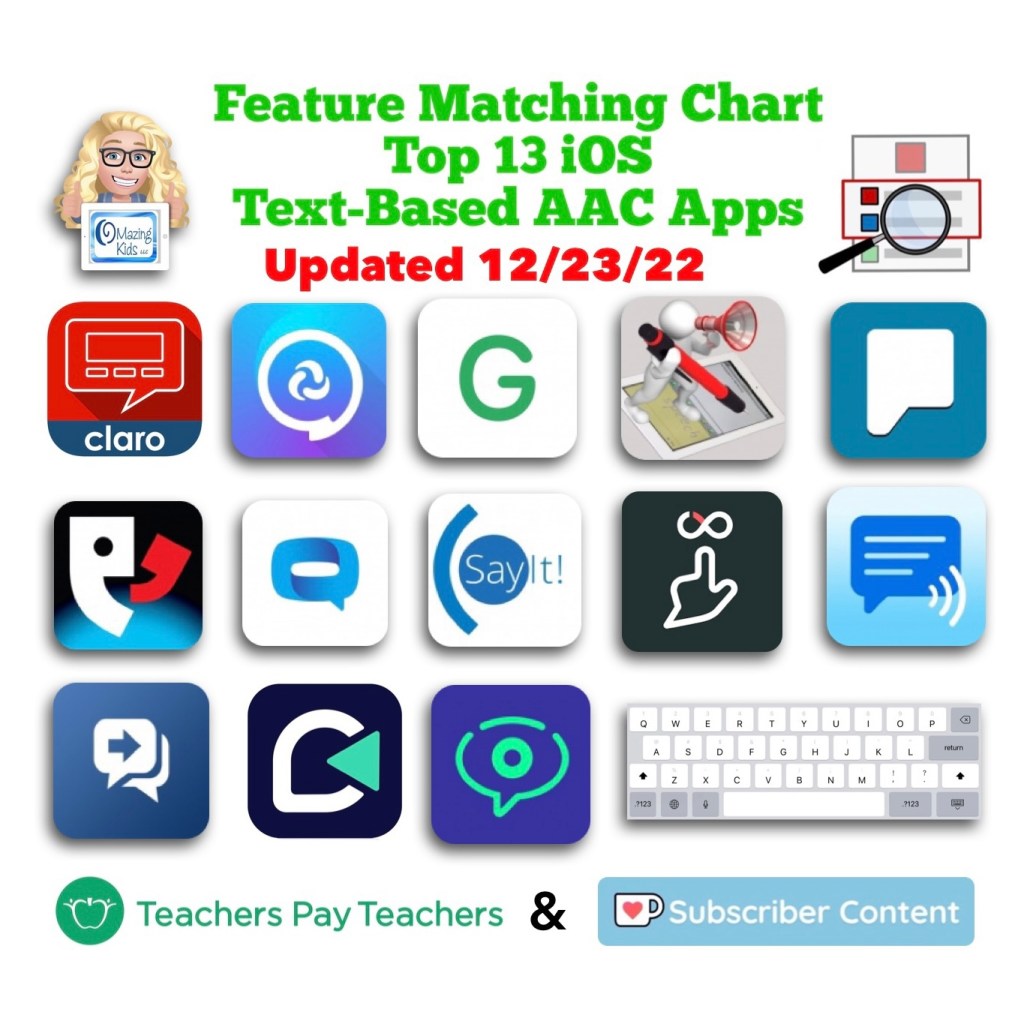
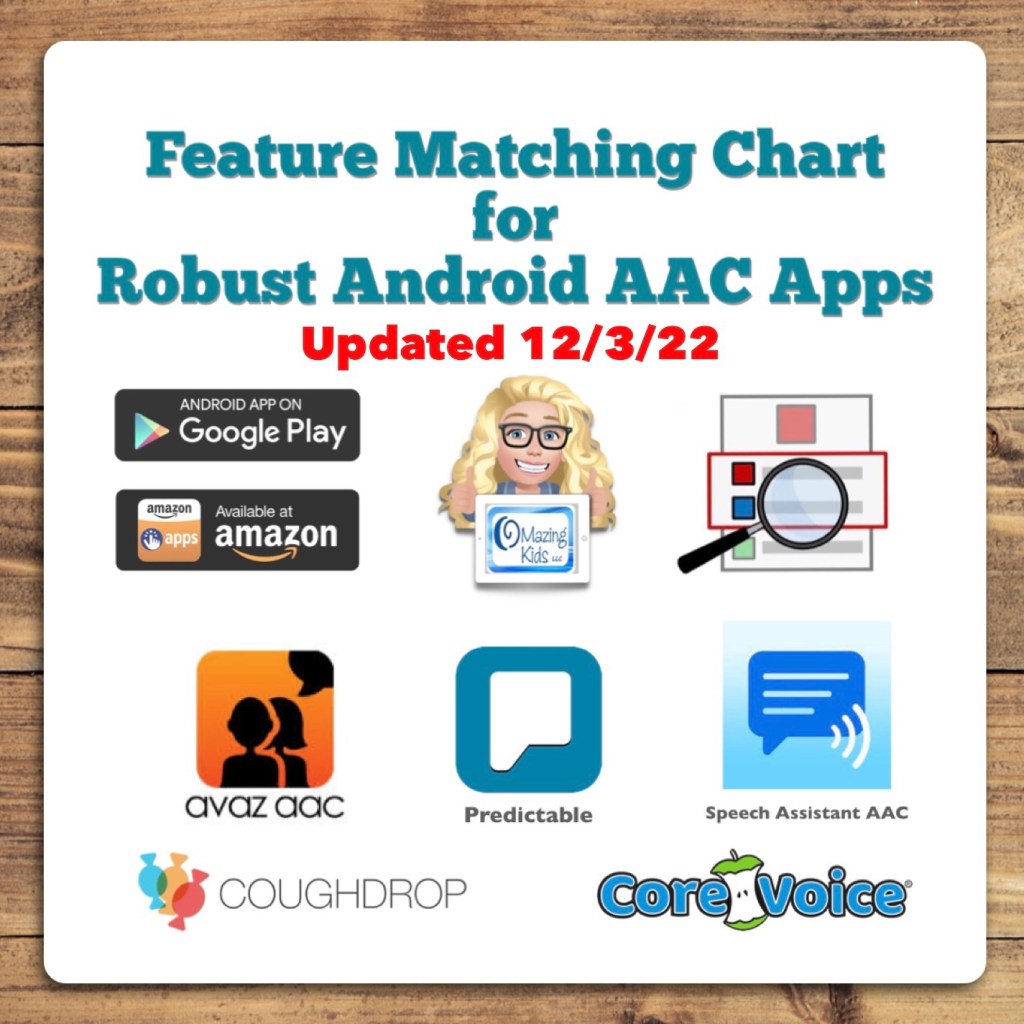
Looking for in-depth up to date info to compare features in AAC apps for iOS, Android, Amazon Fire and Windows? Check out my 5 AAC Feature Matching resources:https://bit.ly/5aacFeatureMatchingResources
Updated resource: Basic Feature Chart for Affordable and Free AAC apps & AAC-Related Apps (iOS, Android Google Play, Amazon Fire, Windows + a few Web-Based options). Now also includes info about apps available for Chromebook.
Looking for in-depth up to date info to compare features in AAC apps for iOS, Android, Amazon Fire and Windows? Check out my 5 AAC Feature Matching resources:https://bit.ly/5aacFeatureMatchingResources
Updated resource: Basic Feature Chart for Affordable and Free AAC apps & AAC-Related Apps (iOS, Android Google Play, Amazon Fire, Windows + a few Web-Based options).
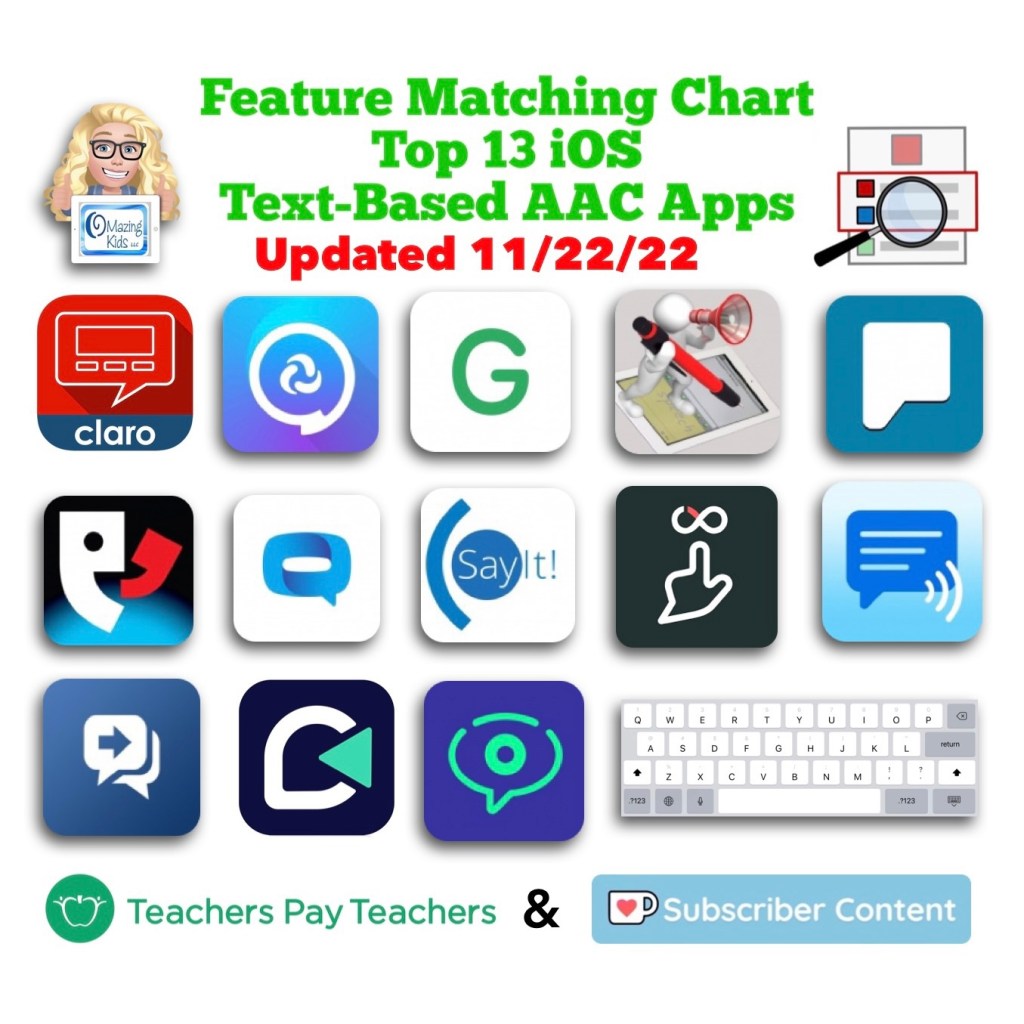
This resource has been updated. The PAROL+ app was removed since it has totally disappeared from the App Store. The HandySpeech app was added in its place. I get pretty frequent requests for info about handwriting-to-text-to-speech AAC so it made sense to add this app. The SayIt! Easy AAC app changed to a “freenium” pricing model. So if you already had this app be sure to tap “Restore Purchases” to get full access without having to pay a subscription or be charged for the much higher app price.
This 90 page PDF resource was inspired by the numerous requests that I’ve received for simple “at a glance” info about features in AAC apps and single page handouts that could be used with parents, caregivers and anyone involved in the AAC decision making process.
A Preview Sample PDF is available for this resource on TPT. It includes the Table of Contents and a few sample pages.
This resource includes:
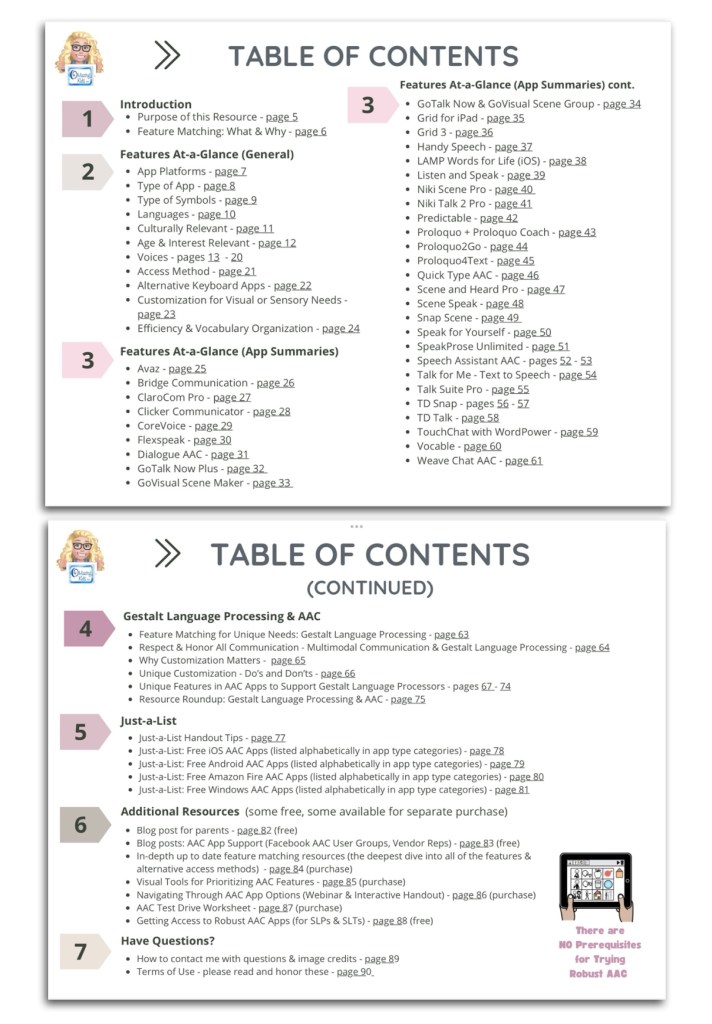
• A hyperlinked Table of Contents to jump straight to a page. Tap in the top left corner to jump back to the Table of Contents (when being used digitally)
• 11 Features At-a-Glance Handouts
• 36 AAC App Summary At-a-Glance Handouts (see Table of Contents for a list)
• 12 Gestalt Language Processing & AAC Handouts
• 4 Just-a-List Lists of Free AAC apps Handouts
• 2 unlisted videos (5 min demo of how to view 2 pages side-by-side using Split View & a 20 min Resource Overview)
• Links to additional resources
• How to contact me with questions (includes my email address exclusive to TPT)
These will be helpful on either side of an AAC evaluation that involves feature matching and trials of a few options:
• Beforehand to help simplify the process of knowing which apps and/or features you might want to consider during an AAC eval
• Afterwards to place at-a-glance sheets side by side as a reminder of apps that were included in the trials and help simplify the process of deciding which ones warrant a longer term trial or which one might be selected for submission in a funding request.
• These can also be helpful during the feature matching process to help provide simple explanations about some of the features and why they might be important.
It would be impossible to include all of the features in a particular AAC app on a single page handout. These are just “highlights”. These handouts should be used alongside (not instead of) in-depth up to date feature matching resources.
This resource is optimized for both printed and digital use:
Printed:
• Print a single page first to see if you need to choose “shrink to fit” on your printer. Print pages and place them side-by-side to compare features or apps.
• In order to keep the aesthetic of single page handouts the pages are not numbered. If you want to add page numbers, either write them or use a PDF editing app to add them.
Digital:
• The Table of Contents has hyperlinks to tap a page number to jump straight to that page. Tap the top left corner on any page to return to the Table of Contents.
• There a few other underlined hyperlinks in this resource to take you straight to additional information. I purposefully did not include App Store links since those can vary by country and aren’t always redirected.
• There are several options to view two pages side-by-side to compare features or apps:
• Use two iPads or tablets or open on two windows on a laptop.
• On iPadOS 13.0 or later, save the PDF in two different PDF viewer apps and use Split View to view them. The demo video included in the resource shows how.
• The PDF Expert and GoodNotes 5 apps offer a way to view two documents side-by-side within that one app
Looking for in-depth info about features AAC apps? Check out these resources:
• AAC Feature Matching Resource Bundle (includes all three, save 10%): https://bit.ly/aacFeatureMatchingBundle. If you are looking to purchase resources for several staff / team members, take a look at the Multiple Licenses discount (saves 20%)
• Affordable and Free AAC apps & AAC-Related Apps (iOS, Android, Amazon Fire, Windows & a few web-based options): https://bit.ly/BasicAffordableAACchart
Have questions? The best way to reach me with any questions is via messaging on the OMazing Kids Facebook page: https://www.facebook.com/OMazingKidsAAC/. That way AAC related messages don’t get lost among the spam in my e-mail.
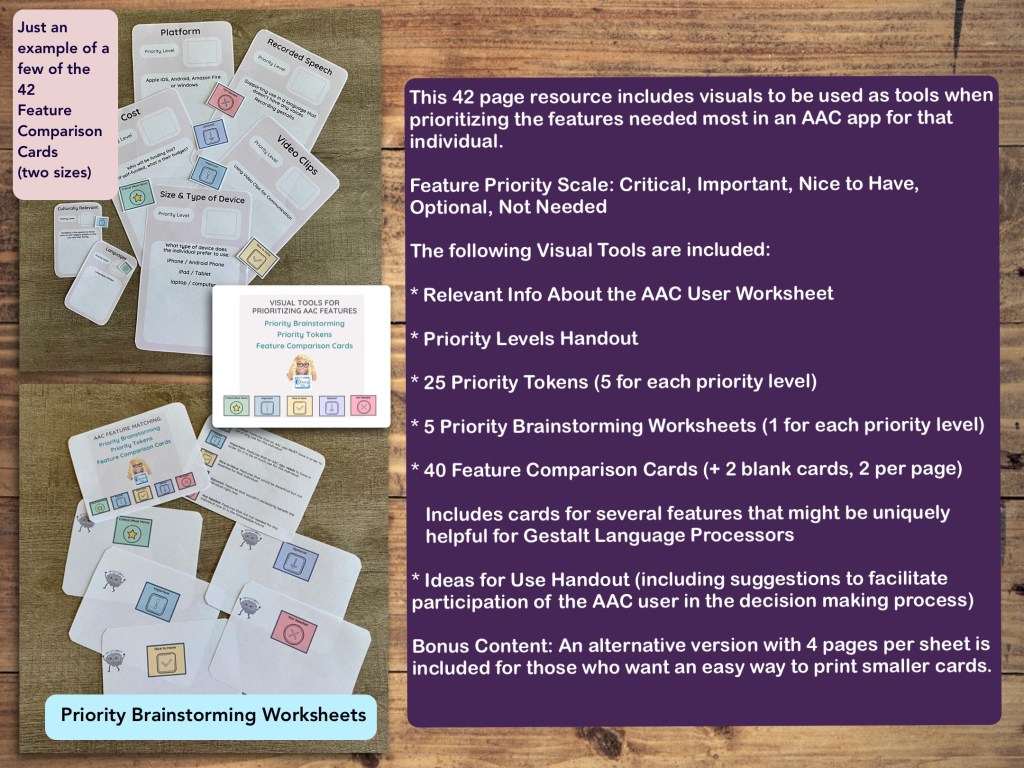
This 42 page PDF includes visuals and worksheets to be used as tools when prioritizing the features needed most in an AAC app for that individual.
TPT Preview video:
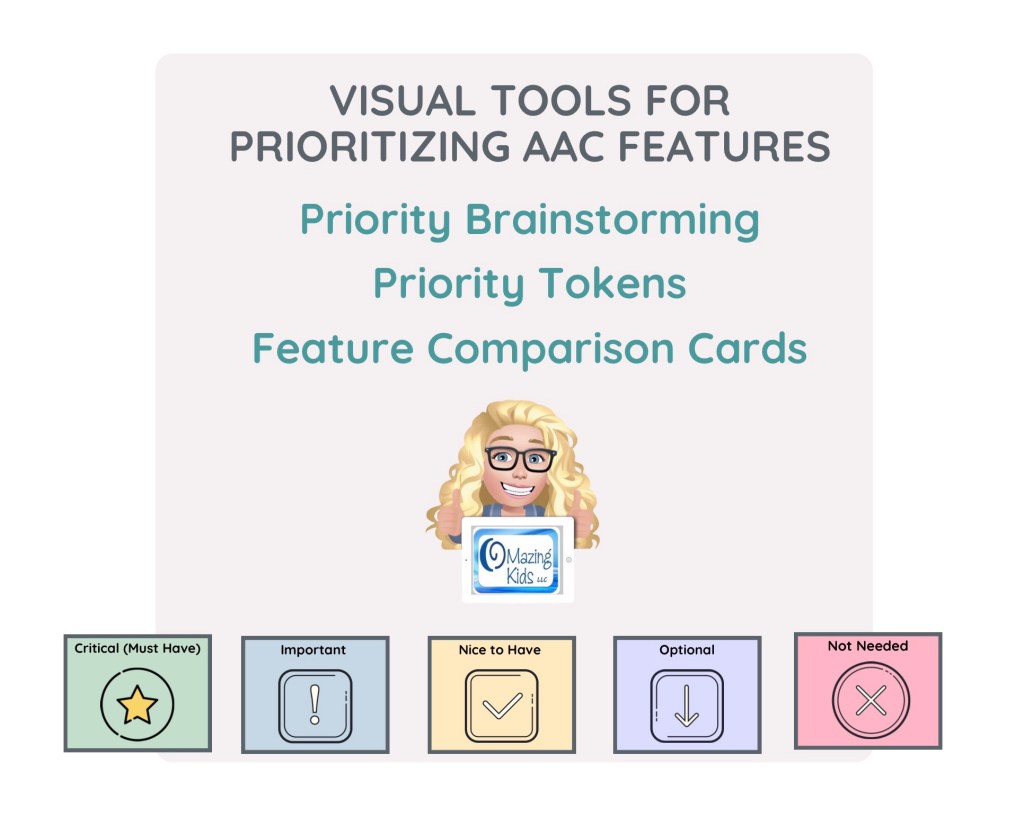
AAC app features are prioritized using the following scale:
• Critical: Features that an AAC app MUST have in order to be of any use for this individual
• Important: Features that an AAC app needs to have in order for it to be of much use for this individual
• Nice to Have: Features that would be beneficial but not essential for that individual
• Optional: Features that wouldn’t necessarily benefit the individual right now
• Not Needed: Features that are not needed for this individual now or in the foreseeable future
The following visual tools and worksheets are included:
• Relevant Info About the AAC User worksheet
• Priority Levels handout
• 25 Priority Tokens (a page with 25 token, 5 for each priority level)
• 5 Priority Brainstorming worksheets (5 pages, 1 for each priority level)
• 42 Feature Comparison Cards (40 features + 2 blank cards, 2 per page. Includes cards for several features that might be uniquely helpful for Gestalt Language Processors)
• Ideas for Use handout (including suggestions to facilitate participation of the AAC user in the decision making process)
Bonus Content: An alternative version with 4 pages per sheet is included as Bonus Content in this resource for those who want an easy way to print smaller cards.
Ideas for Use:
• Print, cut out & laminate to create a reusable tool. Write on it with a fine tip dry erase marker. The priority token can just be laid on a card or you could use Velcro.
• Print in black/white or grayscale, cut out and use as worksheets to write on. Use a glue stick to attach the priority token to each card.
• The last two cards are blank to use for any additional features that may be significant for that individual AAC user.
• Etc…
This resource was designed to be printable. If you want to use it digitally you can save the PDF on an iPad or tablet and annotate it in the free Xodo or iLovePDF apps or another PDF app of your choice. Note: The priority tokens are NOT moveable when the PDF is viewed. Instead I would annotate the priority level on the cards.
• AAC Feature Matching Resource Bundle (includes all three, save 10%): https://bit.ly/aacFeatureMatchingBundle. If you are looking to purchase resources for several staff / team members, take a look at the Multiple Licenses discount (saves 20%)
• Affordable and Free AAC apps & AAC-Related Apps (iOS, Android, Amazon Fire, Windows & a few web-based options): https://bit.ly/BasicAffordableAACchart
Have questions? The best way to reach me with any questions is via messaging on the OMazing Kids Facebook page: https://www.facebook.com/OMazingKidsAAC/. That way AAC related messages don’t get lost among the spam in my e-mail.
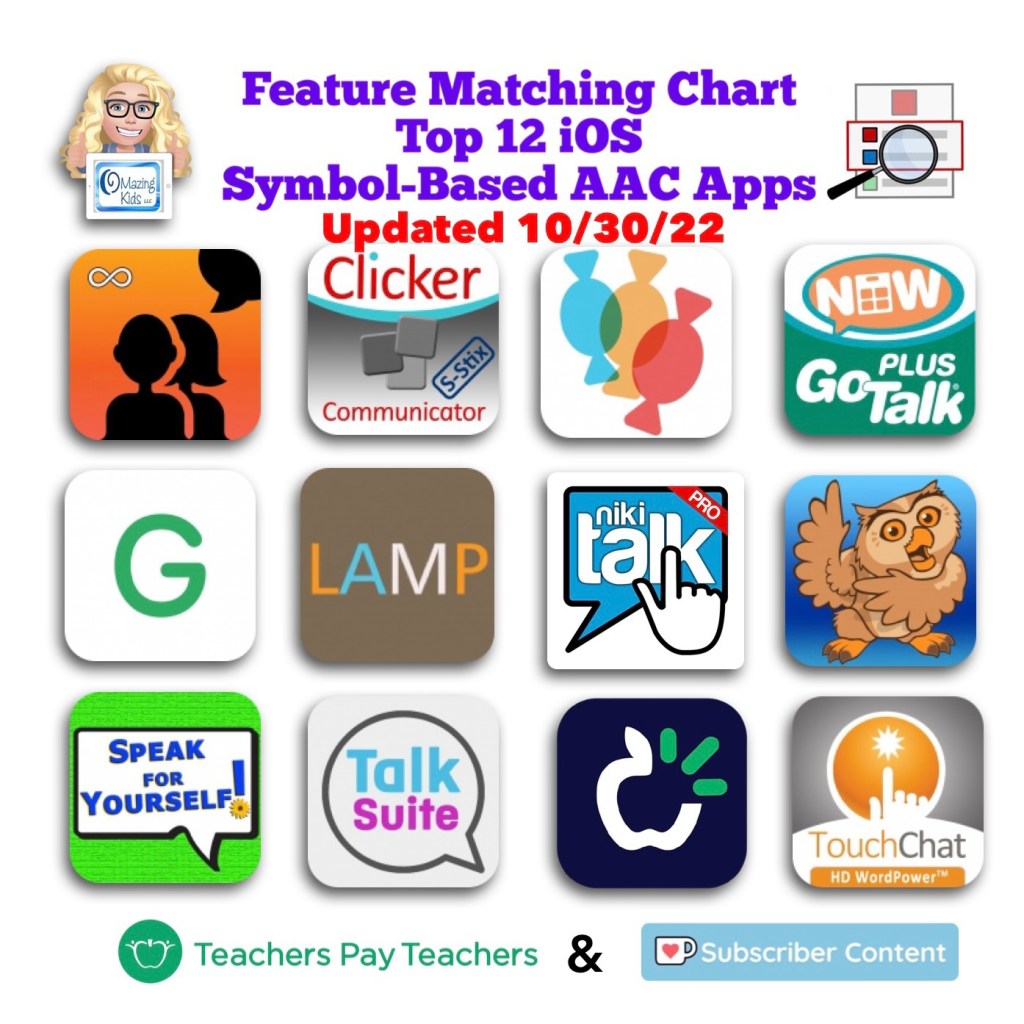
The Feature Matching Chart for the Top 12 Robust iOS Symbol-Based AAC Apps has been updated to add new rows related to the new iOS 16/iPadOS 16 child and adult voices, use of Google Maps to communicate, apps that can be used in Split View, updated features in these apps over the past month, etc…