

In addition to creating communication boards, flip books and true object based icons for non-tech AAC, I look at using whatever tech an individual has and finding a good affordable option to put on that so they have something to use immediately.
These can be helpful to use until an AAC eval can be completed, until a more robust option can be purchased, to meet a short term need or as a secondary tool to offer features that might not be available in their main AAC device, etc.
Or this may be what they use long term. Unfortunately not everyone has access to getting an AAC eval or options for funding more robust AAC so there are individuals who may rely on these affordable devices and apps as their only option.
It is also a reality that not everyone can afford an iPad so that’s why this blog post covers the three main app stores.
This is intended to give you a *general* idea of the overall cost of purchasing AAC for use on Amazon Fire vs. Android vs. iPad in 2025.
Total cost of a good model of tablet + good case with a rotating stand + a robust symbol-based AAC app:
• Amazon Fire: $310.00
• Android: $480.00
• iPad: $520.00
Prices would be $100 less if purchasing the app during a 50% off sale (typically in April and October). Additional savings if purchasing a tablet or iPad during a sale. These prices don’t include any extras like in-app purchases for premium symbols, premium voices, extra pagesets / vocab files, Apple Care, a screen protector or a extremely protective case, etc…

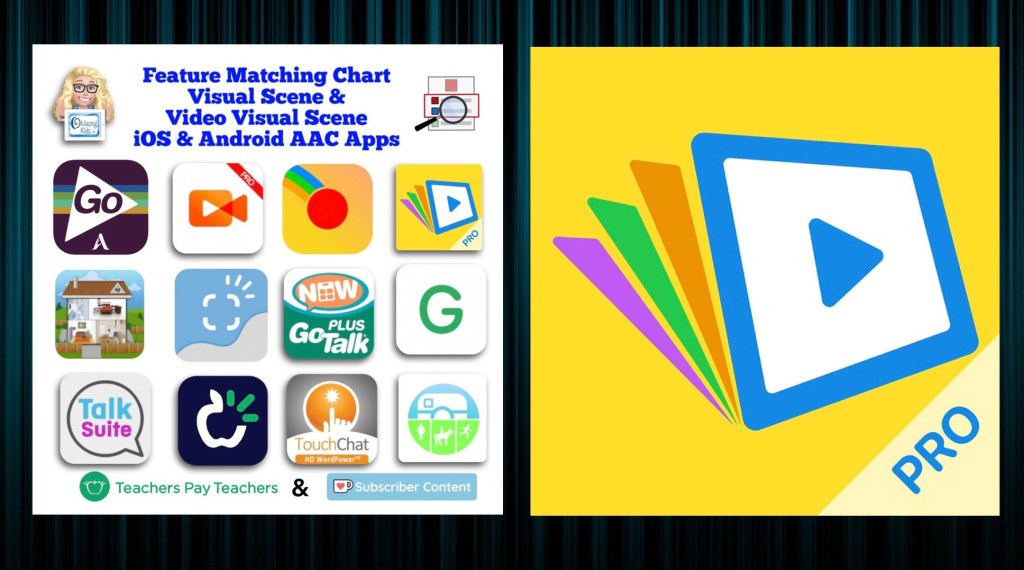
If the cost of purchasing a robust AAC app is too high even during a sale, consider a robust app that offers a monthly subscription or check out the “Basic Feature Chart for Affordable and Free AAC apps & AAC-Related Apps (iOS, Android Google Play, Amazon Fire, Windows + a few Web-Based options)” (everything featured in that resource is priced under $14.99 and many are free)
How I came up with these numbers …
This is a cost comparison based on prices of devices and cases that I purchased and is just a general comparison. Avaz and WeaveChat are used in this comparison since they are the most robust symbol-based AAC apps available across all three platforms (Avaz on Amazon Fire would require side loading the Google Play Store). I am not including CoughDrop in the comparison this time. Unfortunately that app has become increasingly glitchy since it was acquired by Forbes AAC. Prices will vary based on the AAC app and whether or not you wait to purchase during sales.
Amazon Fire Tablet:
Amazon Fire HD 10 tablet, 10.1″, 64GB, with lock screen ads (2023 release, 13th generation): https://a.co/d/5yNpQ04, sale price today: $104.99 (regular price $179.99). I got a better deal during Amazon Prime Days in July 2024 when it was on sale for $84.99. I got a total of $42.00 in incentives (20% off my new tablet = $17 + $25 gift card). A couple of days later I paid $15 to remove the ads. So I only ended up paying $57.99 for this brand new tablet with double the memory, a much better processor and larger screen compared to the Amazon Fire HD 8 tablet, 8″ HD display, 32GB (2020 release) that I traded in.
BORXJNM Case: https://a.co/d/ek6FfmT, $14.99
Total if purchased 3/21/25 with no trade-in: $119.98 (would be less expensive during Amazon Prime Days Sale)
Robust symbol-based AAC app options:
• Avaz (Free app, 2 week free trial, then subscription ($9.99/mo or $99.99/yr look to see what new prices are) or a one time $299.99 purchase), side loaded from Google Play App Store
• Weave Chat AAC: totally FREE
• CoreVoice: $49.99
Total cost of tablet + case + robust symbol-based AAC app:
~ $158.97 – $308.98 (or as low as $113.97 – $163.98 if you get the tablet on sale and get Avaz or CoughDrop when they are 50% off – typically in April & in October).
Android Tablet:
Samsung Galaxy Tab S6 Lite 10.4″, 64GB: https://a.co/d/07JEMhI, $249.99 (the price has gone down since I purchased mine for $299)
Case with rotating stand (similar to the Pepkoo). I ended up purchasing one on eBay (https://www.ebay.com/itm/374088538546. Sadly that case is out of stock. I contacted the seller on eBay and they won’t be getting any more). It’s difficult to find cases with this type of rotating stand for the Samsung Galaxy Tab S6 Lite 10.4” Android tablet. I found this one but haven’t seen it in person: https://www.ebay.com/itm/114920453285, $28.99
Total: ~ $278.98
Updated 9/20/22: Looking for an affordable option for pocket-sized AAC? Many users prefer to just add an app to their iPhone or Android phone but some settings don’t allow phones (or it would be a battle to get an exception). The iPod Touch used to be my “go to” option for this. Since the iPod Touch was discontinued I purchased an Android Samsung Galaxy A03s (prepaid TracFone that has NOT been activated for cellular service) on Amazon. Shout out to Karen Erickson for sharing that idea in a comment in the AAC for the SLP group. It was only $59.88 and essentially gives me an Android equivalent to an iPod Touch (which Apple has discontinued) for pocket-sized AAC. I added a $12.99 case that has a tiny ring stand and sliding cover for the camera. So for $72.87 (+ the cost of the app) I have a very affordable pocket-sized AAC device: https://omazingkidsllc.com/2022/09/20/affordable-pocket-sized-android-aac/
Robust symbol-based AAC app options:
• Avaz (Free app, 2 week free trial, then subscription ($9.99/mo or $99.99/yr) or a one time $199.99 purchase)
• CoughDrop (Free app, 2 month free trial, then subscription ($6/mo) or one-time purchase ($200). More info about their other subscription options: https://bit.ly/3h8aEC1)
• CoreVoice: $49.99
Total cost of tablet + case + robust symbol-based AAC app:
~ $328.97 – $478.98 (or $378.98 if you get Avaz or CoughDrop when they are 50% off – typically in April & in October)
iPad:
iPad 9th gen, 64GB: https://a.co/d/3VSOLY7, $299
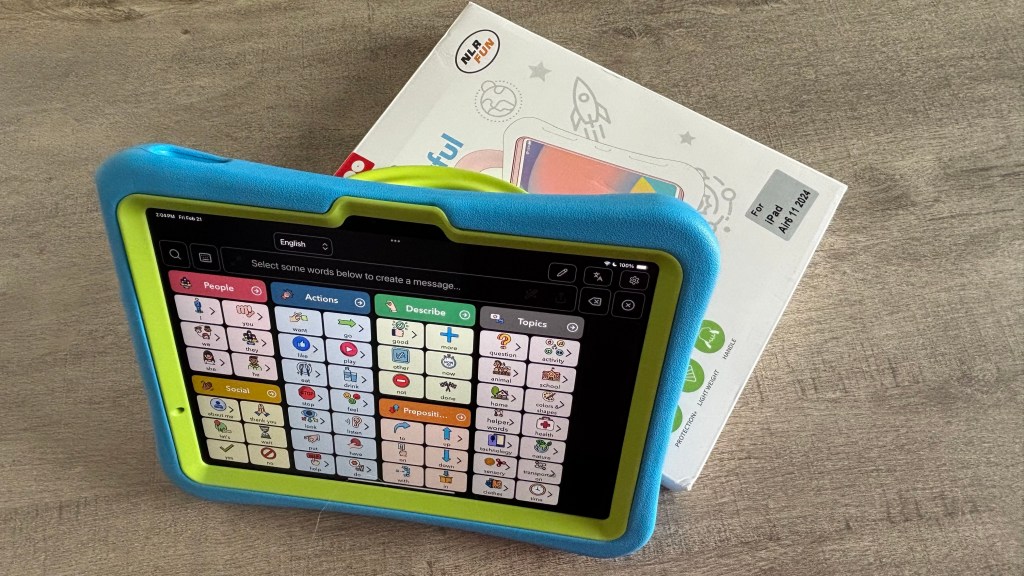
Pepkoo case: https://a.co/d/curQA4K, $20.99
OR
If you also need a shoulder carrying strap look at the Pepkoo Triple Shockproof Case: https://a.co/d/0RyWDMz, $26.99
Total: ~ $319.99 – $325.99
Robust symbol-based AAC app options:
• Avaz: Free app, 2 week free trial, then $9.99/mo or $99.99/yr subscription or $199.99 one time purchase
• Clicker Communicator: $199.99
• CoreVoice: $49.99
• CoughDrop: Free app, 2 month free trial, then $6/mo subscription or $200 one time purchase. More info about their other subscription options: https://bit.ly/3h8aEC1
• GoTalk Now / GoTalk Now Plus: $99.99 / $169.99
• Grid for iPad: free version with 30 day free trial, then $10.99/mo subscription or $399.99 one time purchase
• LAMP Words for Life: $299.99
• Niki Talk 2 Pro: $89.99
• Proloquo + Proloquo Coach: free app, 30 day free trial, then $9.99/mo or $99.99/yr subscription
• Proloquo2Go: $249.99
• Speak for Yourself: free version with 30 day free trial, then $299.99 one time purchase
• Talk Suite Pro: $199.99
• TD Snap: free version with 60 day free trial, then $49.99 one time purchase
• TouchChat with WordPower: free version with 30 day free trial, then $299.99 one time purchase
Total cost of iPad + case + robust symbol-based AAC app:
~ $369.98 – $725.98 (varies depending on the app, some of these apps are ~50% off twice a year. As a comparison to the Amazon & Android versions, the total if you got Avaz or CoughDrop for 50% off = ~ $419.99
If you are looking for a cost comparison of digital PODD options see this post: https://omazingkidsllc.com/2021/01/09/review-comparison-of-features-in-digital-podd-ipad-apps-in-2021-simpodd-grid-for-ipad-snap-core-first-and-podd-with-compass/
Updated 10/18/22

Apple launched the iPad 10th gen today (10/18/22). Unfortunately they changed the size. It’s 10.9” instead of 10.2”.
Which means the cases that we have been using/recommending for the 7th gen/8th gen/9th gen iPads won’t fit the 10th gen.
It might be awhile before case manufacturers get good cases for the 10th gen on the market. Especially cases with the features that we want for AAC users.
Apple also raised the price by $120.
- 10th gen, 64GB: $449
- 9th gen, 64G: $329
Amazon currently has the 9th gen, 64GB iPad on sale for $269: Limited-time deal: 2021 Apple 10.2-inch iPad (Wi-Fi, 64GB) – Silver https://a.co/7YHiqTO
<< sigh >> 😢
I had hoped that Apple would continue to leave that base model iPad at the same size and price since we had been having a good multi-year run of Apple leaving the base model iPad specs alone. So on the verge of a recession they decided that it’s time for a $120 price jump and put stress on case manufacturers with the size change. This is why we have lost so many great case options over the years (GripCase, LifeProof Nüüd, etc..). Apple claims to care about accessibility but then is this clueless 🙄😢
If you know someone who was thinking about getting an iPad for AAC, I’d let them know so they can get a good price on the 9th gen before those are no longer available
Windows: The cost would vary greatly depending on the type of tablet or laptop purchased. The Windows tablet that I purchased would not be durable enough for primary use for AAC.
This post is not implying that price should be the sole factor when choosing AAC but it is acknowledging that in real life many folks have to purchase this on their own and price is a factor.

How to Install the Google Play Store on an Amazon Fire Tablet: https://www.howtogeek.com/232726/how-to-install-the-google-play-store-on-your-amazon-fire-tablet/ (I like that he keeps that post updated. Pay close attention to the instructions for your exact model of tablet & follow the precise instructions)
Tips: If you are using an Android tablet & an Amazon Fire Tablet with the Google Play App Store side loaded, be sure to toggle on Family Sharing before making app purchases & make the purchases from the Google Play App Store on your Amazon Fire Tablet. Those have been recognized by Google Play on my Android tablet. The reverse was hit and miss (likely due to the side loading).
In-depth post about the Pepkoo cases: https://omazingkidsllc.com/2021/04/30/pepkoo-ipad-8th-gen-case-features/
A series of three videos comparing AAC options across four platforms: Apple iOS, Android Google Play, Amazon Fire & Windows:
* Comparison of voice loudness and quality for AAC: iPad, Samsung Android, Amazon Fire & Windows (4:20):
* Considerations for AAC on Different Platforms: iPad, Android, Amazon Fire & Windows (6:17):
* A look at AAC options across platforms: Windows, Amazon Fire, Android Google Play, Apple (12:55):
* Comparison of Samsung tablet vs Samsung phone:
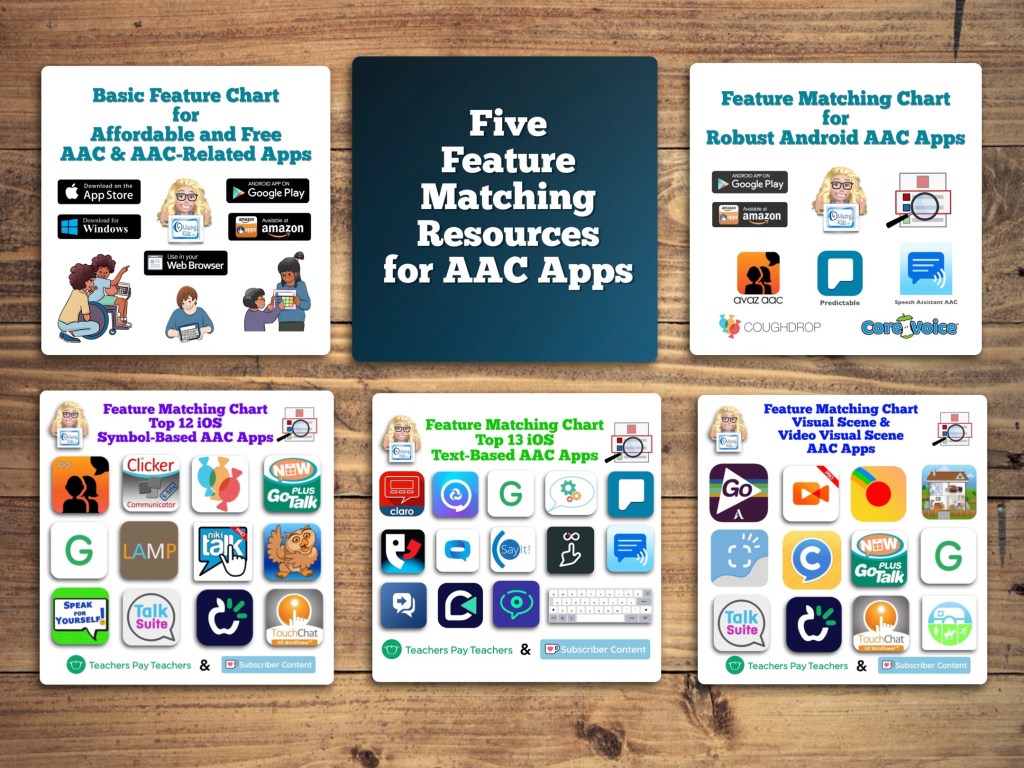
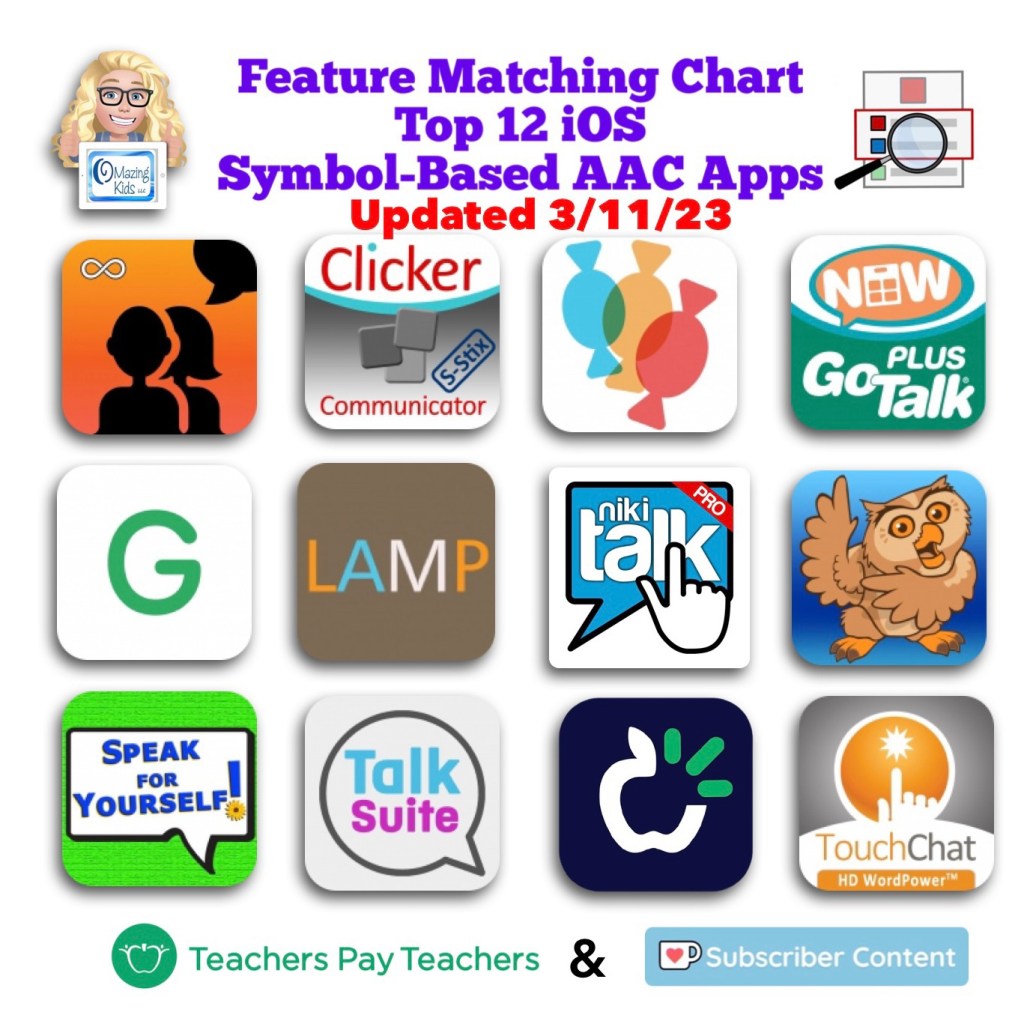
Those who have access to a funding source and want in-depth info about the features in AAC apps should read: Five Feature Matching Resources for AAC Apps (comparing features in AAC apps) + several videos comparing AAC apps across platforms (iPad, Android, Amazon Fire, Windows), https://omazingkidsllc.com/2022/08/10/five-feature-matching-resources-for-aac-apps-comparing-features-in-aac-apps-several-videos-comparing-aac-apps-across-platforms-ipad-android-amazon-fire-windows/
Have a question? The best way to reach me is via Facebook messaging over on my OMazing Kids page: https://www.facebook.com/OMazingKidsAAC/
Angela Moorad, MS, CCC-SLP, Founder of OMazing Kids, LLC, OMazing Kids AAC Consulting
• Teachers Pay Teachers Store: https://www.teacherspayteachers.com/Store/Omazing-Kids-Aac-Consulting
• YouTube: https://youtube.com/user/amoorad1
• Ko-Fi: https://ko-fi.com/omazingkidsaac
• OMazing Kids AAC Consulting Facebook Page: https://www.facebook.com/OMazingKidsAAC/
• AppPeeps Facebook Group: https://www.facebook.com/groups/OMazingKidsAppPeeps/
• GoTalk Now AAC & GoVisual Visual Scene Apps – Ideas and Sharing Facebook Group: https://bit.ly/GoTalkNowAACappGroup
• Instagram: https://www.instagram.com/omazingkidsaac
• Twitter: https://www.twitter.com/amoorad
• Pinterest: http://pinterest.com/OMazingKids/
• Linktree: https://linktr.ee/amoorad1
• LinkedIn: https://www.linkedin.com/in/angelamooradomazingkidsaac
• Blog: https://omazingkidsllc.com


 OMazing Kids AAC Consulting