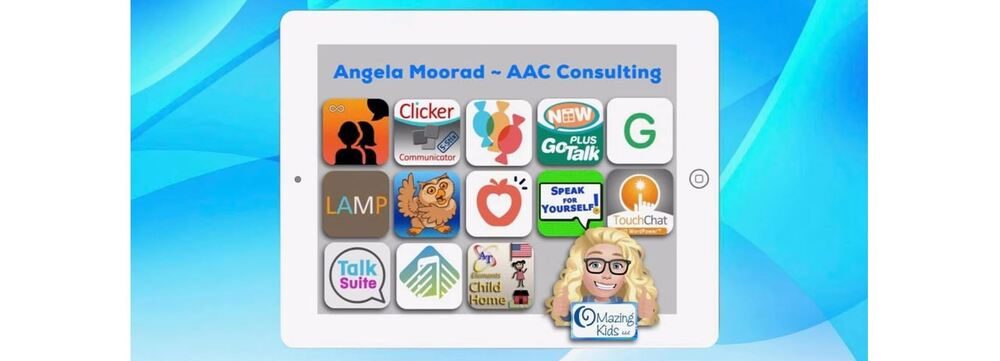
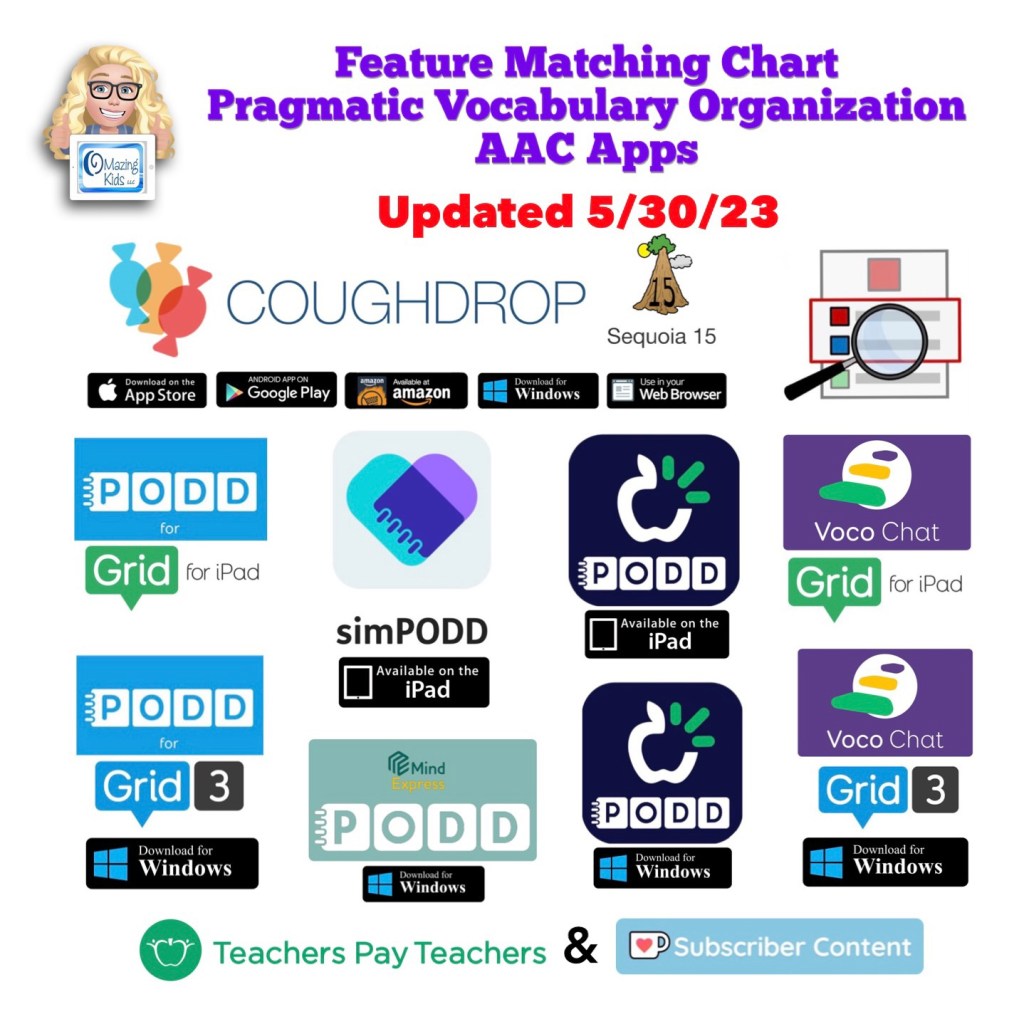
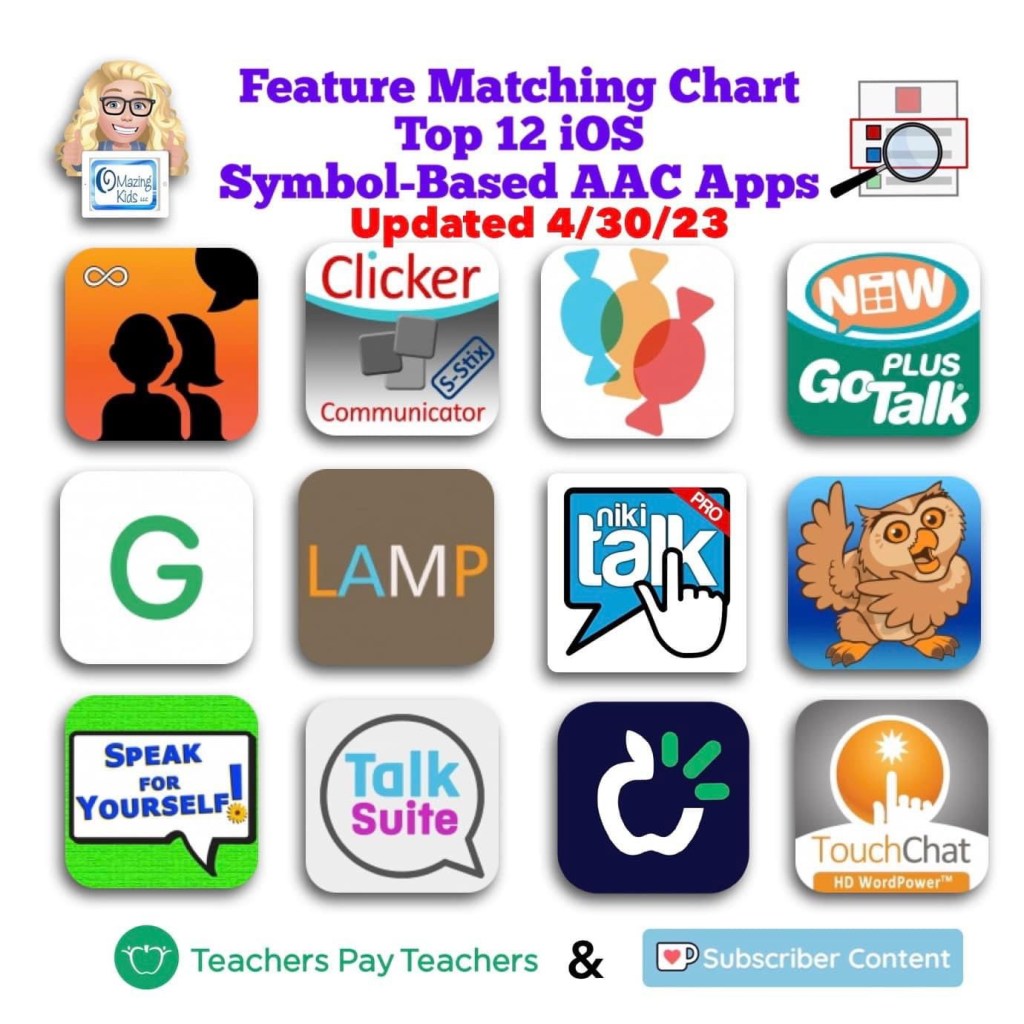
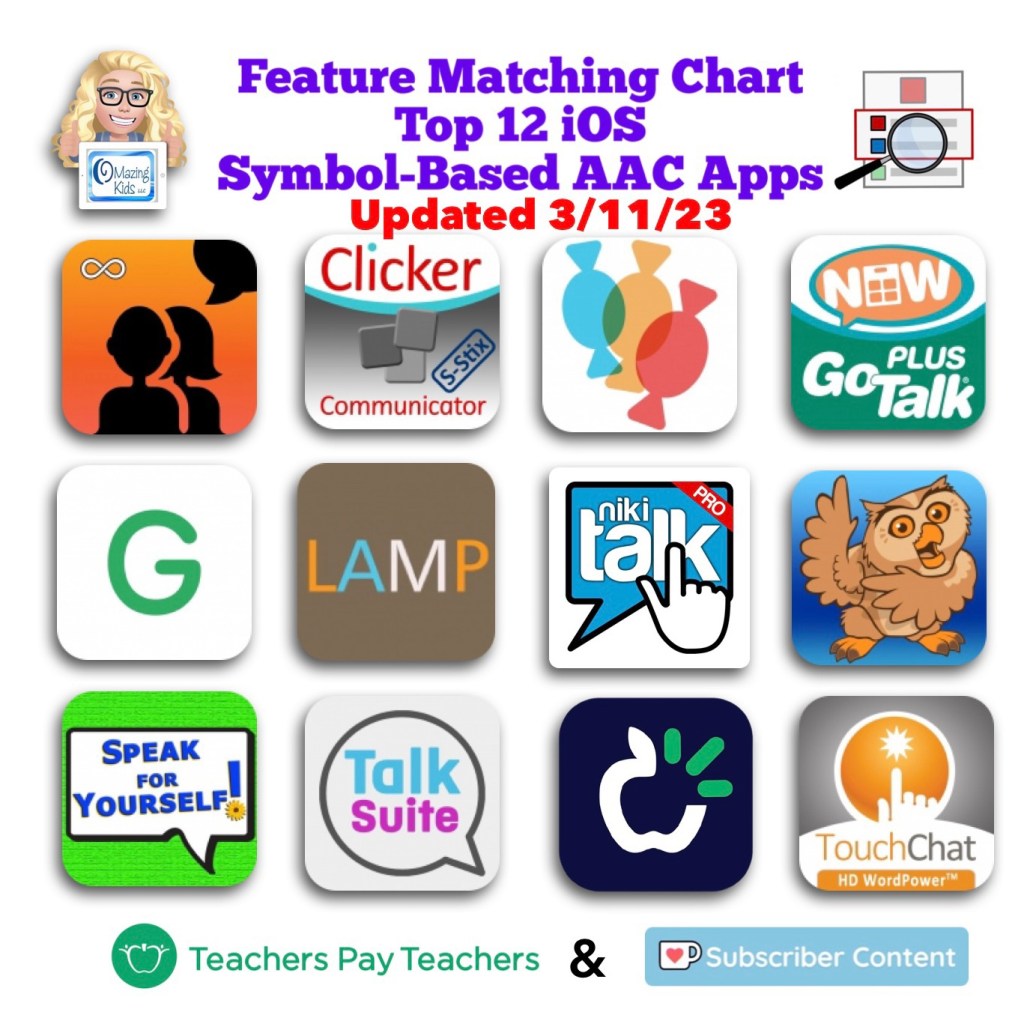
Angela Moorad, MS, CCC-SLP. Over 37 years experience in AAC. OMazing Kids AAC and app consulting. Creator of several AAC Feature Matching resources (https://omazingkidsllc.com/omazing-kids-aac-resource-links/). Includes info about unique features to support Gestalt Language Processors
Looking for other in-depth AAC feature matching resources? See this blog post: https://bit.ly/5aacFeatureMatchingResources. That post also includes videos comparing AAC apps on various devices on various platforms.
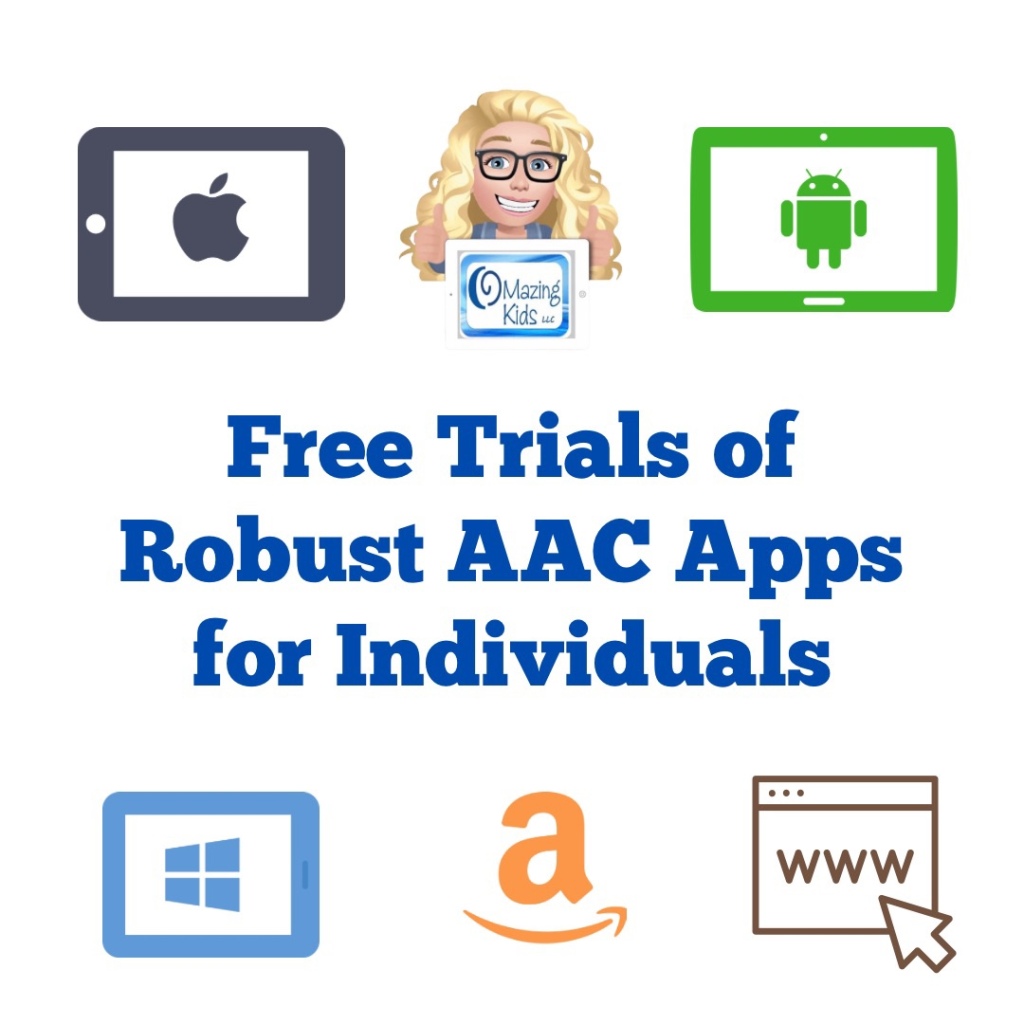
This new FREE handout has info about how individuals can access a free trial of several robust AAC apps to try out on their own iPad, Android tablet, Amazon Fire tablet, or Windows tablet. Or use online.
If you are an SLP/SLT making funding/purchasing recommendations or another professional supporting AAC users and need ongoing access to robust AAC apps, see this blog post: AAC Test Drive & Getting Access to Robust AAC Apps,https://bit.ly/AACtestdrive. It has links to four FREE handouts with the details on how to get access to these apps.
Notes:
Each app has its own minimum spec requirements. You can find those either in that app store or on the website where you download it.
Some of these apps could also be trialed via a loaner AAC device from that company, via a company that sells a fundable iOS-based or Android-based device or a loaner from your state’s AT Lending Program.
Terms of Use: You may not copy any part of this document (including the content, layout, format, ideas or design) and reproduce it or distribute it as your own work. Please do not copy/paste this info onto other blogs or save this PDF in any online groups or files. It is available for free on my TPT store: https://bit.ly/OMazingKidsAAConTPT.
Looking for other in-depth AAC feature matching resources? See this blog post: https://bit.ly/5aacFeatureMatchingResources. That post also includes videos comparing AAC apps on various devices on various platforms.
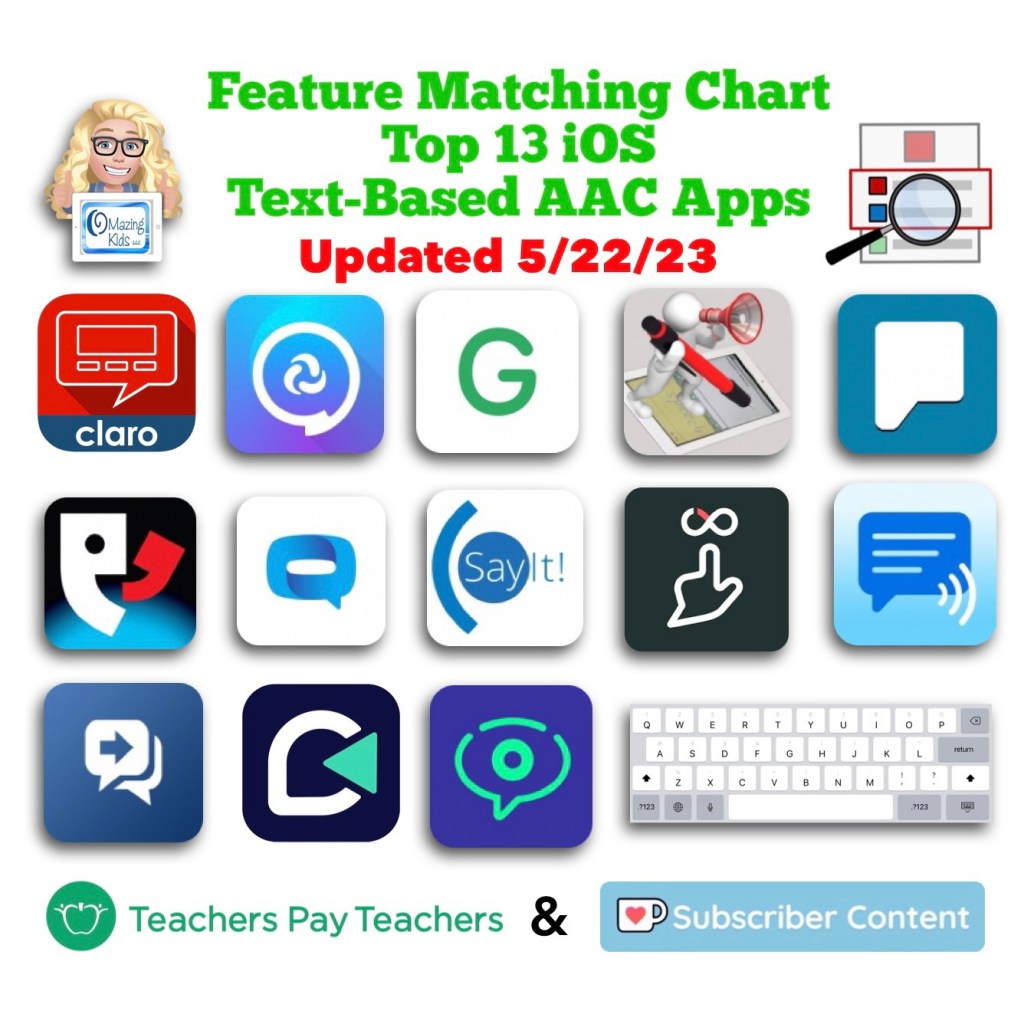
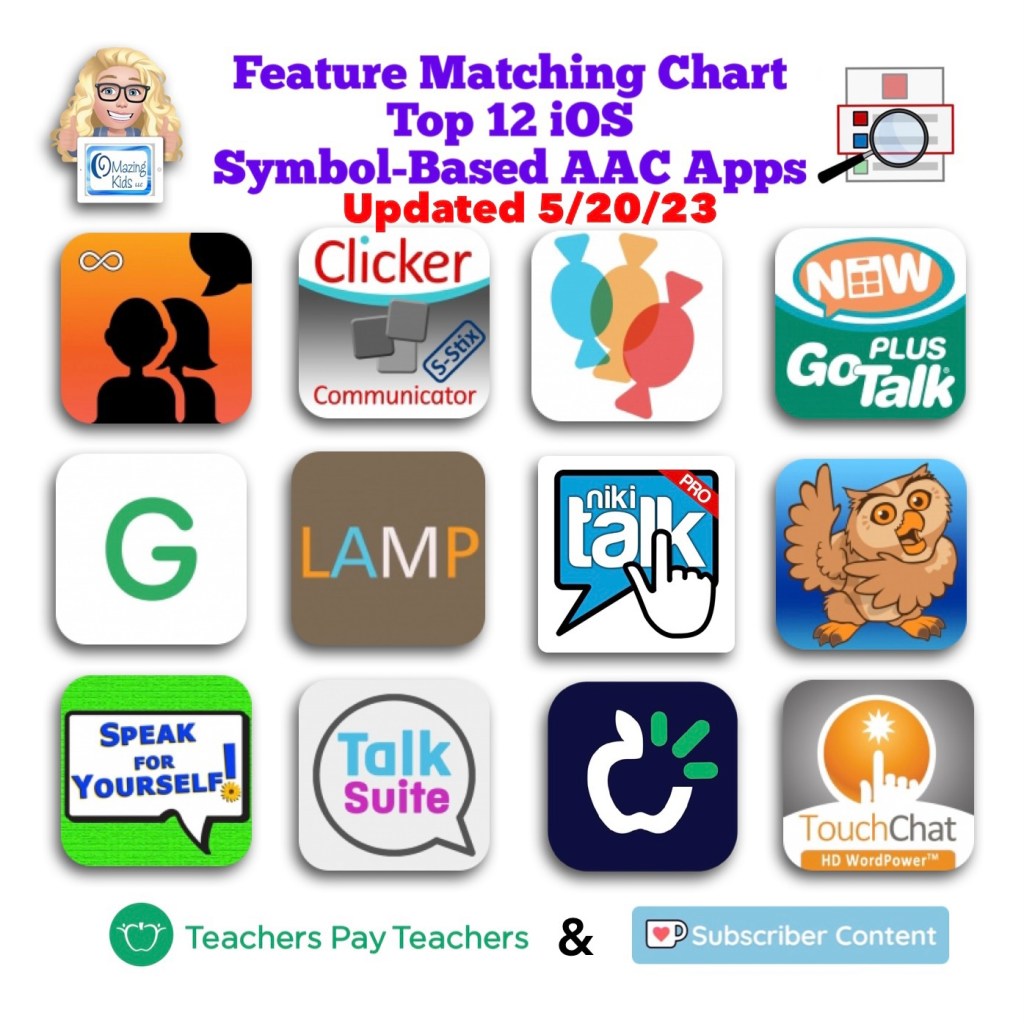
Image ID: Screenshot of the cover image for this resource in my TPT (Teachers Pay Teachers) Store. Includes the icon for each app in the Apple App Store, the OMazing Kids logo and logos for TPT and Ko-fi. Date updated: 5/20/23.
For those asking about the the new Proloquo + Proloquo Coach app:
I have some info about them in this resource in the column about Proloquo2Go. I agree that Proloquo + Proloquo Coach is a great app but is missing some features to make it officially into the top 12. I was part of beta testing this app and have continued to provide feedback to AssistiveWare. Top of my list is the Proloquo app needs to allow editing of existing buttons to meet the cultural and religious identity of that individual. There have been a couple of discussions in AssistiveWare’s Proloquo and Proloquo Coach Community Facebook group about the need to allow flexibility in editing existing buttons. There’s also a need for being able to use recorded speech to get proper pronunciation of some names.https://www.facebook.com/groups/381836780082796/?ref=share&mibextid=S66gvF.
Looking for other in-depth AAC feature matching resources? See this blog post: https://bit.ly/5aacFeatureMatchingResources. That post also includes videos comparing AAC apps on various devices on various platforms.
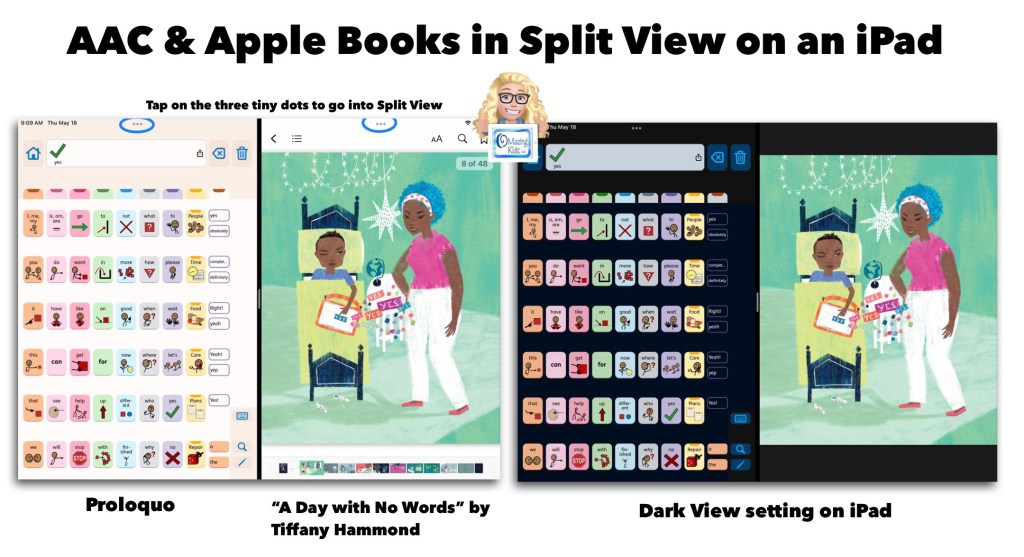
Image ID: Screenshot showing the Proloquo AAC app in Split View alongside the Apple Books app with the book “A Day With No Words” by Tiffany Hammond. Includes a notation to tap the three tiny dots to access Split View.
AAC apps that offer full support of Split View / Split Screen offer the opportunity for greater accessibility and access than AAC apps that don’t support this. Why does this matter?There are many adult AAC users who multitask with their tech. But this isn’t just a feature that benefits adults. Here is an example of how I’m using the Proloquo app by AssistiveWare alongside the Apple Books app with “A Day With No Words” by Tiffany Hammond (Fidgets and Fries). I also own a hardcover copy of this same book and loved it so much that I decided to purchase the ebook version in Apple Books to offer another means of access and use (both alongside AAC and separately).
My only “wish” is that iPad Accessibility – Spoken Content – Speak Screen was able to properly detect the text in picture books. I tried it in both Apple Books and the preview in the Kindle for iPad app. Both weren’t able to perceive the text separately from the gorgeous illustrations. Which I wouldn’t trade the stylized text in this book for that. I just wish there was something behind the scenes that made this type of text accessible. (Hey Apple & Amazon Kindle if you happen to read this… please make it so.)
Basic Feature Chart for Affordable and Free AAC apps & AAC-Related Apps (iOS, Android Google Play, Amazon Fire, Windows + a few Web-Based options): https://bit.ly/BasicAffordableAACchart
The perfect companion to supplement these in-depth resources are the “AAC Apps and Features At-a-Glance (Single Page Handouts)”: https://bit.ly/AAC-At-a-Glance
Updated 5/25/23:
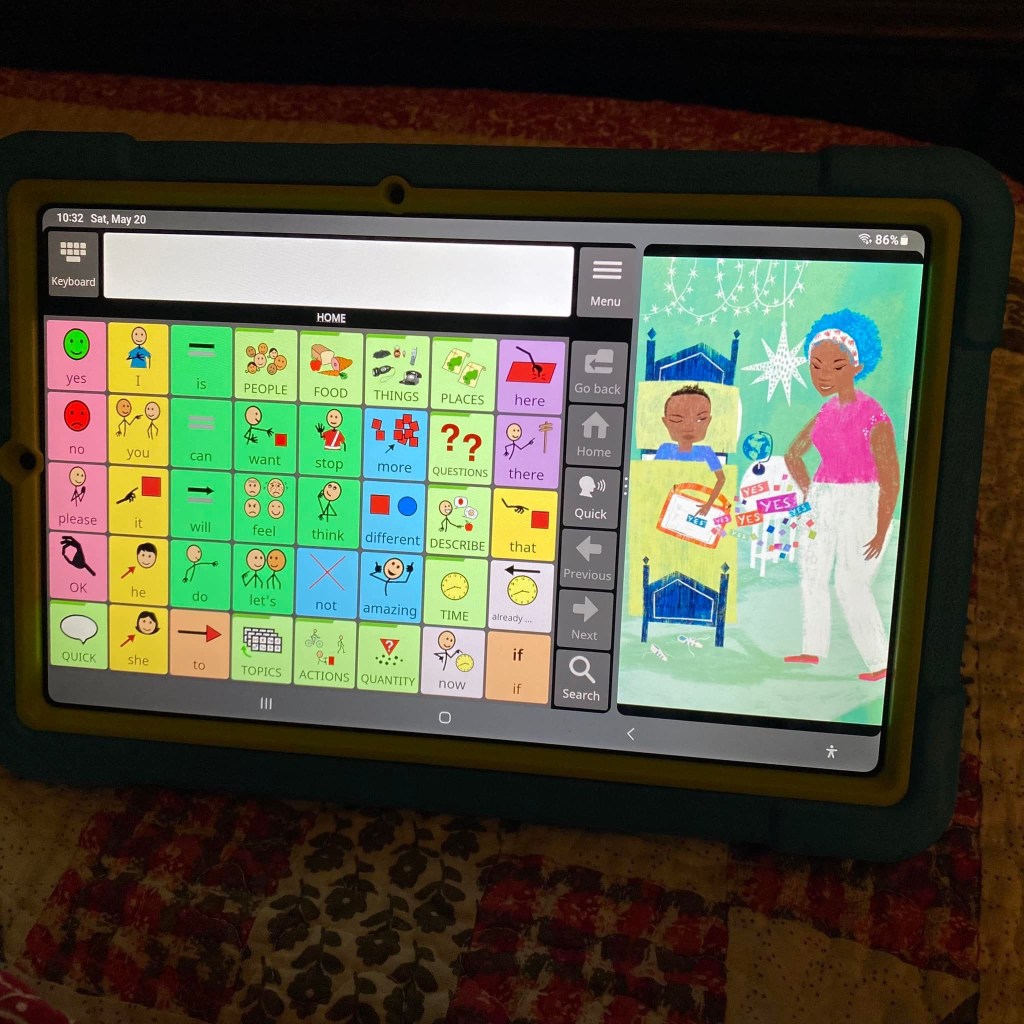
Excited to discover that there’s a way to do Split View on my Samsung Galaxy Tab S6 Lite tablet. This is the Android version of Avaz alongside “A Day With No Words” by Tiffany Hammond (Fidgets and Fries).
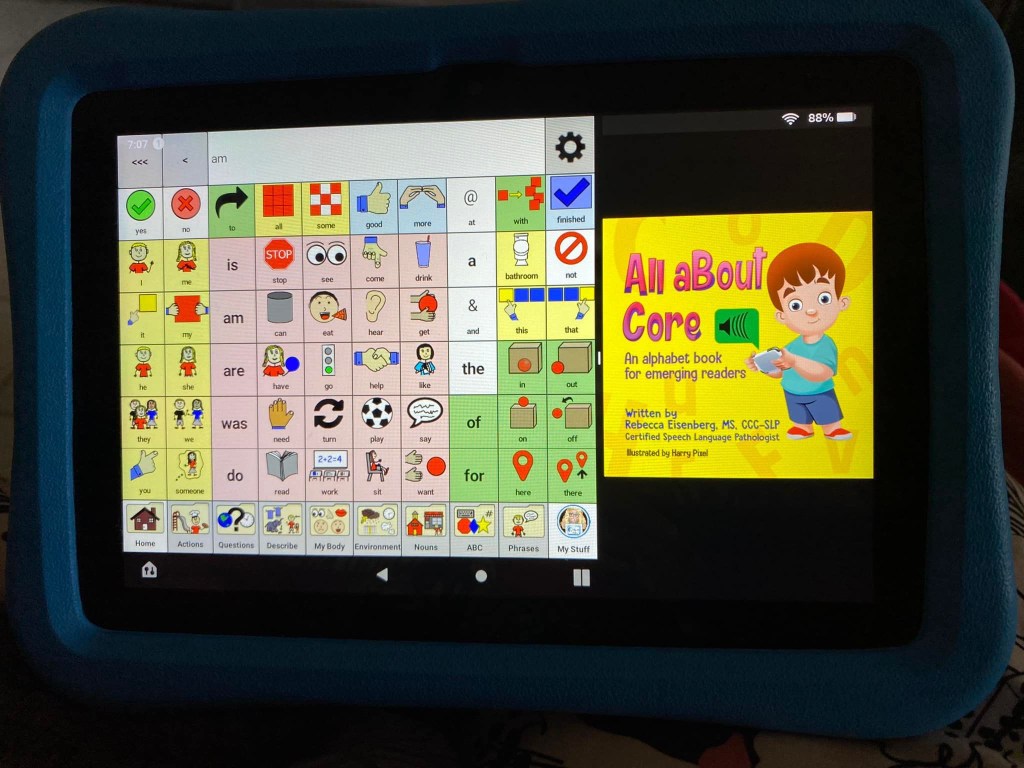
Guess what… there’s a way to do Split Screen on an Amazon Fire tablet too. This is the CoreVoice app. Be watching for a video tutorial soon 🎦
Basic Feature Chart for Affordable and Free AAC apps & AAC-Related Apps (iOS, Android Google Play, Amazon Fire, Windows + a few Web-Based options): https://bit.ly/BasicAffordableAACchart
The perfect companion to supplement these in-depth resources are the “AAC Apps and Features At-a-Glance (Single Page Handouts)”: https://bit.ly/AAC-At-a-Glance
Looking for other in-depth AAC feature matching resources? See this blog post: https://bit.ly/5aacFeatureMatchingResources. That post also includes videos comparing AAC apps on various devices on various platforms.
Looking for other in-depth AAC feature matching resources? See this blog post: https://bit.ly/5aacFeatureMatchingResources. That post also includes videos comparing AAC apps on various devices on various platforms.
All six of these resources were updated on 3/30/23 to be more age-neutral & to add info about new features. Those who have previously purchased them on TPT can download the most current version for no additional cost:
Looking for other in-depth AAC feature matching resources? See this blog post: https://bit.ly/5aacFeatureMatchingResources. That post also includes videos comparing AAC apps on various devices on various platforms.
Resource Update: The Feature Matching Chart for the Top 12 iOS Symbol Based AAC Apps & the supplemental handout about unique features for Gestalt Language Processors have both been updated. Those who have previously purchased it on TPT can download the newest version for no additional cost: https://bit.ly/SymbolBasedAACapps. Ko-fi subscribers will be able to access a copy on the pinned resource post: https://ko-fi.com/Post/Links-to-posts-about-most-current-feature-matching-F1F5C9DMD later today.
Did you know that PRC-Saltillo added a new “Open Website” button action? I immediately checked it out as a way to finally be able to open a specific YouTube video in LAMP Words for Life. It works but isn’t ideal. Want to learn a secret hack to remove the extraneous clutter and remove the “Share” icon? I’ve shared all the details in this latest update for the Feature Matching Chart for the Top 12 Robust iOS Symbol-Based AAC Apps: https://bit.ly/SymbolBasedAACapps. I added an exclusive unlisted YouTube video showing how to do this that’s only accessible to those who have this resource. Why this might be helpful? Many Gestalt Language Processors are drawn to particular segments of videos and may replay them over and over. These may be used as communication but it often takes some detective work to figure out the meaning for that individual. These videos may also play a part in self-regulation. Individuals with some speech may recite these lines in a scripted way. Our Gestalt Language Processors who use AAC deserve the opportunity to do this. Adding video clips for gestalts that are uniquely meaningful to that individual may be an instant “spark” for increased interest in using their AAC.
Looking for other in-depth AAC feature matching resources? See this blog post: https://bit.ly/5aacFeatureMatchingResources. That post also includes videos comparing AAC apps on various devices on various platforms.