Angela Moorad, MS, CCC-SLP. Over 36 years experience in AAC. OMazing Kids AAC and app consulting. Creator of several AAC Feature Matching resources (https://omazingkidsllc.com/omazing-kids-aac-resource-links/). Includes info about unique features to support Gestalt Language Processors
Info about all three Feature Matching Resources for AAC Apps (comparing features in AAC apps) + TPT bundle and multiple license discounts: https://bit.ly/3aacFeatureMatchingResources
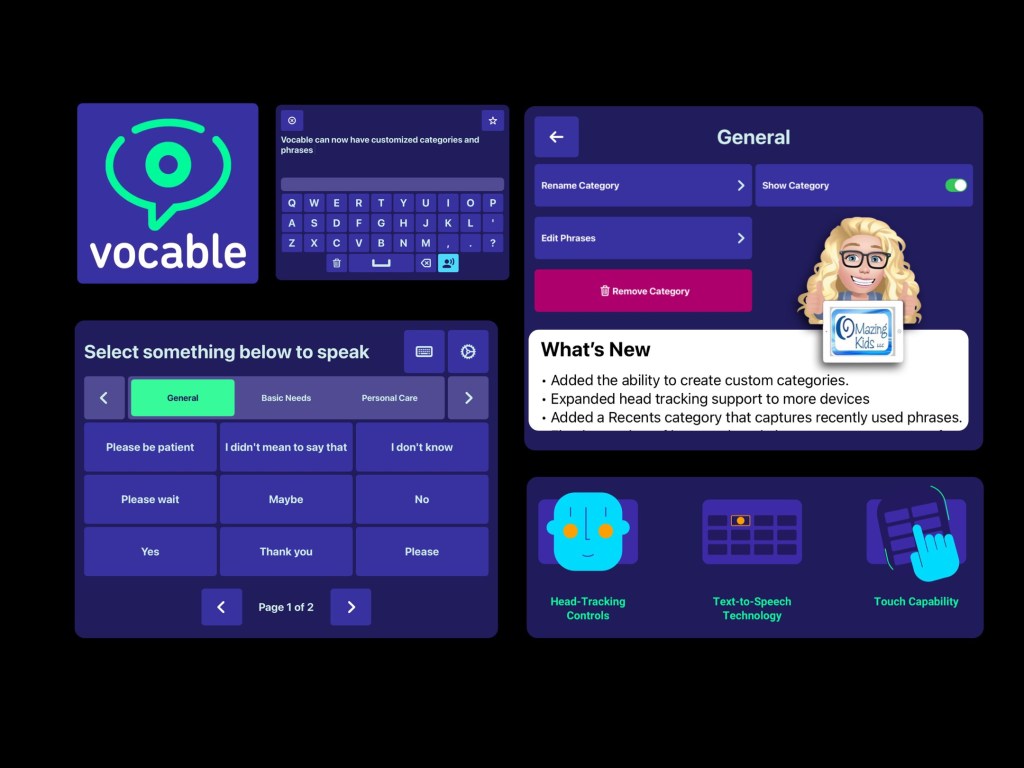
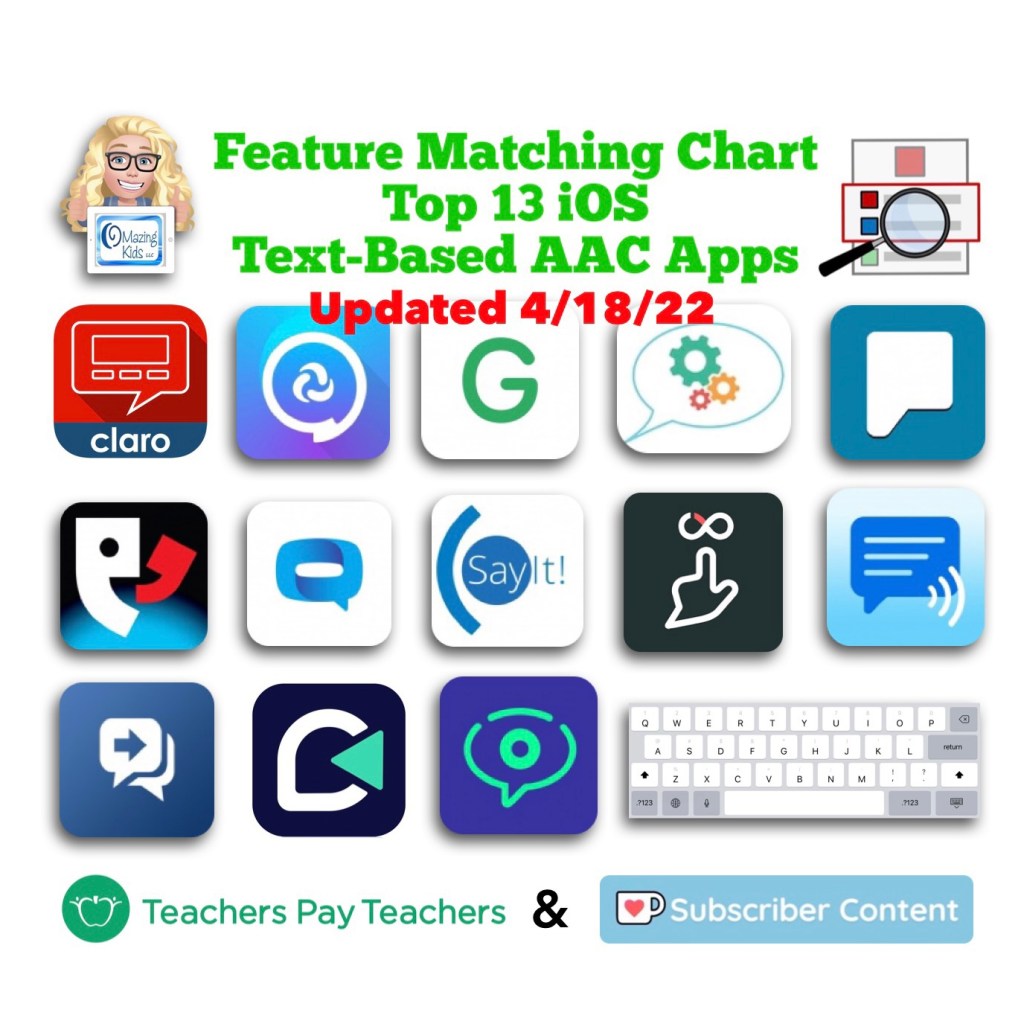
I was SO excited to see today’s update for the iOS version of the free Vocable text-based AAC app added a way to edit all of the premade content (categories and phrases).
I have corresponded with the app developer several times via email and had a great Zoom call with one of their team members on 4/8/22 to provide feedback regarding new features.
It was refreshing to connect with an app development team that is totally made up of volunteers committed to offering an open source app. It is quite impressive that they released this update so quickly 😊
This allows the app to be totally customized to a particular user’s needs and will make this app usable for a wider range of ages.
Can be used via direct touch or head tracking (without needing extra equipment)
I’ve been getting quite a few requests for info from parents and pediatric SLPs looking for text-based AAC apps. It’s very interesting how many young kids are preferring a text-only setup. The recurring themes are hyperlexia, a high interest in letters and being visually overstimulated by symbols.
I typically recommend that folks try a text-only set up in one of the robust symbol-based AAC apps since those have high quality child voices & premade vocabulary more suitable for children (https://omazingkidsllc.com/2021/10/19/creating-a-text-only-set-up-for-kids-in-symbol-based-aac-apps/) + also explore true text-based AAC apps. Then determine what combination of AAC options might best meet the needs.
Updated 3/6/25 – Looking for more free and affordable AAC apps? Check out my Basic Feature Chart for Affordable and Free AAC apps & AAC-Related Apps (iOS, Android Google Play, Amazon Fire, Windows + a few Web-Based options): https://bit.ly/BasicAffordableAACchart.
In addition to Vocable two other top picks for free AAC apps are Weave Chat AAC & GoTalk Now Lite.
Weave Chat AAC is robust, can be text-based or symbol-based (or customized with pictures), is available in several languages and the app developer updates it frequently. It’s available on iOS, Android and Amazon Fire: https://www.weavechat.com. Be sure to join their Weave Chat AAC Community group on Facebook: https://www.facebook.com/groups/676728011274573/
I’m leery of apps that require a log-in and had an in-depth discussion with the developer of Weave Chat AAC about that before signing up to use the app. The log in info is solely used for their cloud based system that backs up and syncs the app across devices.
The options vary depending on the app being used so this resource includes:
A page for each of the Top 12 iOS symbol-based AAC apps
A page that could be used with any AAC app
A version with more open space to write whatever is needed
Each page also includes a place to document: Name, Date, iPad Passcode, Guided Access Passcode, App Passcode, Modeling Preferences, and Other Important Info
My guess is this app is the simplicity of this app has allowed it to continue to work without being updated.
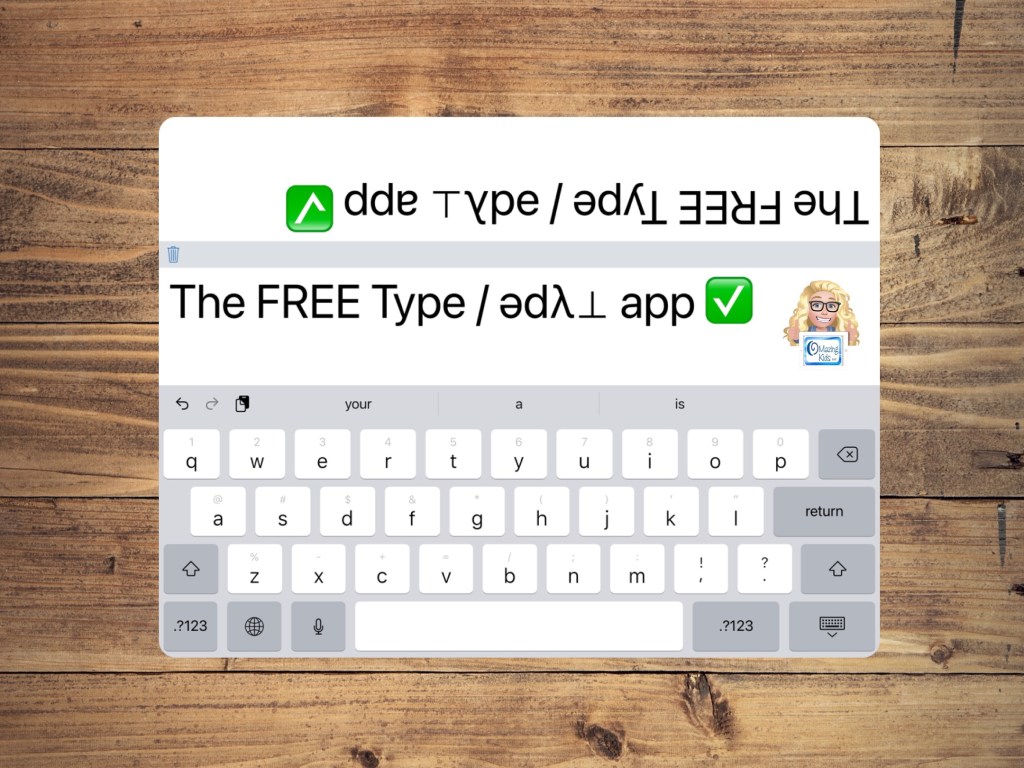
I’m sharing it as something that is helpful when you need large text and a dual message window. It is easy to change the size of the text by pinching in/out on the message window.
It could be a good option for AAC users who want something simple to use on their iPhone or iPad and prefer not to have voice output.
But you could enable a voice to have the text spoken by having the following toggled on in the device Settings (gray gear): Accessibility – Spoken Content – Speak Selection. This section is also where you can choose an iOS voice, adjust the rate of speech, have text highlighted when spoken, edit pronunciations, etc.
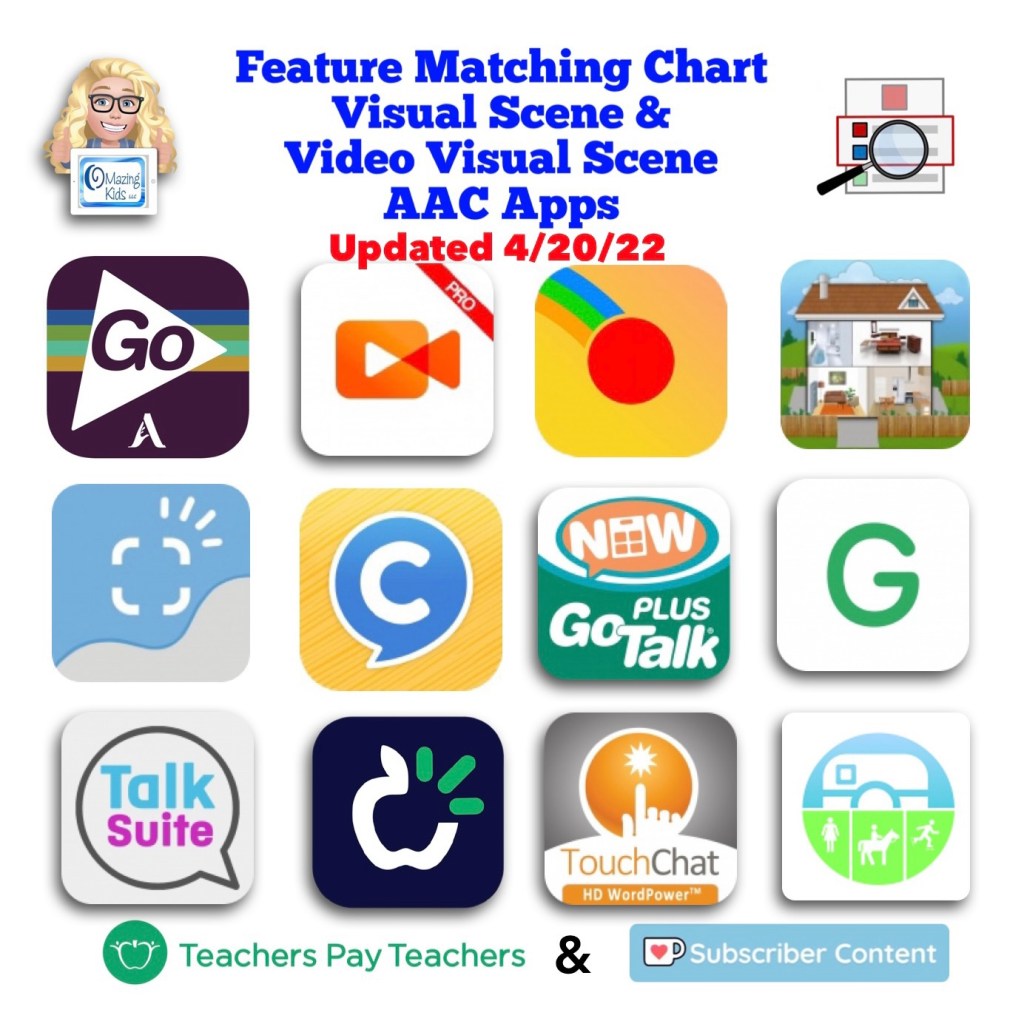
An update for the Feature Matching Chart for Visual Scene and Video Visual Scene Display AAC Apps has been uploaded to Teachers Pay Teachers. More info has been added about the EasyVSD Android app. FYI… the ChatAble app is not currently available for purchase while it is in the process of being updated.
Have questions? The best way to reach me with any questions is via messaging on the OMazing Kids Facebook page: https://www.facebook.com/OMazingKidsAAC/. That way AAC related messages don’t get lost among the spam in my e-mail.
What’s New in AAC in April 2022. Progress continues to be made in diversity in AAC apps. Darius (the new African American male voice from Acapela) is now available in Proloquo2Go and Proloquo4Text. Seven of the top twelve iOS symbol-based AAC apps now offer a way to change the symbol skin tones: CoughDrop, GoTalk Now, Grid for iPad, Proloquo2Go, Talk Suite Pro, TD Snap, TouchChat with WordPower.
Want to be in the know when new features are added to AAC apps? This month’s updates for the feature matching resources are available on TPT & Ko-fi. See details on these two OMazing Kids AAC Consulting blog posts: https://bit.ly/3JSOZdM & https://bit.ly/3uVyKIG
Have questions? The best way to reach me with any questions is via messaging on the OMazing Kids Facebook page: https://www.facebook.com/OMazingKidsAAC/. That way AAC related messages don’t get lost among the spam in my e-mail.
Have questions? The best way to reach me with any questions is via messaging on the OMazing Kids Facebook page: https://www.facebook.com/OMazingKidsAAC/. That way AAC related messages don’t get lost among the spam in my e-mail.
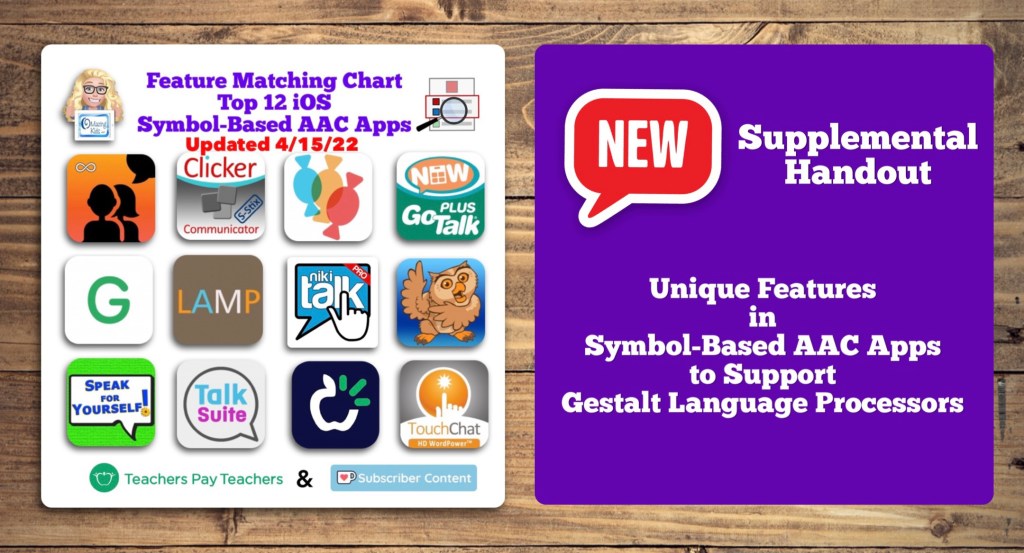
This month’s update for the Feature Matching Chart for the Top 12 Robust iOS Symbol-Based AAC Apps includes several new features in apps & a new supplemental handout “Unique Features in Symbol-Based AAC Apps to Support Gestalt Language Processors”. That handout includes info related to all 12 apps + additional info about features in 8 free and affordable symbol-based AAC apps (mainly iOS, some Android and a couple of Window) priced $2.99 or less. This supplemental handout is exclusive content that is only available as part of this resource.
See a preview of the new supplemental handout: Unique Features in Symbol-Based AAC Apps to Support Gestalt Language Processors
Have questions? The best way to reach me with any questions is via messaging on the OMazing Kids Facebook page: https://www.facebook.com/OMazingKidsAAC/. That way AAC related messages don’t get lost among the spam in my e-mail.
I get messages or see posts pretty frequently about how to handle the situation where an AAC user has more than one User Area or Communication Book. This often occurs when folks create something with a specific environment in mind rather than looking at the bigger picture.
Of course we all want our AAC users to have access to robust vocabulary but it’s unfair to remove something that they have already been using.
So instead of taking something away I look for ways to add to or to link what they have.
The options for doing that depend on the particular AAC app. Thankfully GoTalk Now and GoTalk Now Plus offer a way to do this.
This video shows you an option using the Quick Button pop-up area. I like using this since it’s available from any page.
Just be sure to create a button in each book to be able to toggle back and forth.
You’ll need to backup each book and might have to re-link them if they are reinstalled.
Of course having everything in one book to meet needs across environments is ideal but sometimes that doesn’t happen. This is one way that I’ve tried to make the best of that situation.
Have questions? The best way to reach me with any questions is via messaging on the OMazing Kids Facebook page: https://www.facebook.com/OMazingKidsAAC/. That way AAC related messages don’t get lost among the spam in my e-mail.
Have questions? The best way to reach me with any questions is via messaging on the OMazing Kids Facebook page: https://www.facebook.com/OMazingKidsAAC/. That way AAC related messages don’t get lost among the spam in my e-mail.



 OMazing Kids AAC Consulting