Angela Moorad, MS, CCC-SLP. Over 36 years experience in AAC. OMazing Kids AAC and app consulting. Creator of several AAC Feature Matching resources (https://omazingkidsllc.com/omazing-kids-aac-resource-links/). Includes info about unique features to support Gestalt Language Processors
Angela Moorad, MS, CCC-SLP. Over 36 years experience in AAC. Experience using almost every AAC app on iOS, Android, Amazon Fire, Chromebook and Windows devices + traditional Speech Generating Devices (SGDs). Creator of AAC-Related Resources & App-Related Resources. AAC Consulting & App Consulting.
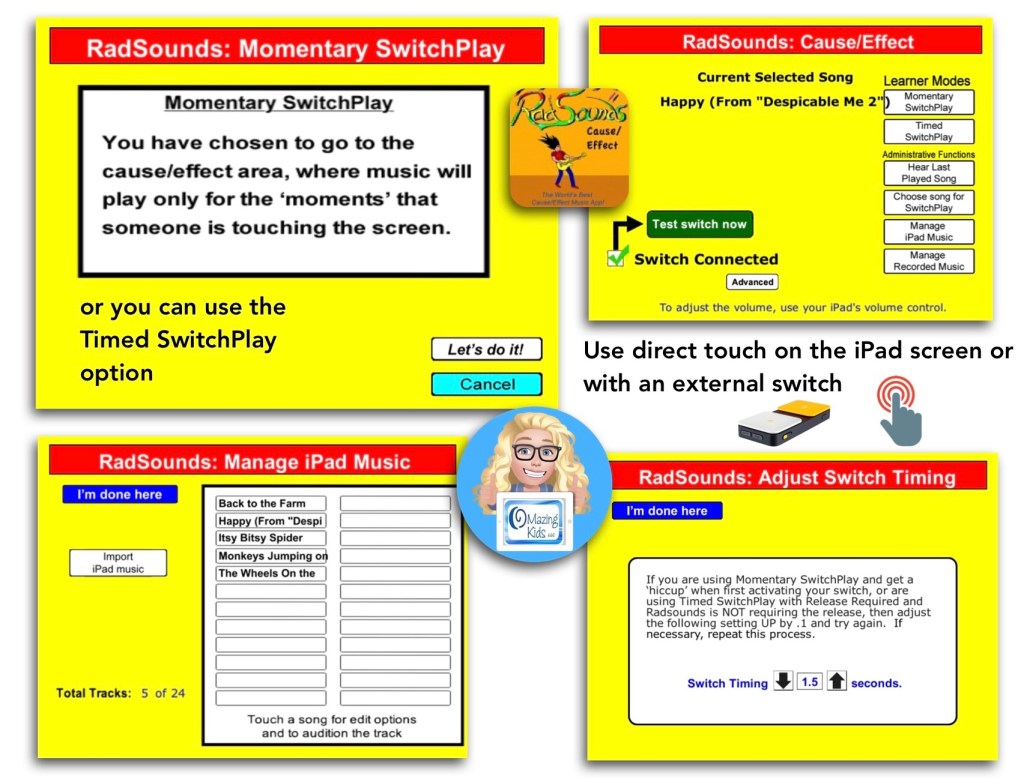
The RadSounds – Cause and Effect app has a Momentary SwitchPlay option that can be used to only play the music while the screen is being touched or switch is being pressed.
It also has a Timed option to allow music to play without having to hold down the switch or touch the screen the whole time.
Surprisingly the app works on the latest iOS (iPadOS 15.3.1) even though it’s been quite awhile since the app has been updated.
Have questions? The best way to reach me with any questions is via messaging on the OMazing Kids Facebook page: https://www.facebook.com/OMazingKidsAAC/. That way AAC related messages don’t get lost among the spam in my e-mail.
Thanks SO much to Lauren S. Enders for this shout out for my AAC Feature Matching Chart in her presentation on 6/24/21 at AAC in the Cloud! See the whole presentation and get her handouts for “Personalizing AAC – A Deep Dive into Vocabulary Customization”: https://presenters.aacconference.com/videos/UVRRd1FUSXg=?. Be sure to also check out her Waklet with links to resources: https://wke.lt/w/s/7ldtJE.
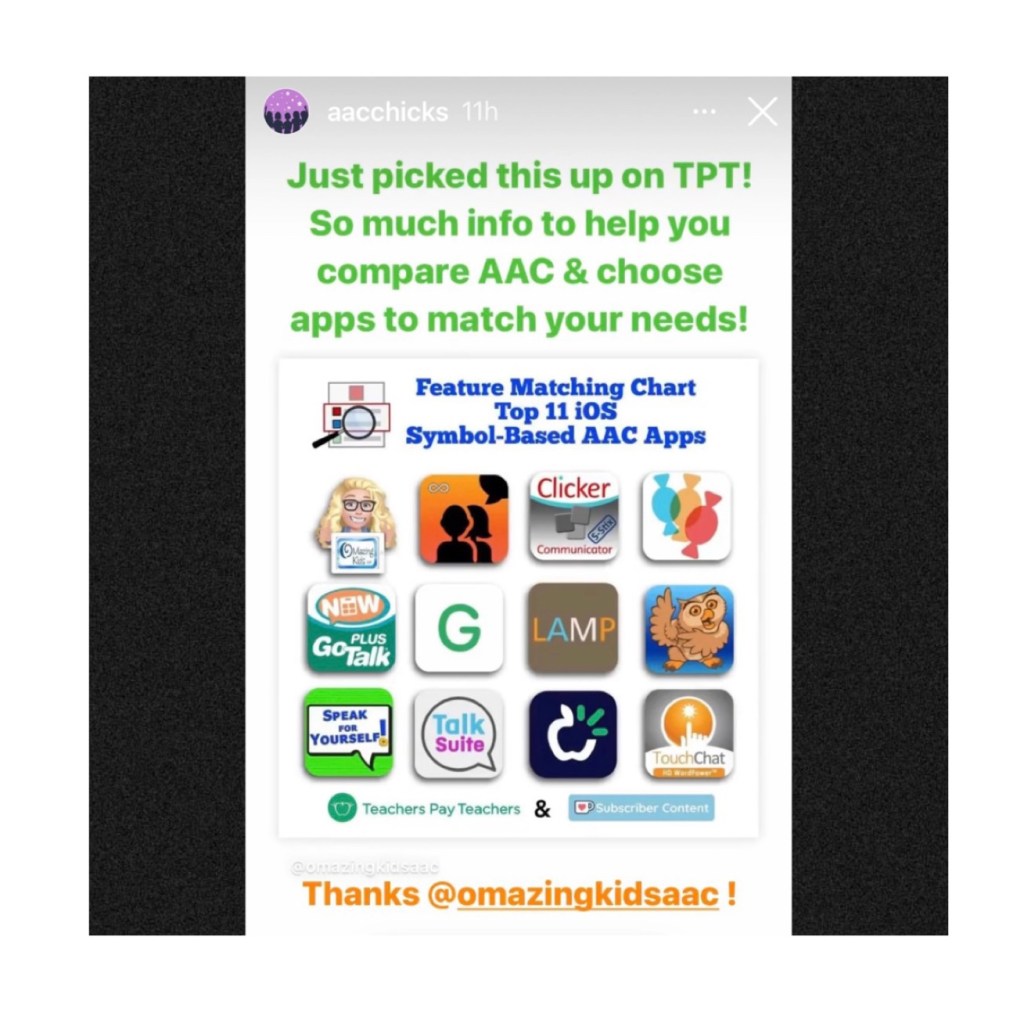
Thanks Vicki Clarke / Dynamic Therapy Associates Inc (aacchicks)! The shoutout for the AAC feature matching chart in your IG Stories on 7/20/21 made my day 🥰
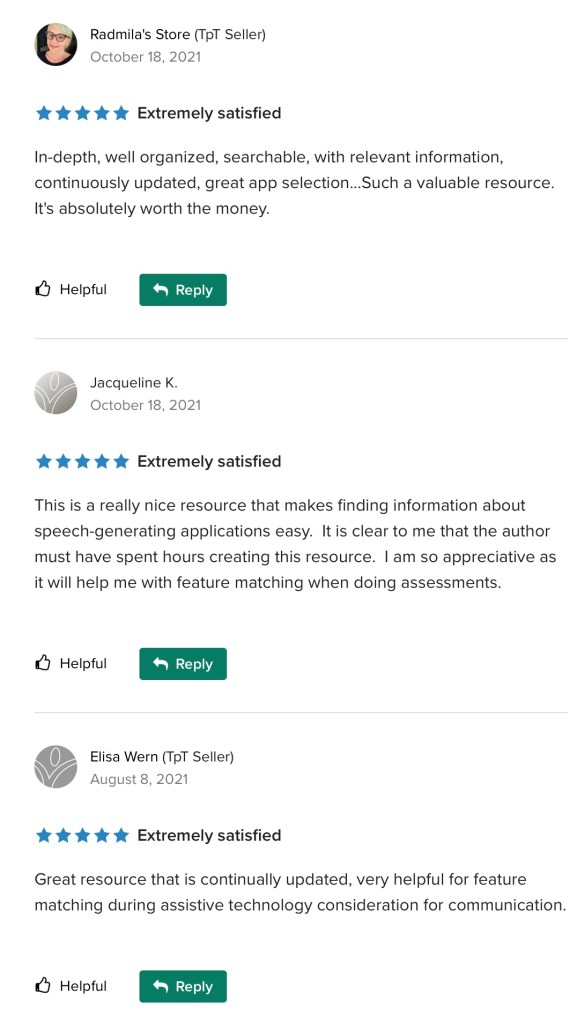
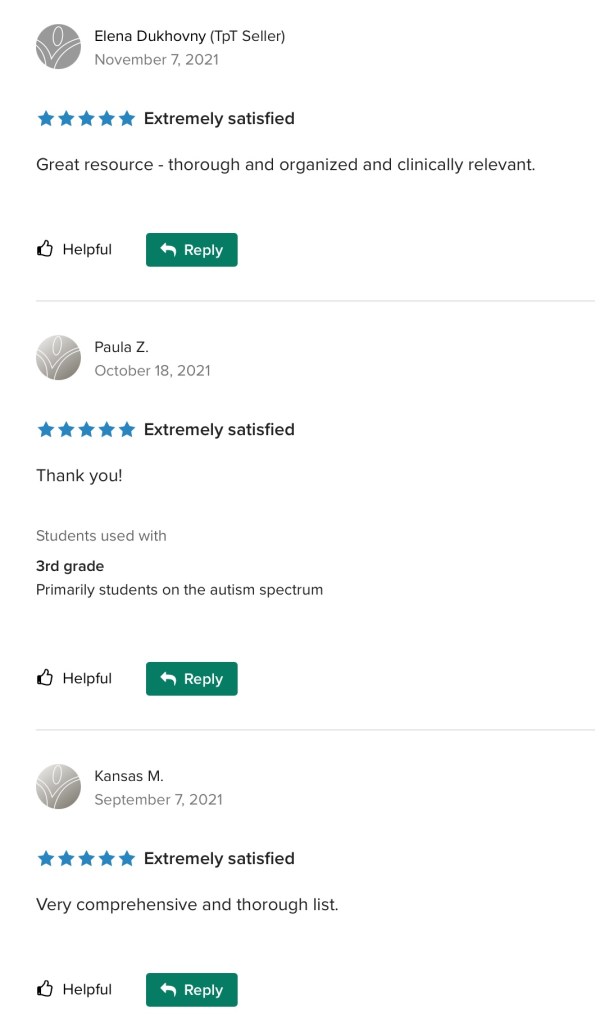
See the awesome reviews for it on TPT. Thanks to everyone who has written a review and helped spread the word about this resource 😊
Text-Based
Visual Scenes & Video Visual Scenes:
Each chart includes info about features that are being explored as potentially being helpful for Gestalt Language Processors. The easiest way to find that info is to open each PDF in the free Xodo PDF reader and enter “gestalt” into the Search. See this blog post for more info about Xodo: https://bit.ly/XodoApp.
.
As of 4/15/22, the symbol-based feature matching resource now includes a supplemental handout “Unique Features in Symbol-Based AAC Apps to Support Gestalt Language Processors”. That handout includes info related to all 12 apps + additional info about features in 8 free and affordable symbol-based AAC apps (mainly iOS, some Android and a couple of Window) priced $2.99 or less. This supplemental handout is exclusive content that is only available as part of this resource.
See a preview of the new supplemental handout: Unique Features in Symbol-Based AAC Apps to Support Gestalt Language Processors
.
Want more info about Gestalt Language Processing & AAC? See this FREE handout: https://bit.ly/GLPandAAC
Looking for resources to compare features in a wide variety of AAC apps? I added a bundle on TPT includes all three of my AAC feature matching resources at a discounted price compared to purchasing them individually (saves about 10%). If you are looking to purchase resources for several staff / team members, take a look at the Multiple Licenses discount (saves 20%): https://www.teacherspayteachers.com/Product/AAC-Feature-Matching-Resource-Bundle-7849416
Please read the full description, the reviews and watch the TPT preview on each individual resource prior to purchasing the bundle
I’ve also set the Multiple Licenses discount on the individual resources to 20%off since I’ve been receiving some inquiries about discounts for bulk purchasing.
Have questions? The best way to reach me with any questions is via messaging on the OMazing Kids Facebook page: https://www.facebook.com/OMazingKidsAAC/. That way AAC related messages don’t get lost among the spam in my e-mail.
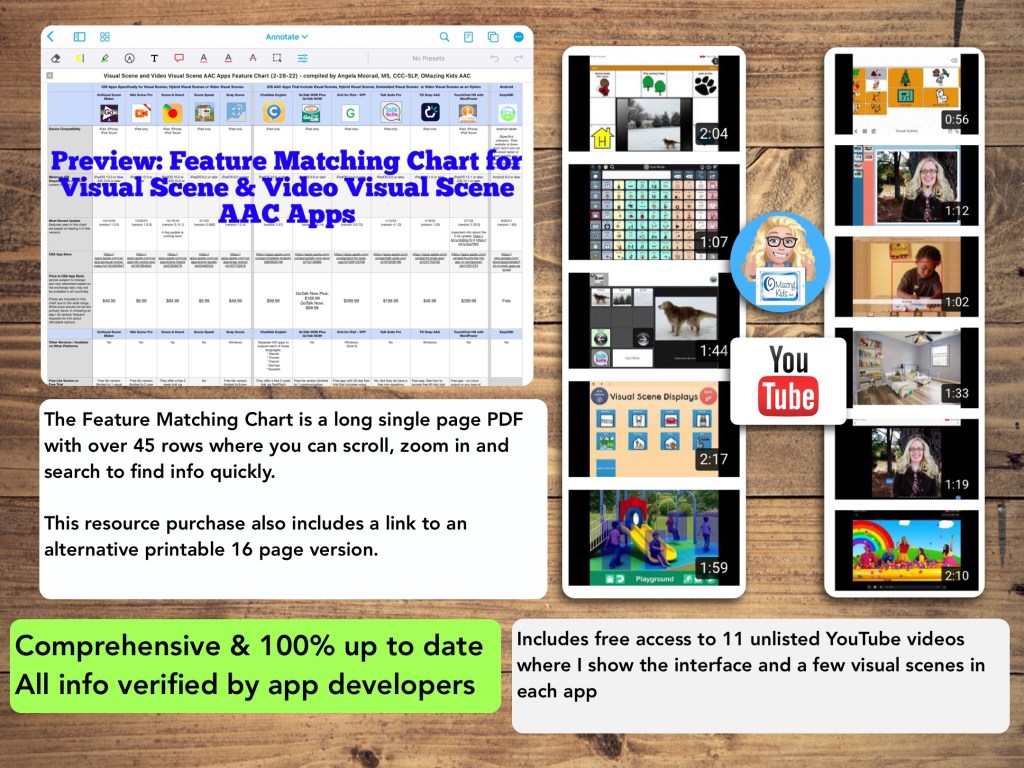
Watch the TPT preview video where I’m viewing the PDF on my iPad in the free Xodo app. You’ll get a feel for how much info will be at your fingertips in this chart. There are over 45 rows in the chart. But it’s super easy to use the “search” option to find what you want quickly.
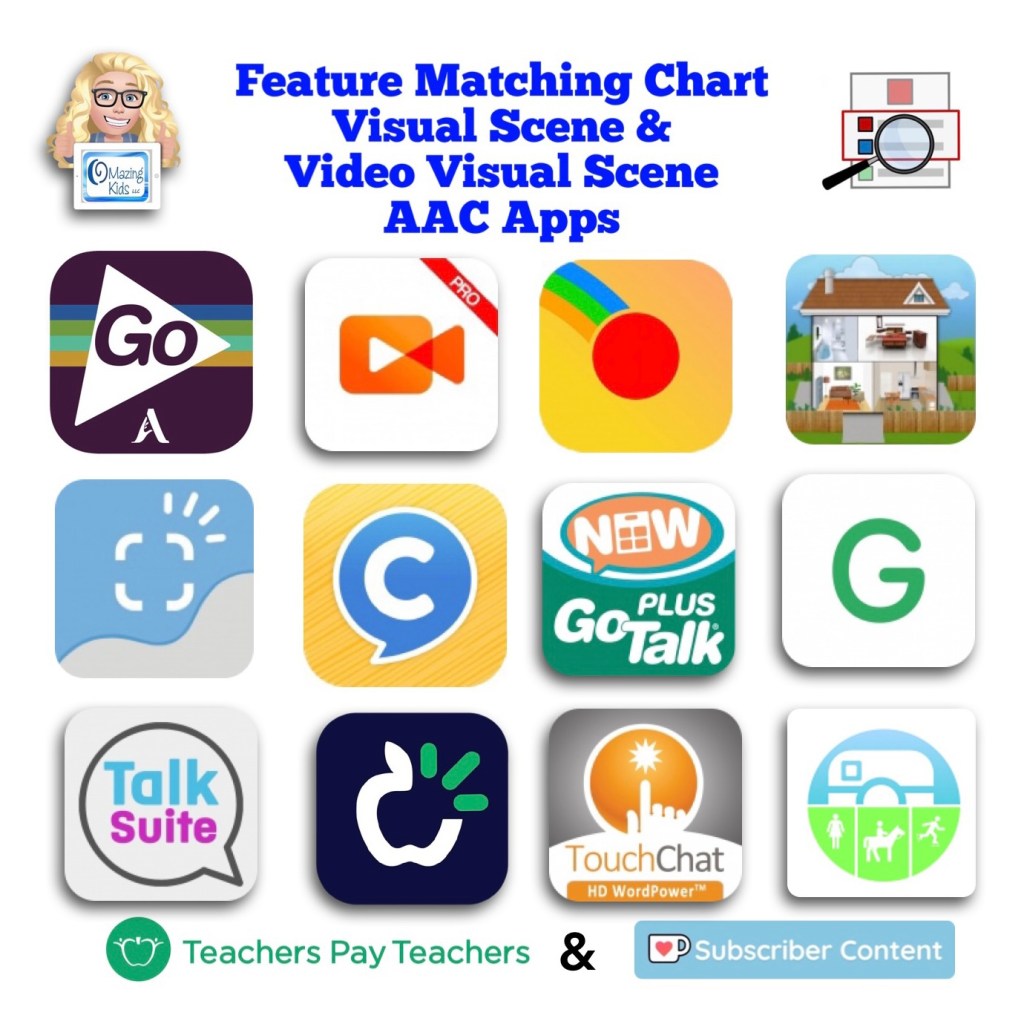
This resource includes an in-depth comparison of features & support resources across 11 iOS AAC apps:
Five of the apps are specifically designed for creating Visual Scene Displays and/or Video Visual Scene Displays:
• GoVisual Scene Maker
• Niki Scene
• Scene and Heard
• Scene Speak
• Snap Scene
Six of the apps are symbol-based AAC apps that offer the option for Visual Scene Displays and/or Video Visual Scene Displays embedded within the app:
• ChatAble English
• GoTalk Now / GoTalk Now Plus
• Grid for iPad VPP
• Talk Suite Pro
• TD Snap AAC
• TouchChat with WordPower
In-depth info about the rest of the features in GoTalk Now Plus, Grid for iPad, Talk Suite Pro and TouchChat with WordPower can be found in the Feature Matching Chart for the Top 12 iOS Symbol-Based AAC Apps (https://bit.ly/3A9Bcf3).
Includes info about features in these particular apps that may be helpful as folks are exploring ways to modify AAC for Gestalt Language Processors.
This resource includes free access to 11 unlisted YouTube videos where I show the interface and a few visual scenes in each app.
A link to the Alternative Printable Version can be found at the very bottom left corner within the PDF.
See the full description on TPT for more important info.
Have questions? The best way to reach me with any questions is via messaging on the OMazing Kids Facebook page: https://www.facebook.com/OMazingKidsAAC/. That way AAC related messages don’t get lost among the spam in my e-mail.
There have been several discussions on social media over the past year related to how we might need to tweak AAC to better meet the needs of Gestalt Language Processors.
There are LOTS of pages, groups, websites and resources related to AAC, some related to Natural Language Acquisition/Gestalt Language Processing, and some related to echolalia. The resources included in this FREE handout are the main ones that I’ve found to be the most relevant to this combined topic of AAC and Gestalt Language Processing.
Have questions? The best way to reach me with any questions is via messaging on the OMazing Kids Facebook page: https://www.facebook.com/OMazingKidsAAC/. That way AAC related messages don’t get lost among the spam in my e-mail.
Unfortunately there isn’t a preview of the book on Amazon so this video will show what the book is like before making a purchasing decision. I very rarely purchase books without seeing a preview so wanted to share this.
Have questions? The best way to reach me with any questions is via messaging on the OMazing Kids Facebook page: https://www.facebook.com/OMazingKidsAAC/. That way AAC related messages don’t get lost among the spam in my e-mail.
Have questions? The best way to reach me with any questions is via messaging on the OMazing Kids Facebook page: https://www.facebook.com/OMazingKidsAAC/. That way AAC related messages don’t get lost among the spam in my e-mail.
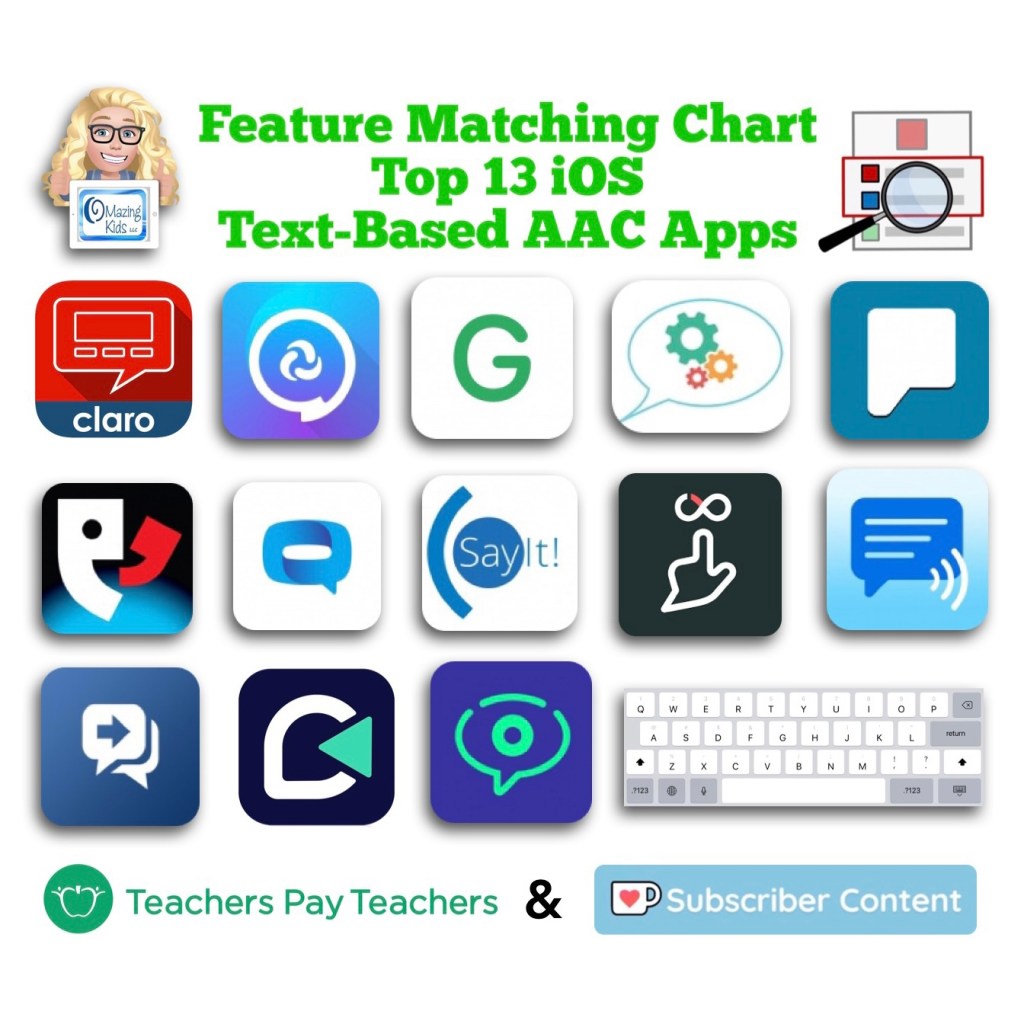
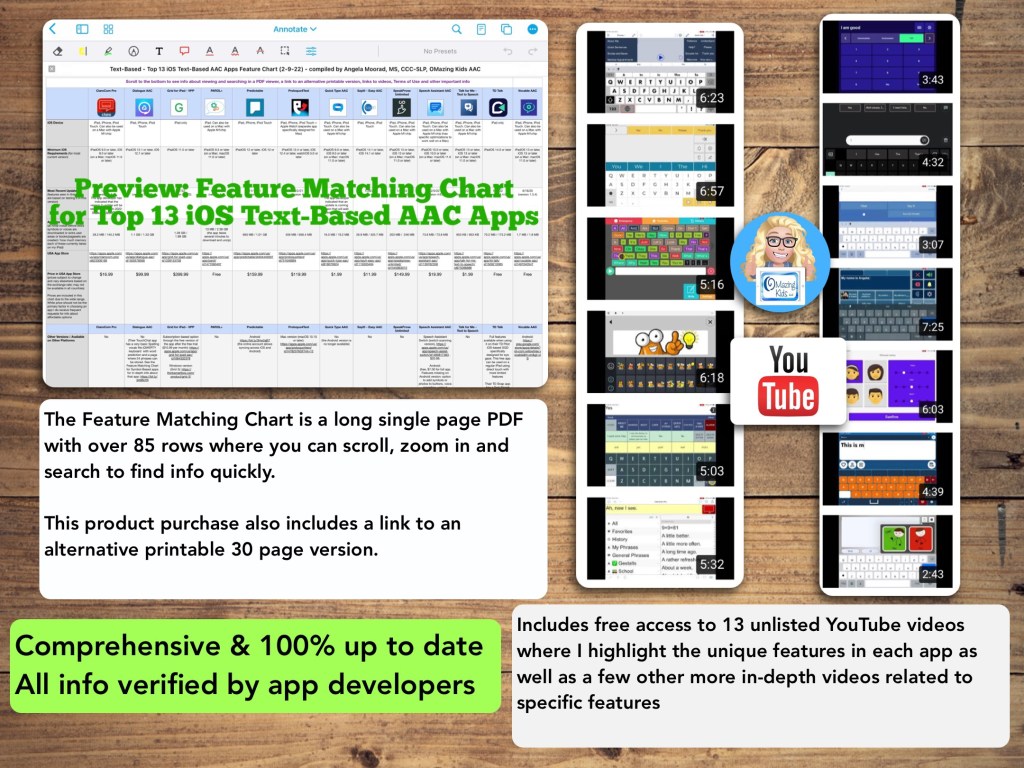
Watch the TPT preview video where I’m viewing the PDF on my iPad in the free Xodo app. You’ll get a feel for how much info will be at your fingertips in this chart. There are 85 rows in the chart. But it’s super easy to use the “search” option to find what you want quickly.
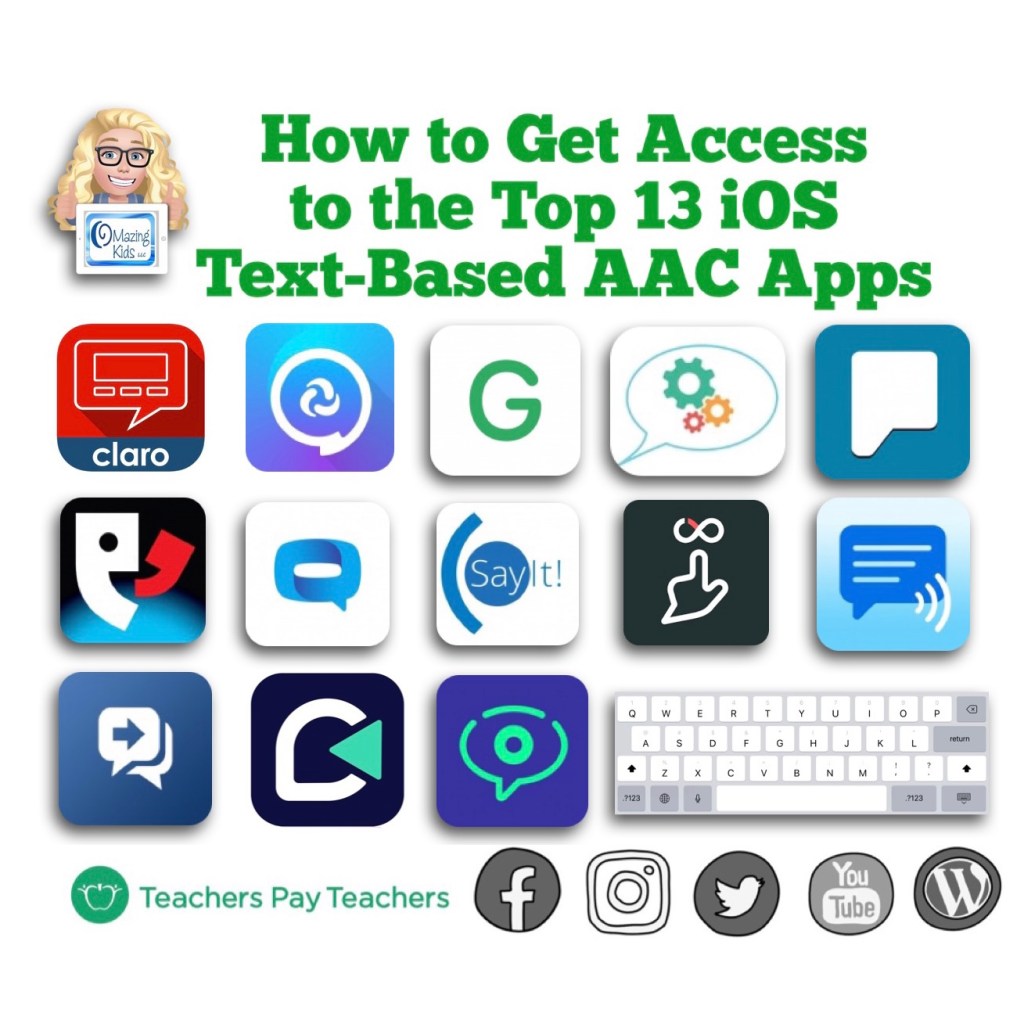
This resource includes an in-depth comparison of features & support resources across the most commonly used 13 iOS text-based AAC apps:
Inclusion in the “Top 13” is based on features, long term availability of apps by that developer in the App Store, good history of that app developer updating apps, no subscription required or having a 1x purchase alternative, having patients who benefited from using the app, gathering data from app recommendations from SLPs who have expertise in AAC, etc. and then distilling all that info into one PDF. You can search to find exactly what you’re looking for and can copy wording from this chart and paste it into your AAC reports to save time.
** All info is comprehensive, 100% up to date and verified by app developers **
I will be maintaining and updating this chart to help meet the need for current and comprehensive info to be used in feature matching.
Includes info about features in these particular apps that may be helpful as folks are exploring ways to modify AAC for Gestalt Language Processors.
This product includes free access to 13 unlisted YouTube videos where I highlight some of the most unique features in each app as well as a few other more in-depth videos related to specific features
A link to the Alternative Printable Version can be found at the very bottom left corner within this PDF. That will allow you access to a separate PDF that can be downloaded and is formatted for printing. The link to that changes every month as I update this resource.
See the full description on TPT for more important info.
—————-
Have questions? The best way to reach me with any questions is via messaging on the OMazing Kids Facebook page: https://www.facebook.com/OMazingKidsAAC/. That way AAC related messages don’t get lost among the spam in my e-mail.
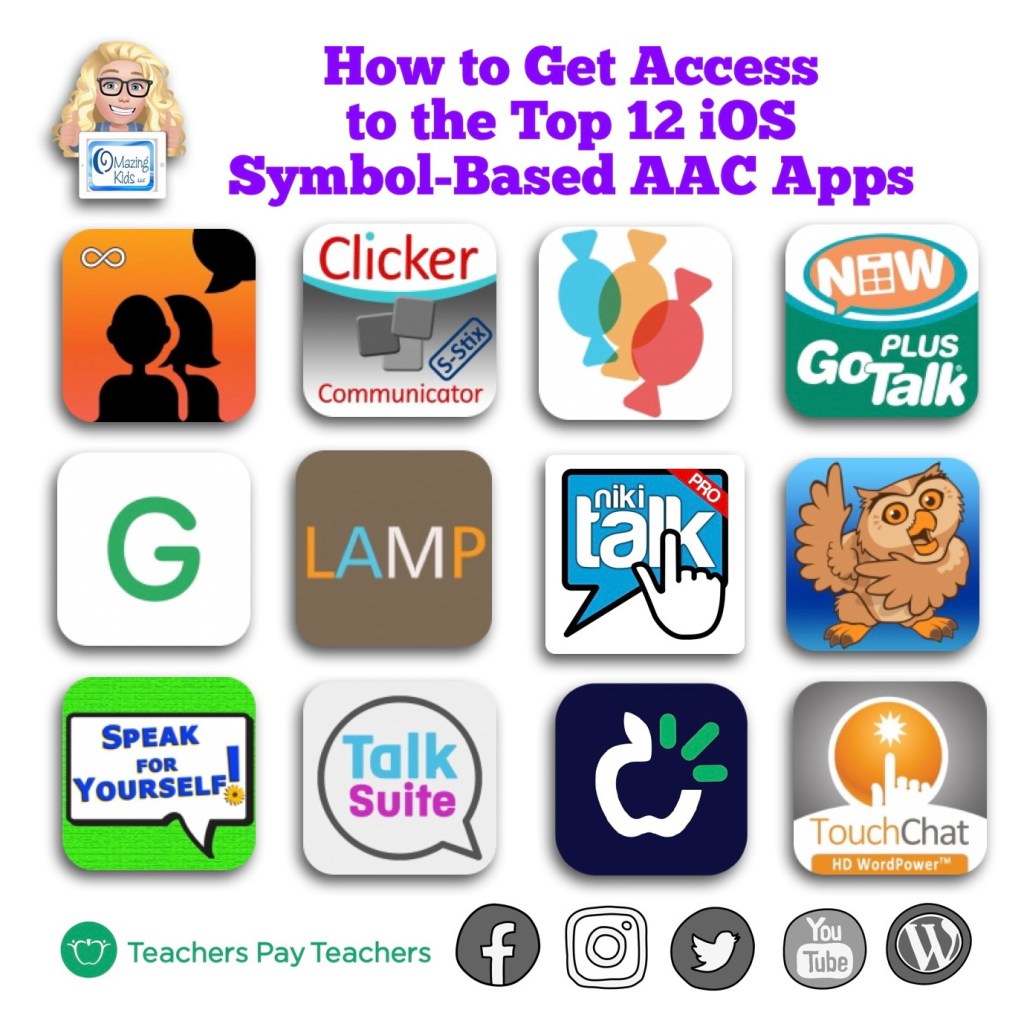
This resource now includes the following AAC apps:
Avaz AAC – Lifetime Edition
Clicker Communicator: AAC
CoughDrop
GoTalk Now / GoTalk Now Plus
Grid for iPad VPP
LAMP Words for Life
Niki Talk 2 Pro
Proloquo2Go
Speak for Yourself
Talk Suite Pro
TD Snap AAC (formerly known as Snap Core First)
TouchChat HD with WordPower
What’s new:
Niki Talk 2 Pro has been added as the 12th app in the chart
The chart now has 105 rows with in-depth up to date info about features in the top 12 iOS symbol-based AAC apps
Includes a handout that I created listing the 27 languages have a translation + at least one voice in the iOS version of the CoughDrop AAC app
Includes links to 12 separate “quick look” unlisted YouTube videos showing an overview of the unique features in each of the apps as well as several other more in-depth videos related to specific features
Includes info about any new features added in the apps since 12/4/21
.
As of 4/15/22, the symbol-based feature matching resource now includes a supplemental handout “Unique Features in Symbol-Based AAC Apps to Support Gestalt Language Processors”. That handout includes info related to all 12 apps + additional info about features in 8 free and affordable symbol-based AAC apps (mainly iOS, some Android and a couple of Window) priced $2.99 or less. This supplemental handout is exclusive content that is only available as part of this resource.
See a preview of the new supplemental handout: Unique Features in Symbol-Based AAC Apps to Support Gestalt Language Processors
Preview:
Updated 4/15/21
Thanks SO much to Lauren S. Enders for this shout out for my AAC Feature Matching Chart in her presentation on 6/24/21 at AAC in the Cloud! See the whole presentation and get her handouts for “Personalizing AAC – A Deep Dive into Vocabulary Customization”: https://presenters.aacconference.com/videos/UVRRd1FUSXg=?. Be sure to also check out her Waklet with links to resources: https://wke.lt/w/s/7ldtJE.
Thanks Vicki Clarke / Dynamic Therapy Associates Inc (aacchicks)! The shoutout for the AAC feature matching chart in your IG Stories on 7/20/21 made my day 🥰
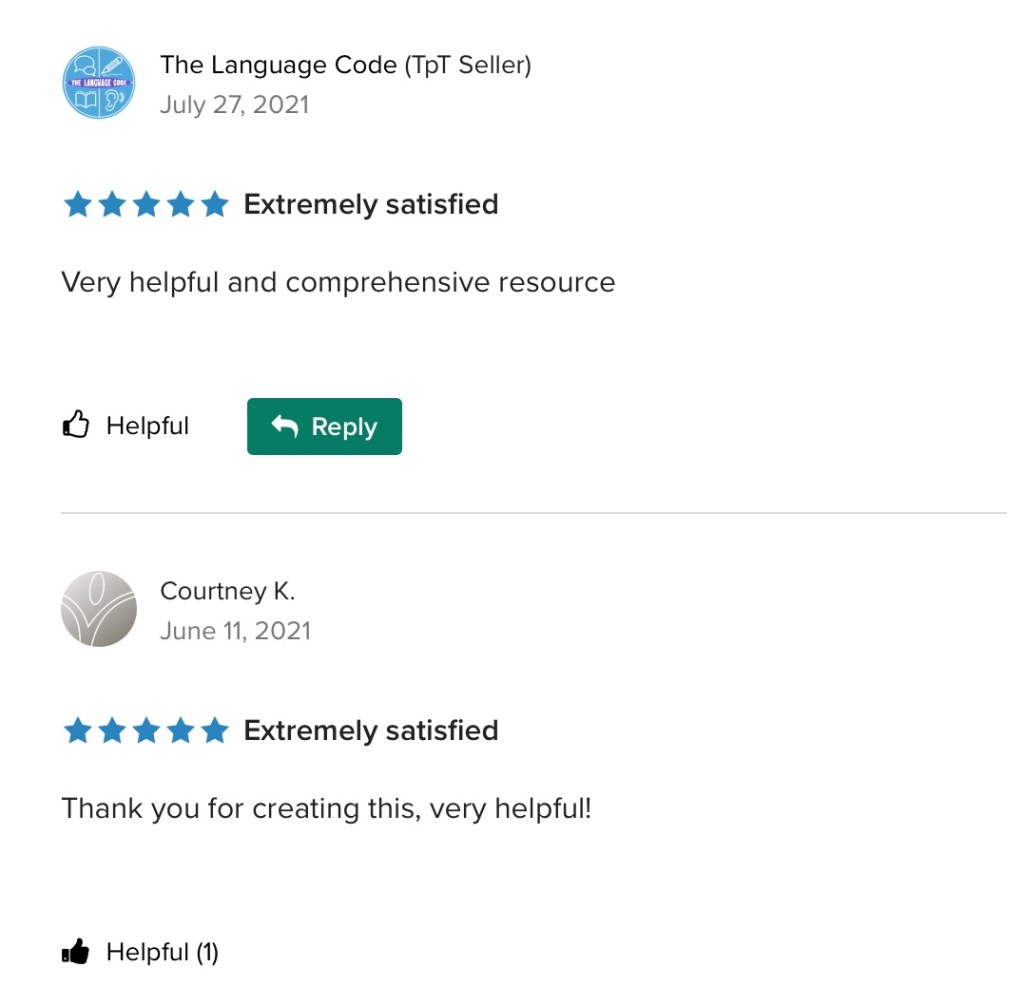
See the awesome reviews for it on TPT. Thanks to everyone who has written a review and helped spread the word about this resource 😊
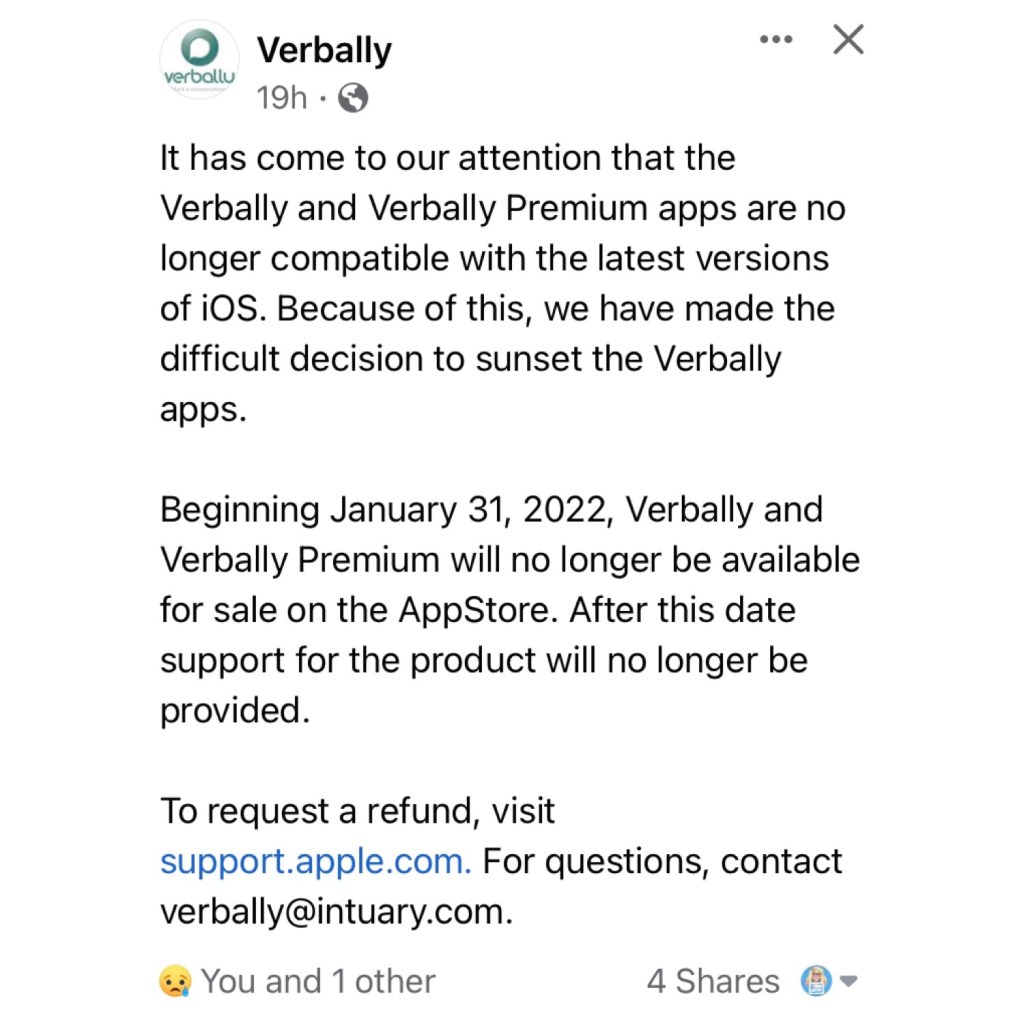
Verbally just announced that the Verbally and Verbally Premium text-based AAC apps will be removed from the Apple Apple Store on 1/31/22:
“It has come to our attention that the Verbally and Verbally Premium apps are no longer compatible with the latest versions of iOS. Because of this, we have made the difficult decision to sunset the Verbally apps.
Beginning January 31, 2022, Verbally and Verbally Premium will no longer be available for sale on the AppStore. After this date support for the product will no longer be provided.
The last update for Verbally was on October 29, 2015
Updated 11/26/24: I was shocked that the Verbally AAC app was included when I set up my new iPad Air 11” (M2) 2024 from an iCloud backup from my iPad 9th gen. It’s still showing up in my Purchases area so I’m guessing that’s why it was included. There were so many apps that didn’t redownload because they were no longer available in the App Store. Surprisingly even though Verbally had not been updated in over 9 years it somehow still works on iPadOS 18.1.1. I’ve always like the sound of the Alert bell in that app so I preserved it by taking a screen recording of it and then extracting the audio. It’s pretty tech geeky to be excited to have this as my Alert sound in GoTalk Now and TD Snap. I may also add in Grid for iPad.
Update 12/13/25: Well the sad day has finally arrived. I updated my iPad 10th gen to iPadOS 26.2 (the most current OS). Verbally will open but as soon as I tap any button the app crashes. It was impressive that it worked as long as it did considering the last app update was over 10 years and it was removed from being able to purchased in the App Store in July 2023. I’m glad I recorded the Verbally alert chime sound when I did.
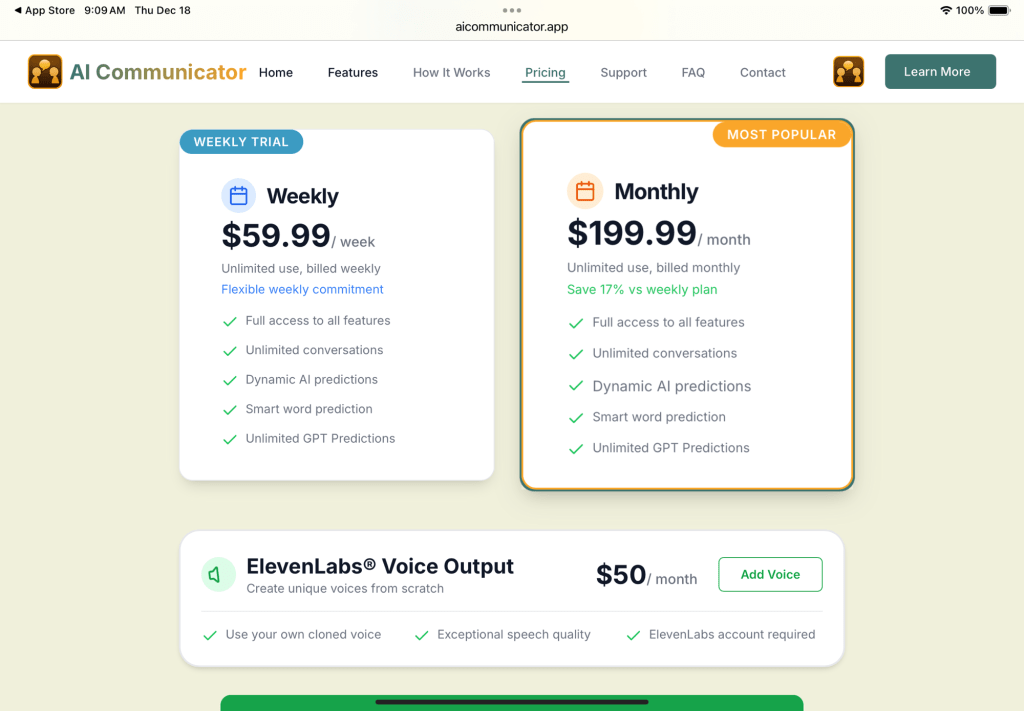
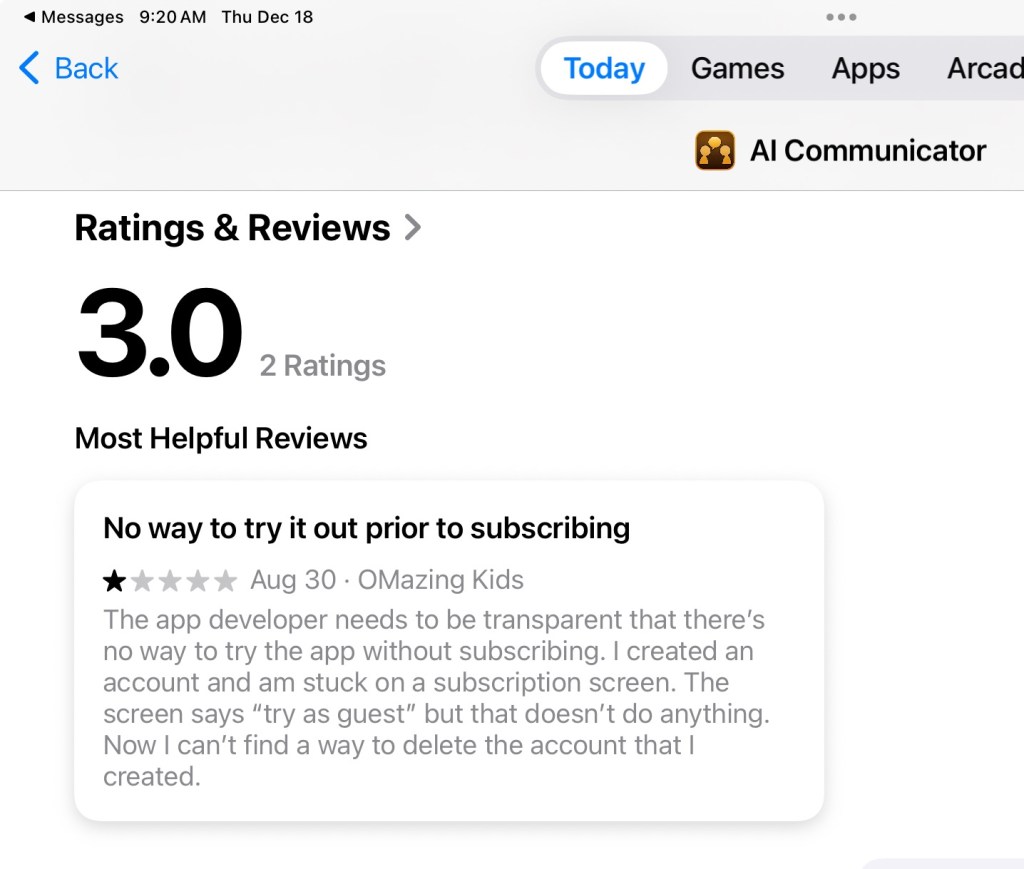
There’s this app that has a similar look but there’s no way to try it out before purchasing a subscription and these subscription prices are RIDICULOUS. I don’t know anyone who could afford to pay that. I left a review in the App Store with my concerns.








 OMazing Kids AAC Consulting