Angela Moorad, MS, CCC-SLP. Over 36 years experience in AAC. OMazing Kids AAC and app consulting. Creator of several AAC Feature Matching resources (https://omazingkidsllc.com/omazing-kids-aac-resource-links/). Includes info about unique features to support Gestalt Language Processors
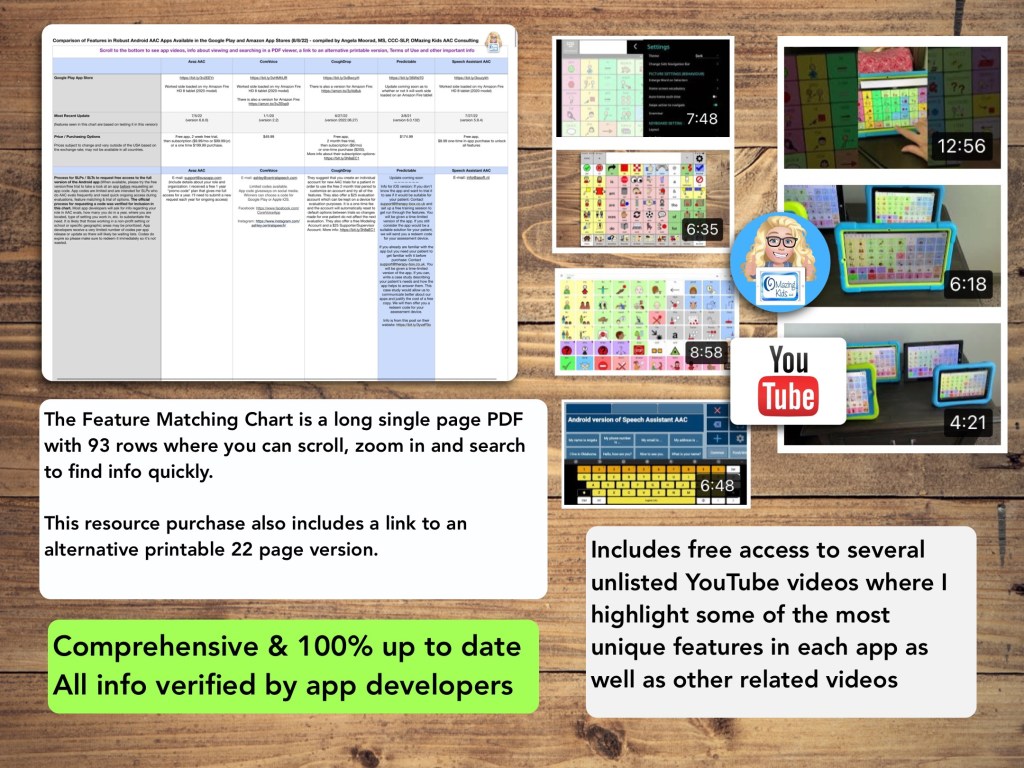
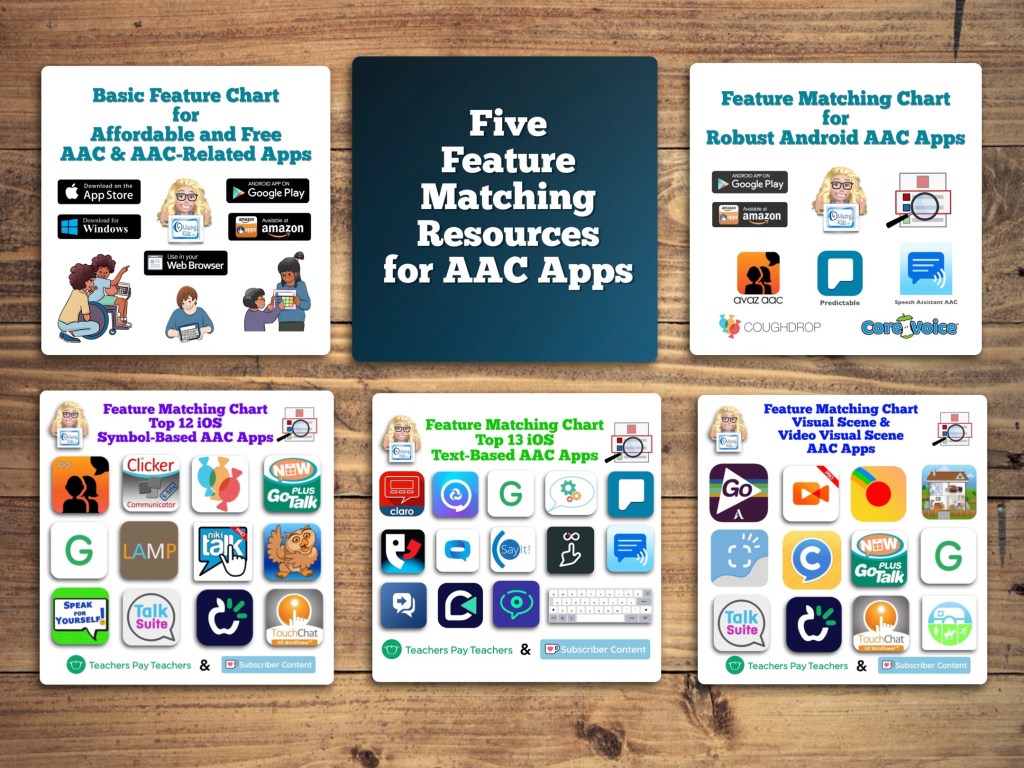
New Resource: Feature Matching Chart for Robust Android AAC Apps (Google Play & Amazon Fire).
This resource includes an in-depth comparison of features & support resources across 5 robust Android AAC apps:
• Avaz AAC
• CoreVoice
• CoughDrop
• Predictable
• Speech Assistant AAC
(** Note: The info about Predictable is currently basic. In-depth info about features in that app will be added to this resource in a free update after the anticipated update for the Android version is released in the Google Play App Store **)
There are lots of simple affordable and free AAC apps available for Android and Amazon Fire tablets. See this resource for basic info about those apps: https://bit.ly/BasicAffordableAACchart
Looking for info about other AAC apps? Check out these resources:
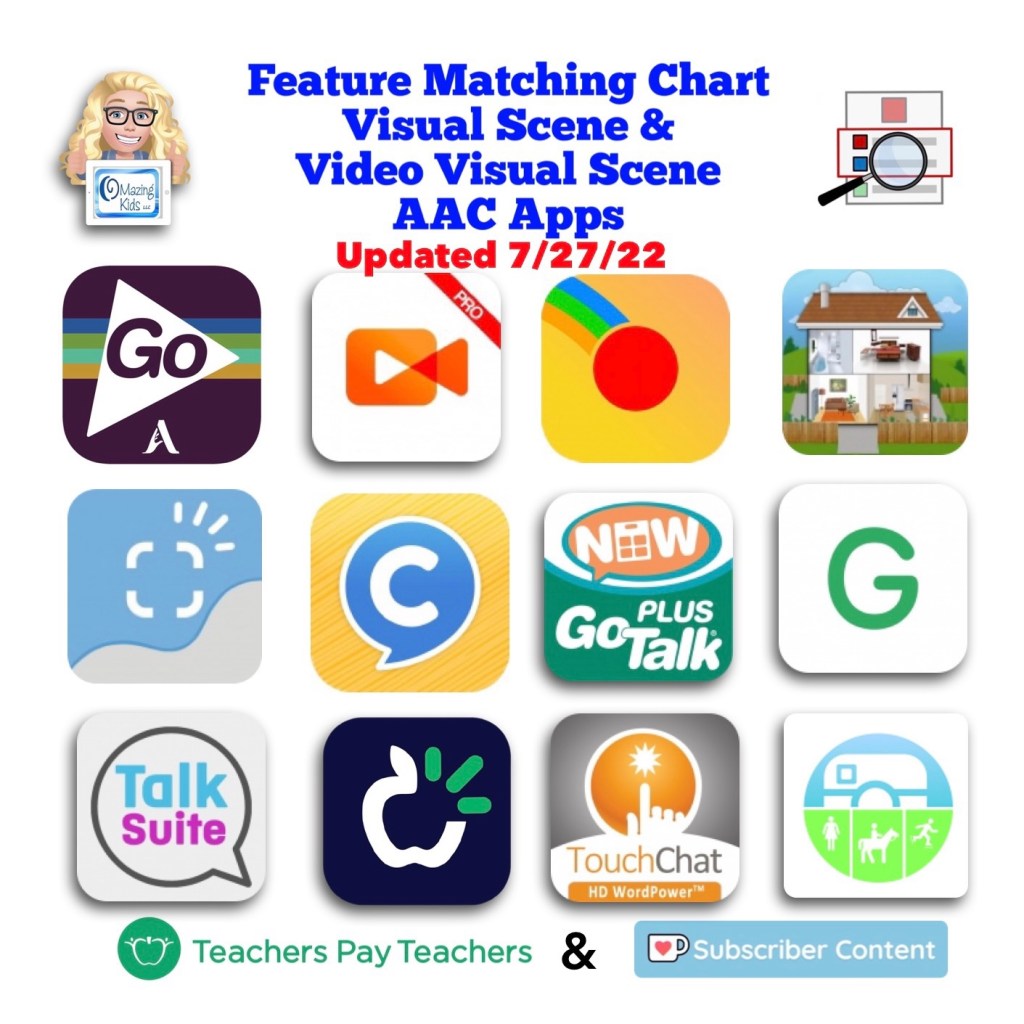
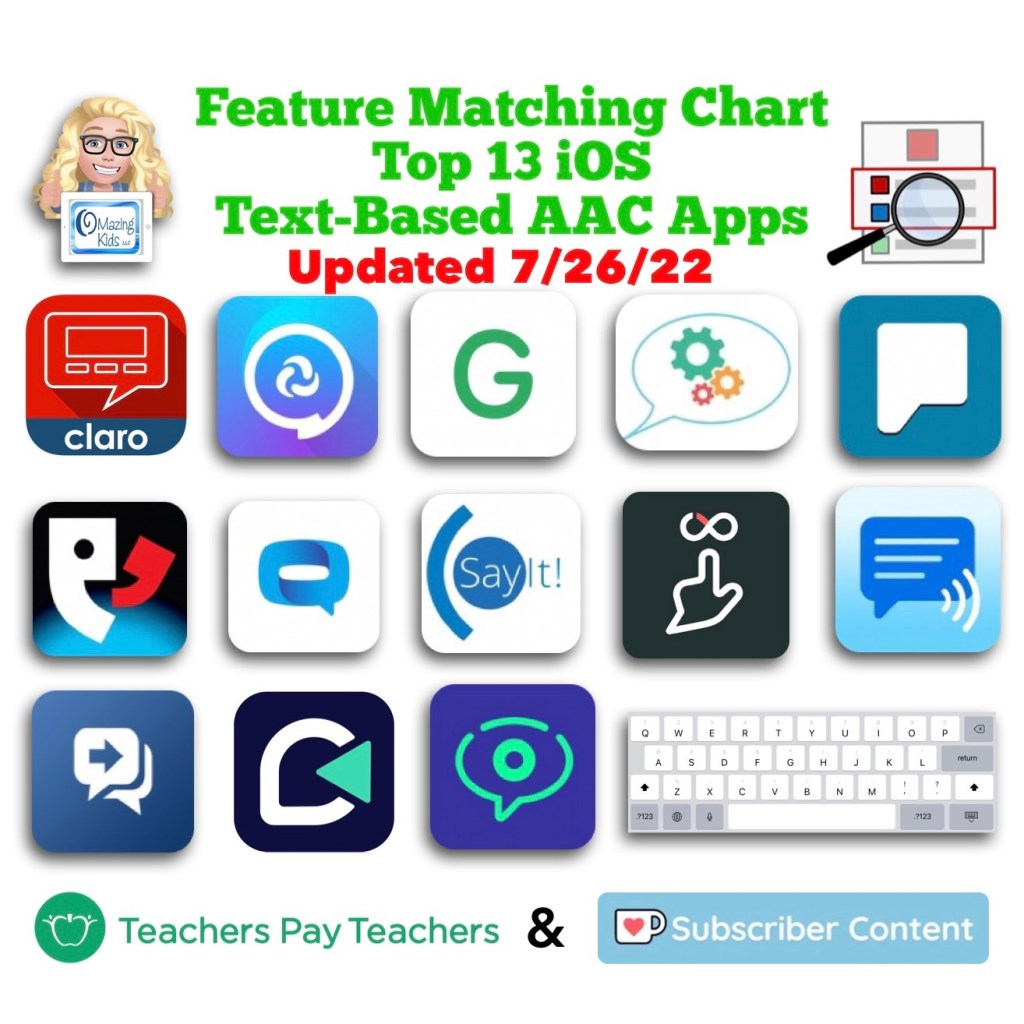
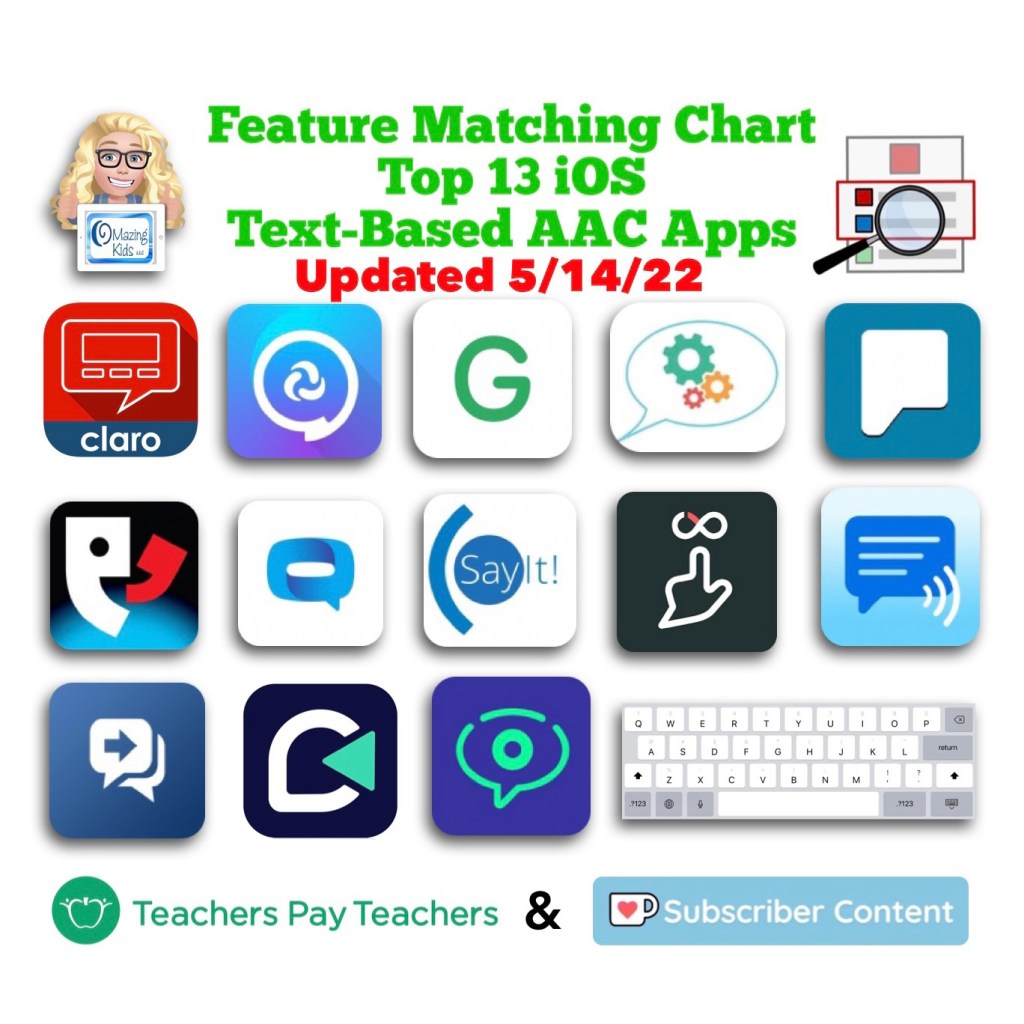
Info about all three Feature Matching Resources for AAC Apps (comparing features in AAC apps) + TPT bundle and multiple license discounts: https://bit.ly/3aacFeatureMatchingResources
Info about all three Feature Matching Resources for AAC Apps (comparing features in AAC apps) + TPT bundle and multiple license discounts: https://bit.ly/3aacFeatureMatchingResources
Info about all three Feature Matching Resources for AAC Apps (comparing features in AAC apps) + TPT bundle and multiple license discounts: https://bit.ly/3aacFeatureMatchingResources
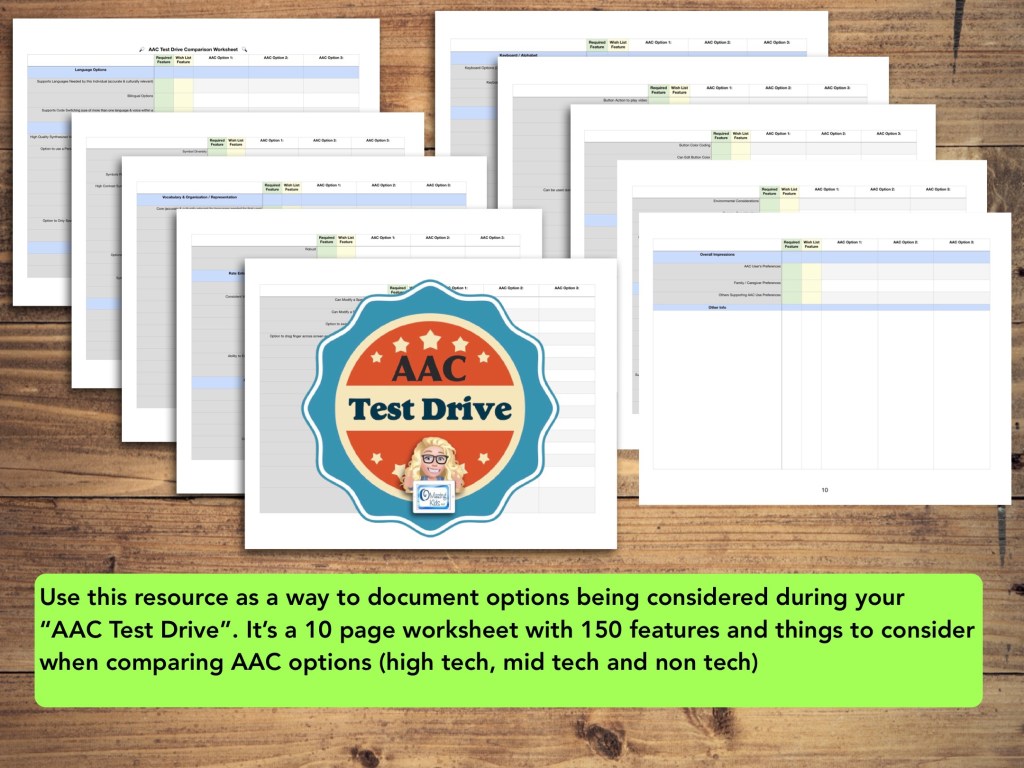
Use this new resource as a way to document options being considered during your “AAC Test Drive”. It’s a 10 page worksheet with 150 features and things to consider when comparing AAC options (high tech, mid tech and non tech): https://bit.ly/AACtestdriveWorksheet
Want in-depth up to date info about the features in these apps? Check out “Three Feature Matching Resources for AAC Apps (comparing features in AAC apps)”: https://bit.ly/3aacFeatureMatchingResources. The chart for symbol-based AAC apps includes a free supplemental handout “Unique Features in Symbol-Based AAC Apps to Support Gestalt Language Processors”.
There is no “one size fits all” to anything about AAC and many individuals will need to use a variety of options (non tech, mid tech, high tech (SGDs, apps on an iPad or iPhone or other tablet or phone), sign language, gestures, facial expressions, vocalizations, segments of videos for gestalts, handwriting, etc…) as part of a multimodal system to support communication across environments and situations.
An AAC app is often part of a successful multimodal AAC system. While there isn’t any “perfect” AAC app there are features in these apps that might make some a better “fit” over other options.
It’s similar to taking a test drive to find a form of transportation that you like and meets your needs at that point in your life. All cars have an engine, tires and seats. Your first car may have been very basic transportation. But think about your dream vehicle. What features would it have? Why would you choose it over a different option? Older individuals might prioritize safety features. A teen or single young adult might prioritize the “look” / how “cool” it is. A family with young children might prioritize how many car seats can fit and storage. Others might prioritize fuel efficiency and eco-friendliness. You might ride a bike, subway, train, take an Uber ride, take a ferry, paddle in a canoe, etc. None of these is necessarily “better” than another or the “best” form of transportation. The “best” option is the one that meets the needs of that individual in that situation.
This new FREE handout includes info about how SLPs / SLTs and other AAC professionals can get access to over 25 robust and unique AAC apps or software for iOS, Android, Amazon Fire and Windows.
Important Considerations:
* When available, please try the free version/free trial to take a look at an app before requesting an app code. App codes are limited and are intended for SLPs who do AAC evals frequently and need quick ongoing access during evaluations, feature matching & trial of options.
* The official process for requesting a code was verified for inclusion in each of these handouts and the feature matching charts.
* These app codes are typically NOT compatible with a mobile device management also known as a MDM-managed device. They require a standard non-managed Apple ID.
* Most app developers will ask for info regarding your role in AAC evals, how many you do in a year, where you are located, type of setting you work in, etc. to substantiate the need. It is likely that those working in a non-profit setting or school or specific geographic areas may be prioritized. App developers receive a very limited number of codes per app release or update so there will likely be waiting lists.
* Codes do expire so please make sure to redeem it immediately so it’s not wasted.
* When needing switch scanning as a method of access, be sure to also consider traditional SGDs that have built in switch ports that will likely provide a more reliable means of access. When exploring switch access on an iPad, it is important to try out any options (switches, switch interface, iOS Accessibility) being considered to insure that they will work for that particular user and within that particular AAC app. Seating, positioning and identification of the best type of switches and optimal switch sites are crucial for AAC users to be successful with this method of access. Please collaborate with that user’s PT, OT and/or AT specialist.
For those who only have an occasional need, please consider alternative means of trying that app:
* Another option in the USA is to contact your state’s AT Lending Program. They will likely have iPads with AAC apps available for short term loan.
Want in-depth up to date info about the features in these apps? Check out “Five Feature Matching Resources for AAC Apps (comparing features in AAC apps) + several videos comparing AAC apps across platforms (iPad, Android, Amazon Fire, Windows)”: https://bit.ly/5aacFeatureMatchingResources. The chart for iOS symbol-based AAC apps includes a free supplemental handout “Unique Features in Symbol-Based AAC Apps to Support Gestalt Language Processors”.
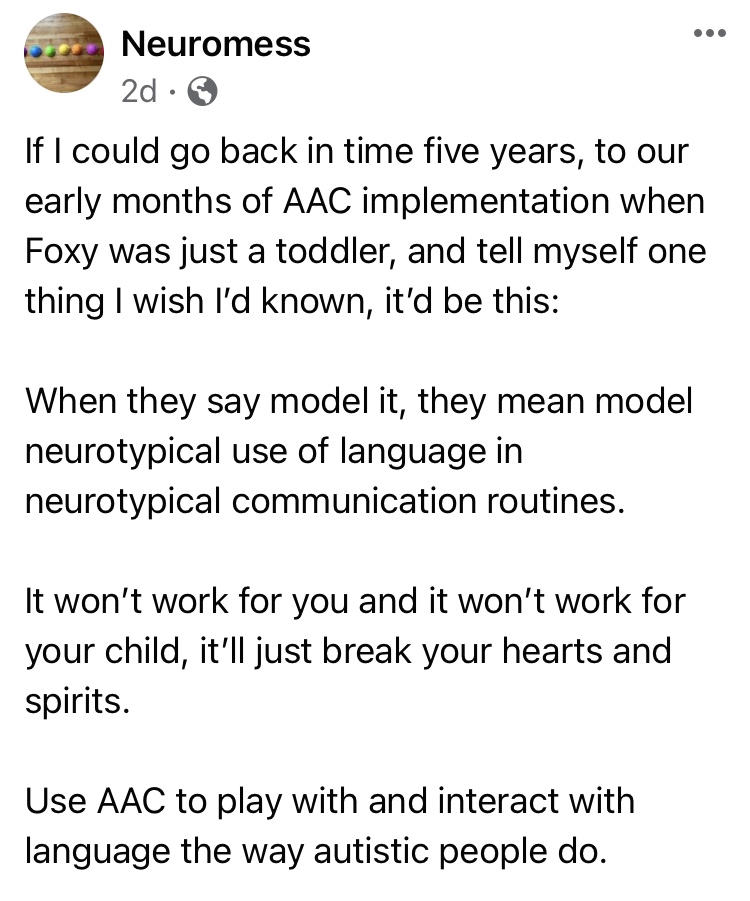
The power of truly embracing and incorporating individual interests into an AAC system and AAC implementation plus customizing for unique needs cannot be overstated.
It is a respectful neurodiversity affirming practice that
builds connections
fosters AAC ownership
resonates with them
allows for authentic communication
AAC systems and many AAC implementation strategies were designed with Analytic Language Learners in mind.
There are things that can be done to personalize an AAC user’s device that don’t involve changing any of the layout. I’ve seen way too many kids, teens and young adults who were deemed “unable” or “not ready” to use AAC or who showed little to no interest in using it until we involved them in choosing and in customizing an AAC system that resonated with them. What sparks that interest and joy is highly individualized but when you experience that it’s magical.
While we don’t yet have “scientific research” related to AAC for Gestalt Language Processors, we do have Clinical Expertise and Client/Patient/Caregiver Perspectives.
Combine good AAC practices (presume potential, form authentic connections, engage in fun child-led activities based on their unique interests, accommodate sensory needs, model AAC use without demands, etc.) with a Natural Language Acquisition approach.
And read this The North Star and the Compass Facebook post with Canva links: A year in the life of one creative communicator (Speak for Yourself, Pictello, Spotify, Proloquo2Go as AAC). How do you truly follow a kid’s lead when they do unexpected things with their AAC?
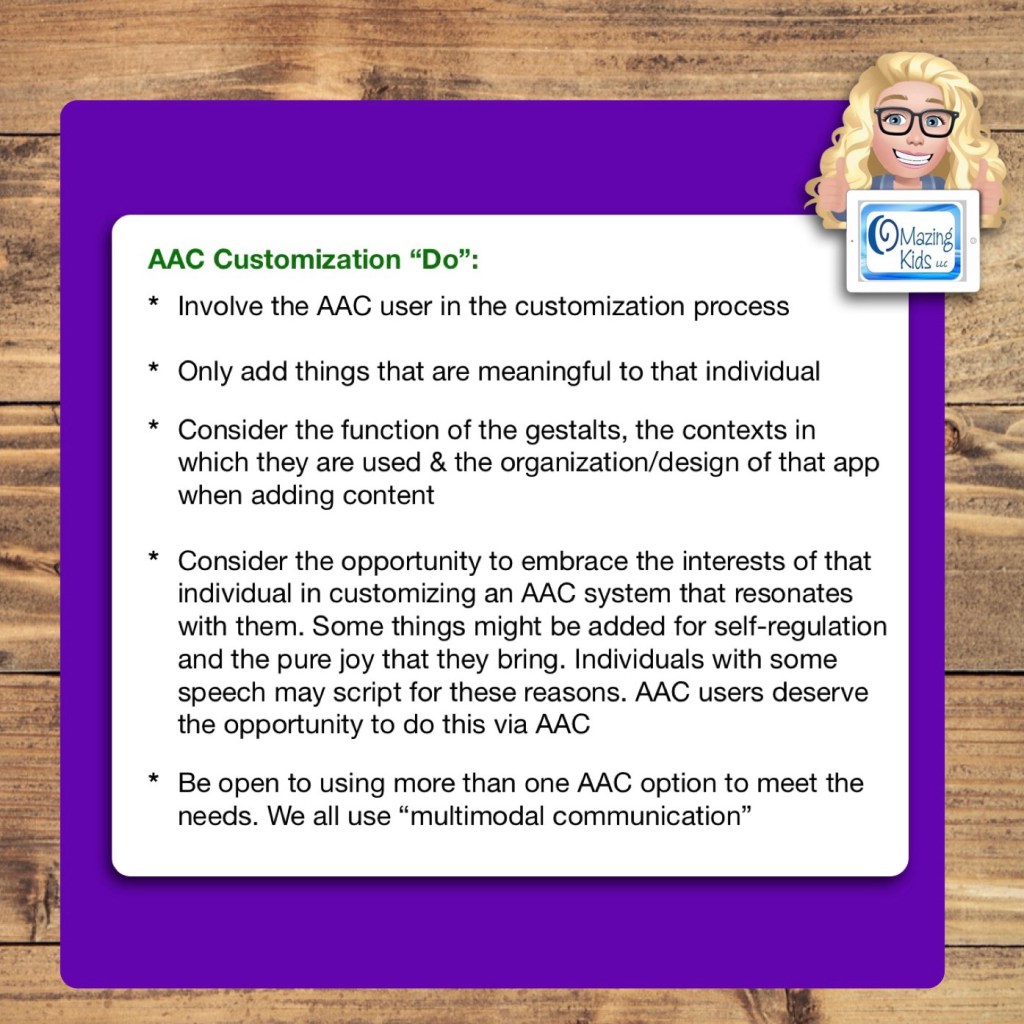
Only add things that are meaningful to that individual
Consider the function of the gestalts, the contexts in which they are used & the organization/design of that app when adding content
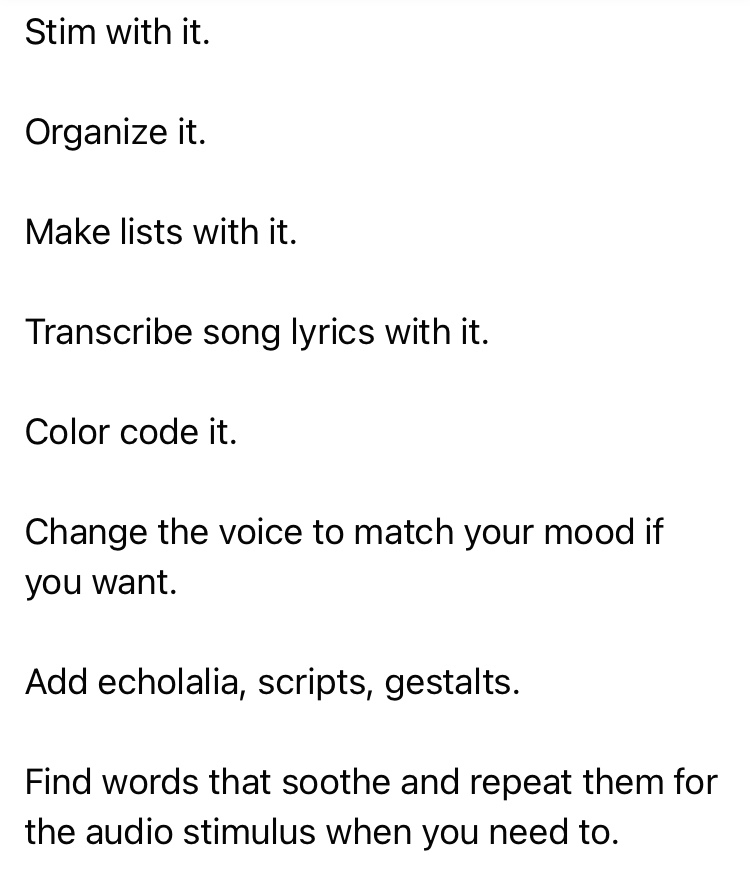
Consider the opportunity to embrace the interests of that individual in customizing an AAC system that resonates with them. Some things might be added for self-regulation and the pure joy that they bring. Individuals with some speech may script for these reasons. AAC users deserve the opportunity to do this via AAC
Be open to using more than one AAC option to meet the needs. We all use “multimodal communication”
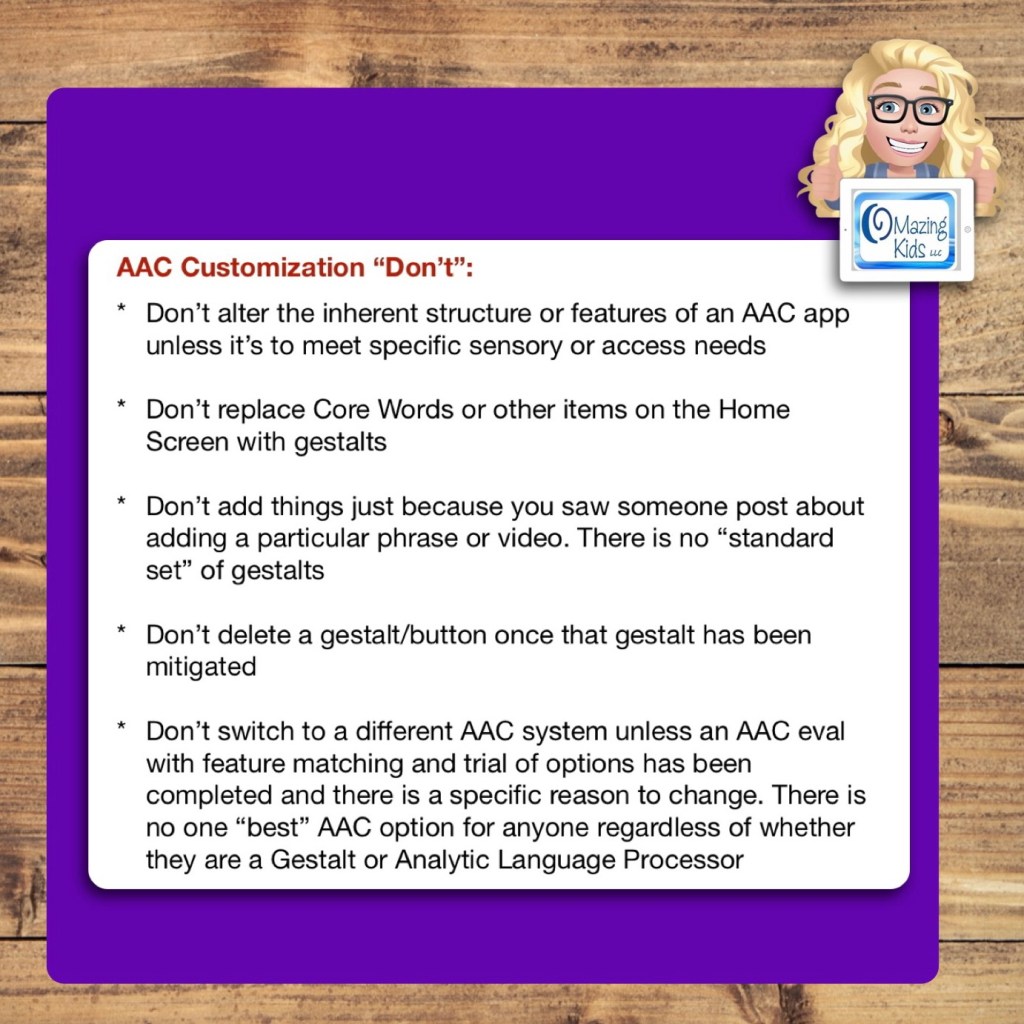
AAC Customization “Don’t”:
Don’t alter the inherent structure or features of an AAC app unless it’s to meet specific sensory or access needs
Don’t replace Core Words or other items on the Home Screen with gestalts
Don’t add things just because you saw someone post about adding a particular phrase or video. There is no “standard set” of gestalts
Don’t delete a gestalt/button once that gestalt has been mitigated
Don’t switch to a different AAC system unless an AAC eval with feature matching and trial of options has been completed and there is a specific reason to change. There is no one “best” AAC option for anyone regardless of whether they are a Gestalt or Analytic Language Processor
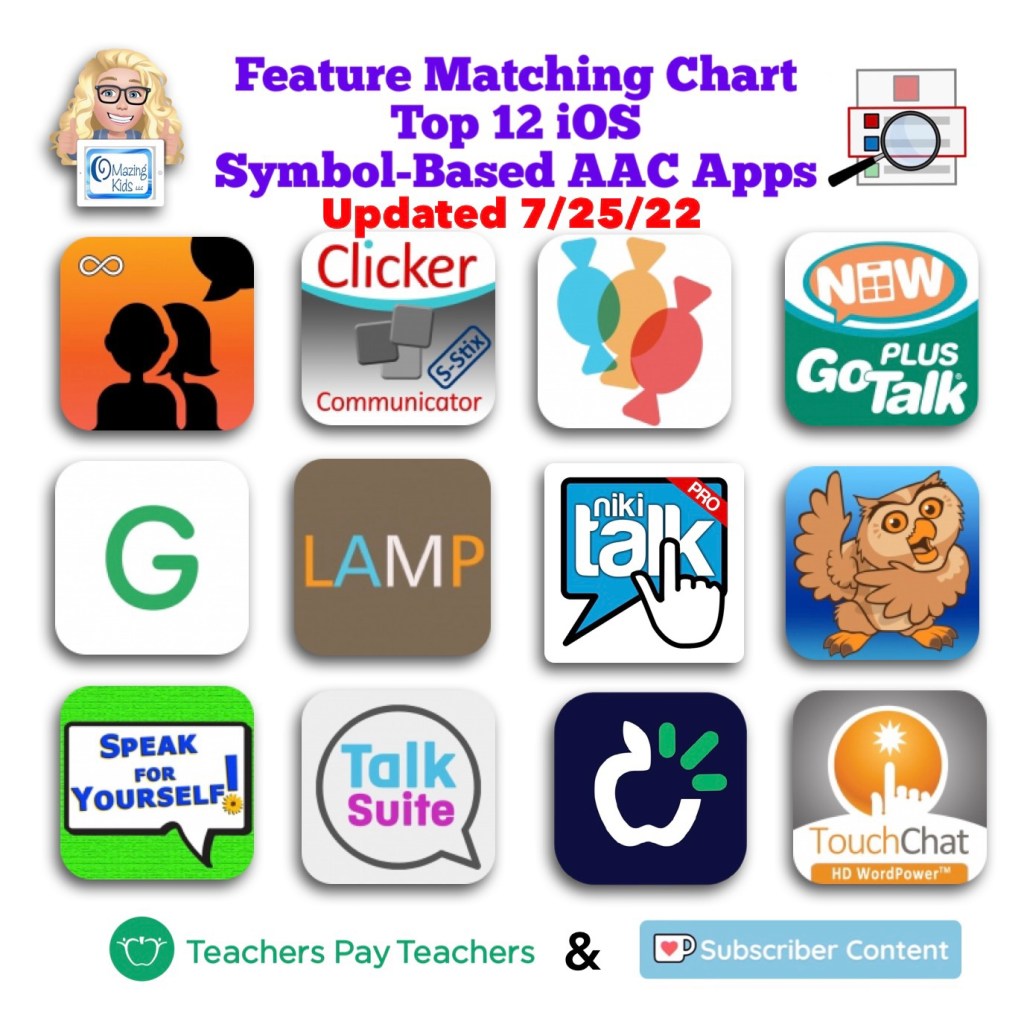
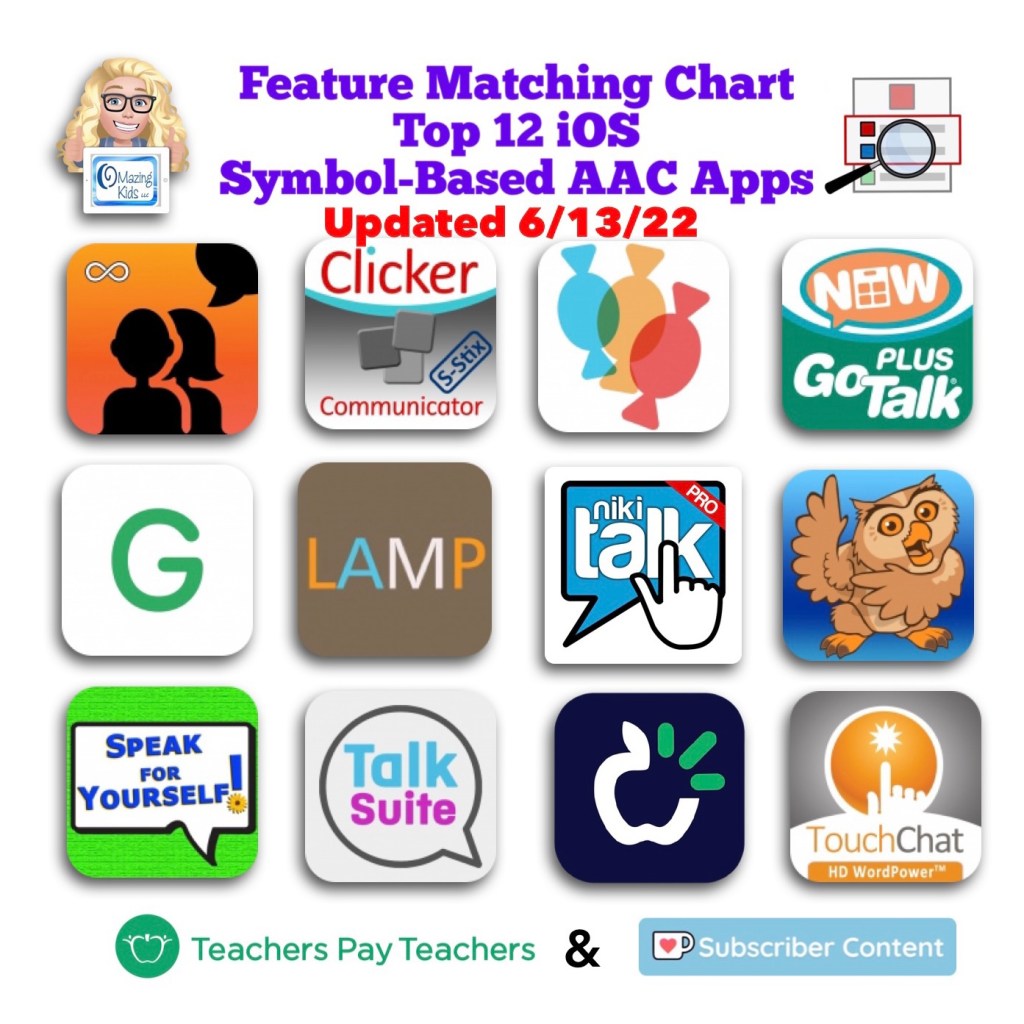
Want to learn more about AAC feature matching (comparing features and matching them to an individual’s needs)? Check out the three feature matching resources: https://bit.ly/3aacFeatureMatchingResources. The feature matching resource for the symbol-based AAC apps includes a free supplemental handout “Unique Features in Symbol-Based AAC Apps to Support Gestalt Language Processors”. It has info related to all 12 apps + additional info about features in 8 free and affordable symbol-based AAC apps (mainly iOS, some Android and a couple of Windows) priced $2.99 or less.
Looking for a customizable non-tech printable AAC flip book? See my resource “TD Snap: a visual guide to getting started”. It includes free Bonus Content: access to a 10 page printable AAC flip book specifically designed with Gestalt Language Processors in Stage 1 – Stage 2 of the Natural Language Acquisition (NLA) process in mind + the option to request an editable version in TD Snap. The free bonus handout includes instructions for printing, cutting out and assembling + a video): https://www.teacherspayteachers.com/Product/TD-Snap-a-visual-guide-to-getting-started-more-bonus-AAC-flipbook-7445593
Looking for in-depth AAC feature matching resources? See this blog post: https://bit.ly/5aacFeatureMatchingResources. That post also includes videos comparing AAC apps on various devices on various platforms.
Info about all three Feature Matching Resources for AAC Apps (comparing features in AAC apps) + TPT bundle and multiple license discounts: https://bit.ly/3aacFeatureMatchingResources
Info about all three Feature Matching Resources for AAC Apps (comparing features in AAC apps) + TPT bundle and multiple license discounts:https://bit.ly/3aacFeatureMatchingResources
Info about all three Feature Matching Resources for AAC Apps (comparing features in AAC apps) + TPT bundle and multiple license discounts: https://bit.ly/3aacFeatureMatchingResources






 OMazing Kids AAC Consulting