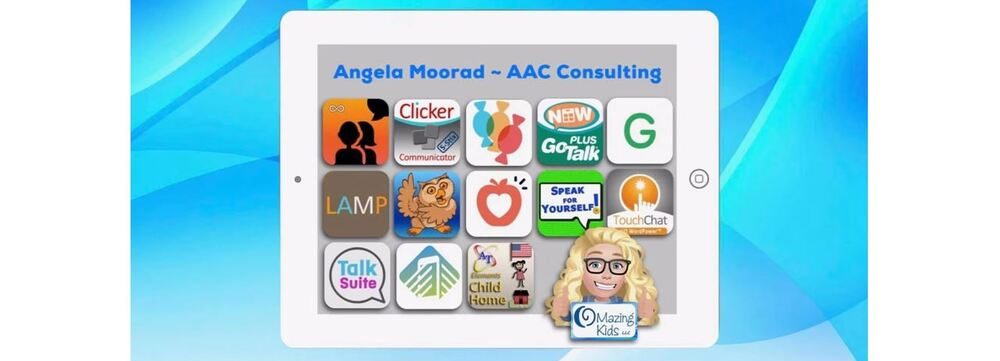
Angela Moorad, MS, CCC-SLP. Over 36 years experience in AAC. OMazing Kids AAC and app consulting. Creator of several AAC Feature Matching resources (https://omazingkidsllc.com/omazing-kids-aac-resource-links/). Includes info about unique features to support Gestalt Language Processors
AAC is as much an art as a science. There’s lots of trial and error. Lots of tweaking or combining things to meet unique needs. And user’s needs change over time. There’s no one “best” or “one size fits all” system, app or device. So it’s important to just dive in and start somewhere. Don’t let “perfect” be the enemy of good. It’s better to get something done imperfectly than to do nothing perfectly.
I love seeing videos and pictures of how others have customized AAC to meet unique needs. I think that’s why I’m active in so many different AAC related groups on Facebook. Those examples get my creativity flowing.
I don’t recall a time that I ever just used an AAC app or SGD just “as is”. I always personalized it.
I love to tinker with things and come up with creative solutions. I can tell you based on over 30 years of experience as an AAC SLP, there is no one “best”, “right” or “one size fits all” way. Not even for users with the same diagnoses. There are too many variables and above all the individual preferences of that user and their family.
Some older teens and young adults preferred to use more than one option and the freedom to pick what worked for them in that moment.
I also mash together options like using keyboard extension apps within AAC apps that allow access to those. That opens up a whole world of possibilities for adapted keyboards, calculator keyboards, whiteboard keyboards where the user can draw to communicate, etc.
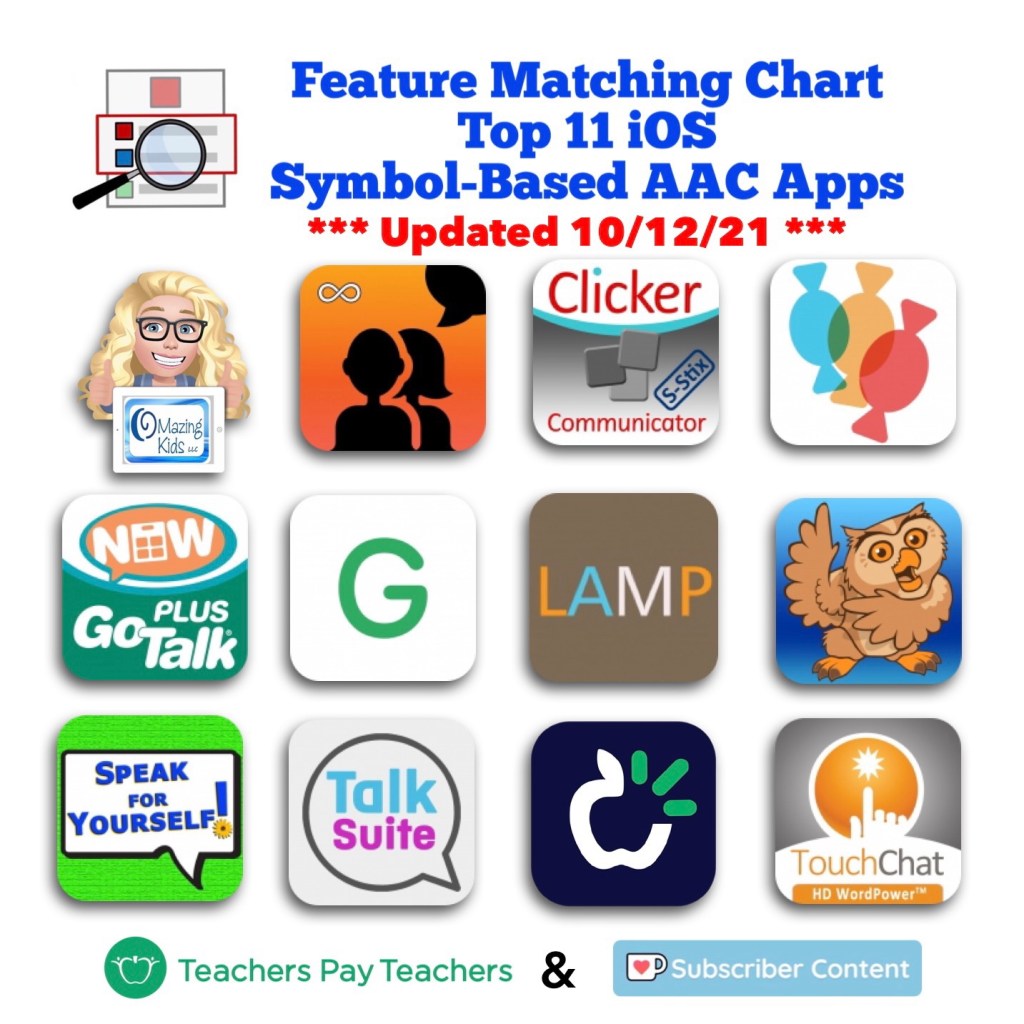
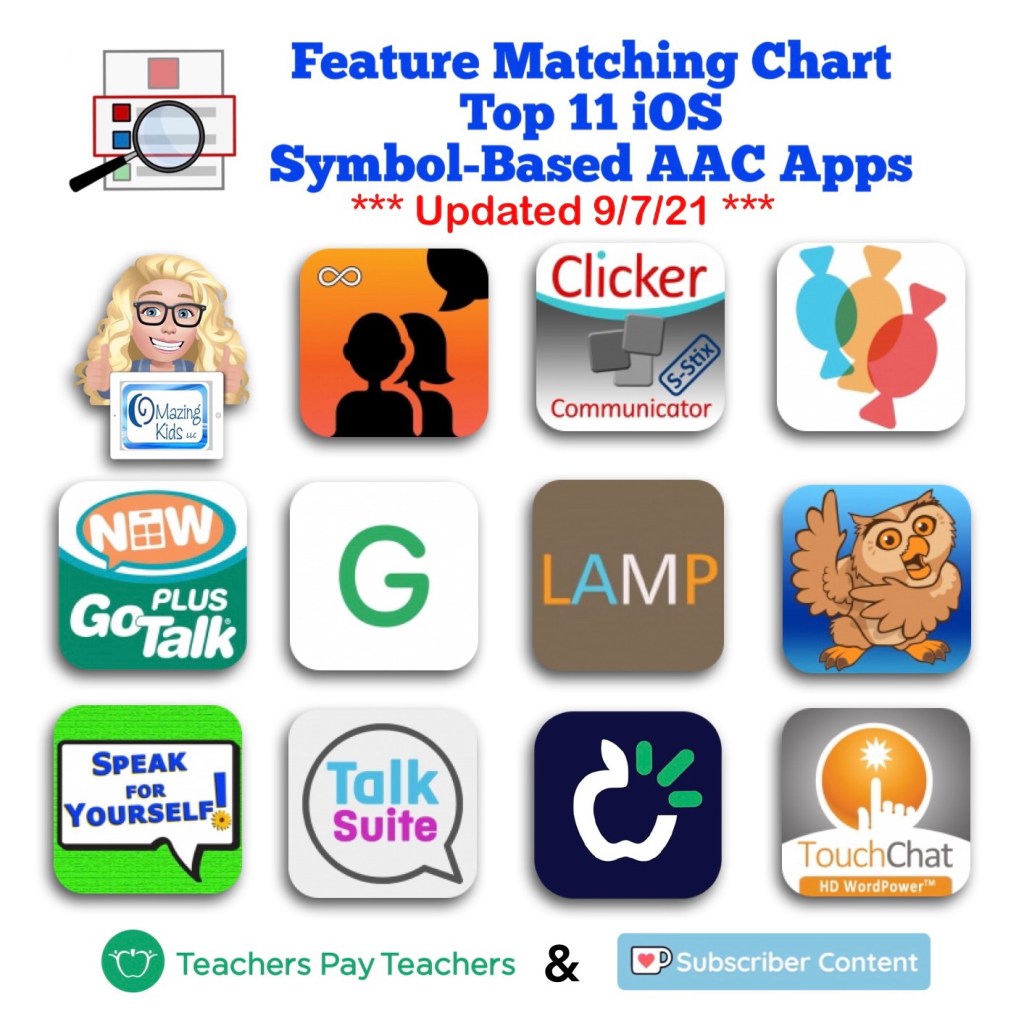
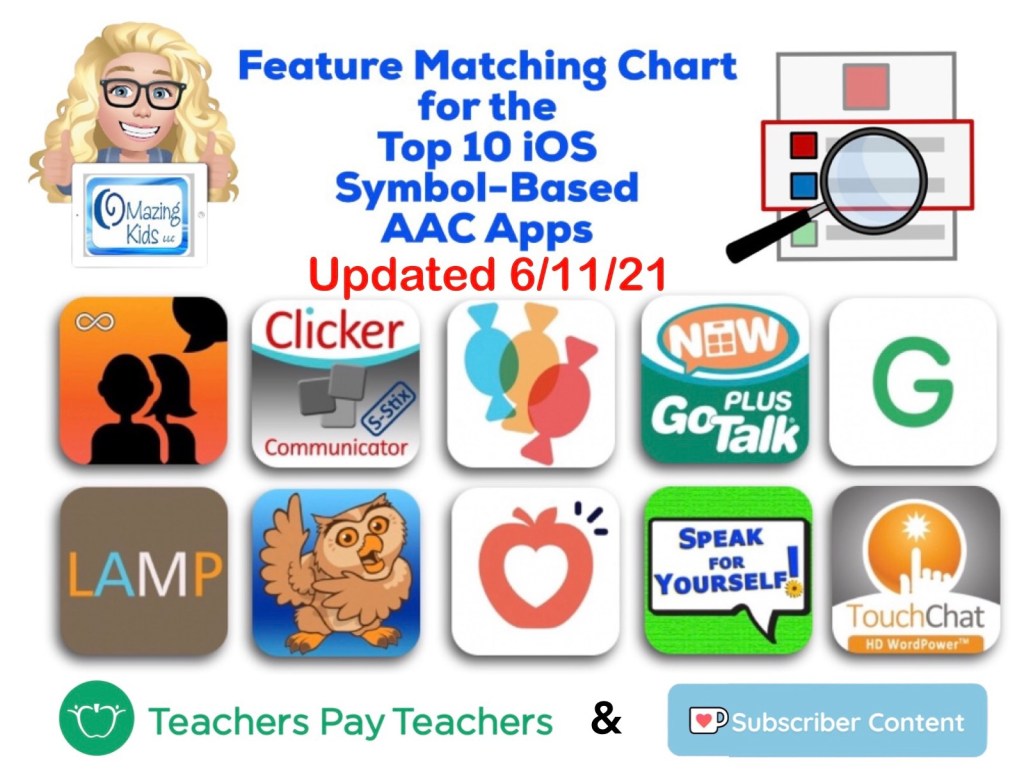
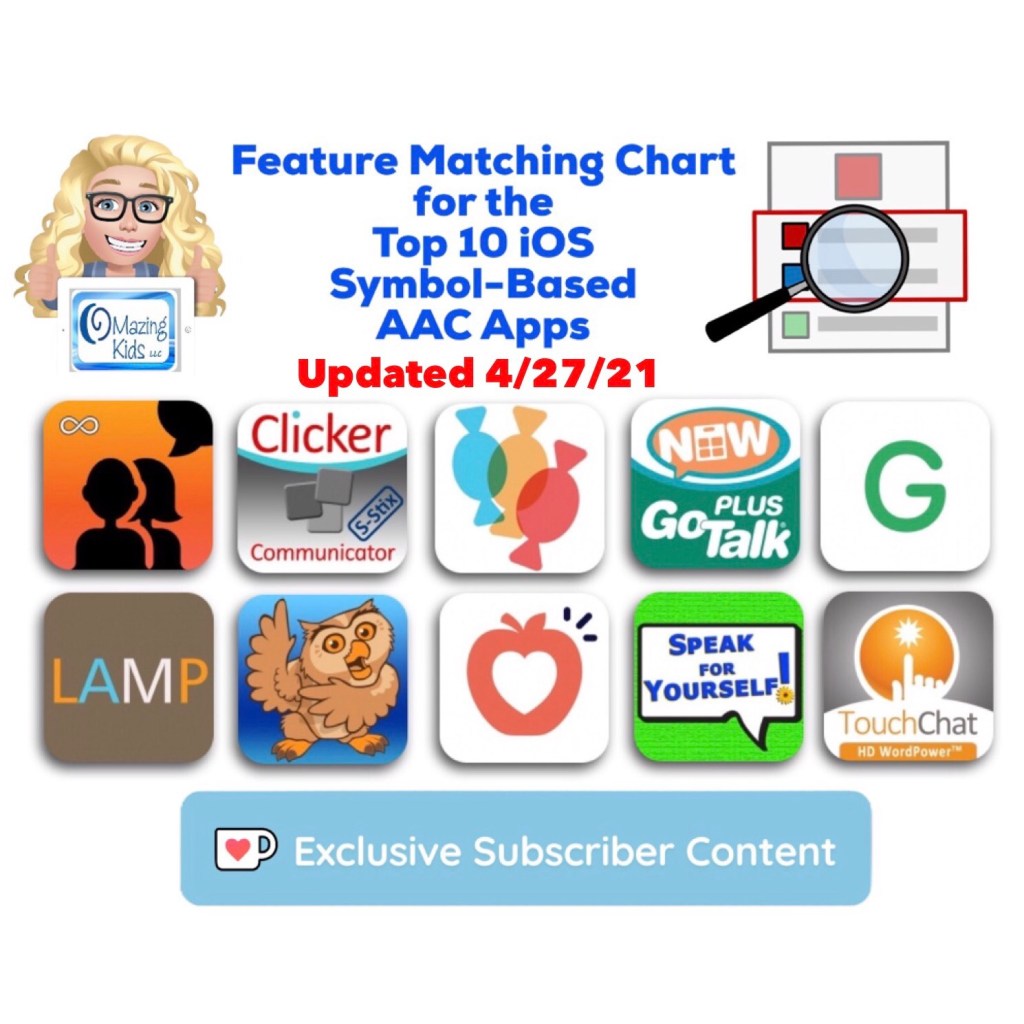
Want to learn more about the features in AAC apps in order to know what the possibilities might be? Check out the Feature Matching Chart for the Top 11 robust iOS symbol-based AAC apps:
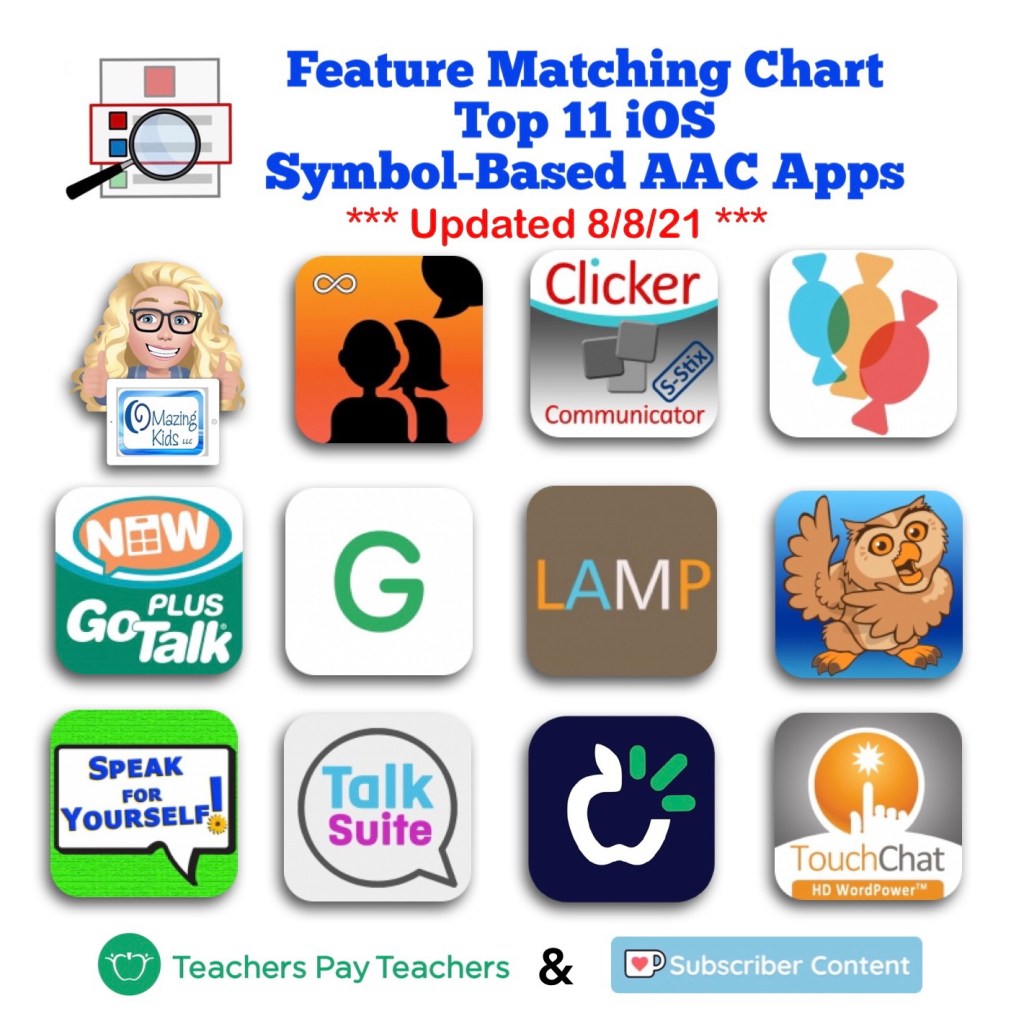
Updated Feature Matching Chart for the Top 11 iOS Symbol-Based AAC Apps
Did you know that Coughdrop has a cool new “Focus Words” feature? Focus Words offers a quick way to highlight a list of targeted words while dimming the rest of the buttons slightly (but all of the buttons are still active).
Want to stay up to date on all the newest features in the most commonly used AAC apps?
Have questions? The best way to reach me with any questions is via messaging on the OMazing Kids Facebook page: https://www.facebook.com/OMazingKidsAAC/. That way messages don’t get lost among the spam in my e-mail.
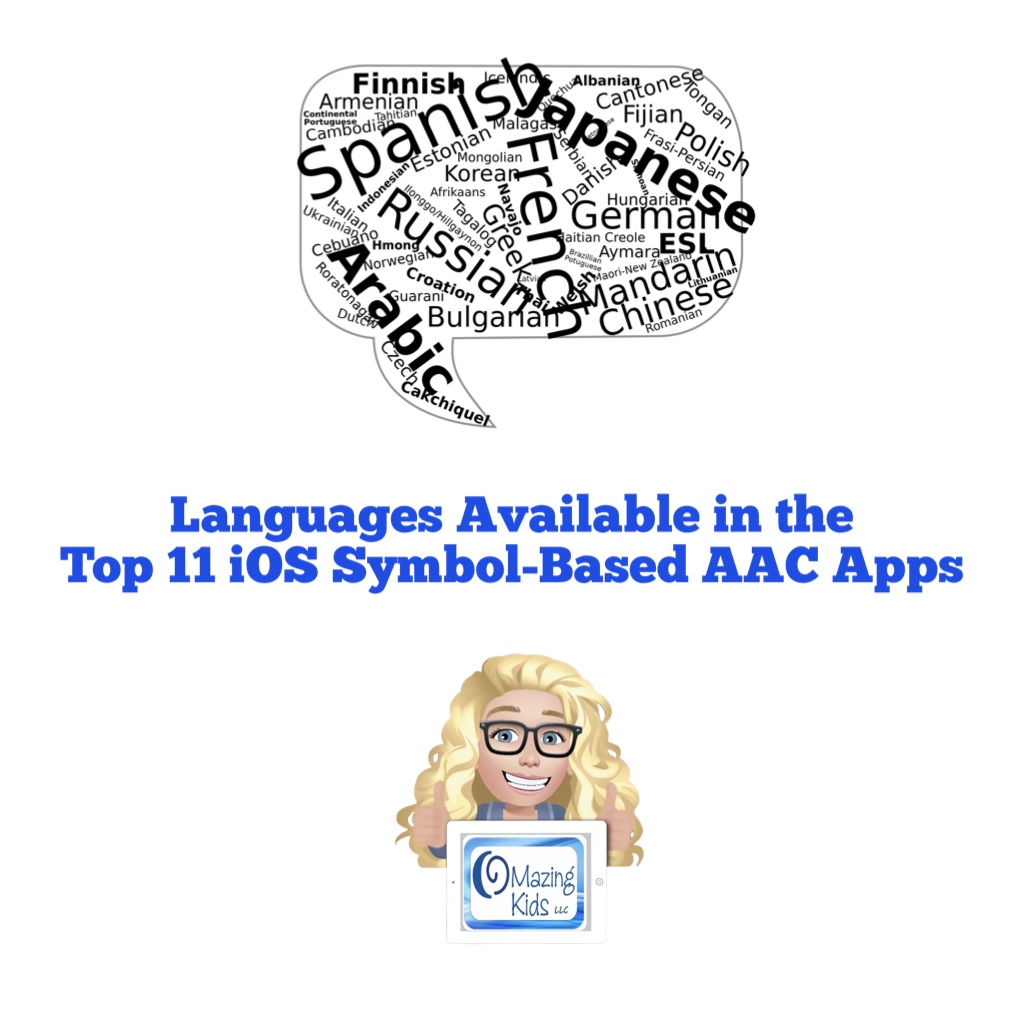
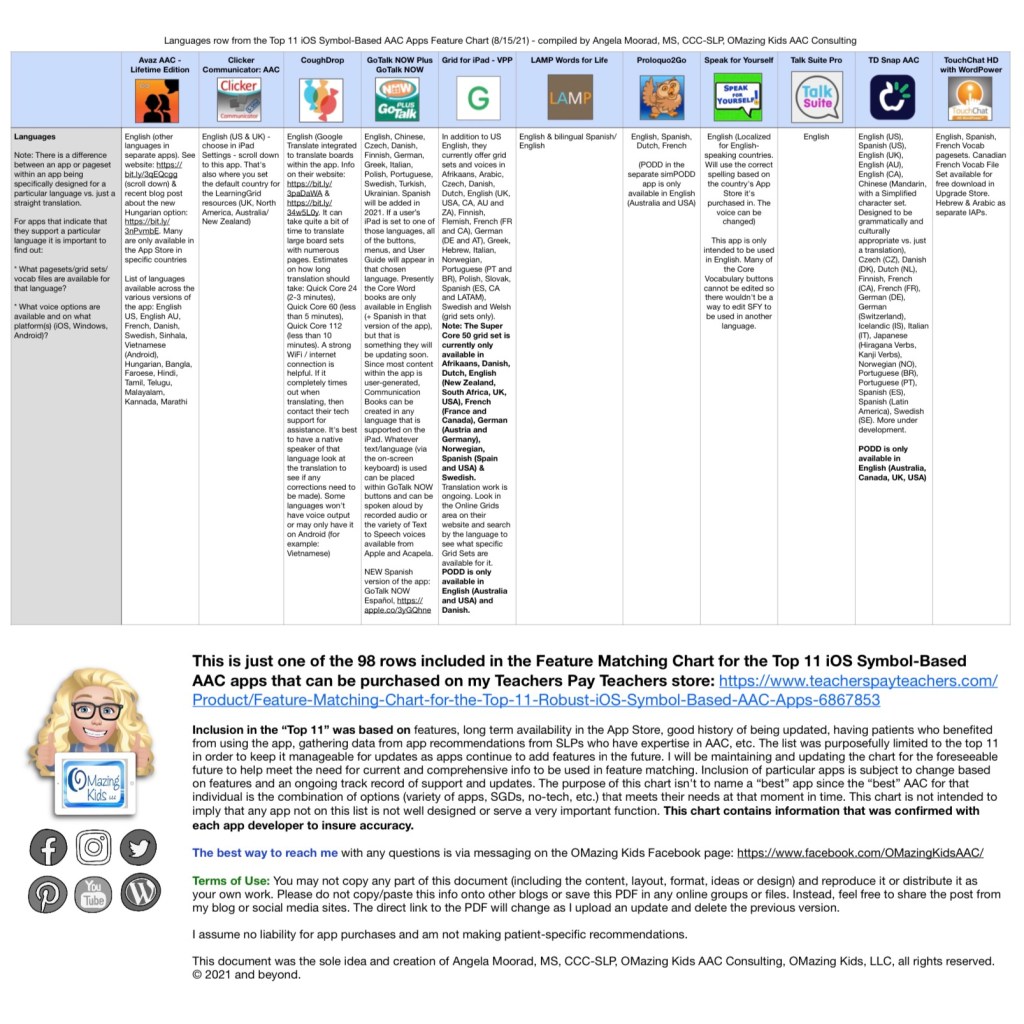
Are you looking for info about languages supported in the most commonly used symbol-based AAC apps?
That is one of 98 rows included in my AAC Feature Matching Chart.
Here is a free one-page PDF with the “Languages” row from the Feature Matching Chart for the Top 11 iOS Symbol-Based AAC Apps: https://bit.ly/2VYeaZj (PDF)
Have questions? The best way to reach me with any questions is via messaging on the OMazing Kids Facebook page: https://www.facebook.com/OMazingKidsAAC/. That way messages don’t get lost among the spam in my e-mail.
Have questions? The best way to reach me with any questions is via messaging on the OMazing Kids Facebook page: https://www.facebook.com/OMazingKidsAAC/. That way messages don’t get lost among the spam in my e-mail.
Personal Professional Facebook Page (linked to OMazing Kids): https://www.facebook.com/angela.moorad (adding “friends” who have a direct role in AAC or Assistive Technology – AAC / AT app or product developers, AAC / AT consultants, SLPs who specialize in AAC, other professionals who specialize in AAC or AT, etc.)
This major update adds an 11th app (Talk Suite Pro) to the AAC feature matching chart
This chart includes an in-depth comparison of features & support resources across 11 robust iOS symbol-based AAC apps:
• Avaz AAC – Lifetime Edition
• Clicker Communicator: AAC
• CoughDrop
• GoTalk Now / GoTalk Now Plus
• Grid for iPad VPP
• LAMP Words for Life
• Proloquo2Go
• Speak for Yourself
• Talk Suite Pro
• TD Snap (formerly known as Snap Core First)
• TouchChat HD with WordPower
Preview:
This product also now includes free exclusive access to an unlisted YouTube video (58:32) with time-stamped sections highlighting the unique features in each app.
Thanks SO much to Lauren S. Enders for this shout out for my AAC Feature Matching Chart in her presentation on 6/24/21 at AAC in the Cloud! See the whole presentation and get her handouts for “Personalizing AAC – A Deep Dive into Vocabulary Customization”: https://presenters.aacconference.com/videos/UVRRd1FUSXg=?. Be sure to also check out her Waklet with links to resources: https://wke.lt/w/s/7ldtJE.
Thanks Vicki Clarke / Dynamic Therapy Associates Inc (aacchicks)! The shoutout for the AAC feature matching chart in your IG Stories on 7/20/21 made my day 🥰
Have questions? The best way to reach me with any questions is via messaging on the OMazing Kids Facebook page: https://www.facebook.com/OMazingKidsAAC/. That way messages don’t get lost among the spam in my e-mail.
Personal Professional Facebook Page (linked to OMazing Kids): https://www.facebook.com/angela.moorad (adding “friends” who have a direct role in AAC or Assistive Technology – AAC / AT app or product developers, AAC / AT consultants, SLPs who specialize in AAC, other professionals who specialize in AAC or AT, etc.)
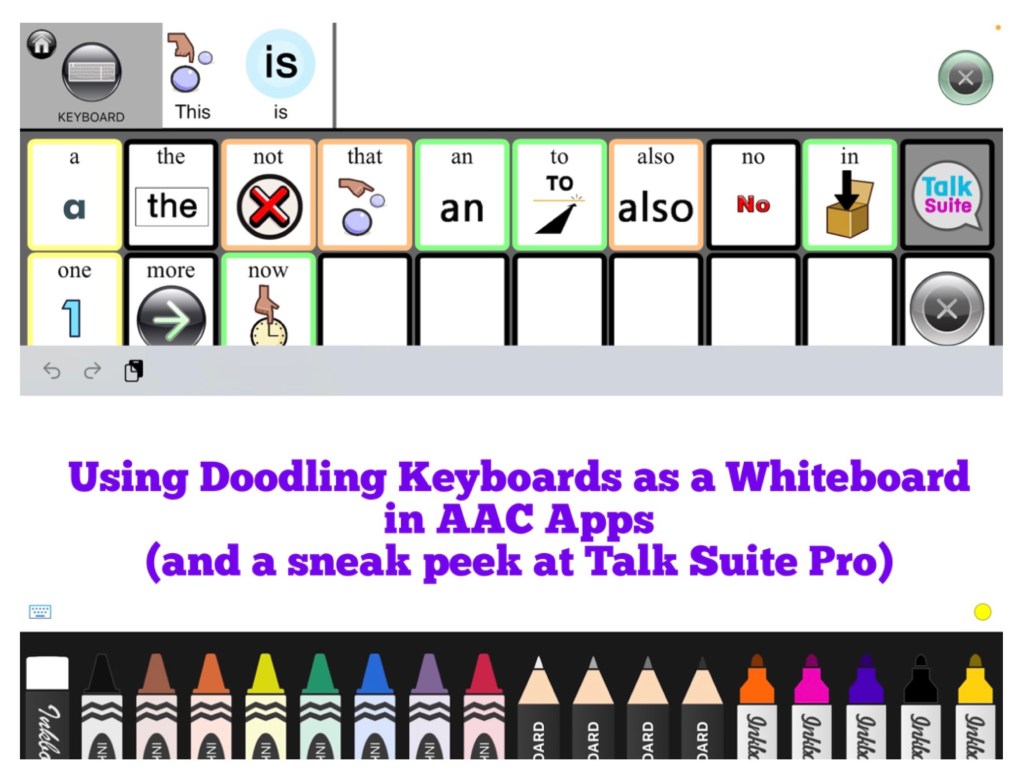
Using Doodling Keyboards as a Whiteboard in AAC Apps (plus a sneak peek at Talk Suite Pro)
I’m working on an update for the Feature Matching Chart for the Top 10 (soon to be the Top 11) iOS Symbol-Based AAC Apps. As I was adding more info to the row about “Button Action to Open a Whiteboard”, I thought about how cool it would be to have a work-around for adding a drawing area to apps that don’t have that feature. Guess what… there is!
AAC apps that allow use of the iOS Keyboard open up the possibility of using a whole array of keyboard extension apps. As I searched the App Store I found three “doodling” keyboard apps that I liked and they worked well within those AAC apps. These doodling keyboard areas could be used as an additional means of communication, just for fun or even as a way for some AAC users to draw their own pictures to then be used as symbols on buttons within their AAC app.
Want to learn more about which iOS AAC apps allow use of the iOS Keyboard? Or which iOS AAC apps already include a Whiteboard area? Those are just two of the 95 rows of features included in the Feature Matching Chart. It’s available on the OMazing Kids AAC Consulting Teachers Pay Teacher store. The chart is very comprehensive, totally up to date and will be expanded in the next update to include an 11th app: https://www.teacherspayteachers.com/Product/Feature-Matching-Chart-for-the-Top-10-iOS-Symbol-Based-AAC-Apps-6867853
It includes info about app updates done in the past month, info about head tracking and eye gaze capabilities in CoughDrop, a few more tips and time saving features and I added a row about backup/share/restore via a USB flash drive.
Have questions? The best way to reach me with any questions is via messaging on the OMazing Kids Facebook page: https://www.facebook.com/OMazingKidsAAC/. That way messages don’t get lost among the spam in my e-mail.
Personal Professional Facebook Page (linked to OMazing Kids): https://www.facebook.com/angela.moorad (adding “friends” who have a direct role in AAC or Assistive Technology – AAC / AT app or product developers, AAC / AT consultants, SLPs who specialize in AAC, other professionals who specialize in AAC or AT, etc.)
The best way to reach me with any questions is via messaging on the OMazing Kids Facebook page: https://www.facebook.com/OMazingKidsAAC/. That way AAC related messages don’t get lost among the spam in my e-mail
Personal Professional Facebook Page (linked to OMazing Kids): https://www.facebook.com/angela.moorad (adding“friends” who have a direct role in AAC or Assistive Technology – AAC / AT app or product developers, AAC / AT consultants, SLPs who specialize in AAC, other professionals who specialize in AAC or AT, etc.)
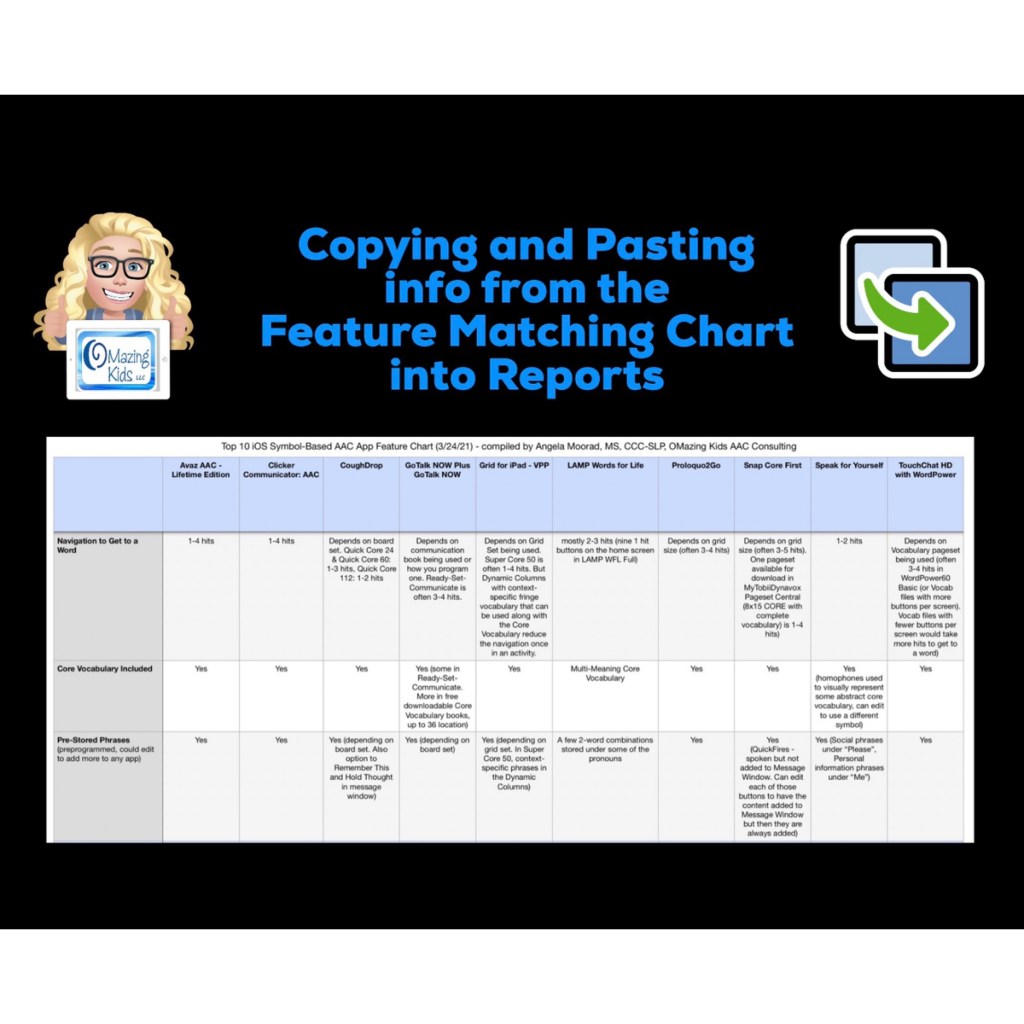
Open the PDF in the free Xodo app on your computer, use the fabulous search feature to quickly find the info you need, copy text that you need regarding specific features and then paste that into a report. I’ve received several positive comments this week about how helpful it is to have so much info all in one document.
Of course you may need to add to or tweak the info to fit the requirements needed by a particular funding source or particular options being used in the AAC apps.
But all of the app developers reviewed the content in my chart several times so I’m confident that it’s accurate 😊
Be watching for the next update for the chart later this month.
Download links for the free Xodo app can be found on their website: https://www.xodo.com
The best way to reach me with any questions is via messaging on the OMazing Kids Facebook page: https://www.facebook.com/OMazingKidsAAC/. That way AAC related messages don’t get lost among the spam in my e-mail
Personal Professional Facebook Page (linked to OMazing Kids): https://www.facebook.com/angela.moorad (adding“friends” who have a direct role in AAC or Assistive Technology – AAC / AT app or product developers, AAC / AT consultants, SLPs who specialize in AAC, other professionals who specialize in AAC or AT, etc.)