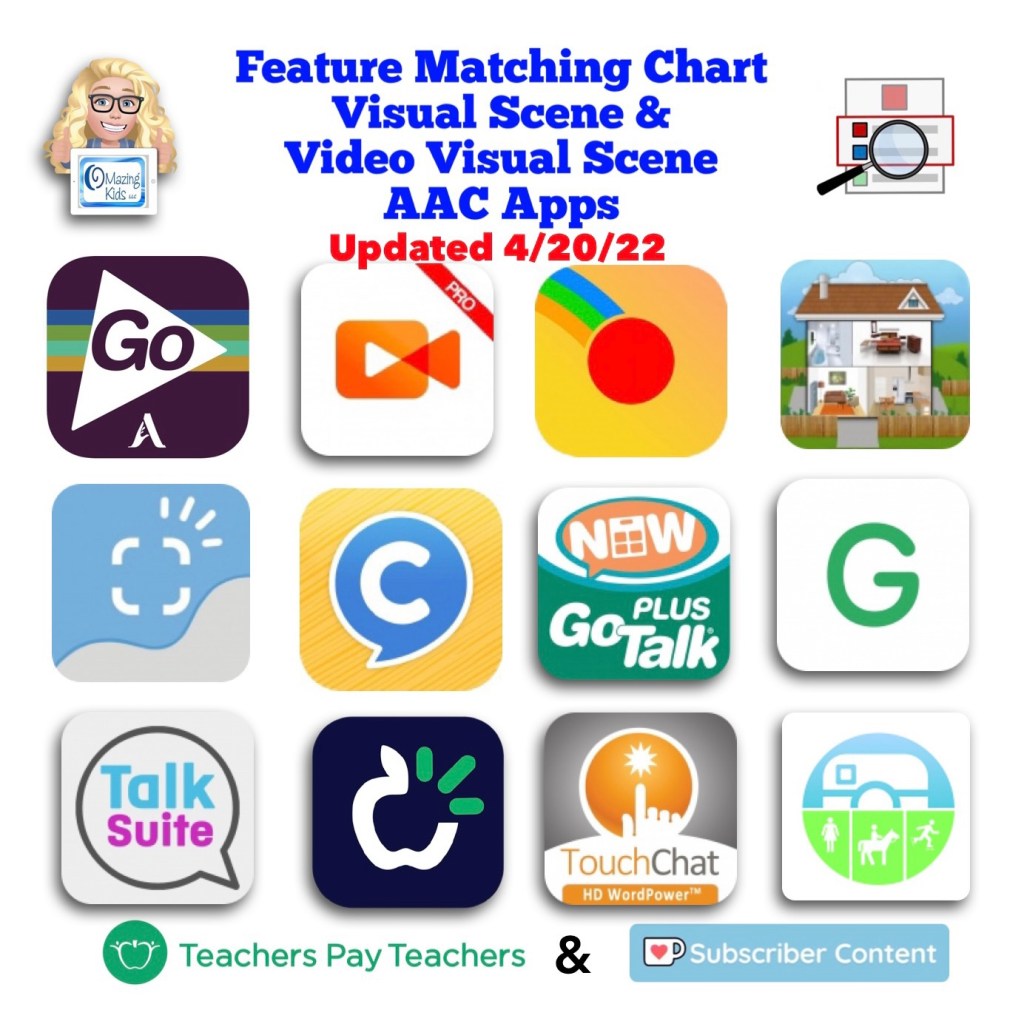
Resource Update Alert 🎉: Feature Matching Chart for Visual Scene and Video Visual Scene Display AAC Apps

An update for the Feature Matching Chart for Visual Scene and Video Visual Scene Display AAC Apps has been uploaded to Teachers Pay Teachers. More info has been added about the EasyVSD Android app. FYI… the ChatAble app is not currently available for purchase while it is in the process of being updated.

Those who have previously purchased this resource either individually or as part of the bundle can go download the new PDF for no additional cost over on TPT: https://www.teacherspayteachers.com/Product/Feature-Matching-Chart-for-Visual-Scene-and-Video-Visual-Scene-Display-AAC-Apps-7811258, Bundle: https://www.teacherspayteachers.com/Product/AAC-Feature-Matching-Resource-Bundle-7849416

Current Ko-fi subscribers can find the links in today’s post (4/20/22): https://ko-fi.com/post/Updated-Feature-Matching-Chart-Visual-Scene-Displ-I2I7C9CSX


Have questions? The best way to reach me with any questions is via messaging on the OMazing Kids Facebook page: https://www.facebook.com/OMazingKidsAAC/. That way AAC related messages don’t get lost among the spam in my e-mail.

Angela Moorad, MS, CCC-SLP, Founder of OMazing Kids, LLC, OMazing Kids AAC Consulting

• Teachers Pay Teachers Store: https://www.teacherspayteachers.com/Store/Omazing-Kids-Aac-Consulting

• YouTube: https://youtube.com/user/amoorad1

• Ko-Fi: https://ko-fi.com/omazingkidsaac

• OMazing Kids AAC Consulting Facebook Page: https://www.facebook.com/OMazingKidsAAC/

• AppPeeps Facebook Group: https://www.facebook.com/groups/OMazingKidsAppPeeps/

• GoTalk Now AAC & GoVisual Visual Scene Apps – Ideas and Sharing Facebook Group: https://bit.ly/GoTalkNowAACappGroup

• Instagram: https://www.instagram.com/omazingkidsaac

• Twitter: https://www.twitter.com/amoorad

• Pinterest: http://pinterest.com/OMazingKids/

• Linktree: https://linktr.ee/amoorad1

• LinkedIn: https://www.linkedin.com/in/angelamooradomazingkidsaac

• Blog: https://omazingkidsllc.com

What’s New in AAC (April 2022)

What’s New in AAC in April 2022. Progress continues to be made in diversity in AAC apps. Darius (the new African American male voice from Acapela) is now available in Proloquo2Go and Proloquo4Text. Seven of the top twelve iOS symbol-based AAC apps now offer a way to change the symbol skin tones: CoughDrop, GoTalk Now, Grid for iPad, Proloquo2Go, Talk Suite Pro, TD Snap, TouchChat with WordPower.

Want to be in the know when new features are added to AAC apps? This month’s updates for the feature matching resources are available on TPT & Ko-fi. See details on these two OMazing Kids AAC Consulting blog posts: https://bit.ly/3JSOZdM & https://bit.ly/3uVyKIG


Have questions? The best way to reach me with any questions is via messaging on the OMazing Kids Facebook page: https://www.facebook.com/OMazingKidsAAC/. That way AAC related messages don’t get lost among the spam in my e-mail.


Angela Moorad, MS, CCC-SLP, Founder of OMazing Kids, LLC, OMazing Kids AAC Consulting

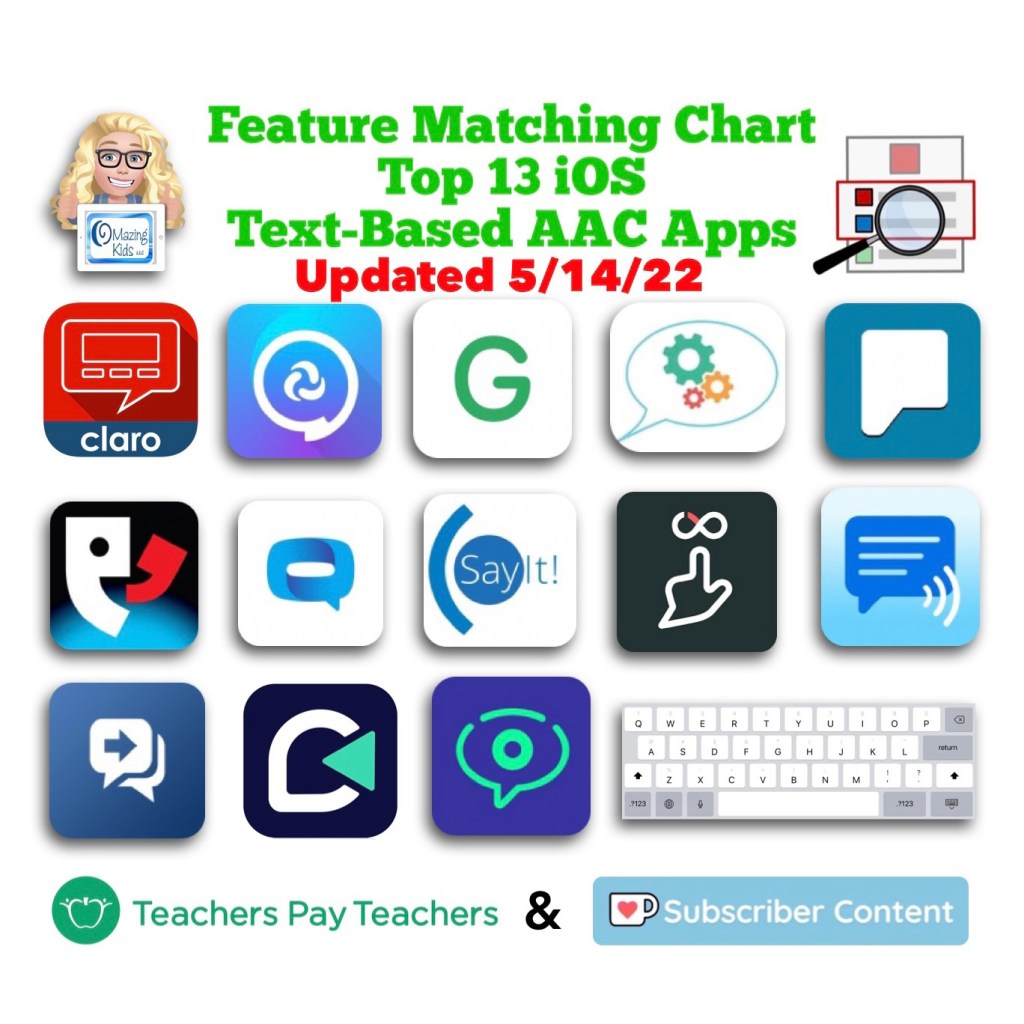
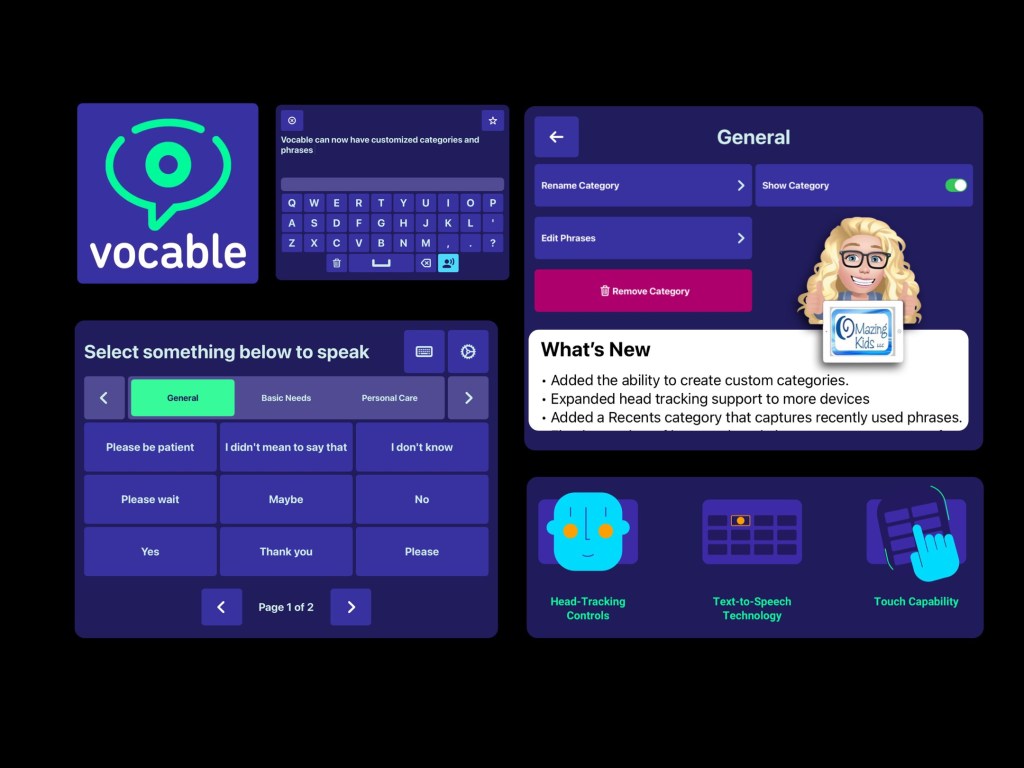
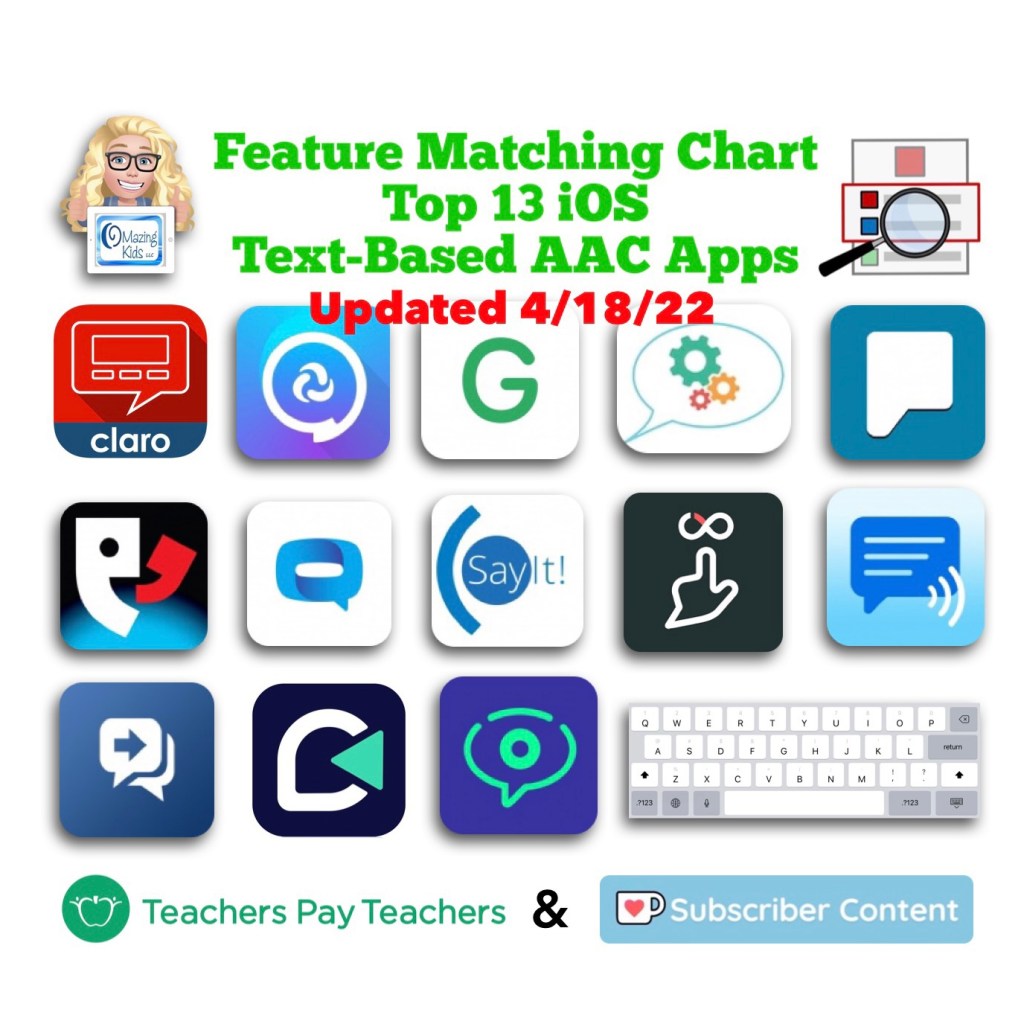
Resource Update: Feature Matching Chart for the Feature Matching Chart for the Top 13 iOS Text-Based AAC Apps (4/18/22)

This month’s update for the Feature Matching Chart for the Top 13 iOS Text-Based AAC Apps has been uploaded to Teachers Pay Teachers.

Those who have previously purchased this resource either individually or as part of the bundle can go download the new PDF for no additional cost over on TPT: https://www.teacherspayteachers.com/Product/Feature-Matching-Chart-for-the-Top-13-iOS-Text-Based-AAC-Apps-7740844, Bundle: https://www.teacherspayteachers.com/Product/AAC-Feature-Matching-Resource-Bundle-7849416

Current Ko-fi subscribers can find the links in today’s post (4/18/22): https://ko-fi.com/post/Text-Based-AAC-Feature-Matching-Chart-Updated-41-M4M3C81FW


Have questions? The best way to reach me with any questions is via messaging on the OMazing Kids Facebook page: https://www.facebook.com/OMazingKidsAAC/. That way AAC related messages don’t get lost among the spam in my e-mail.

Angela Moorad, MS, CCC-SLP, Founder of OMazing Kids, LLC, OMazing Kids AAC Consulting

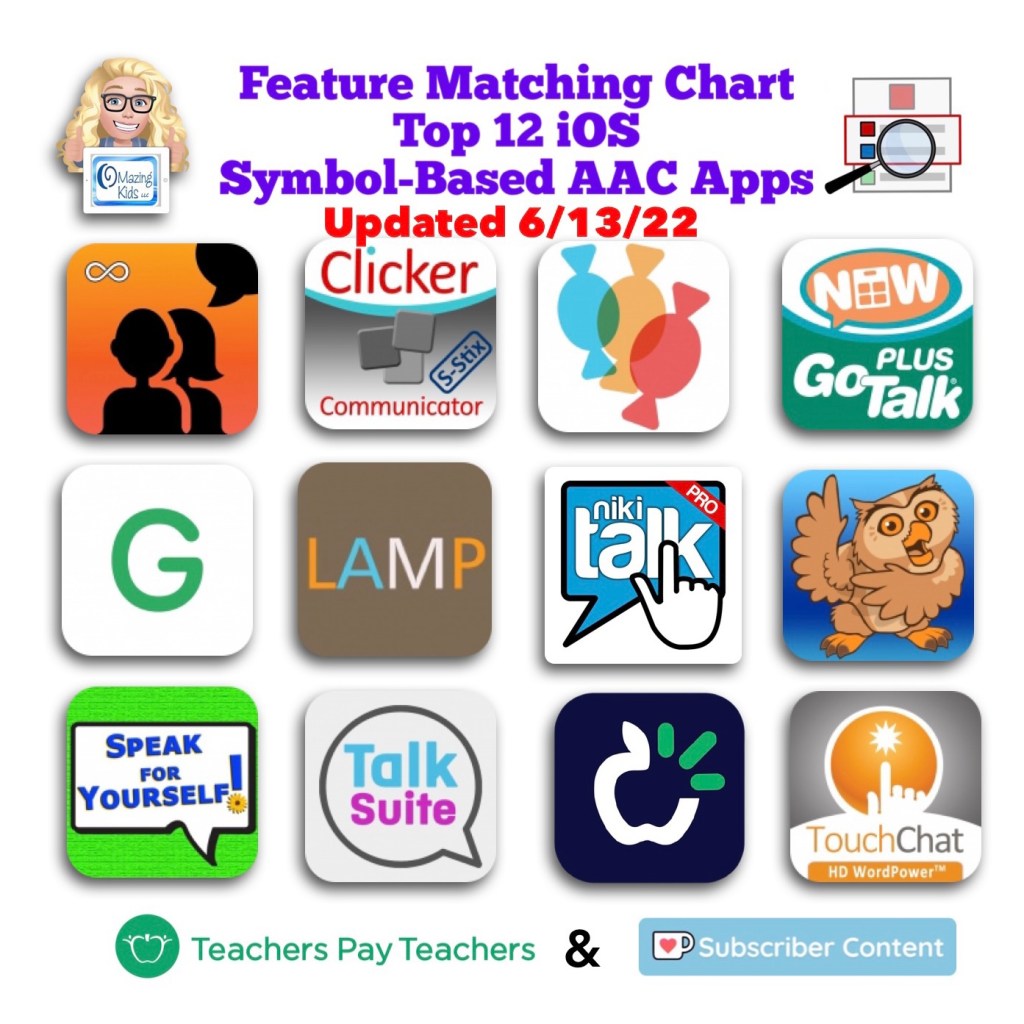
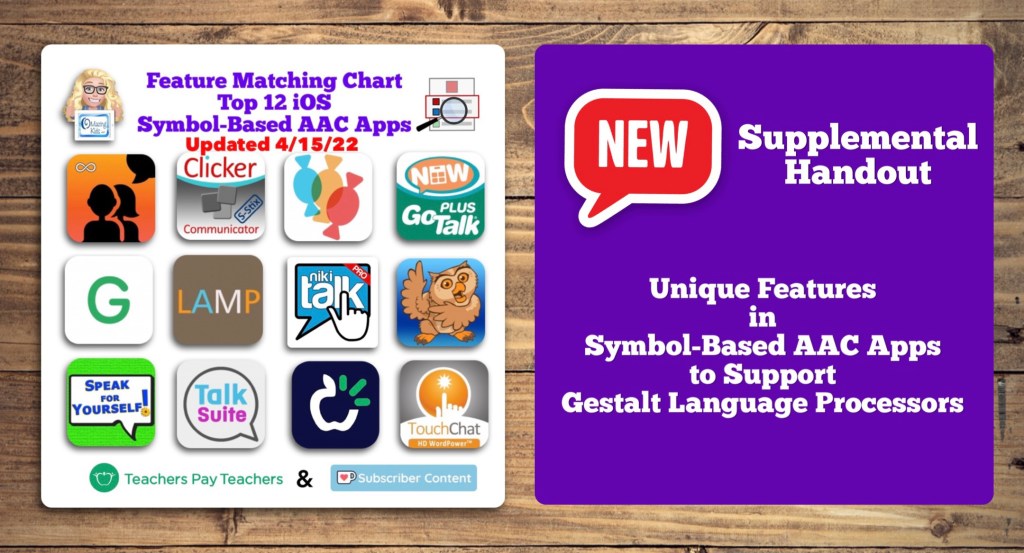
Resource Update: Feature Matching Chart for the Top 12 Robust iOS Symbol-Based AAC Apps + a new supplemental handout “Unique Features in Symbol-Based AAC Apps to Support Gestalt Language Processors” (4/15/22)

This month’s update for the Feature Matching Chart for the Top 12 Robust iOS Symbol-Based AAC Apps includes several new features in apps & a new supplemental handout “Unique Features in Symbol-Based AAC Apps to Support Gestalt Language Processors”. That handout includes info related to all 12 apps + additional info about features in 8 free and affordable symbol-based AAC apps (mainly iOS, some Android and a couple of Window) priced $2.99 or less. This supplemental handout is exclusive content that is only available as part of this resource.


See a preview of the new supplemental handout: Unique Features in Symbol-Based AAC Apps to Support Gestalt Language Processors


Those who have previously purchased this resource either individually or as part of the bundle can go download the new PDF for no additional cost over on TPT: https://www.teacherspayteachers.com/Product/Feature-Matching-Chart-for-the-Top-12-Robust-iOS-Symbol-Based-AAC-Apps-6867853, Bundle: https://www.teacherspayteachers.com/Product/AAC-Feature-Matching-Resource-Bundle-7849416

Current Ko-fi subscribers can find the links in today’s post (4/16/22): https://ko-fi.com/post/Feature-Matching-Chart-Update–new-supplemental-h-G2G5C6NHL


Have questions? The best way to reach me with any questions is via messaging on the OMazing Kids Facebook page: https://www.facebook.com/OMazingKidsAAC/. That way AAC related messages don’t get lost among the spam in my e-mail.

Angela Moorad, MS, CCC-SLP, Founder of OMazing Kids, LLC, OMazing Kids AAC Consulting

GoTalk Now and GoTalk Now Plus: How to Link Two or More Different Communication Books using Quick Buttons Pop-Up

I get messages or see posts pretty frequently about how to handle the situation where an AAC user has more than one User Area or Communication Book. This often occurs when folks create something with a specific environment in mind rather than looking at the bigger picture.

Of course we all want our AAC users to have access to robust vocabulary but it’s unfair to remove something that they have already been using.

So instead of taking something away I look for ways to add to or to link what they have.

The options for doing that depend on the particular AAC app. Thankfully GoTalk Now and GoTalk Now Plus offer a way to do this.

This video shows you an option using the Quick Button pop-up area. I like using this since it’s available from any page.

Just be sure to create a button in each book to be able to toggle back and forth.

You’ll need to backup each book and might have to re-link them if they are reinstalled.

Of course having everything in one book to meet needs across environments is ideal but sometimes that doesn’t happen. This is one way that I’ve tried to make the best of that situation.


Join the GoTalk Now AAC & GoVisual Visual Scene Apps – Ideas and Sharing Facebook Group: https://bit.ly/GoTalkNowAACappGroup


Have questions? The best way to reach me with any questions is via messaging on the OMazing Kids Facebook page: https://www.facebook.com/OMazingKidsAAC/. That way AAC related messages don’t get lost among the spam in my e-mail.

Angela Moorad, MS, CCC-SLP, Founder of OMazing Kids, LLC, OMazing Kids AAC Consulting

Resource Update: Ultimate App and Digital Resource Guide for SLPs (2022)

Resource Update Alert 🎉 Be sure to download the new version of the Ultimate App and Digital Resource Guide for SLPs (2022): https://www.teacherspayteachers.com/Product/Ultimate-App-and-Digital-Resource-Guide-for-SLPs-2022-7267356

Also available in this bundle: https://www.teacherspayteachers.com/Product/Ultimate-Apps-for-Pediatric-SLPs-Resource-Bundle-7950688


Are you a busy SLP who needs quick access to apps and digital resources to target specific goals? This resource was designed just for you.

The Ultimate App and Digital Resource Guide for SLPs (updated for 2022) includes:

  • Interactive PDF (240 pages with linked Table of Contents) full of lists of hundreds of apps and digital resources organized by SLP goal areas and themes
  • App demo videos (links to 29 unlisted YouTube videos)

Have questions? The best way to reach me with any questions is via messaging on the OMazing Kids Facebook page: https://www.facebook.com/OMazingKidsAAC/. That way AAC related messages don’t get lost among the spam in my e-mail.

Angela Moorad, MS, CCC-SLP, Founder of OMazing Kids, LLC, OMazing Kids AAC Consulting

Comparison of AssistiveWare’s Proloquo2Go & Proloquo + Proloquo Coach AAC Apps

New FREE OMazing Kids AAC feature matching resource: “Comparison of AssistiveWare’s Proloquo2Go & Proloquo + Proloquo Coach AAC Apps”, https://www.teacherspayteachers.com/Product/Comparison-of-Proloquo2Go-Proloquo-Proloquo-Coach-AAC-Apps-7933287


In-depth and up to date info about the features in Proloquo2Go are included in the Feature Matching Chart for the Top 12 Robust iOS Symbol-Based AAC Apps (available individually or as part of a three resource bundle). See this blog post for more info: https://omazingkidsllc.com/2022/02/28/three-feature-matching-resources-for-aac-apps-comparing-features-in-aac-apps/


Have questions? The best way to reach me with any questions is via messaging on the OMazing Kids Facebook page: https://www.facebook.com/OMazingKidsAAC/. That way AAC related messages don’t get lost among the spam in my e-mail.

Angela Moorad, MS, CCC-SLP, Founder of OMazing Kids, LLC, OMazing Kids AAC Consulting

Updated AAC Feature Matching Charts & Bluetooth Switch Interface Compatibility (AeroSwitch and Blue2)

I’ve been getting quite a few requests for info about which Bluetooth switch interfaces will work for specific AAC apps.

So I borrowed an AeroSwitch from PRC-Saltillo and then did trials with it and my Blue2 (AbleNet).


This video has general info:


More in-depth info about exact settings that I used and the steps involved can be found in the most recent updates for the Feature Matching Charts on 3/21/22. If you purchased them on TPT be sure to download the new PDFs for the latest info. Ko-fi subscribers can find the links on today’s post.

• Symbol-Based: https://bit.ly/SymbolBasedAACapps. More info: https://bit.ly/SymbolBasedAACblogpost

• Text-Based: https://bit.ly/TextBasedAACapps. More info: https://bit.ly/TextBasedAACblogpost

There is also a chart for Visual Scene Display apps.

Want to compare features in all kinds of AAC Apps? All three charts are available individually or in a bundle for a reduced price: https://omazingkidsllc.com/2022/02/28/three-feature-matching-resources-for-aac-apps-comparing-features-in-aac-apps/


There are now three rows dedicated to info about switch access (one row about which apps offer their own in-app settings to support switch scanning access vs. those that rely solely on iOS Accessibility to do this), one row for which apps the AeroSwitch worked for (including the very specific settings needed to accomplish that), and one row for which apps can be used with the Blue2.

For the symbol-based apps, there are four more specific videos that are “unlisted” and can only be viewed by those who have the link provided in the Feature Matching Chart. Those have more specific info and show the AeroSwitch being used in the LAMP Words for Life app on an iPad, being used on the TouchChat with WordPower app on an iPad, and one about the Blue2 and which apps it will and will not work in. For the text-based apps, there is one “unlisted” video about using the AeroSwitch with the Dialogue AAC app.

The symbol-based app chart has also been updated to include some basic info about the features new Proloquo + Proloquo Coach subscription-based apps as compared to Proloquo2Go. One isn’t “better” than the other. Like any AAC the best fit will depend on the specific needs of that AAC user and those supporting them.


Have questions? The best way to reach me with any questions is via messaging on the OMazing Kids Facebook page: https://www.facebook.com/OMazingKidsAAC/. That way AAC related messages don’t get lost among the spam in my e-mail.

Angela Moorad, MS, CCC-SLP, Founder of OMazing Kids, LLC, OMazing Kids AAC Consulting

Using a Bluetooth Mouse or Bluetooth Trackpad to Model on an AAC App on an iPad (or as a means of alternative access)

If an iPad is on iOS 13.4 or later, you can use a Bluetooth mouse or Bluetooth trackpad.

It’s a way to model AAC or demo any apps without having to touch the iPad screen.

This can be helpful for kids who might become disregulated, overwhelmed or aggressive when someone gets in their personal space to touch the iPad screen to model.

Here’s a video:


Can also be used as an alternative means of access. See this example on TouchChat with WordPower. The key is to make sure the trackpad, trackball or mouse is compatible with Apple iOS


How to set up the Accessibility settings for Pointer Control: https://support.apple.com/en-bh/HT211008. Tip: You need to have your Bluetooth mouse or trackpad paired with that iPad in order for Pointer Control to show up as an option in the Accessibility settings


I already had a Dell Bluetooth travel mouse that doesn’t require a USB receiver.


I also use this cool Bluetooth remote control that has a tiny trackpad for modeling and demos of apps: TNP Bluetooth Remote Control for iPad iPhone – Trackpad Media Presenter for iOS Mac Android Tablet PC – Wireless Camera Shutter, Media Button, Presentation Clicker, iPad Air Pro, MacBook Pro Mini M1, https://smile.amazon.com/dp/B098NBYR6P/ref=cm_sw_r_cp_api_glt_i_ABY4J6PTJQ52EM8XBF8Q?_encoding=UTF8&psc=1


Both of these have worked in every AAC app and other apps that I’ve tried so far 😊

Look for a Bluetooth mouse or trackpad that indicates that it works well with an iPad. I have a few older computer mouses that didn’t.


Please use wisdom and be respectful. If the AAC user doesn’t want you to model on their device even via remote means then you need to respect that. Other options for modeling include using a second device or a printed copy.

It’s important to reflect on why they may not want you to model at all.

The AAC Coach has several great posts about forming authentic connections and relationships with AAC users…


Verbal Referencing is a powerful strategy to use when modeling:


Have questions? The best way to reach me with any questions is via messaging on the OMazing Kids Facebook page: https://www.facebook.com/OMazingKidsAAC/. That way AAC related messages don’t get lost among the spam in my e-mail.

Angela Moorad, MS, CCC-SLP, Founder of OMazing Kids, LLC, OMazing Kids AAC Consulting

Boardmaker v6 on a Windows Tablet with External CD Drive (plus info about using a Bluetooth mouse to model on an AAC app on an iPad)

You may be an AAC SLP if the top three deciding factors on replacing a glitchy aging laptop are “Can it run Boardmaker v6, Grid 3 and TD Snap for Windows?” 🤓


Since I couldn’t get any confirmation that these could work as expected on Windows 11, I ended up getting a Windows 10 tablet and an external CD drive. Once Boardmaker is open, the CD drive can be removed. I have Boardmaker v6, Grid 3, TD Snap, CoughDrop, Cboard, etc. all set up and they are working well.


I did quite a bit of research and comparison of features and costs. I read lots of reviews. I wanted something small and affordable. I rarely use a laptop these days since I can do almost everything on my iPad or iPhone so this will suite my needs. This particular one had really good reviews on Amazon. It has a 10.1” screen, a built-in stand, comes with a keyboard cover that’s similar to an Apple Smart Keyboard and a stylus, and has Windows 10:


(Be sure to decline upgrading to Windows 11 during setup)


I found the perfect vintage Vera Bradley carrying bag to fit it. A Tablet Hipster in Olivia Pink from 2013. I bought it in excellent condition for a bargain on Poshmark.


  • I already had a Dell Bluetooth travel mouse that doesn’t require a USB receiver. This is the same mouse that I use to model on AAC apps on an iPad. If you search on Amazon for a Bluetooth Mouse that can work on an iPad they should also work for this since those don’t require a USB receiver.

If an iPad is on iOS 13.4 or later, you can use a Bluetooth mouse or trackpad to model. It’s a way to model AAC or demo any apps without having to touch the iPad screen. Here’s a video:

How to set up the Accessibility settings for Pointer Control: https://support.apple.com/en-bh/HT211008. Tip: You need to have your Bluetooth mouse or trackpad paired with that iPad in order for Pointer Control to show up as an option in the Accessibility settings.

I have also used this cool Bluetooth remote control that has a tiny trackpad for modeling and demos of apps: TNP Bluetooth Remote Control for iPad iPhone – Trackpad Media Presenter for iOS Mac Android Tablet PC – Wireless Camera Shutter, Media Button, Presentation Clicker, iPad Air Pro, MacBook Pro Mini M1, https://smile.amazon.com/dp/B098NBYR6P/ref=cm_sw_r_cp_api_glt_i_ABY4J6PTJQ52EM8XBF8Q?_encoding=UTF8&psc=1

This worked in every AAC app and other apps that I’ve tried so far 😊


This is just one of many tools that I use to create things with symbols. I use LessonPix – Custom Learning Materials (which is fabulous but can’t be used to create or print PODD books), iESLp App, Twinkl Symbols app, Global Symbols website, AbleNet Inc.’s SymbolOverlay app, Tools2Talk + app, Niki Talk’s Search on ARASAAC app, the PictoMaker app, ProxTalker Pro app, etc…

I don’t have any plans to subscribe to Boardmaker 7. Everything that I see indicates that it’s still a hot mess and there’s no reason for me to pay for a subscription since I have a way to use Boardmaker v6 and have lots of other ways to create things with symbols.


Note: I would not recommend this Windows tablet for use as an AAC device since there isn’t a protective case available and the speakers aren’t the greatest. I probably wouldn’t recommend any Windows tablet for that purpose unless it’s one built for rugged use. I’m just using Grid 3, TD Snap, CoughDrop and Cboard on it to try out features compared to what’s available on those on an iPad. I also wouldn’t recommend this Windows tablet for writing reports or completing paperwork. The screen and keyboard are pretty small for those labor intensive types of things.


Disclaimers:

  • I have no way to know how long this particular Windows tablet will ship with Windows 10 installed vs. the Windows 11 operating system. It’s always wise to look closely at specs and reviews when purchasing any tech.
  • I also have no way to know if Boardmaker v6 will work on Windows 11 or not but it sounded pretty iffy.
  • I am not liable for any purchasing decisions that others make. Just sharing what works for me

Have questions? The best way to reach me with any questions is via messaging on the OMazing Kids Facebook page: https://www.facebook.com/OMazingKidsAAC/. That way AAC related messages don’t get lost among the spam in my e-mail.


Angela Moorad, MS, CCC-SLP, Founder of OMazing Kids, LLC, OMazing Kids AAC Consulting