Angela Moorad, MS, CCC-SLP. Over 36 years experience in AAC. OMazing Kids AAC and app consulting. Creator of several AAC Feature Matching resources (https://omazingkidsllc.com/omazing-kids-aac-resource-links/). Includes info about unique features to support Gestalt Language Processors
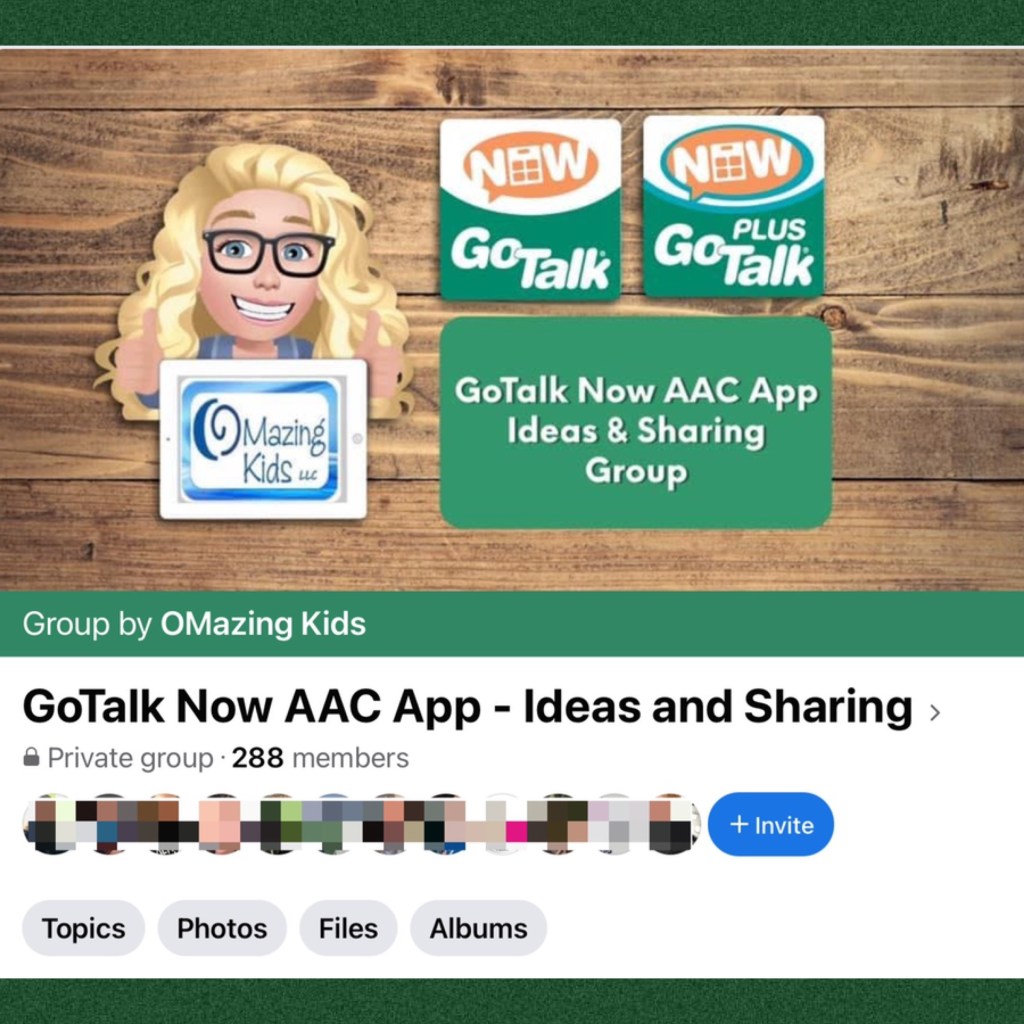
AAC Awareness Month starts tomorrow 😊 I started a new Facebook group called “GoTalk Now AAC App – Ideas and Sharing”.
The group has only been up for 18 hours and it’s been exciting to already have almost 300 folks join and share their ideas / creations.
See this post for a roundup of several posts that I’ve done over the years showing lots of creative ways to use this fabulous app:
I anticipate a ton of folks purchasing the full version of the GoTalk Now app during the unprecedented $10 sale on 10/10/21 and then needing a spot for ideas and support.
Since there isn’t an official group for this app, I decided to start one from my OMazing Kids AAC Consulting Facebook page.
I’m an SLP with over 30 years of experience who has used thousands of iOS apps on my iPads since 2012. Come learn from my extensive experience in using apps to target specific SLP goals.
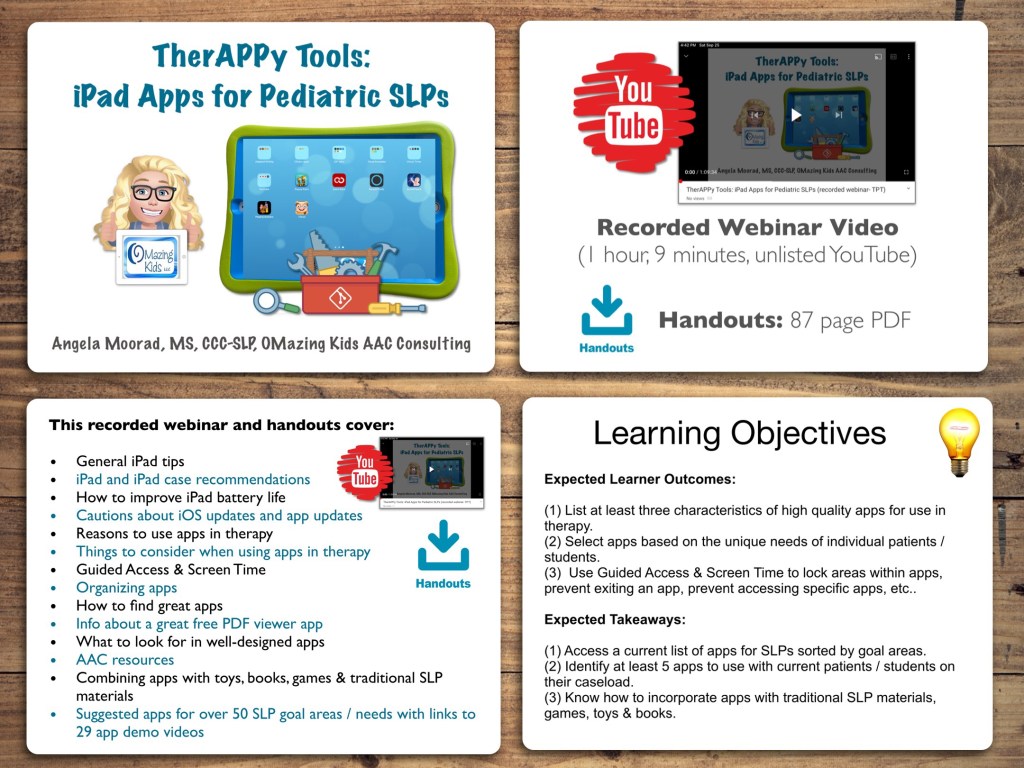
This recorded webinar covers:
• General iPad tips
• iPad and iPad case recommendations
• How to improve iPad battery life
• Cautions about iOS updates and app updates
• Reasons to use apps in therapy
• Things to consider when using apps in therapy
• Guided Access & Screen Time
• Organizing apps
• How to find great apps
• Great free PDF viewer app
• What to look for in well-designed apps
• AAC resources
• Combining apps with toys, books, games & traditional SLP materials
• Suggested apps for over 50 SLP goal areas / needs with links to 29 app demo videos
Expected Learner Outcomes:
1. List at least three characteristics of high quality apps for use in therapy.
2. Select apps based on the unique needs of individual patients / students.
3. Use Guided Access & Screen Time to lock areas within apps, prevent exiting an app, prevent accessing specific apps, etc..
Expected Takeaways:
1. Access a current list of apps for SLPs sorted by goal areas.
2. Identify at least 5 apps to use with current patients / students on their caseload.
3. Know how to incorporate apps with traditional SLP materials, games, toys & books.
What’s included with the purchase of this product:
• Recorded Webinar Video (1 hour, 9 minutes), viewable on the unlisted YouTube link provided in the Handout PDF
• Handouts (87 page PDF): 1 slide per page, link to recorded webinar video, links to 29 app demo videos
If you want links to be clickable, please view the PDF in the free Xodo app (https://www.xodo.com), Books app or other PDF viewer.
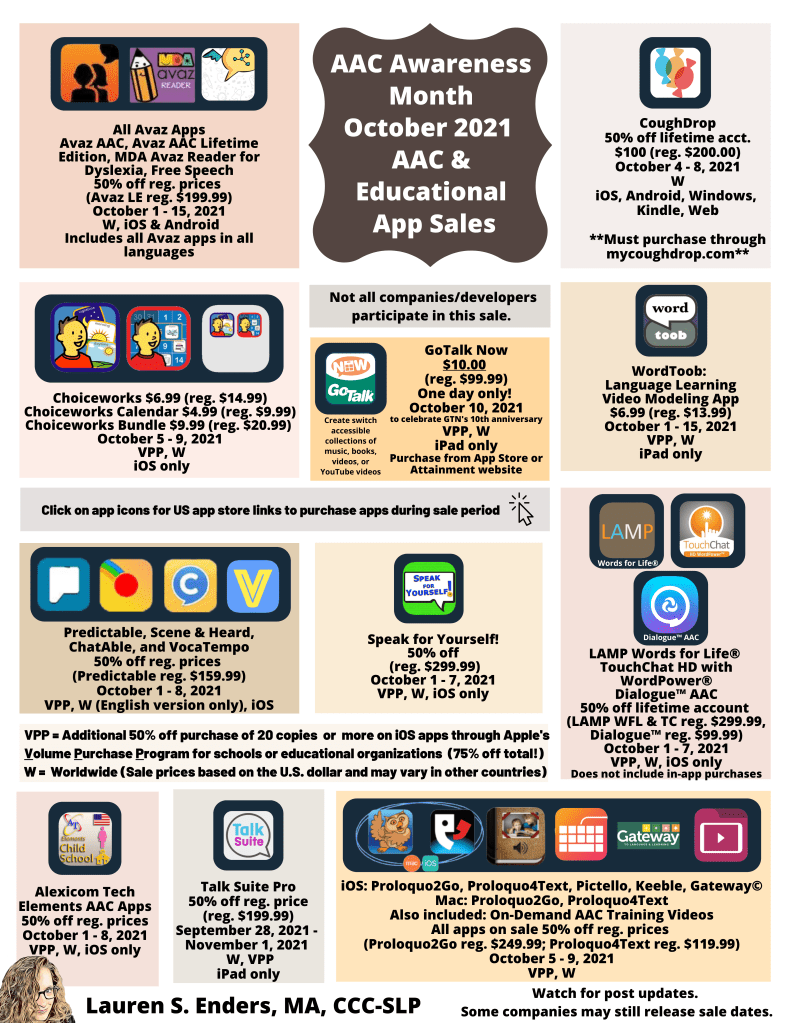
Wow 🤩 Check out all the AAC app sales coming up. Thanks to Lauren S. Enders, MA, CCC – SLP for having it all in one graphic. Be sure to mark your calendars. Some of the sales are very short. In particular the one for GoTalk Now is just a one day sale. What a deal for only $10 (or less for those who purchase apps in bulk).
New to AAC app sales?
Have your iPad ready to install apps. Some of these apps are “iPad only” which means you cannot purchase them via an iPhone. Make sure you have plenty of memory available on that iPad.
Look closely at all the info on Lauren’s post.
Mark your calendar and when the sale begins for the app that you want head over to the Apple App Store to check the price.
Make sure the sale price shows up before you purchase it. Prices may change at different times depending on your time zone.
Don’t wait until the end of a sale timeframe to get the app that you want. You don’t want to miss out.
Some of the deals are only available through the app developer. See Lauren’s graphic for all of those details.
Once a sale starts there’s nothing you have to do to get that price. That sale price will be what shows up in the App Store.
(Note: Prices vary outside of the USA based on the exchange rate)
Here are the answers to questions about the upcoming GoTalk Now app sale that I received directly from my contact at Attainment Company, Inc.:
Yes the sale price will be available through the Apple VPP program.
Yes the sale price will be available worldwide for GoTalk NOW on 10/10/21.
No other versions or in-app purchases are part of the sale. The sale is specifically for GoTalk NOW as we are celebrating it’s ten year anniversary. ——————————————————- Hope this helps 😊 Be sure to set your reminders / write your post-it notes. The sale is only for 1 day (10/10/21). Also join the GoTalk Now AAC App – Ideas and Sharing group: https://www.facebook.com/groups/355075249651423/?ref=share
Preparing for iOS 15: How to Turn Off Automatic Download & Installation of iPadOS / iOS Updates
It is anticipated that Apple will be releasing iOS 15 very soon.
Historically the whole number iOS updates tend to cause problems. Several years ago I had an iPad “brick” and it had to be restored to factory settings. Almost every whole number iOS release has caused issues with AAC apps and therapy apps.
It is wise to wait for awhile for kinks to be worked out and for app developers to have time to release updates to fix any problems. And Apple often releases secondary iOS updates to fix issues. I typically wait several months and watch for posts from app developers indicating that it’s safe to install the new iOS.
Unfortunately the “default” setting on an iPad is usually for the iOS updates to be automatically downloaded and automatically installed. In order to prevent that from happening, please check the settings on any iPad or iPhone being used for AAC or as a therapy tool. Even if you have toggled it off in the past please take the time to check it again. I found that a recent iOS update had toggled it back on.
Go to Settings (grey gear) – General – Software Update – Automatic Updates – toggle off Download iPadOS (iOS) Updates
While you’re on that device now would also be a good time to make sure you have backed up all customized programming.
If you’re in a very large school district that has hundreds of students using iPads for AAC, then I’d check with your IT department to see what the options are for temporarily toggling off the automatic download and installation of iOS updates. If that’s not feasible in your district, then take this as a “heads up” that you may need to have paper-based AAC options on hand just in case they are needed.
What to do if you have an iPad on an older iOS: Unfortunately on very old versions of iOS there’s not a way to prevent the iOS update from downloading. But it should ask for permission before installing it. A sign that an iOS update has downloaded is a sudden large drop in available memory. To find that file to delete it on an older iOS, go into Settings – General – Storage & iCloud Usage – Storage – Manage Storage. Wait for the app list to populate and then delete the one with the grey gear. For example, I have an iPad Pro 9.7” that I purposefully kept on iOS 10.3.3 in order to avoid losing a bunch of apps when iOS 11 rolled out. By deleting that iOS update file I am freeing up 3.7GB of memory and helping to prevent an accidental update. I periodically get a notification asking me to update the iOS. I am very cautious to tap “Details” and then close out of it. Also go to Settings – iTunes & App Store – and toggle off Updates under Automatic Downloads.
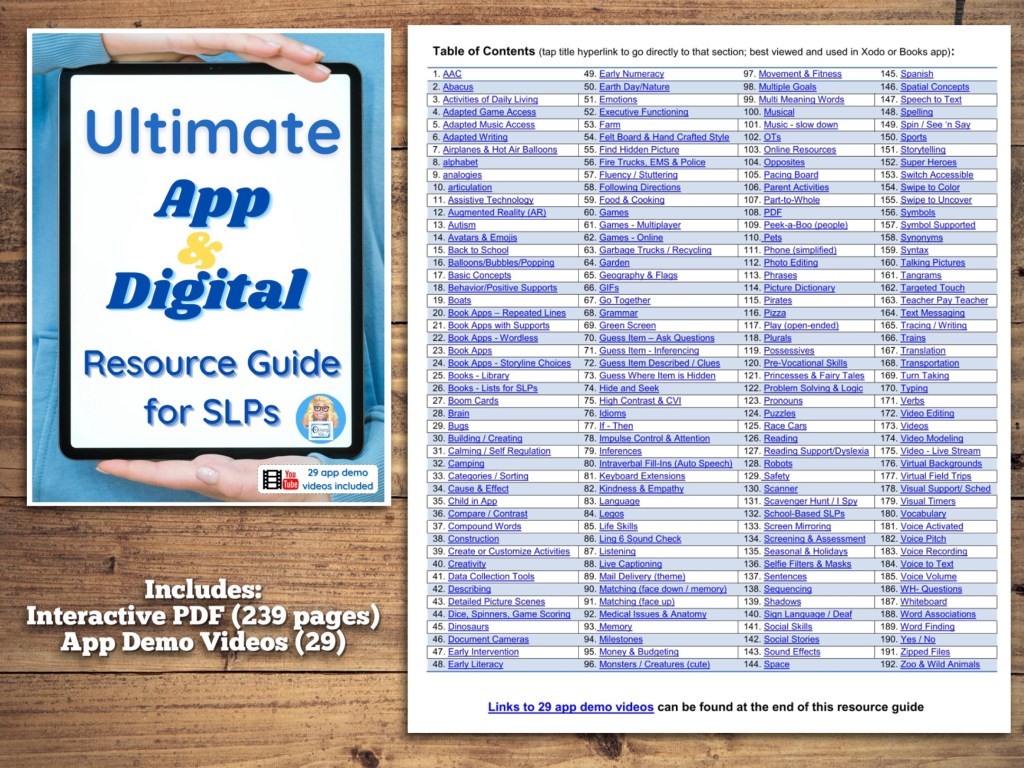
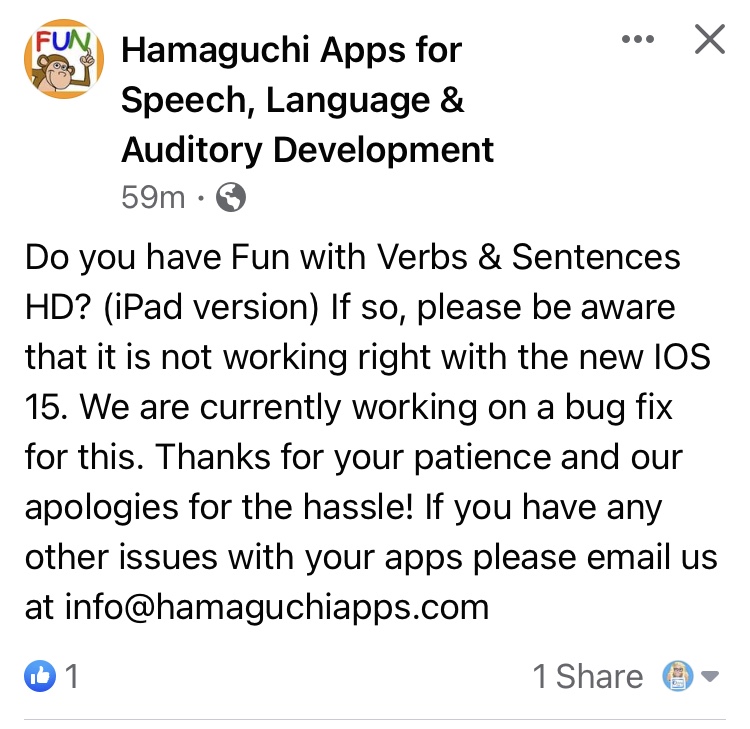
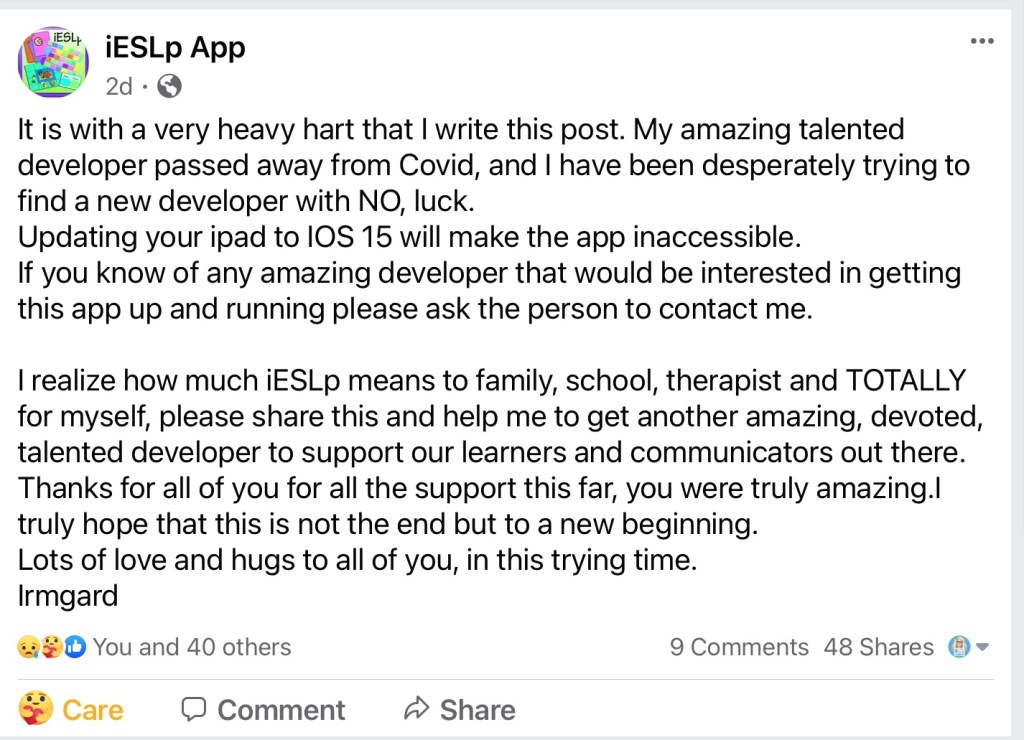
Why am I concerned? As I’ve been working on an update for my large app resource guide I’ve run across numerous apps that have disappeared from the App Store. I haven’t seen this many apps disappear in mass like this since iOS 11 rolled out. That particular iOS caused problems with several AAC and therapy apps. Of course I have no way to know what will happen with iOS 15 but am seeing enough red flags to be concerned and to post about it. It’s heartbreaking when AAC users lose their voice when a new iOS rolls out and causes glitches. Now is the time to prevent that from happening.
Have questions? The best way to reach me with any questions is via messaging on the OMazing Kids Facebook page: https://www.facebook.com/OMazingKidsAAC/. That way messages don’t get lost among the spam in my e-mail.
Need support with using an AAC app? Most AAC app developers have a Facebook group for that app. Of course each company also offers traditional means of support via phone, e-mail or a contact form but posting a question in the Facebook user group for that app is often the quickest way to get a question answered. All groups have Admins who work for that company. I highly suggest joining these groups for an incredible amount of support from the app developers as well as therapists, teachers, AAC users and parents/caregivers.
Tip #1: Some of these groups are large and have several posts a day. Tagging an Admin or key people help avoid your post from being overlooked. Those who have purchased my Feature Matching Chart for the Top 12 iOS Symbol-Based AAC Apps and/or Feature Matching Chart for the Top 13 iOS Text-Based AAC Apps can look on the row titled “App Support” for my suggestions on who to tag in the groups related to those apps. The charts are available for purchase on my TPT store: https://bit.ly/3h6sQwu & https://bit.ly/3I5RDgi
Tip #2: Every AAC app users group has it’s own “culture”. Some are very open to discussing any topic. Others are pretty strict about only posting info or questions directly related to that particular app. So be sure to read the “rules” when joining.
Here is a list of Facebook AAC app user groups in English. This list is not all-inclusive. Some apps have separate groups in other languagesor separate groups for a particular country or geographicalregion. I have only listed a couple of those here. Inclusion on this list is not an “endorsement” of any particular app or approach. This is simply a list to help folks find AAC groups that be helpful for their needs.
AbleNet QuickTalker Freestyle: If you own an AAC device provided by AbleNet you need to ask for support in their QuickTalker Freestyle Community group (https://www.facebook.com/groups/918051228958948/?__n=K) and use their customer service: https://quicktalkerfreestyle.com. Since they sold the device they need to provide all of the support for both hardware and software/apps.
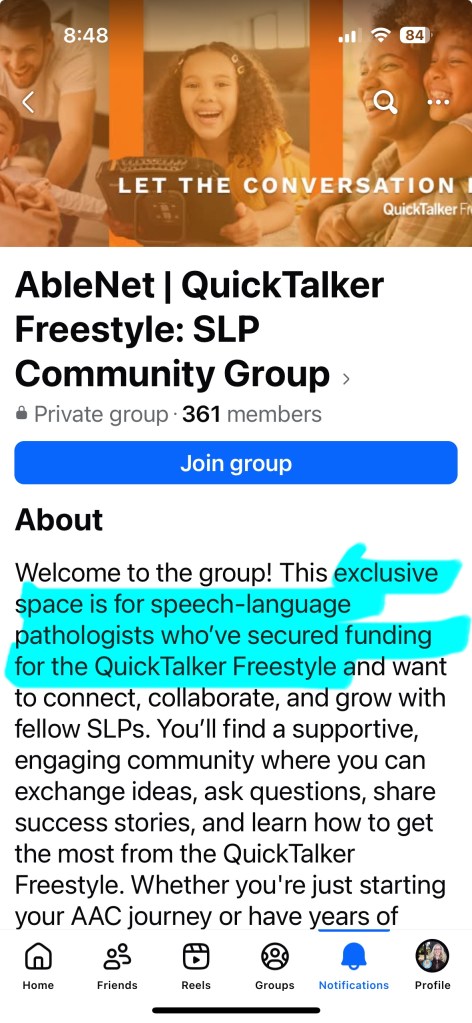
Updated 6/24/25: AbleNet announced as of Monday July 7, 2025 that Facebook group will be discontinued. Folks can join one of their other groups:
AbleNet QuickTalker Freestyle SLP Community Group:
Note: I hope they reconsider this decision. The most helpful AAC groups that I’m in are ones where everyone is welcome and supported vs. segmenting them like that.
aacorn: https://www.facebook.com/groups/aacornapp/?ref=ts&fref=ts (Note: Neither of the aacorn AAC apps have been updated in over 3 years. The app developer hasn’t responded to questions about his plans to update or support this app in the future. This is no longer an app that anyone should be recommending for purchase)
GoTalk Now & GoVisual Scene – informal networking via the “GoTalk Now AAC & GoVisual Visual Scene Apps – Ideas and Sharing Facebook Group” group that I started on 9/29/21. Update 10/26/25: Although it’s still an informal group we do now have two staff from Attainment who have joined and I designated them as Moderators: https://bit.ly/GoTalkNowAACappGroup
There is also a group called Proloquo2Go Sharing for All that is helpful. Just be aware that it is not an official AssistiveWare group so in order for your post to be seen by their team you will need to post in one of the groups above. https://www.facebook.com/groups/584247741768810/?ref=share
There are also numerous other AAC-related Facebook groups. Some are broad and others are focused on a particular diagnosis. Some are led by parents, some by therapists or teachers and some by AAC users.
Each of those groups also has it’s own culture, rules and vibe.
Tip: When you join any of those groups it’s important to read the “rules” and hang out for a bit before posting or commenting. When you do decide to post or comment be sure to follow any “rules” that group has. Some groups can get a bit intense. Unfortunately there seem to be several “camps” of strong opinions. I choose to scroll on by most of those posts. If a group takes on a very harsh vibe then I either choose to take a break from it or leave it.
If you are an SLP or other professional working with AAC, I definitely suggest joining the AAC for the SLP group: https://www.facebook.com/groups/1539830846285663/… FYI… despite the title the group is open to other professionals who have a role in AAC.
Another group that I highly recommend for more general Assistive Technology related questions is the Assistive Technology group: https://www.facebook.com/groups/assistive.technology.group/?ref=share. The amount of knowledge there related to switches, switch access, mounts, and other AT is phenomenal… plus I appreciate that group for generally being “drama free”.
Have questions, found a broken link or want to suggest a group to be added to this list? The best way to reach me is via messaging on the OMazing Kids Facebook page: https://www.facebook.com/OMazingKidsAAC/. That way messages don’t get lost among the spam in my e-mail.
Looking for in-depth AAC feature matching resources? See this blog post: https://bit.ly/5aacFeatureMatchingResources. That post also includes videos comparing AAC apps on various devices on various platforms.
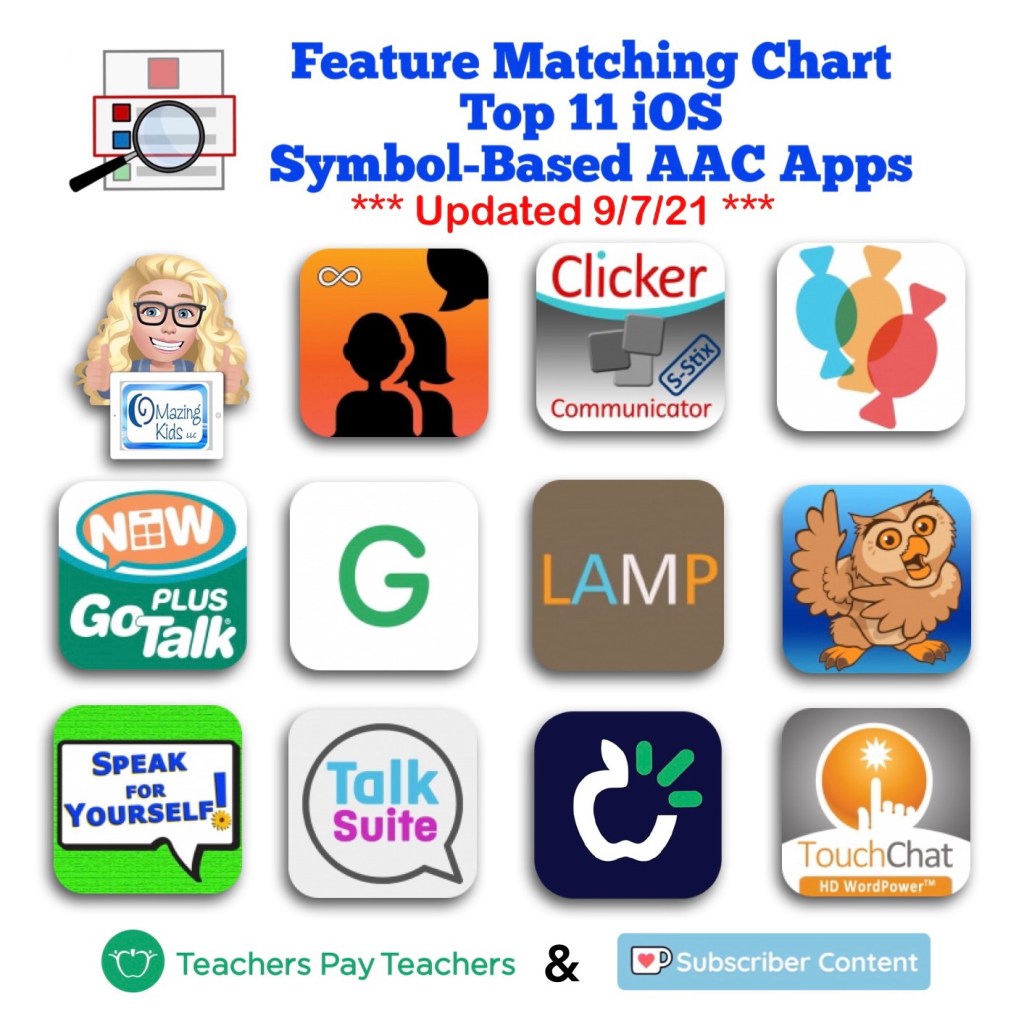
Updated Feature Matching Chart for the Top 11 iOS Symbol-Based AAC Apps
Did you know that Coughdrop has a cool new “Focus Words” feature? Focus Words offers a quick way to highlight a list of targeted words while dimming the rest of the buttons slightly (but all of the buttons are still active).
Want to stay up to date on all the newest features in the most commonly used AAC apps?
Have questions? The best way to reach me with any questions is via messaging on the OMazing Kids Facebook page: https://www.facebook.com/OMazingKidsAAC/. That way messages don’t get lost among the spam in my e-mail.




 OMazing Kids AAC Consulting