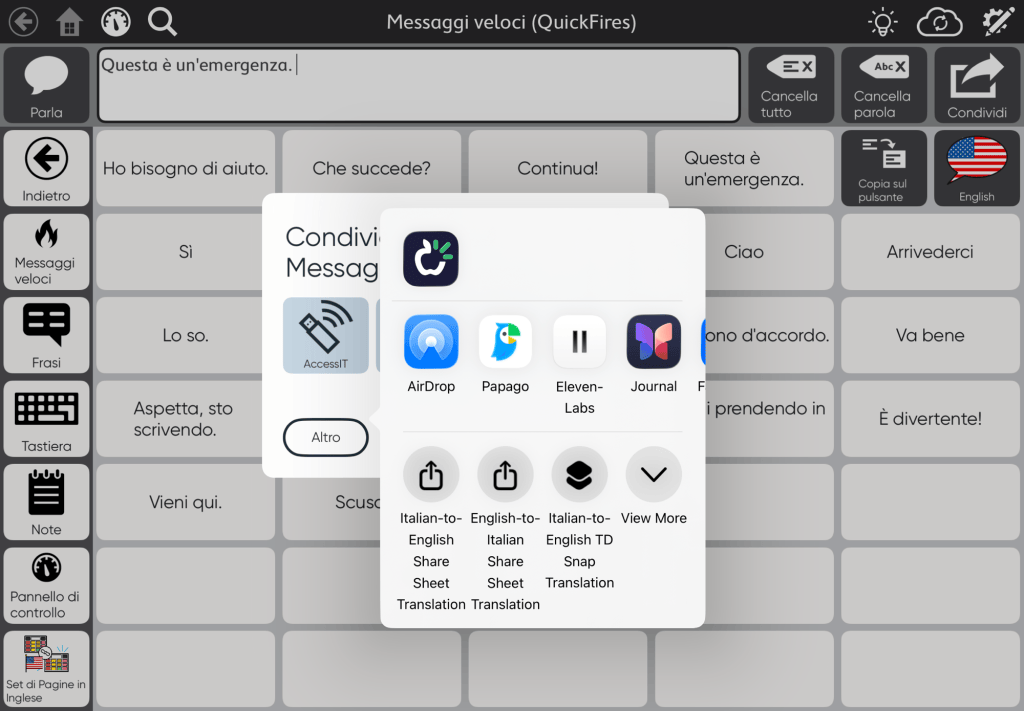
I spent quite a bit of time exploring this today to help answer a question over in the Tobii Dynavox® Community group on Facebook. Decided to share it here too in case anybody else is needing a way to translate the content of the Message Window in TD Snap into a second language.
Here’s information about how you can use Apple Shortcuts in two different ways in TD Snap to translate the content of the Message Window from Italian to English. But you could do this in several different supported languages. And the “Share Sheet” option worked in several other iOS AAC apps that offer a way to share the text from the Message Window. Not all. But several.
Watch the YouTube video outside of my blog to see the Description section where I shared links for all of the Shortcuts that I created and a free 2 page handout with screenshots of the commands needed in each Shortcut.
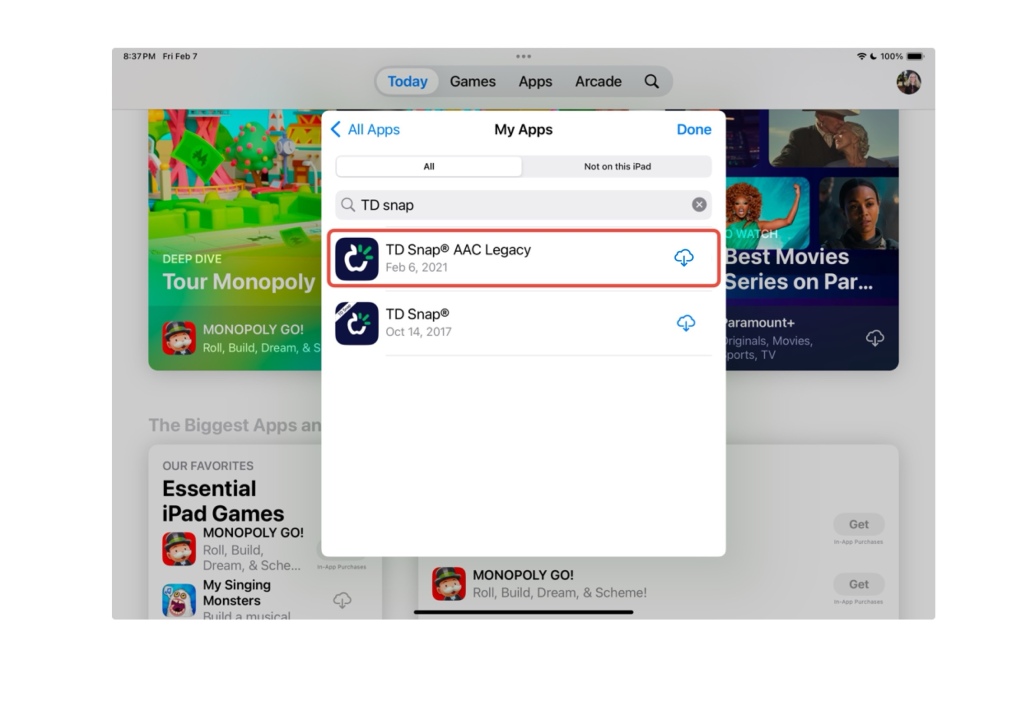
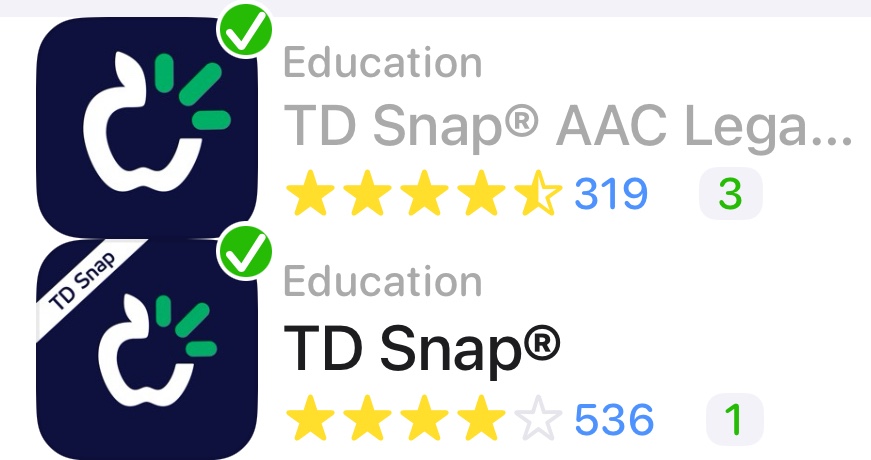
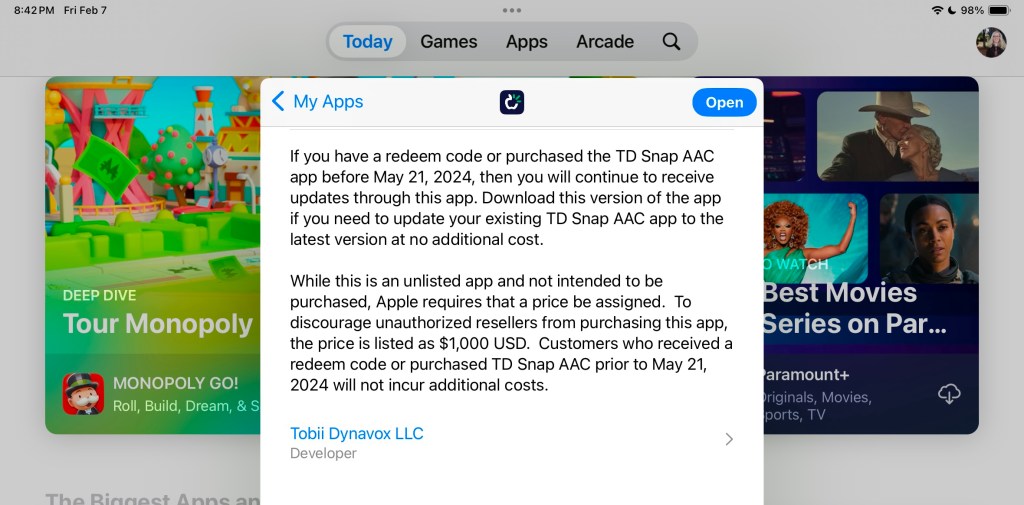
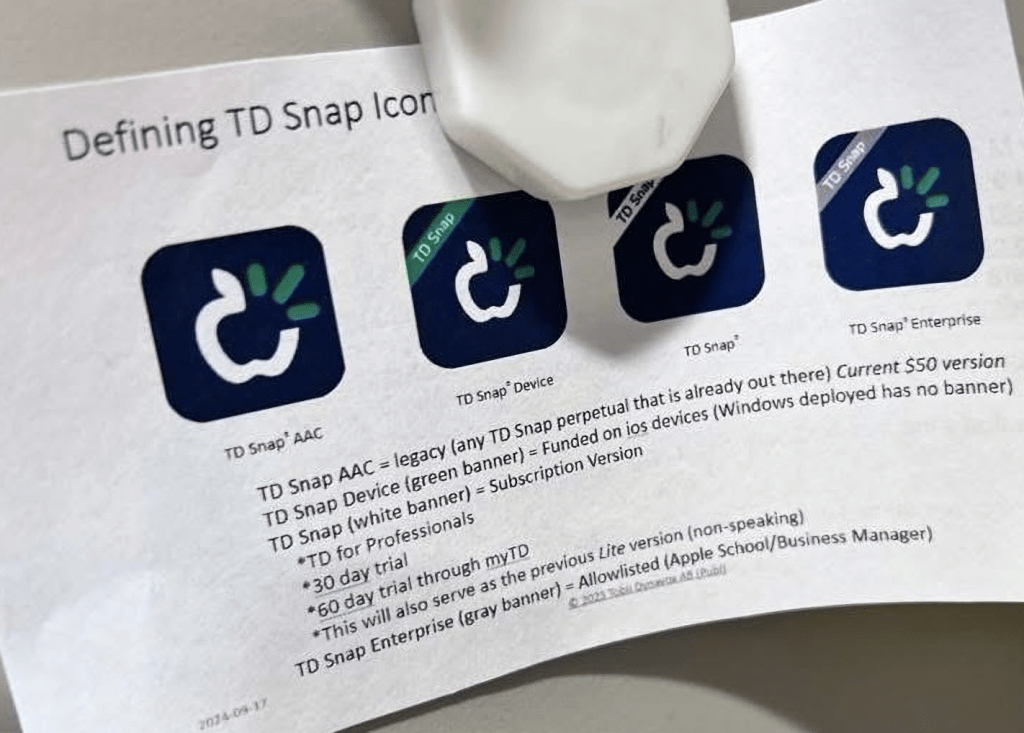
This Screen Recording was done on September 23, 2026 on my iPad Air 11” (M2) running iPadOS 26.5.2 and the most current version of TD Snap AAC Legacy (version 1.40.2.4885).
It is my personal iPad that is NOT on any type of MDM device management system.
I have no way to know if this will work on a managed / locked device or if it will work in the same way on iPadOS 27 and beyond or on future versions of TD Snap.
Also sharing here in this blog post to make it accessible to more folks:
Shortcut links (specifically for translating the content of the Message Window from Italian to English / English to Italian in TD Snap. Could be edited for any supported languages):
Italian to English:
- Switching screens to Shortcuts app via integration in TD Snap: https://www.icloud.com/shortcuts/a96f9004dac14878bc3617ecdfef6140
- Using a Shortcut in the Share Sheet (remains on same screen): https://www.icloud.com/shortcuts/4bccdb9aae9e418693b545c2d6952296
————
English to Italian: - Switching screens to Shortcuts app via integration in TD Snap: https://www.icloud.com/shortcuts/28ae87a5a2374281b56108605aa72ce0
- Using a Shortcut in the Share Sheet (remains on same screen): https://www.icloud.com/shortcuts/dff503a6e54b4cb98a9ad295696c2497
————-
See my FREE HANDOUT with screenshots about the specific commands included in each of these Shortcuts: https://bit.ly/UsingAppleShortcuts4TranslationInTD-Snap (2 page PDF in English, in the Files on my blog)
Looking for in-depth AAC feature matching resources? See this blog post: https://bit.ly/5aacFeatureMatchingResources. That post also includes videos comparing AAC apps on various devices on various platforms.
Looking for more AAC resources? Check out the AAC Resource Links page my blog: https://omazingkidsllc.com/omazing-kids-aac-resource-links
Have a question? The best way to reach me is via Facebook messaging over on my OMazing Kids page: https://www.facebook.com/OMazingKidsAAC/
Angela Moorad, MS, CCC-SLP, Founder of OMazing Kids, LLC, OMazing Kids AAC Consulting
- Teachers Pay Teachers Store: https://www.teacherspayteachers.com/Store/Omazing-Kids-Aac-Consulting
- YouTube: https://youtube.com/user/amoorad1
- Ko-Fi: https://ko-fi.com/omazingkidsaac
- OMazing Kids AAC Consulting Facebook Page: https://www.facebook.com/OMazingKidsAAC/
- TouchChat Page Sharing Facebook Group:
https://www.facebook.com/groups/touchchatpagesharing - GoTalk Now AAC & GoVisual Visual Scene Apps – Ideas and Sharing Facebook Group: https://bit.ly/GoTalkNowAACappGroup
- Instagram: https://www.instagram.com/omazingkidsaac
- Instagram Threads: https://www.threads.net/@omazingkidsaac
- Twitter: https://www.twitter.com/amoorad
- Pinterest: http://pinterest.com/OMazingKids/
- Linktree: https://linktr.ee/amoorad1
- LinkedIn: https://www.linkedin.com/in/angelamooradomazingkidsaac
- Blog: https://omazingkidsllc.com / Resource Links page: https://omazingkidsllc.com/omazing-kids-aac-resource-links