Angela Moorad, MS, CCC-SLP. Over 36 years experience in AAC. OMazing Kids AAC and app consulting. Creator of several AAC Feature Matching resources (https://omazingkidsllc.com/omazing-kids-aac-resource-links/). Includes info about unique features to support Gestalt Language Processors
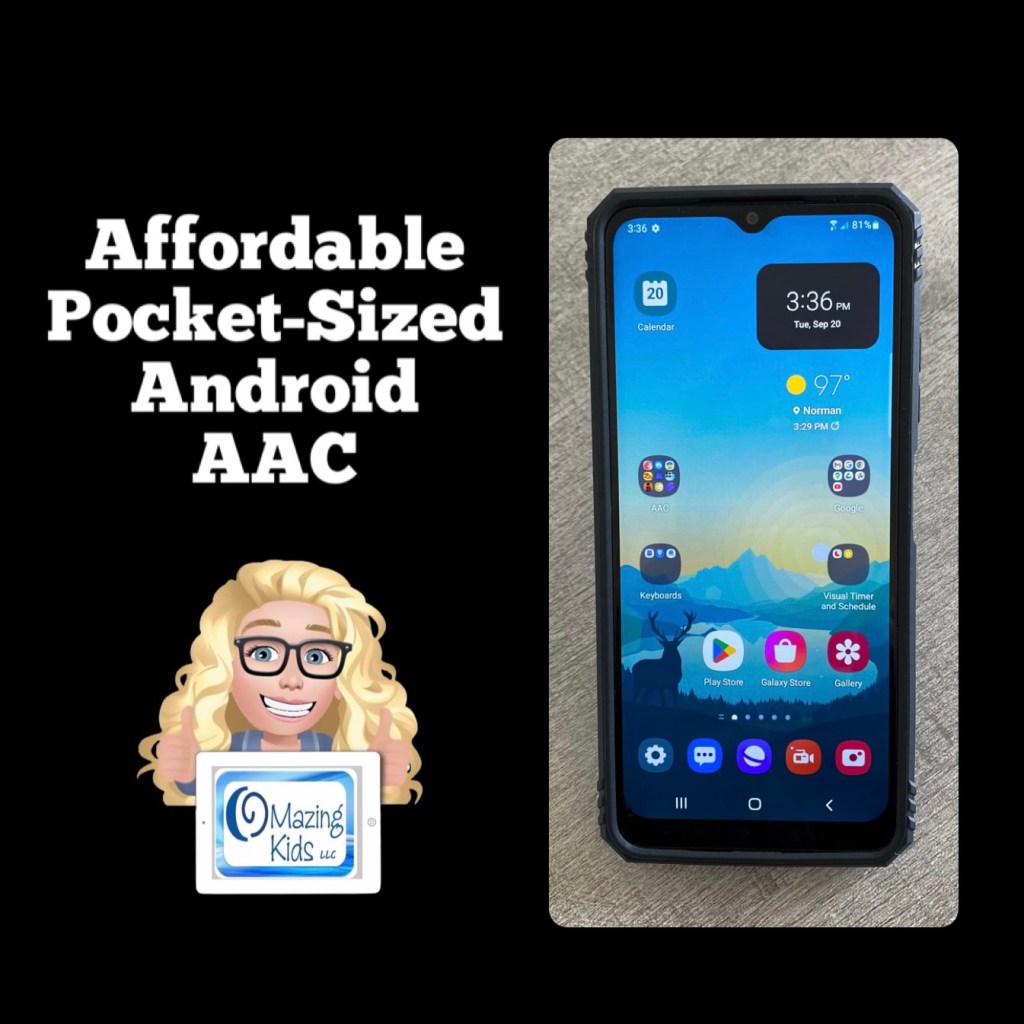
Looking for a very affordable option for pocket-sized AAC? Many individuals prefer to just add an app to their iPhone or Android phone but some facilities don’t allow phones (or it would be a battle to get an exception) or a phone might not be the best choice for AAC for a younger child. The iPod Touch used to be my “go to” option for this. Since the iPod Touch is no longer available I purchased an Android prepaid TracFone (keeping it unactivated)… Shout out to Karen Erickson for sharing that idea in a comment in the AAC for the SLP group.
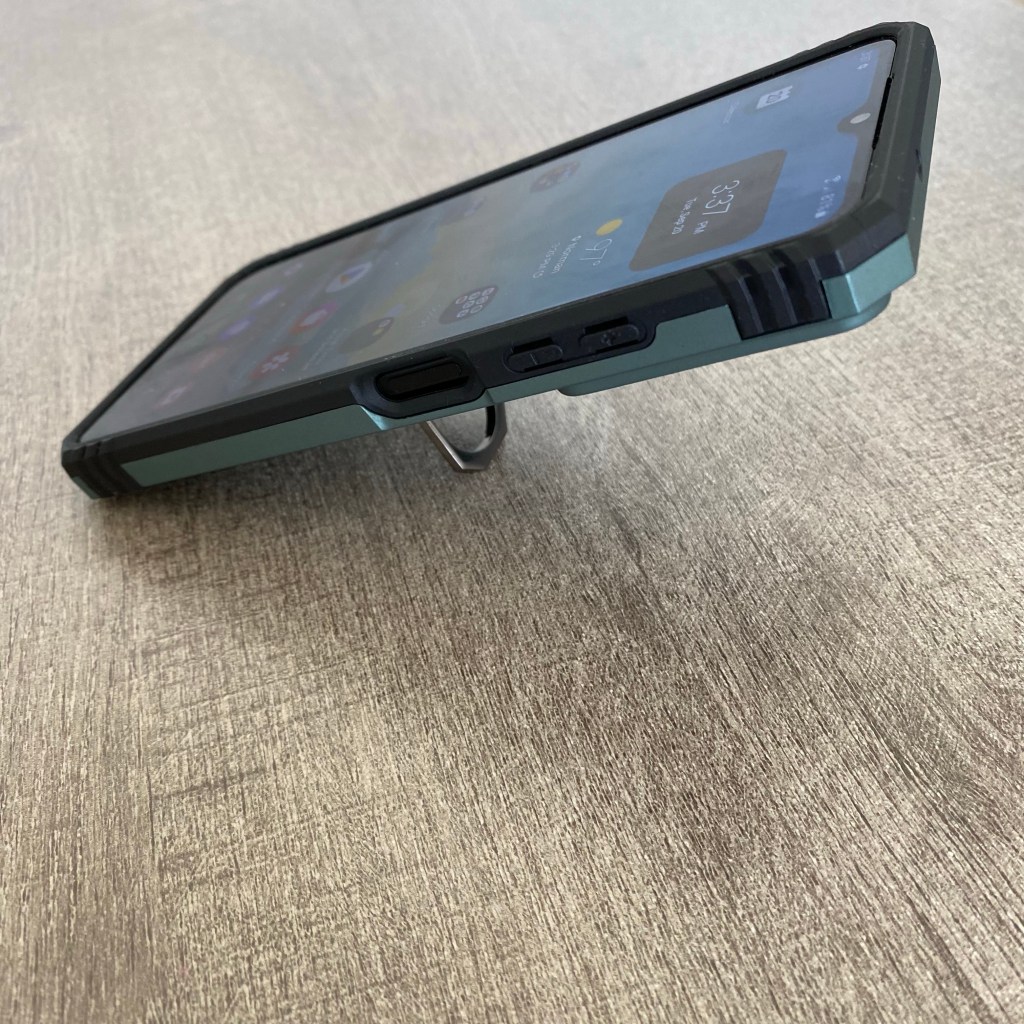
LeYi for Galaxy A03S Case with Screen Protector and Camera Protection Slide Cover, Military-Grade Samsung A03S Phone Case with Magnetic Ring Metal Kickstand for Men Boys (6.5 Inch), Green https://a.co/d/bLpM2Oe
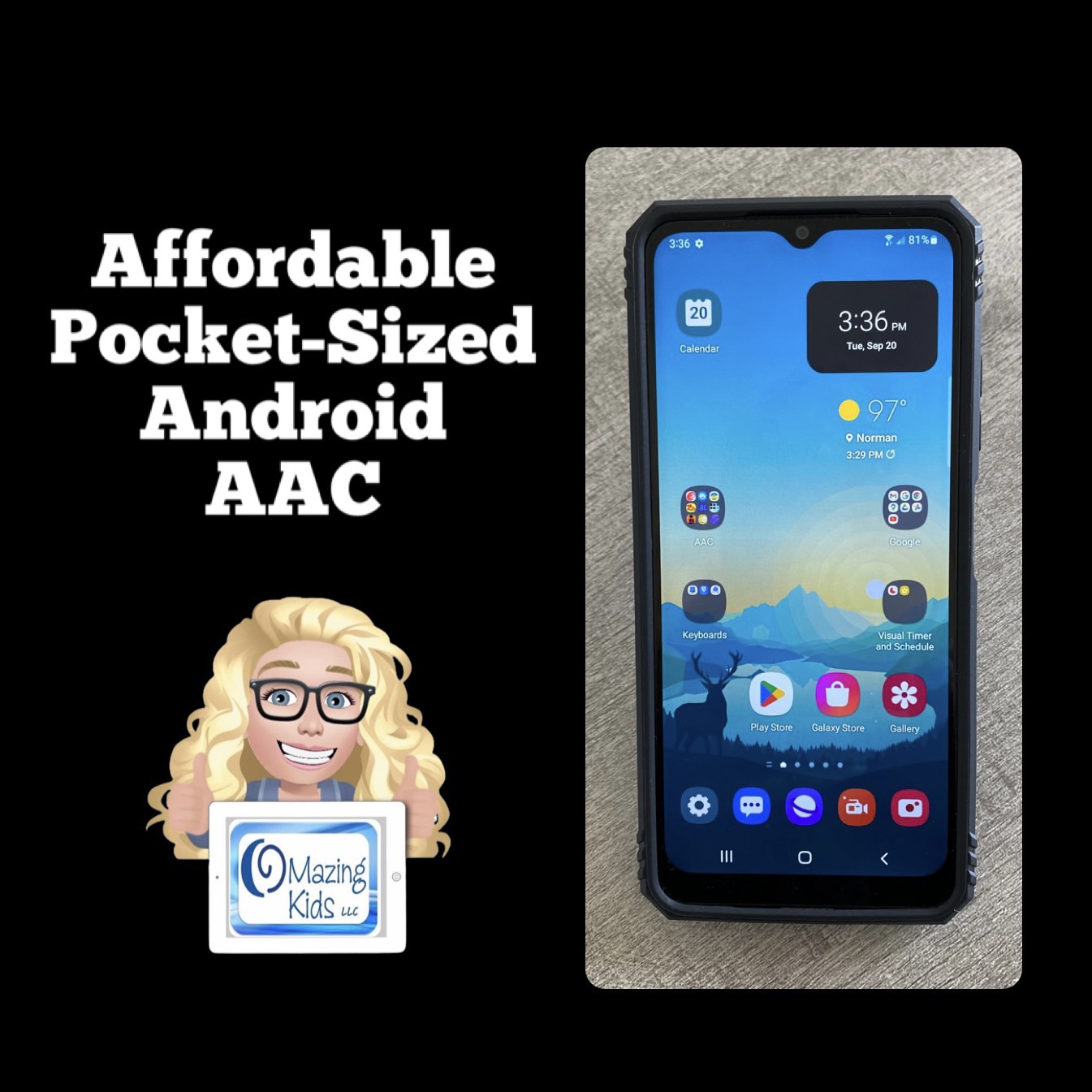
$59.88 Android phone + $12.99 case + the cost of an app = very affordable pocket-sized AAC 🎉
(Updated 8/12/23: That Android phone is still available on Amazon and was even a little less expensive ($49.88). The case is still also available and was less expensive ($11.99). If you put the free Android version of Weave Chat AAC on it (https://play.google.com/store/apps/details?id=com.weavechat.weavechat) you can have fairly robust pocket-sized symbol-based AAC for under $62 (+tax). The adult text-to-speech voices from Samsung & Google are pretty good. If you want Acapela voices, the Weave Chat AAC app and a few others allow use of the one you have purchased and set as a default within the Acapela app. That would be a way to add high quality child voices. Prices vary. I just purchased the child African American English voices (Tiana and Malik) for $7.99 each. The great thing is you only have to purchase the Acapela voices once and then can use them in any AAC app that supports use of them. I have previously purchased Ella & Josh (USA English) + Valeria & Emilio (USA Spanish). That app has voices available to purchase in several languages.
So for under $70 (+tax) you can have fairly robust pocket-sized symbol-based AAC with Weave Chat AAC using a high quality Acapela voice)
Updated 11/19/25: The model of phone that I have is still occasionally available on Amazon but you may want to consider a newer model. I saw the Tracfone – Samsung Galaxy A15 5G 64GB Prepaid – Black on the Best Buy website for $49.99. And the same style of case available for it on Amazon for around $10.00. Acapela child, teen, and adult voices in the Acapela TTS app are still around $7.99 each.
So in late 2025 for under $70 (+tax) you can have robust pocket-sized AAC with Weave Chat AAC, TypingTalk AAC, and Speech Assistant AAC using a high quality Acapela voice.
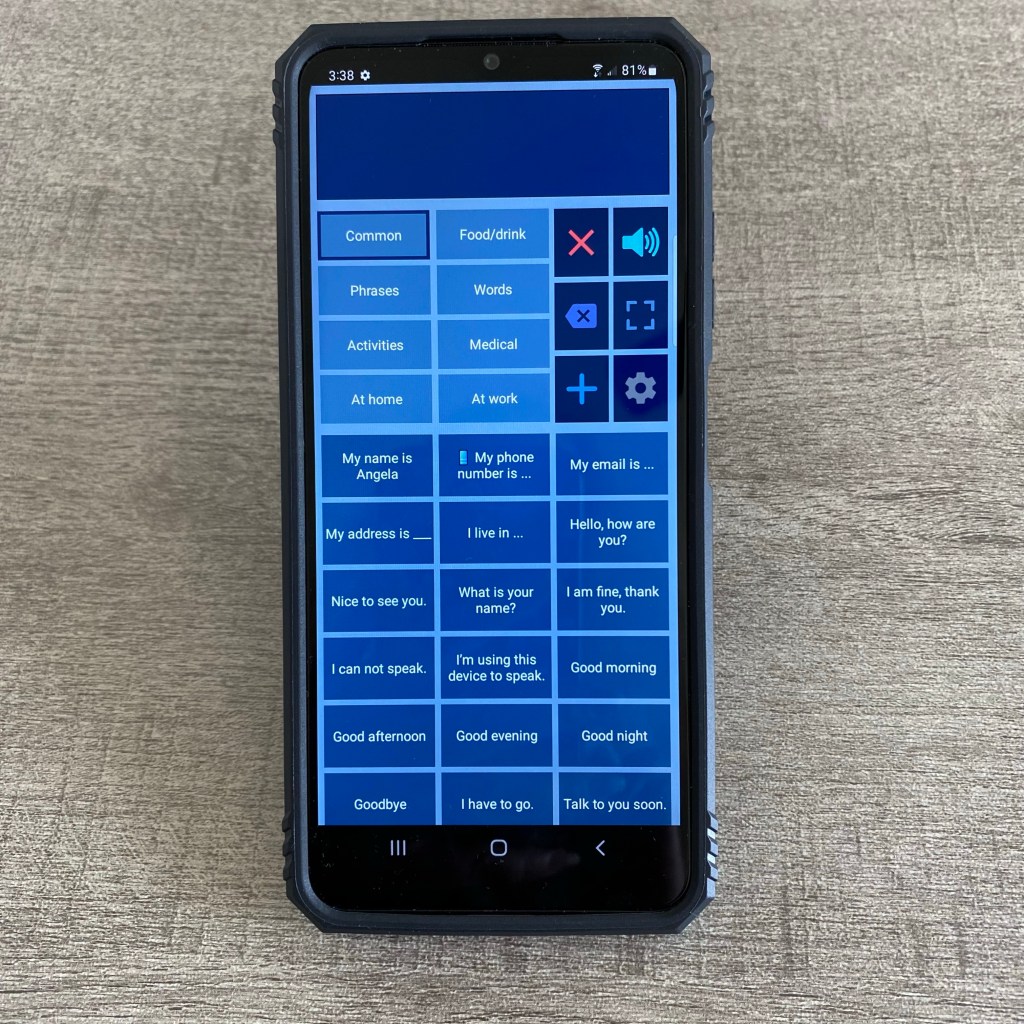
See this video for a look at some of the AAC apps I have installed on it:
A short video specifically about Speech Assistant AAC on an Android phone:
And a longer in-depth video about Speech Assistant AAC on an Android phone that shows more about the app and all of the Settings:
I had several older kids, teens and young adults that preferred the portability and the “look” of pocket-sized AAC. There are several iOS AAC apps that can be used on an iPhone or iPod Touch.And Android AAC apps that can be used on an Android phone. This allows it to fit in a pocket. Some used it as an alternative to their larger device. Others used it as their primary AAC. A few used wrist sized AAC on an Apple Watch.
Here are the iOS AAC apps that can work on these smaller devices that I’ve found the most helpful. Each of these has unique features and vary in how robust they are. Some of the features may be slightly different than those seen on an iPad or iPad Mini.
Symbol-based apps for iPhone & iPod Touch:
* Avaz (also available for Android)
* Bridge Communication
* Cboard (also available for Android)
* ChatterBoards
* CoreVoice (also available for Android)
* CoughDrop (also available for Android)
* LAMP Words for Life
* Proloquo + Proloquo Coach
* Proloquo2go (can also be used in a limited way on an Apple Watch)
* Speak for Yourself
* Touchchat with WordPower
* Unity AAC
* Weave Chat AAC (also available for Android)
Text-based apps for iPhone & iPod Touch:
* ClaroCom Pro
* Dialogue AAC
* Flip Writer AAC Pocket
* Predictable (also available for Android)
* Proloquo4Text (can also be used in a limited way on an Apple Watch)
* SayIt (no longer available)
* Speech Assistant AAC (can also be used on an Apple Watch. They have a separate app available for Android)
* Spoken (also available for Android)
* Talk Assist
* Talk for Me
* Talkie (also available for Android)
* Type and Speak
* TypingTalk AAC (also available for Android)
* QuickType (no longer available)
* Vocable (also available for Android but with fewer features)
* Weave Chat AAC (also available for Android)
There are several other text-based AAC apps for Android devices. See the Basic Feature Chart for Affordable and Free AAC apps & AAC-Related Apps linked below.
The keyboard area in a symbol-based AAC app could also be used and some of those apps have a way to toggle off symbols to create a text only set up.
Updated 1/19/24: A great free option on an iPhone or Apple Watch is Live Speech (iPhone XS or later on iOS 17 or later, Apple Watch Series 3 or later on watchOS 10, or later. Accessibility – Speech): https://support.apple.com/en-us/105018. On an iPhone you can set it to open immediately via a double tap under Back Tap (https://support.apple.com/en-us/111772). This allows you to have immediate access to typing and a few saved phrases even on the Lock Screen.
There are lots of other specialty AAC apps than can be used on an iPhone or iPod Touch. Many are designed for use in medical situations or can be helpful for very specific situations. See this post on for screenshots of how I have them organized in folders on my iPhone: https://www.facebook.com/174264525957894/posts/3917269238324052/?d=n.
This resource contains a 6 page PDF handout + exclusive access to 3 unlisted YouTube videos with easy to understand information. Basic info about features of 33 apps and features available for the Apple Watch (8 apps and a feature specifically designed for AAC + 25 AAC-related apps and features that can be used to communicate in a variety of creative ways… including some that allow you to play short video and audio clips with sound playing directly on the speaker of the Apple Watch)
You may need to consider connecting the Apple Watch to a wearable Bluetooth speaker to amplify the sound. See this blog post for info about the Noxgear 39g and other wearable Bluetooth speakers: https://bit.ly/CanYouHearMyAAC
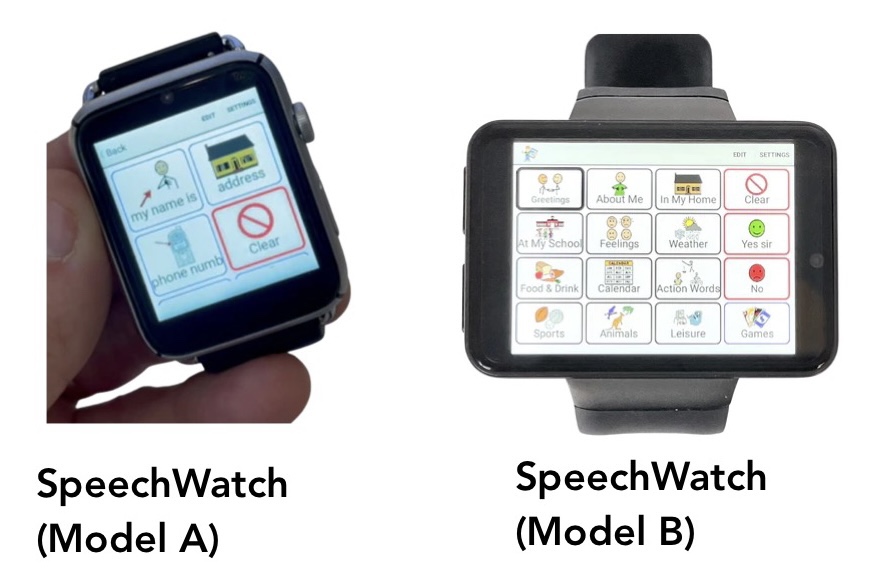
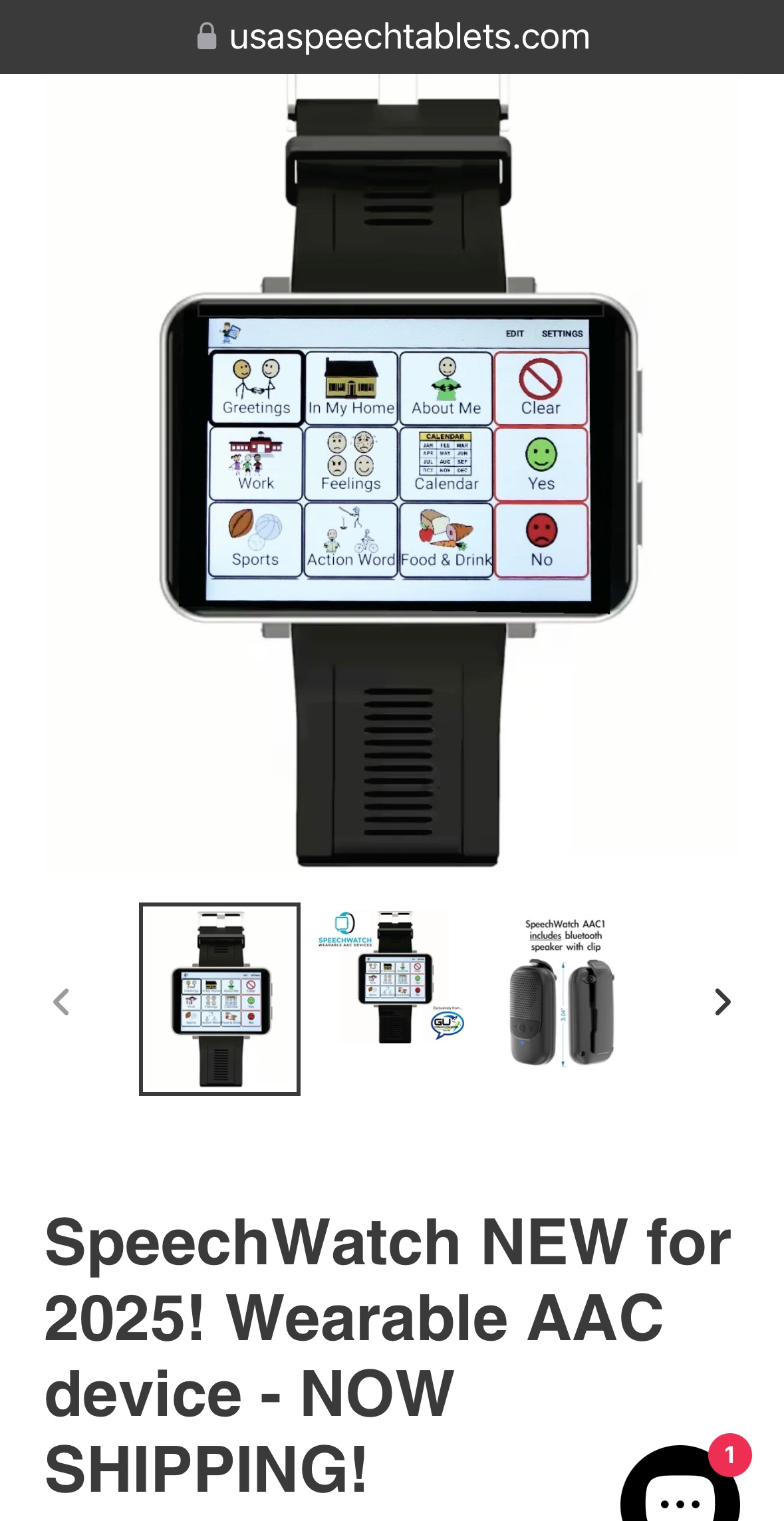
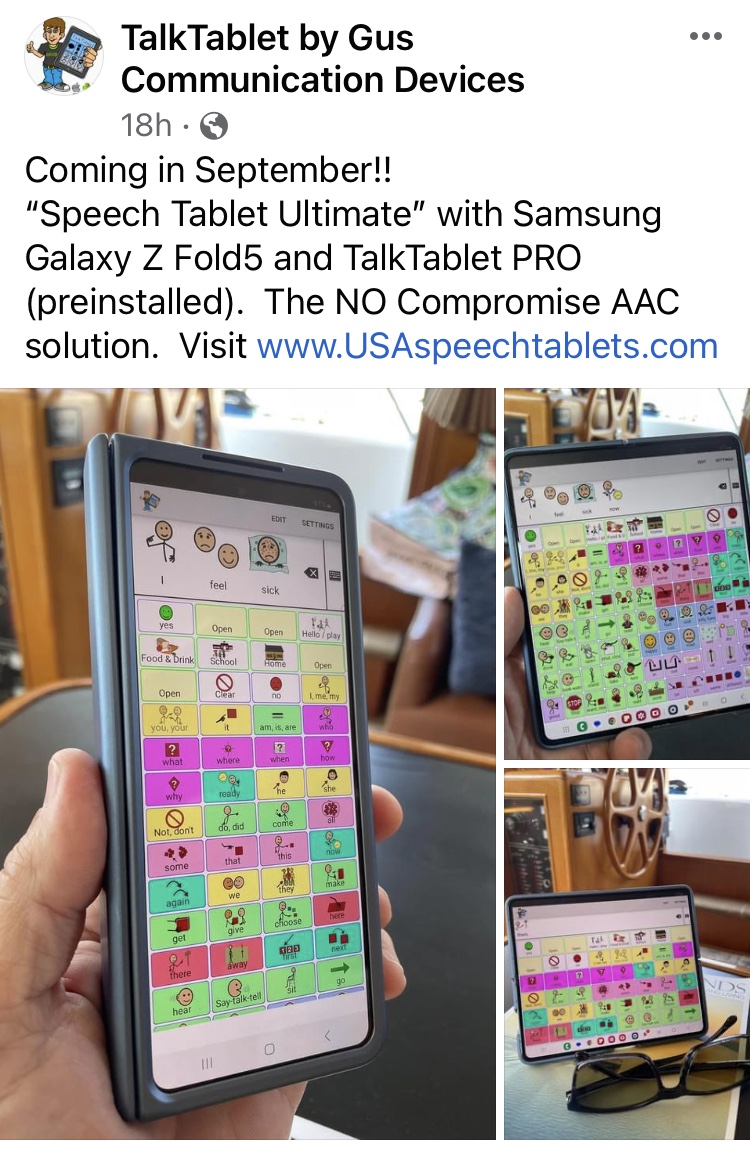
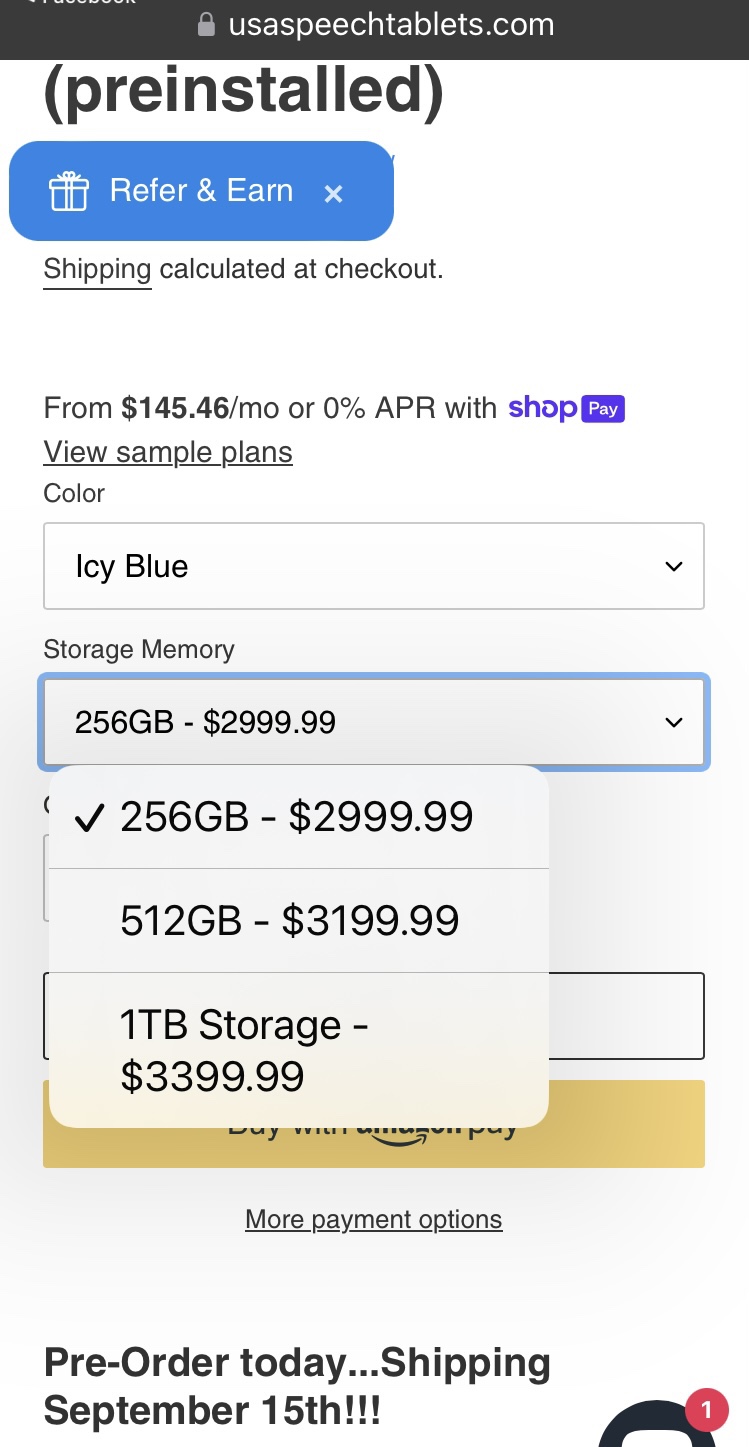
SpeechWatch with TalkTablet Pro: I don’t typically recommend the TalkTablet app since it’s not very intuitive to use but wanted to include their watches in this post for those who might watch to research them further. I have no idea how well these work and am not sure what type of watch was used to build them (it’s not an Apple Watch): https://usaspeechtablets.com/products/swa & a much larger one: https://usaspeechtablets.com/products/swb
Updated 4/6/25: That item is no longer shown on their website
Updated 10/23/22:
There is a need for more AAC apps to beusable on an iPhone & Android phone. I get numerous requests every month for info about the options. Sadly more than half of the robust iOS symbol-based AAC apps can only be used on an iPad. I had severalolder kids, teens and young adults that preferred the portability and the “look” of pocket-sized AAC on their phone. Some used it as an alternative to their larger device. Others used it as their primary AAC.
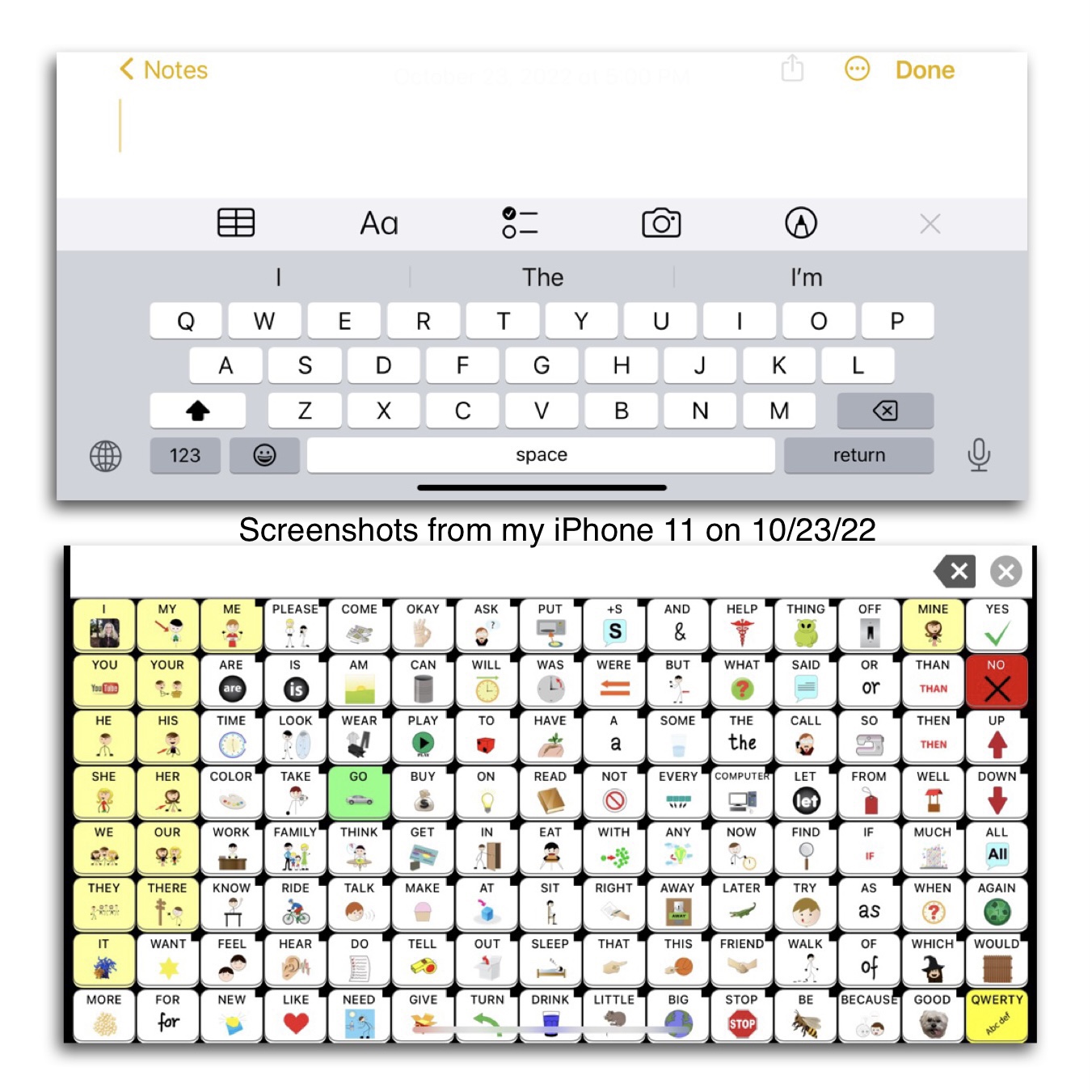
Some app developers claim that it would be impossible to offer their app on an iPhone because it would “mess with the motor plan” or “the buttons would be too small”. Hmm…somehow Speak for Yourself did this way back in 2016 and their app has 120 buttons per page and is a “motor planning” based app. In the years since then I’ve seen several posts from AAC users, parents, SLPs, teachers, etc. who all appreciate theflexibilitythat this offers. The screen on the largest iPhones are only a couple of inches smaller than an iPad Mini. Even on my iPhone 11 with its 6.1” screen I’m able to use this app well enough to do some modeling and use it all the time to take a look at the Settings area to answer questions about the app when I don’t have my iPad with me.
Read these posts on the Speak for Yourself website:https://speakforyourself.org/does-aac-button-size-really-matter/&https://speakforyourself.org/tiny-speak-coming-soon-iphones/. A quote from the second post: “The buttons are small, BUT they are twice the size of the keyboard buttons that we all use, including our students who flawlessly use mom or dad’s phone to search for videos on YouTube. Many of our users will be able to access Tiny Speak for Yourself (Tiny SfY), but even if they are not able to access it, having the app on an iPhone also puts the ability to model seamlessly into the hands of parents, professionals…and siblings. That may be the biggest game changer of Tiny SfY.”
Look at the data and the button size comparisons. Look at the pictures and video of it in use. Read the linked blog posts about the impact of having this option.
It’s doable.Not saying it’s easy for developers to reprogram an app to make it iOS Universal. I’m sure it takes a lot of work. But if you listen to your customers it’s one of the biggest needs. So listen, roll up your sleeves and make it happen.
For in-depth info about features in AAC apps see these five AAC Feature Matching Resources:
Looking for fundable / dedicated / managed pocket-sized AAC? It’s unlikely that you could get an iPhone funded as a SGD / DME but some funding sources may consider an iPod Touch with a robust AAC app in a durable case (updated 10/11/22 – iPod Touch was discontinued).
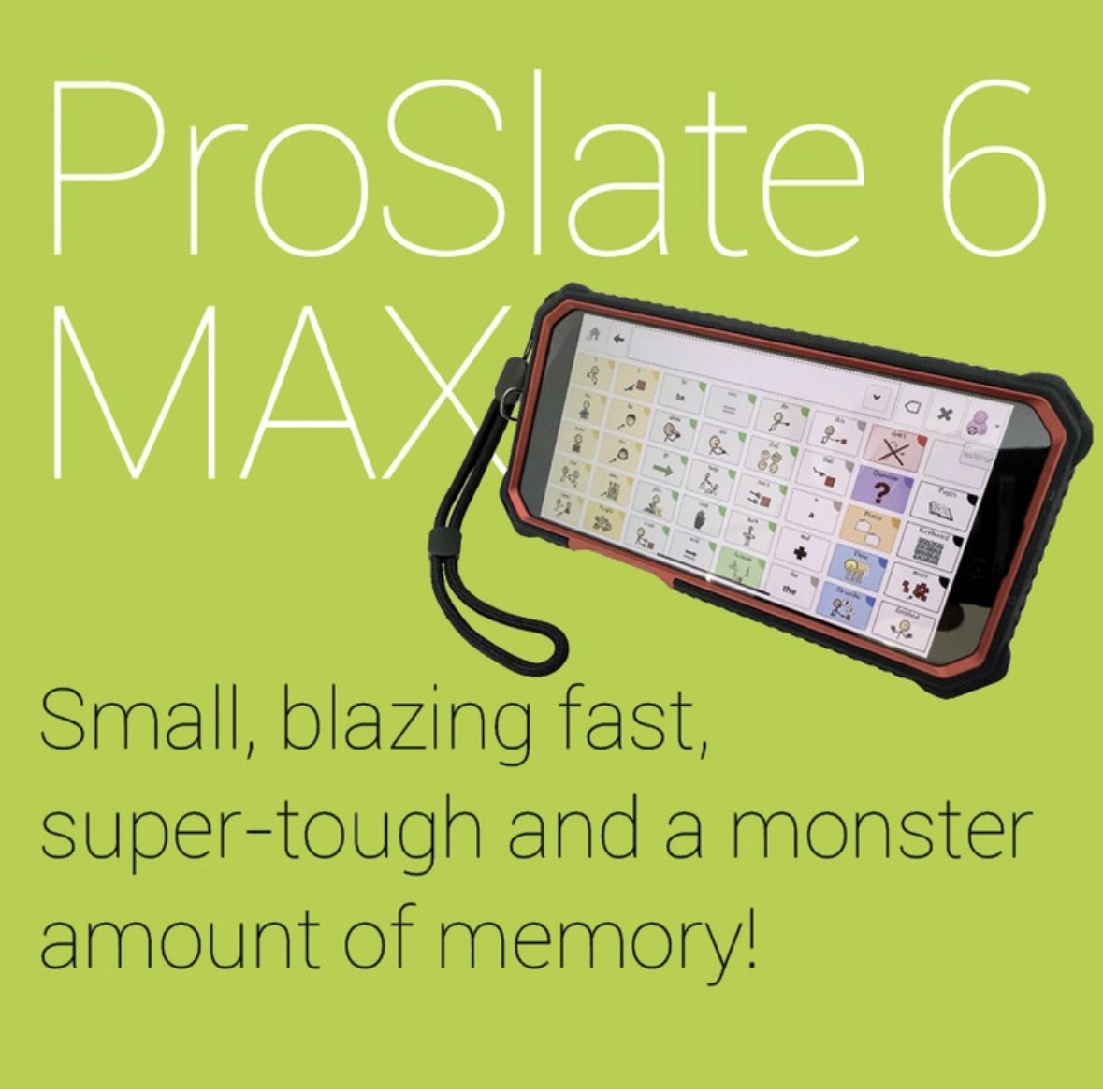
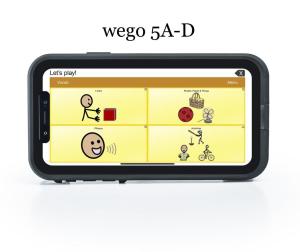
If your particular funding source won’t, then take a look at these four small dedicated SGDs that are about the same size as an iPhone. The first three allow a choice between several apps. I’ve had some AAC users like them. But many thought they still looked “different” and preferred to use an AAC app on their phone. So it’s very important to try them out to see what the AAC user prefers.
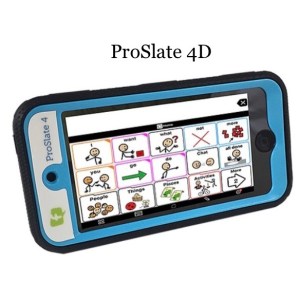
ProSlate 4D: https://www.forbesaac.com/proslate-4d (Updated 10/23/22: Sadly this device is no longer available. I contacted the company and they are still looking for an alternative since the iPod Touch that was used to build it was discontinued)
Update 3/19/25: It looks like Forbes *might* be offering a ProSlate 6D MAX (but the photos still show the older item that was discontinued, I’ll be watching for more info about this): https://www.forbesaac.com/proslate-6d-delete
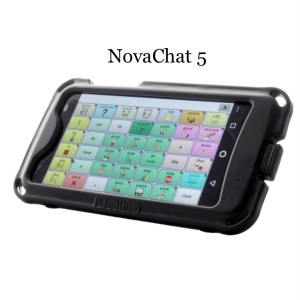
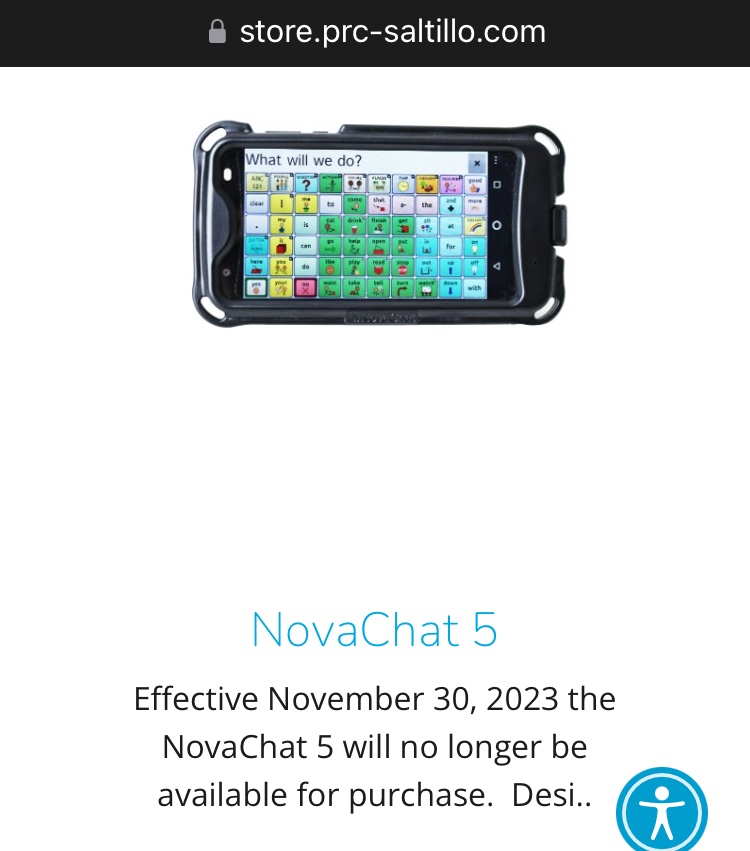
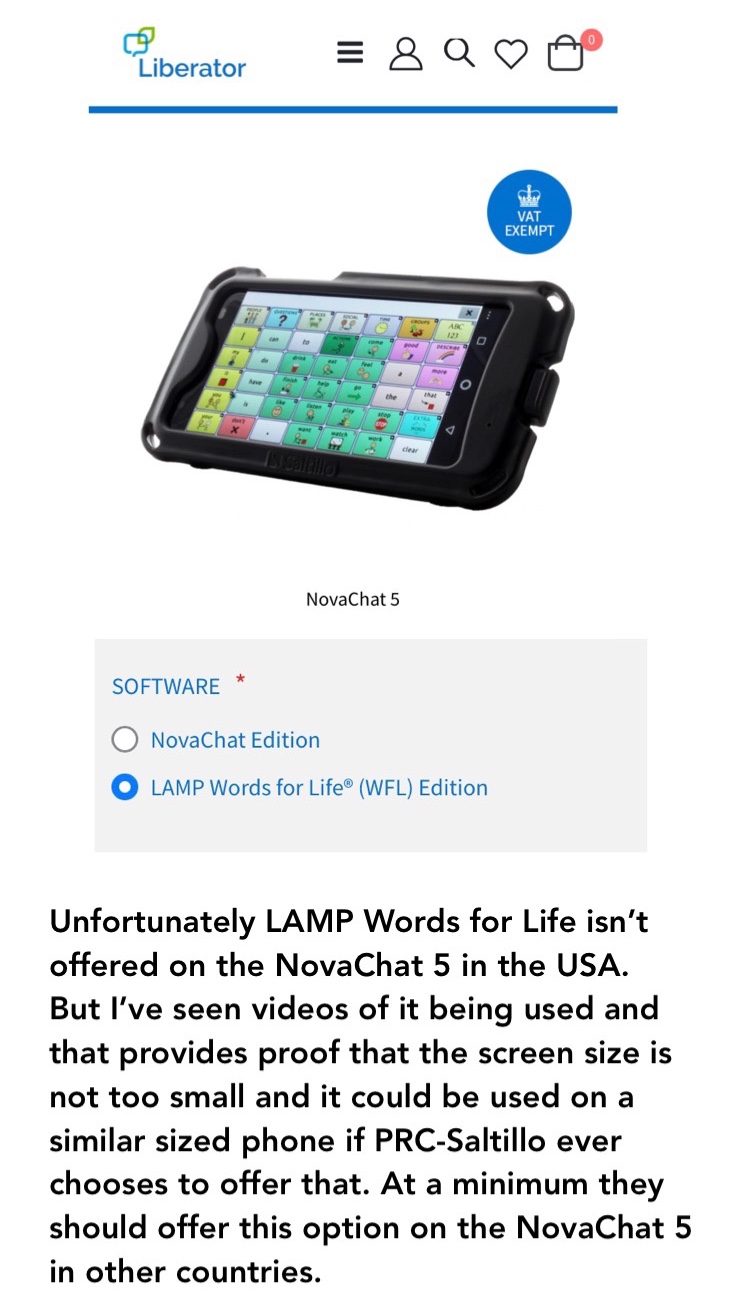
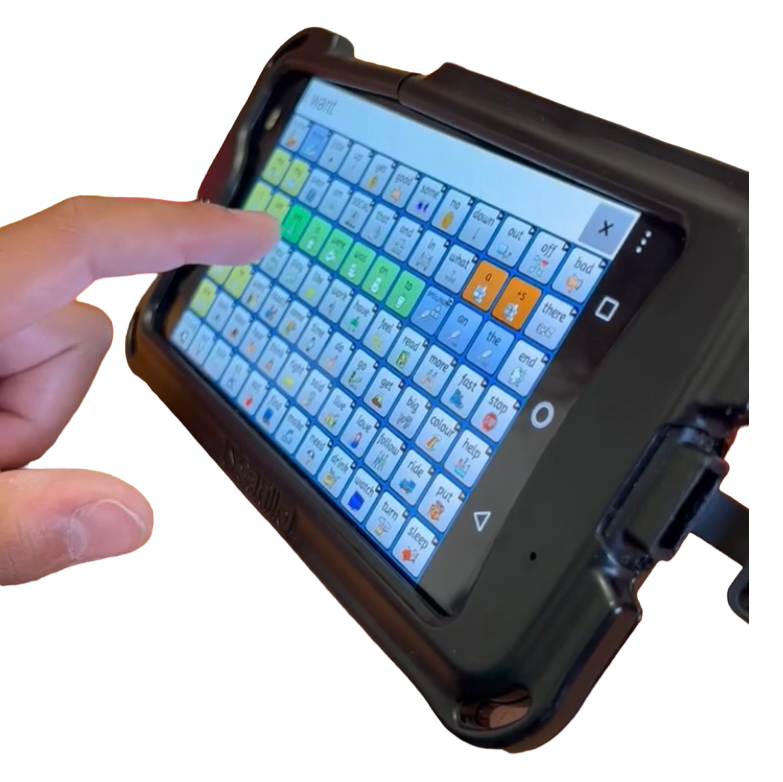
NovaChat 5: https://saltillo.com/products/print/nova-chat-5 (limited to their vocabulary options). (Updated 10/23/22:This device is still available. It’s an Android-based device so it wasn’t impacted by the disappearance of the iPod Touch.
Updated 9/19/23: According to the PRC-Saltillo website effective November 30, 2023 the NovaChat 5 will no longer be available for purchase. I’ll update this post once I get official word regarding any new pocket-sized SGDs from this company. )
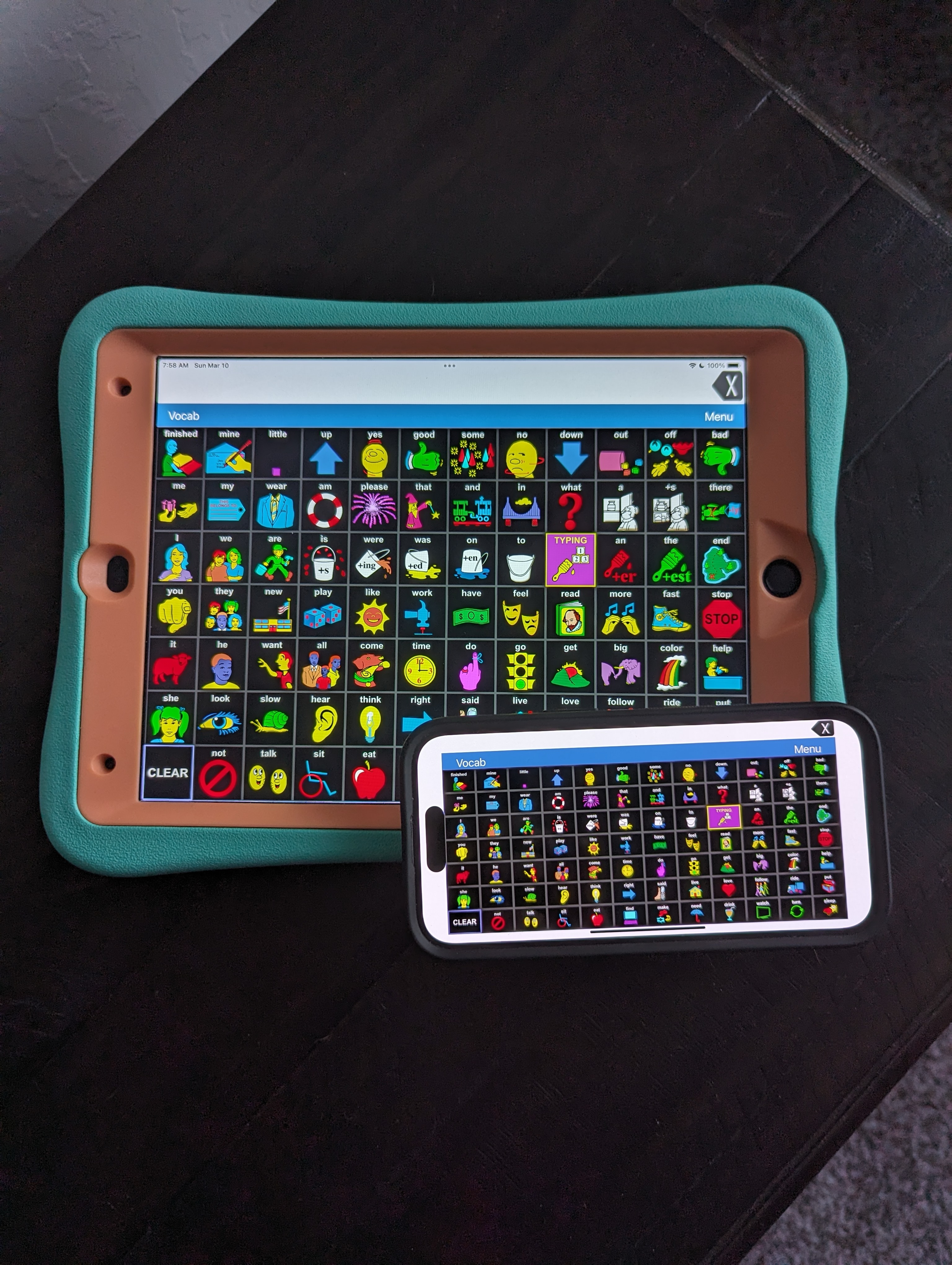
Updated 3/10/24: LAMP WFL is now available as an iOS Universal app so it can now be downloaded on an iPhone. Here’s a look at it beside my iPad.
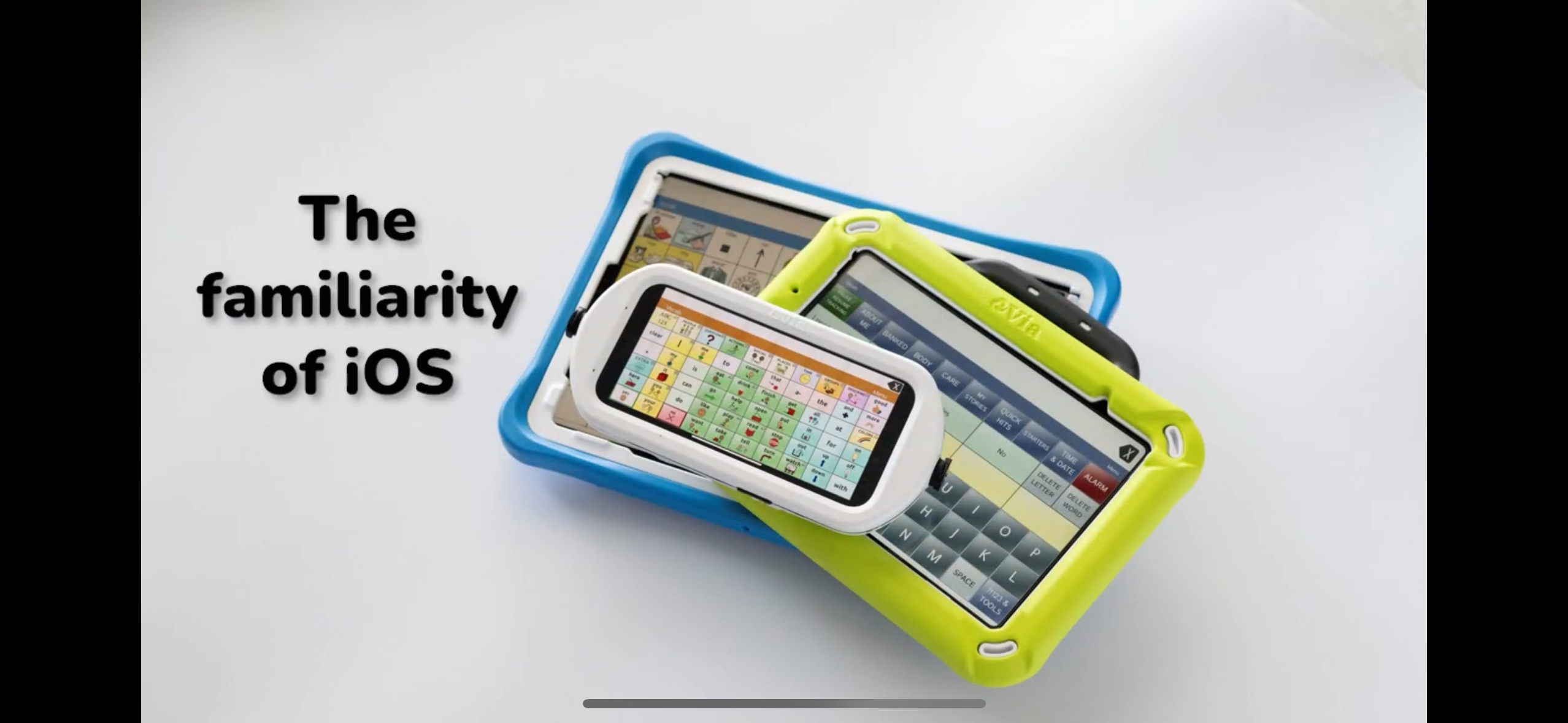
Update 1/24/25: Just saw the PRC-Saltillo Via Nano pocket-sized AAC device announced on the PRC-Saltillo YouTube channel. Glad to finally see them have a pocket-sized option again.
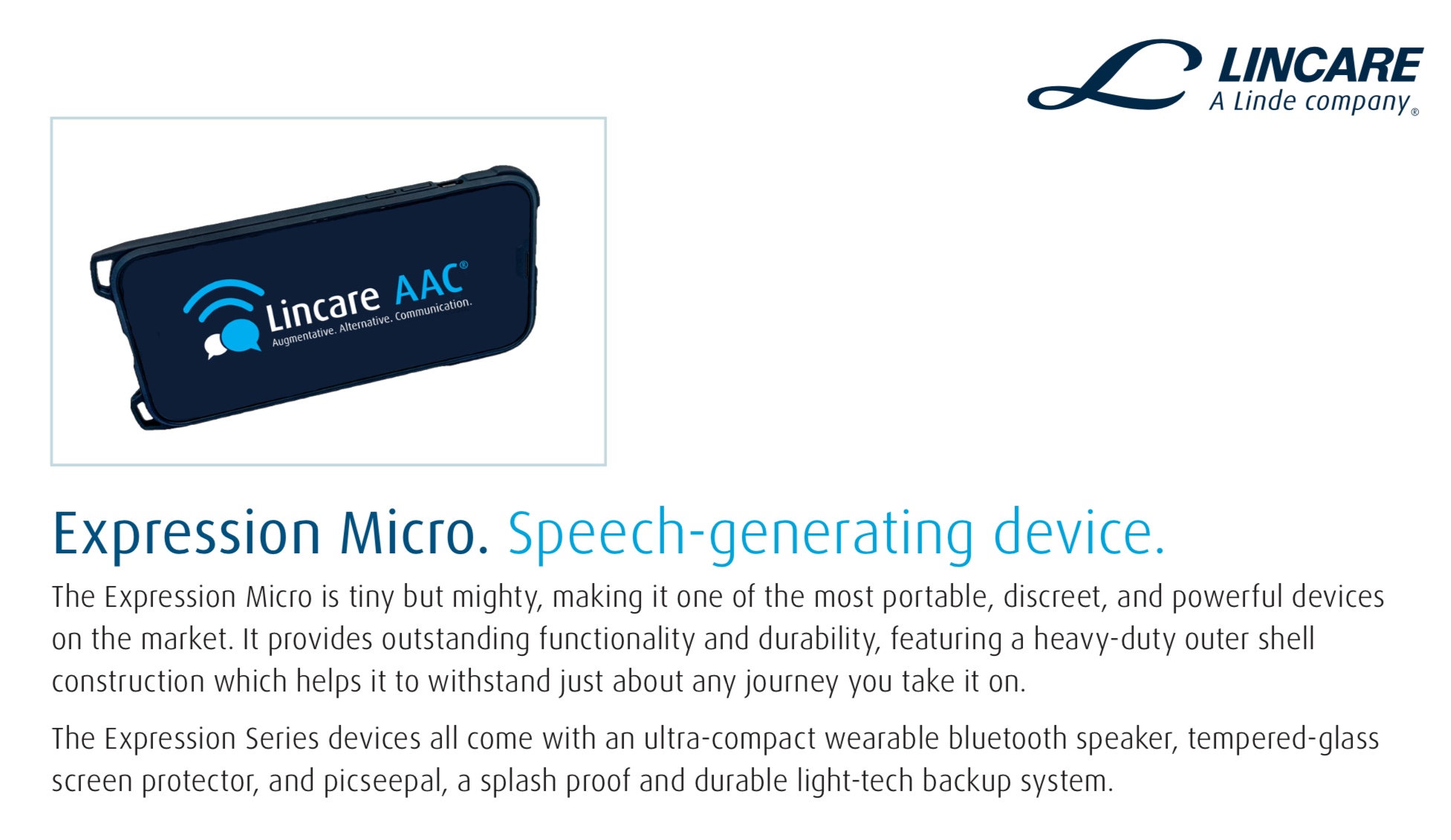
Lincare AAC – reportedly has a pocket-sized device called the Expression Mini Max but there isn’t any info about it on their website. I’ll update if I receive info about it. (Updated 10/23/22: The Lincare AAC website has been updated and now shows a small device called the Expression Micro. But there is just this picture and no info. I’ve messaged my contact at the company and will update this section when/if I receive any details: https://www.lincare.com/en/services/speech-generating-devices
Update 5/10/22: Apple announced today that they are discontinuing the iPod Touch. It will be interesting to see how this affects companies that have used that to build pocket sized AAC devices.
Looking for anaffordable option for pocket-sized AAC?Many users prefer to just add an app to their iPhone or Android phone but some settings don’t allow phones (or it would be a battle to get an exception). The iPod Touch used to be my “go to” option for this. Since the iPod Touch was discontinued I purchased anAndroidSamsung Galaxy A03s(prepaid TracFone that has NOT been activated for cellular service) on Amazon. Shout out to Karen Erickson for sharing that idea in a comment in the AAC for the SLP group.It was only $59.88and essentially gives me an Android equivalent to an iPod Touch (which Apple has discontinued) for pocket-sized AAC. I added a$12.99casethat has a tiny ring stand and sliding cover for the camera.So for $72.87 (+ the cost of the app) I have a very affordable pocket-sized AAC device.
Of course there are lots of other fundable larger tradional SGDs. Check with your local AAC vendor reps to discuss those options. There are also several pocket-sized or wearable mid-tech devices that could be considered.



 Update 6/6/25: The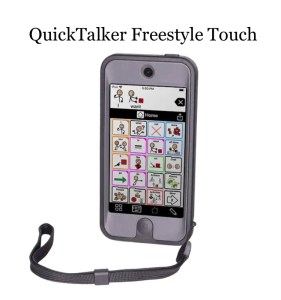

 OMazing Kids AAC Consulting