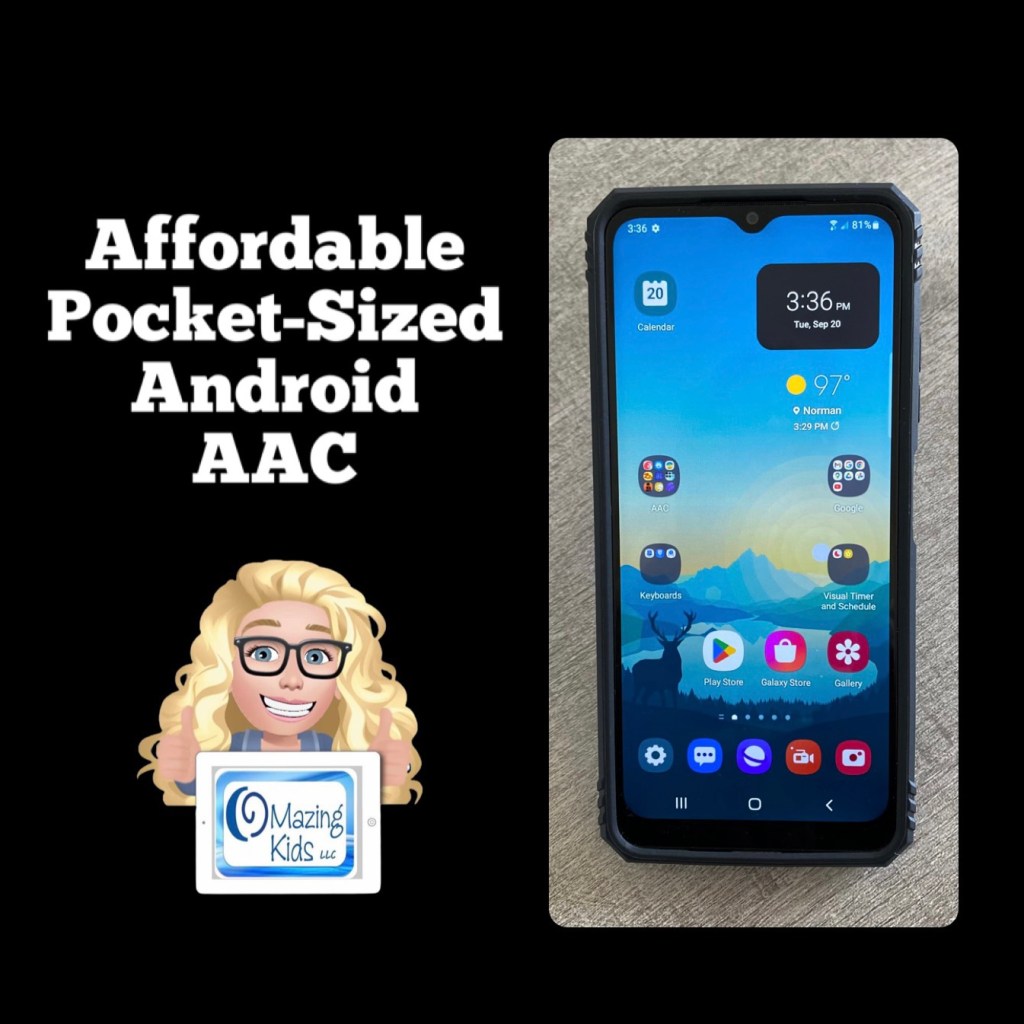
Looking for a very affordable option for pocket-sized AAC? Many individuals prefer to just add an app to their iPhone or Android phone but some facilities don’t allow phones (or it would be a battle to get an exception) or a phone might not be the best choice for AAC for a younger child. The iPod Touch used to be my “go to” option for this. Since the iPod Touch is no longer available I purchased an Android prepaid TracFone (keeping it unactivated)… Shout out to Karen Erickson for sharing that idea in a comment in the AAC for the SLP group.
Tracfone Samsung Galaxy A03s, 32GB, Black – Prepaid Smartphone (Locked) https://a.co/d/fAxcP4J
LeYi for Galaxy A03S Case with Screen Protector and Camera Protection Slide Cover, Military-Grade Samsung A03S Phone Case with Magnetic Ring Metal Kickstand for Men Boys (6.5 Inch), Green https://a.co/d/bLpM2Oe
$59.88 Android phone + $12.99 case + the cost of an app = very affordable pocket-sized AAC 🎉
(Updated 8/12/23: That Android phone is still available on Amazon and was even a little less expensive ($49.88). The case is still also available and was less expensive ($11.99). If you put the free Android version of Weave Chat AAC on it (https://play.google.com/store/apps/details?id=com.weavechat.weavechat) you can have fairly robust pocket-sized symbol-based AAC for under $62 (+tax). The adult text-to-speech voices from Samsung & Google are pretty good. If you want Acapela voices, the Weave Chat AAC app and a few others allow use of the one you have purchased and set as a default within the Acapela app. That would be a way to add high quality child voices. Prices vary. I just purchased the child African American English voices (Tiana and Malik) for $7.99 each. The great thing is you only have to purchase the Acapela voices once and then can use them in any AAC app that supports use of them. I have previously purchased Ella & Josh (USA English) + Valeria & Emilio (USA Spanish). That app has voices available to purchase in several languages.
So for under $70 (+tax) you can have fairly robust pocket-sized symbol-based AAC with Weave Chat AAC using a high quality Acapela voice)
Updated 11/19/25: The model of phone that I have is still occasionally available on Amazon but you may want to consider a newer model. I saw the Tracfone – Samsung Galaxy A15 5G 64GB Prepaid – Black on the Best Buy website for $49.99. And the same style of case available for it on Amazon for around $10.00. Acapela child, teen, and adult voices in the Acapela TTS app are still around $7.99 each.
Updated 11/3/26: The Tracfone – Samsung Galaxy A16 128GB Prepaid – Black is currently available on the Best Buy website and on Amazon for $55.99. You don’t have to activate it in order to use it for AAC. There are LOTS of similar case options for this out on Amazon priced around $10.00. Acapela child, teen, and adult voices in the Acapela TTS app are still around $7.99 each.
Weave Chat AAC is free and has continued to improve and support more languages. Another good free AAC app is TypingTalk AAC. It is a text-based app but you can add a picture, emoji or a symbol to buttons if needed (https://play.google.com/store/apps/details?id=com.miyanour.speechassist). The basic features in Speech Assistant AAC are also free to use on Android (https://play.google.com/store/apps/details?id=nl.asoft.speechassistant)
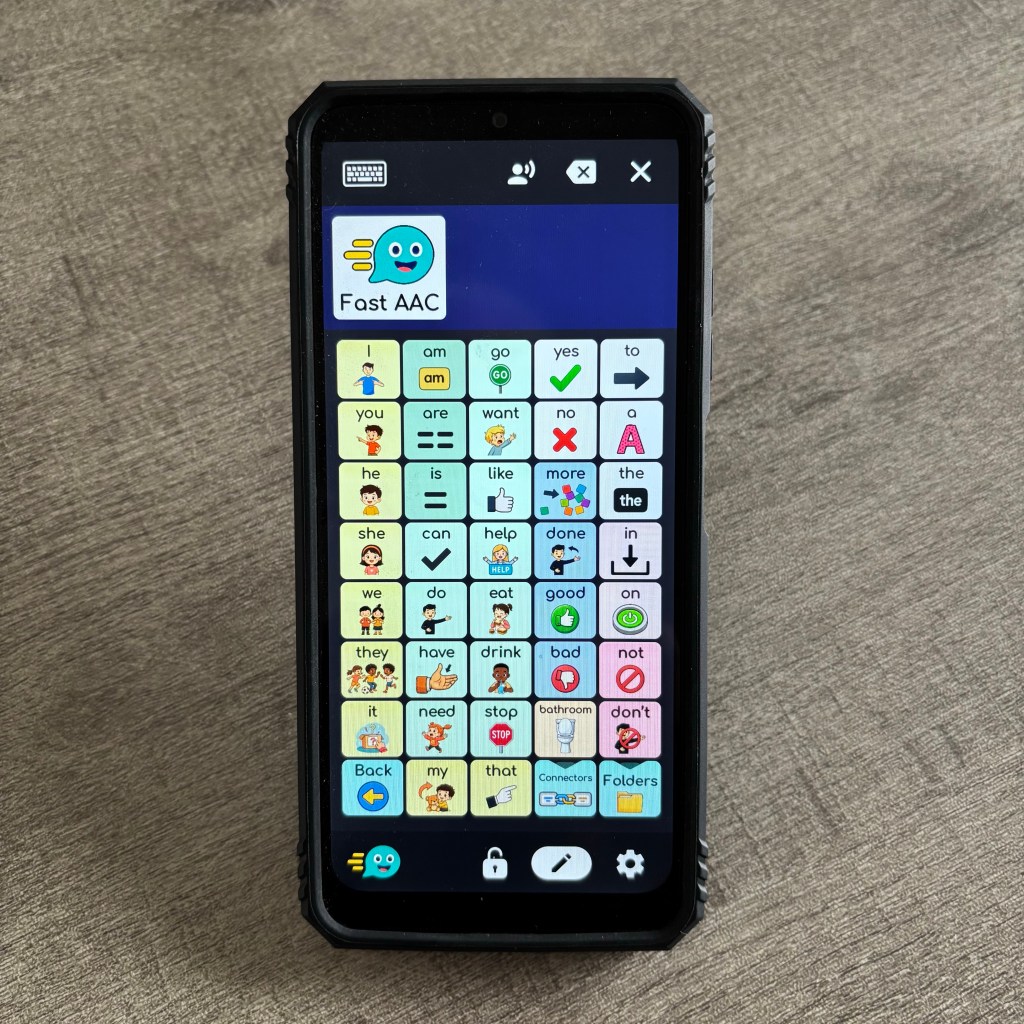
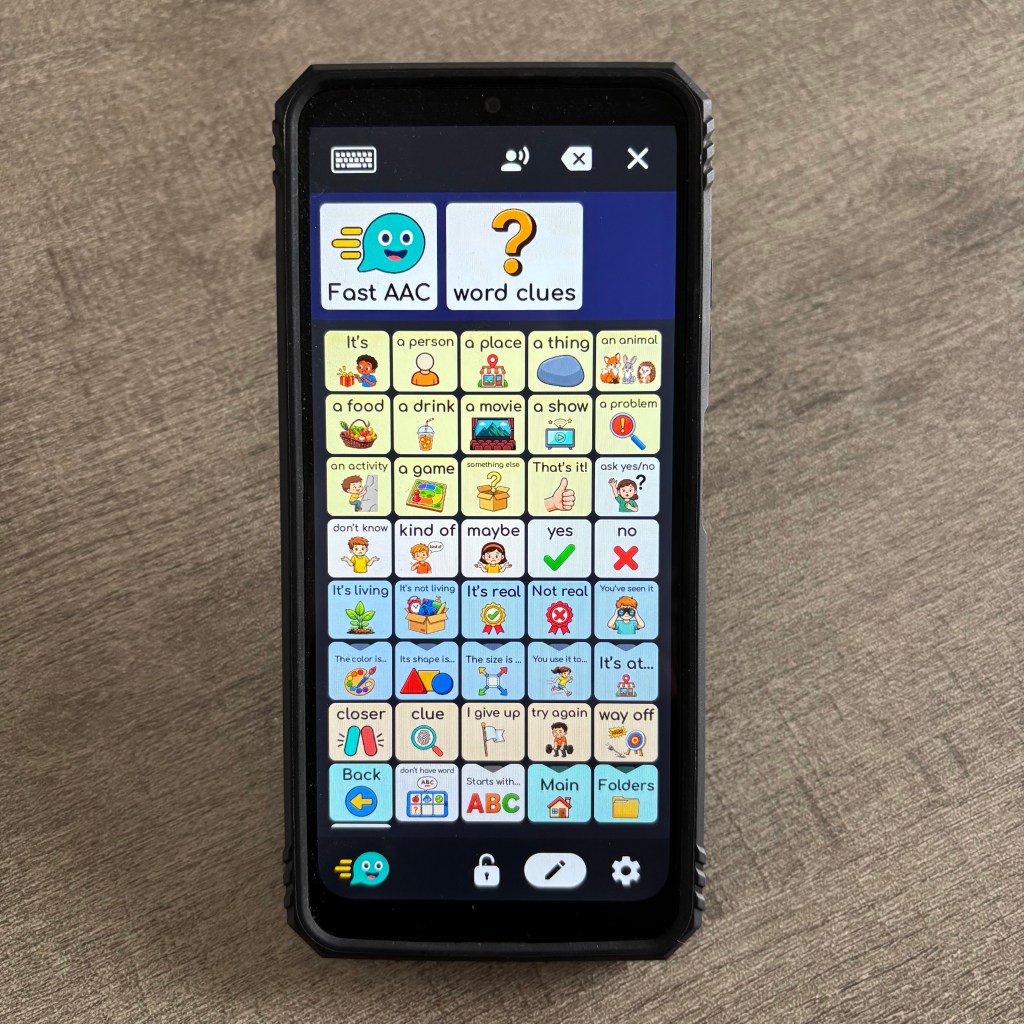
11/3/26: Fast AAC is a very affordable robust option. The Android version of the app is free to download and then has an in-app purchase of $9.99 to upgrade to the full app. Choose the Robust 40 Vocabulary template when setting up the app.
So in late 2026 for under $84 (+tax) you can have robust pocket-sized AAC with Fast AAC, Weave Chat AAC, TypingTalk AAC, and Speech Assistant AAC using a high quality Acapela voice.
Tips if you encounter push back in schools or facilities that “ban” cellphones:
- Show that the phone has never been “activated” so it can’t be used to make phone calls or text messages.
- Use Samsung Kids to create a secure area where only the apps that you put in there can be used and there’s no way to get out to the internet. Use a strong password and/or fingerprint recognition to prevent exiting Samsung Kids.
- Use a case that has a sliding cover to block the camera and if needed you can super glue that shut so the camera wouldn’t be able to be used unless the phone was removed from the case.
- Clearly document in the IEP or Plan of Care that this pocket-sized AAC device is solely being used for AAC.
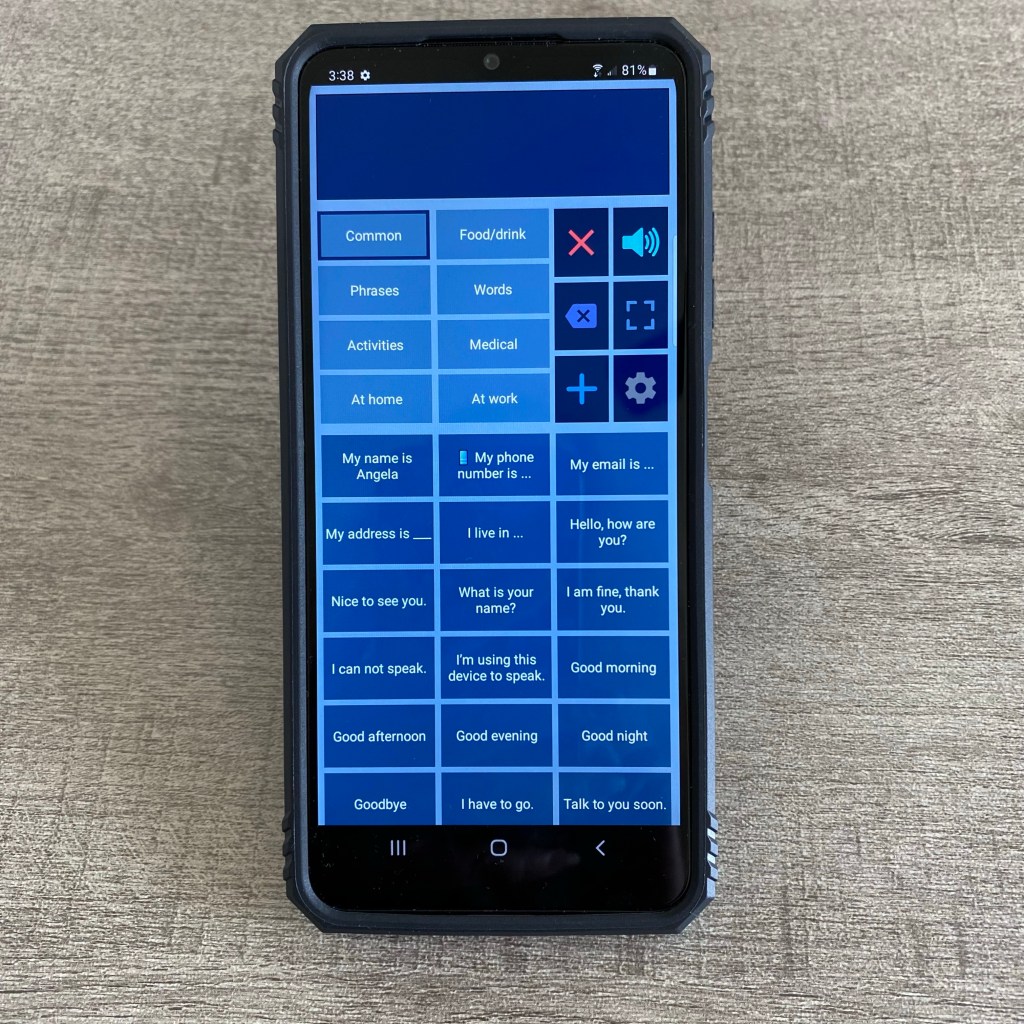
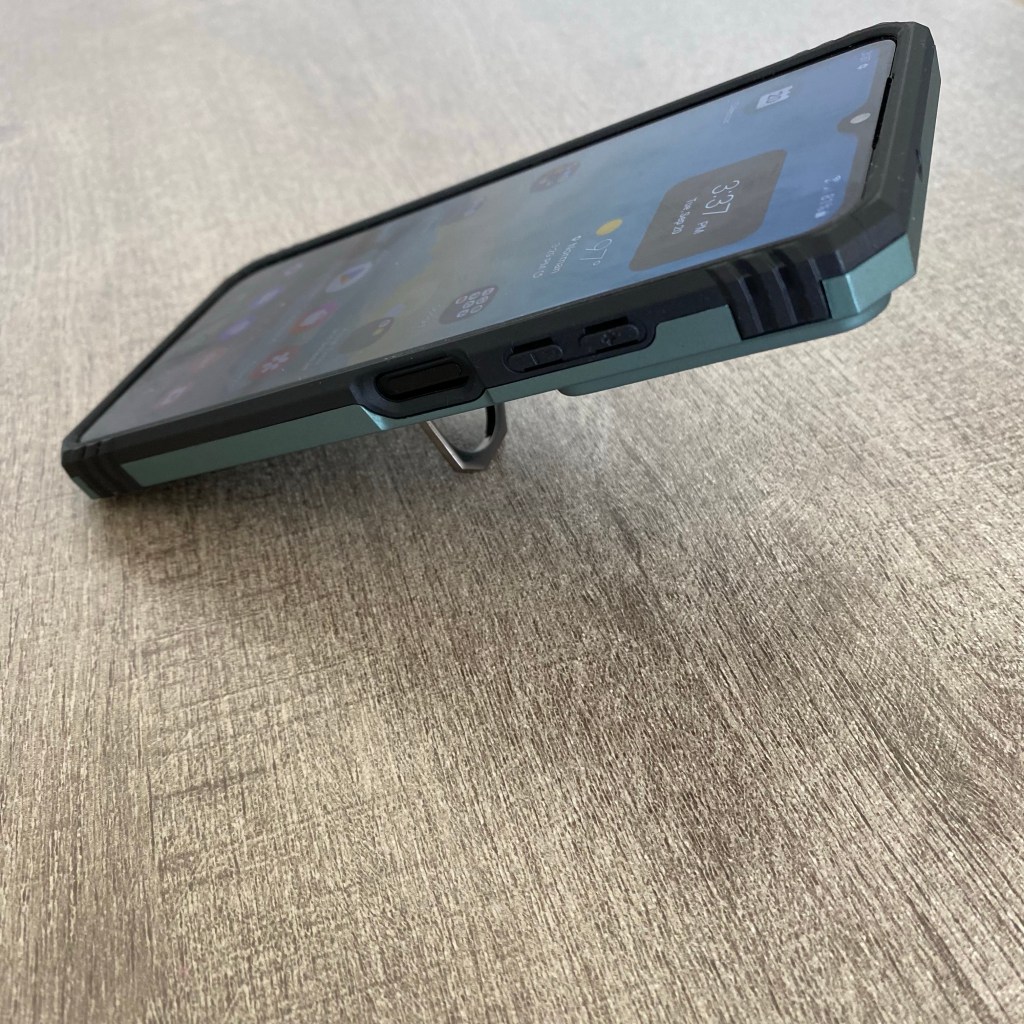

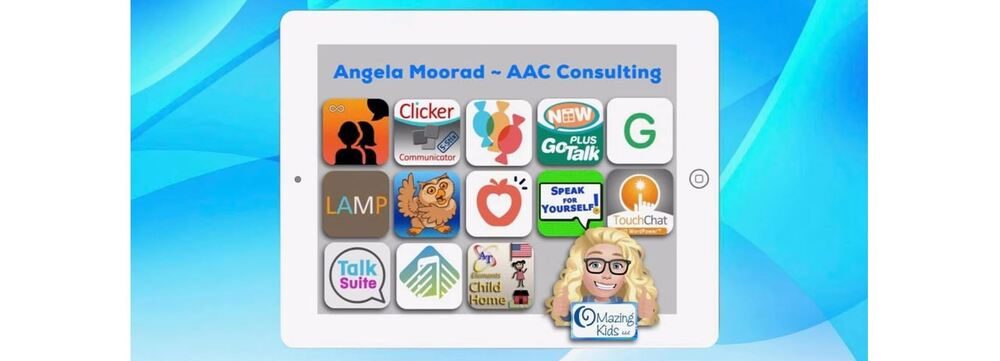
See this video for a look at some of the AAC apps I have installed on it:
A short video specifically about Speech Assistant AAC on an Android phone:
And a longer in-depth video about Speech Assistant AAC on an Android phone that shows more about the app and all of the Settings:
Sound comparison test:
See more details on my updated blog post: https://omazingkidsllc.com/2021/03/22/pocket-sized-aac/
Looking for Affordable and Free AAC apps? Check out this resource: Basic Feature Chart for Affordable and Free AAC apps & AAC-Related Apps (iOS, Android Google Play, Amazon Fire, Windows + a few Web-Based options): https://bit.ly/BasicAffordableAACchart. More info: https://bit.ly/BasicAffordableAACblogpost
Looking for Robust AAC options for Android? Check out this resource: Robust Android AAC (Android Google Play & Amazon Fire): https://bit.ly/RobustAndroidAACappChart. More info: https://bit.ly/RobustAndroidAACblogpost
Several videos comparing AAC apps across platforms (iPad, Android, Amazon Fire, Windows): https://bit.ly/5aacFeatureMatchingResources
Info about much more expensive but fundable pocket-sized AAC devices can be found on this post: https://omazingkidsllc.com/2021/03/22/pocket-sized-aac/
Have a question? The best way to reach me is via Facebook messaging over on my OMazing Kids page: https://www.facebook.com/OMazingKidsAAC/
Looking for more AAC resources? Check out the Resource Links page here on my blog: https://omazingkidsllc.com/omazing-kids-aac-resource-links
Have a question? The best way to reach me is via Facebook messaging over on my OMazing Kids page: https://www.facebook.com/OMazingKidsAAC/
Angela Moorad, MS, CCC-SLP, Founder of OMazing Kids, LLC, OMazing Kids AAC Consulting
• Teachers Pay Teachers Store: https://www.teacherspayteachers.com/Store/Omazing-Kids-Aac-Consulting
• YouTube: https://youtube.com/user/amoorad1
• Ko-Fi: https://ko-fi.com/omazingkidsaac
• OMazing Kids AAC Consulting Facebook Page: https://www.facebook.com/OMazingKidsAAC/
• AppPeeps Facebook Group: https://www.facebook.com/groups/OMazingKidsAppPeeps/
• GoTalk Now AAC & GoVisual Visual Scene Apps – Ideas and Sharing Facebook Group: https://bit.ly/GoTalkNowAACappGroup
• Instagram: https://www.instagram.com/omazingkidsaac
• X (formerly Twitter): https://www.x.com/amoorad
• Pinterest: http://pinterest.com/OMazingKids/
• Linktree: https://linktr.ee/amoorad1
• LinkedIn: https://www.linkedin.com/in/angelamooradomazingkidsaac
• AppRaven AAC App Collections: https://bit.ly/AAConAppRaven
• Blog: https://omazingkidsllc.com / Resource Links page: https://omazingkidsllc.com/omazing-kids-aac-resource-links

