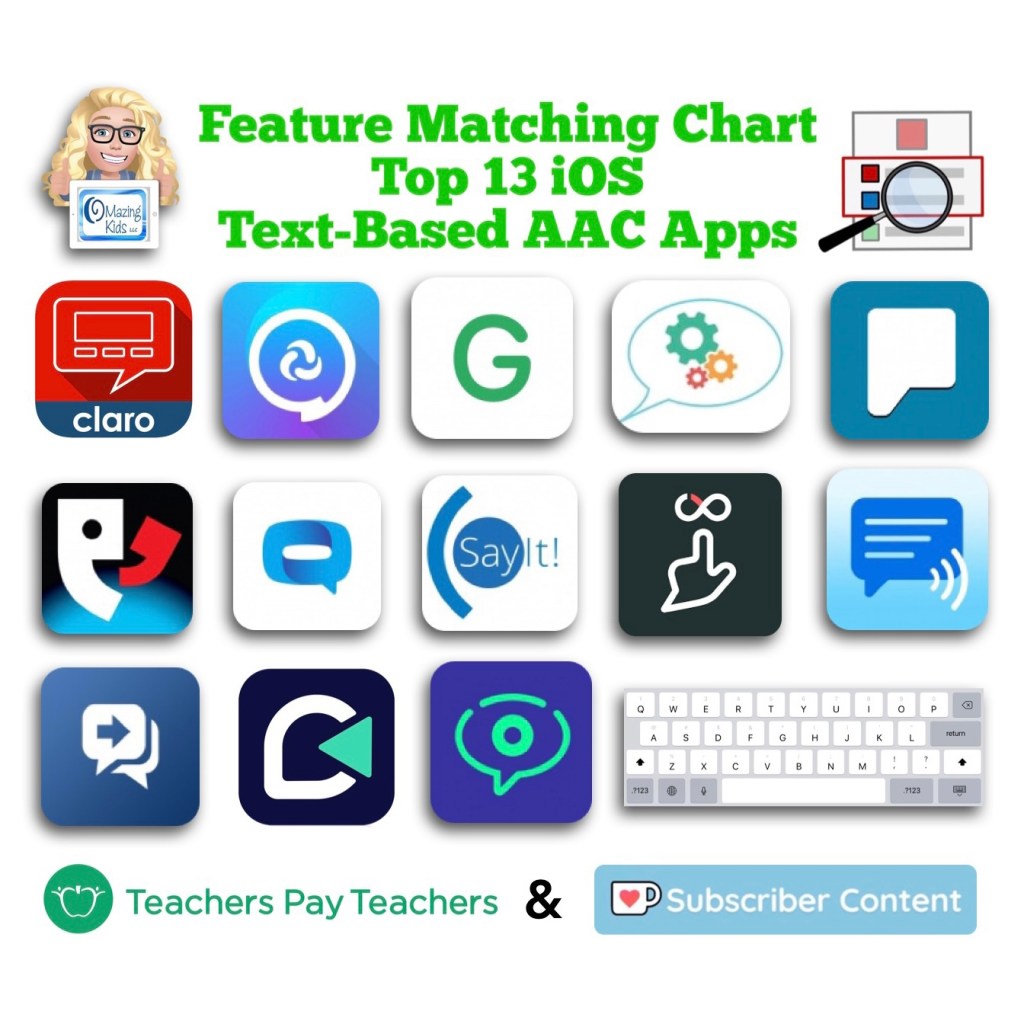
* New * Feature Matching Chart for the Top 13 iOS Text-Based AAC Apps

This highly requested resource is now available to Ko-fi subscribers (see this post on 2/8/22: https://ko-fi.com/post/-NEW-Feature-Matching-Chart-for-the-Top-Tex-L3L3AF857) and on Teachers Pay Teachers: https://www.teacherspayteachers.com/Product/Feature-Matching-Chart-for-the-Top-13-iOS-Text-Based-AAC-Apps-7740844


Watch the TPT preview video where I’m viewing the PDF on my iPad in the free Xodo app. You’ll get a feel for how much info will be at your fingertips in this chart. There are 85 rows in the chart. But it’s super easy to use the “search” option to find what you want quickly.
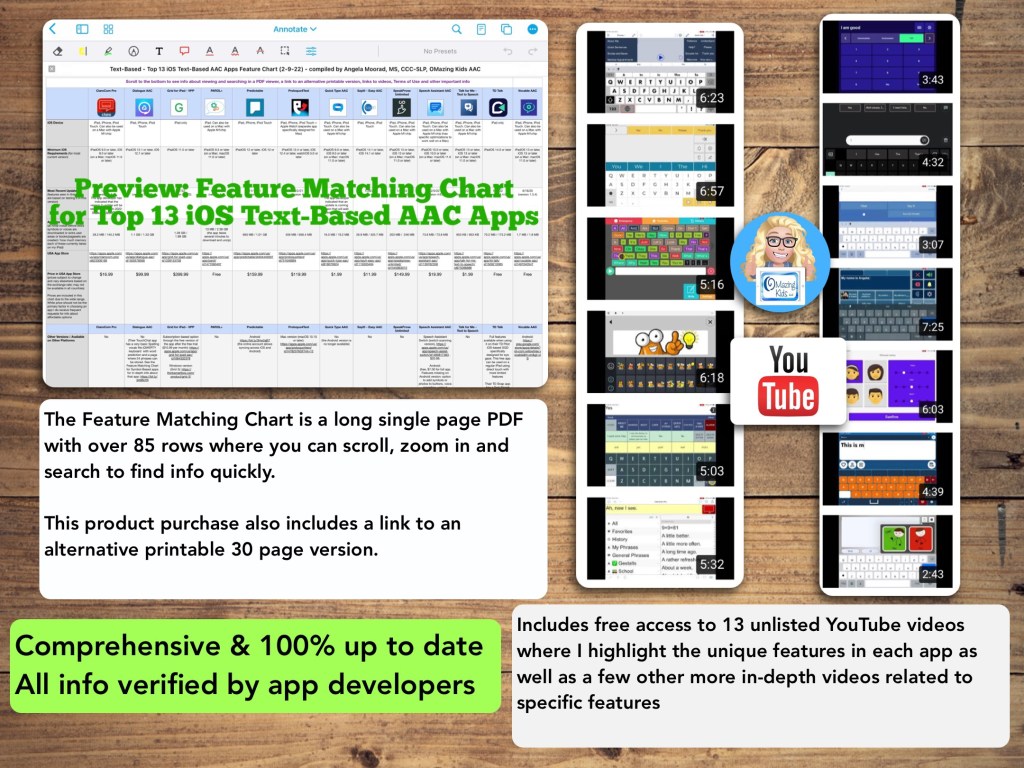


This resource includes an in-depth comparison of features & support resources across the most commonly used 13 iOS text-based AAC apps:

• ClaroCom Pro

• Dialogue AAC

• Grid for iPad VPP

• PAROL+

• Predictable

• Proloquo4Text

• Quick Type AAC

• SayIt! – Easy AAC

• SpeakProse Unlimited

• Speech Assistant AAC

• Talk for Me – Text for Speech

• TD Talk

• Vocable AAC

(** Note: Verbally and Verbally Premium are not included since both are no longer available for purchase in the App Store as of 2/1/22 **)


Inclusion in the “Top 13” is based on features, long term availability of apps by that developer in the App Store, good history of that app developer updating apps, no subscription required or having a 1x purchase alternative, having patients who benefited from using the app, gathering data from app recommendations from SLPs who have expertise in AAC, etc. and then distilling all that info into one PDF. You can search to find exactly what you’re looking for and can copy wording from this chart and paste it into your AAC reports to save time.

** All info is comprehensive, 100% up to date and verified by app developers **

I will be maintaining and updating this chart to help meet the need for current and comprehensive info to be used in feature matching.

Includes info about features in these particular apps that may be helpful as folks are exploring ways to modify AAC for Gestalt Language Processors.

This product includes free access to 13 unlisted YouTube videos where I highlight some of the most unique features in each app as well as a few other more in-depth videos related to specific features

A link to the Alternative Printable Version can be found at the very bottom left corner within this PDF. That will allow you access to a separate PDF that can be downloaded and is formatted for printing. The link to that changes every month as I update this resource.

See the full description on TPT for more important info.

—————-

Have questions? The best way to reach me with any questions is via messaging on the OMazing Kids Facebook page: https://www.facebook.com/OMazingKidsAAC/. That way AAC related messages don’t get lost among the spam in my e-mail.

———————

Looking for info about symbol-based AAC apps? See this resource: https://www.teacherspayteachers.com/Product/Feature-Matching-Chart-for-the-Top-12-Robust-iOS-Symbol-Based-AAC-Apps-6867853. More info on this blog post: https://omazingkidsllc.com/2022/01/29/updated-expanded-feature-matching-chart-for-the-top-12-robust-ios-symbol-based-aac-apps/

————————

Angela Moorad, MS, CCC-SLP, Founder of OMazing Kids, LLC, OMazing Kids AAC Consulting

Updated & Expanded: Feature Matching Chart for the Top 12 Robust iOS Symbol-Based AAC Apps

Updated & expanded: Feature Matching Chart for the Top 12 Robust iOS Symbol-Based AAC Apps: https://www.teacherspayteachers.com/Product/Feature-Matching-Chart-for-the-Top-12-Robust-iOS-Symbol-Based-AAC-Apps-6867853

This resource now includes the following AAC apps:

  • Avaz AAC – Lifetime Edition
  • Clicker Communicator: AAC
  • CoughDrop
  • GoTalk Now / GoTalk Now Plus
  • Grid for iPad VPP
  • LAMP Words for Life
  • Niki Talk 2 Pro
  • Proloquo2Go
  • Speak for Yourself
  • Talk Suite Pro
  • TD Snap AAC (formerly known as Snap Core First)
  • TouchChat HD with WordPower

What’s new:

  • Niki Talk 2 Pro has been added as the 12th app in the chart
  • The chart now has 105 rows with in-depth up to date info about features in the top 12 iOS symbol-based AAC apps
  • Includes a handout that I created listing the 27 languages have a translation + at least one voice in the iOS version of the CoughDrop AAC app
  • Includes links to 12 separate “quick look” unlisted YouTube videos showing an overview of the unique features in each of the apps as well as several other more in-depth videos related to specific features
  • Includes info about any new features added in the apps since 12/4/21

.

As of 4/15/22, the symbol-based feature matching resource now includes a supplemental handout “Unique Features in Symbol-Based AAC Apps to Support Gestalt Language Processors”. That handout includes info related to all 12 apps + additional info about features in 8 free and affordable symbol-based AAC apps (mainly iOS, some Android and a couple of Window) priced $2.99 or less. This supplemental handout is exclusive content that is only available as part of this resource.

See a preview of the new supplemental handout: Unique Features in Symbol-Based AAC Apps to Support Gestalt Language Processors


Preview:


Updated 4/15/21

Thanks SO much to Lauren S. Enders for this shout out for my AAC Feature Matching Chart in her presentation on 6/24/21 at AAC in the Cloud! See the whole presentation and get her handouts for “Personalizing AAC – A Deep Dive into Vocabulary Customization”: https://presenters.aacconference.com/videos/UVRRd1FUSXg=?. Be sure to also check out her Waklet with links to resources: https://wke.lt/w/s/7ldtJE.


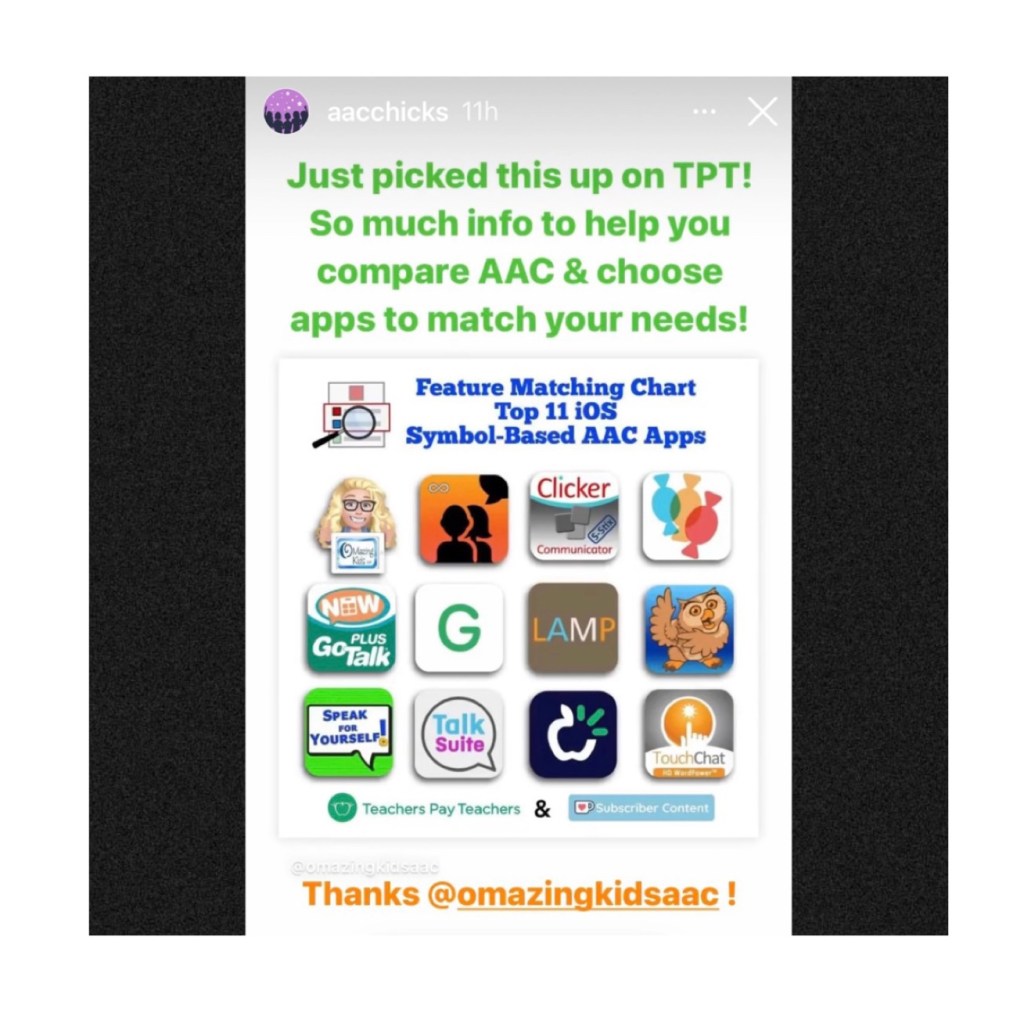
Thanks Vicki Clarke / Dynamic Therapy Associates Inc (aacchicks)! The shoutout for the AAC feature matching chart in your IG Stories on 7/20/21 made my day 🥰


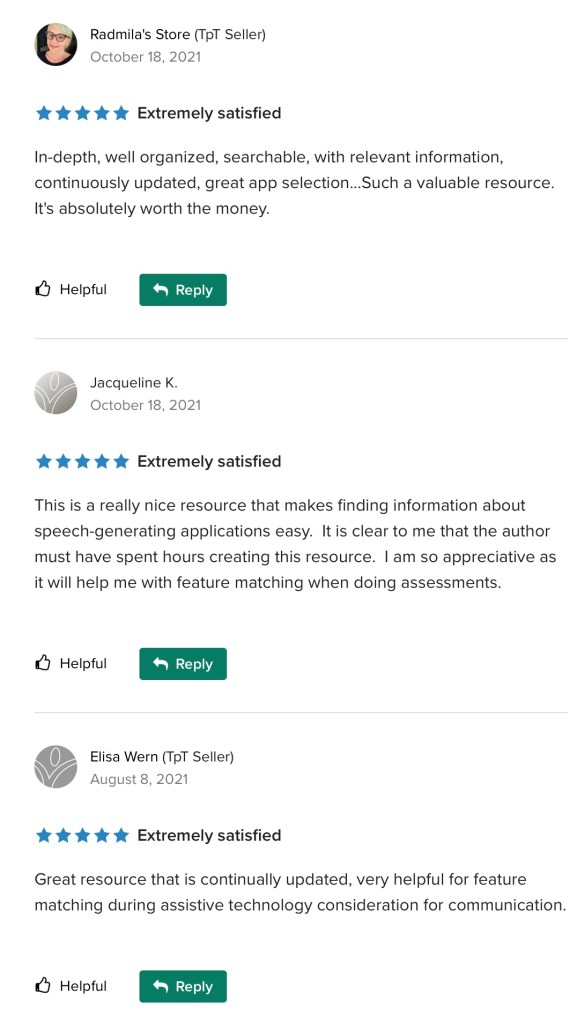
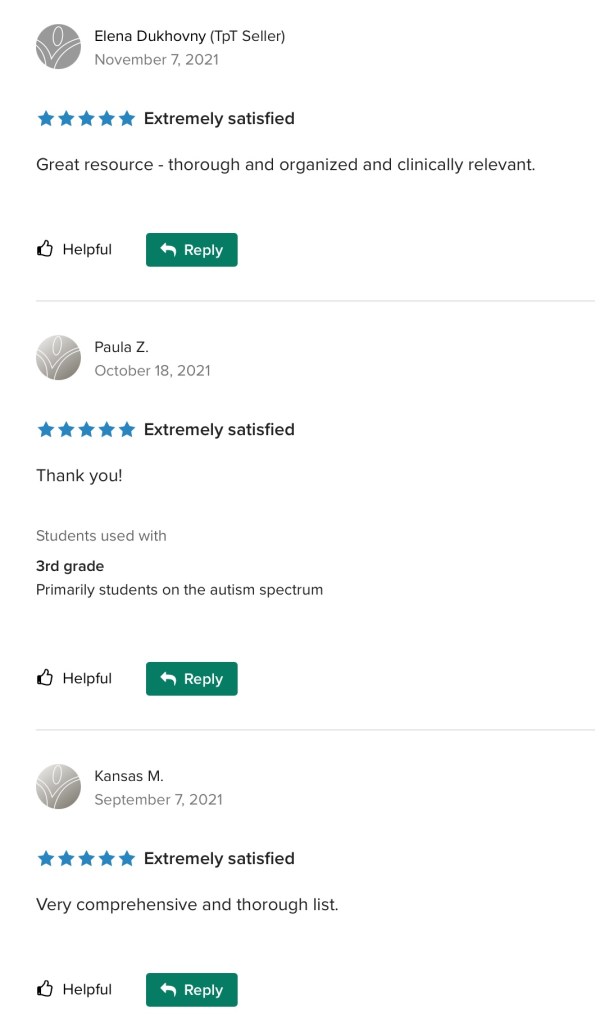
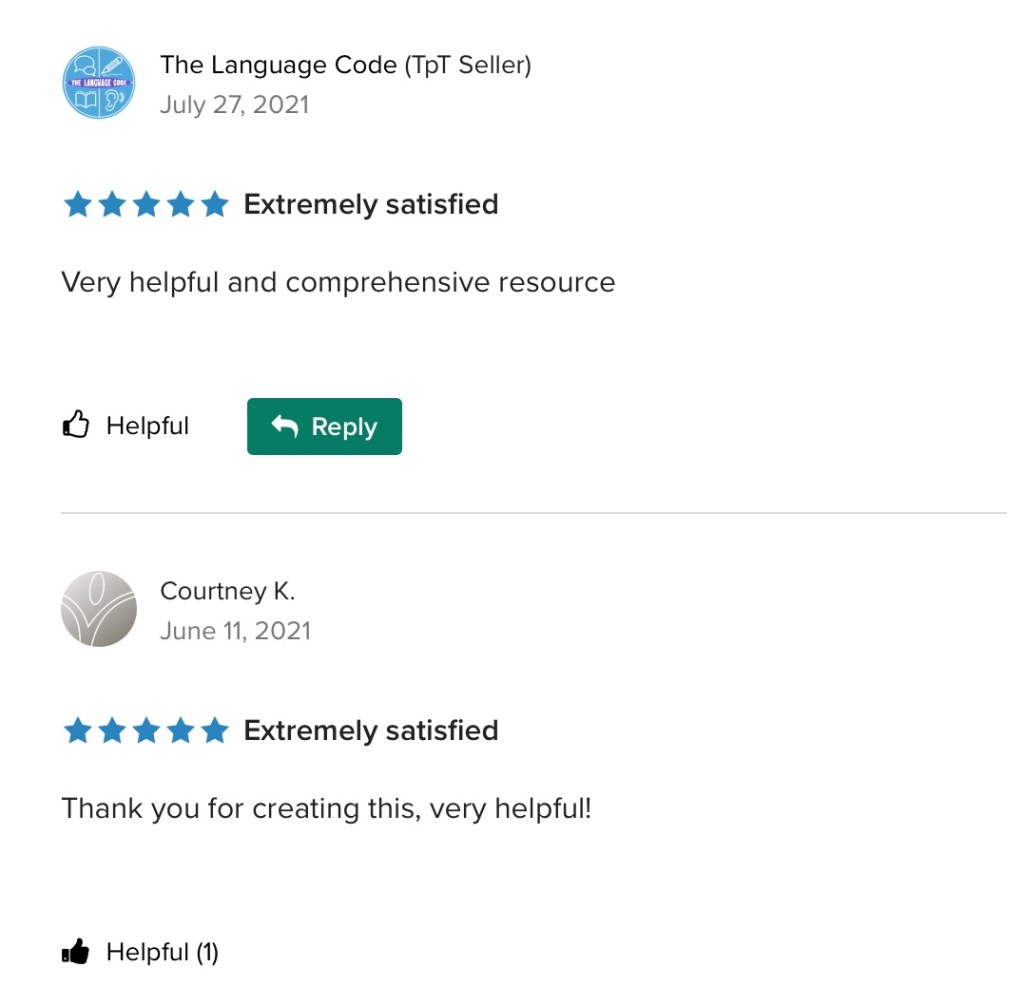
See the awesome reviews for it on TPT. Thanks to everyone who has written a review and helped spread the word about this resource 😊


Ko-fi subscribers can access the new version in today’s post (1/29/22): https://ko-fi.com/post/Updated-Feature-Matching-Chart-12922-C0C49VB5D


Looking for info about text-based AAC apps? Check out this resource: https://www.teacherspayteachers.com/Product/Feature-Matching-Chart-for-the-Top-13-iOS-Text-Based-AAC-Apps-7740844

More info: https://omazingkidsllc.com/2022/02/09/new-feature-matching-chart-for-the-top-13-ios-text-based-aac-apps/.


Have a question? The best way to reach me is via Facebook messaging over on my OMazing Kids page: https://www.facebook.com/OMazingKidsAAC/.


Angela Moorad, MS, CCC-SLP, Founder of OMazing Kids, LLC, OMazing Kids AAC Consulting

Updated Feature Matching Chart for the Top 11 Robust iOS Symbol-Based AAC Apps (12-4-21)

See this post for the newest update: https://omazingkidsllc.com/2022/01/29/updated-expanded-feature-matching-chart-for-the-top-12-robust-ios-symbol-based-aac-apps/

This month’s update for the Feature Matching Chart for the top 11 robust iOS symbol-based AAC apps has been uploaded on Teachers Pay Teachers: https://www.teacherspayteachers.com/Product/Feature-Matching-Chart-for-the-Top-11-Robust-iOS-Symbol-Based-AAC-Apps-6867853.

Ko-Fi subscribers can access it on today’s post 12-4-21: https://ko-fi.com/post/Updated-AAC-Feature-Matching-Chart-12-4-21-P5P379G60


Have a question? The best way to reach me is via Facebook messaging over on my OMazing Kids page: https://www.facebook.com/OMazingKidsAAC/.


Angela Moorad, MS, CCC-SLP, Founder of OMazing Kids, LLC, OMazing Kids AAC Consulting

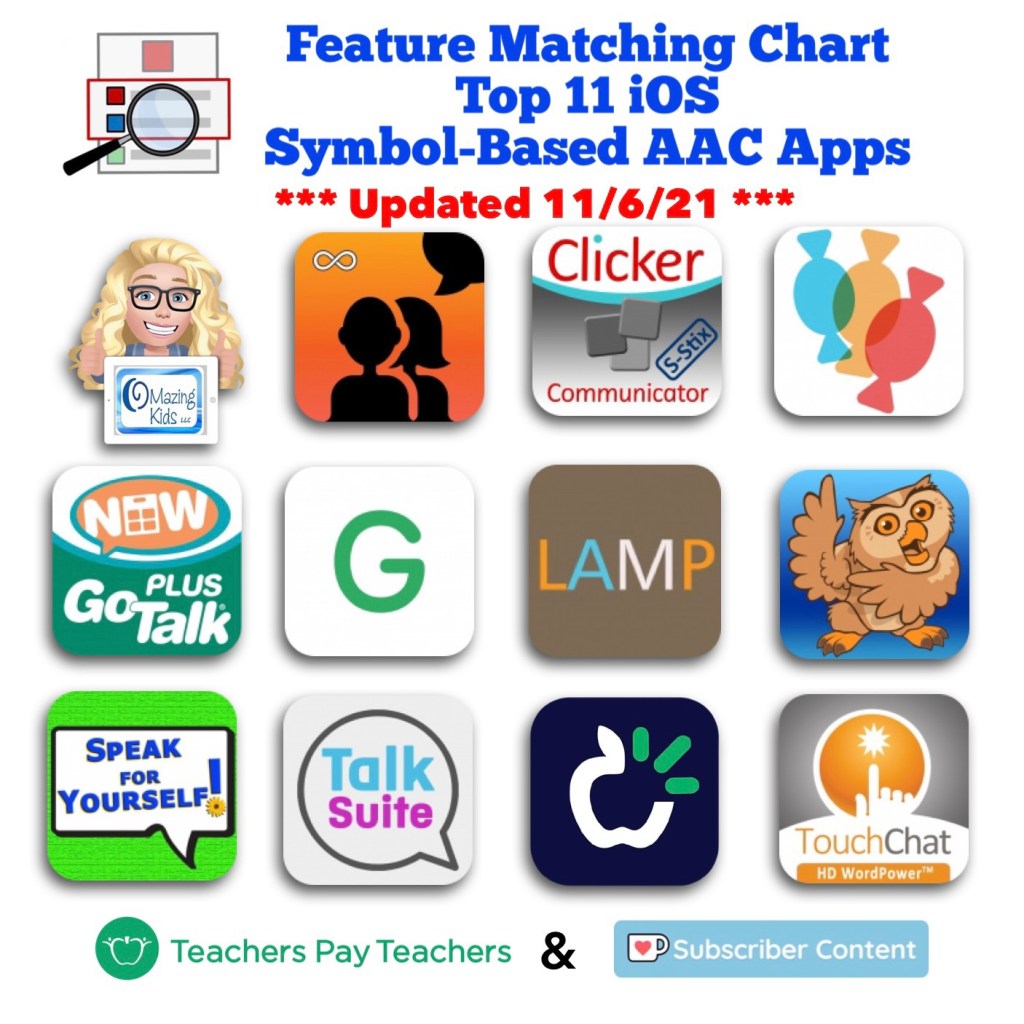
Updated Feature Matching Chart for the Top 11 iOS Symbol-Based AAC Apps (11/6/21)

See this post for the newest update. A 12th app has been added: https://omazingkidsllc.com/2022/01/29/updated-expanded-feature-matching-chart-for-the-top-12-robust-ios-symbol-based-aac-apps/

Updated Feature Matching Chart for the Top 11 iOS Symbol-Based AAC Apps (11/6/21). There is a designation on rows for features that may be helpful as folks are exploring ways to modify AAC for Gestalt Language Processors. The quickest way to find those is to view the PDF in the free Xodo PDF viewer (http://www.xodo.com…. Go to this on their new website: https://pdf.online/pdf-viewer) and then search “gestalt”.

The most update has been uploaded to TPT: https://www.teacherspayteachers.com/Product/Feature-Matching-Chart-for-the-Top-11-Robust-iOS-Symbol-Based-AAC-Apps-6867853

Ko-fi subscribers can get the update at: https://ko-fi.com/post/AAC-Feature-Matching-Chart-updated-11-6-21-A0A26VTUY (*** Be sure to go out to a full browser after tapping on the link here. See this video: https://youtube.com/shorts/vnd1BfG8-n0?feature=share)


Have a question? The best way to reach me is via Facebook messaging on my OMazing Kids page: https://www.facebook.com/OMazingKidsAAC/


Angela Moorad, MS, CCC-SLP, Founder of OMazing Kids, LLC, OMazing Kids AAC Consulting

Teachers Pay Teachers Store: https://www.teacherspayteachers.com/Store/Omazing-Kids-Aac-Consulting

YouTube: https://youtube.com/user/amoorad1

Ko-Fi: https://ko-fi.com/omazingkidsaac

OMazing Kids AAC Consulting Facebook Page: https://www.facebook.com/OMazingKidsAAC/

AppPeeps Facebook Group: https://www.facebook.com/groups/OMazingKidsAppPeeps/

GoTalk Now AAC App – Ideas and Sharing Facebook Group: https://bit.ly/GoTalkNowAACappGroup

Instagram: https://www.instagram.com/omazingkidsaac

Twitter: https://www.twitter.com/amoorad

Pinterest: http://pinterest.com/OMazingKids/

Linktree: https://linktr.ee/amoorad1

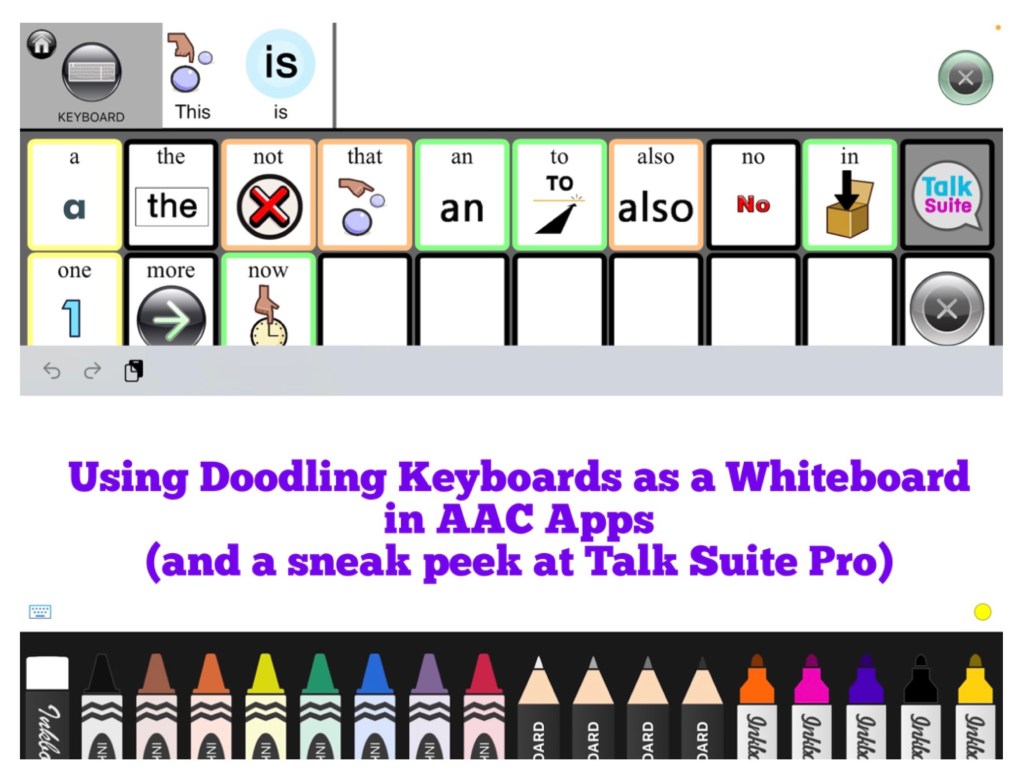
Using Doodling Keyboards as a Whiteboard in AAC Apps (plus a sneak peek at Talk Suite Pro)

Using Doodling Keyboards as a Whiteboard in AAC Apps (plus a sneak peek at Talk Suite Pro)

I’m working on an update for the Feature Matching Chart for the Top 10 (soon to be the Top 11) iOS Symbol-Based AAC Apps. As I was adding more info to the row about “Button Action to Open a Whiteboard”, I thought about how cool it would be to have a work-around for adding a drawing area to apps that don’t have that feature. Guess what… there is!

AAC apps that allow use of the iOS Keyboard open up the possibility of using a whole array of keyboard extension apps. As I searched the App Store I found three “doodling” keyboard apps that I liked and they worked well within those AAC apps. These doodling keyboard areas could be used as an additional means of communication, just for fun or even as a way for some AAC users to draw their own pictures to then be used as symbols on buttons within their AAC app.


Apps seen in the video:

Talk Suite Pro, https://apps.apple.com/us/app/talk-suite-pro/id1079239198, iPad only, iPadOS 9.0 or later

Inkboard, https://apple.co/3wRuKqA, iOS Universal, iOS 12.0 or later (this one was my favorite since it has so many different drawing tools)

DrawBoard Keyboard for Doodling, https://apple.co/3ilRMQP, iOS Universal, iOS 8.0 or later

ScribbleKey, https://apple.co/3hJbqao, iOS Universal, iOS 8.0 or later


Want to learn more about which iOS AAC apps allow use of the iOS Keyboard? Or which iOS AAC apps already include a Whiteboard area? Those are just two of the 95 rows of features included in the Feature Matching Chart. It’s available on the OMazing Kids AAC Consulting Teachers Pay Teacher store. The chart is very comprehensive, totally up to date and will be expanded in the next update to include an 11th app: https://www.teacherspayteachers.com/Product/Feature-Matching-Chart-for-the-Top-10-iOS-Symbol-Based-AAC-Apps-6867853


Angela Moorad, MS, CCC-SLP, OMazing Kids AAC Consulting

Teachers Pay Teachers Store: https://www.teacherspayteachers.com/Store/Omazing-Kids-Aac-Consulting

Ko-Fi: https://ko-fi.com/omazingkidsaac

Facebook: https://www.facebook.com/OMazingKidsAAC/

AppPeeps Group: https://www.facebook.com/groups/OMazingKidsAppPeeps/

Instagram: https://www.instagram.com/omazingkidsaac/

Twitter: https://www.twitter.com/amoorad

YouTube: https://youtube.com/user/amoorad1

Pinterest: http://pinterest.com/OMazingKids/

Linktree: https://linktr.ee/amoorad1

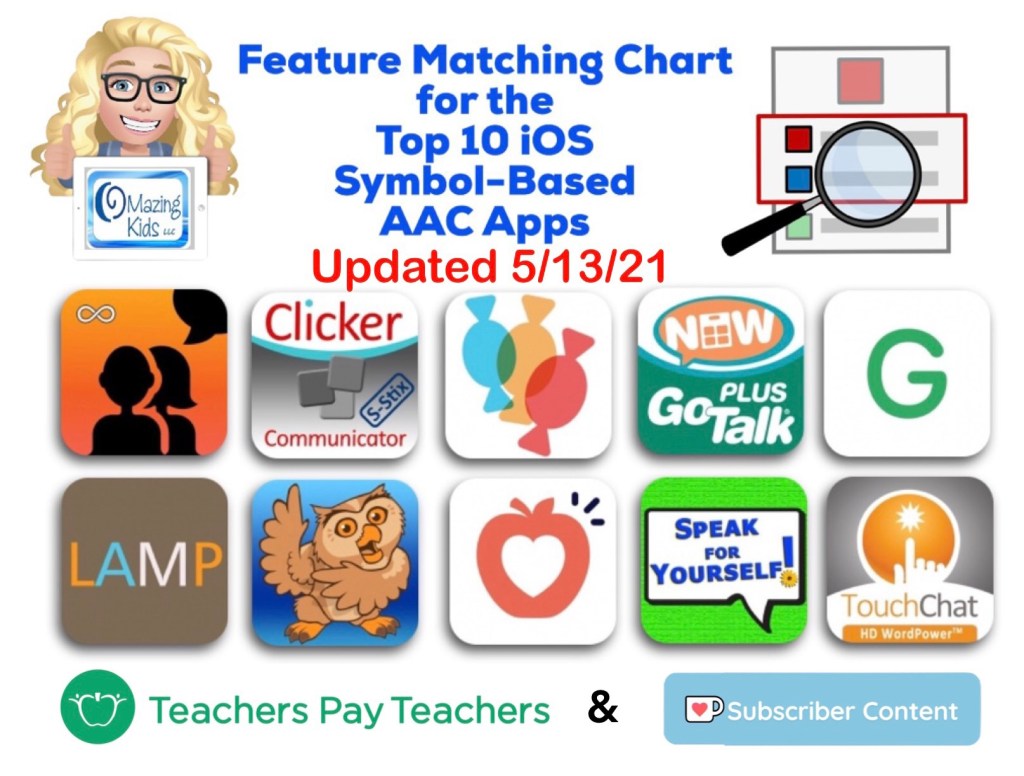
Updated AAC Feature Matching Chart (5/13/21)

*** See this new post for the most current info & a major update: https://omazingkidsllc.com/2021/07/20/feature-matching-chart-for-the-top-11-robust-ios-symbol-based-aac-apps/ ***

Here’s a summary of what’s new in this update for the Feature Matching Chart for the Top 10 iOS Symbol-Based AAC Apps:

• GoTalk Now: 5/11/21, version 5.0.6, updated Export PDF to offer multiple ways to save and share. Online Gallery temporarily closed for renovation. They did not indicate how long it will be closed.

• Grid for iPad: 5/4/21, version 3.0.64.1, update fixed bugs

• Snap Core First: Support of iOS 10 for Snap Core First software ended on May 12th, 2021.  See their post for more info: https://t.e2ma.net/click/btn9ye/3qw8flb/rl4pey

The updated version has been uploaded to my Ko-fi site.


This chart is now also available as a 1x purchase on my Teachers Pay Teachers store: https://www.teacherspayteachers.com/Product/Feature-Matching-Chart-for-the-Top-10-iOS-Symbol-Based-AAC-Apps-6867853


This document was the sole idea and creation of Angela Moorad, MS, CCC-SLP, OMazing Kids AAC Consulting, OMazing Kids, LLC, all rights reserved. © 2021 and beyond.


The best way to reach me with any questions is via private messaging on the OMazing Kids Facebook page: https://www.facebook.com/OMazingKidsAAC/. That way AAC related messages don’t get lost among the spam in my e-mail


Angela Moorad, MS, CCC-SLP, Founder of OMazing Kids, LLC OMazing Kids AAC Consulting

Teachers Pay Teachers Store: https://www.teacherspayteachers.com/Store/Omazing-Kids-Aac-Consulting

Ko-Fi: https://ko-fi.com/omazingkidsaac

Personal Professional Facebook Page (linked to OMazing Kids): https://www.facebook.com/angela.moorad (adding “friends” who have a direct role in AAC or Assistive Technology – AAC / AT app or product developers, AAC / AT consultants, SLPs who specialize in AAC, other professionals who specialize in AAC or AT, etc.)

OMazing Kids Business Facebook Page: https://www.facebook.com/OMazingKidsAAC/

AppPeeps Facebook Group: https://www.facebook.com/groups/OMazingKidsAppPeeps/

Instagram: https://www.instagram.com/omazingkidsaac/

Twitter: https://www.twitter.com/amoorad

Pinterest: http://pinterest.com/OMazingKids/

Linktree: https://linktr.ee/amoorad1

Blog: http://omazingkidsllc.com