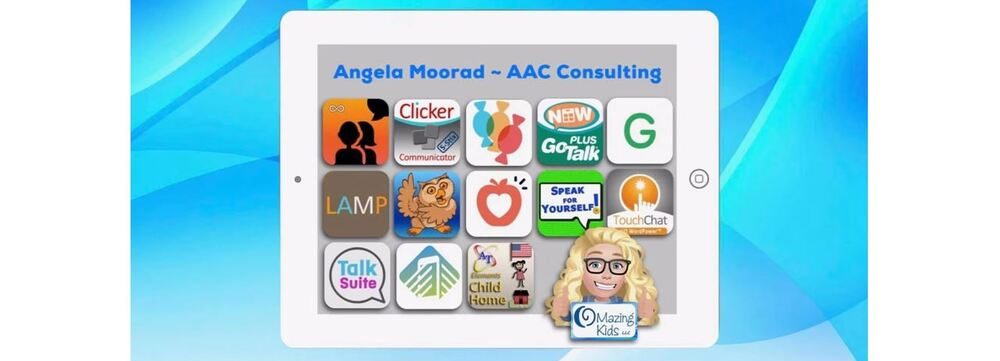
Angela Moorad, MS, CCC-SLP. Over 36 years experience in AAC. OMazing Kids AAC and app consulting. Creator of several AAC Feature Matching resources (https://omazingkidsllc.com/omazing-kids-aac-resource-links/). Includes info about unique features to support Gestalt Language Processors
Angela Moorad, MS, CCC-SLP. Over 36 years experience in AAC. Experience using almost every AAC app on iOS, Android, Amazon Fire, Chromebook and Windows devices + traditional Speech Generating Devices (SGDs). Creator of AAC-Related Resources & App-Related Resources. AAC Consulting & App Consulting.
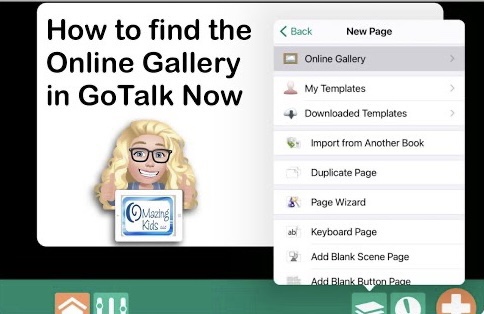
How to find the Online Gallery in the GoTalk Now or GoTalk Now Plus AAC apps
This is a screencast video showing how to find the Online Gallery in the GoTalk Now or GoTalk Now Plus AAC apps. This isn’t available when using the free Lite version or their Starter version of the app.
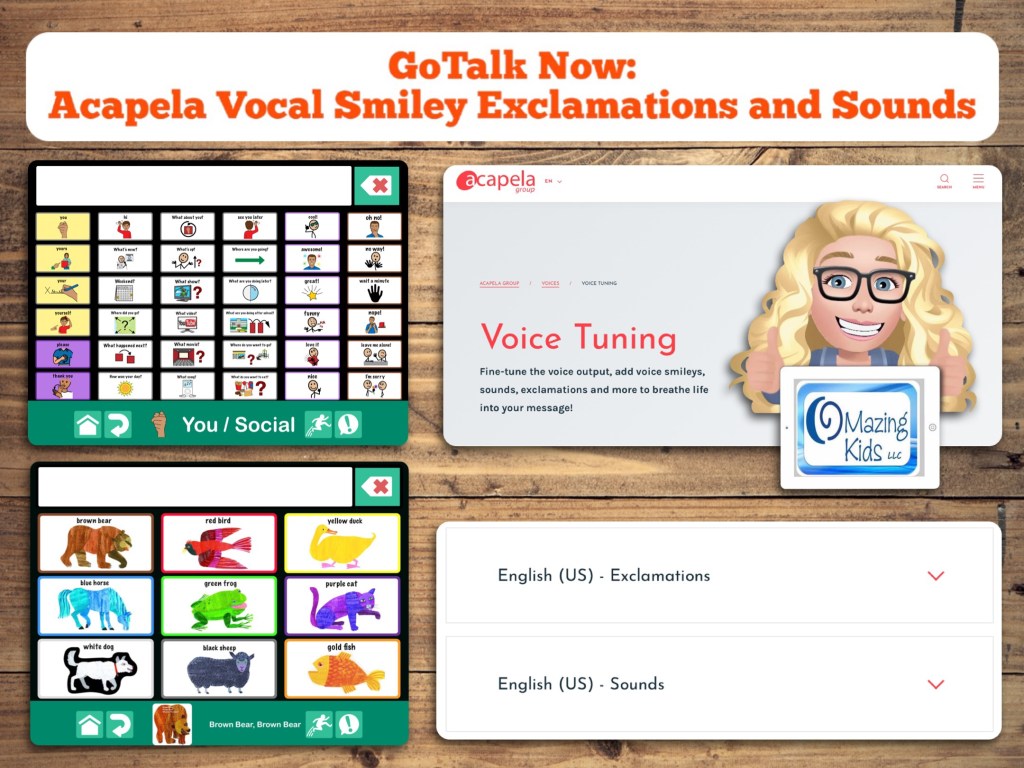
Update 4/14/23: How to add Acapela Vocal Smileys (expressions & sounds) to the LAMP Words for Life app on the iPad
Details about which AAC apps support use of the Acapela Vocal Smileys Expressions and Sounds can be found in my feature matching resources: https://bit.ly/5aacFeatureMatchingResources
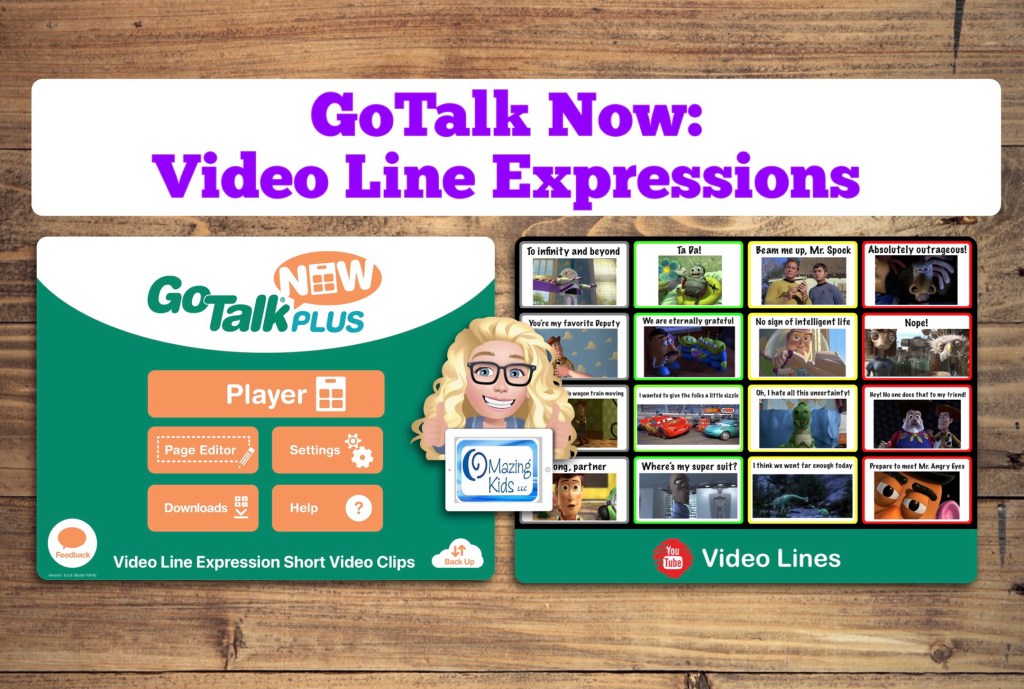
This is a Communication Book that I created in the GoTalk Now app with 16 buttons with very short video clips based on “scripts” that my patients used to express emotions or thoughts.
I’ve been following discussions about how traditional AAC options may not meet the needs of Gestalt Language Processors and have been thinking about how features in current AAC apps could be modified or used in creative ways.
The video clips are saved on the Camera Roll on this iPad. I downloaded many of them from the Yarn website where you can find videos by searching a line (https://getyarn.io). If I couldn’t find exactly what I wanted on that website then I made a very short screencast recording from YouTube.
The Online Gallery has been glitchy today. I attempted to upload this to share several times. My guess is the company’s website/servers are likely overwhelmed by all the folks who purchased the app during the sale yesterday. I’ll try again in a few days. In the meantime, I uploaded it to Dropbox: https://bit.ly/GTNvideoExpressions
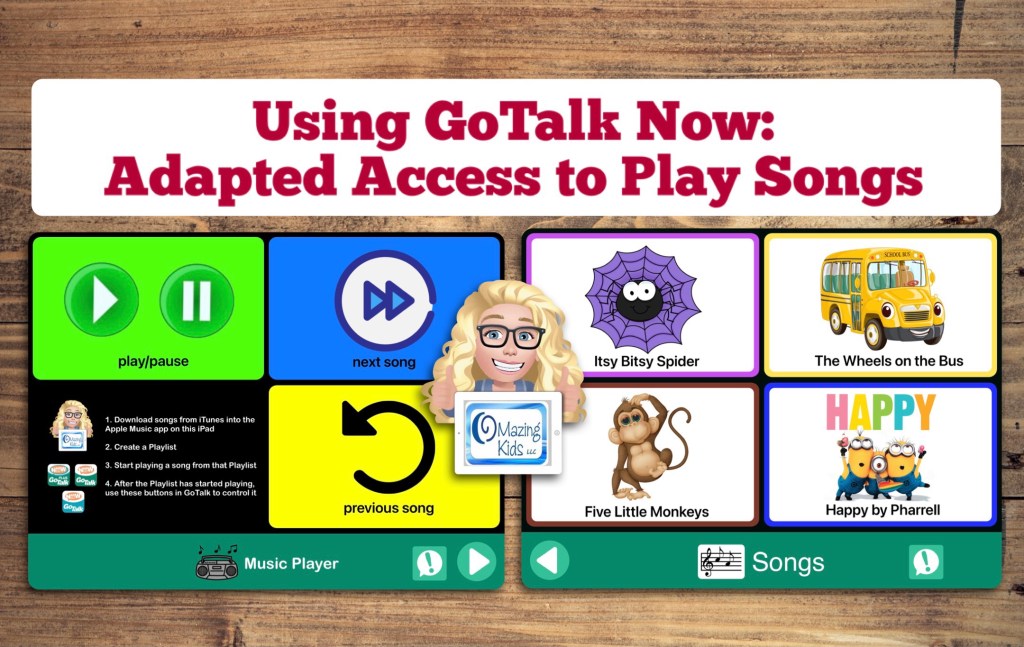
One of my favorite uses for the GoTalk Now app by Attainment Company, Inc. is to create boards to use as an adapted means of access to play music.
This video shows how to create a music player board (play/pause, next song, previous song), how to create a song board with buttons to play specific songs, and using the Expanded Quick Buttons as a means to comment or request and as a means to go between the two boards (instead of swiping or using paging buttons)
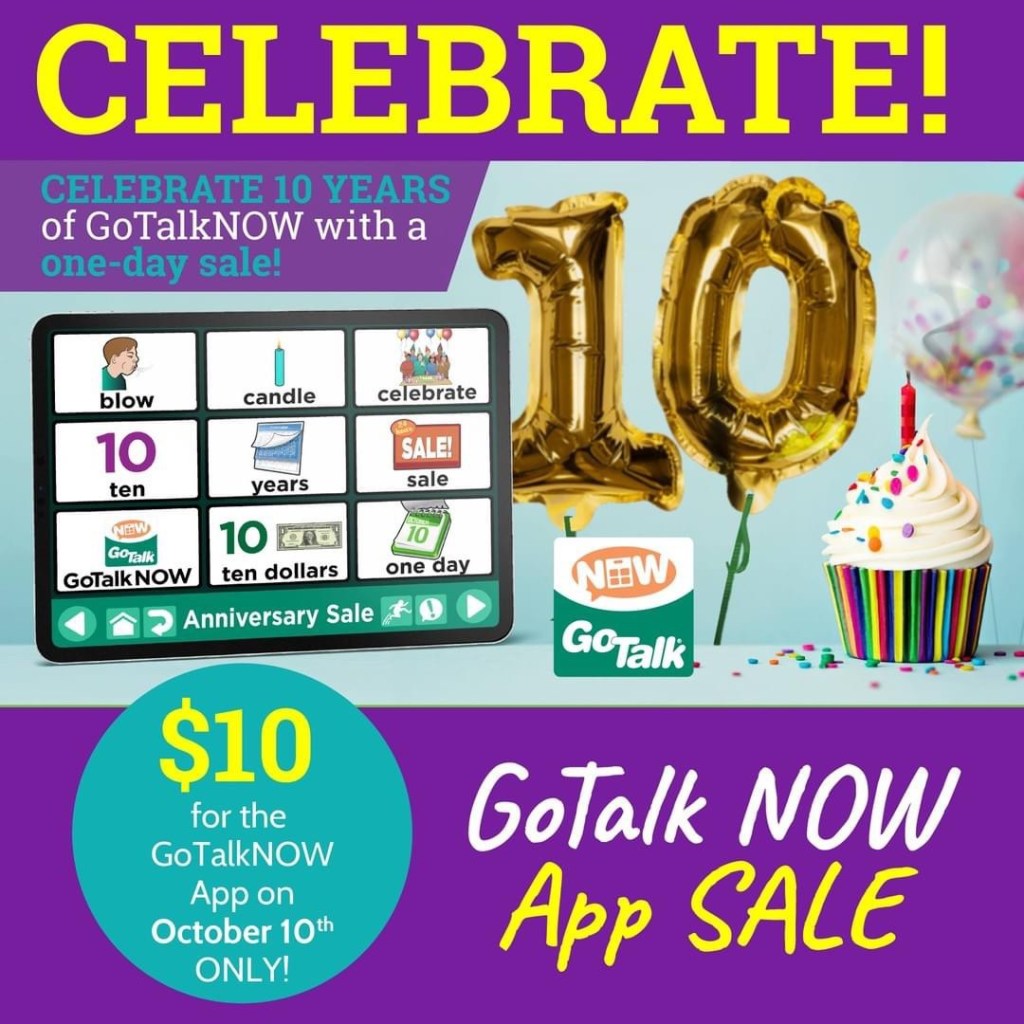
Reminder: The GoTalk Now app $10 sale is on Sunday, 10/10/21. Attainment Company, Inc. commented on this post on their Facebook page that the sale timeframe is based on the Central Time Zone.
I’m in that time zone and have noticed that prices often change at 10:00pm. You don’t want to miss this sale so be sure to purchase early in the day.
The sale only includes GoTalk Now (not the Plus version, not any in-app purchases, not any other apps) since they are celebrating the 10th anniversary of the original GoTalk Now app
The sale will be available worldwide (in every country that has an Apple App Store and has this app available)
The sale will also be available through the Apple VPP / Apple School Manager Program
AAC is as much an art as a science. There’s lots of trial and error. Lots of tweaking or combining things to meet unique needs. And user’s needs change over time. There’s no one “best” or “one size fits all” system, app or device. So it’s important to just dive in and start somewhere. Don’t let “perfect” be the enemy of good. It’s better to get something done imperfectly than to do nothing perfectly.
I love seeing videos and pictures of how others have customized AAC to meet unique needs. I think that’s why I’m active in so many different AAC related groups on Facebook. Those examples get my creativity flowing.
I don’t recall a time that I ever just used an AAC app or SGD just “as is”. I always personalized it.
I love to tinker with things and come up with creative solutions. I can tell you based on over 30 years of experience as an AAC SLP, there is no one “best”, “right” or “one size fits all” way. Not even for users with the same diagnoses. There are too many variables and above all the individual preferences of that user and their family.
Some older teens and young adults preferred to use more than one option and the freedom to pick what worked for them in that moment.
I also mash together options like using keyboard extension apps within AAC apps that allow access to those. That opens up a whole world of possibilities for adapted keyboards, calculator keyboards, whiteboard keyboards where the user can draw to communicate, etc.
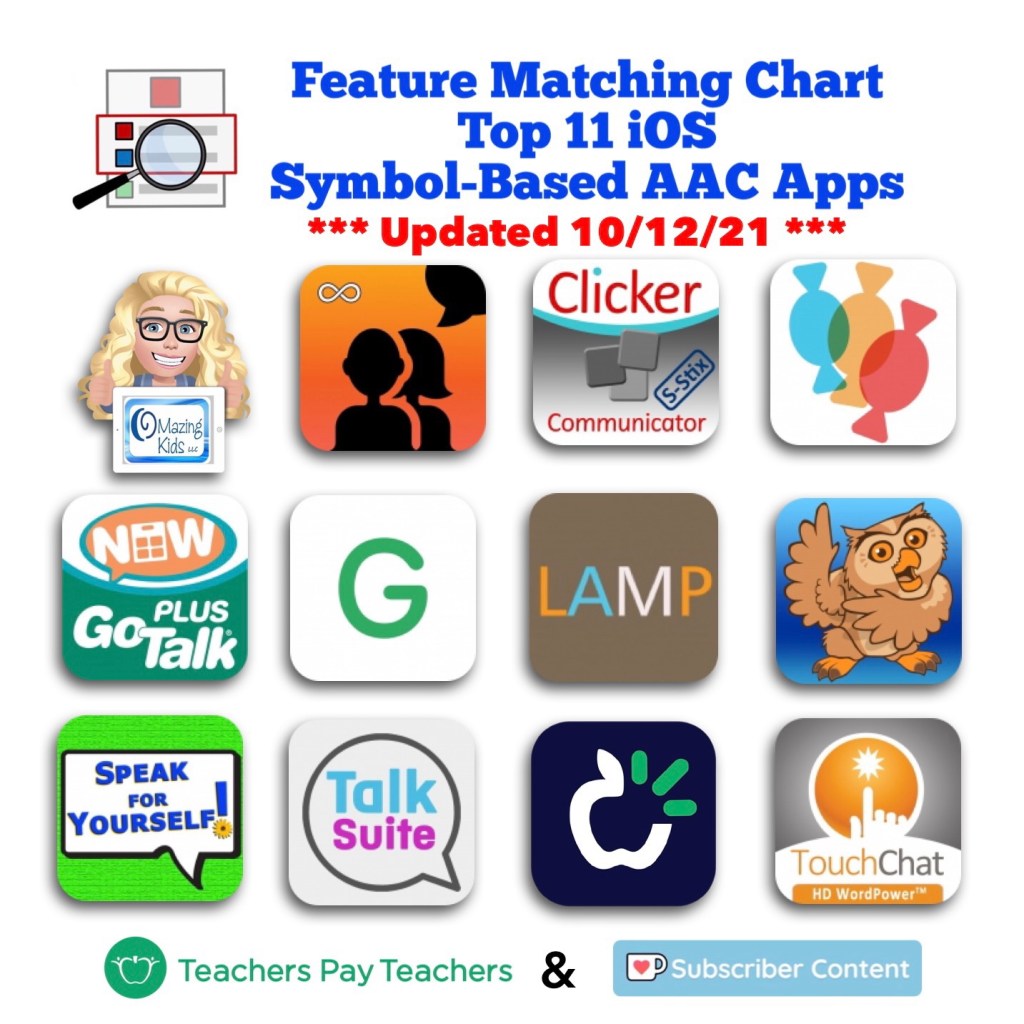
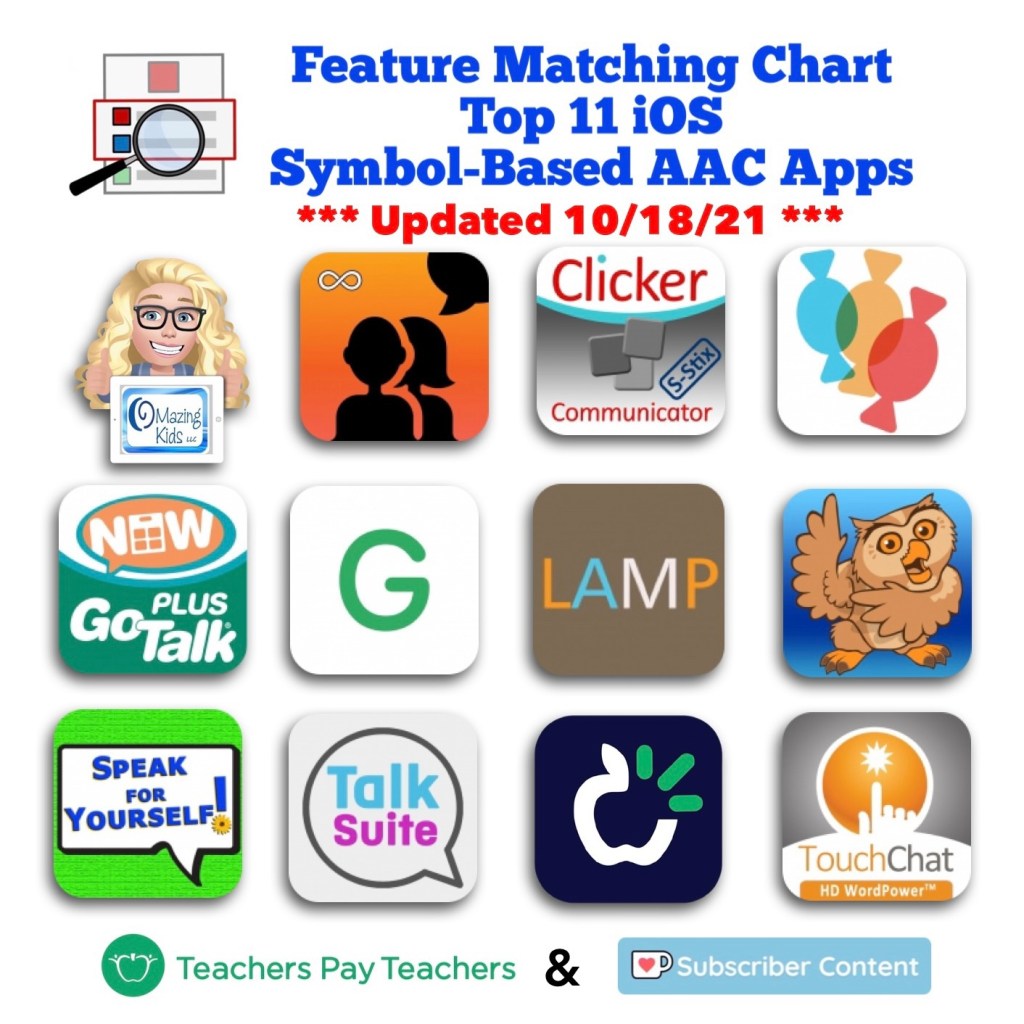
Want to learn more about the features in AAC apps in order to know what the possibilities might be? Check out the Feature Matching Chart for the Top 11 robust iOS symbol-based AAC apps:
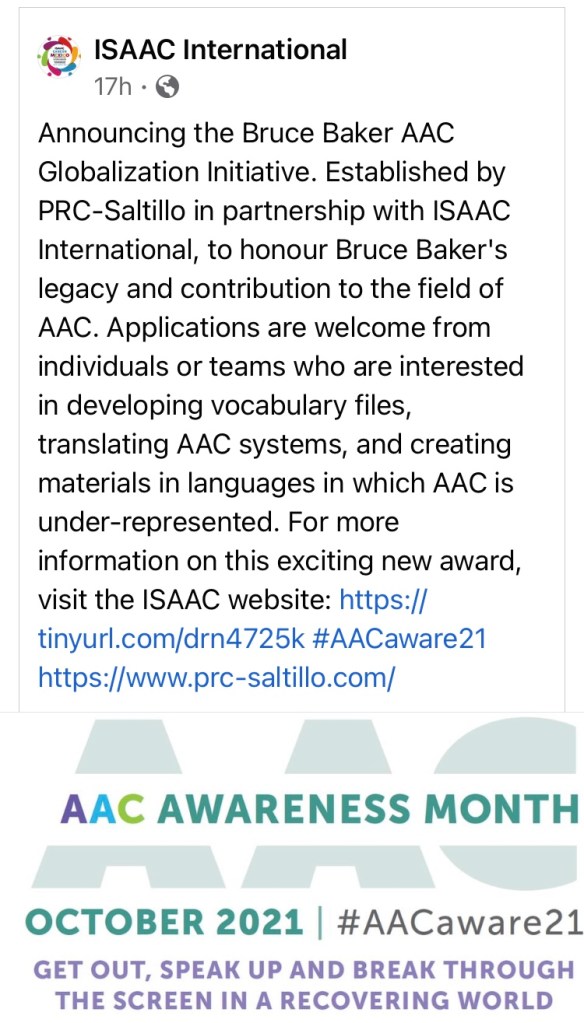
AAC Awareness Month starts tomorrow 😊 I started a new Facebook group called “GoTalk Now AAC App – Ideas and Sharing”.
The group has only been up for 18 hours and it’s been exciting to already have almost 300 folks join and share their ideas / creations.
See this post for a roundup of several posts that I’ve done over the years showing lots of creative ways to use this fabulous app:
I anticipate a ton of folks purchasing the full version of the GoTalk Now app during the unprecedented $10 sale on 10/10/21 and then needing a spot for ideas and support.
Since there isn’t an official group for this app, I decided to start one from my OMazing Kids AAC Consulting Facebook page.