
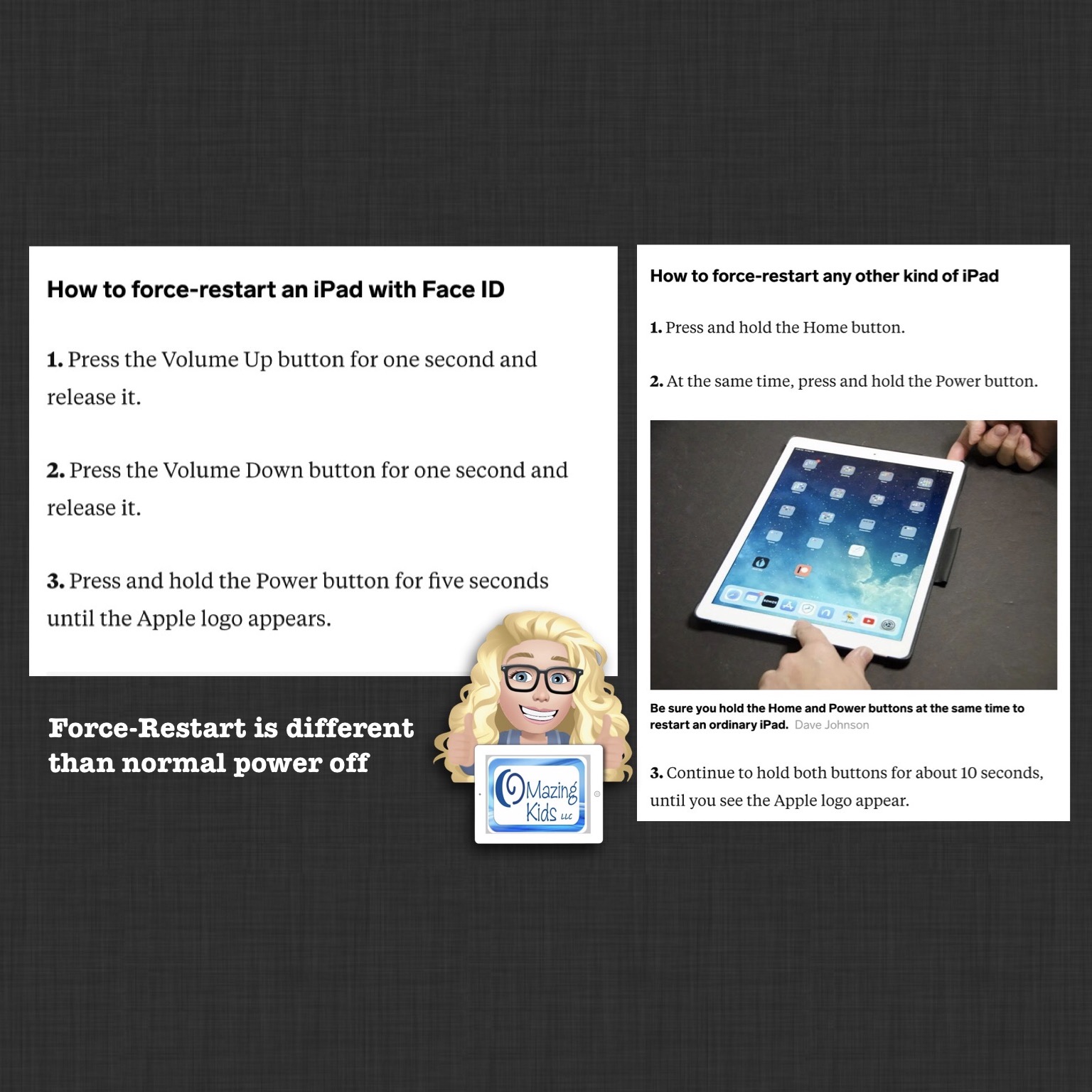
Did you know that a “force-restart” (aka “hard reboot”) is different than the normal process of turning off an iPad? It’s similar to the difference between restarting vs powering off a computer. When an app is acting glitchy a “force-restart” will often resolve this issue. Just to be safe, be sure to backup any customized programming in an AAC app BEFORE doing a force-restart
https://support.apple.com/guide/ipad/force-restart-ipad-ipad9955c007/ipados
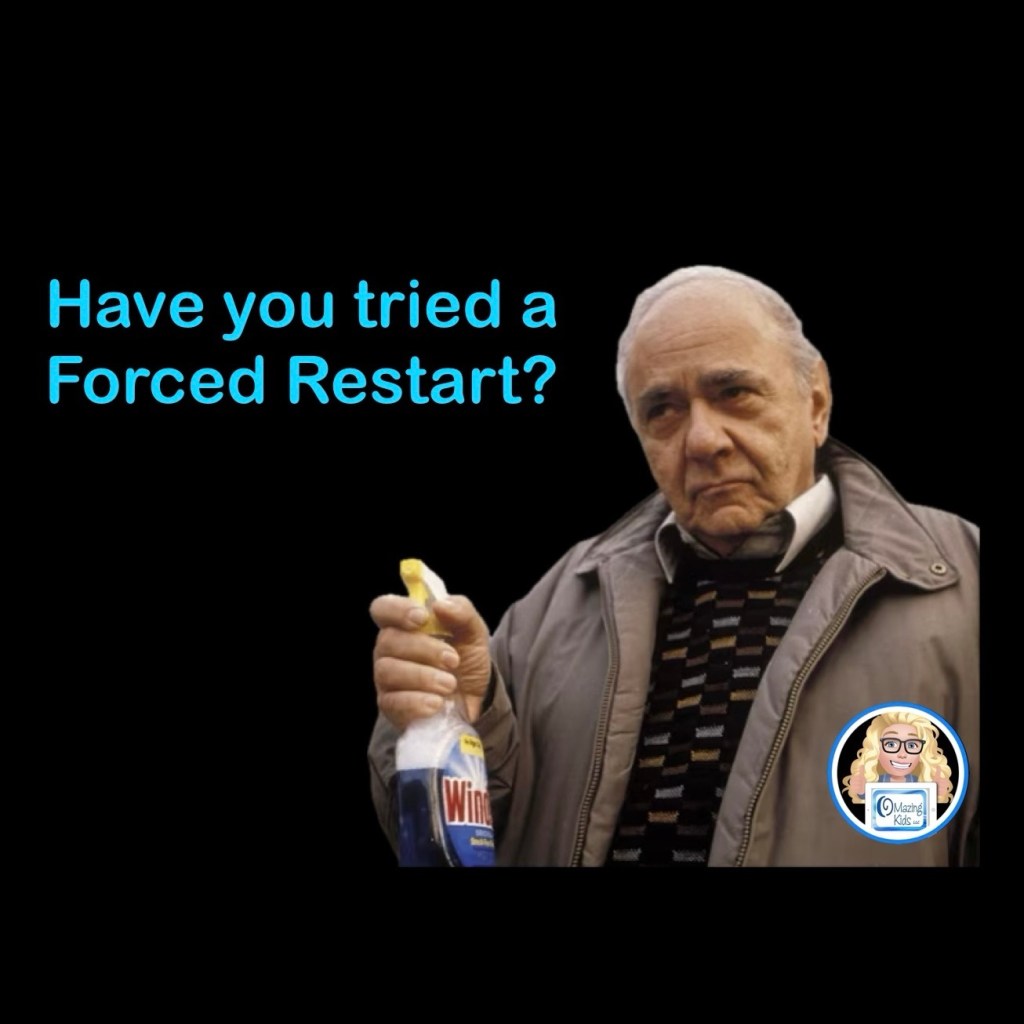
A “Forced Restart” is the blue Windex of the iPad world. I’ve had a Forced Restart fix all sorts of things from sound problems, missing symbols, app crashes, etc… (in case you haven’t seen the movie My Big Fat Greek Wedding, blue Windex is her father’s solution for every ailment 😂).
How to use Apple iOS Voice Control to do a Forced Restart (Reboot Device) without having to use the Side Buttons
How to force-restart an iPad with Face ID
1. Press the Volume Up button for one second and release it.
2. Press the Volume Down button for one second and release it.
3. Press and hold the Power button for five seconds until the Apple logo appears.
How to force-restart any other kind of iPad
1. Press and hold the Home button.
2. At the same time, press and hold the Power button.
3. Continue to hold both buttons for about 10 seconds, until you see the Apple logo appear.
This simple process often resolves the issue.
If not, there are other things to try. It’s best to look on Apple’s website for that info since the process varies based on the model of iPad & the version of iOS it is running.
Looking for in-depth AAC feature matching resources? See this blog post: https://bit.ly/5aacFeatureMatchingResources. That post also includes videos comparing the best AAC apps on various devices on various platforms.
Looking for more AAC resources? Check out the Resource Links page here on my blog: https://omazingkidsllc.com/omazing-kids-aac-resource-links
Have a question? The best way to reach me is via Facebook messaging over on my OMazing Kids page: https://www.facebook.com/OMazingKidsAAC/
Angela Moorad, MS, CCC-SLP, Founder of OMazing Kids, LLC, OMazing Kids AAC Consulting
• Teachers Pay Teachers Store: https://www.teacherspayteachers.com/Store/Omazing-Kids-Aac-Consulting
• YouTube: https://youtube.com/user/amoorad1
• Ko-Fi: https://ko-fi.com/omazingkidsaac
• OMazing Kids AAC Consulting Facebook Page: https://www.facebook.com/OMazingKidsAAC/
• AppPeeps Facebook Group: https://www.facebook.com/groups/OMazingKidsAppPeeps/
• GoTalk Now AAC & GoVisual Visual Scene Apps – Ideas and Sharing Facebook Group: https://bit.ly/GoTalkNowAACappGroup
• Instagram: https://www.instagram.com/omazingkidsaac
• X (formerly Twitter): https://www.x.com/amoorad
• Pinterest: http://pinterest.com/OMazingKids/
• Linktree: https://linktr.ee/amoorad1
• LinkedIn: https://www.linkedin.com/in/angelamooradomazingkidsaac
• AppRaven AAC App Collections: https://bit.ly/AAConAppRaven
• Blog: https://omazingkidsllc.com / Resource Links page: https://omazingkidsllc.com/omazing-kids-aac-resource-links
 OMazing Kids AAC Consulting