iPadOS 26 / iOS 26 Coming Soon – Tips to Avoid Issues with AAC Apps

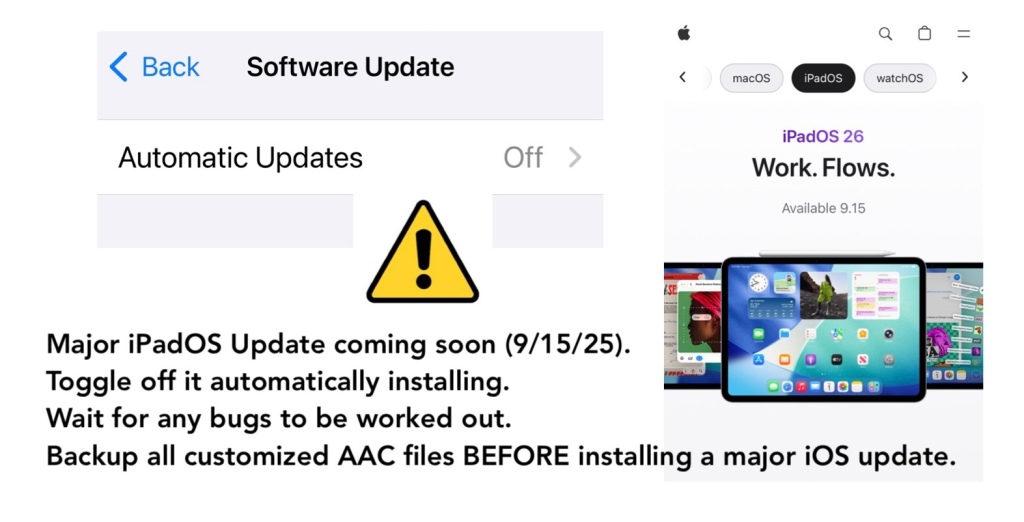
Major iPadOS / iOS update coming soon. Apple announced it will release iPadOS 26 & iOS 26 on September 15, 2025.

Tips for those using an iPad or iPhone for AAC:

  • ⚙️ Toggle off it automatically installing iOS updates in the device Settings.
  • ⏳ Wait for any bugs to be worked out. There are always things that Apple and App Developers need to fix especially after major iOS updates.
  • ⚠️ Backup all customized AAC files BEFORE installing a major iOS update.

If your device is on a MDM device management system then you may not have control over it updating but you should still have a way to backup your customized AAC vocabulary files / grid sets / page sets / board sets to safeguard them and to have a way to restore them if needed.

https://www.apple.com/os/ipados/

https://www.apple.com/os/ios/


Looking for in-depth AAC feature matching resources? See this blog post: https://bit.ly/5aacFeatureMatchingResources. That post also includes videos comparing the best AAC apps on various devices on various platforms.


Looking for more AAC resources? Check out the Resource Links page here on my blog: https://omazingkidsllc.com/omazing-kids-aac-resource-links


Have a question? The best way to reach me is via Facebook messaging over on my OMazing Kids page: https://www.facebook.com/OMazingKidsAAC/


Angela Moorad, MS, CCC-SLP, Founder of OMazing Kids, LLC, OMazing Kids AAC Consulting

• Teachers Pay Teachers Store: https://www.teacherspayteachers.com/Store/Omazing-Kids-Aac-Consulting

• YouTube: https://youtube.com/user/amoorad1

• Ko-Fi: https://ko-fi.com/omazingkidsaac

• OMazing Kids AAC Consulting Facebook Page: https://www.facebook.com/OMazingKidsAAC/

• AppPeeps Facebook Group: https://www.facebook.com/groups/OMazingKidsAppPeeps/

• GoTalk Now AAC & GoVisual Visual Scene Apps – Ideas and Sharing Facebook Group: https://bit.ly/GoTalkNowAACappGroup

• Instagram: https://www.instagram.com/omazingkidsaac

• X (formerly Twitter): https://www.x.com/amoorad

• Pinterest: http://pinterest.com/OMazingKids/

• Linktree: https://linktr.ee/amoorad1

• LinkedIn: https://www.linkedin.com/in/angelamooradomazingkidsaac

• AppRaven AAC App Collections: https://bit.ly/AAConAppRaven

• Blog: https://omazingkidsllc.com / Resource Links page: https://omazingkidsllc.com/omazing-kids-aac-resource-links
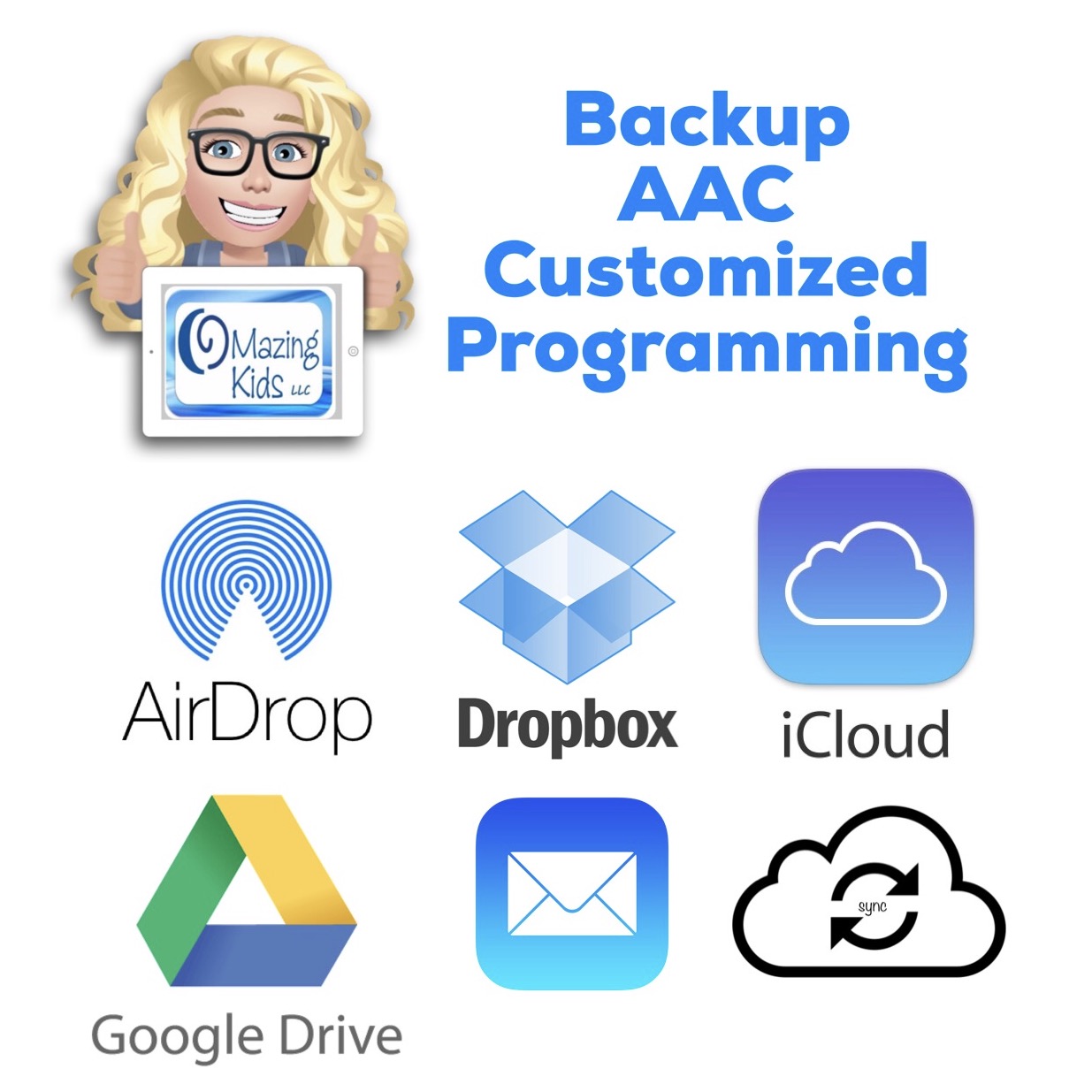
Backup AAC Customized Programming (updated 11/4/23)

It’s critical to backup customized programming in any AAC apps. This includes making sure that you’ve backed it up in at least one way outside of the iPad. The options for doing this vary by app.

Here are links to where you can find the instructions for several AAC apps:


Resources:

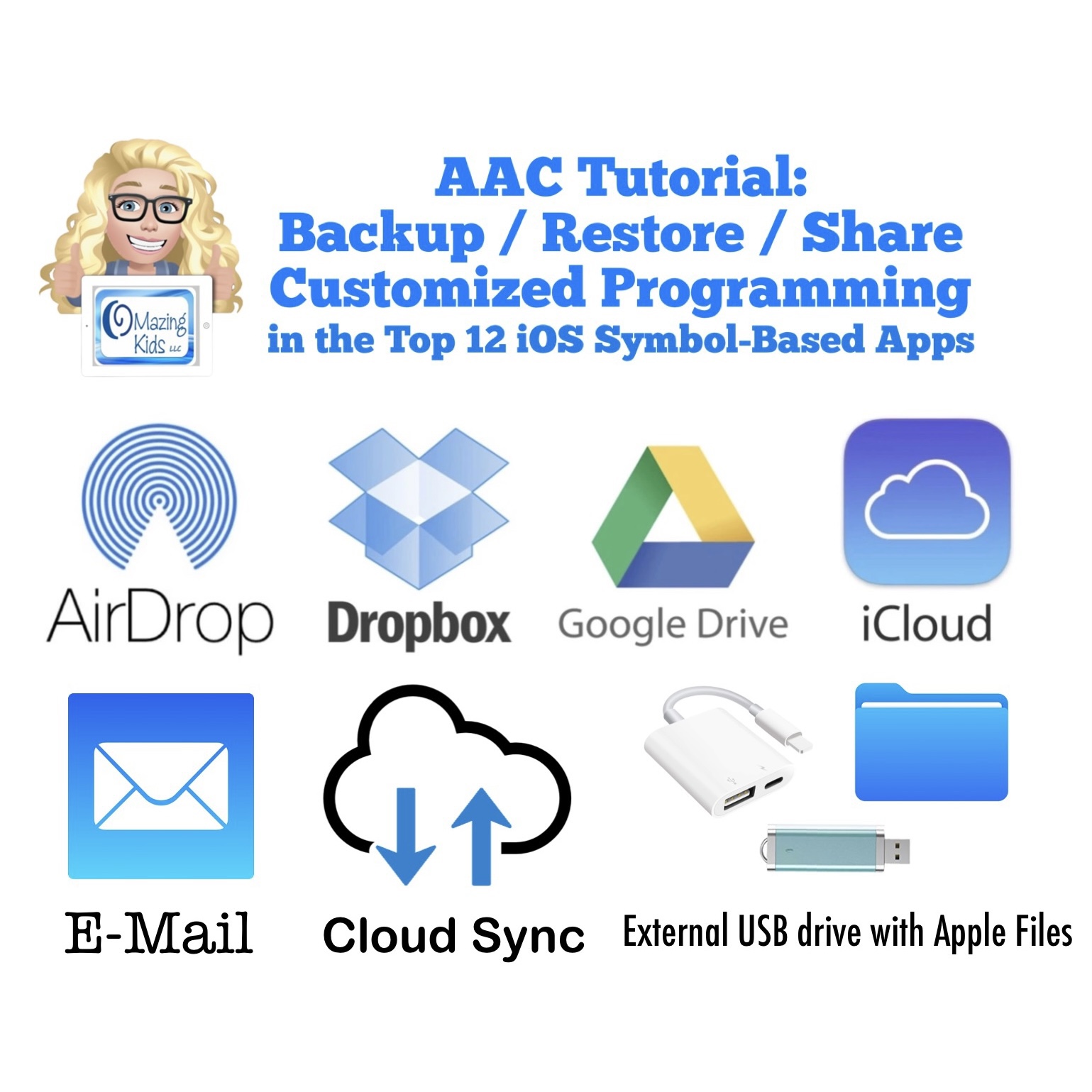
AAC Tutorial: Backup / Restore / Share Customized Programming in AAC Apps: https://www.teacherspayteachers.com/Product/AAC-Tutorial-Backup-Restore-Share-Customized-Programming-in-AAC-Apps-6940629

Note: : I deactivated this resource on TPT on 11/2/23 when I learned that iOS 17 / iPadOS 17 made some significant changes to how AirDrop works. Prior to this you could AirDrop and the AAC file that you sent would go straight to that AAC app on the receiving device with a confirmation message to tap to import it. As of iOS 17/ iPadOS 17 this is no longer the case. One of the developers of Speak for Yourself shared the following information in a comment in the AAC for the SLP group: “AirDrop now uses the Files app to receive vocabulary. If it’s a managed device (through an MDM or third party insurance-covered device), it may have the files app removed. It’s going to affect any of the apps and any files that you’re trying to AirDrop. It’s doesn’t affect photos, only files.”

Info from Apple: https://developer.apple.com/forums/thread/737971?page=1#767265022 (On iOS 17, the behavior of saving an AirDropped file to the Downloads folder (and then launching Files.app) is intended. That is part of the effort to avoid directly passing a file to an app that declares itself as a handler of the file type but isn’t really the file handler that the user expects.)

At this point I’m going to see if AAC app developers come up with a work around or if Apple rolls back this process before deciding whether or not I will update this resource.

Five Feature Matching Resources for AAC Apps (comparing features in AAC apps) + several videos comparing AAC apps across platforms (iPad, Android, Amazon Fire, Windows): https://bit.ly/5aacFeatureMatchingResources


Using Guided Access and Screen Time to Prevent Exiting an App + preventing deleting apps, installing apps and in-app purchases + info for those using Android, Amazon Fire and Windows devices (updated 7-16-22): https://omazingkidsllc.com/2020/10/20/using-guided-access-to-prevent-exiting-an-app-updated-info-for-2020/

Looking for in-depth info about features AAC apps? Check out these resources:


Have a question? The best way to reach me is via Facebook messaging over on my OMazing Kids page: https://www.facebook.com/OMazingKidsAAC/


Angela Moorad, MS, CCC-SLP, Founder of OMazing Kids, LLC, OMazing Kids AAC Consulting

• Teachers Pay Teachers Store: https://www.teacherspayteachers.com/Store/Omazing-Kids-Aac-Consulting

• YouTube: https://youtube.com/user/amoorad1

• Ko-Fi: https://ko-fi.com/omazingkidsaac

• OMazing Kids AAC Consulting Facebook Page: https://www.facebook.com/OMazingKidsAAC/

• AppPeeps Facebook Group: https://www.facebook.com/groups/OMazingKidsAppPeeps/

• GoTalk Now AAC & GoVisual Visual Scene Apps – Ideas and Sharing Facebook Group: https://bit.ly/GoTalkNowAACappGroup

• Instagram: https://www.instagram.com/omazingkidsaac

• Twitter: https://www.twitter.com/amoorad

• Pinterest: http://pinterest.com/OMazingKids/

• Linktree: https://linktr.ee/amoorad1

• LinkedIn: https://www.linkedin.com/in/angelamooradomazingkidsaac

• Blog: https://omazingkidsllc.com