
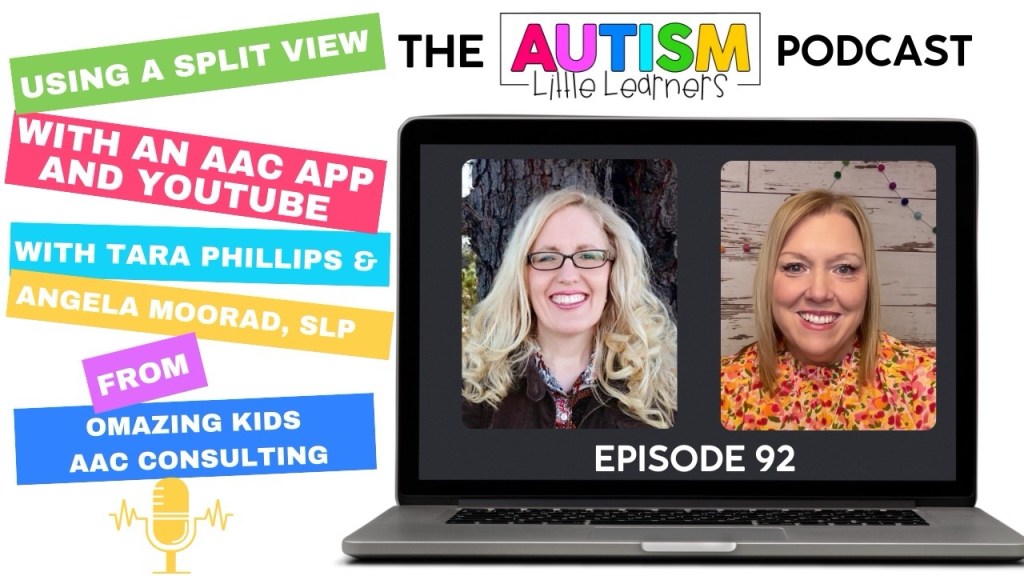
Check out this episode on the Autism Little Learners podcast where we chat about AAC and I demo how to set up and use a variety of AAC apps in Split View alongside other apps and how that can spark interest in using AAC.
Video of the Podcast:
Audio Podcast: https://podcasts.apple.com/us/podcast/the-autism-little-learners-podcast/id1665404820?i=1000673152876
At the time of this blog post update on 8/18/25 the following robust iOS symbol-based AAC apps fully support use of Split View on an iPad:
- Flexspeak
- LAMP Words for Life
- Proloquo
- Proloquo2Go
- Speak for Yourself
- TouchChat with WordPower
- Unity AAC
- Weave Chat AAC
Here are few iOS text-based AAC apps that fully support use of Split View on an iPad. There may be others but these are the ones that I use the most:
- ClaroCom Pro
- Dialogue AAC
- MyVoice – Speech Assistant
- Predictable
- Speech Assistant AAC
- Spoken – Tap to Talk AAC
- Talk for Me – Text to Speech
- Text to Speech Pro
- Text to Speech – Talkie
- TypingTalk AAC
Proloquo4Text can but that causes the two side Quick Block areas to be hidden. Have to tap the small downward facing arrow to toggle between those areas.
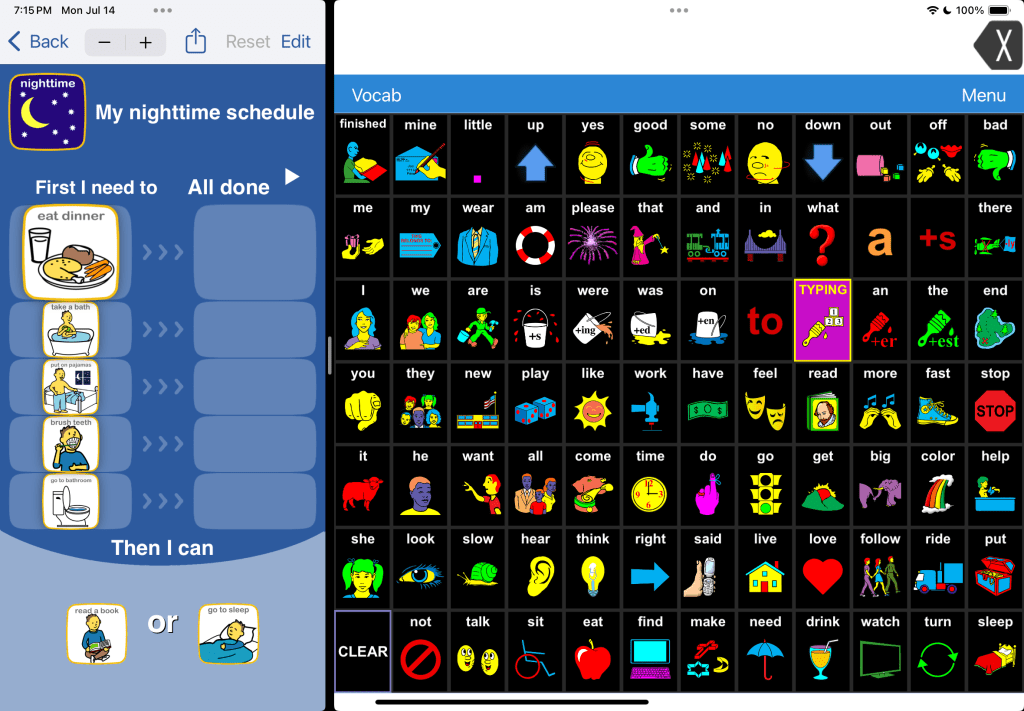
Choiceworks also now fully supports Split View. The app developer has indicated that will also be coming soon for their Choiceworks Calendar app.
Notes:
- Split View cannot be used in Guided Access since that locks the iPad into a single app.
- You can try Assistive Access to offer a secure way to use more than one app on an iPad but the apps aren’t shown side by side and there’s a large “back” button that takes up room at the bottom of the screen. That causes the apps to shown in reduced size at the top of the screen.
Info from Apple: https://support.apple.com/guide/ipad/open-two-apps-in-split-view-ipad08c9970c/ipados
Looking for in-depth AAC feature matching resources? See this blog post: https://bit.ly/5aacFeatureMatchingResources. That post also includes videos comparing the best AAC apps on various devices on various platforms.
Looking for more AAC resources? Check out the Resource Links page here on my blog: https://omazingkidsllc.com/omazing-kids-aac-resource-links
Have a question? The best way to reach me is via Facebook messaging over on my OMazing Kids page: https://www.facebook.com/OMazingKidsAAC/
Angela Moorad, MS, CCC-SLP, Founder of OMazing Kids, LLC, OMazing Kids AAC Consulting
• Teachers Pay Teachers Store: https://www.teacherspayteachers.com/Store/Omazing-Kids-Aac-Consulting
• YouTube: https://youtube.com/user/amoorad1
• Ko-Fi: https://ko-fi.com/omazingkidsaac
• OMazing Kids AAC Consulting Facebook Page: https://www.facebook.com/OMazingKidsAAC/
• AppPeeps Facebook Group: https://www.facebook.com/groups/OMazingKidsAppPeeps/
• GoTalk Now AAC & GoVisual Visual Scene Apps – Ideas and Sharing Facebook Group: https://bit.ly/GoTalkNowAACappGroup
• Instagram: https://www.instagram.com/omazingkidsaac
• X (formerly Twitter): https://www.x.com/amoorad
• Pinterest: http://pinterest.com/OMazingKids/
• Linktree: https://linktr.ee/amoorad1
• LinkedIn: https://www.linkedin.com/in/angelamooradomazingkidsaac
• AppRaven AAC App Collections: https://bit.ly/AAConAppRaven
• Blog: https://omazingkidsllc.com / Resource Links page: https://omazingkidsllc.com/omazing-kids-aac-resource-links
 OMazing Kids AAC Consulting