
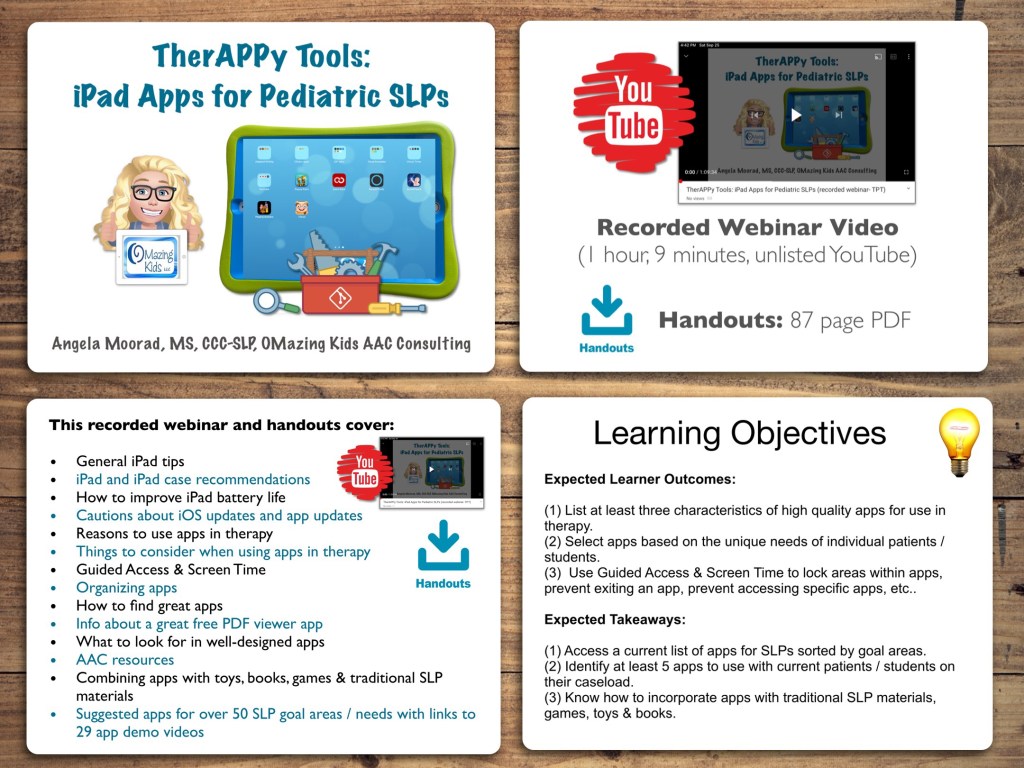
TherAPPy Tools: iPad Apps for Pediatric SLPs (Recorded Webinar & Handouts)

Now available on my TPT store: https://www.teacherspayteachers.com/Product/TherAPPy-Tools-iPad-Apps-for-Pediatric-SLPs-Recorded-Webinar-Handouts-7283613

I’m an SLP with over 30 years of experience who has used thousands of iOS apps on my iPads since 2012. Come learn from my extensive experience in using apps to target specific SLP goals.

This recorded webinar covers:

• General iPad tips

• iPad and iPad case recommendations

• How to improve iPad battery life

• Cautions about iOS updates and app updates

• Reasons to use apps in therapy

• Things to consider when using apps in therapy

• Guided Access & Screen Time

• Organizing apps

• How to find great apps

• Great free PDF viewer app

• What to look for in well-designed apps

• AAC resources

• Combining apps with toys, books, games & traditional SLP materials

• Suggested apps for over 50 SLP goal areas / needs with links to 29 app demo videos


Expected Learner Outcomes:

1. List at least three characteristics of high quality apps for use in therapy.

2. Select apps based on the unique needs of individual patients / students.

3. Use Guided Access & Screen Time to lock areas within apps, prevent exiting an app, prevent accessing specific apps, etc..

Expected Takeaways:

1. Access a current list of apps for SLPs sorted by goal areas.

2. Identify at least 5 apps to use with current patients / students on their caseload.

3. Know how to incorporate apps with traditional SLP materials, games, toys & books.


What’s included with the purchase of this product:

Recorded Webinar Video (1 hour, 9 minutes), viewable on the unlisted YouTube link provided in the Handout PDF

Handouts (87 page PDF): 1 slide per page, link to recorded webinar video, links to 29 app demo videos

If you want links to be clickable, please view the PDF in the free Xodo app (https://www.xodo.com), Books app or other PDF viewer.


Have a question? The best way to reach me is via Facebook messaging over on my OMazing Kids page: https://www.facebook.com/OMazingKidsAAC/


Thanks for taking a look at this product on my TPT store 😊

Angela Moorad, MS, CCC-SLP, Founder of OMazing Kids, LLC,

OMazing Kids AAC Consulting

Teachers Pay Teachers Store: https://www.teacherspayteachers.com/Store/Omazing-Kids-Aac-Consulting

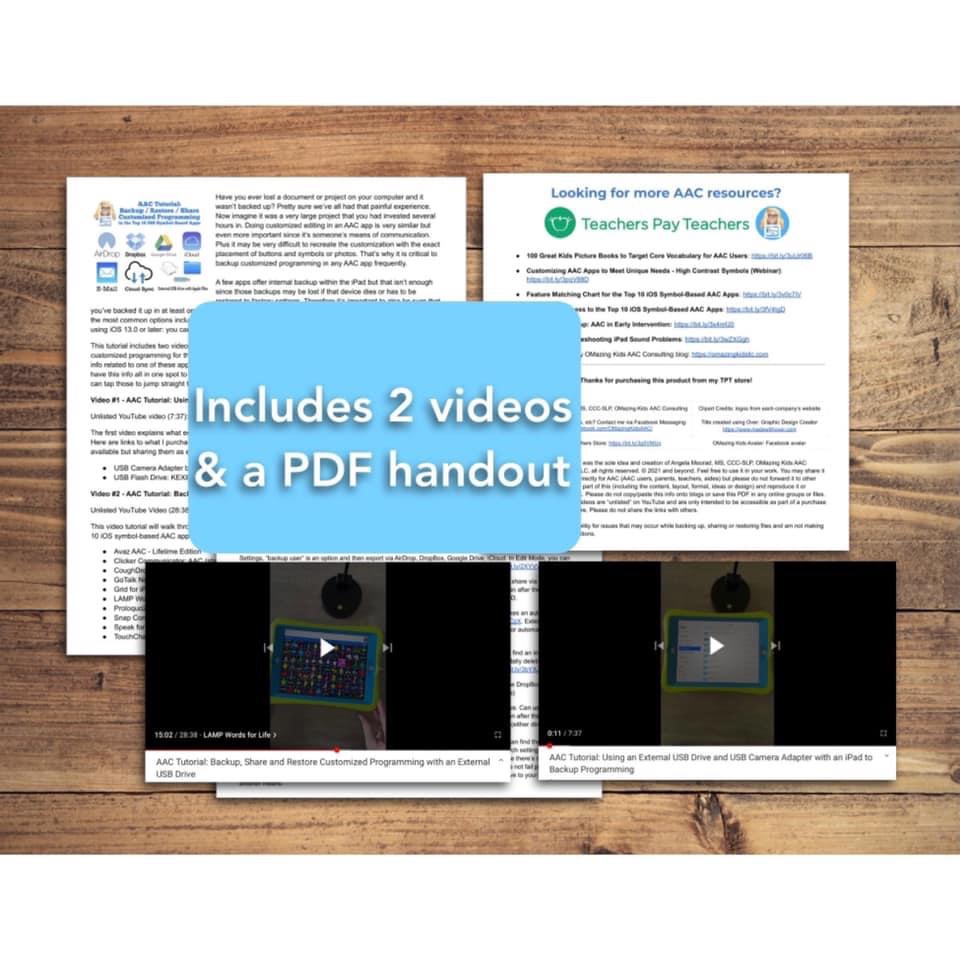
AAC Tutorial: Backup / Restore / Share Customized Programming in the Top 10 iOS Symbol-Based AAC Apps (includes how to use an external USB drive and USB Camera Adapter with Apple Files)

AAC Tutorial: Backup / Restore / Share Customized Programming in the Top 10 iOS Symbol-Based AAC Apps (includes 2 videos & a PDF handout). Covers several options including detailed instructions on how to use an external USB drive and USB Camera Adapter with Apple Files. Now available on my Teachers Pay Teachers store: https://bit.ly/3zj41FG


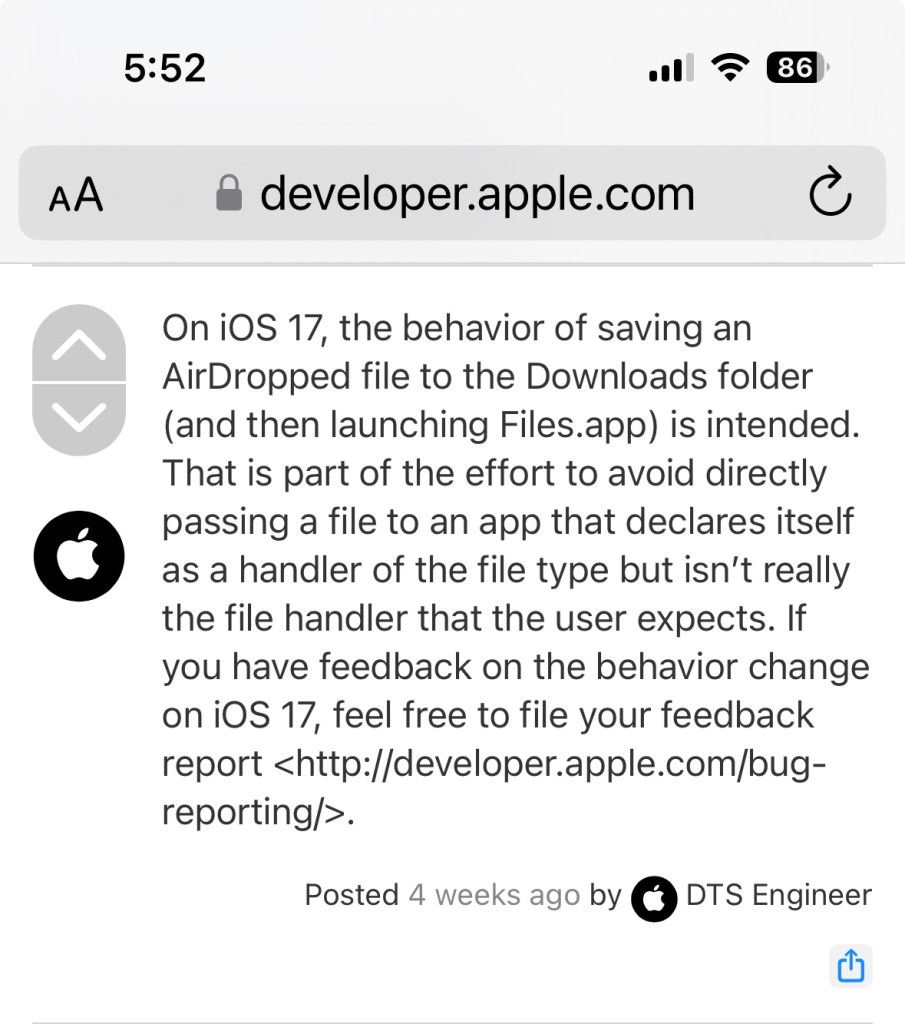
NOTE: I deactivated this resource on TPT on 11/2/23 when I learned that iOS 17 / iPadOS 17 made some significant changes to how AirDrop works. Prior to this you could AirDrop and the AAC file that you sent would go straight to that AAC app on the receiving device with a confirmation message to tap to import it. As of iOS 17/ iPadOS 17 this is no longer the case. One of the developers of Speak for Yourself shared the following information in a comment in the AAC for the SLP group: “AirDrop now uses the Files app to receive vocabulary. If it’s a managed device (through an MDM or third party insurance-covered device), it may have the files app removed. It’s going to affect any of the apps and any files that you’re trying to AirDrop. It’s doesn’t affect photos, only files.”

Info from Apple: https://developer.apple.com/forums/thread/737971?page=1#767265022 (On iOS 17, the behavior of saving an AirDropped file to the Downloads folder (and then launching Files.app) is intended. That is part of the effort to avoid directly passing a file to an app that declares itself as a handler of the file type but isn’t really the file handler that the user expects.)

At this point I’m going to see if AAC app developers come up with a work around or if Apple rolls back this process before deciding whether or not I will update this resource.


Have questions? The best way to reach me with any questions is via messaging on the OMazing Kids Facebook page: https://www.facebook.com/OMazingKidsAAC/. That way messages don’t get lost among the spam in my e-mail.


Angela Moorad, MS, CCC-SLP, Founder of OMazing Kids, LLC, OMazing Kids AAC Consulting

Teachers Pay Teachers Store: https://www.teacherspayteachers.com/Store/Omazing-Kids-Aac-Consulting
Ko-Fi: https://ko-fi.com/omazingkidsaac

Personal Professional Facebook Page (linked to OMazing Kids): https://www.facebook.com/angela.moorad (adding “friends” who have a direct role in AAC or Assistive Technology – AAC / AT app or product developers, AAC / AT consultants, SLPs who specialize in AAC, other professionals who specialize in AAC or AT, etc.)

OMazing Kids Business Facebook Page: https://www.facebook.com/OMazingKidsAAC/

AppPeeps Facebook Group: https://www.facebook.com/groups/OMazingKidsAppPeeps/

Instagram: https://www.instagram.com/omazingkidsaac/

Twitter: https://www.twitter.com/amoorad

Pinterest: http://pinterest.com/OMazingKids/

Linktree: https://linktr.ee/amoorad1