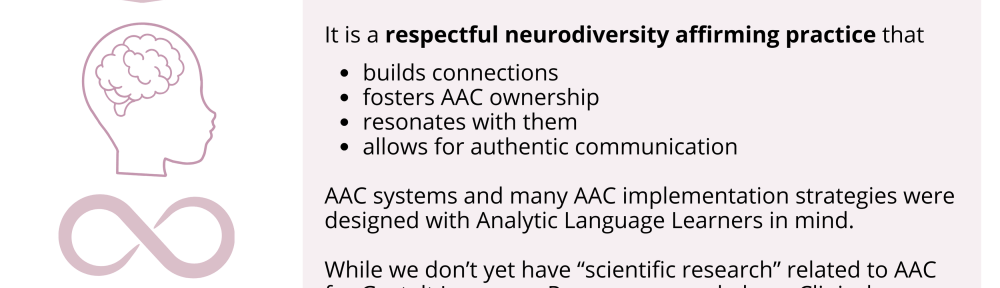

https://bit.ly/AAC-At-a-Glance
The power of truly embracing and incorporating individual interests into an AAC system and AAC implementation plus customizing for unique needs cannot be overstated.
It is a respectful neurodiversity affirming practice that
- builds connections
- fosters AAC ownership
- resonates with them
- allows for authentic communication
AAC systems and many AAC implementation strategies were designed with Analytic Language Learners in mind.
There are things that can be done to personalize an AAC user’s device that don’t involve changing any of the layout. I’ve seen way too many kids, teens and young adults who were deemed “unable” or “not ready” to use AAC or who showed little to no interest in using it until we involved them in choosing and in customizing an AAC system that resonated with them. What sparks that interest and joy is highly individualized but when you experience that it’s magical.
While we don’t yet have “scientific research” related to AAC for Gestalt Language Processors, we do have Clinical Expertise and Client/Patient/Caregiver Perspectives.
Combine good AAC practices (presume potential, form authentic connections, engage in fun child-led activities based on their unique interests, accommodate sensory needs, model AAC use without demands, etc.) with a Natural Language Acquisition approach.
Read this post by a parent on the Neuromess Facebook page: https://www.facebook.com/101795887897310/posts/pfbid02d4EL2x9CQ4iivQu1BCzM6wKiWoPEhpom49eeMvwhZmpmDHcFD2EirioDKBJgsBrrl/?d=n
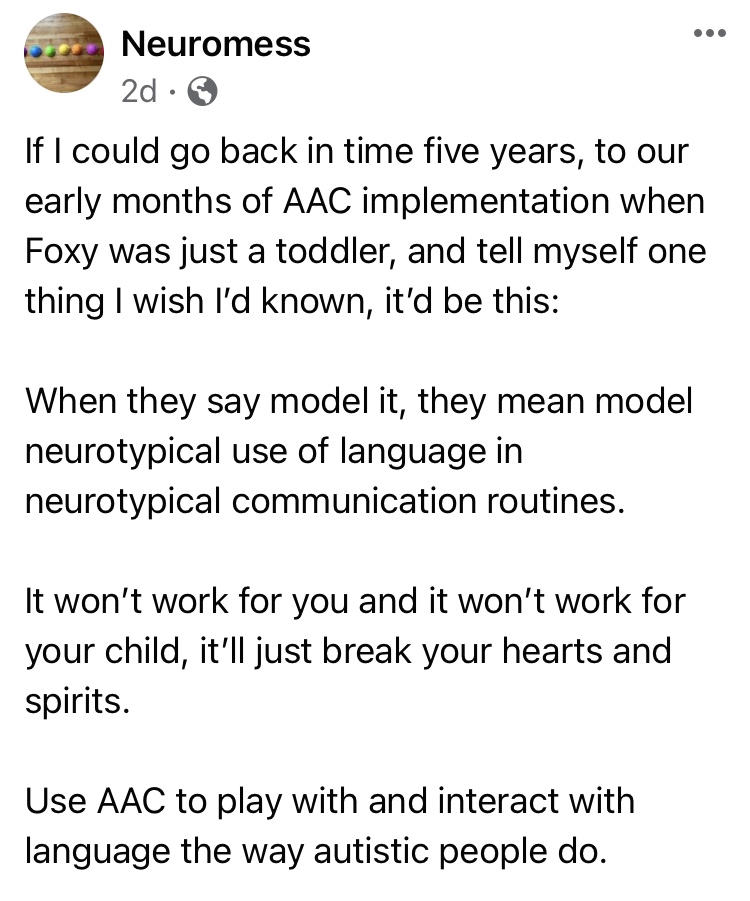
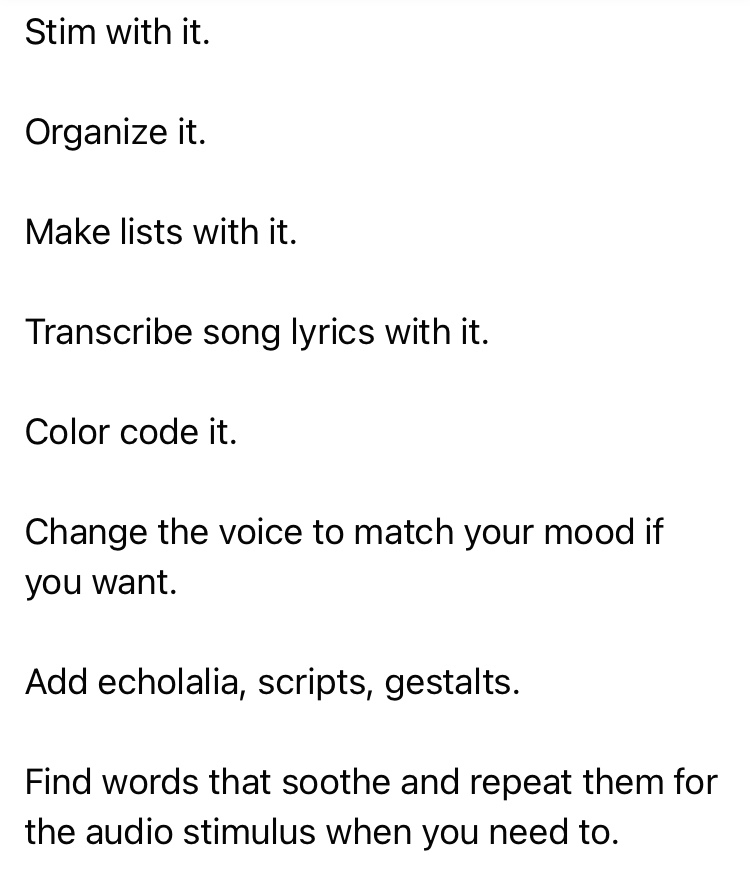
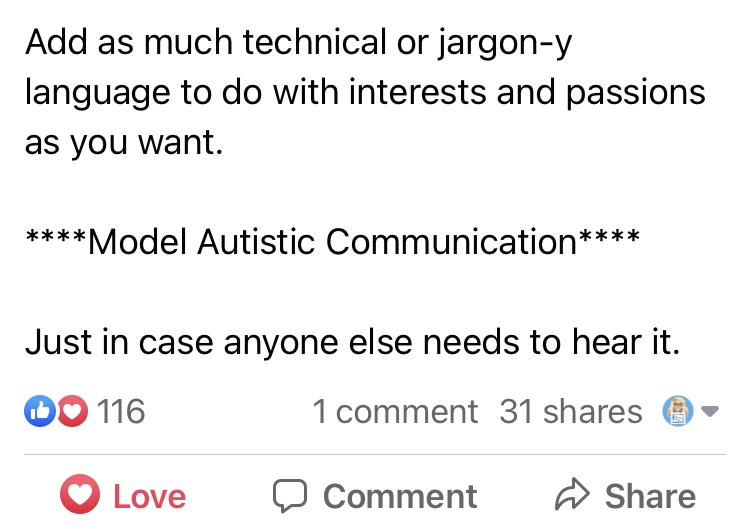
And read this The North Star and the Compass Facebook post with Canva links: A year in the life of one creative communicator (Speak for Yourself, Pictello, Spotify, Proloquo2Go as AAC). How do you truly follow a kid’s lead when they do unexpected things with their AAC?
https://www.facebook.com/story.php?id=100084827601023&story_fbid=433678696136380
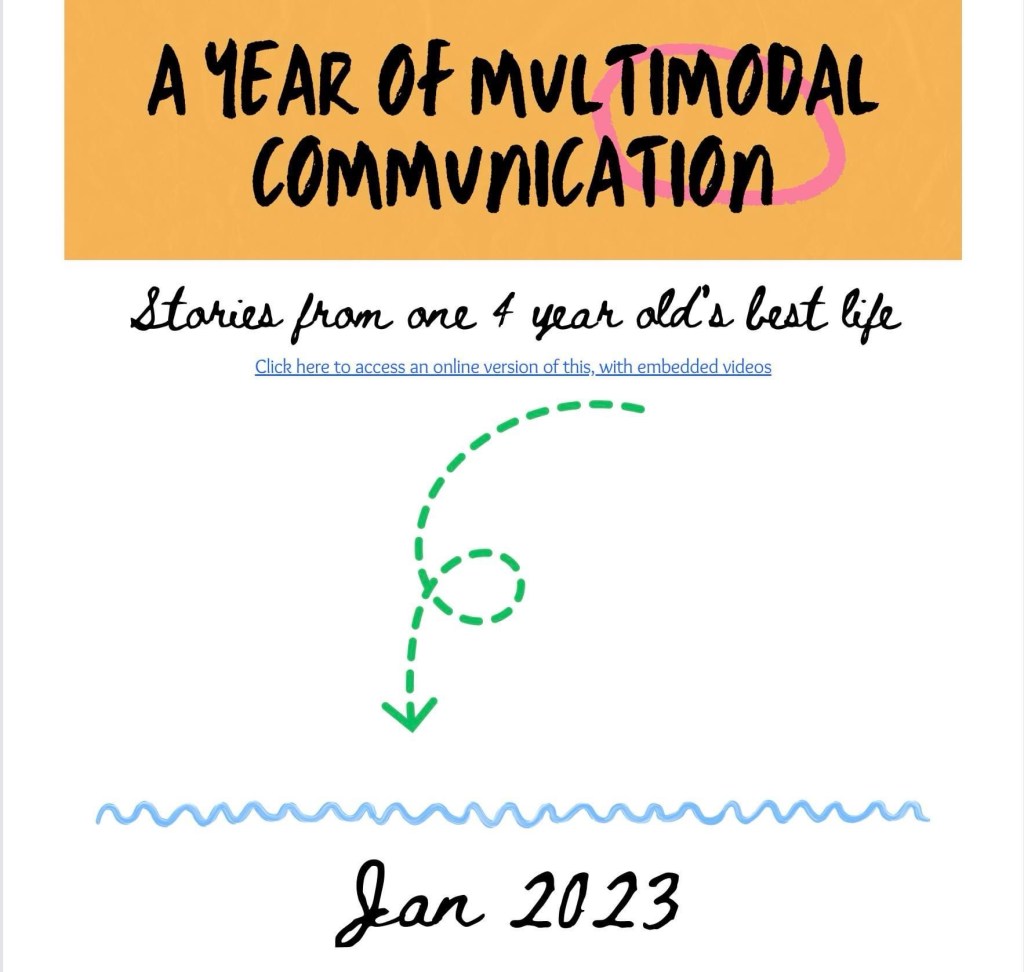
And watch their videos about how much thought they put into designing a variety of AAC tools specifically for their son:
Proloquo2Go:
Speak for Yourself:
Pictello: (Facebook video)
https://www.facebook.com/story.php?id=100084827601023&story_fbid=769205125160666
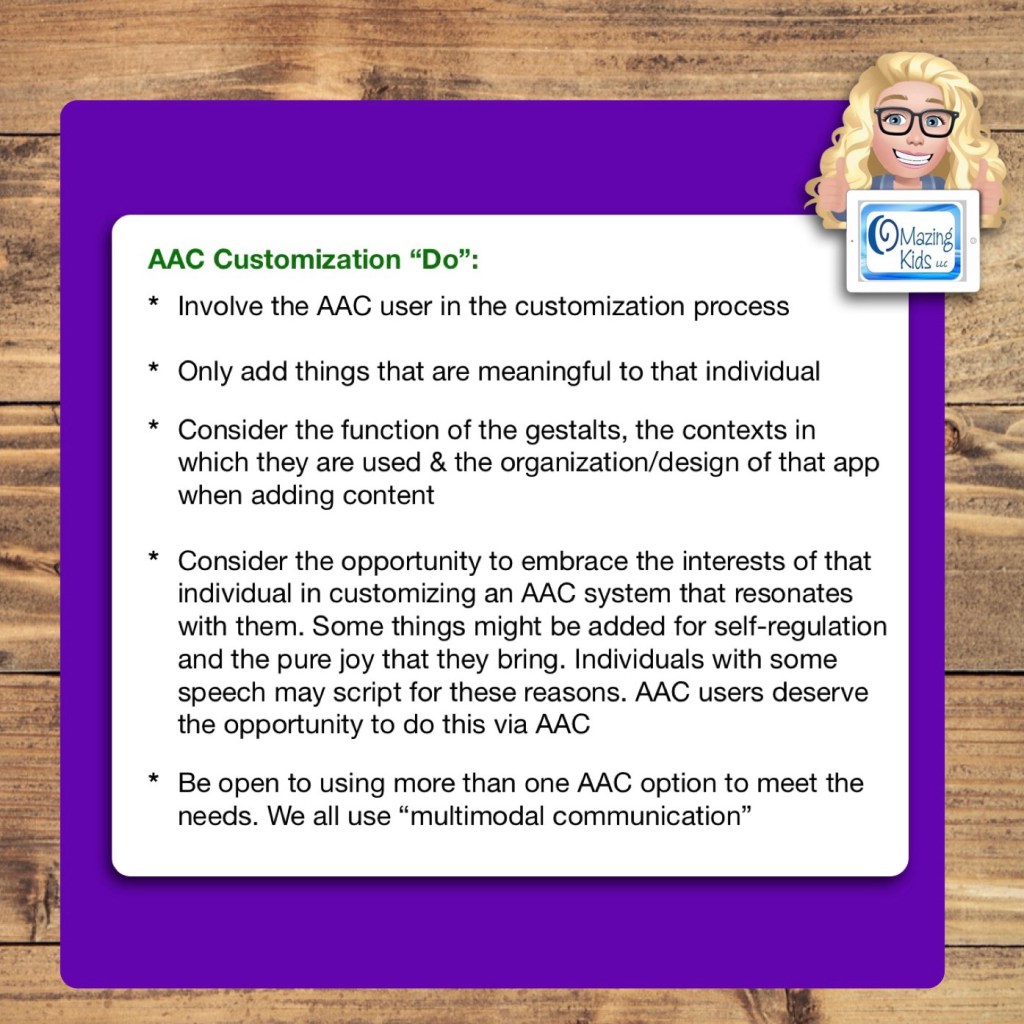
AAC Customization “Do”:
- Involve the AAC user in the customization process
- Only add things that are meaningful to that individual
- Consider the function of the gestalts, the contexts in which they are used & the organization/design of that app when adding content
- Consider the opportunity to embrace the interests of that individual in customizing an AAC system that resonates with them. Some things might be added for self-regulation and the pure joy that they bring. Individuals with some speech may script for these reasons. AAC users deserve the opportunity to do this via AAC
- Be open to using more than one AAC option to meet the needs. We all use “multimodal communication”
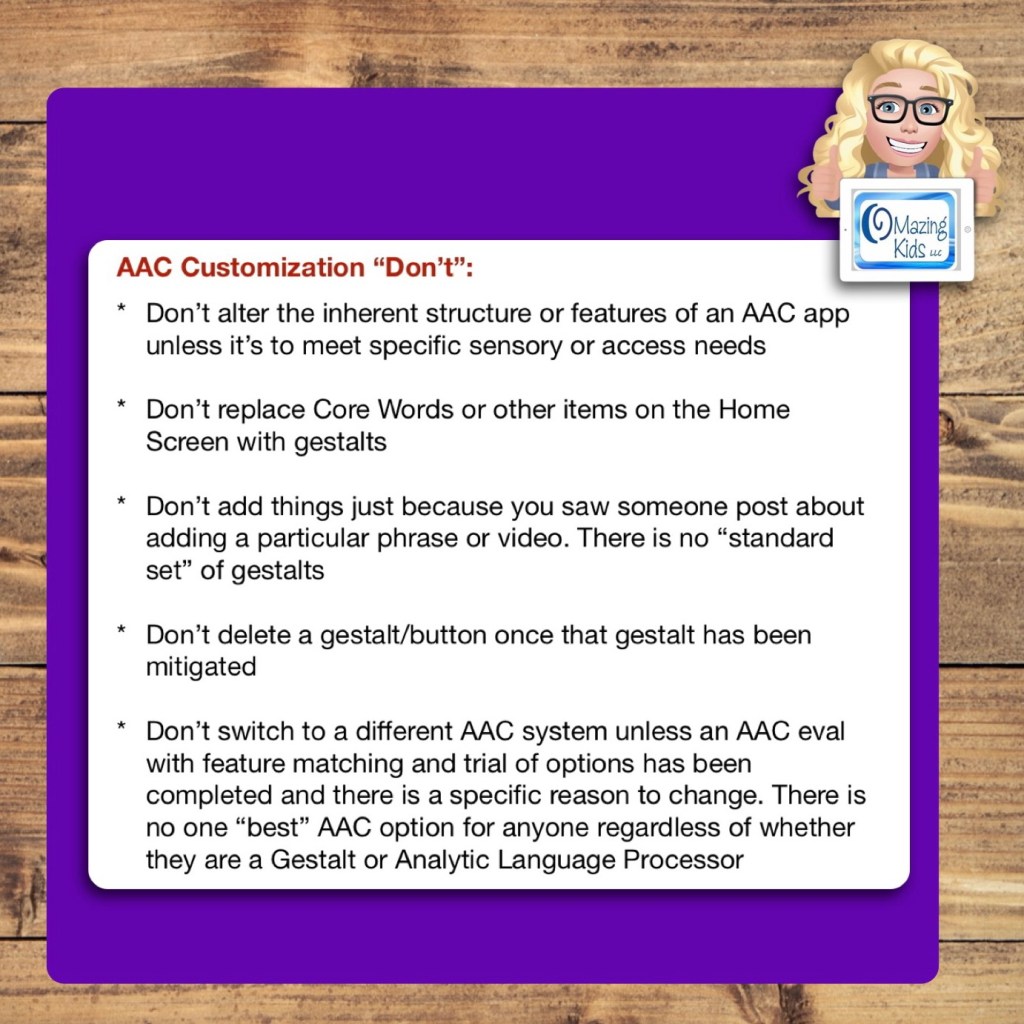
AAC Customization “Don’t”:
- Don’t alter the inherent structure or features of an AAC app unless it’s to meet specific sensory or access needs
- Don’t replace Core Words or other items on the Home Screen with gestalts
- Don’t add things just because you saw someone post about adding a particular phrase or video. There is no “standard set” of gestalts
- Don’t delete a gestalt/button once that gestalt has been mitigated
- Don’t switch to a different AAC system unless an AAC eval with feature matching and trial of options has been completed and there is a specific reason to change. There is no one “best” AAC option for anyone regardless of whether they are a Gestalt or Analytic Language Processor


Want to learn more about AAC feature matching (comparing features and matching them to an individual’s needs)? Check out the three feature matching resources: https://bit.ly/3aacFeatureMatchingResources. The feature matching resource for the symbol-based AAC apps includes a free supplemental handout “Unique Features in Symbol-Based AAC Apps to Support Gestalt Language Processors”. It has info related to all 12 apps + additional info about features in 8 free and affordable symbol-based AAC apps (mainly iOS, some Android and a couple of Windows) priced $2.99 or less.
Looking for a customizable non-tech printable AAC flip book? See my resource “TD Snap: a visual guide to getting started”. It includes free Bonus Content: access to a 10 page printable AAC flip book specifically designed with Gestalt Language Processors in Stage 1 – Stage 2 of the Natural Language Acquisition (NLA) process in mind + the option to request an editable version in TD Snap. The free bonus handout includes instructions for printing, cutting out and assembling + a video): https://www.teacherspayteachers.com/Product/TD-Snap-a-visual-guide-to-getting-started-more-bonus-AAC-flipbook-7445593

Free handout: Resource Roundup: Gestalt Language Processing & AAC, https://bit.ly/GLPandAAC
The 2022 AAC in the Cloud free online conference has two sessions related to GLP & AAC:
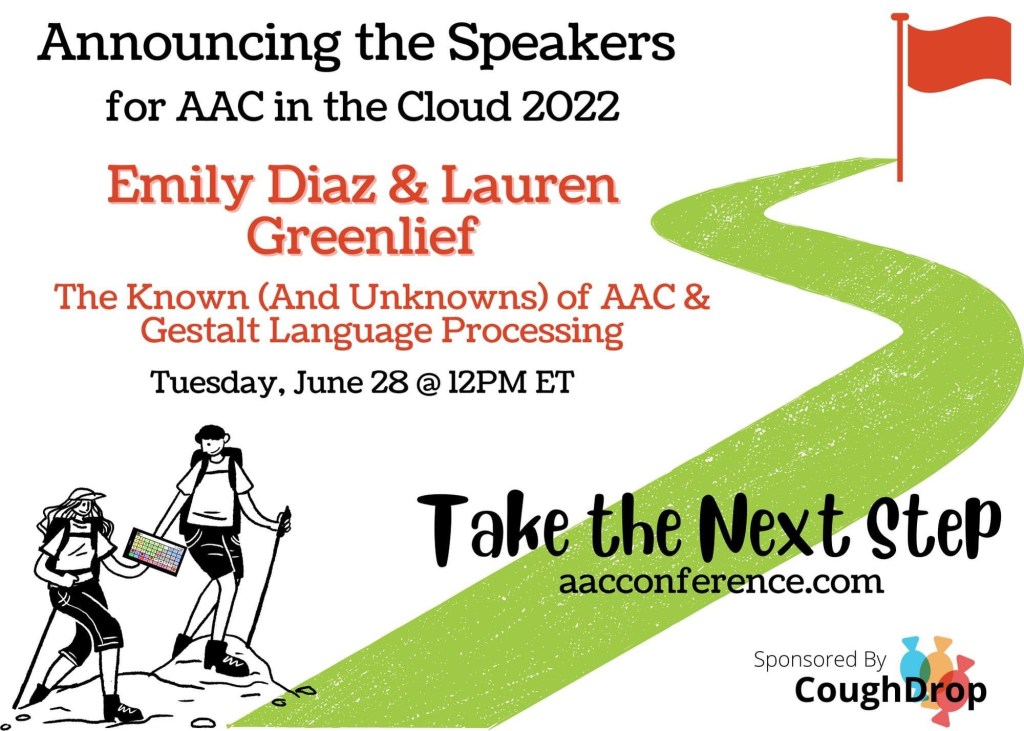
https://presenters.aacconference.com/videos/UWpRNVFUSXk=
Looking for in-depth AAC feature matching resources? See this blog post: https://bit.ly/5aacFeatureMatchingResources. That post also includes videos comparing AAC apps on various devices on various platforms.
Looking for more AAC resources? Check out the Resource Links page here on my blog: https://omazingkidsllc.com/omazing-kids-aac-resource-links
Have a question? The best way to reach me is via Facebook messaging over on my OMazing Kids page: https://www.facebook.com/OMazingKidsAAC/
Angela Moorad, MS, CCC-SLP, Founder of OMazing Kids, LLC, OMazing Kids AAC Consulting
• Teachers Pay Teachers Store: https://www.teacherspayteachers.com/Store/Omazing-Kids-Aac-Consulting
• YouTube: https://youtube.com/user/amoorad1
• Ko-Fi: https://ko-fi.com/omazingkidsaac
• OMazing Kids AAC Consulting Facebook Page: https://www.facebook.com/OMazingKidsAAC/
• AppPeeps Facebook Group: https://www.facebook.com/groups/OMazingKidsAppPeeps/
• GoTalk Now AAC & GoVisual Visual Scene Apps – Ideas and Sharing Facebook Group: https://bit.ly/GoTalkNowAACappGroup
• Instagram: https://www.instagram.com/omazingkidsaac
• Twitter: https://www.twitter.com/amoorad
• Pinterest: http://pinterest.com/OMazingKids/
• Linktree: https://linktr.ee/amoorad1
• LinkedIn: https://www.linkedin.com/in/angelamooradomazingkidsaac
• Blog: https://omazingkidsllc.com / Resource Links page: https://omazingkidsllc.com/omazing-kids-aac-resource-links
 OMazing Kids AAC Consulting